




AI Narrated PowerPoint Lesson Video
Make a narrated powerpoint lesson video with Pexo. Use your exported slide sequence to tell a clear story. Organize your material and review the finished video.
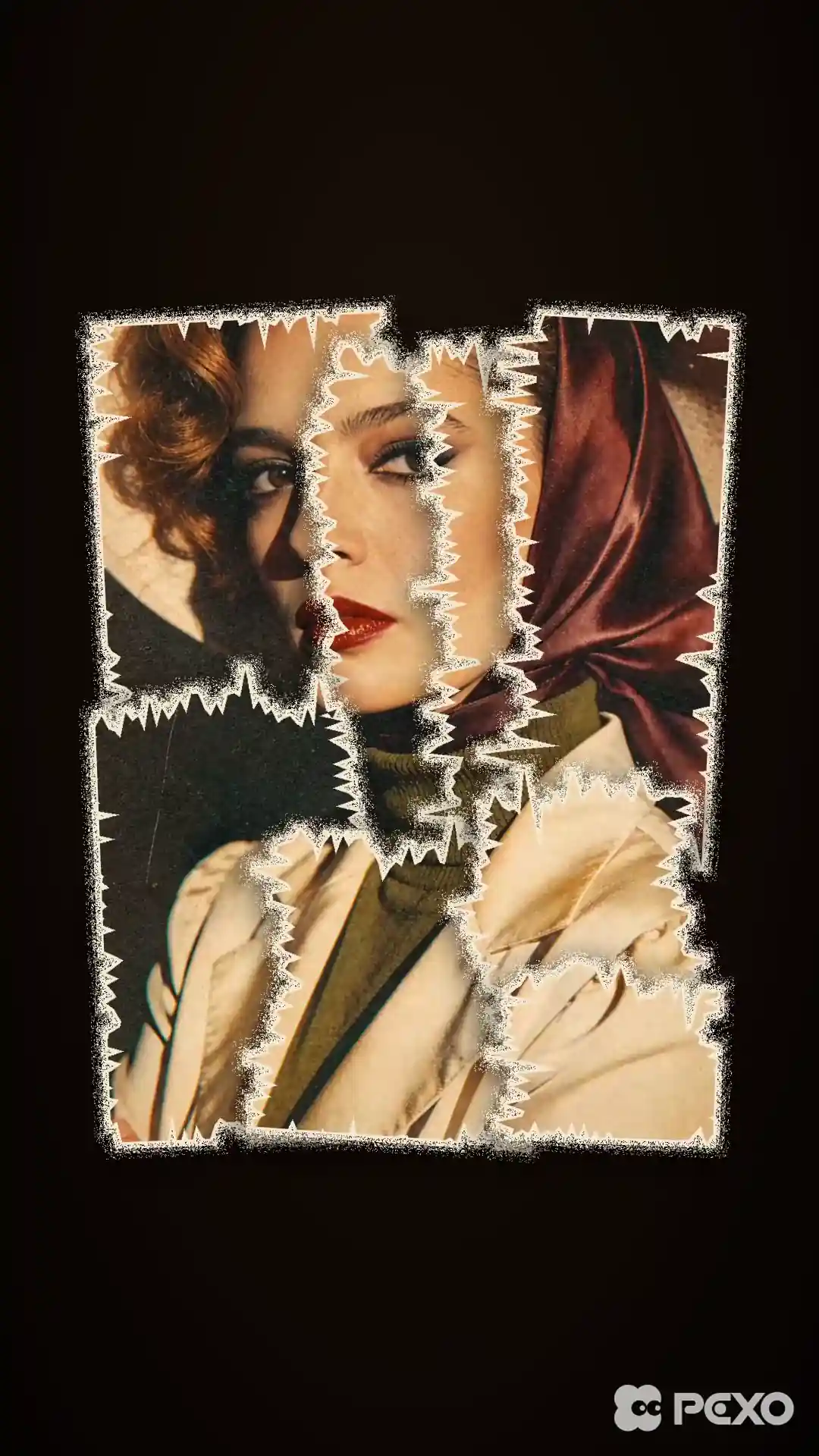
Make AI paper animation from a photo or an idea. Turn a product reveal, explainer, or social intro into a video with folded paper, torn edges, and layered cutouts.
Describe the scene in a sentence or upload a photo you want to animate. Pexo turns your direction into a video preview that you can review in chat. For a paper stack reveal, ask to bring the first card in sooner, change the order of the layers, or hold on the final product shot. Watch the revised sequence in the same project.
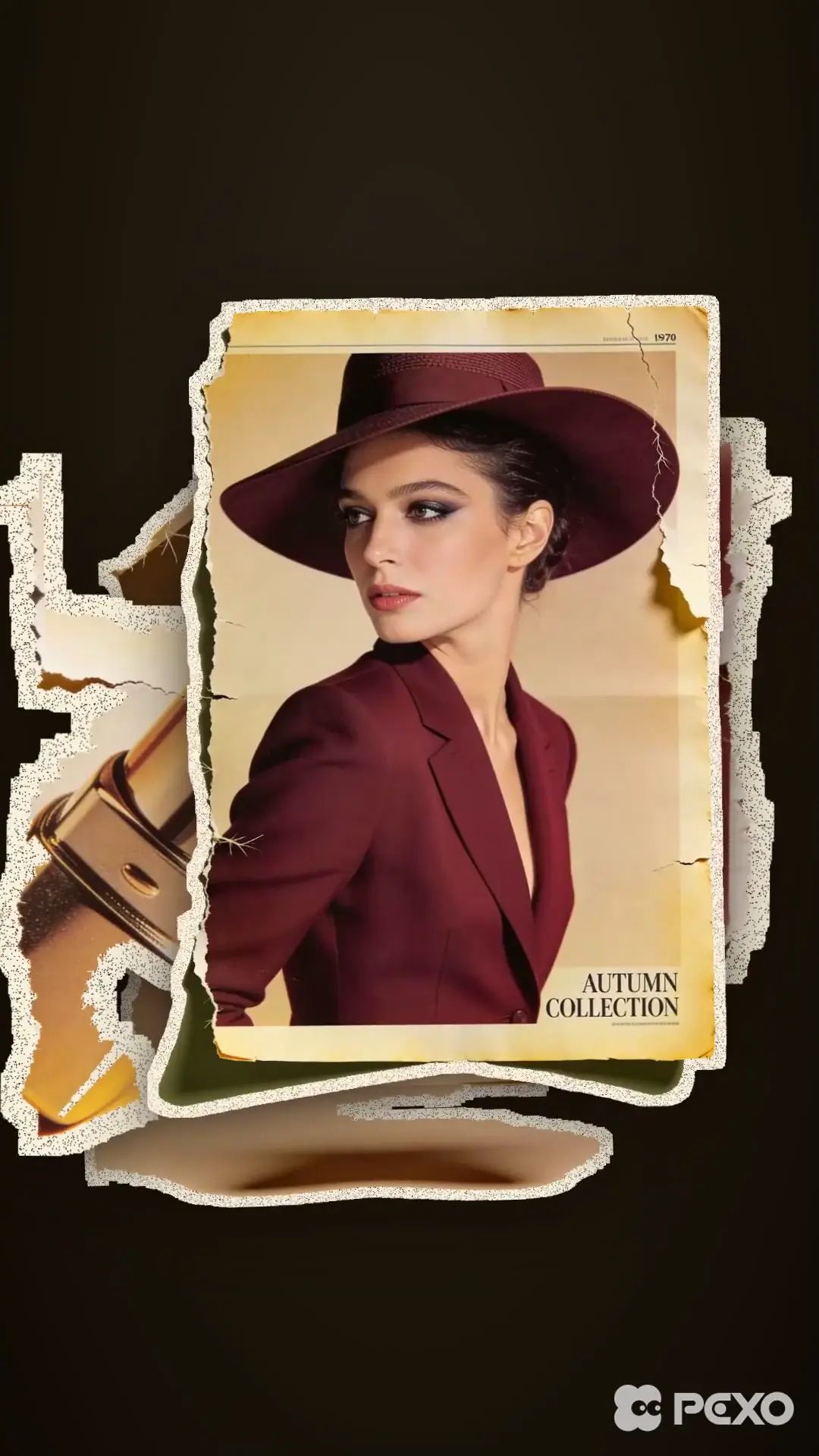
The 12-second vertical preview builds a fashion collage one paper card at a time.
What is in the cut
Hold the final stack longer so the product cards are easier to see.
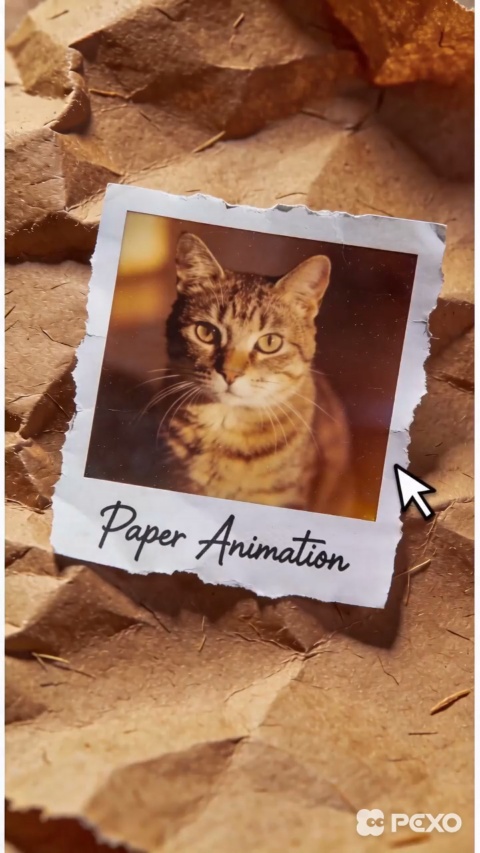
Tell Pexo how the paper should look. Try a torn border with visible fibers for a photo collage, or crisp cardstock edges for a cleaner product reveal. Ask for soft shadows where the layers overlap so the cutouts read as separate pieces. Use the preview to check that the subject still stands out against the paper background.
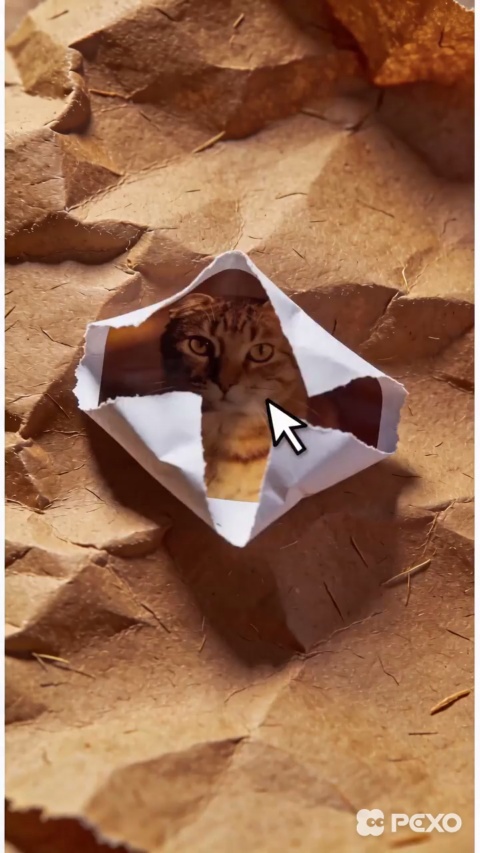
Choose what the viewer sees first and when the main image should appear. A crumpled sheet can open into a photo, or several cutouts can slide into place one at a time. Describe small, stepped movements for a stop-motion look. Preview the cut, then ask to slow down the opening or give the reveal a longer hold.
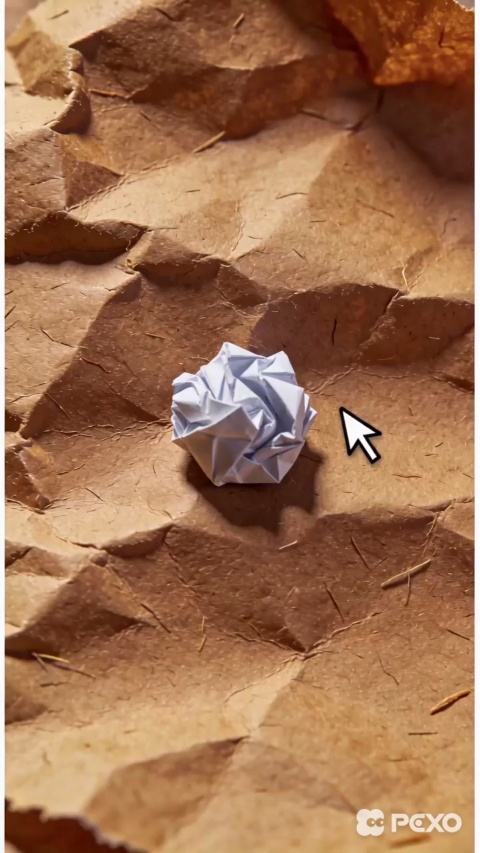
Ask for a paper rustle at the first fold, a soft beat when a cutout lands, or a quiet track under narration. Give each cue a moment in the sequence so the sound follows the action. You can add captions for a voiceover or a short on-screen title. Keep the wording short enough to read before the next paper layer moves in.
Ask for a vertical cut for Reels or Shorts, a square frame for a feed, or a wide version for a presentation. In a narrow frame, keep the subject and title close to the center. A wide version gives overlapping layers more room on either side. Check each result in the preview so that the reveal and any captions stay visible.
A paper layer lifting gives me a clean way to reveal the product. I keep it in view for a beat so viewers have time to recognize it. The paper frames the product.

I bring the cutouts in one at a time when I explain a sequence. The viewer can see which piece belongs with each step. One idea gets the focus at a time.

I check the opening at phone size, then play it on mute. The title should be readable before the next fold comes in. The first shot makes sense on its own.

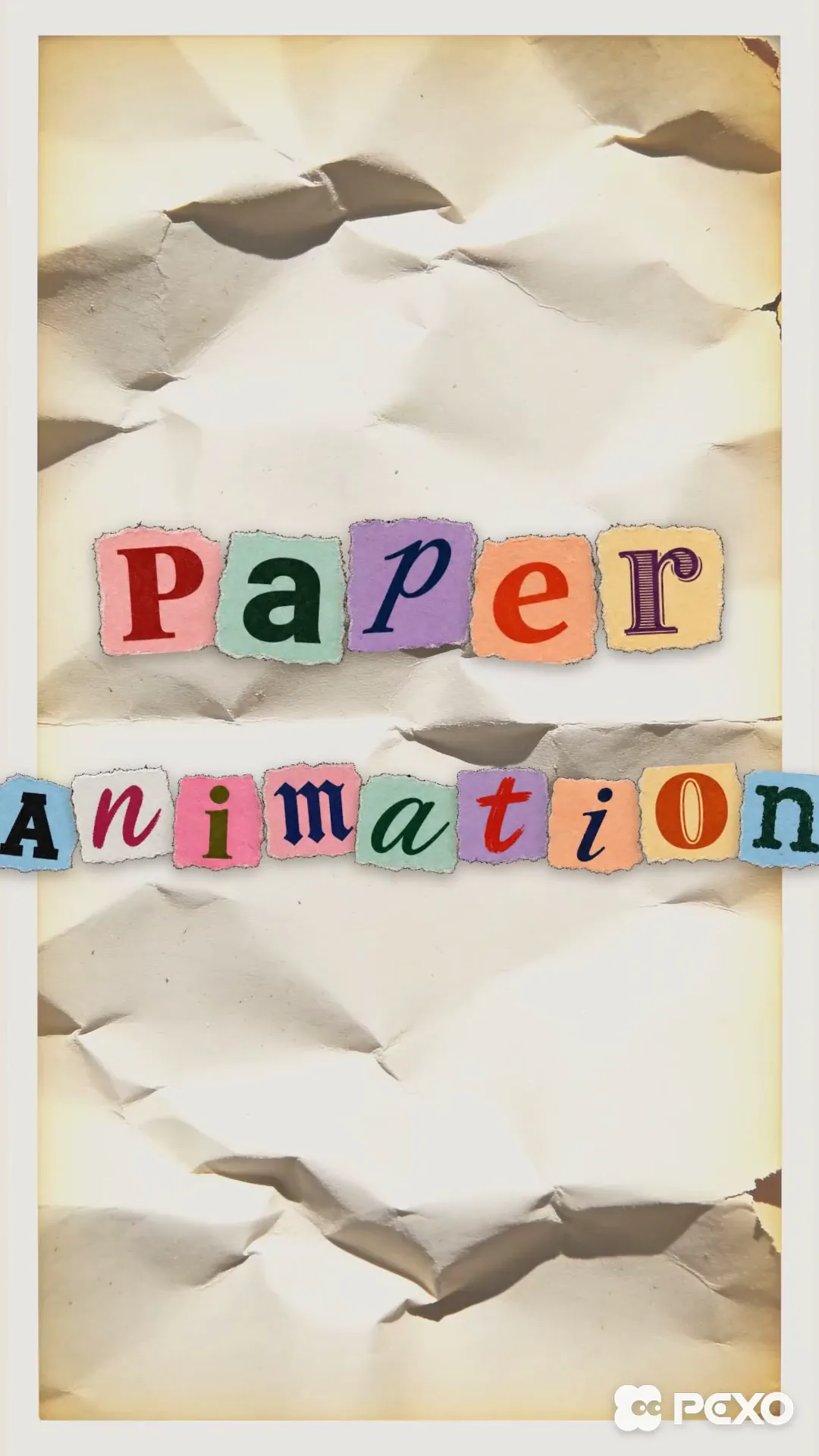
Paper animation tells a story with paper shapes, folds, and cutout layers that change over time. A sheet might unfold into a photo, a torn edge might uncover an illustration, or paper letters might assemble into a title. AI paper animation recreates those visual effects digitally.
Yes. Upload a photo and describe how it should appear, such as an image revealed when a sheet unfolds. A clear subject helps you judge whether the paper edge frames it well. For a product video, use a photo that shows the packaging and tell Pexo which details should stay visible.
Yes. Tell Pexo which shot you want to change and how it should move. For example, ask it to slow the camera while the paper opens, bring in the next cutout after the title, or hold the final frame longer. Check the new preview for timing and for any details that moved out of view.
Pexo is a good starting point when you want to describe a paper effect and revise the result in the same conversation. Its paper animation generator can start with a written direction or a reference image. Begin with one clear action, such as a fold that reveals a picture, and refine the motion from the preview.
Use paper animation when the material is part of the story, such as a scrapbook reveal or a title made from cutout letters. Use motion graphics when precise shapes, moving diagrams, or clean type carry the message. A short explainer can use a paper reveal to open and motion graphics to show the details.
Describe the subject, the paper texture, the movement, and the final shot. Include the format and any text or sound that matters. Try Make a 9:16 paper animation. A cream sheet opens to reveal my photo. Let the corners settle, add a light paper rustle, then hold on the photo with the title in the upper third.
Describe what the paper should reveal, or start with a photo and decide how it moves.
Make a narrated powerpoint lesson video with Pexo. Use your exported slide sequence to tell a clear story. Organize your material and review the finished video.
Make a 2d logo reveal video with Pexo. Organize your own material and edit a focused review cut. Check the details before you share it.
Make an animated gif showcase video with Pexo. Arrange exported loops into a short showcase. Play each movement all the way through before moving to the next.
Make a wedding highlight film with Pexo. Shape recorded vows, gestures, and reactions into a short wedding film. Give the voice and music their own space.
Make a wedding and event recap video with Pexo. Arrange arrival, ceremony, and reception footage into an easy-to-follow recap. Keep a few lines of live sound.
Make a lottie website animation showcase video with Pexo. Turn exported motion and screen recordings into a web animation reel with before and after states.
Make a visual effects showreel with Pexo. Compare matched plates and final shots, show the important effect passes, and label your contribution.
Make a corporate highlight video with Pexo. Use approved company footage to show the event, the most useful moment, and the result in a short recap.