
Make Ecommerce Videos with Seedance 2.5, Kling AI 3.0 and MiniMax H3 in Minutes
Make an ecommerce video for every SKU from the photos on your listings. Pexo picks between Seedance 2.5, Kling AI 3.0 and MiniMax H3, up to 4K in minutes.
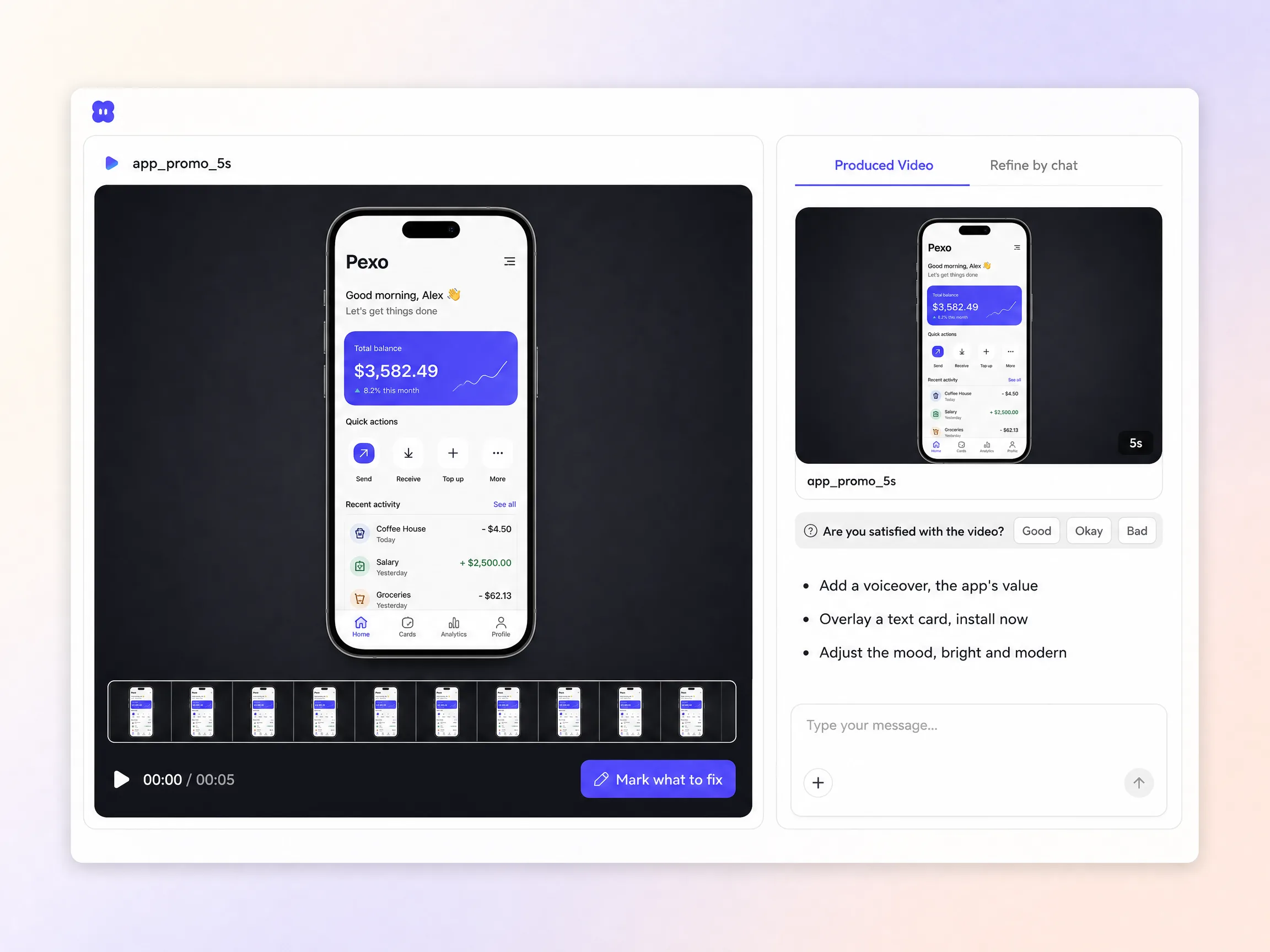
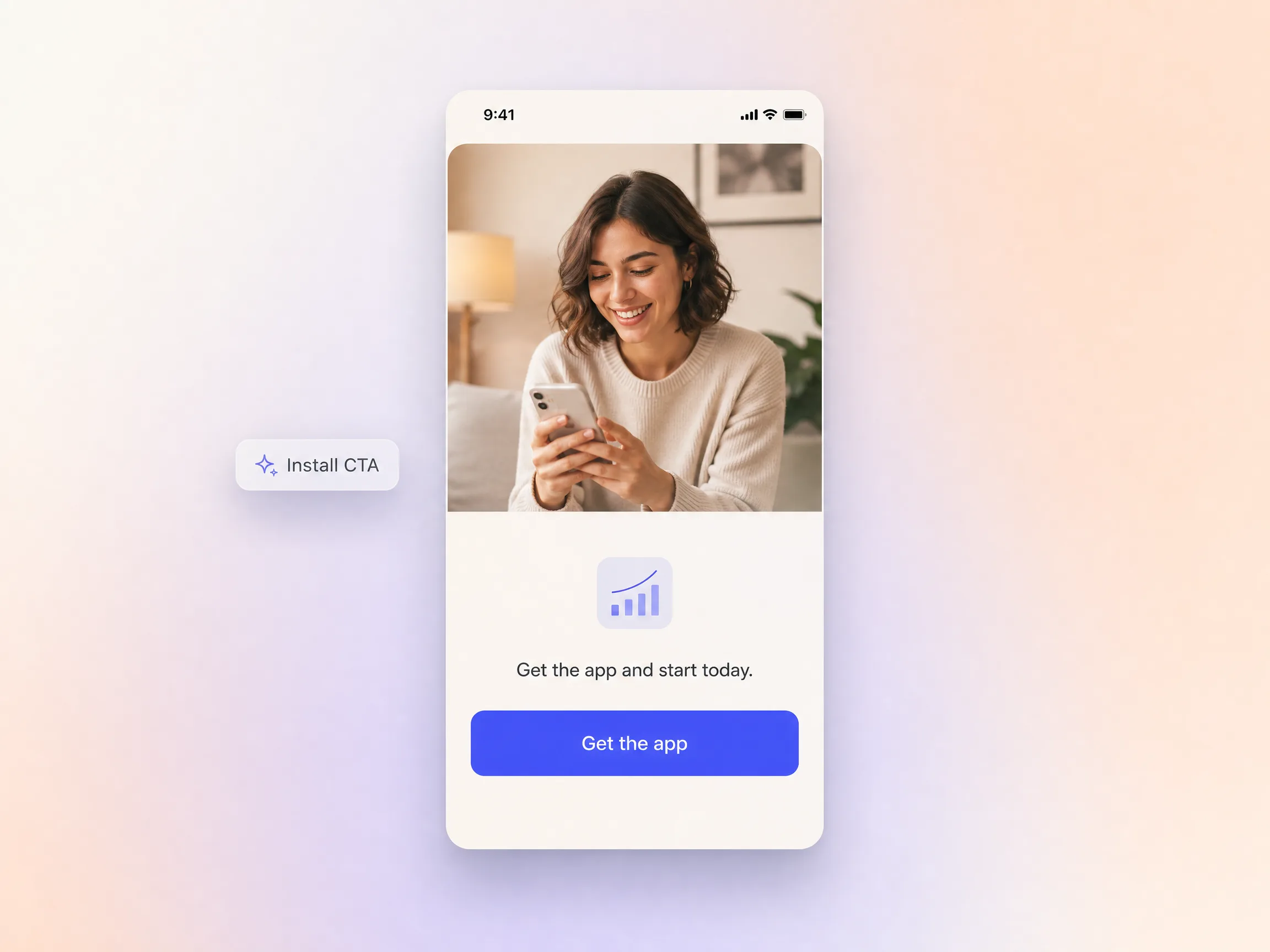
Describe your app or upload a few screens, pick a ratio, and Pexo generates an AI app promo video with voiceover, captions and one clear install CTA, store ready in minutes.
Start from one line of text or a screenshot of your app. Pexo writes the script, generates every shot, and stitches them into one continuous, edited cut. Mix text to video, image to video, and script to video inside the same project and stay in plain language the whole way. Create promo video variants for each store listing without opening a timeline.
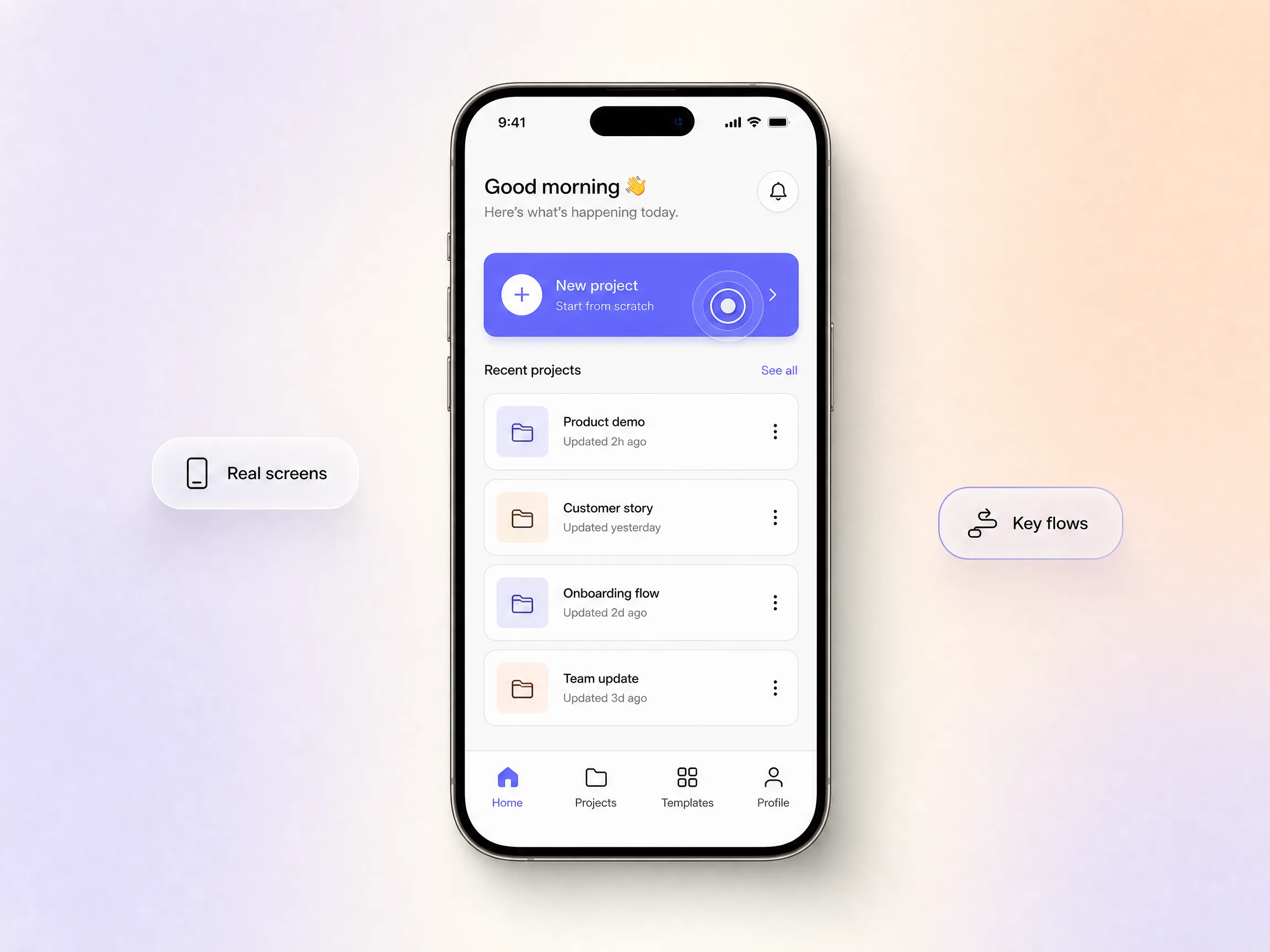
Pexo walks viewers through the real screens and the two or three flows that carry the value, so people see the app work before they ever hit download. It highlights the taps that matter, then paces each one to read clearly on a phone. A short promo video built this way beats a vague brand montage every time. Curiosity turns into an install because the proof is on screen.
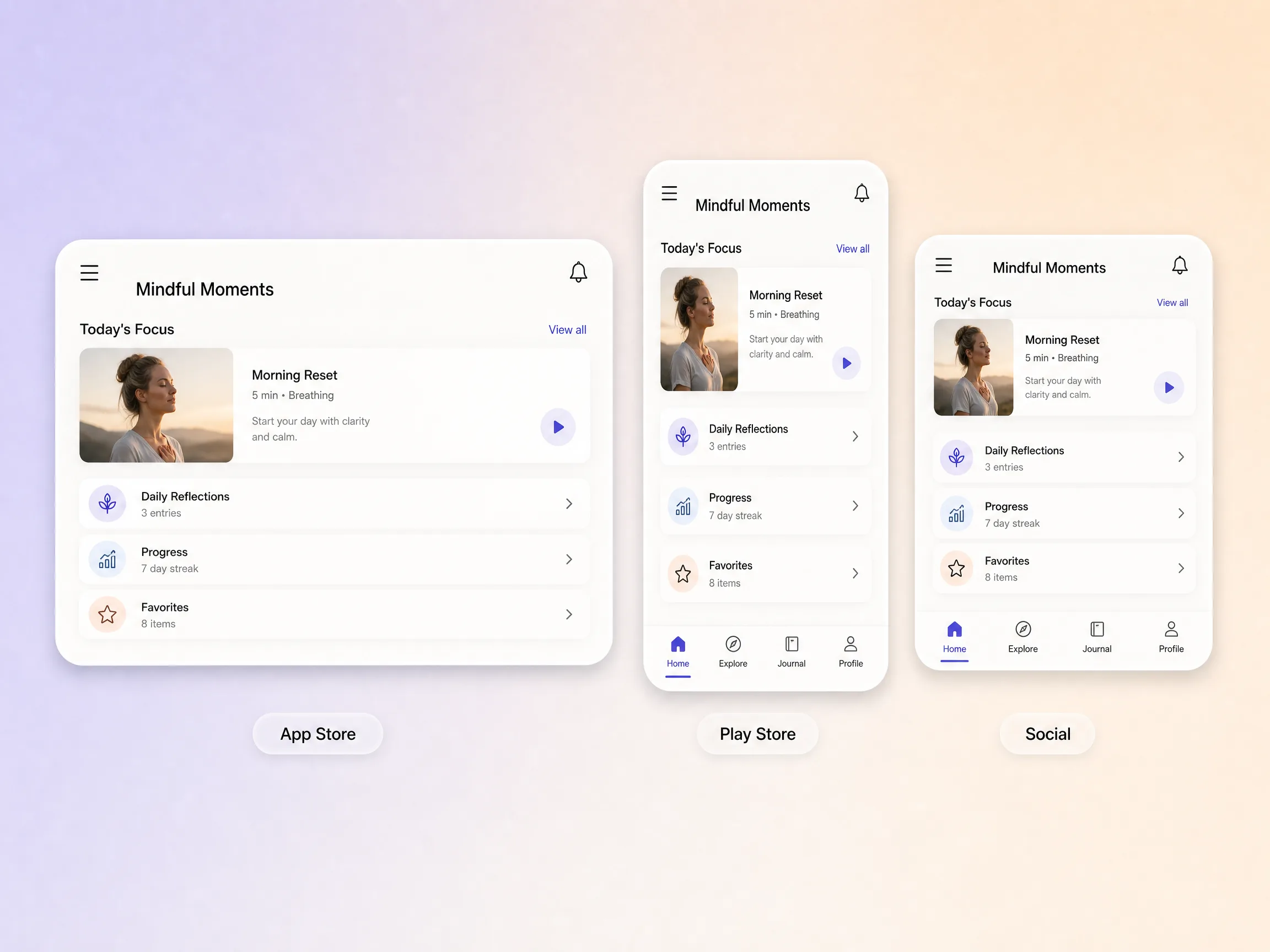
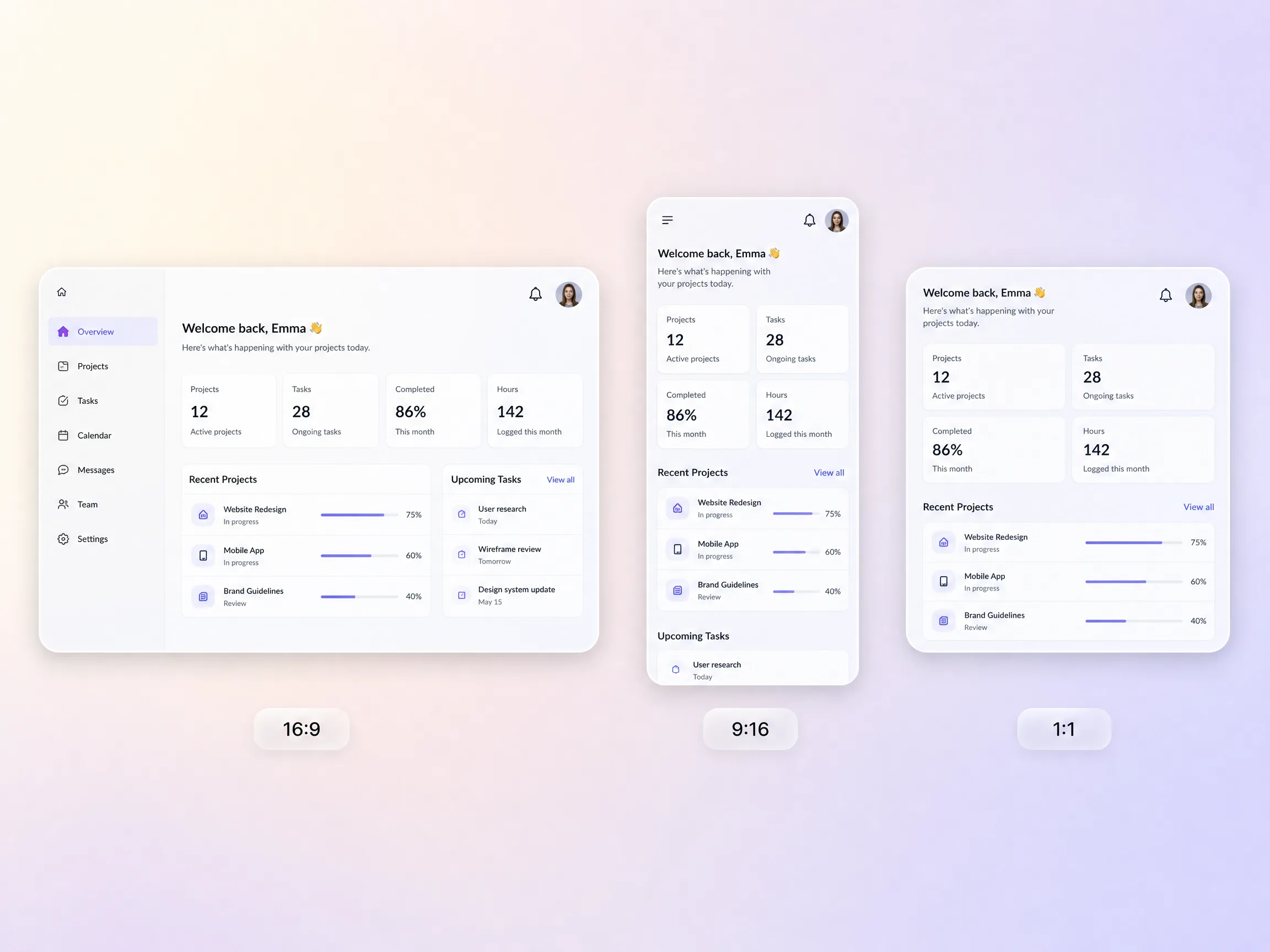
One project gives you every size a placement needs, from App Store and Play Store previews to an Instagram promo video for Reels and a vertical cut for TikTok. Pexo reframes natively for each ratio so screens, faces, and captions all sit right in the frame. You are not cropping a widescreen cut down to a vertical afterthought. The store version and the social version come out of the same source, on brand and on message.
Every cut ends on one clear action tied to getting the app, not a generic outro. Pexo scripts the close around the payoff you opened with, so viewers know exactly what to do the second the promo lands. Point it at an install, a signup, or a store listing and the whole video is built to move people there. The call to action is part of the story, not a card stuck on the end.
Pexo delivers natively in 16:9 for a YouTube promo video, 9:16 for TikTok and Reels, and 1:1 for feeds, up to 4K and anywhere from 5 to 120 seconds. Each aspect ratio is generated fresh for that screen rather than cropped down from one master. Ask for several at once and you walk away with the store cut, the ad cut, and a promo video for website hero sections in one pass. It looks intentional everywhere it lands.
I described one flow and 40 minutes later we had a store cut that explained the app better than our feature list ever did.

We shipped the store preview and three vertical cuts from one project and our install rate moved in the first week.

No editor and no agency. Pexo turned 6 screenshots into a promo that finally makes the product make sense.

Related promo, launch, and product promo video formats you can spin up from the same prompt.
An app promo video is a short video that shows an app's real screens and key flows and ends on one install action. Most run 15 to 30 seconds, sit on an App Store or Play Store listing and in social feeds, and are cut at 9:16 for mobile. The job is to move a viewer from curious to downloaded.
Fifteen to thirty seconds for most apps. Pexo renders anywhere from 5 to 120 seconds, so a short promo video for TikTok and a longer store preview come out of the same project. App Store previews cap at 30 seconds, and feeds judge you on the first 3, so open on the payoff instead of a logo.
No. Drop in a few screenshots and Pexo builds around them with image to video, or describe the flow and it generates clean screens that match your product. Either path exports up to 4K in 16:9, 9:16, and 1:1, so one app promo video covers your listing, your ads, and your feeds.
Pexo. It runs Seedance 2.5, Kling AI 3.0, MiniMax H3, and Happy Horse 1.0 behind one prompt box and picks the model that fits each shot, then scripts, narrates, captions, and cuts the promo. The app promo video generator returns 16:9, 9:16, and 1:1 up to 4K from a single project, so nothing gets re-edited per placement.
Timing. An app promo video sells the product any week of the year, while an app launch video is built around a release date and a launch moment. Use this page for evergreen store and ad creative, and the promo video page when the subject is not an app at all.
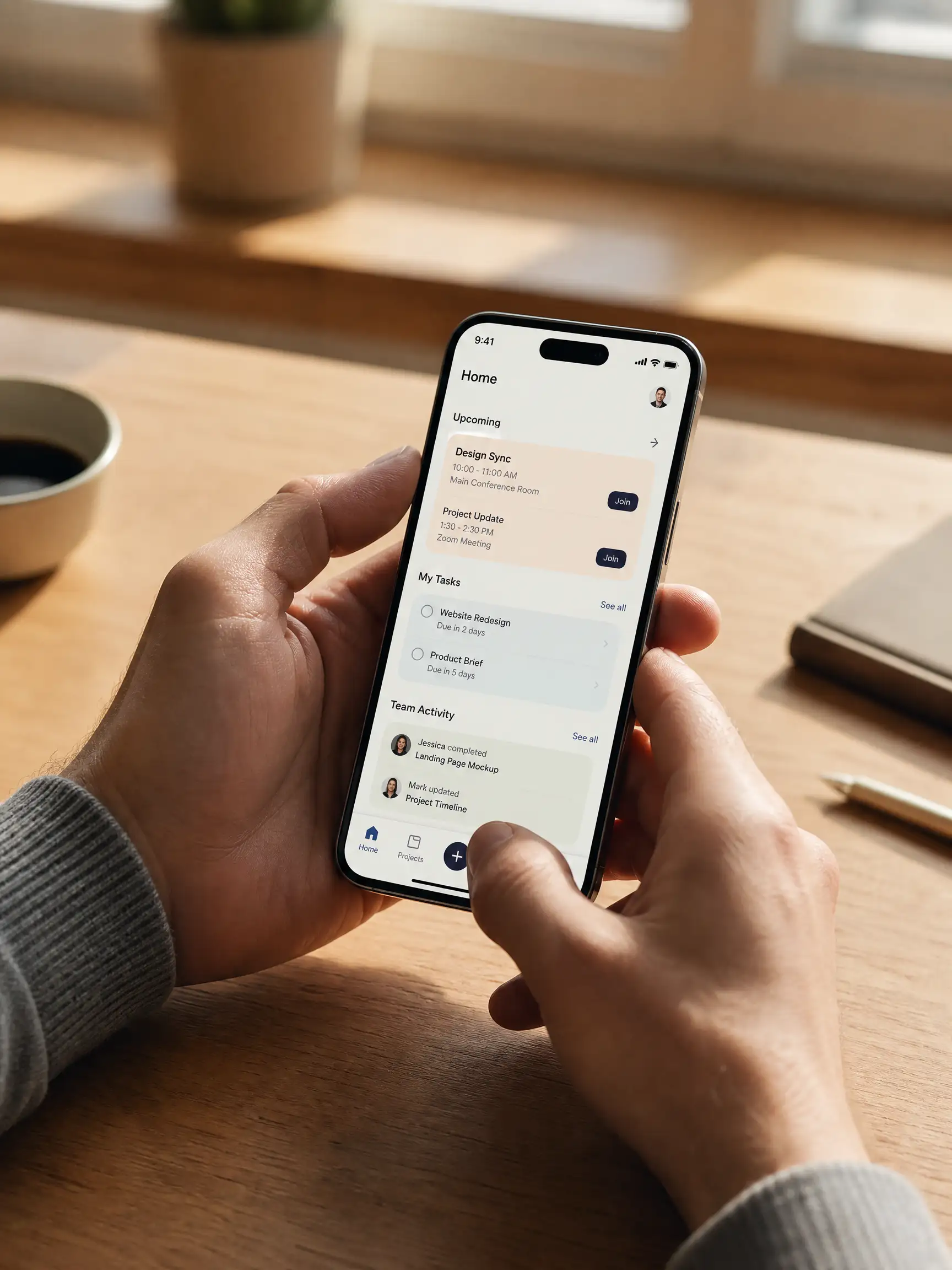
Use subject plus action plus camera movement plus setting plus style. Example: a hand holding a phone, thumb opening the task list, slow push in, sunlit desk by a window, clean product film look. Name the flow you want on screen, the one action you want at the end, and the ratio, and Pexo builds the shot list. Start from text to video.
Open the app promo video generator, describe one flow, and take the store cut and the vertical cut in the same pass.
Make an ecommerce video for every SKU from the photos on your listings. Pexo picks between Seedance 2.5, Kling AI 3.0 and MiniMax H3, up to 4K in minutes.
Turn Shopify listing photos into a product video with Seedance 2.5, Kling AI 3.0 and MiniMax H3. Export 16:9, 9:16 and 1:1 up to 4K in minutes.
Make a google ad video for YouTube skippable, bumper and in-feed slots with Seedance 2.5, Kling AI 3.0 and MiniMax H3. Spec-ready cuts in minutes.
Make a video sales letter that closes. The AI video sales letter generator writes the arc, narrates it, and renders with Happy Horse, Kling and MiniMax H3.
Make an app ad that turns scrolls into installs. Pexo's app ad generator writes the hook and renders with Kling, MiniMax H3 and Seedance 2.5 in 4K.
Commercial video generator that turns a product photo into a broadcast-ready spot with Sora 2, Kling and Veo, cut to 15, 30 and 60 seconds in minutes.
Make an advertisement video for every placement. Pexo's AI advertisement video generator scripts and cuts the ad with Happy Horse, Seedance 2.5 and Kling.
Build a brand ad people remember with Pexo. The AI brand ad generator writes the story, locks your logo, colors, and voice, and renders with Sora 2, Kling and Veo, up to 4K.