
Make Recipe Videos with Sora 2, Kling and Veo in Minutes
Turn any dish into a recipe video with Pexo. The AI recipe video generator writes the steps, generates the shots, and adds captions with Sora 2, Kling and Veo, up to 4K.
Create an AI video slideshow from the photos already sitting in your camera roll. Upload a photo set or describe a theme, and Pexo arranges the slides, adds music and captions, and delivers a share-ready video in minutes.
Memories, marketing, portfolios, events. Pick a style and the video slideshow generator handles the transitions and timing.
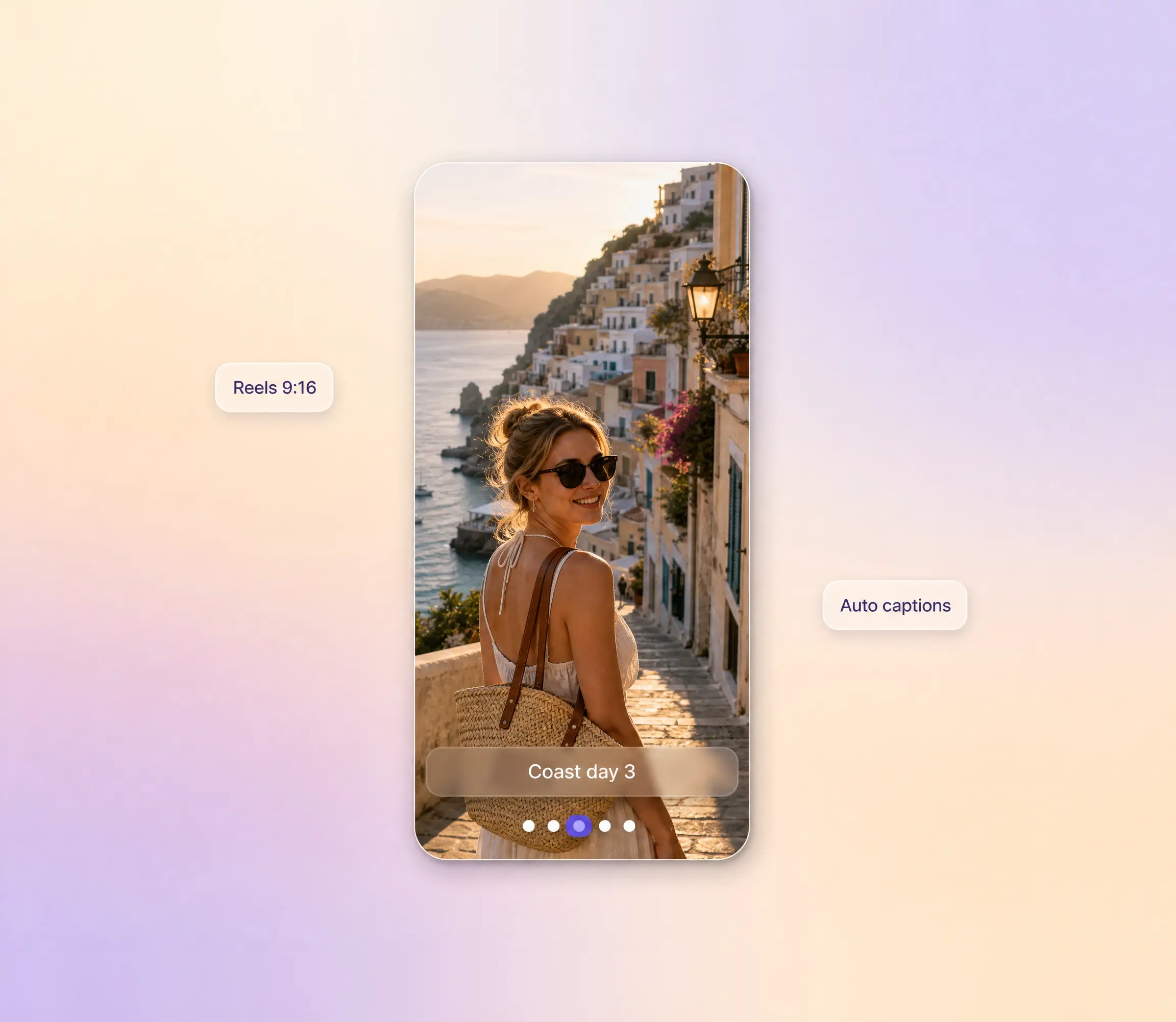
Vertical or square slideshows with trendy transitions, sized for Reels, TikTok, and Stories.
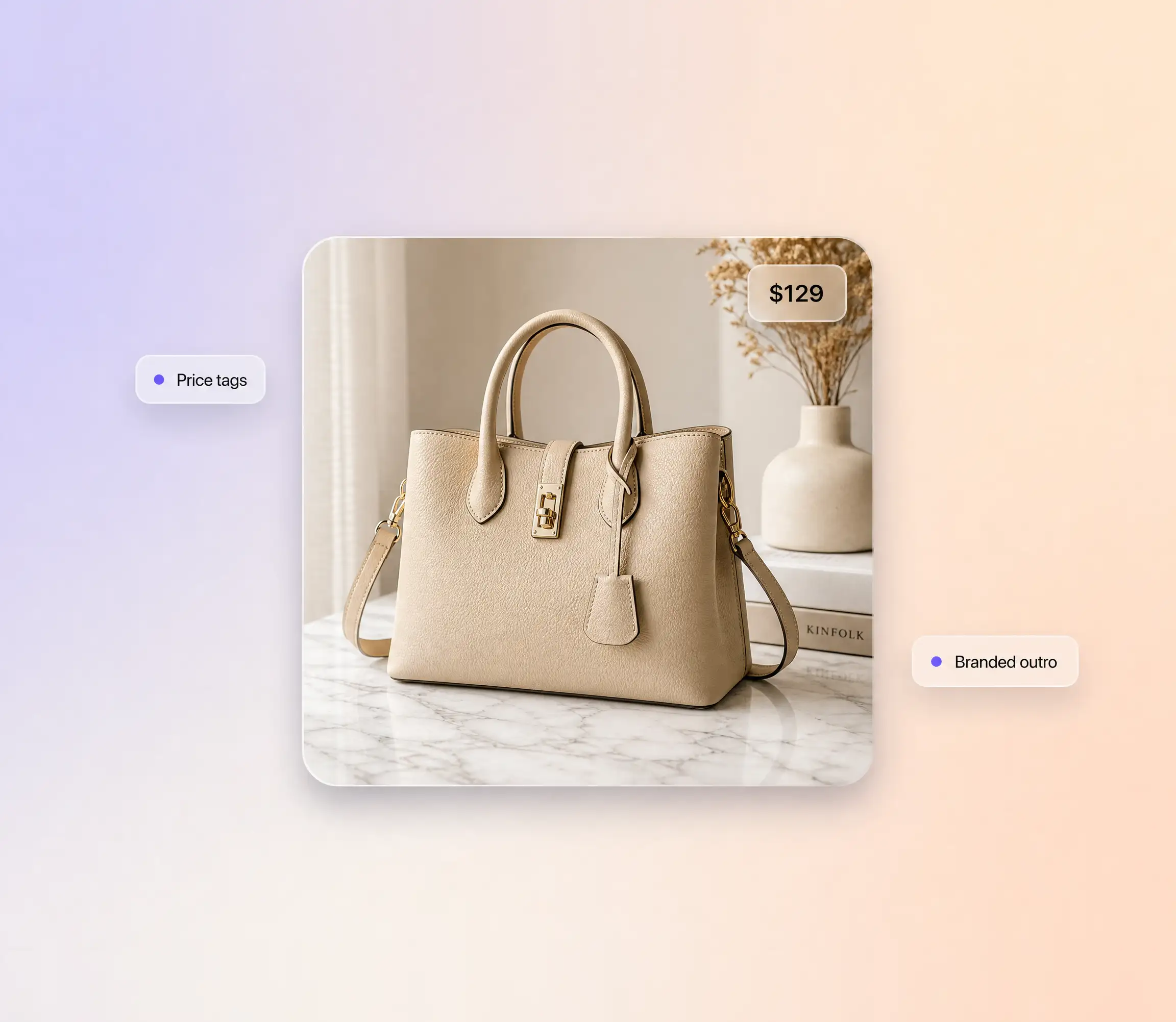
Turn product photos into a scrollable catalog video with price tags, labels, and a branded outro.
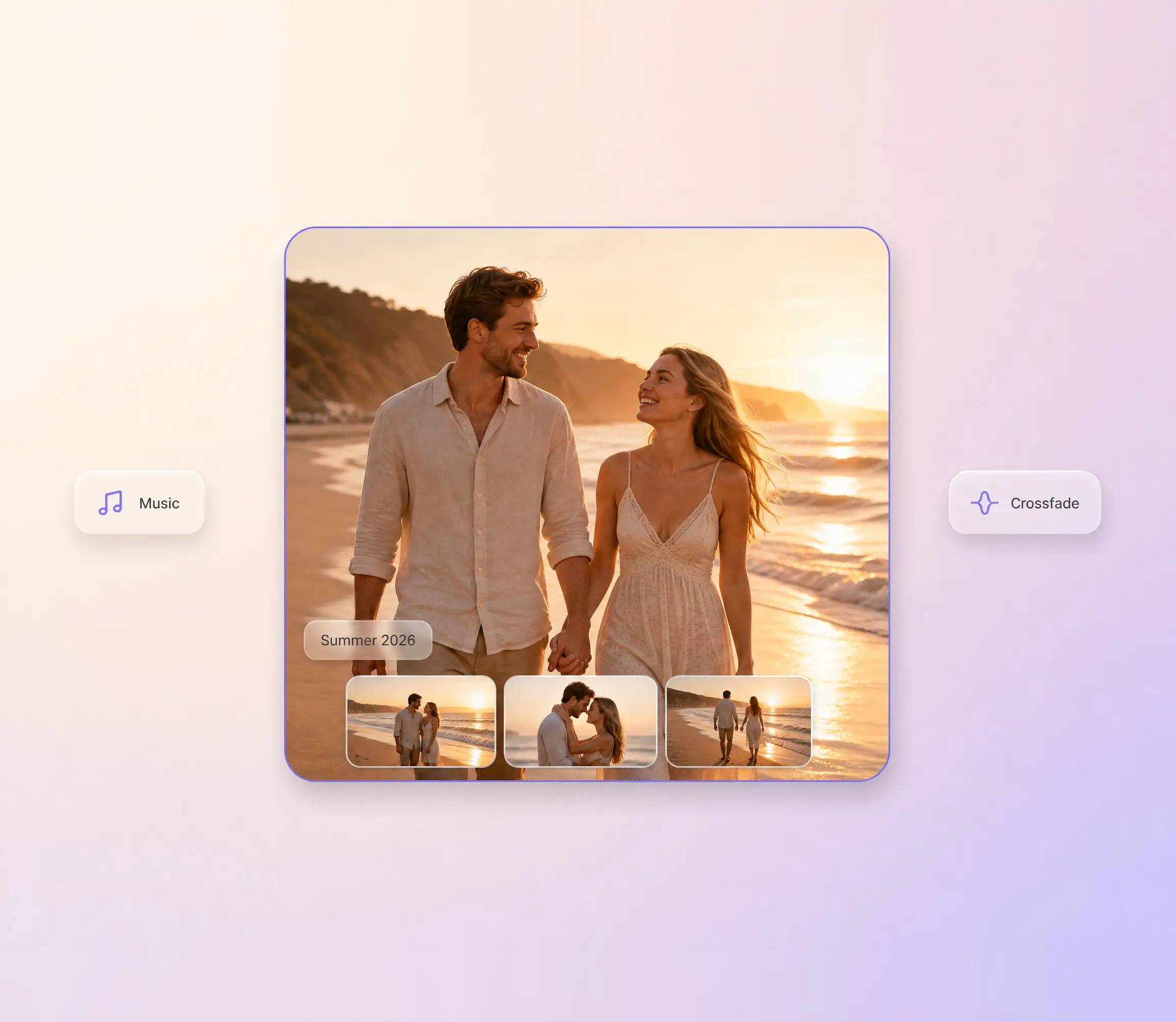
Birthdays, weddings, vacations. Combine your favorite photos into a heartfelt video with music.
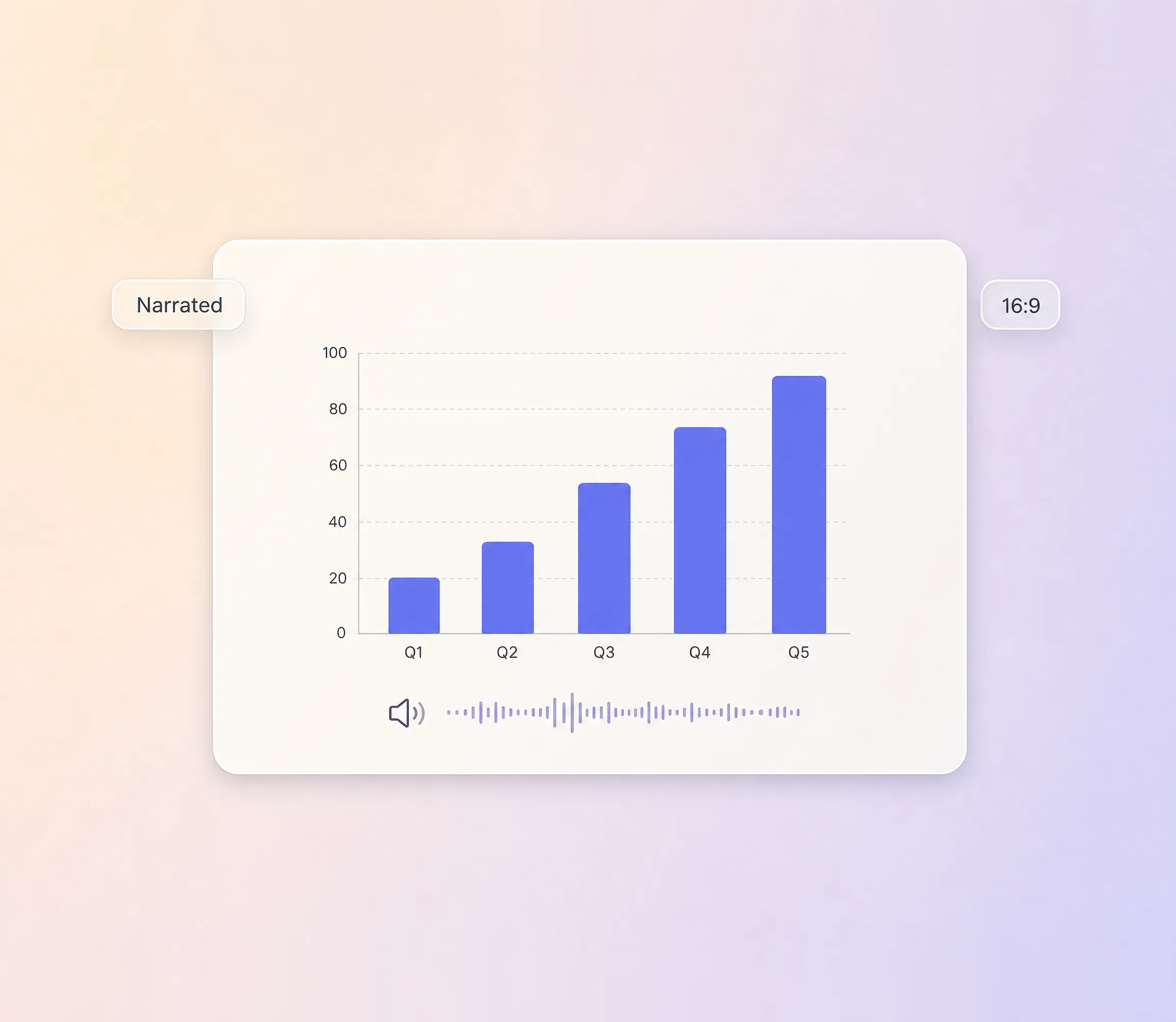
Convert slide decks and charts into a narrated video slideshow for meetings and webinars.
Upload photos or describe a theme. Pexo picks the layout, adds transitions, and scores it with music.
Pexo picks the right transition for each photo pair. Fades for portraits, slides for landscapes, zooms for close-ups. Every cut feels intentional, and you can blend in motion graphics for titles and stats.
Pexo generates a background track that matches your slideshow's mood. Upbeat for events, calm for memories, corporate for business decks.
Static photos come alive with slow zoom and pan animations. Each image gets subtle photo animation so the slideshow never feels flat.
Add text overlays, date stamps, or custom captions to each slide. Pexo times them to match transitions and music beats.
Four steps from a folder of photos to a finished video slideshow.
Drop in your photos or describe the slideshow theme. Pexo's image to video engine turns your photos to slideshow with music, and a text prompt works if you want AI-generated images.
Pexo orders your photos into a visual story. Reorder slides, remove ones you don't want, or let the AI decide the sequence.
Pick a transition style, add music, and choose captions. Or type "make it cinematic" and Pexo handles every detail.
Export your slideshow in HD. Music, transitions, and captions are all baked in. Share it anywhere.
Personal events, marketing campaigns, education, real estate. Photos tell a better story when they move.
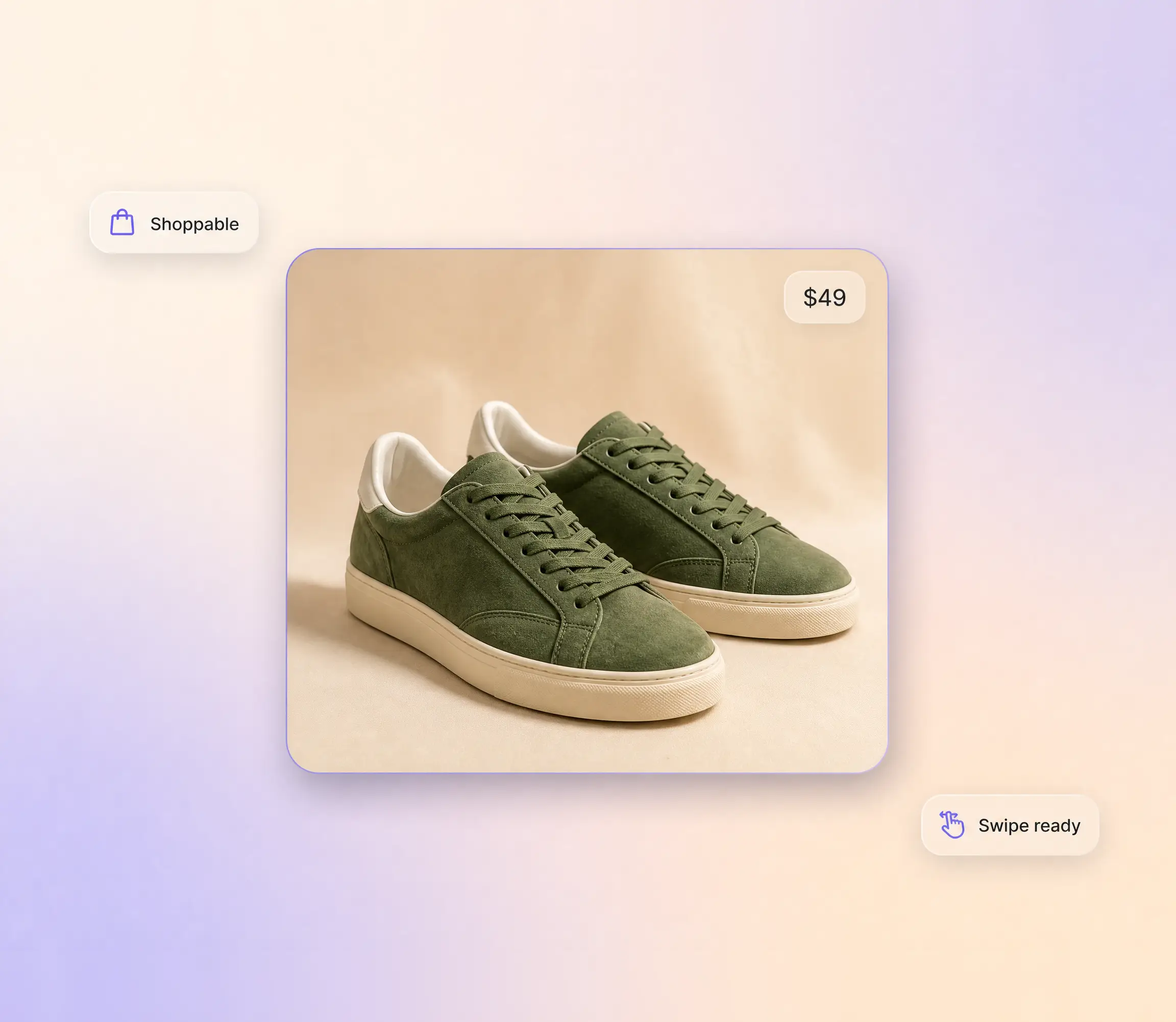
Turn product photo sets into a shoppable product photography video with price tags and swipe-friendly transitions for Instagram and TikTok.
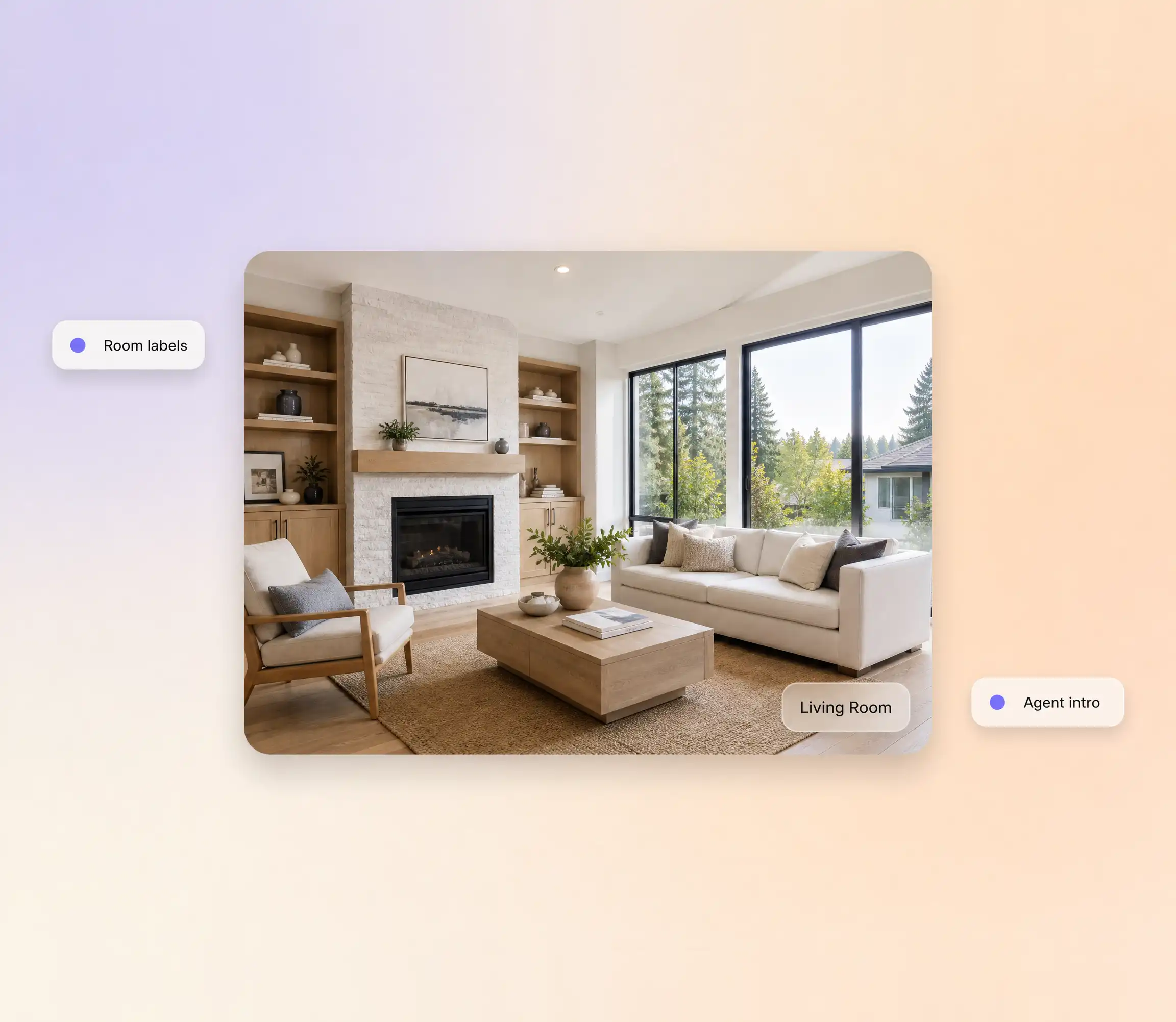
Listing photos become an AI real estate video from photos, walkthrough style, with room labels, address overlays, and an agent intro slide.
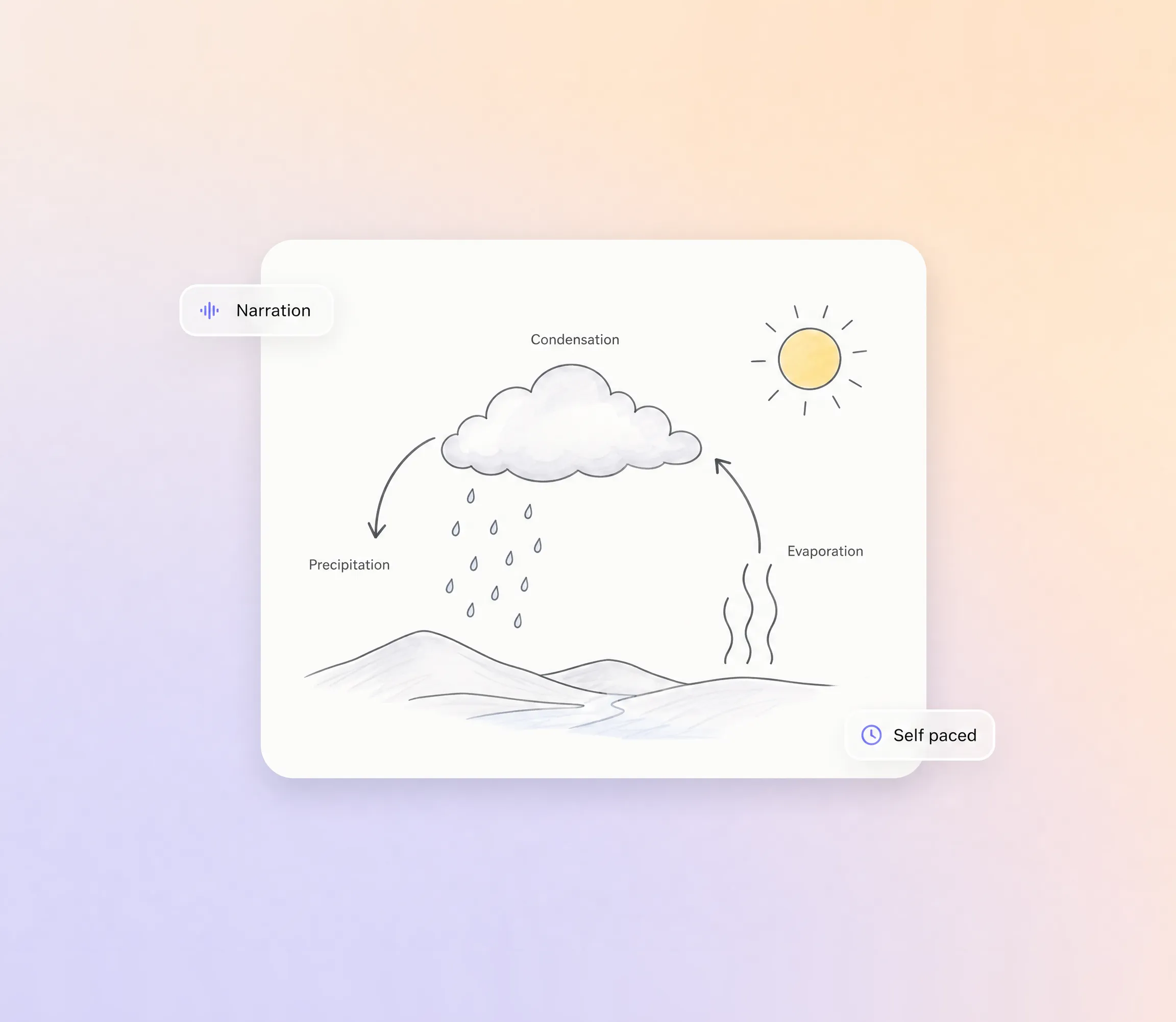
Diagrams, charts, and study materials in a narrated video slideshow. Students review at their own pace, and a full explainer video is one click away when a topic needs depth.
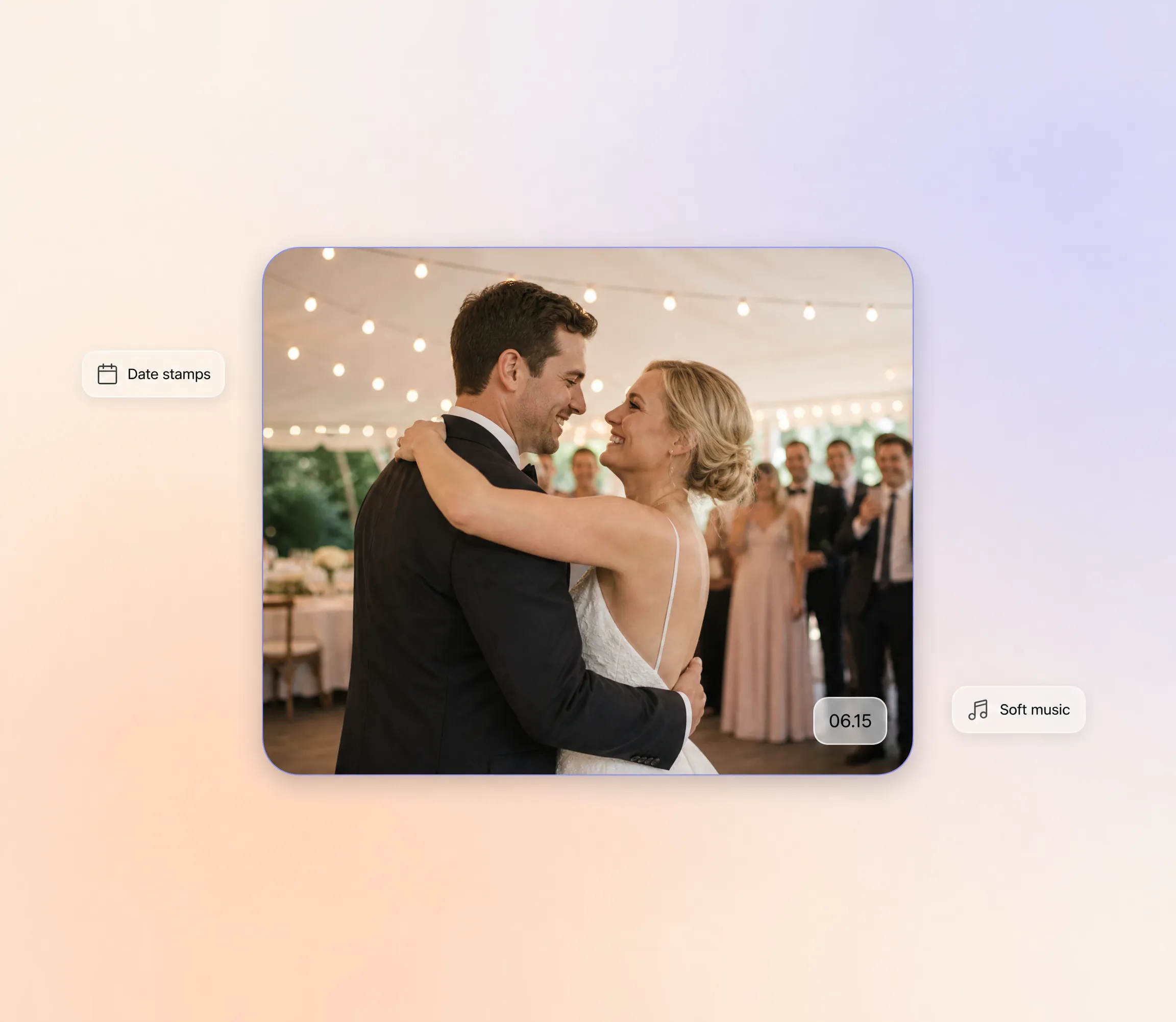
Guest photos, ceremony highlights, and reception moments compiled into a keepsake video with sentimental music.
Creators, marketers, and families who turned photo folders into videos worth sharing.
"I uploaded 40 wedding photos and had a two-minute video with music in under ten minutes. My wife cried watching it. That's the bar."
"We post a new product slideshow to Instagram every Monday. Before Pexo it took an hour of editing. Now I drag in photos and export in five minutes."

"I teach biology and make slideshows of lab diagrams for my students. The Ken Burns zoom effect keeps them actually watching instead of zoning out."

A video slideshow is a video built from a sequence of photos, where transitions, background music, and captions carry the story from one image to the next. Pexo generates the whole thing from a photo set or a text description, arranging slides, pacing, and sound automatically. The result is an AI video slideshow you can post without opening an editor.
Each video slideshow runs from 5 to 120 seconds, and Pexo adjusts slide timing so dozens of photos still fit the length you pick. Transitions land on the music beats, so a 30 second cut feels as finished as a two minute one. Add more photos later and the pacing recalculates automatically.
Pexo exports widescreen 16:9, vertical 9:16, and square 1:1, at resolutions up to 4K. Every video slideshow is generated natively for its platform, with Sora 2, Kling, and Veo handling the motion, so nothing is cropped after the fact. Music, captions, and transitions are baked into the final file.
Pexo is one of the best AI tools for video slideshows because it does the editing for you: it picks the strongest take across Sora 2, Kling, and Veo for each animated slide, scores the result with generated music, and exports up to 4K. You describe the mood once and the video slideshow maker handles transitions, captions, and timing.
A video slideshow animates the photos you already have, so the pictures lead and the soundtrack supports them. A music video works the other way around: the track leads and Pexo generates original scenes to match its rhythm. If your starting point is a folder of photos, stay here; if it is a song, start there.
Use the formula subject + action + camera movement + setting + style. For example: our honeymoon photos, slow crossfades with gentle zoom, drifting pans, warm beach light, nostalgic film style. Pexo expands that one line into a full video slideshow with matching music and captions, the fastest way to make an AI video slideshow from scratch.
Turn any dish into a recipe video with Pexo. The AI recipe video generator writes the steps, generates the shots, and adds captions with Sora 2, Kling and Veo, up to 4K.
Turn any song into a beat synced music video with Pexo. The AI music video generator times every scene to your track and renders with Sora 2, Kling and Veo in minutes.
Turn a photo or a one line idea into a dance video with Pexo. The AI dance video generator syncs every move to the beat and renders with Sora 2, Kling and Veo in minutes.
Make mouse cursor highlight videos with Seedance 2.5, Kling AI 3.0 and MiniMax H3. Describe the click path, add narration, and render in minutes.
Make motion graphics in minutes with Pexo. The AI motion graphics generator designs, animates, and scores every scene with Sora 2, Kling and Veo, up to 4K.
Create paper animation with Pexo, the AI paper animation generator for folded paper, newspaper, and torn cutout videos. Pexo picks the best take across Sora 2, Kling and Veo and ships a finished clip with music and captions in minutes.
Real estate video generator that turns a listing into a narrated property tour. Pexo scripts and voices every scene with Sora 2, Kling and Veo in minutes.
Create animated mockups with Pexo, the AI animated mockups generator for floating device reveals, UI walkthroughs, and 3D product motion. Describe your product, pick Sora 2, Kling or Veo, and export polished device demos up to 4K in minutes.