

AI Animated Music Video
Make an animated music video with Pexo. Use one visual motif that follows the music to tell a clear story. Organize your material and review the finished video.
Make an AI corporate mini-documentary. Tell a real company story through the people and work behind it. Use your own source material and review the decision that changed the project in the finished cut.
Bring authorized interviews, real project footage, and notes from the people who did the work. In Pexo’s corporate mini-documentary maker, give the opening just enough space to identify the decision that changed the project, then make the real turning point the center of the first cut. Use Merge Videos with your brief, then review the decision that changed the project.
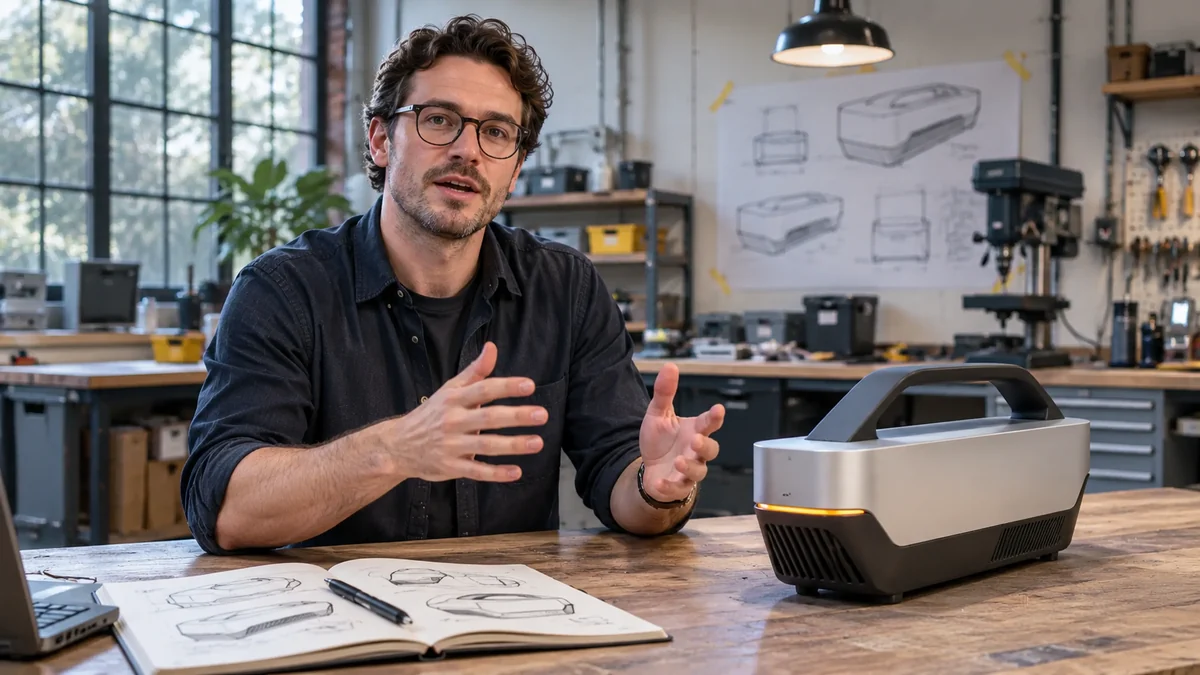
The result preview focuses on the decision that changed the project. Review each of the checks before shaping the complete cut.
What to review
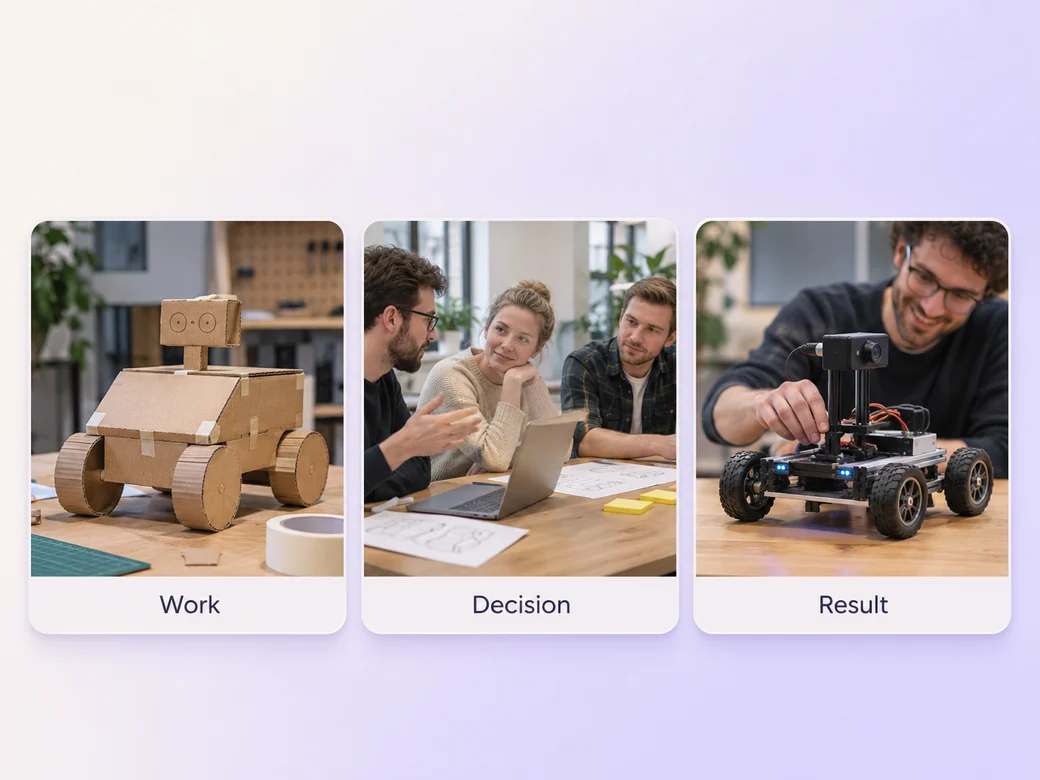
Ask one person to describe a concrete situation, then show the footage that lets viewers see it. Build from the early challenge through the decision to the actual result. Keep understandable gaps in the story rather than adding footage that suggests a different event.
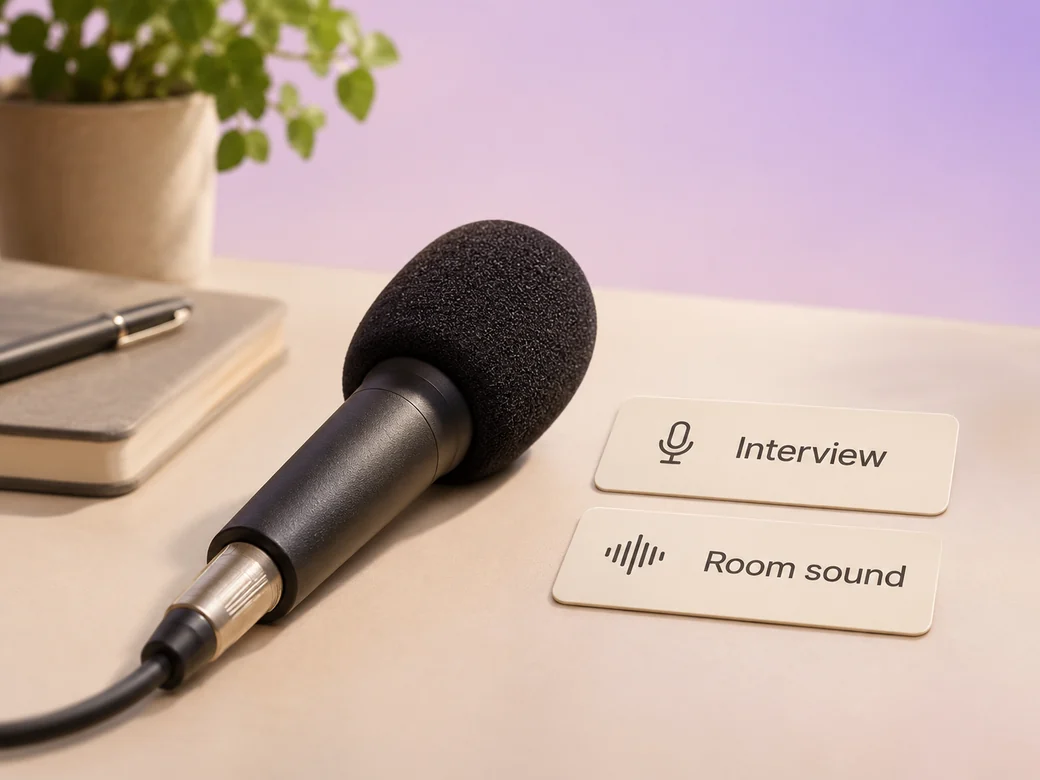
Use recorded speech with approved names and words. Let the background score sit under the voices, and bridge cuts with natural room sound where it has meaning. Add captions so the voice still reads when the film plays quietly. Use Music Generation to try the treatment and listen against the actual pictures.
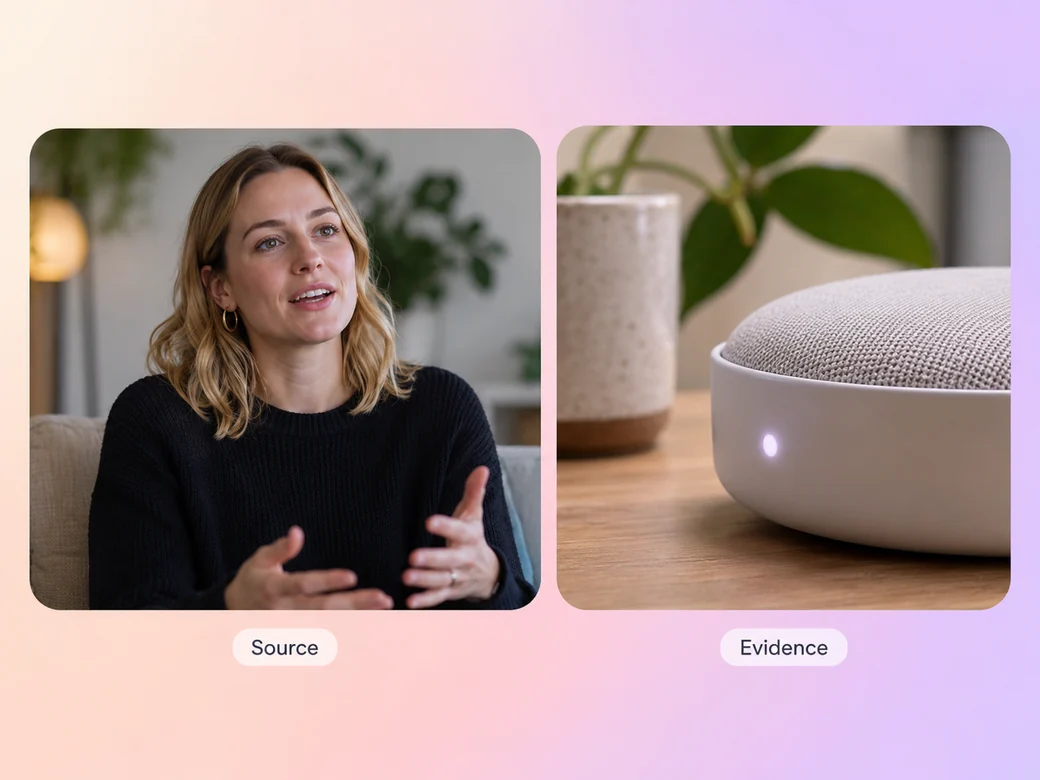
Select a useful process shot, sketch, or outcome to support what the speaker describes. Compare names, roles, and dates with the approved source. Keep the result visible after the interview line ends.
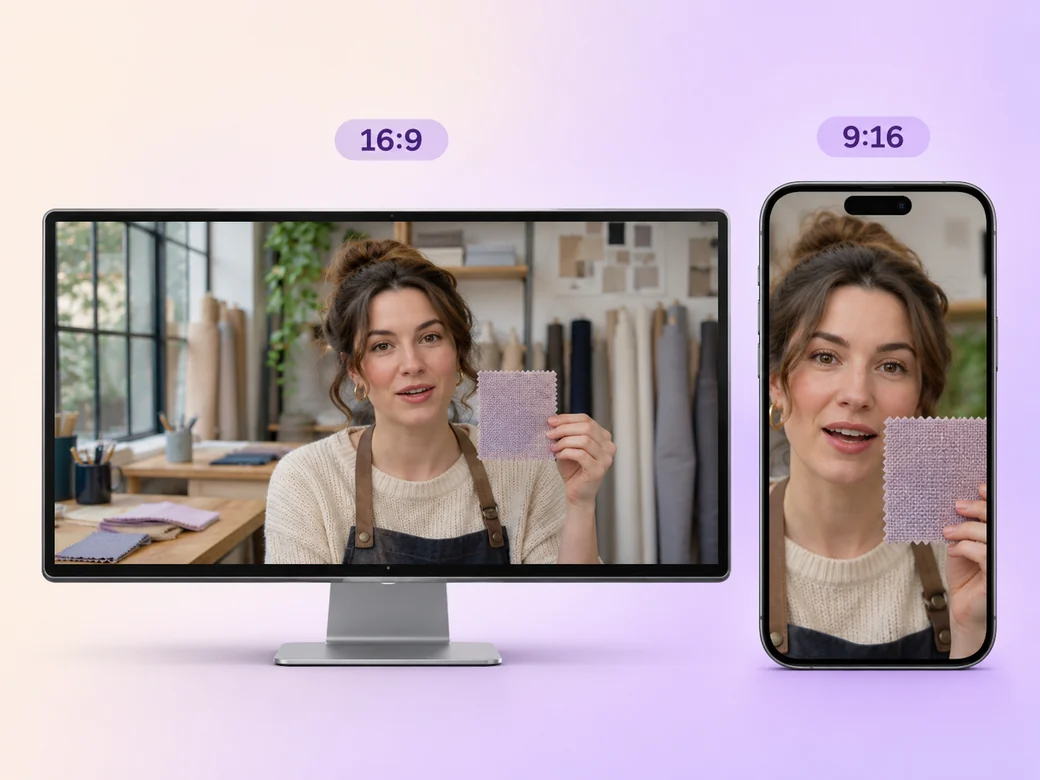
Keep a wide cut for a company story, internal screening, or case-study page. For a 9:16 excerpt, retain the decision that changed the project and review how it fits on a phone. Check the start and the last frame at the intended size and give any text enough time to read.
“In Pexo, I look for a decision someone remembers from the project. Real details make the story specific.”

“I keep the quote tied to what the person was explaining. A cut should preserve their point and their voice.”

“I compare the result on screen with what the team delivered. A case-study clip needs the right evidence and wording.”

A corporate mini-documentary is a finished edit that helps you tell a real company story through the people and work behind it. It can be prepared for a company story, internal screening, or case-study page, with enough context for the viewer to follow the decision that changed the project. Choose a few moments that improve the final result and give each one time to read before the next cut.
Bring authorized interviews, real project footage, and notes from the people who did the work. Give each source a short name that describes where it belongs, and include any exact wording that should appear. Tell Pexo which part matters most and how you plan to show it. That gives you a clear first version to review.
Keep interviews and documented scenes tied to their original context. If you use a generated diagram or staged visual for explanation, add a simple label when viewers could mistake it for footage of the event. Have the project owner review the story and any private details before you share it.
Pexo helps organize your material and revise the framing, pacing, and sound after you review the result. Use the source that documents your actual subject for the decision that changed the project. For a separate illustrative insert or visual opening, Kling AI 3.0 can animate an approved reference image.
A corporate mini-documentary follows people inside a company, a project, or a documented case. A short documentary can cover a wider variety of real events and subjects. Make this version when a company audience needs enough time to understand the challenge, the work, and the actual outcome.
Use subject + action + camera movement + setting + style. Try ‘Use approved references for the decision that changed the project. Use the interview to explain why the prototype changed. Start wide and move closer when the main action begins. Keep the original texture and colors in the scene. Hold on the project result the viewer just heard about.’
Bring authorized interviews, real project footage, and notes from the people who did the work. Start with the decision that changed the project and review the first cut at the intended size.
Make an animated music video with Pexo. Use one visual motif that follows the music to tell a clear story. Organize your material and review the finished video.
Make an animated story video for kids with Pexo. Organize your own material and edit a focused review cut. Check the details before you share it.
Make an animated nursery rhyme video with Pexo. Organize your own material and edit a focused review cut. Check the details before you share it.
Make an opening title sequence with Pexo. Use the image that introduces your film to tell a clear story. Organize your material and review the finished video.
Make an educational animated video for kids with Pexo. Organize your own material and edit a focused review cut. Check the details before you share it.
Make an illustrated animated explainer video with Pexo. Use a paper-cut water cycle to tell a clear story. Organize your material and review the finished video.
Make a gameplay cinematic video with Pexo. Make a short scene from recorded gameplay with a clear setting, one character choice, and a memorable ending.
Make a virtual streaming avatar intro video with Pexo. Bring your character art, choose a voice and opening line, and create a short channel introduction.