
AI Animated Music Video
Make an animated music video with Pexo. Use one visual motif that follows the music to tell a clear story. Organize your material and review the finished video.
Make an AI animated nursery rhyme video. Make a nursery rhyme video with recognizable actions that match the song. Use your own source material and review the repeated action in an original rhyme in the finished cut.
Bring original or licensed lyrics, the approved melody or recording, and a simple visual idea. In Pexo’s animated nursery rhyme video maker, give the opening just enough space to identify the repeated action in an original rhyme, then make the returning gesture the center of the first cut. Use Image to Video with your brief, then review the repeated action in an original rhyme.
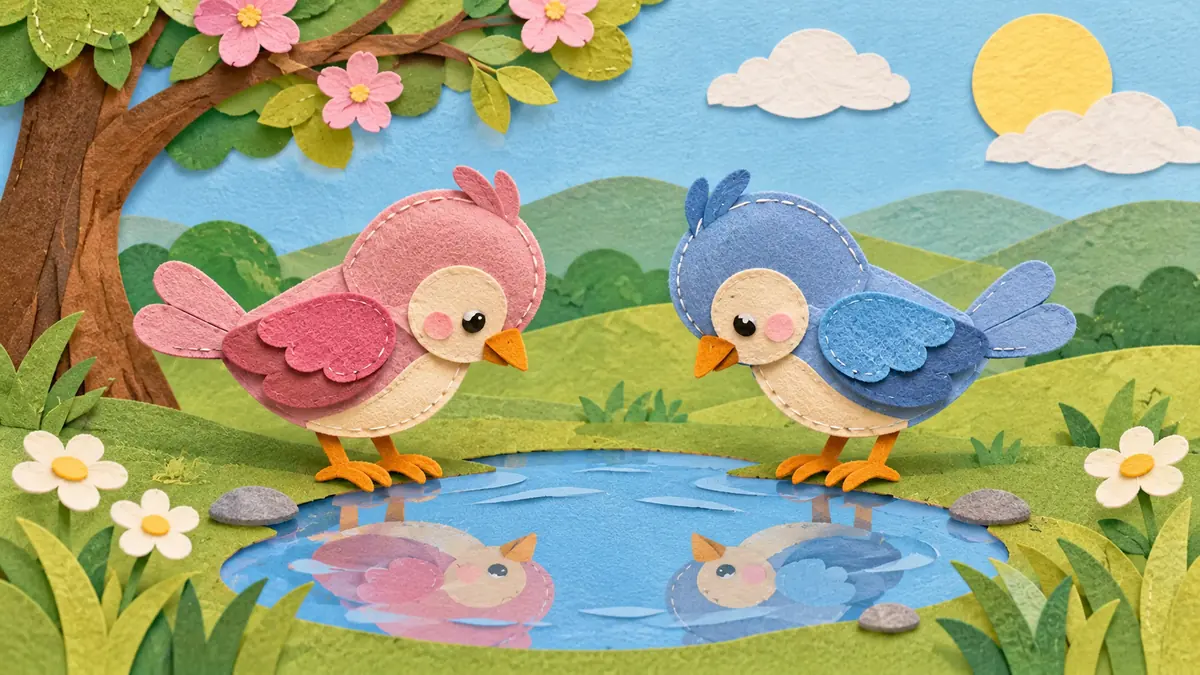
The result preview focuses on the repeated action in an original rhyme. Review each of the checks before shaping the complete cut.
What to review
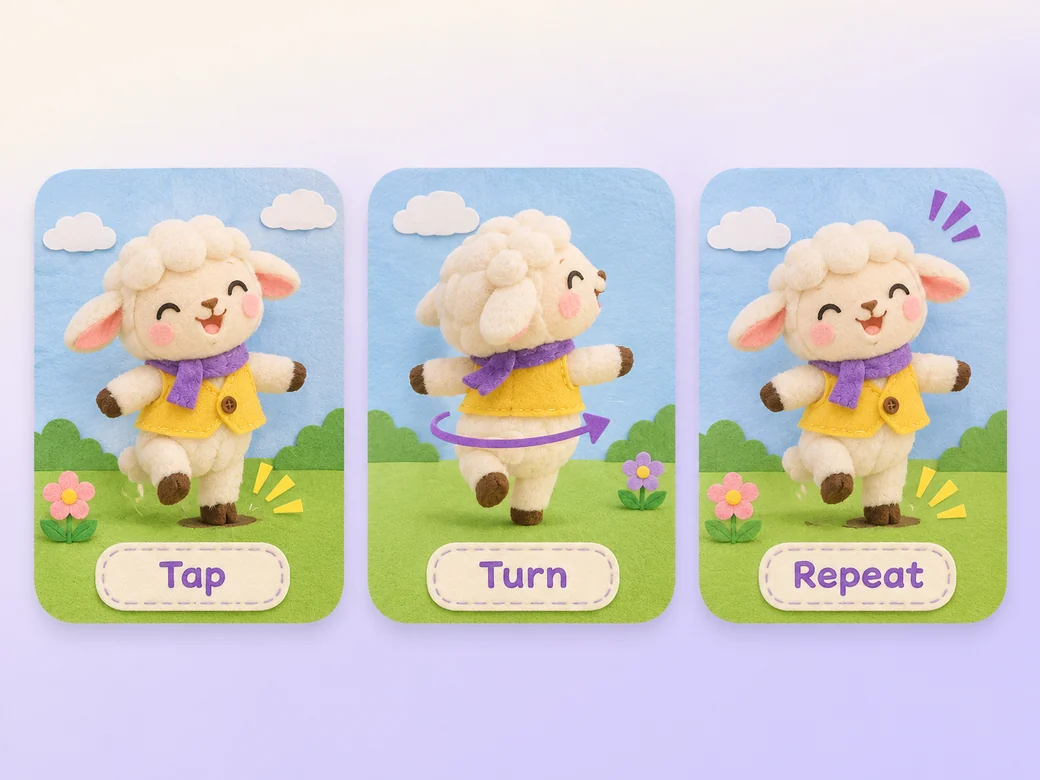
Choose one visual action for the line people will hear again. Let the movement complete before advancing. Change one detail on a repeat so children can recognize what stays the same.
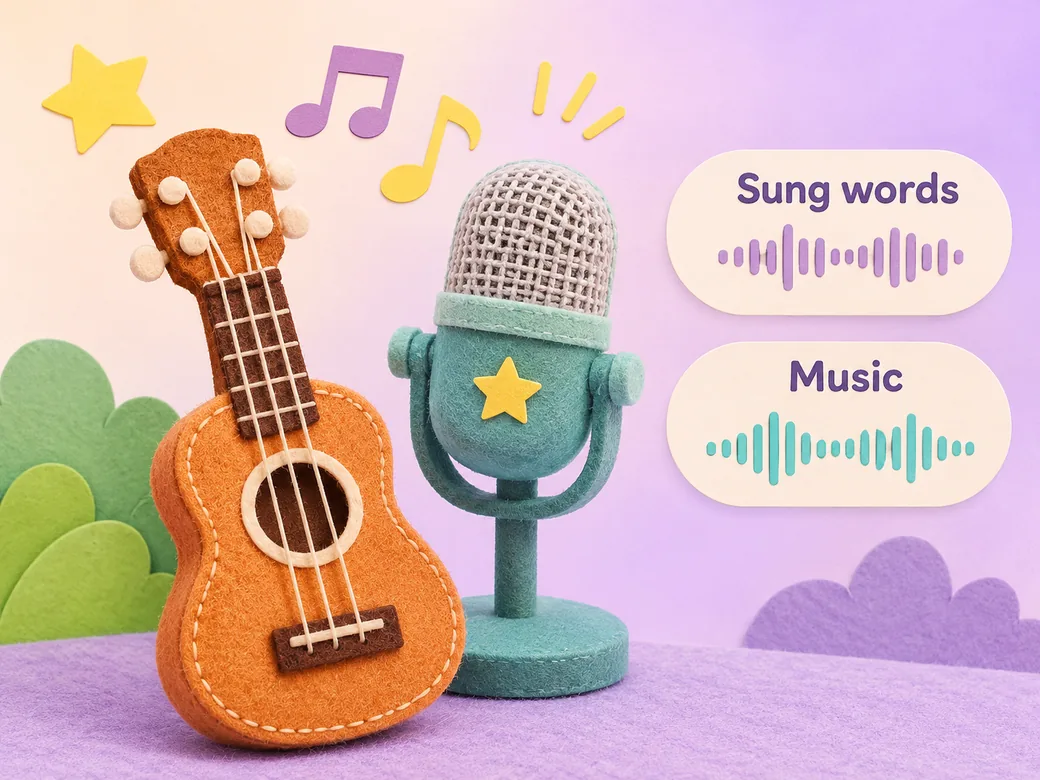
Use the approved sung version and match each movement to the emphasized word or beat. Keep accompaniment soft enough to hear the lyrics. Review words and the sound level with the person responsible for the rhyme. Use Music Generation to try the treatment and listen against the actual pictures.
Bring back the same character or action at the end. Use readable lyric text if it helps a sing-along and keep it separate from the main character. Preview the finished song at normal speed.
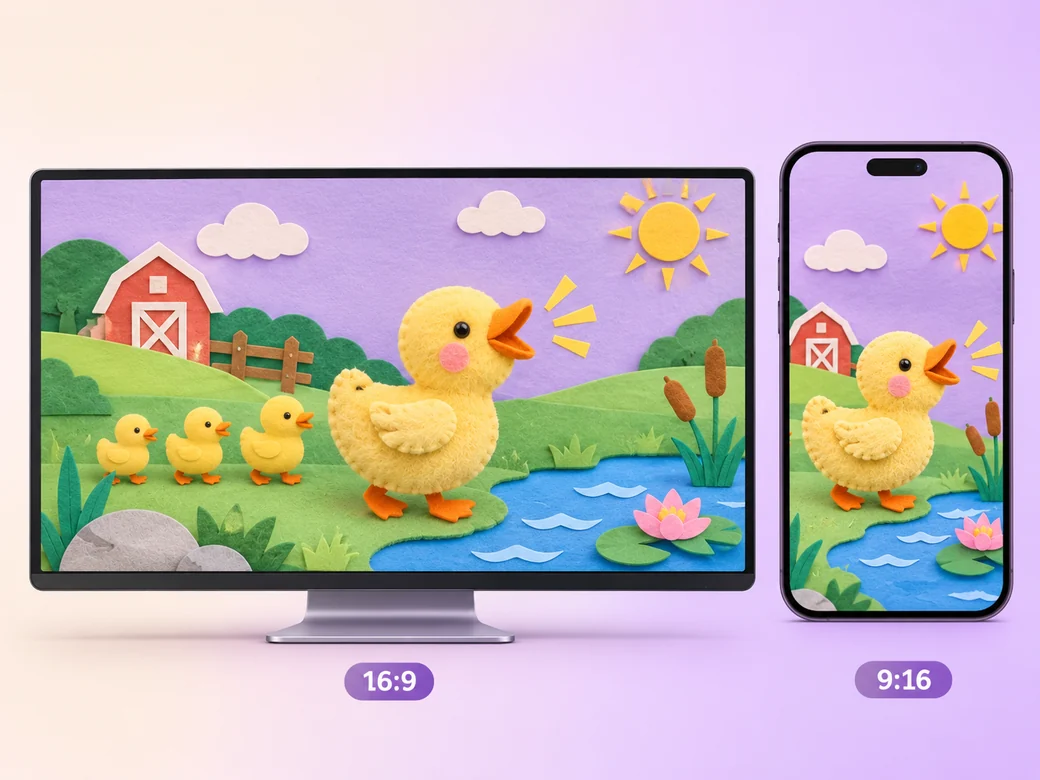
Keep a wide cut for a family learning playlist or a classroom sing-along. For a 9:16 excerpt, retain the repeated action in an original rhyme and review how it fits on a phone. Check the start and the last frame at the intended size and give any text enough time to read.
“In Pexo, I watch what comes back when the line repeats. A recognizable picture makes it easier to join in.”

“I check that every sung word can be heard. The arrangement should leave room for the voice.”

“I look for a clear last pose. The action should finish before the video cuts away.”

An animated nursery rhyme video is a finished edit that helps you make a nursery rhyme video with recognizable actions that match the song. It can be prepared for a family learning playlist or a classroom sing-along, with enough context for the viewer to follow the repeated action in an original rhyme. Choose a few moments that improve the final result and give each one time to read before the next cut.
Bring original or licensed lyrics, the approved melody or recording, and a simple visual idea. Give each source a short name that describes where it belongs, and include any exact wording that should appear. Tell Pexo which part matters most and how you plan to show it. That gives you a clear first version to review.
Use a recording you have permission to use. A familiar rhyme can have many recordings and arrangements with different permissions. Bring the source you are allowed to publish, and check the recording, illustrations, and any written lyric line before sharing the video.
Pexo helps organize your material and revise the framing, pacing, and sound after you review the result. Use the source that documents your actual subject for the repeated action in an original rhyme. For a separate illustrative insert or visual opening, Kling AI 3.0 can animate an approved reference image.
An animated nursery rhyme video uses a song and repeated visuals suitable for a young audience. A music video can have any subject, genre, or visual rhythm. Use the rhyme format when the audience needs to hear clear words and see a repeatable action that fits the song.
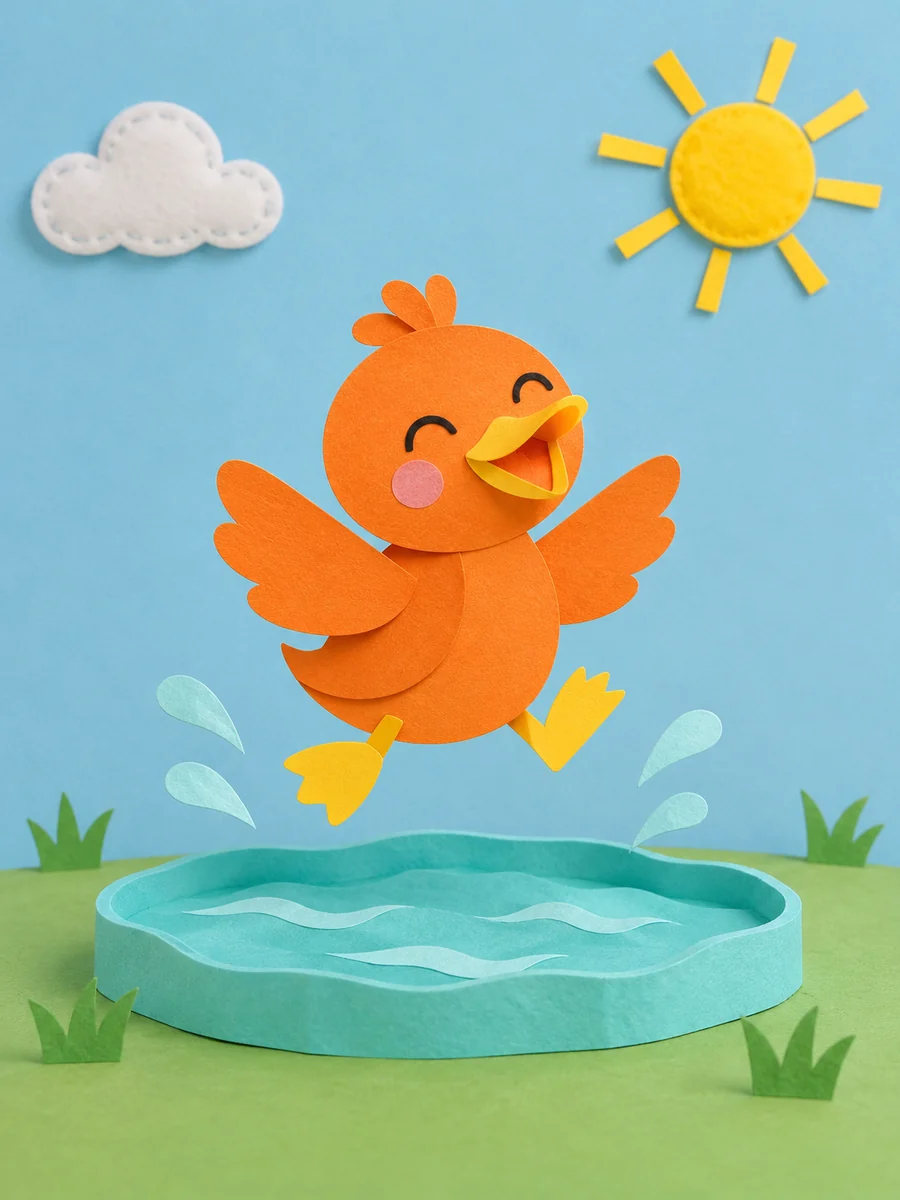
Use subject + action + camera movement + setting + style. Try ‘Use approved references for the repeated action in an original rhyme. Let a paper duck hop when the sung line repeats. Start wide and move closer when the main action begins. Keep the original texture and colors in the scene. Hold the last pose as the music ends.’
Bring original or licensed lyrics, the approved melody or recording, and a simple visual idea. Start with the repeated action in an original rhyme and review the first cut at the intended size.
Make an animated music video with Pexo. Use one visual motif that follows the music to tell a clear story. Organize your material and review the finished video.
Make a corporate mini-documentary with Pexo. Organize your own material and edit a focused review cut. Check the details before you share it.
Make an animated story video for kids with Pexo. Organize your own material and edit a focused review cut. Check the details before you share it.
Make an opening title sequence with Pexo. Use the image that introduces your film to tell a clear story. Organize your material and review the finished video.
Make an educational animated video for kids with Pexo. Organize your own material and edit a focused review cut. Check the details before you share it.
Make an illustrated animated explainer video with Pexo. Use a paper-cut water cycle to tell a clear story. Organize your material and review the finished video.
Make a gameplay cinematic video with Pexo. Make a short scene from recorded gameplay with a clear setting, one character choice, and a memorable ending.
Make a virtual streaming avatar intro video with Pexo. Bring your character art, choose a voice and opening line, and create a short channel introduction.