
AI App Promo Video
Make an app promo video that shows real screens and drives installs. Pexo scripts and cuts it with Seedance 2.5, Kling AI 3.0 and MiniMax H3 in minutes.
Make an AI mixed-media video ad with Pexo. Use real footage to show the product in action, an animated illustration to explain a detail, and an end card to make the offer clear.
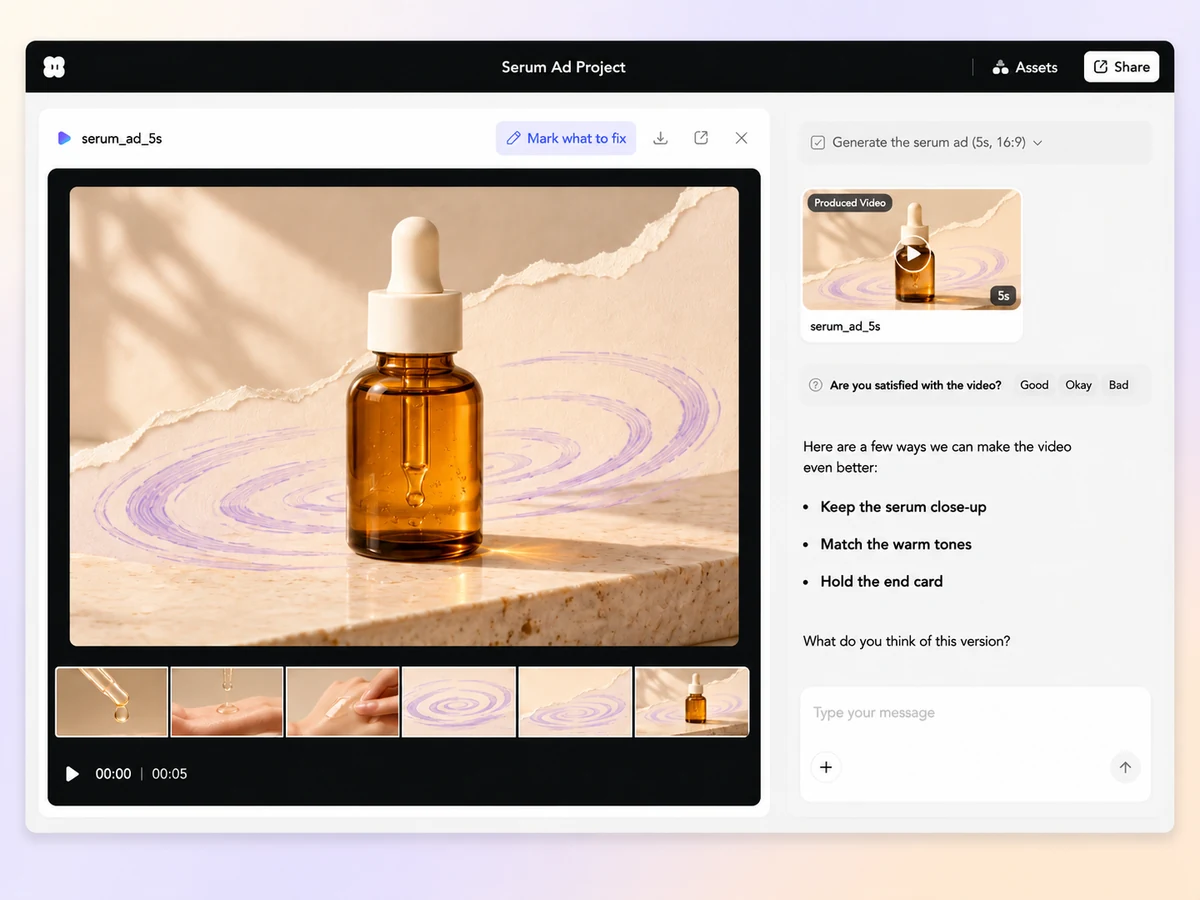
Pick one product detail to build the ad around, such as a serum’s texture. In Pexo’s mixed-media video ad maker, share your product clip, illustration, and offer copy. Describe what each asset should show and where it belongs in the sequence.
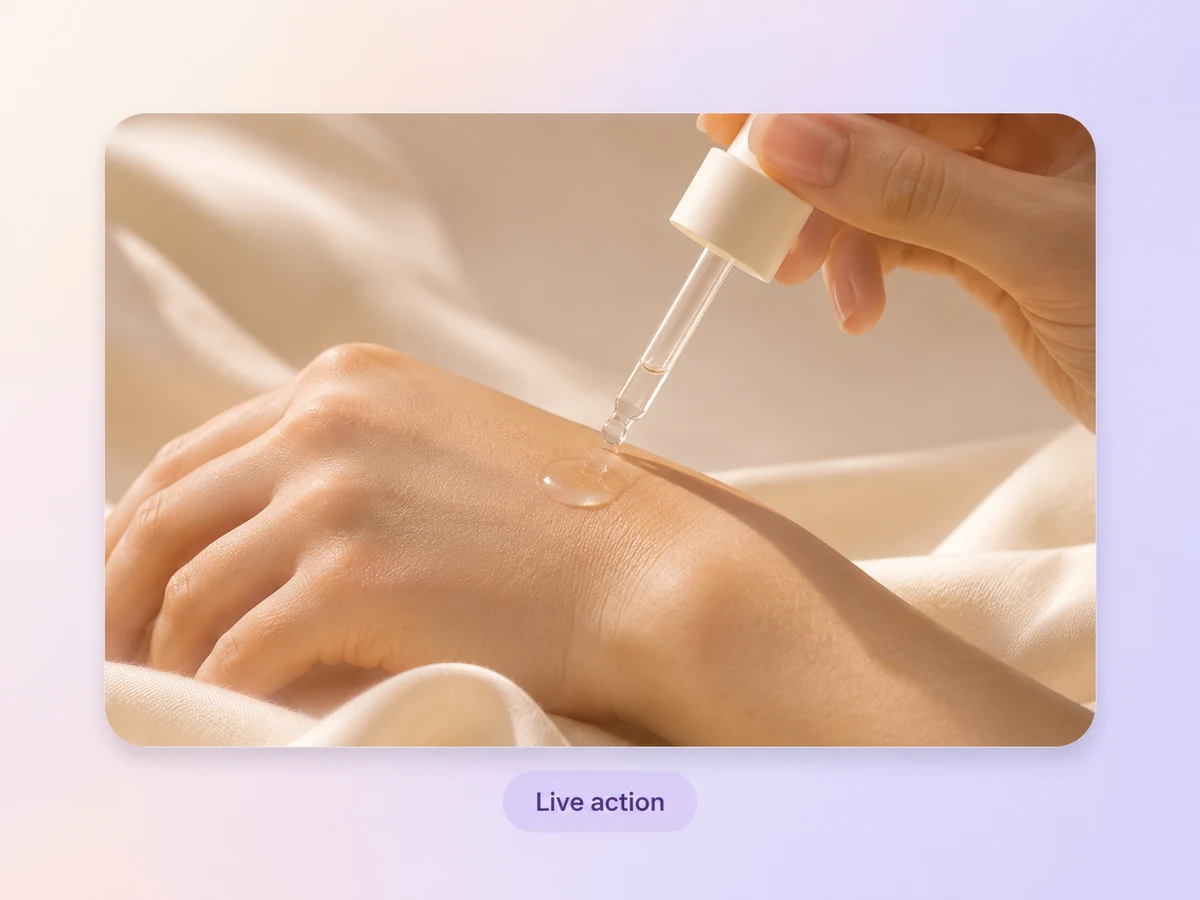
To show a serum’s texture, open on a real close-up of a drop spreading on skin. Tell Pexo which clip to use and where it belongs in the sequence. In the preview, check that the action is clear before the ad moves to the illustration.
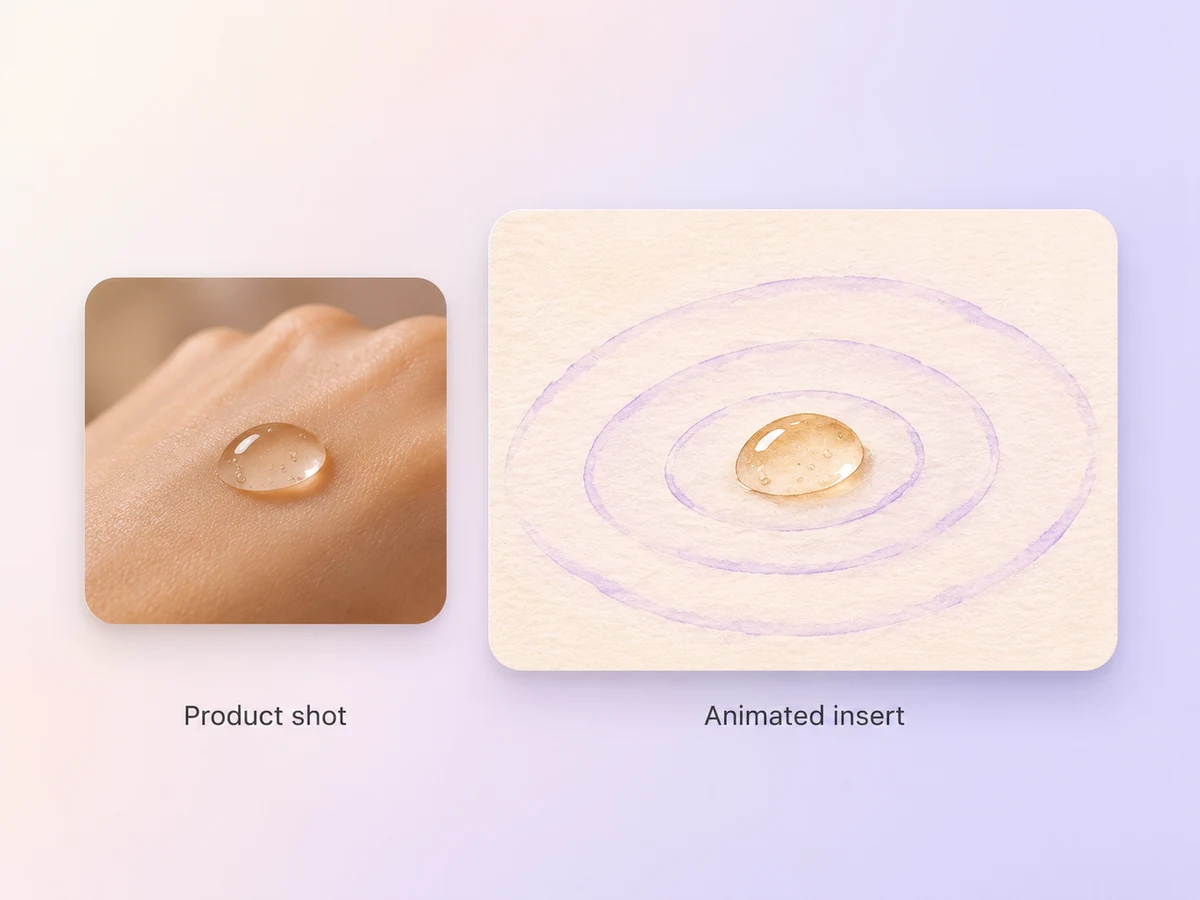
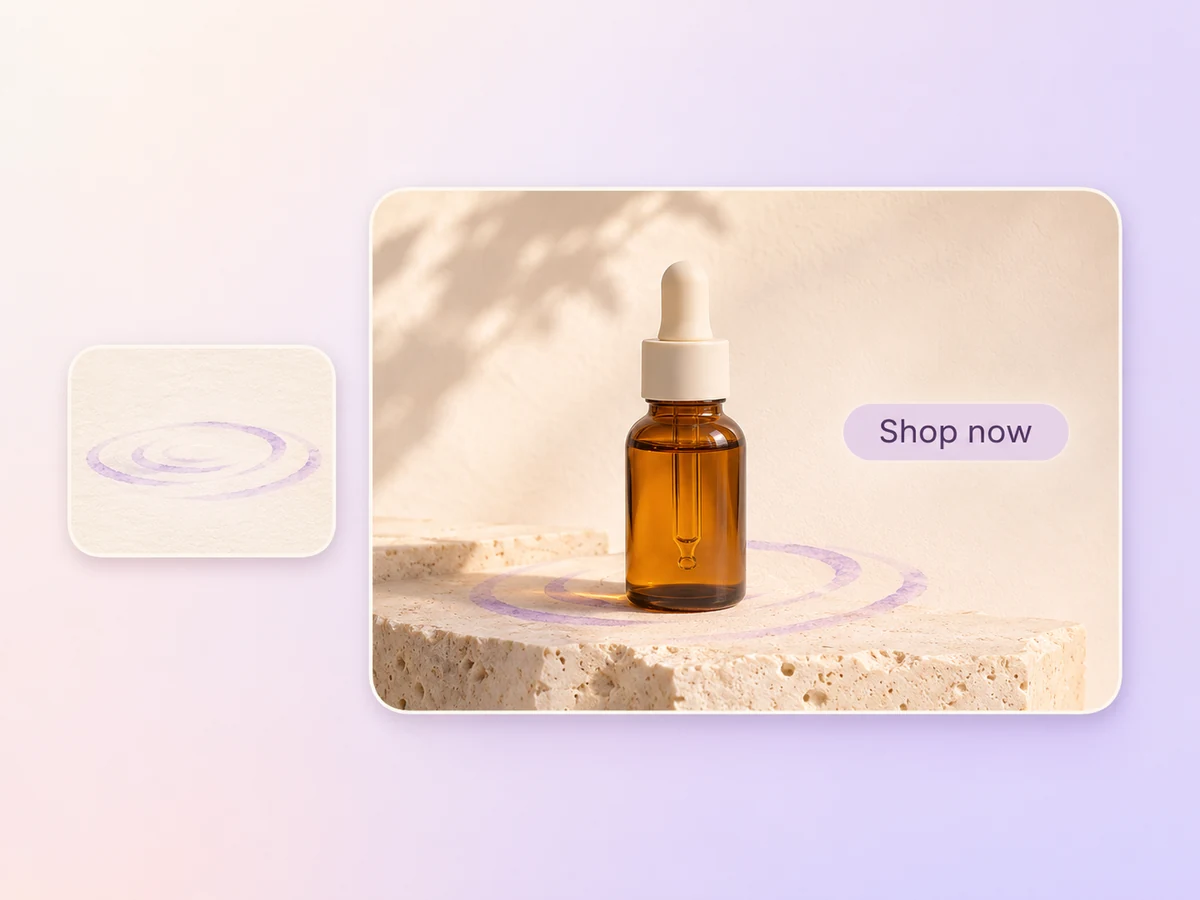
Follow the close-up with a hand-drawn version of the same droplet. Use image to video to animate a few ripples around it. Ask Pexo to cut between the shots as the drop spreads so the animation picks up where the footage left off.
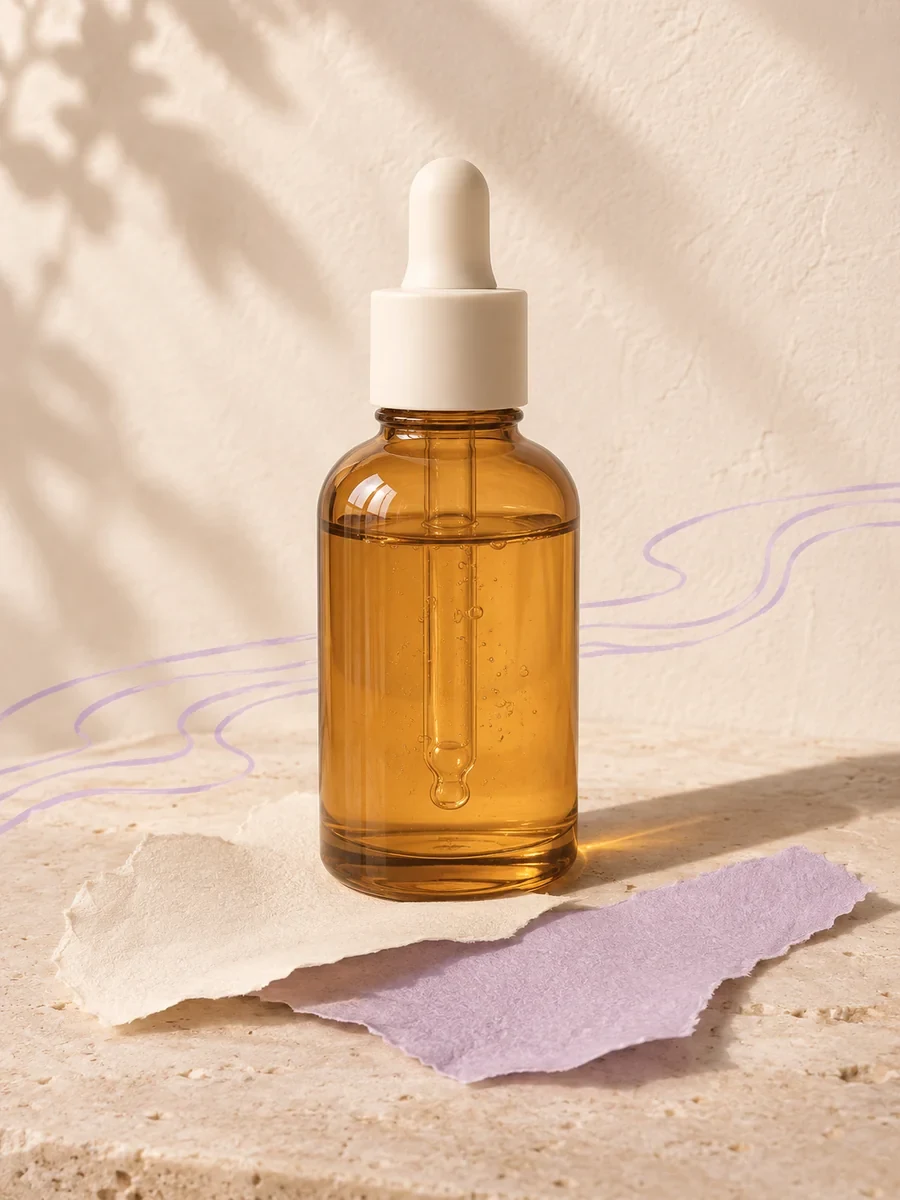
Return to the bottle for the final shot and introduce your approved offer with animated text. Carry the same product colors through the live-action shot, illustration, and end card. In the preview, check the transitions and give viewers enough time to read the offer.
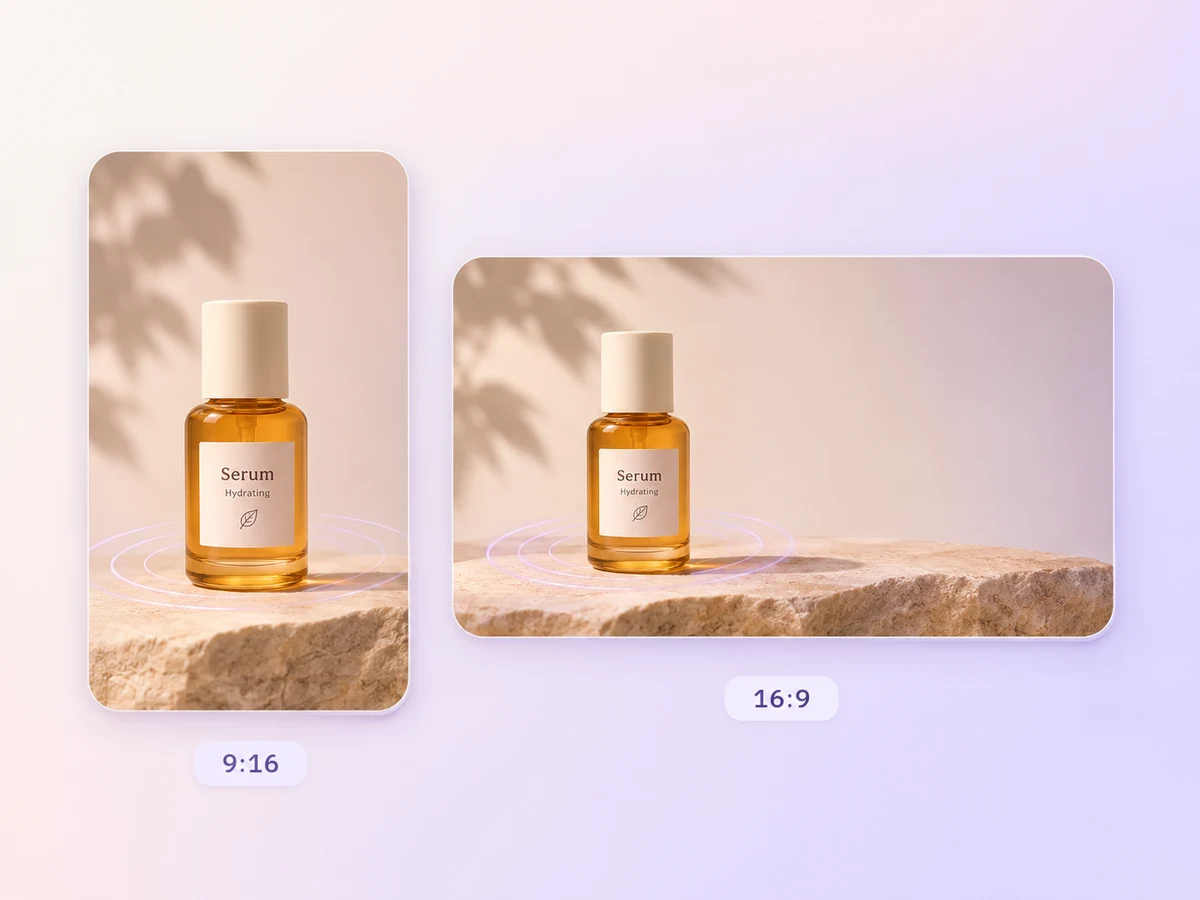
Set the aspect ratio before you build the ad. Ask for 9:16 for a vertical feed or 16:9 for a widescreen placement. Keep the product and the offer inside the frame, then check the result on the screen your audience will use.
Show a drop of serum spreading on skin. Cut to a hand-drawn ripple that follows its movement. Return to the bottle and bring the offer on screen.

Open on footage of rain beading on a jacket. Follow it with an animated close-up of the water rolling off the fabric. Finish on the jacket with the offer on screen.

Start with a short lifestyle shot that shows the problem, then show the actual app screen. Add a graphic arrow to direct the eye. Finish with one action viewers can take.

A mixed-media video ad uses two or more visual formats in the same commercial, such as live action and animation. A skincare ad might show a real serum drop, cut to a hand-drawn ripple that highlights its texture, and return to the bottle as the offer appears.
Yes. Upload the clips and stills you want to use and tell Pexo which moments belong in the cut. For example, ask it to keep the close-up of water beading on the jacket and add an illustrated seam detail after it. Check the source clip in the preview.
Yes. For a brand ad, share the approved logo, your color values, and the exact offer copy. Say where each element belongs, such as a label beside the product and a single call to action on the end card. Preview the text at the final size and check the price and dates.
Pexo lets you plan source footage, generated inserts, and revisions in one project. It can use a model such as Kling AI 3.0 for a short animated detail. Tell it where the real footage belongs, then check the transitions and offer in the 9:16 or 16:9 preview.
A video ad can tell its story entirely with live-action footage. A mixed-media video ad uses different formats for different parts of the story. You might show a real product demo, cut to an animated diagram that explains a feature, then use text to present the offer.
Use subject + action + camera movement + setting + style, then name the asset for each scene. Try “Open with my static close-up of serum spreading on skin in warm light. Cut to a hand-drawn ripple that follows the drop’s movement. Finish on the bottle with the approved offer text.”
Bring your product footage, illustrations, and offer copy. Tell Pexo how you want them to come together in one video ad.
Make an app promo video that shows real screens and drives installs. Pexo scripts and cuts it with Seedance 2.5, Kling AI 3.0 and MiniMax H3 in minutes.
Make an ecommerce video for every SKU from the photos on your listings. Pexo picks between Seedance 2.5, Kling AI 3.0 and MiniMax H3, up to 4K in minutes.
Turn Shopify listing photos into a product video with Seedance 2.5, Kling AI 3.0 and MiniMax H3. Export 16:9, 9:16 and 1:1 up to 4K in minutes.
Make a google ad video for YouTube skippable, bumper and in-feed slots with Seedance 2.5, Kling AI 3.0 and MiniMax H3. Spec-ready cuts in minutes.
Make a video sales letter that closes. The AI video sales letter generator writes the arc, narrates it, and renders with Happy Horse, Kling and MiniMax H3.
Make an app ad that turns scrolls into installs. Pexo's app ad generator writes the hook and renders with Kling, MiniMax H3 and Seedance 2.5 in 4K.
Commercial video generator that turns a product photo into a broadcast-ready spot with Sora 2, Kling and Veo, cut to 15, 30 and 60 seconds in minutes.
Make an advertisement video for every placement. Pexo's AI advertisement video generator scripts and cuts the ad with Happy Horse, Seedance 2.5 and Kling.