

Make App Promo Videos with Seedance 2.5, Kling AI 3.0 and MiniMax H3 in Minutes
Make an app promo video that shows real screens and drives installs. Pexo scripts and cuts it with Seedance 2.5, Kling AI 3.0 and MiniMax H3 in minutes.
Upload your listing photos, pick a look, and generate an ai shopify video in minutes. Pexo adds motion, captions, and a clear buy action, then exports 4K sizes for product pages, Stories, and shopping ads.
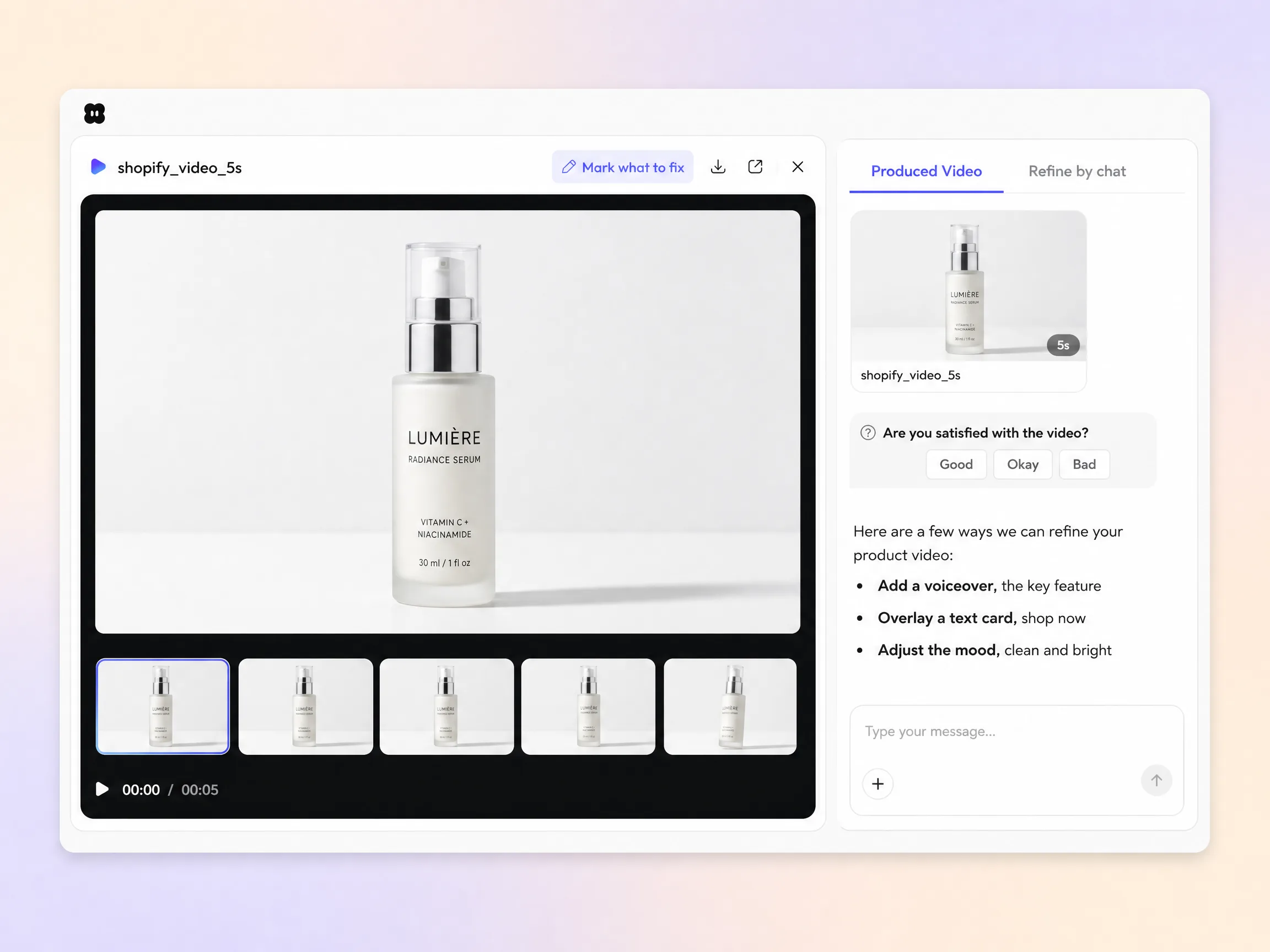
Start from a single line of text or a product photo. Pexo writes the script, generates every shot with Seedance 2.5, Kling AI 3.0, MiniMax H3, or Happy Horse 1.0, then stitches them into one continuous, edited video. Mix text to video, image to video, and script to video inside the same project. No timelines, no keyframes, no editor to open.
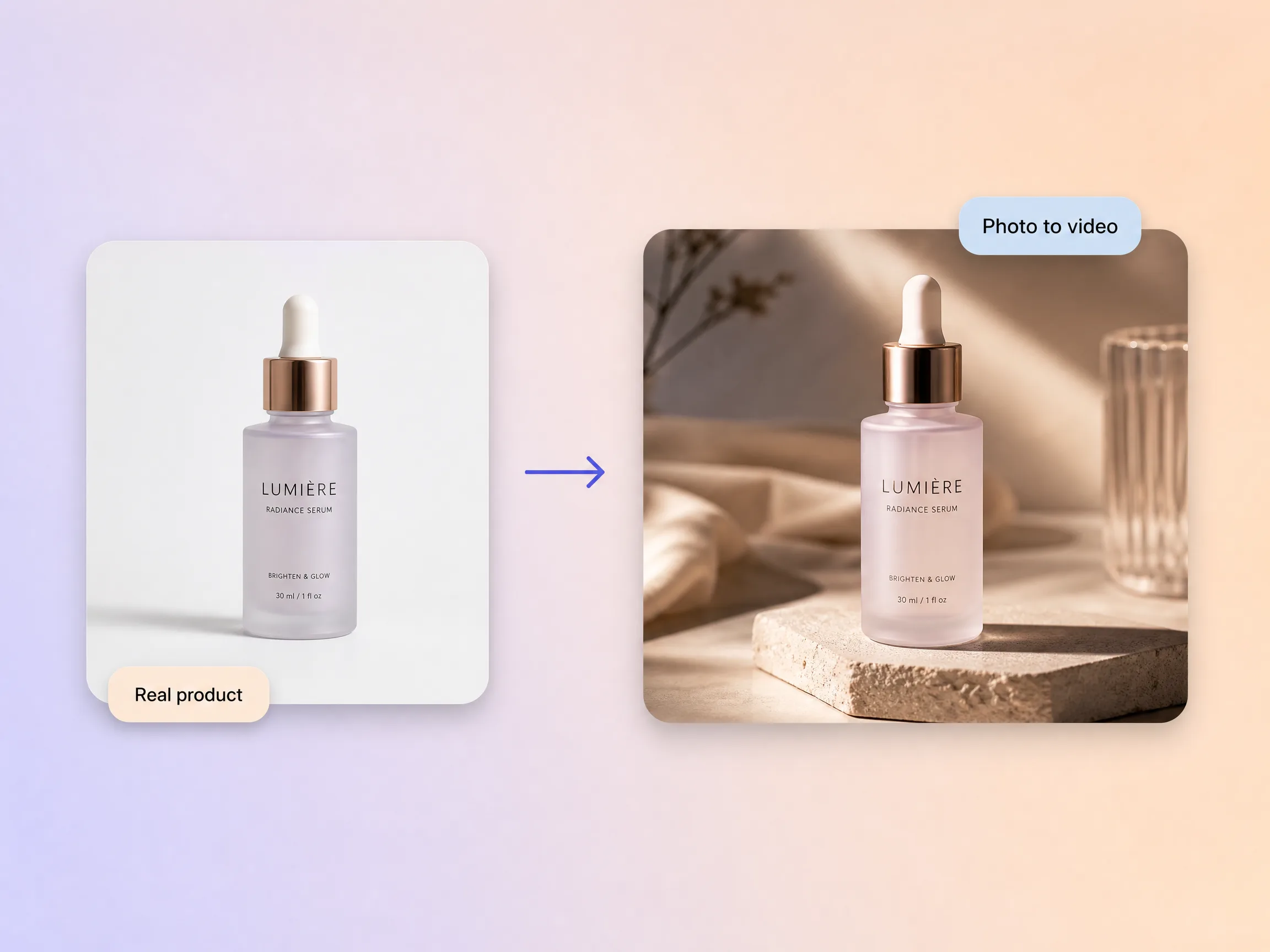
Drop in the photos already on your Shopify listing and Pexo turns them into a moving product video, no shoot required and no 3D model to build. It keeps the exact product you sell intact while it adds motion, angles, and a clean scene around it. The item shoppers watch on screen is the item that lands on their doorstep. Skip the studio day and use what you already uploaded.
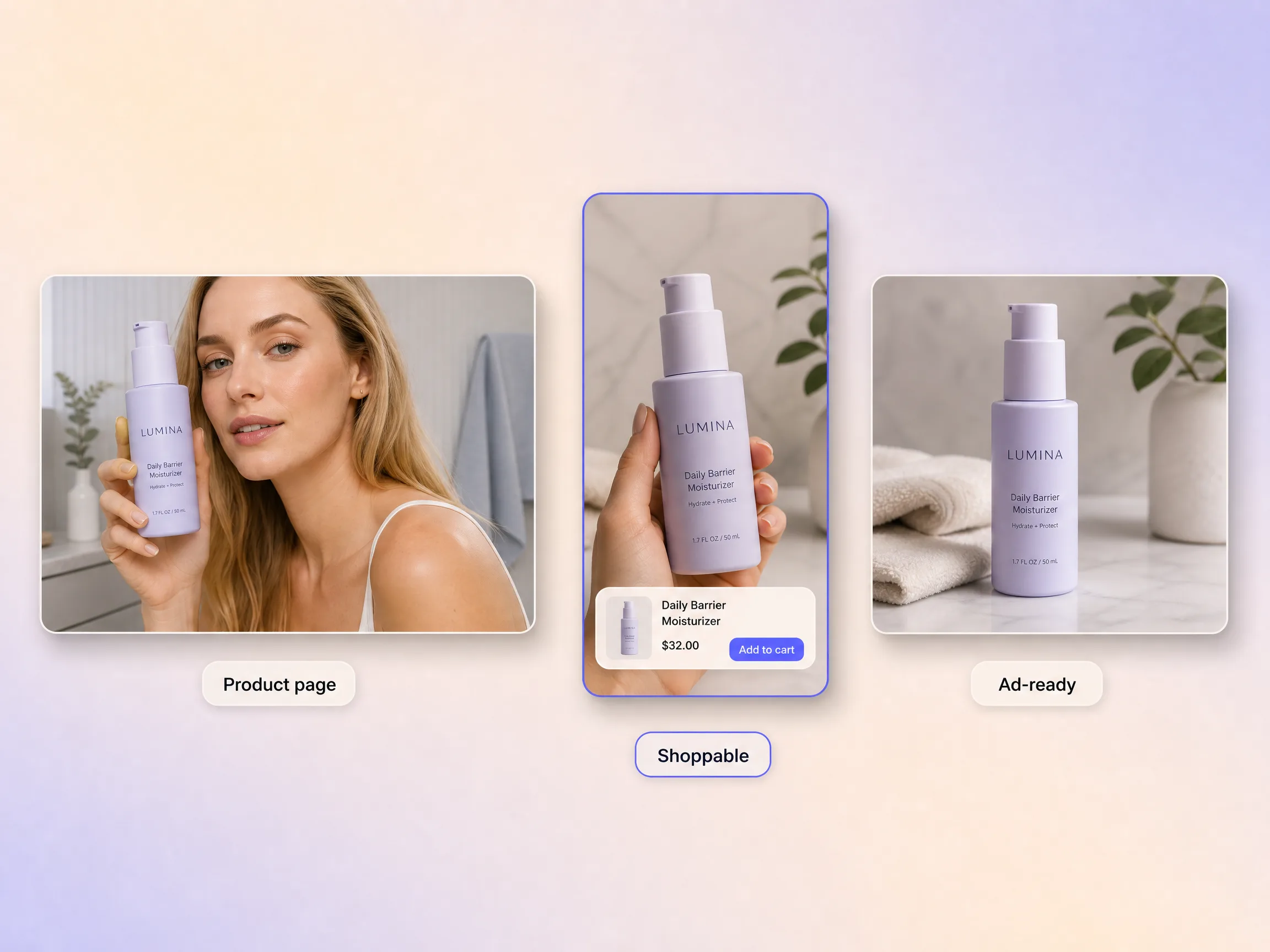
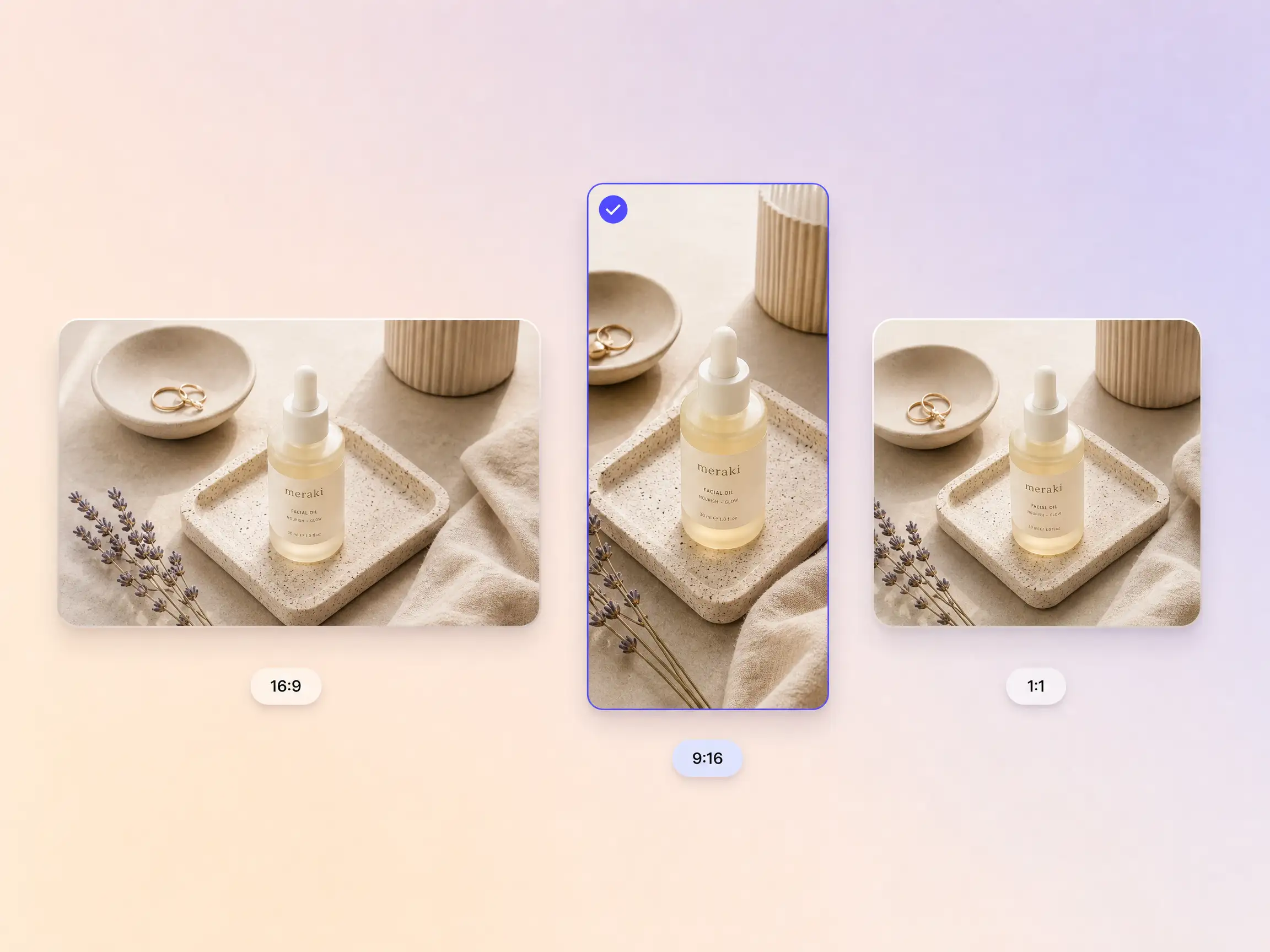
Pexo sizes your shopify video to embed cleanly on product pages and to run as a shopping ad, so a single export covers the page and the campaign. It frames the same clip for the storefront, for Stories, and for a square feed placement without a re-cut. You stop cutting the same product video twice for two placements. Publish it on the page and point your ads at it the same day.
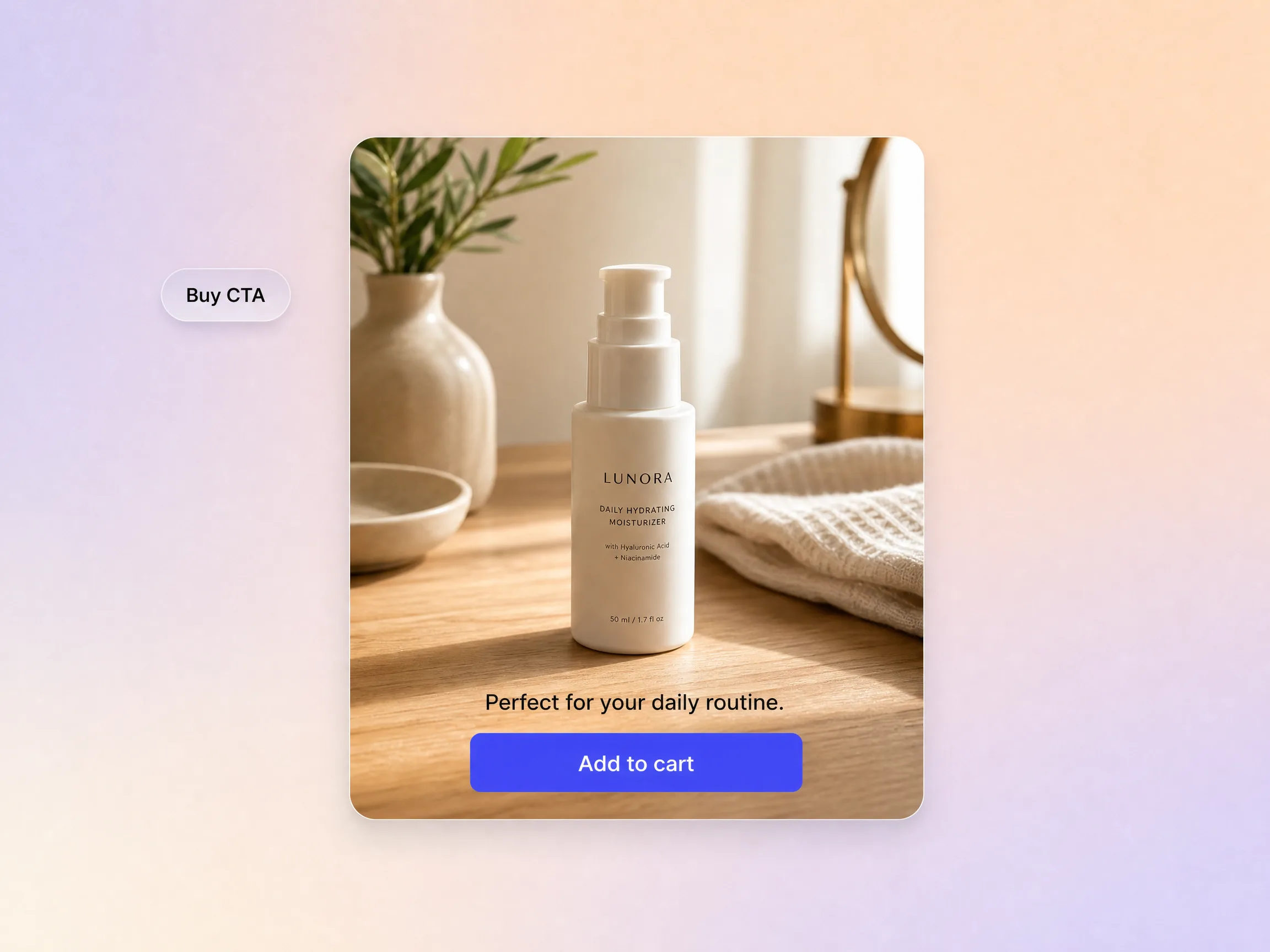
Every shopify video Pexo builds shows the item actually in use and ends on a clear buy action, built to lift conversion right on the page. It scripts the close toward one step, an add to cart or a shop now, so a shopper knows exactly what to do the moment the clip lands. Seeing the product move gives the confidence a still photo cannot. That is what turns a browser into a buyer.
Pexo delivers your shopify video natively in 16:9 for YouTube, 9:16 for TikTok and Reels, and 1:1 for feeds, up to 4K and anywhere from 5 to 120 seconds. Each aspect ratio is generated fresh for that screen, with the composition framed for it rather than cropped down from one master. Ask for several formats at once and post the right version to every channel. It looks intentional everywhere it lands.
I dropped my listing photos in and got a product video for every SKU without booking a single shoot.

Adding the video to our product pages lifted add-to-cart more than any theme change we tried.

One video embeds on the page and runs as a shopping ad, so I stopped making the same clip twice.

Related product and ad video formats you can spin up from the same prompt.
Cut the same product footage into a paid placement
Turn product details into a polished video in minutes
Show the product in action, step by step
Build a broadcast style spot for your brand
Generate ad creative for any paid channel
Get creator style clips without booking a creator
Open the box on camera without shipping a sample
Pitch the offer and close on one clear action
Sell the same catalog across every storefront you run
A shopify video is a short product clip that plays on your Shopify product page or runs as a shopping ad. Pexo builds one from your listing photos in 5 to 120 seconds, up to 4K, in 16:9, 9:16, or 1:1. It shows the item in motion and closes on a buy action, so shoppers see what they get before they add to cart.
Yes. Drop in the images already on your listing and Pexo keeps the exact product intact while it adds motion, angles, and a clean scene around it. Seedance 2.5, Kling AI 3.0, and MiniMax H3 sit behind the same prompt box, and every export runs up to 4K. What shoppers watch on screen is the item that lands on their doorstep. Start with image to video.
16:9 for the product page and hero banners, 9:16 for Stories and Reels, and 1:1 for feed and shopping ads. Every clip runs 5 to 120 seconds and up to 4K, and each ratio is framed natively rather than cropped down from one master. One shopify video covers the storefront and the campaign, so you stop re-cutting the same clip.
Pexo. It runs Seedance 2.5, Kling AI 3.0, MiniMax H3, and Happy Horse 1.0 behind one prompt box, and the shopify video maker picks the model for each shot. Clips run 5 to 120 seconds up to 4K in 16:9, 9:16, and 1:1, built from a product photo or a single line of text. Write the prompt, pick a ratio, publish.
A shopify video lives on your storefront and points shoppers at add to cart, while a product ad is cut for a paid placement and built for the scroll. Same product footage, different close. If you sell on several storefronts, start from a broader ecommerce video instead. Most stores publish the storefront clip first, then reuse it in ads the same day.
Use subject + action + camera movement + setting + style. Name the product, say what it does, then set the shot. Example: ceramic pour over kettle, steam rising as water pours, slow push in, sunlit kitchen counter, warm minimal product film. Add your ratio and length and let the shopify video generator handle the shots. Or start from text to video.
Turn your listing photos into a shopify video and put it to work on every product page.
Make an app promo video that shows real screens and drives installs. Pexo scripts and cuts it with Seedance 2.5, Kling AI 3.0 and MiniMax H3 in minutes.
Make an ecommerce video for every SKU from the photos on your listings. Pexo picks between Seedance 2.5, Kling AI 3.0 and MiniMax H3, up to 4K in minutes.
Make a google ad video for YouTube skippable, bumper and in-feed slots with Seedance 2.5, Kling AI 3.0 and MiniMax H3. Spec-ready cuts in minutes.
Make a video sales letter that closes. The AI video sales letter generator writes the arc, narrates it, and renders with Happy Horse, Kling and MiniMax H3.
Make an app ad that turns scrolls into installs. Pexo's app ad generator writes the hook and renders with Kling, MiniMax H3 and Seedance 2.5 in 4K.
Commercial video generator that turns a product photo into a broadcast-ready spot with Sora 2, Kling and Veo, cut to 15, 30 and 60 seconds in minutes.
Make an advertisement video for every placement. Pexo's AI advertisement video generator scripts and cuts the ad with Happy Horse, Seedance 2.5 and Kling.
Build a brand ad people remember with Pexo. The AI brand ad generator writes the story, locks your logo, colors, and voice, and renders with Sora 2, Kling and Veo, up to 4K.