

Make Visual Novel Videos with Seedance 2.5, Kling AI 3.0 and MiniMax H3 in Minutes
Make a visual novel video with AI. Pexo casts anime characters, voices every line, and renders dialogue scenes with Seedance 2.5 and Kling AI 3.0.
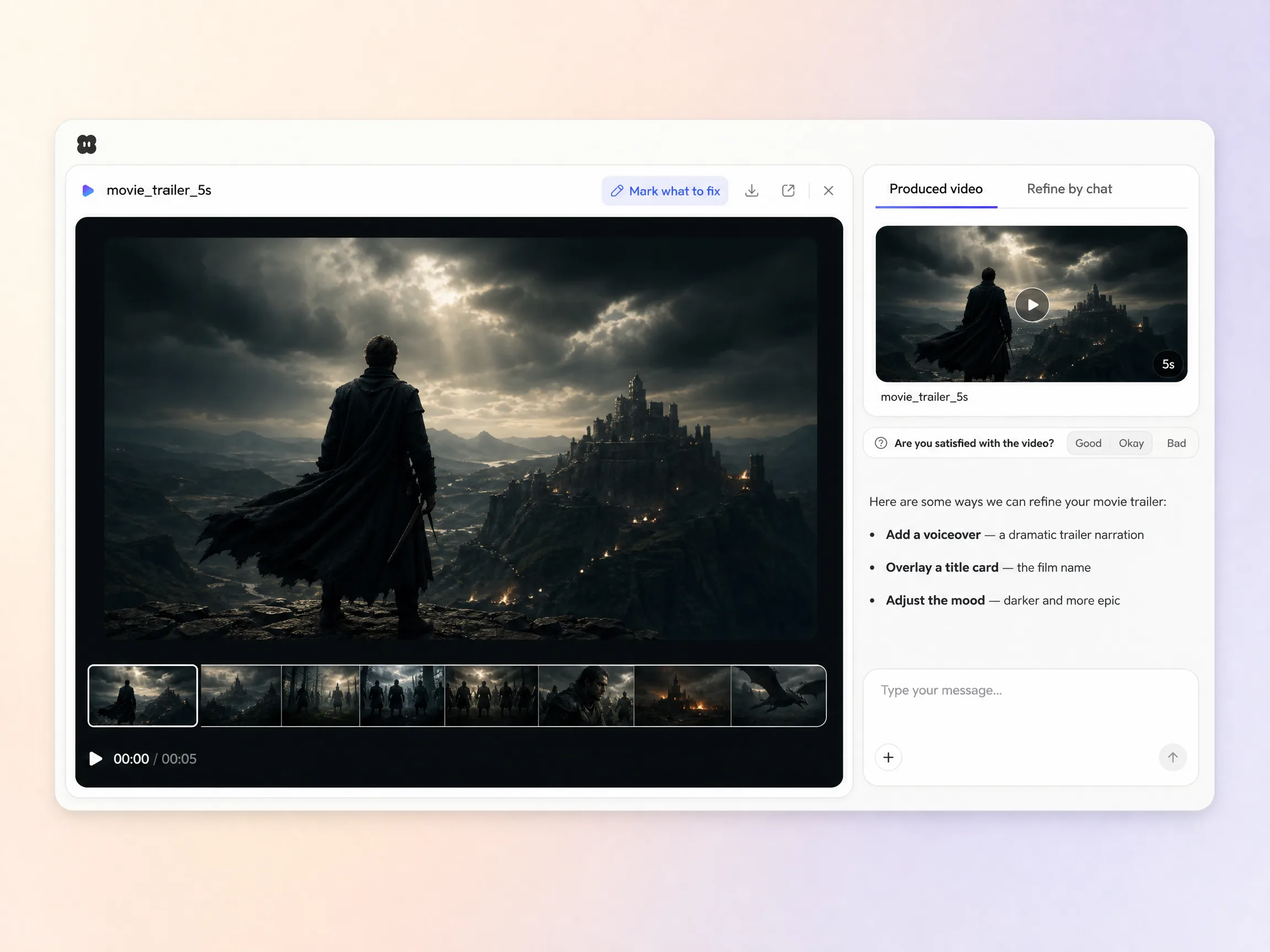
Describe the story or paste a script, pick a look, and this ai movie trailer maker generates cinematic shots, a dramatic voiceover, and an original score, then cuts a polished film trailer to the title card in minutes.
Start from one line of text, a single still, or a finished script. The movie trailer maker writes the beats, generates every shot across Seedance 2.5, Kling AI 3.0, MiniMax H3 and Happy Horse 1.0, and stitches them into one continuous, edited cut. Mix text to video, image to video, and script to video inside the same project. No timelines, no keyframes, no editor to open.
Pexo paces your trailer video the way a real one moves, a slow open, a rising middle, and a hard cut to the title, scored to the beat. Hyperframe holds the same characters and locations from shot to shot, so the story reads as one film instead of disconnected clips. A script on a page becomes a trailer that feels like a premiere.
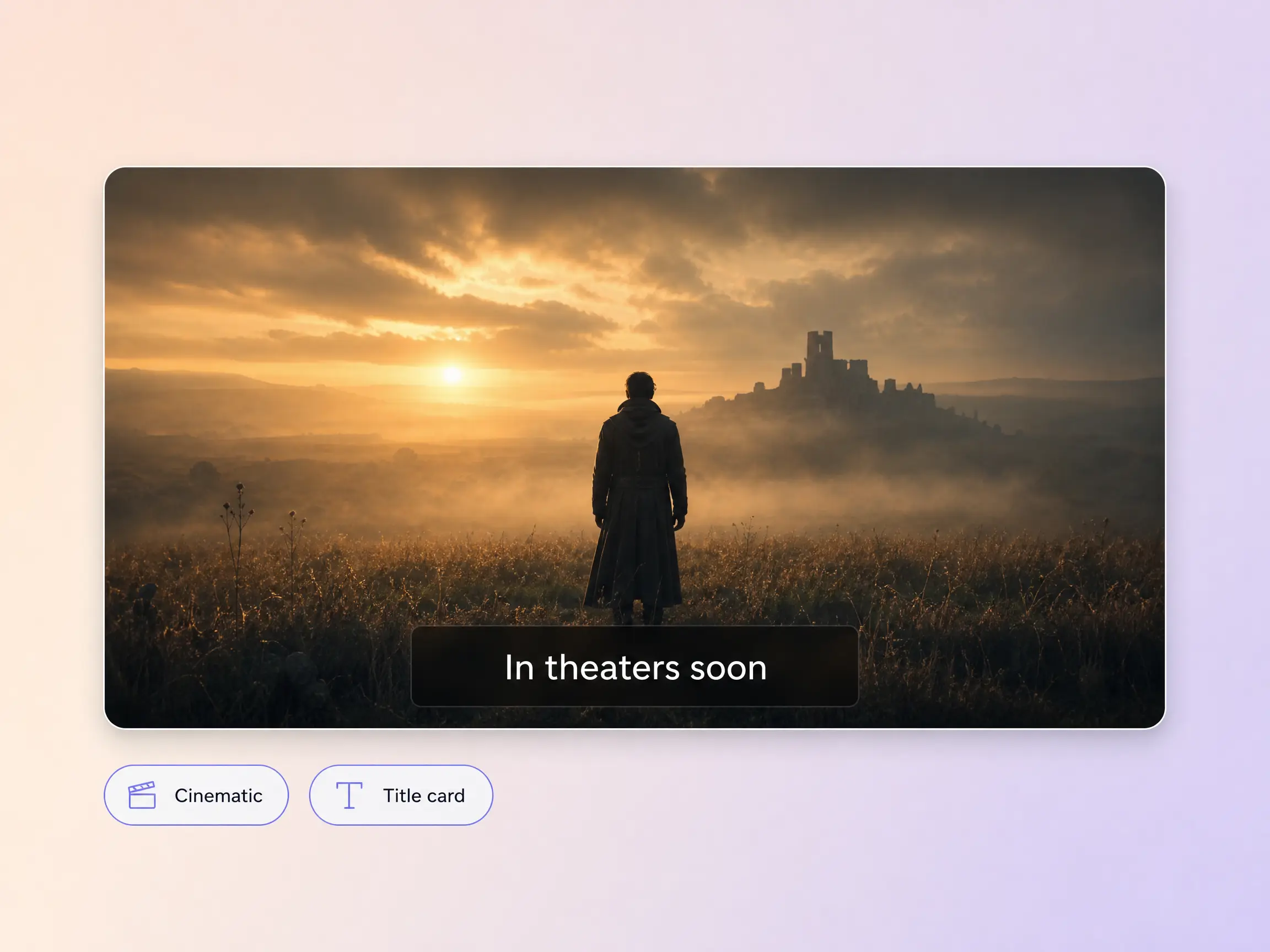
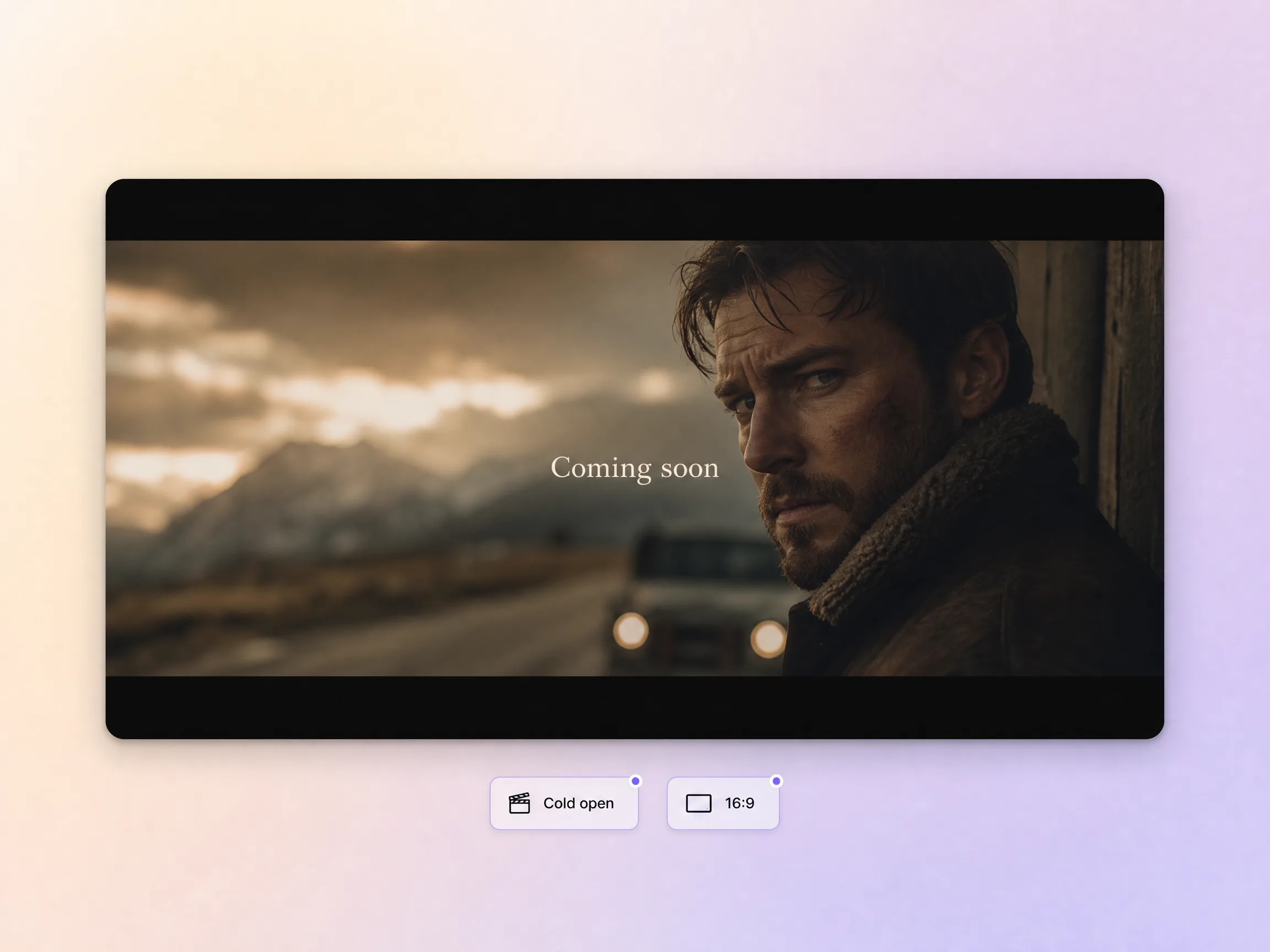
Your ai movie trailer opens on a cold open that hooks, builds until the stakes are obvious, and lands on a title card. Pexo cuts to tension instead of dumping plot, then layers a dramatic voiceover and an original score over the top. Those two minutes are what sell the whole film.
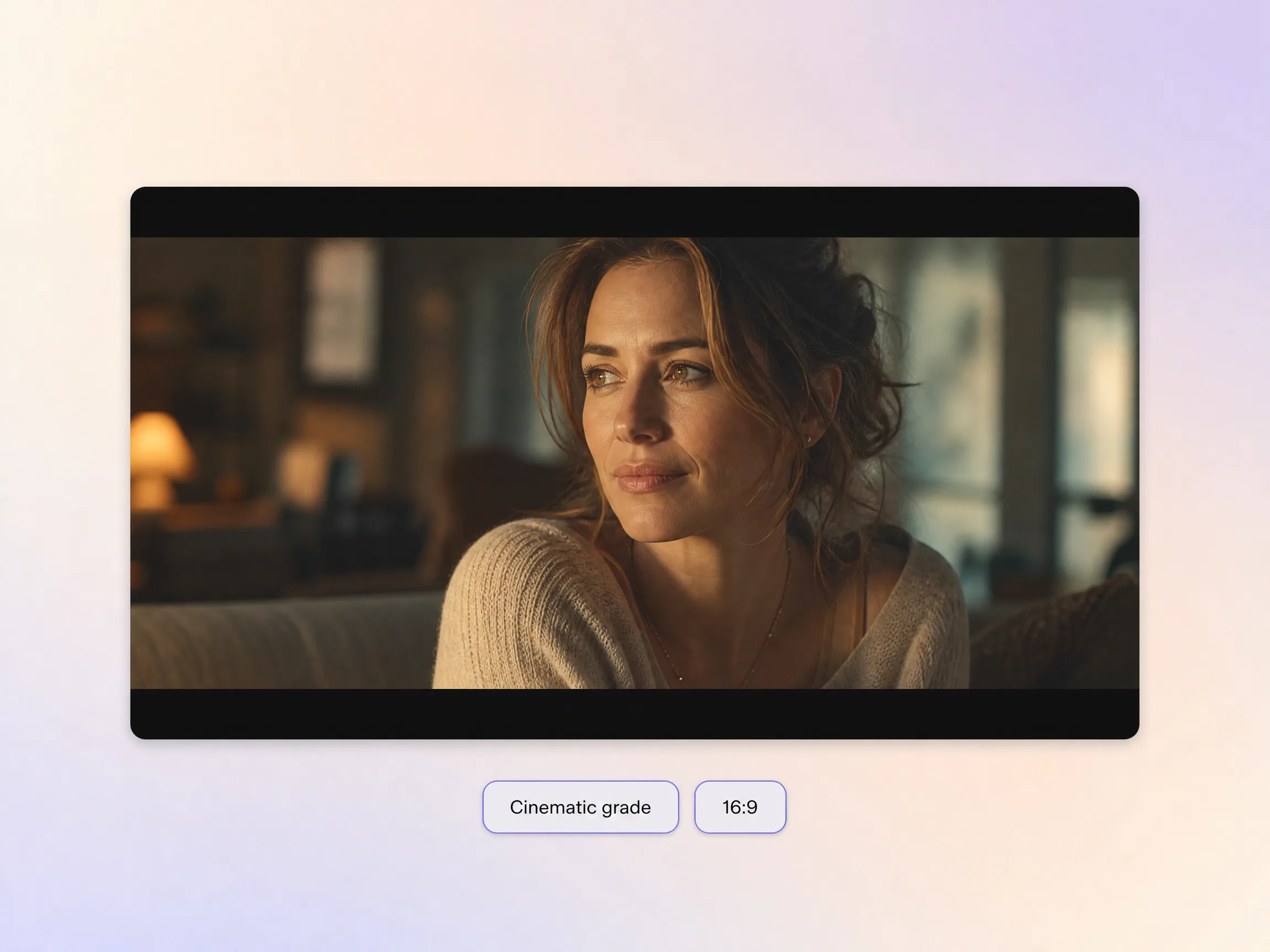
Pexo finishes your film trailer with a true cinematic look: film-style color, shallow depth, and framing that reads as shot rather than generated. The grade holds across every cut, so it plays like a studio release instead of a demo reel. Add dubbing or a cloned narrator voice and the whole thing lands in one pass.
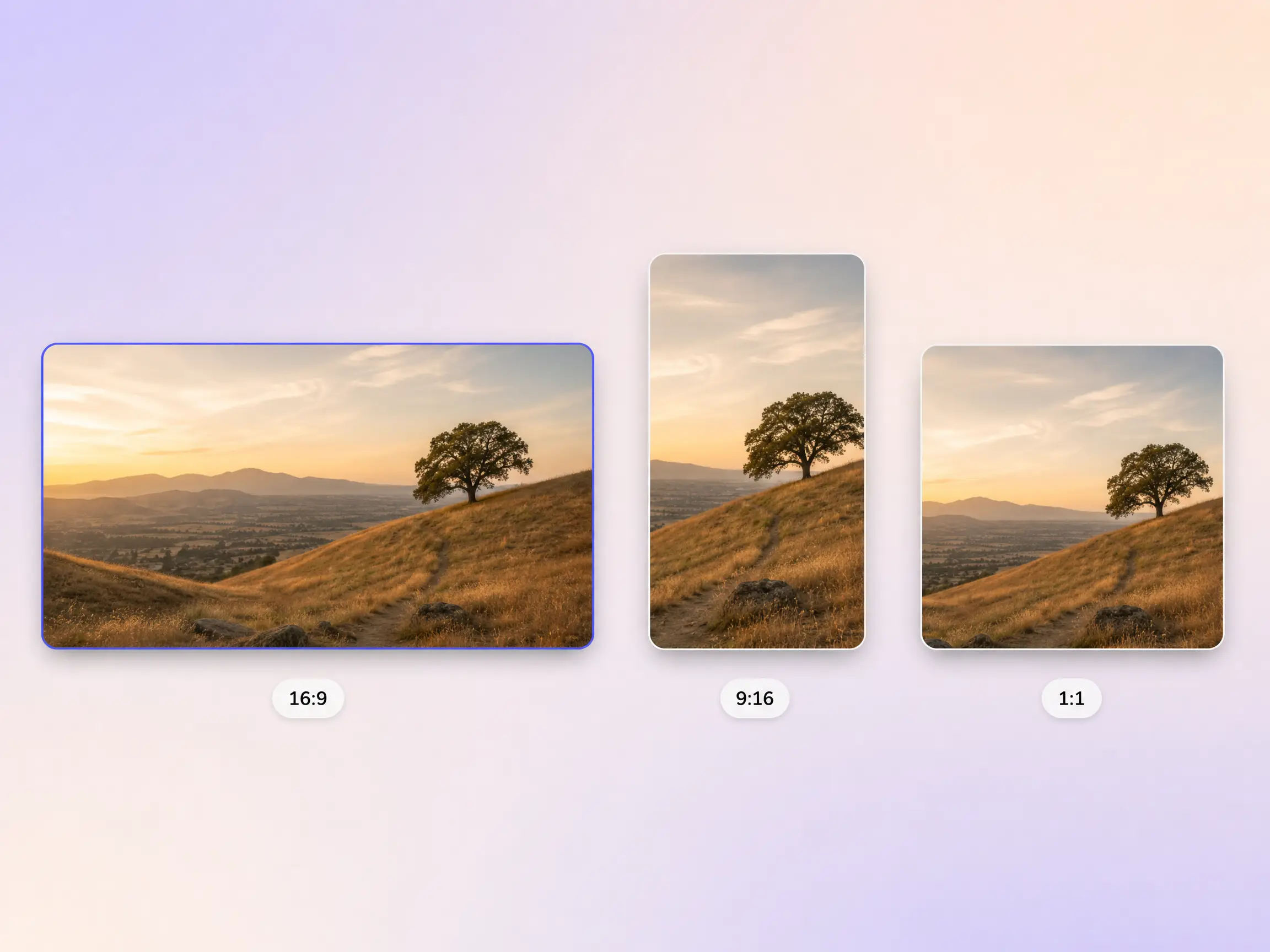
The movie trailer generator delivers natively in 16:9 for YouTube, 9:16 for TikTok and Reels, and 1:1 for feeds, up to 4K and anywhere from 5 to 120 seconds. Each aspect ratio is generated fresh for that screen, with the composition framed for it rather than cropped down from one master. Ask for several formats at once and post the right cut to every channel. It looks intentional everywhere it lands.
I had a 12 page script and no budget to shoot anything. Pexo generated the shots and scored the whole film trailer and it looked like a real festival cut.

I pasted a two page outline and the movie trailer generator caught the tone in one pass. The pacing and the title card gave it real weight.

No footage, no actors, no reshoots. Pexo turned one story idea into an ai movie trailer that pulled more views in a week than my last three edits.

Related cinematic and story video formats, built from the same movie trailer prompt.
A movie trailer is a short cut of a film's strongest moments, usually 60 to 150 seconds, edited to sell the story without giving away the ending. Pexo builds one from a script or a plain description, generating cinematic shots with Seedance 2.5 and Kling AI 3.0, then adding a dramatic voiceover, an original score, and a title card.
No. Pexo generates every shot from your script, so an ai movie trailer needs no filming, no cast, and no timeline to open. Clips run 5 to 120 seconds and export in 16:9, 9:16, or 1:1 up to 4K, with MiniMax H3 and Seedance 2.0 handling the heavier camera moves. Regenerate one shot without rebuilding the cut.
Yes. Hyperframe locks each face, costume, and location, so the movie trailer reads as one film rather than unrelated clips. Pexo carries that consistency through every cut, from a 5 second sting to a 120 second edit, and holds it across 16:9, 9:16, and 1:1 exports up to 4K when Kling AI 3.0 handles the shots.
Pexo is a strong pick because it runs 10+ models behind one prompt box, including Seedance 2.5, Kling AI 3.0, MiniMax H3 and Happy Horse 1.0, and auto-routes each shot to the model that suits it. The movie trailer maker also writes the beats, narrates them, scores them, and exports every ratio up to 4K.
A movie trailer runs longer and shows the arc, while a teaser trailer holds almost everything back for 20 seconds of atmosphere and a date card. If you want the finished story rather than the promise of one, build a mini movie instead. Same prompt box, same 4K export, different length and intent.
Use subject + action + camera movement + setting + style. For example: a lone diver surfacing beside a wrecked hull, slow crane up as the light drops, storm grey ocean at dusk, anamorphic grain with a cold teal grade. Name the beat you want and Pexo paces the rest of the movie trailer around it.
Hand Pexo a script and the ai movie trailer maker generates the shots, scores it, and exports every ratio.
Make a visual novel video with AI. Pexo casts anime characters, voices every line, and renders dialogue scenes with Seedance 2.5 and Kling AI 3.0.
Turn any script into an animated story video with AI. Pexo picks the best animation model per scene, adds narration and captions, and delivers a finished story.
Make a fairy tale video with AI. Pexo writes the story, paints the scenes, narrates it, and renders it with Seedance 2.5, Kling AI 3.0 and MiniMax H3.
Spoof any trailer, ad, or song. The Pexo AI parody video maker writes the bit, builds every scene on Seedance 2.5 and Kling AI 3.0, and syncs the lips.
Describe the tale and Pexo turns it into a calm bedtime story video with soft narration and music, on Seedance 2.5, Kling AI 3.0 and MiniMax H3.
Make comic videos with AI. Pexo turns a script or your panels into animated comic scenes with Seedance 2.5 and Kling AI 3.0, voiceover, captions, up to 4K.
Make a fan film, no camera or crew. Pexo's AI fan film generator writes and shoots every scene, then renders in 4K with MiniMax H3, Seedance 2.5 and Kling.
Turn a prompt or your panels into an AI manga video with ink, screentones and voiceover. Seedance 2.5, Kling AI 3.0 and MiniMax H3 render it in minutes.