
Make Visual Novel Videos with Seedance 2.5, Kling AI 3.0 and MiniMax H3 in Minutes
Make a visual novel video with AI. Pexo casts anime characters, voices every line, and renders dialogue scenes with Seedance 2.5 and Kling AI 3.0.
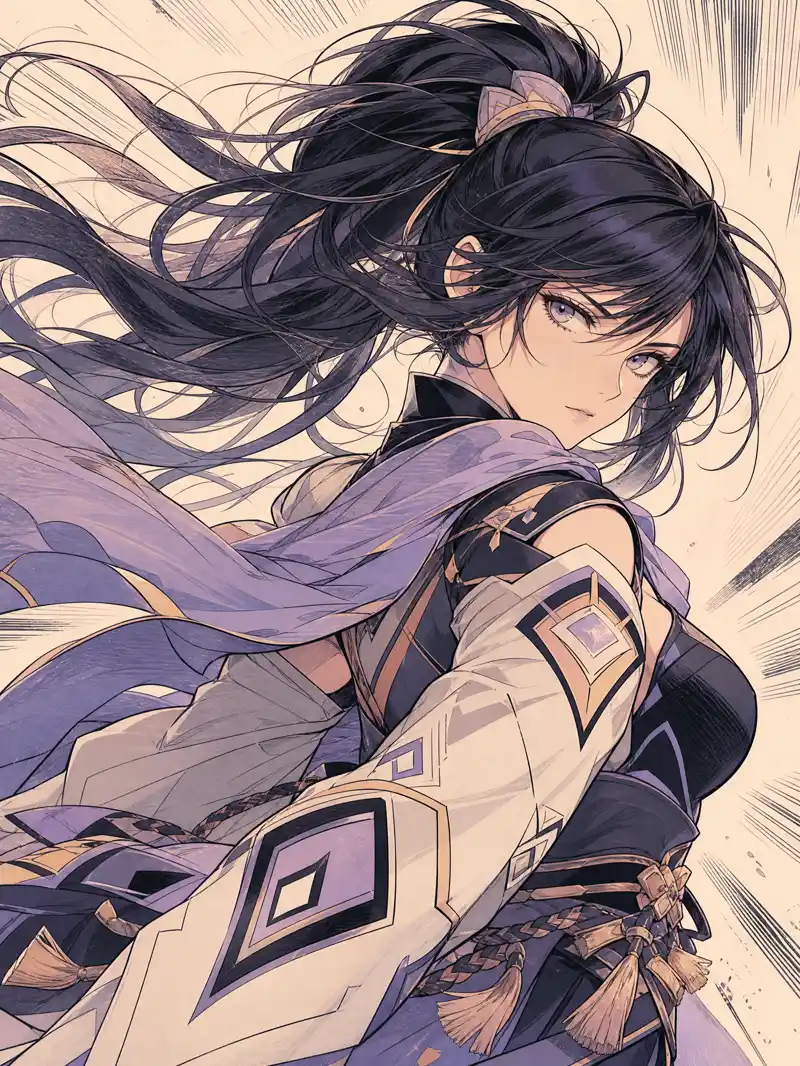
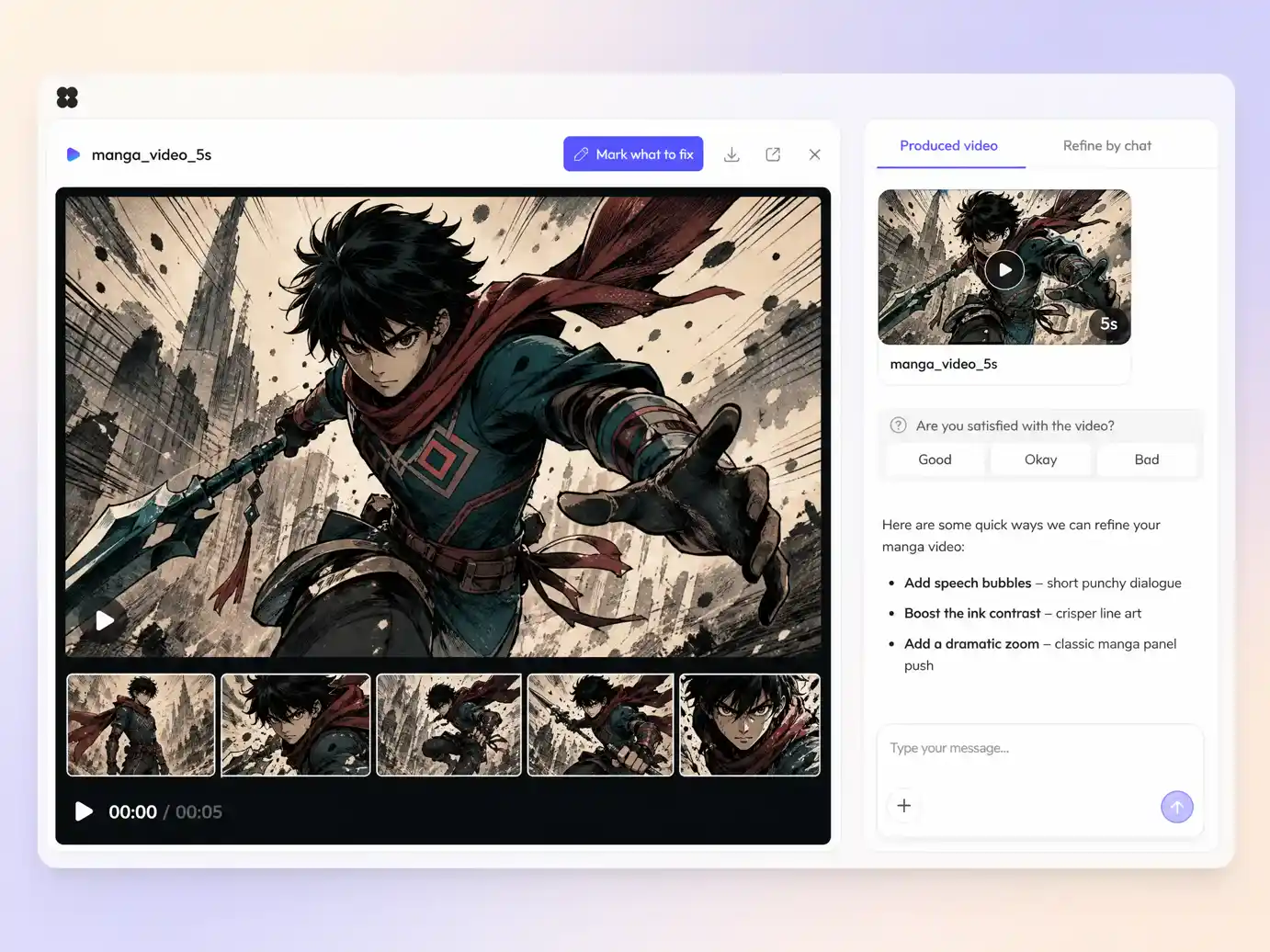
Describe a scene or upload your panels, pick a look, and Pexo's AI manga video engine renders inked, on-model shots with speed lines, voiceover, and subtitles. This manga video maker hands back a publish-ready episode in minutes.
Type the beat you want, or drop in a page you already drew. Pexo writes the shot list, renders every panel through engines like Seedance 2.5 and Kling AI 3.0, and cuts them into one continuous manga sequence. Text to video, image to video, and script to video mix inside the same project. No timeline, no keyframes, no editor to open.
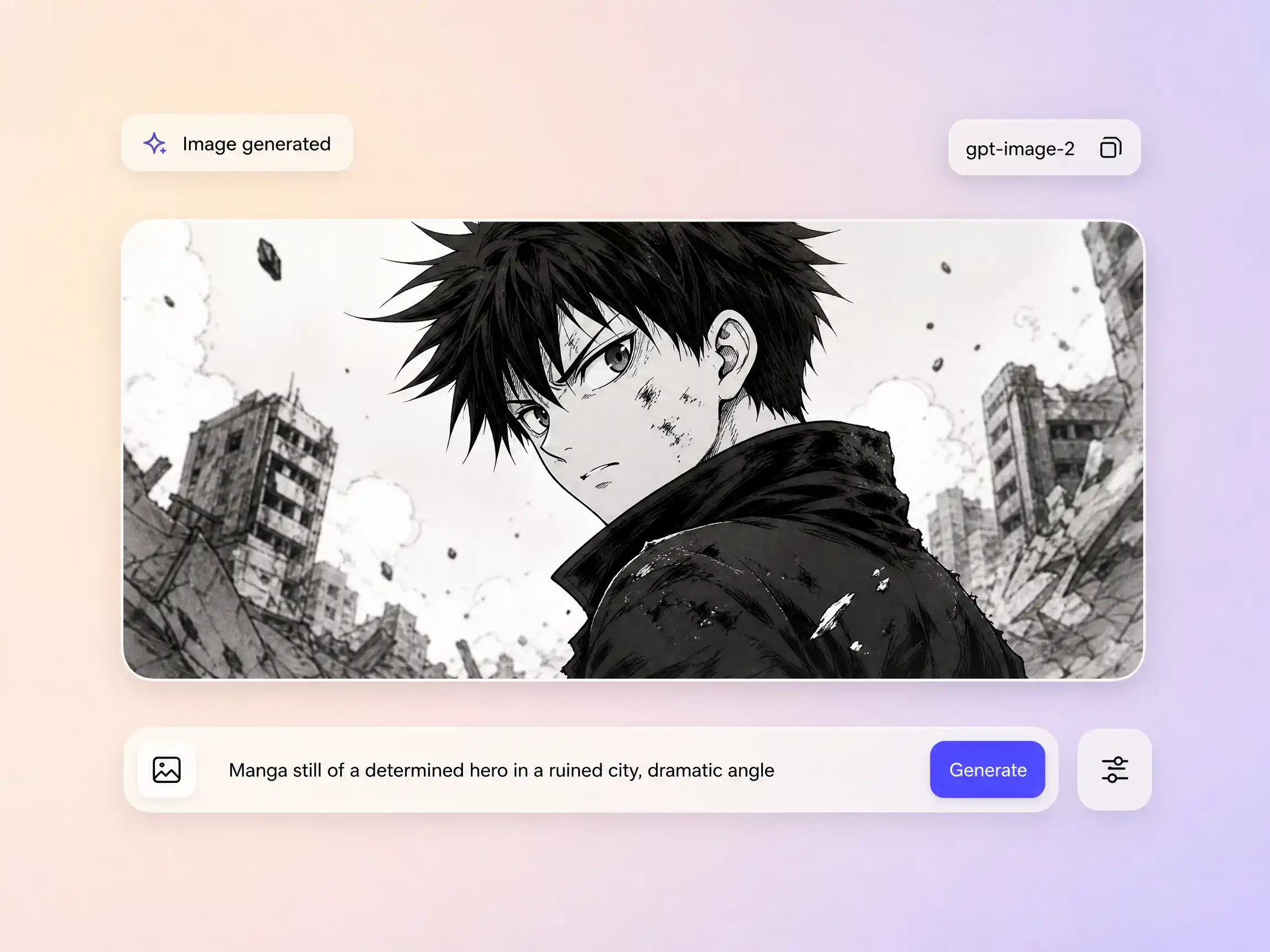
Missing an establishing shot, a rooftop backdrop, or a close-up of the villain? Pexo draws it in-house with gpt-image-2, matched to the ink weight and screentone density of the rest of your manga video, then animates it straight into the cut. You spec the panel in words instead of redrawing it at 2am, and it lands in the sequence without leaving the tool.
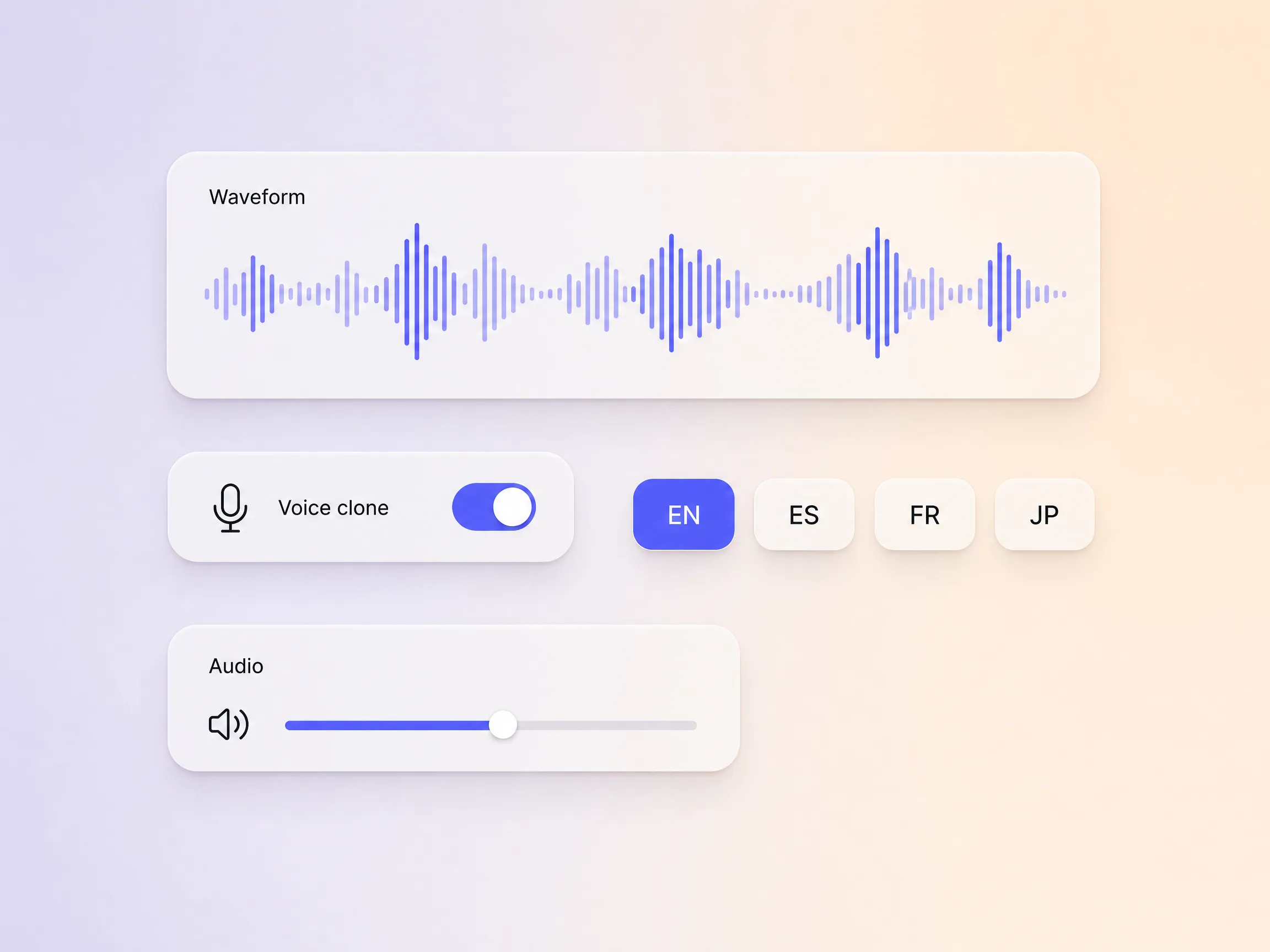
Manga travels, so your audio should too. Pexo generates expressive voiceover for narration and for individual character lines, then dubs the same cut into other languages with subtitles that stay in sync. Clone your own voice once and every episode of the series sounds like you. Audio is timed to the panels automatically, so the silent beat before a reveal lands where the ink does.
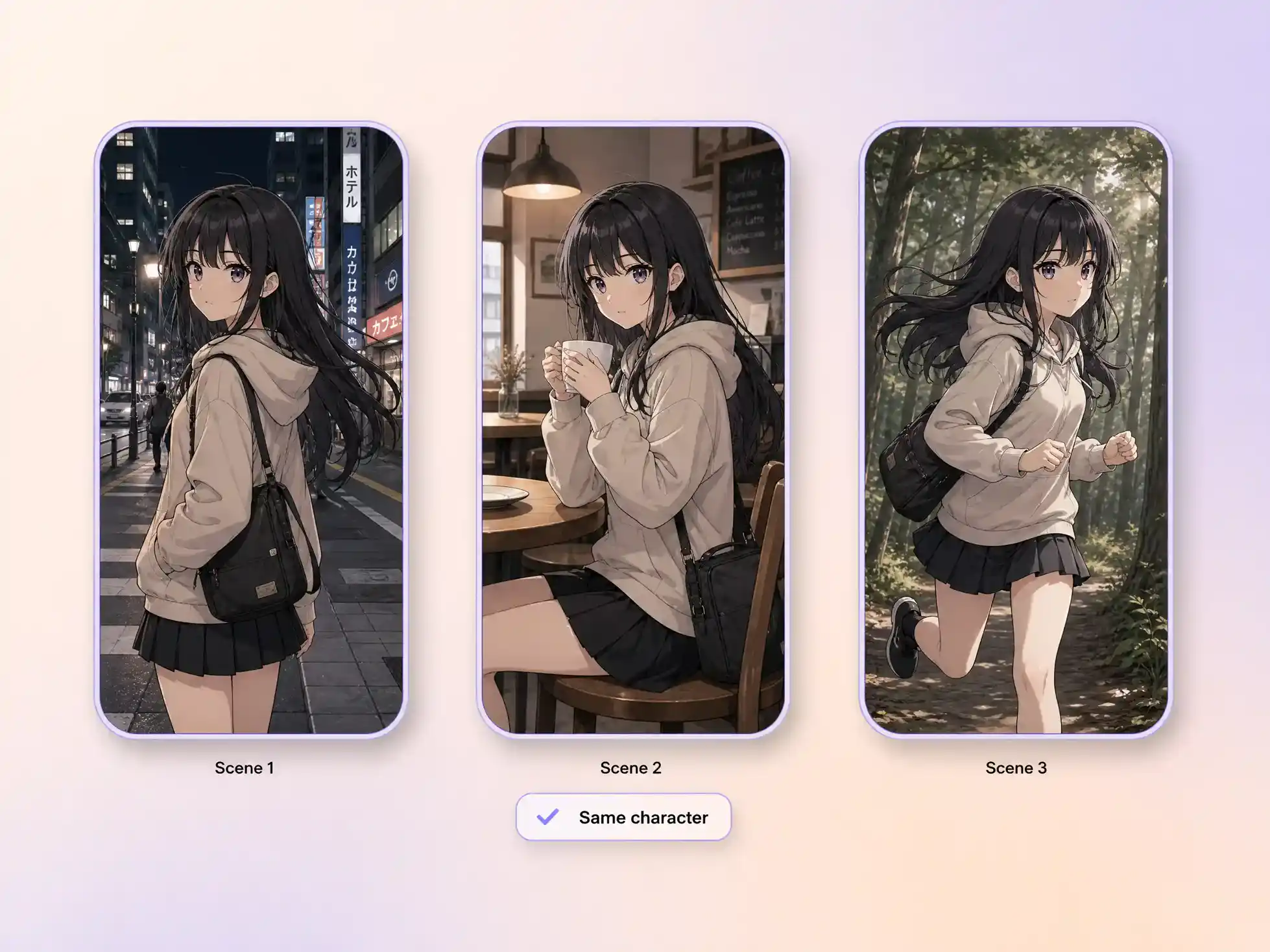
Hyperframe locks a character's face, hair, and costume so panel 12 shows the same person as panel 1, not a cousin who wears the same jacket. Readers of manga catch an off-model face instantly, which is exactly where most AI sequences fall apart. Lock the cast once, plus any prop or logo you care about, and every scene downstream holds the design.
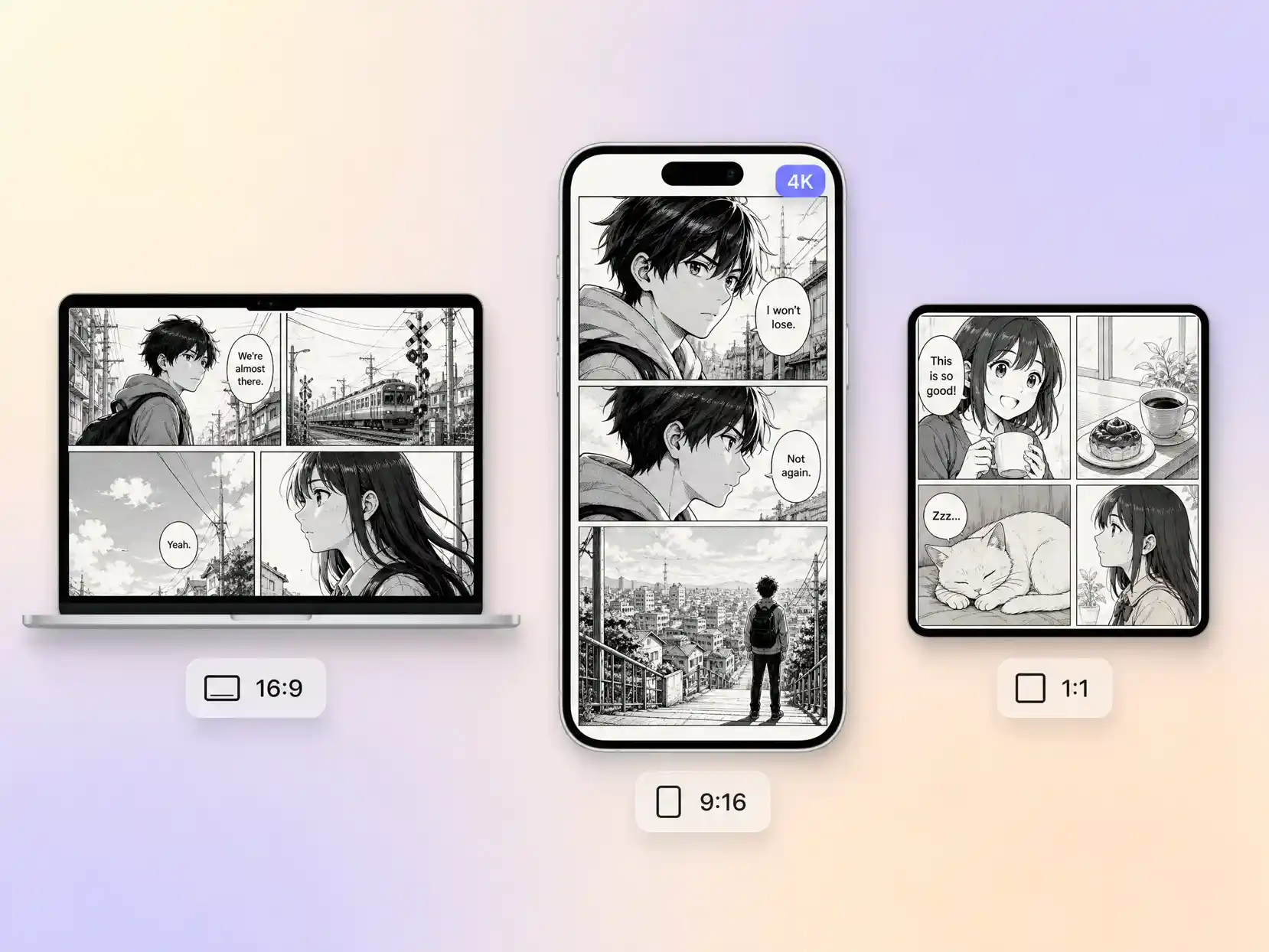
Pexo delivers natively in 16:9 for YouTube, 9:16 for TikTok and Reels, and 1:1 for feeds, up to 4K and anywhere from 5 to 120 seconds. Each ratio is composed for that screen instead of cropped down from one master, so a vertical cut keeps the speed lines and the shout in frame. Ask for several formats at once and post the right one to every channel.
I turn each chapter recap into a 43 second manga video, and my panels finally move the way I drew them in my head. Two of them brought 9,400 new readers to the series.

The screentones and speed lines read as genuinely inked, not a filter dropped over stock footage. I ship 3 recaps a week now instead of 1. Subscribers thought I hired an animator.

I have never drawn a panel in my life. Pexo turned chapter 7 of my novel into a 62 second moving manga scene. It carried my book pitch.

A manga video is a manga-styled story told in motion: black and white ink, screentone shading, speed lines, and dramatic panel pacing, played back as video with sound. Creators publish them as original episodes, chapter recaps, and series trailers, typically 5 to 120 seconds long in 16:9, 9:16, or 1:1.
Yes. Upload finished pages or single panels and Pexo animates them with camera moves, parallax, effects, and transitions, so nothing gets redrawn. Shots run through engines such as Seedance 2.5 and Kling AI 3.0, and the cut comes back up to 4K in whichever aspect ratio you asked for.
No. Describe the scene in plain words and the manga video generator draws it, ink, tones, speed lines and all, then sets it in motion. Artists who already have pages can upload them instead for an exact match. Either path ends at a finished cut between 5 and 120 seconds.
Pexo. It routes each shot across more than ten video engines, including Seedance 2.5, Kling AI 3.0, MiniMax H3, and Happy Horse 1.0, so stylized manga motion goes to whichever one handles it best. Script, artwork, voiceover, subtitles, and the final cut render in one place, up to 4K.
Use one formula: subject + action + camera movement + setting + style. Example: a lone swordswoman draws her blade, slow push-in, rain-soaked alley at night, black and white manga ink with heavy screentones and speed lines. Name the panel mood and the shot length too, and the AI manga video comes back closer on the first pass.
Style, mostly. A manga video leans on Japanese conventions like ink, screentones, and speed lines, while a comic video uses western color and halftone, and a cartoon video goes rounder and brighter still. Want cel-shaded color and full motion instead, start from anime video. For a longer narrative piece, an animated story video fits better.
From a prompt or your own panels, Pexo delivers inked, on-model scenes with voice and subtitles, in minutes.
Make a visual novel video with AI. Pexo casts anime characters, voices every line, and renders dialogue scenes with Seedance 2.5 and Kling AI 3.0.
Turn any script into an animated story video with AI. Pexo picks the best animation model per scene, adds narration and captions, and delivers a finished story.
Make a fairy tale video with AI. Pexo writes the story, paints the scenes, narrates it, and renders it with Seedance 2.5, Kling AI 3.0 and MiniMax H3.
Spoof any trailer, ad, or song. The Pexo AI parody video maker writes the bit, builds every scene on Seedance 2.5 and Kling AI 3.0, and syncs the lips.
Describe the tale and Pexo turns it into a calm bedtime story video with soft narration and music, on Seedance 2.5, Kling AI 3.0 and MiniMax H3.
Make comic videos with AI. Pexo turns a script or your panels into animated comic scenes with Seedance 2.5 and Kling AI 3.0, voiceover, captions, up to 4K.
Make a fan film, no camera or crew. Pexo's AI fan film generator writes and shoots every scene, then renders in 4K with MiniMax H3, Seedance 2.5 and Kling.
Make a sketch video that draws itself. Pexo's AI sketch video generator writes the script, draws every frame, and narrates it with Seedance 2.5, up to 4K.