
AI Animated Music Video
Make an animated music video with Pexo. Use one visual motif that follows the music to tell a clear story. Organize your material and review the finished video.
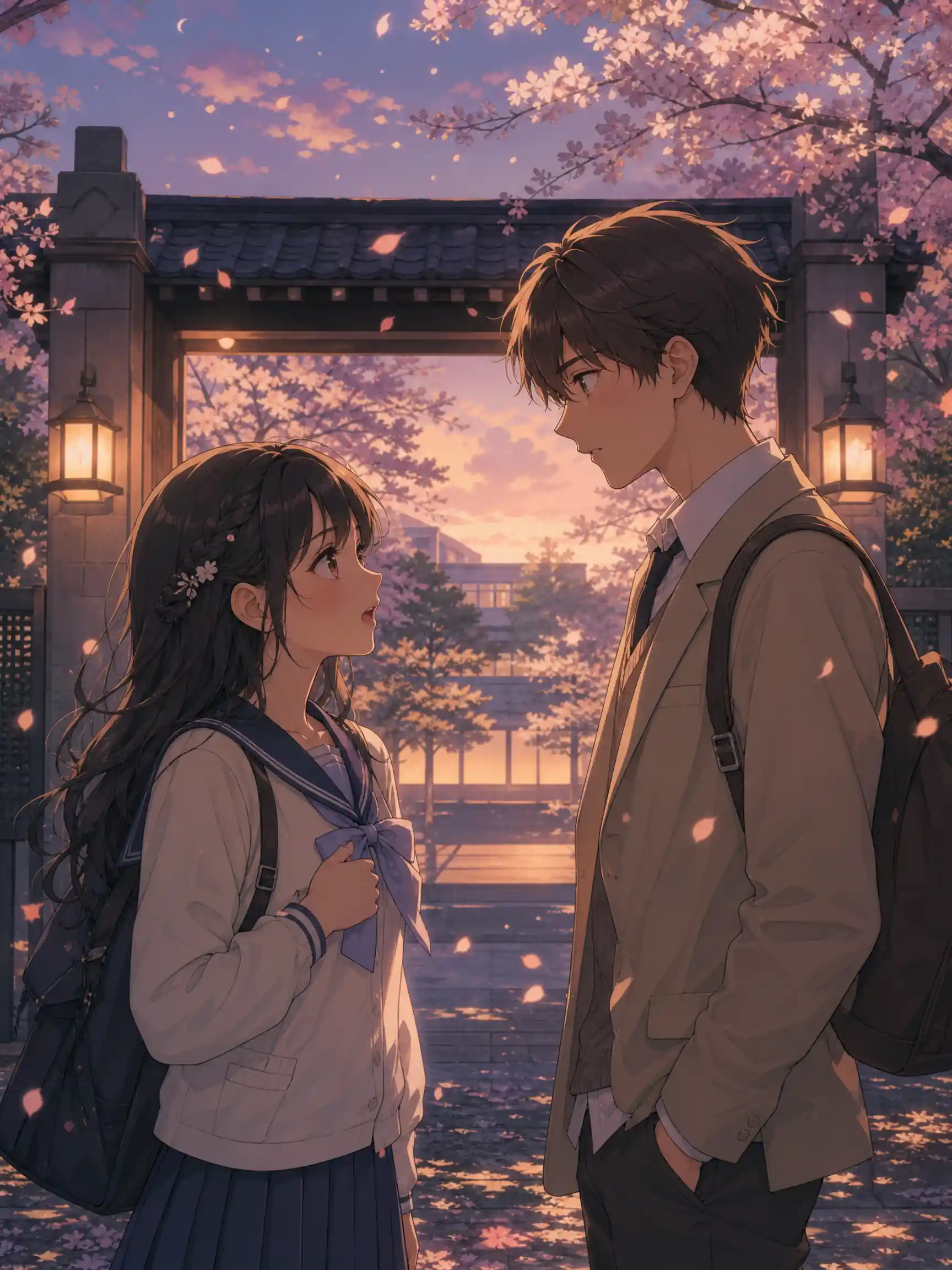
Pexo's AI visual novel video maker turns a pasted script into anime style dialogue scenes. Describe the cast, pick a look, and generate voiced, lip synced scenes up to 4K in minutes.
Drop in a finished script, a rough logline, or a character sketch you drew yourself. Pexo reads the dialogue and the stage directions, casts each beat, generates every shot, and stitches the run into one edited cut with transitions and subtitles already placed. Text to video, image to video, and script to video share the same project, so a reference sketch and a written line can feed the same scene. If you want full motion action instead of conversation, the anime video page covers that.
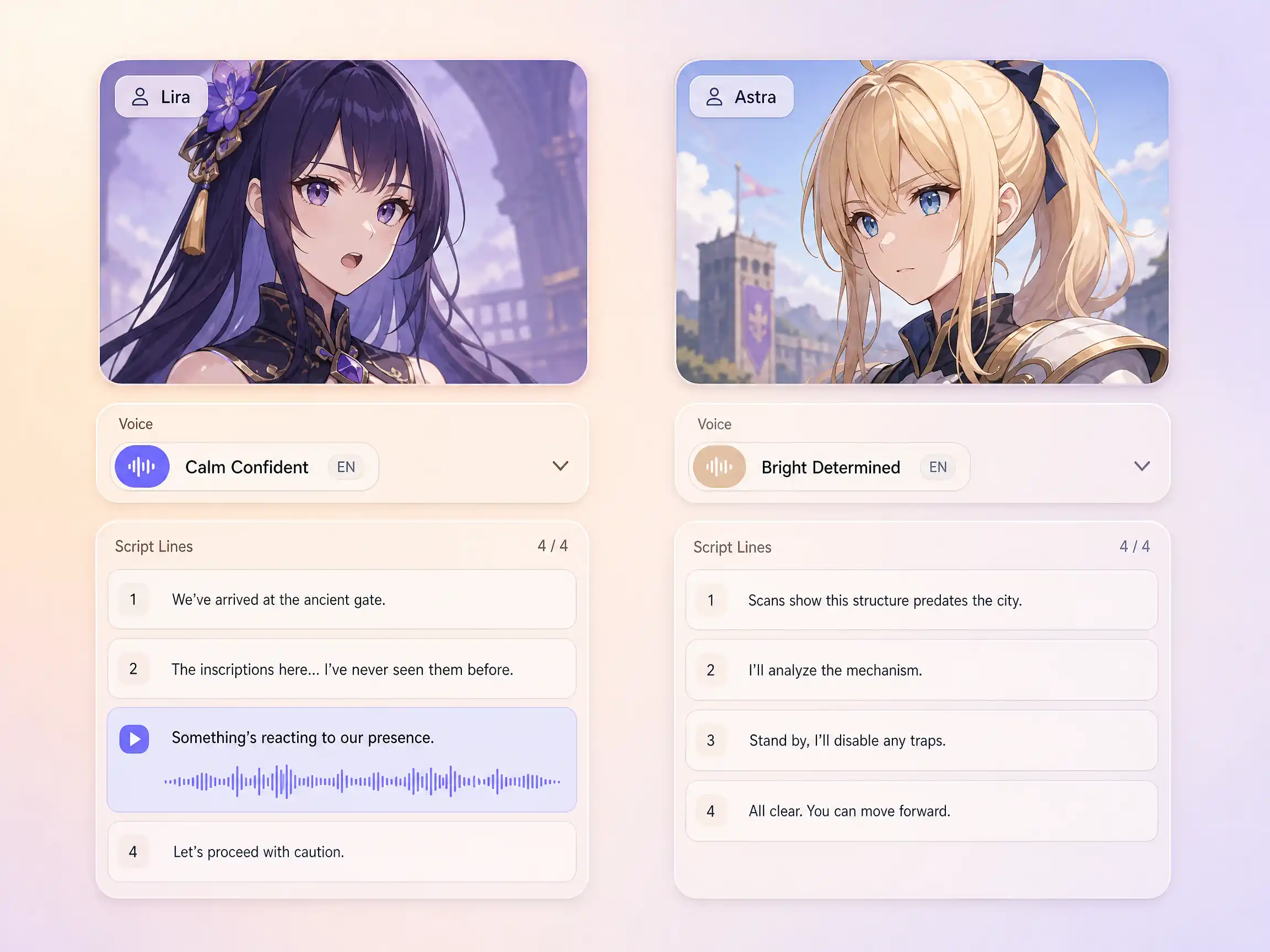
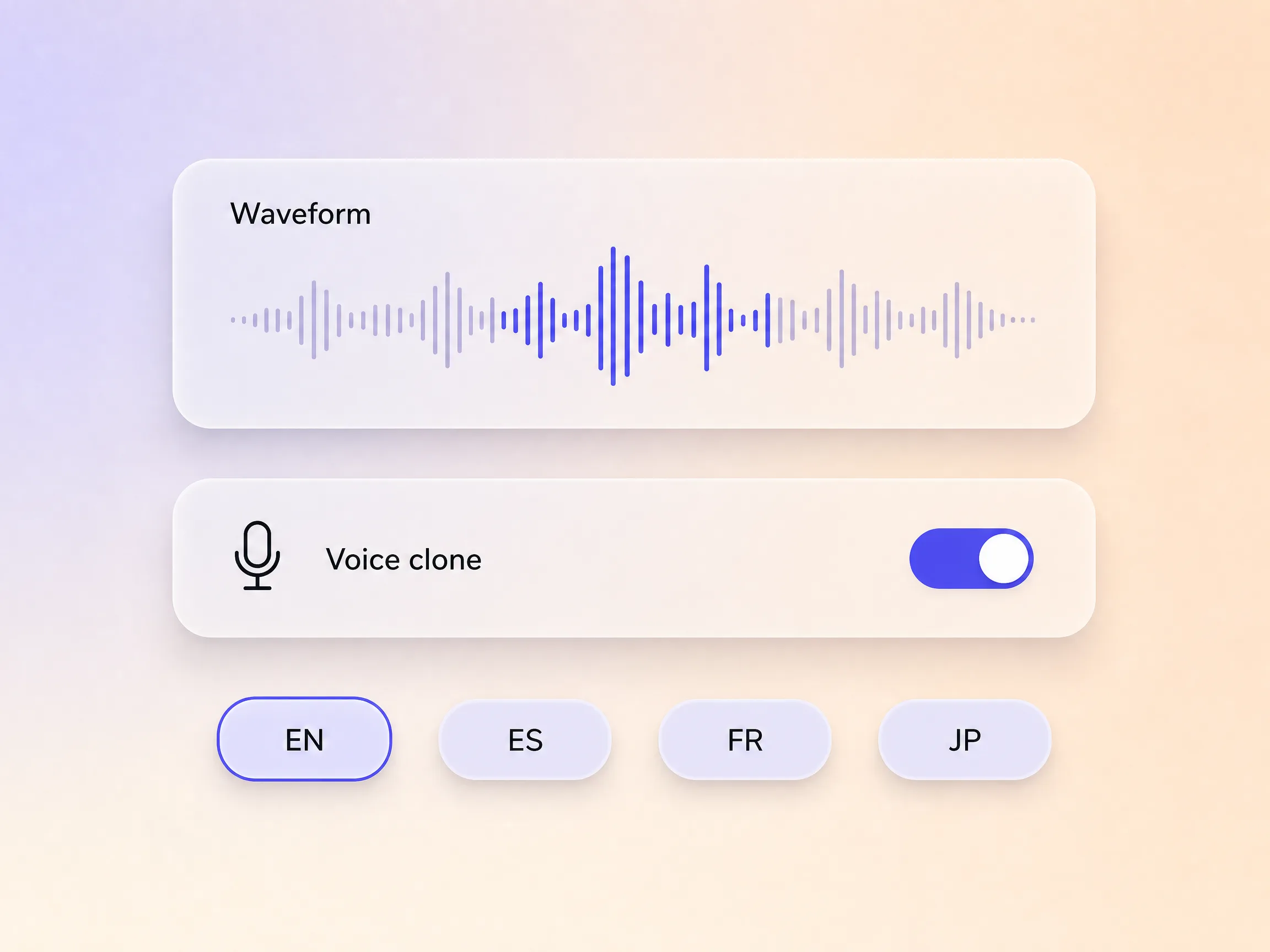
A visual novel lives on its dialogue, so Pexo makes the talking real. Give each character a distinct AI voice, or clone one you already use, and lip sync animates every mouth to the line it is speaking. Two rivals trade barbs, a narrator sets the scene, and the delivery shifts with the mood instead of flattening into one read. Paste the script and the cast performs it line by line, with nothing recorded by you.
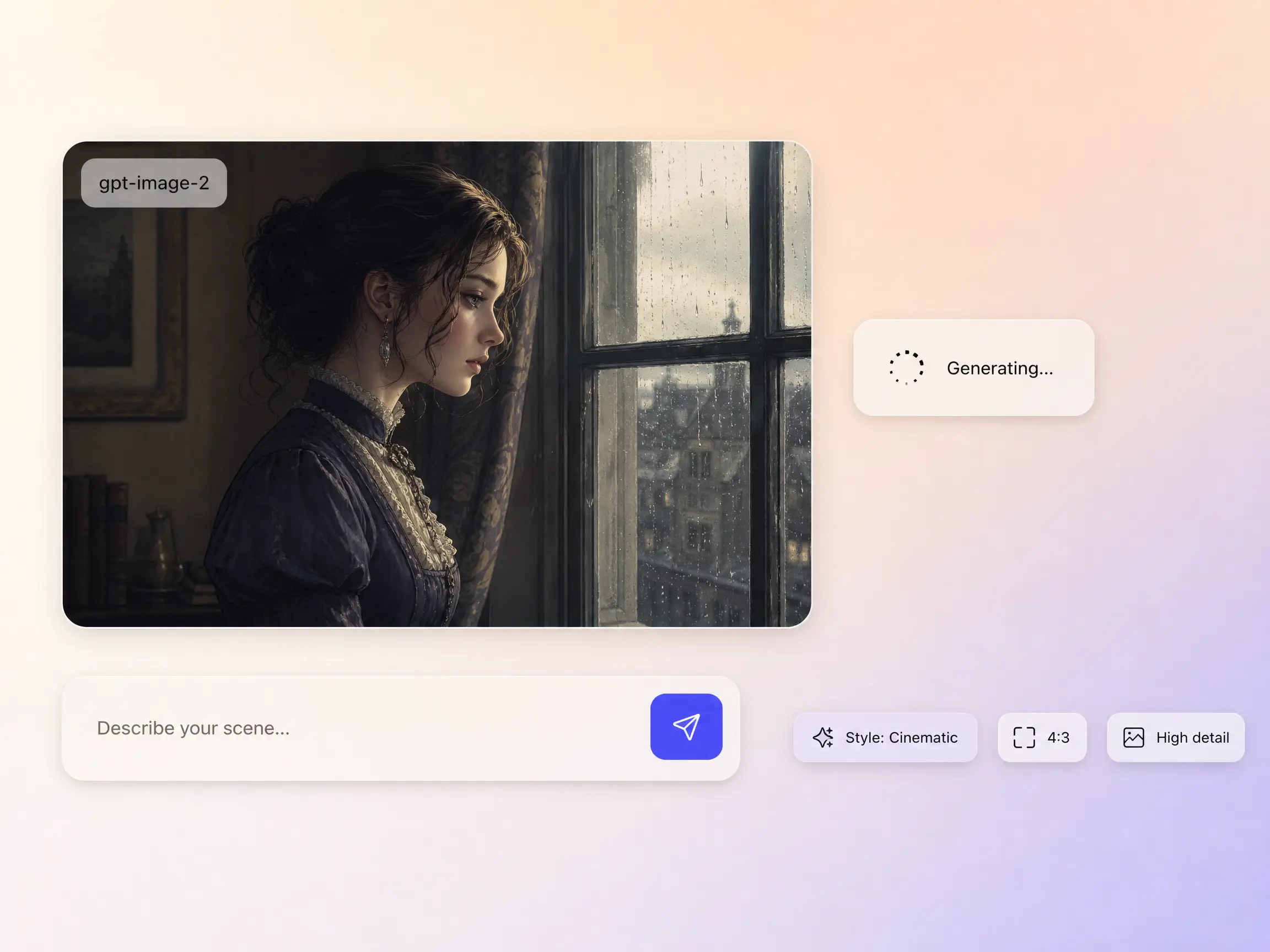
Missing a classroom backdrop, a rain soaked rooftop, or one more member of the cast? Pexo generates it in-house with gpt-image-2, matched to the look of your visual novel video, then animates it straight into the cut. Hyperframe holds the same face, hairstyle, and outfit on a character from one generated frame to the next, so the cast reads as the same people scene after scene. You describe the exact frame you need instead of hunting for stock.
Pexo narrates your visual novel video with natural AI voices, and can clone a specific voice so a recurring character sounds the same in every episode. Shipping the story to another market? It dubs the same cut into more languages with the timing preserved, so one render reaches every audience and nobody books a booth again.
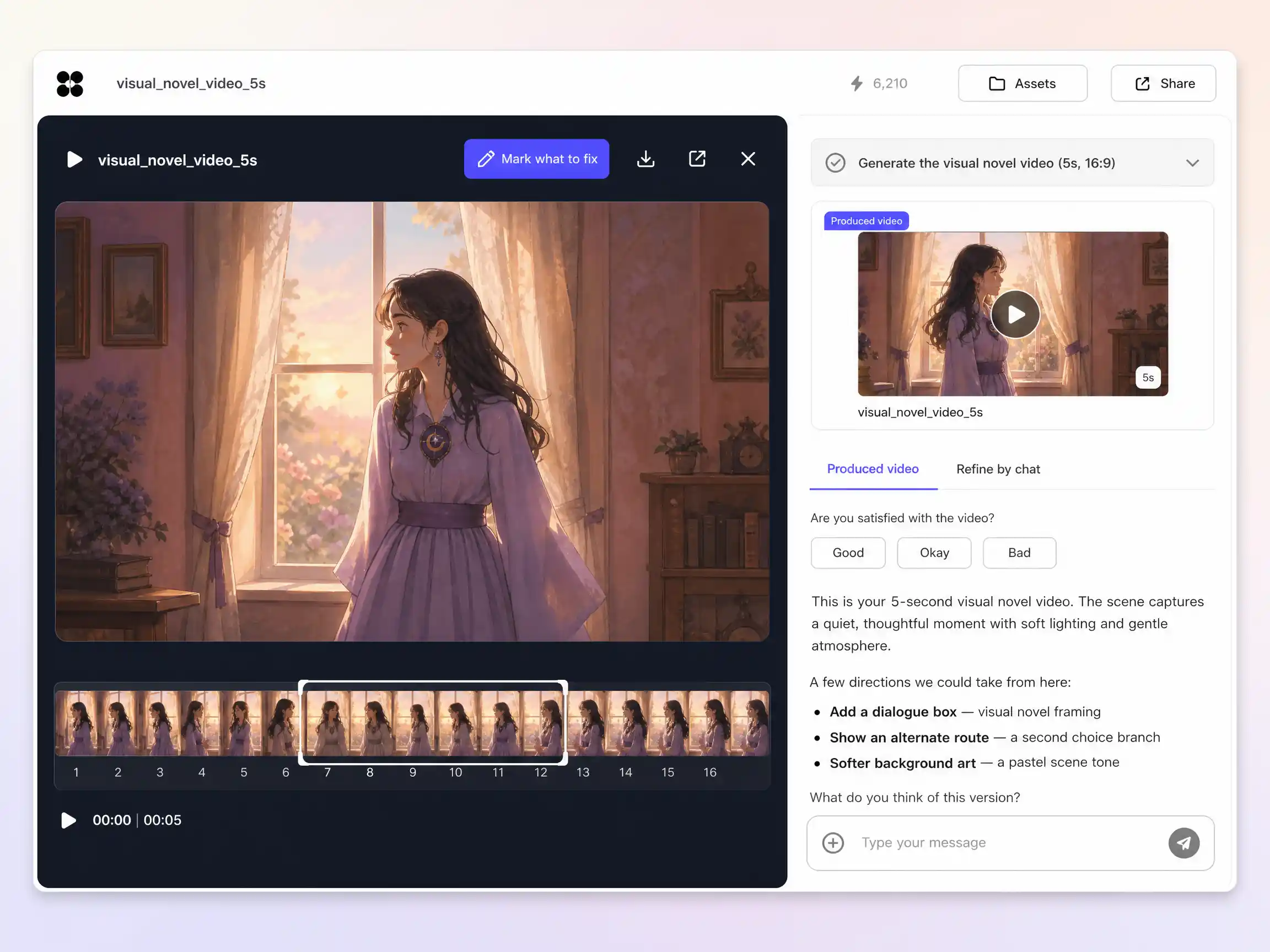
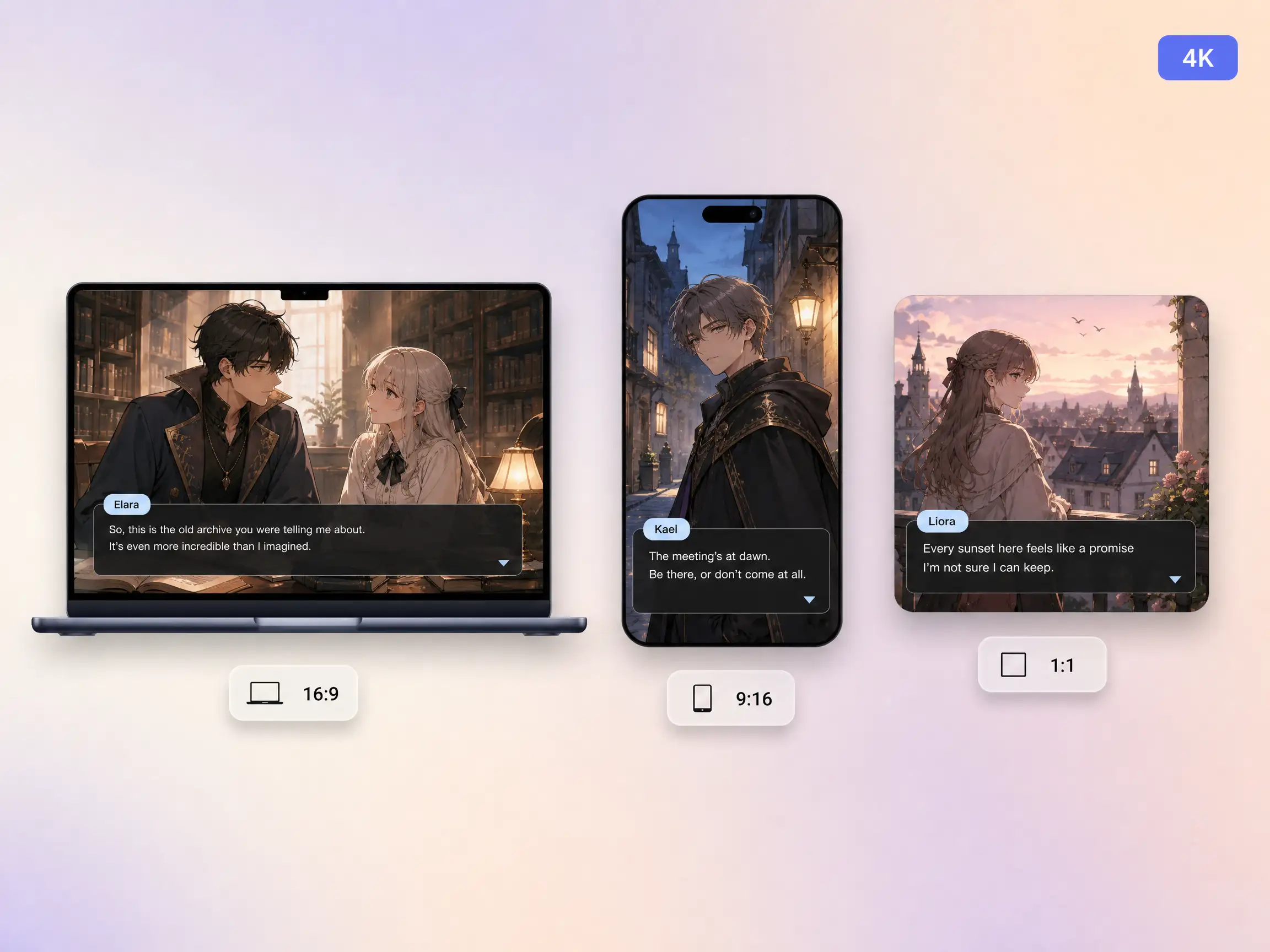
Pexo delivers your visual novel video natively in 16:9 for YouTube, 9:16 for TikTok and Reels, and 1:1 for feeds, up to 4K and anywhere from 5 to 120 seconds. Each aspect ratio is generated fresh for that screen, with the composition framed for it rather than cropped down from one master. Ask for several formats at once and post the right version to every channel. It looks intentional everywhere it lands.
My script came back as a voiced scene with two characters trading lines and real timing. My readers finally heard the banter.

I cut chapter teasers now and the cast looks identical from shot to shot. Wishlists jumped after the first one.

A separate voice per character, straight from a script I pasted in one go. No engine, no timeline, just done.

A visual novel video is a dialogue driven story told in anime style, with a standing cast, expressive backdrops, and spoken lines, published as an ordinary video instead of a playable game. Pexo generates the characters, the scenes, the voices, and the pacing from your script, then exports the result up to 4K.
No. Engines like Ren'Py build playable games, which drags in sprites, scripting, and packaging. Pexo skips all of it and renders the story straight to video in 16:9, 9:16, or 1:1, anywhere from 5 to 120 seconds and up to 4K, so you publish it like any other clip.
Yes. Pexo generates anime style character art from a description or a reference image, and Hyperframe locks each face, hairstyle, and outfit across shots, so nobody drifts off model between dialogue beats. That same character then carries a 5 to 120 second scene rendered by Seedance 2.5 or Kling AI 3.0.
Pexo. It sends each shot to whichever model suits it, Seedance 2.5, Kling AI 3.0, MiniMax H3, or Happy Horse 1.0, then layers per character voices and lip sync in the same pass. One project covers casting, voicing, and export up to 4K in 16:9, 9:16, and 1:1.
Use subject + action + camera movement + setting + style. Example: two rival students argue on a rooftop at dusk, slow push in, wind moving their hair, anime visual novel style with warm rim light. Name the speaker on each line so the AI visual novel video generator hands it the right voice, and paste the whole script when you want Pexo to read the stage directions too.
A manga video animates comic style panels on a reading rhythm, while a visual novel video plays out voiced dialogue between a standing cast. If your source material is panel based, the manga video page fits better, and for narrated action rather than conversation the animated story video page is the right stop.
Paste the script and Pexo's AI visual novel video maker casts it, voices every line, and cuts it into a dialogue driven video ready for any platform.
Make an animated music video with Pexo. Use one visual motif that follows the music to tell a clear story. Organize your material and review the finished video.
Make a corporate mini-documentary with Pexo. Organize your own material and edit a focused review cut. Check the details before you share it.
Make an animated story video for kids with Pexo. Organize your own material and edit a focused review cut. Check the details before you share it.
Make an animated nursery rhyme video with Pexo. Organize your own material and edit a focused review cut. Check the details before you share it.
Make an opening title sequence with Pexo. Use the image that introduces your film to tell a clear story. Organize your material and review the finished video.
Make an educational animated video for kids with Pexo. Organize your own material and edit a focused review cut. Check the details before you share it.
Make an illustrated animated explainer video with Pexo. Use a paper-cut water cycle to tell a clear story. Organize your material and review the finished video.
Make a gameplay cinematic video with Pexo. Make a short scene from recorded gameplay with a clear setting, one character choice, and a memorable ending.