
AI Animated Music Video
Make an animated music video with Pexo. Use one visual motif that follows the music to tell a clear story. Organize your material and review the finished video.
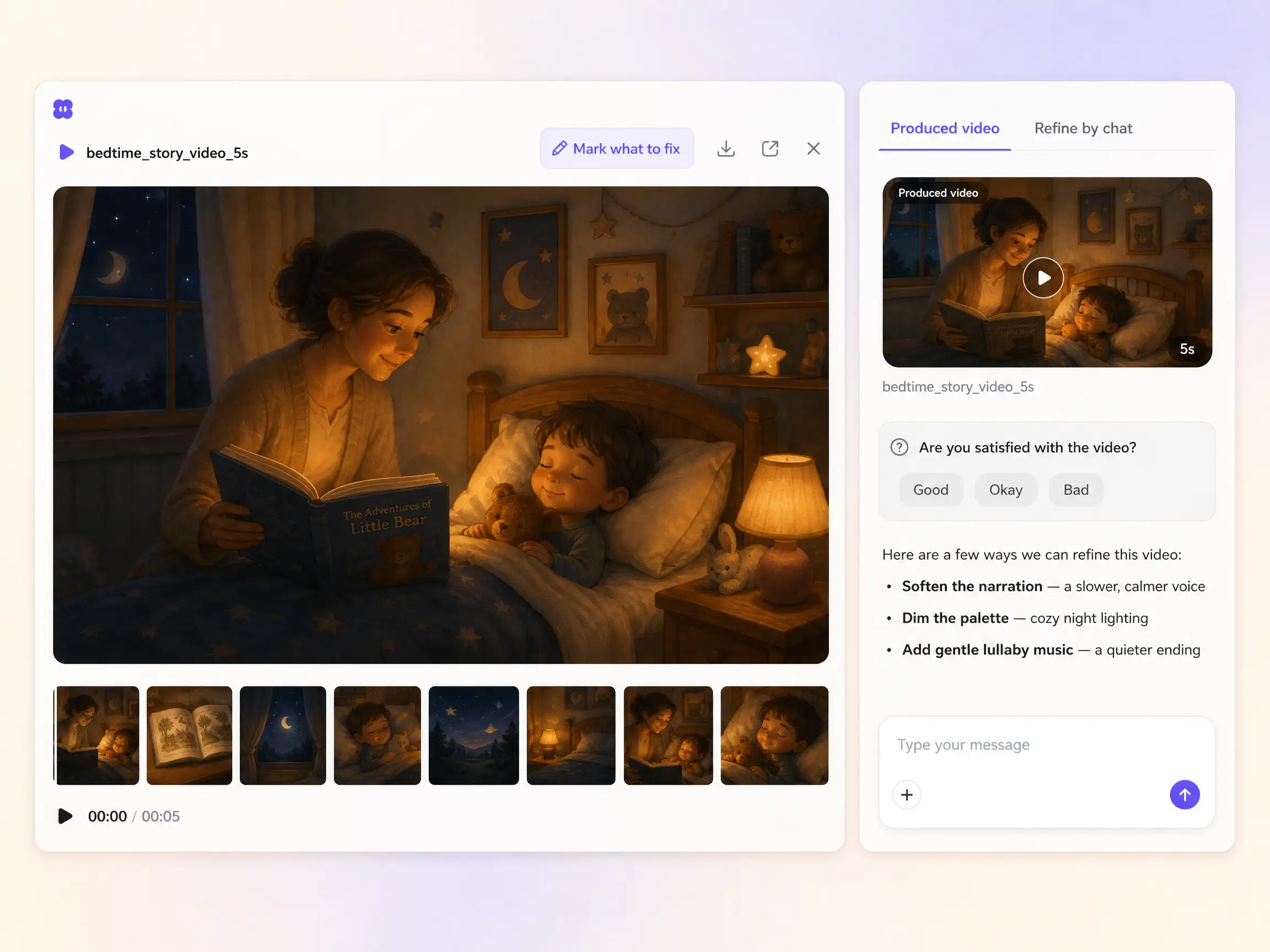
Describe the tale in one line and Pexo's AI bedtime story video generator animates gentle scenes, narrates them in a soothing voice, and scores it with calm music in minutes. No dragon inventing required.
Start from a single line of text or a drawing your child made. Pexo writes the script, then routes every shot across Seedance 2.5, Kling AI 3.0, MiniMax H3, and Happy Horse 1.0 and keeps whichever engine renders gentle storybook motion best. Text to video, image to video, and script to video all live in the same project, in plain language. No timelines, no keyframes, no editor to open.
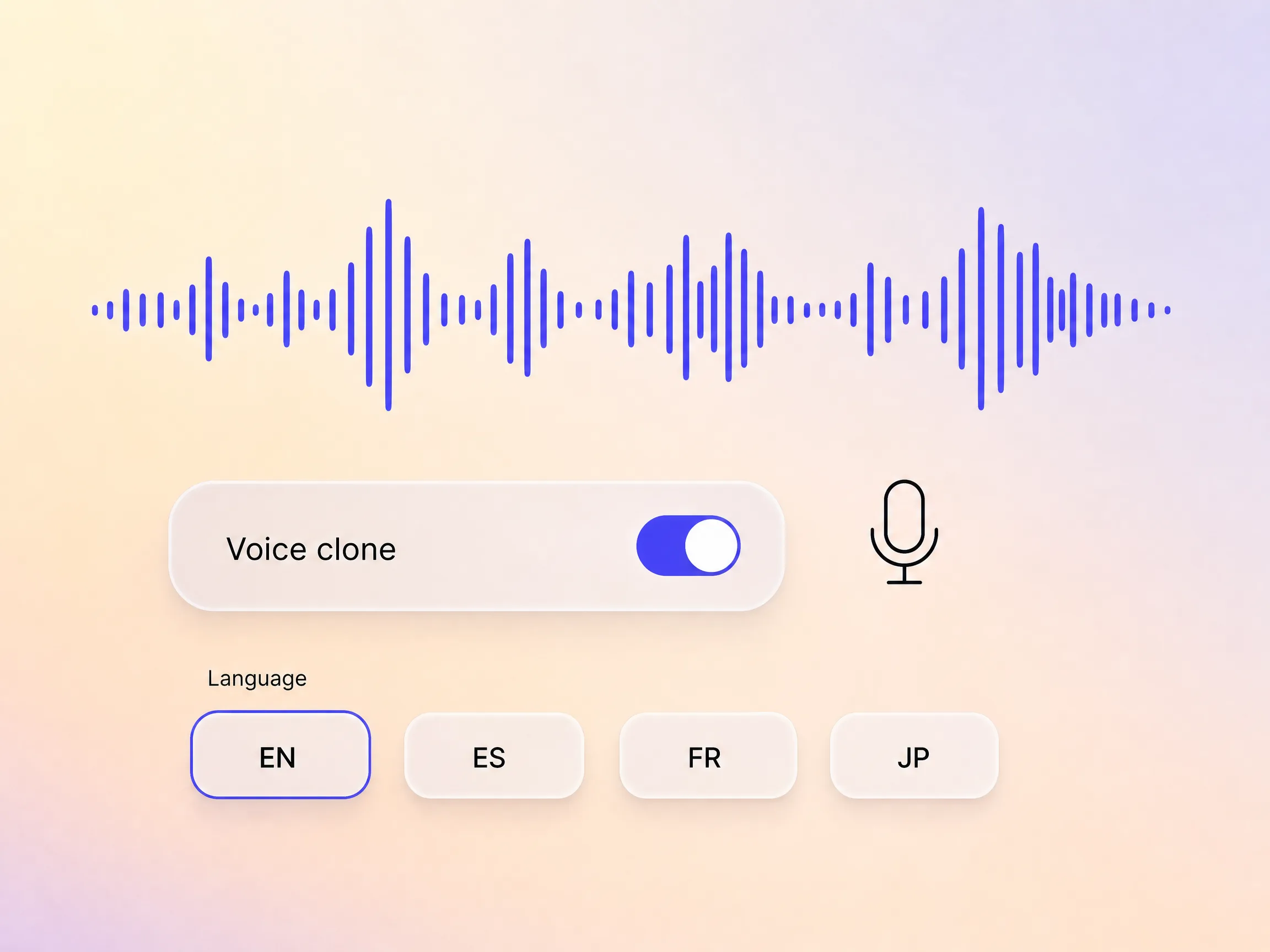
Pexo adds narration to your bedtime story video with natural AI voices, and can clone a specific voice so the delivery stays on brand. Need it in other markets? It dubs the same video into multiple languages with the timing preserved, so one cut reaches every audience without a re-record.
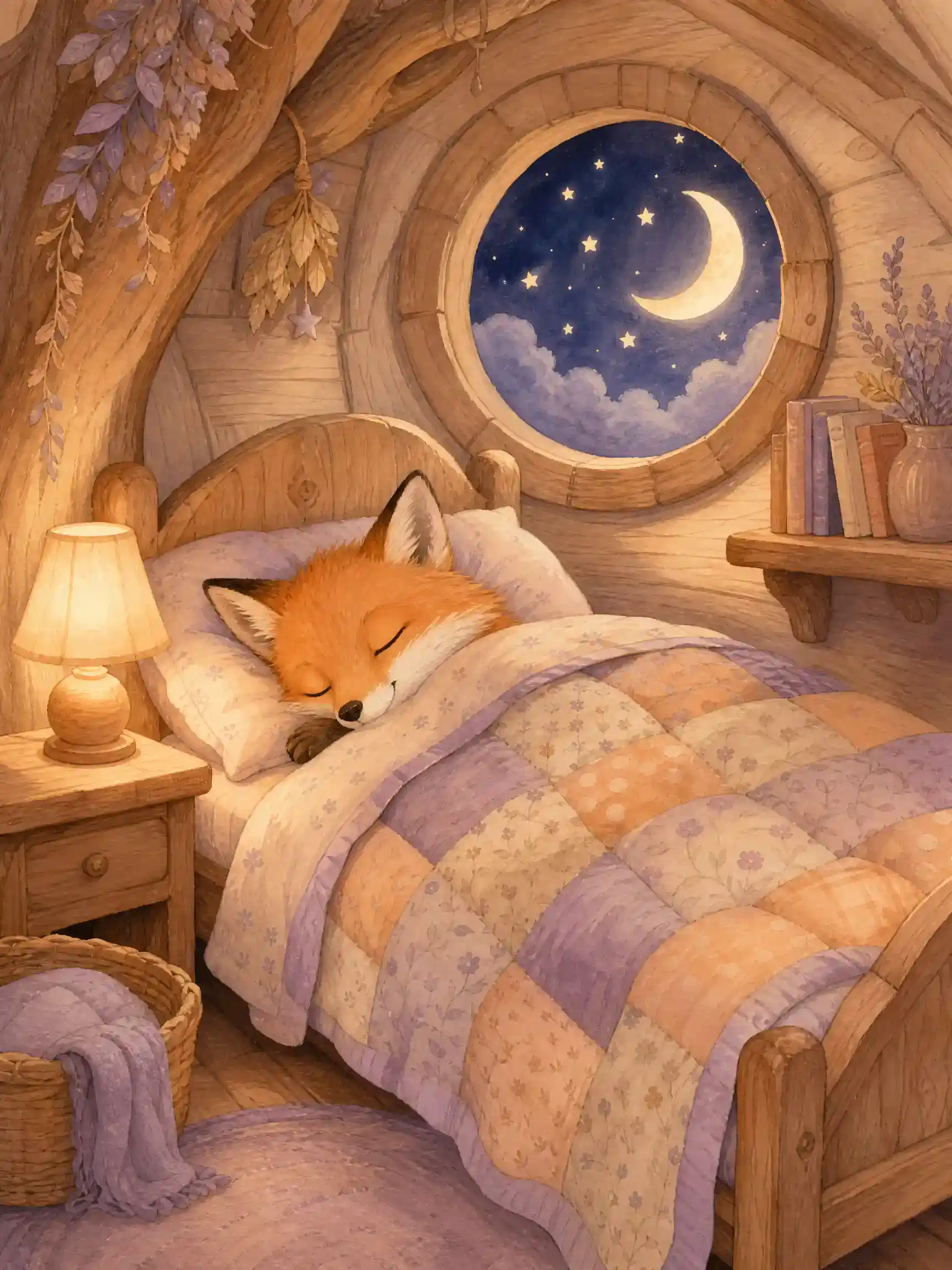
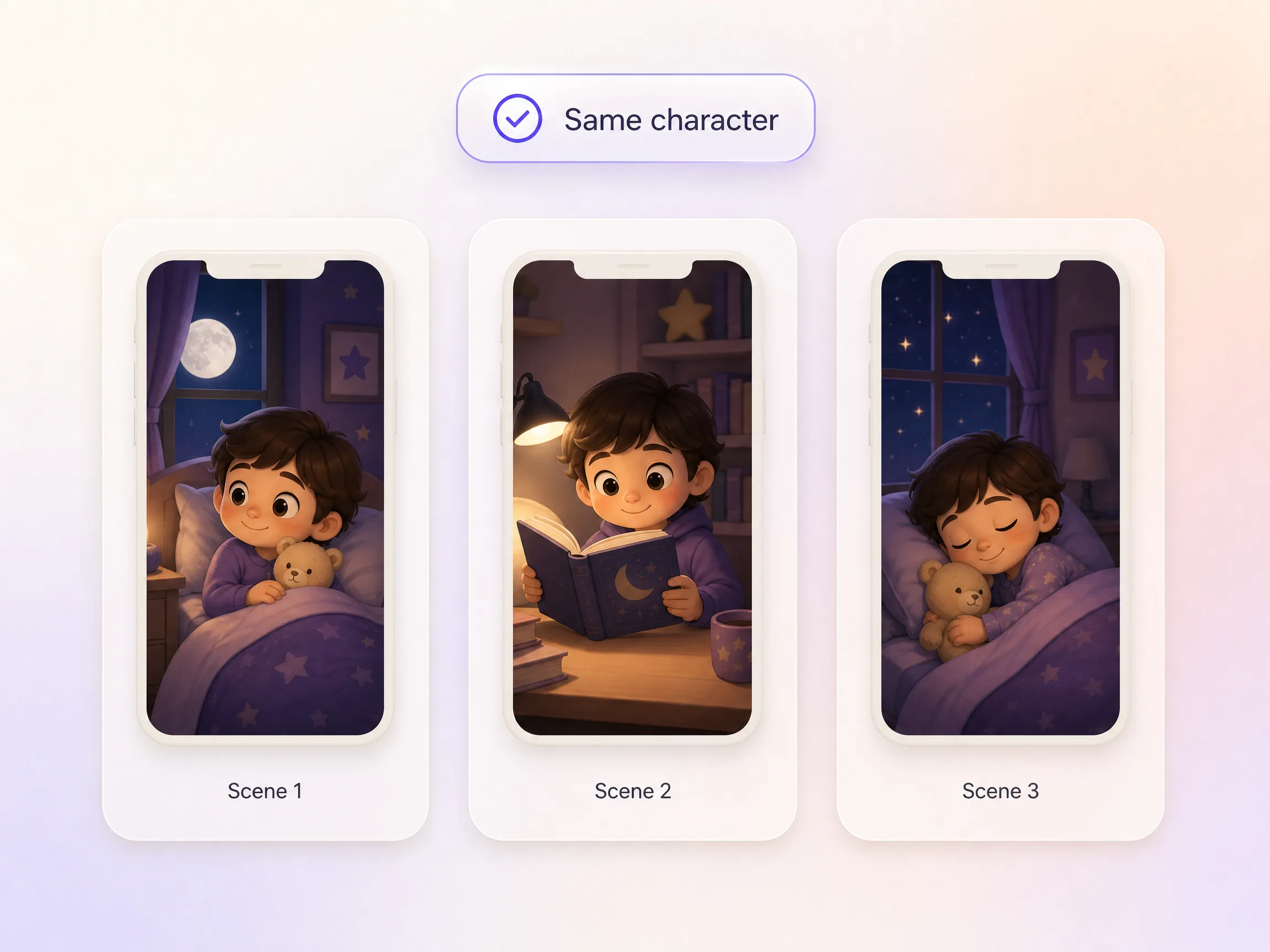
Kids ask for the same character again and again, and most AI tools redraw it differently every time. Pexo's Hyperframe locks your storybook hero, so the sleepy fox or brave little dragon keeps the same face, colors, and charm across every scene and every episode. Reference a drawing or a description once and reuse it for the whole series. That familiarity is exactly what makes a bedtime routine feel safe, and what makes a bedtime story channel feel bingeable.
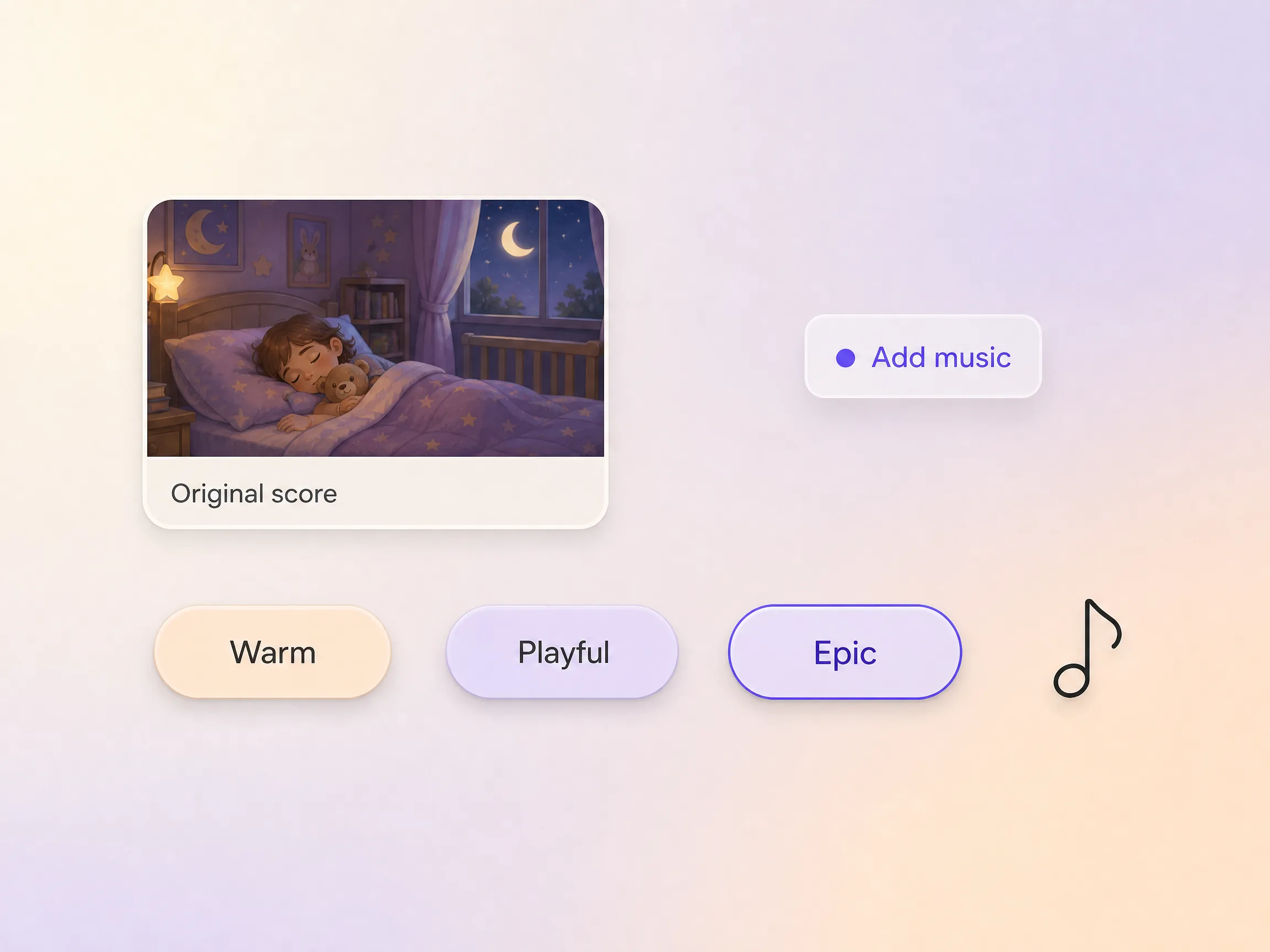
Pexo generates an original soundtrack tuned to the mood and pacing of your bedtime story video, so you are not digging through stock libraries or risking a copyright strike. Tell it the feel you want, energetic, cinematic, calm, and it scores the cut and mixes the levels under the narration automatically.
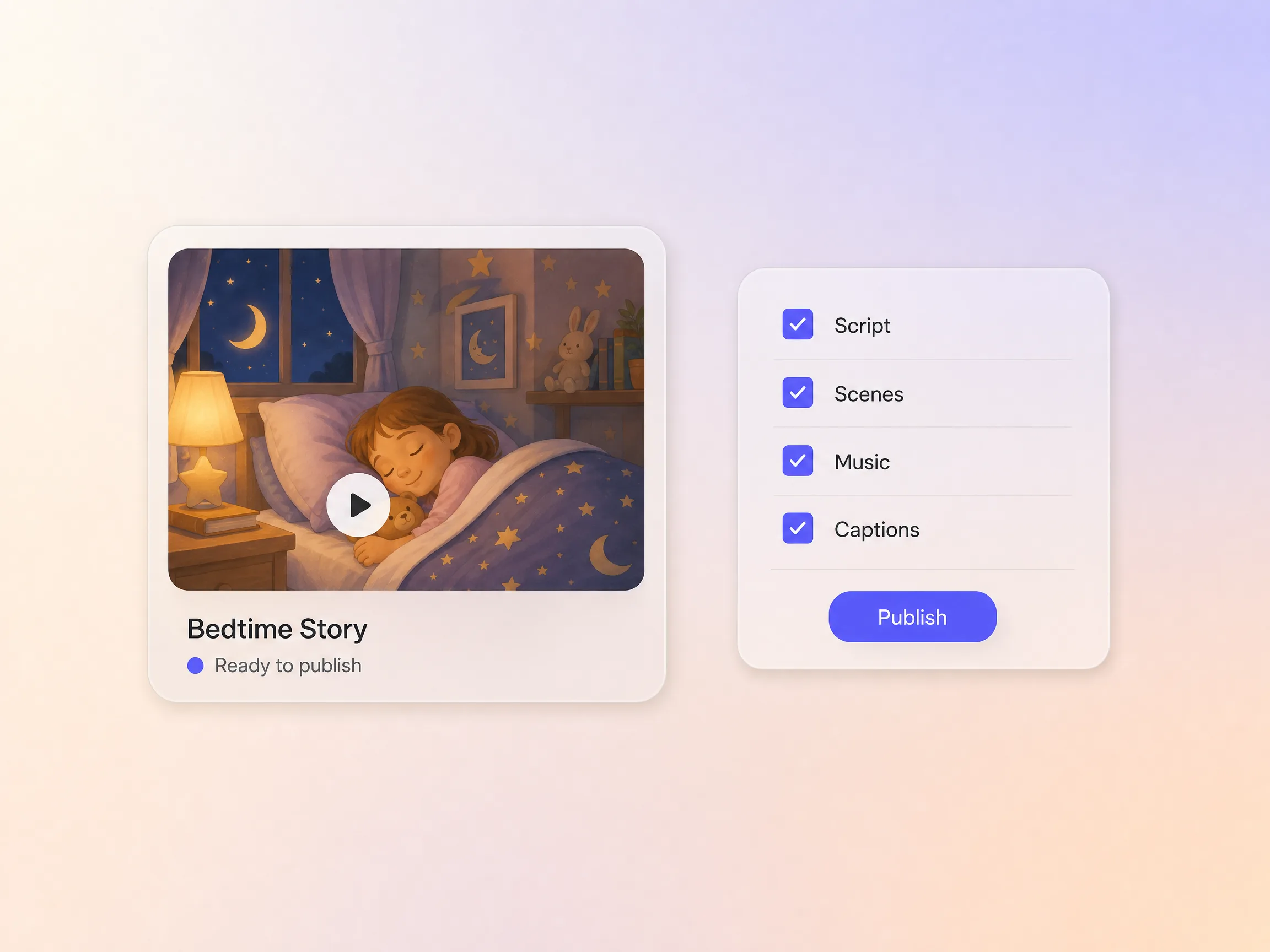
Pexo runs the whole pipeline so you get a video, not homework. It writes the script, plans the shots, adds transitions, generates an original score, lays in subtitles, and can even clone a voice for narration. Everything renders together into one finished bedtime story video you can publish straight away. No exporting clips into another editor, no lining audio up by hand.
I typed one line about a sleepy hedgehog and had a gentle story playing by bath time. Both kids now ask for Pippin every night.

My bedtime story channel went from one video a week to one a night, same little fox in every episode. Watch time doubled in a month.

I make a calm wind-down story for nap time with the class mascot in it. The quiet after it plays is unreal.

A bedtime story video is a short animated tale with gentle narration and calm music, made to play at lights out. With Pexo you describe the story in one line and the AI writes it, animates every scene, adds a soothing narrator, and scores it, so the finished bedtime story video is ready before the room goes quiet.
Yes. Name your child, their favorite animal, or tonight's theme in the prompt and the tale is written around it. Describe a recurring hero once and Hyperframe keeps the same face and colors across every episode, exported at 16:9, 9:16, or 1:1 and up to 4K, so a nightly bedtime story video always stars the same friend.
It can. Pexo clones a voice from one short sample, then narrates every bedtime story video in it, even on nights you are away, and dubs the same cut into other languages with the timing preserved. Each video runs 5 to 120 seconds, so a wind-down tale fits in one render and longer stories play back as chapters.
Pexo. It aggregates Seedance 2.5, Kling AI 3.0, MiniMax H3, and Happy Horse 1.0 and sends each shot to whichever engine renders soft storybook motion best, then writes the script, narrates it, and scores it in the same pass. Every cut exports up to 4K in widescreen or vertical, so one AI bedtime story video suits both a tablet and a channel.
Pacing and tone. A bedtime story video is built to wind a child down, so scenes move slowly and the score stays soft under the narration. Use the fairy tale video page for classic retellings like Cinderella, and the story video page for narrated stories aimed at any audience. Same engine, different rhythm.
Use subject + action + camera movement + setting + style. Example: a sleepy fox tiptoes home, slow push in, moonlit forest of paper cut trees, warm storybook palette, gentle narration. Name the hero once and reuse that exact description every night so the character stays recognizable across the whole series.
Describe the tale and Pexo's AI bedtime story video maker handles the script, the scenes, the voice, and the music, so all you do is press play and say goodnight.
Make an animated music video with Pexo. Use one visual motif that follows the music to tell a clear story. Organize your material and review the finished video.
Make a corporate mini-documentary with Pexo. Organize your own material and edit a focused review cut. Check the details before you share it.
Make an animated story video for kids with Pexo. Organize your own material and edit a focused review cut. Check the details before you share it.
Make an animated nursery rhyme video with Pexo. Organize your own material and edit a focused review cut. Check the details before you share it.
Make an opening title sequence with Pexo. Use the image that introduces your film to tell a clear story. Organize your material and review the finished video.
Make an educational animated video for kids with Pexo. Organize your own material and edit a focused review cut. Check the details before you share it.
Make an illustrated animated explainer video with Pexo. Use a paper-cut water cycle to tell a clear story. Organize your material and review the finished video.
Make a gameplay cinematic video with Pexo. Make a short scene from recorded gameplay with a clear setting, one character choice, and a memorable ending.