
Make Visual Novel Videos with Seedance 2.5, Kling AI 3.0 and MiniMax H3 in Minutes
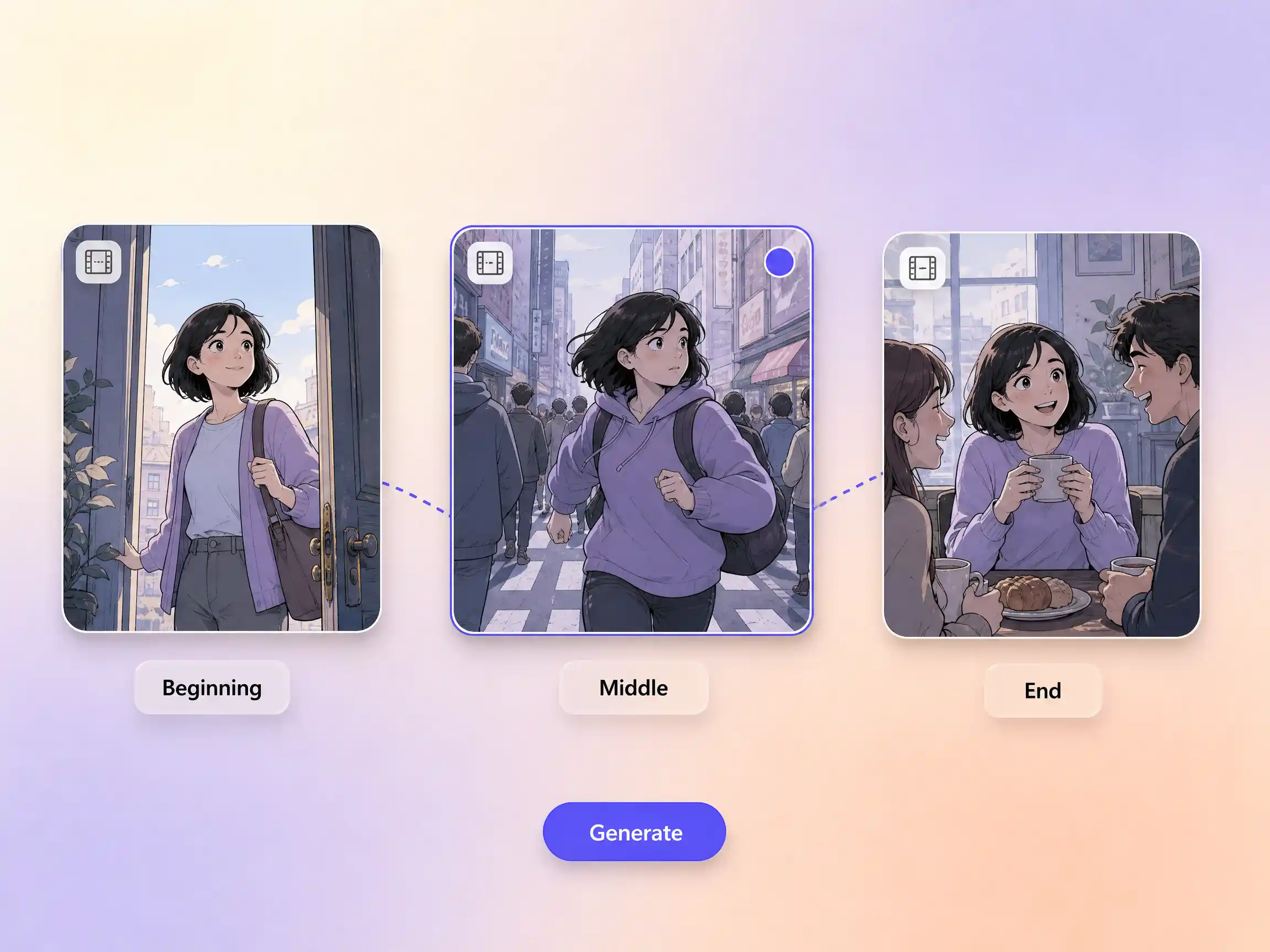
Make a visual novel video with AI. Pexo casts anime characters, voices every line, and renders dialogue scenes with Seedance 2.5 and Kling AI 3.0.
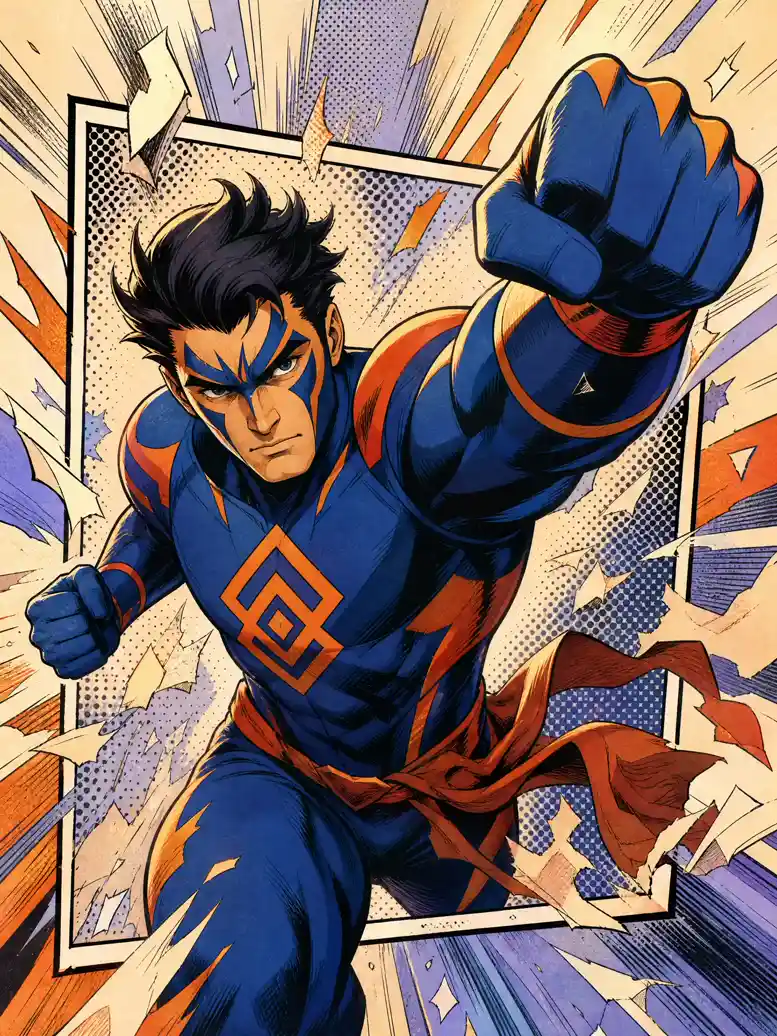
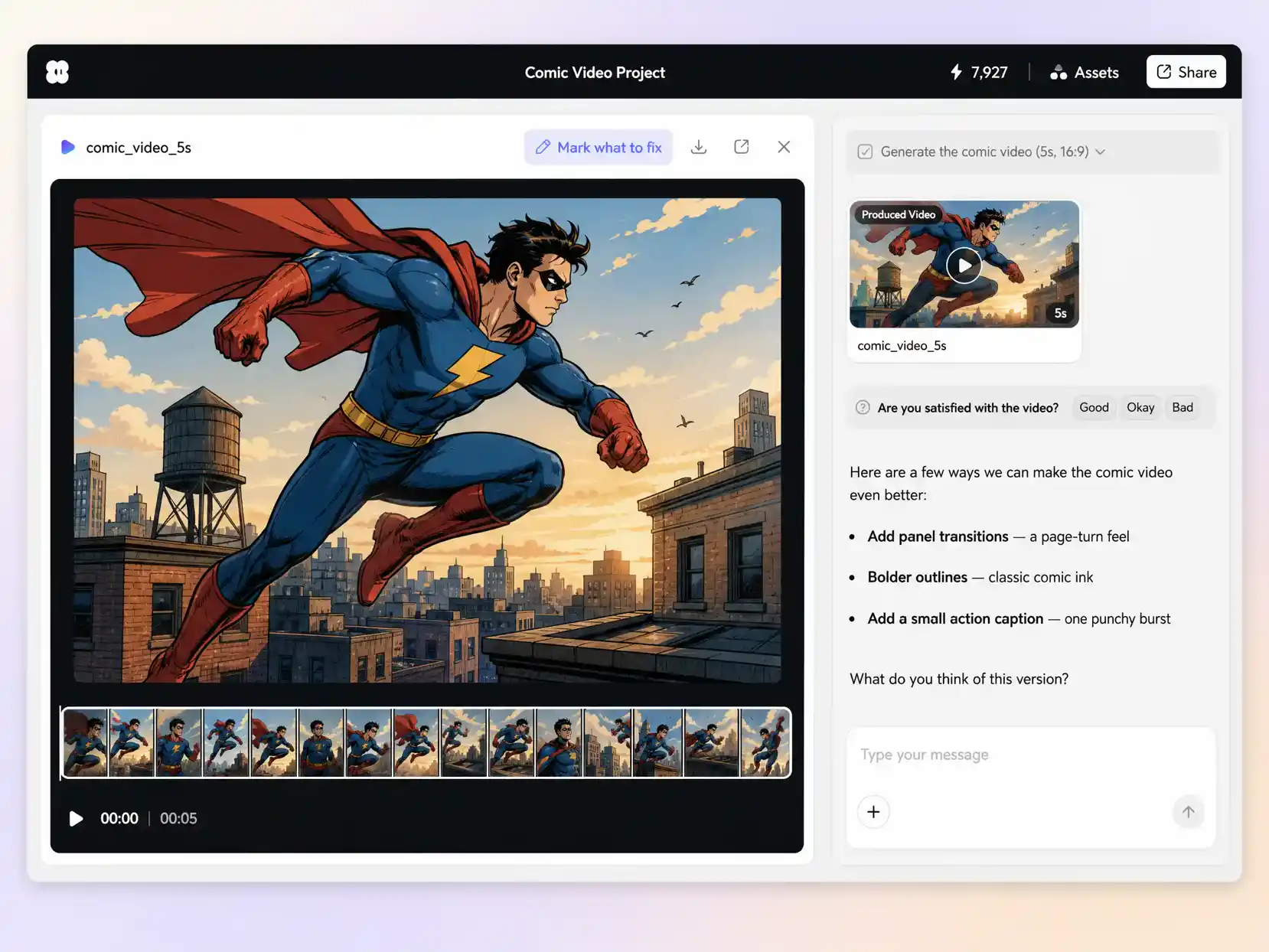
Pexo is an AI comic video maker that turns a described scene or uploaded panels into a finished animated comic with bold halftone art, punchy motion, voiceover, and captions in minutes.
Type the scene or drop in a photo and Pexo writes the script, generates every panel, and stitches the shots into one continuous, edited cut. Text to video, image to video, and script to video all live in the same project, and you stay in plain language the whole way. No timelines, no keyframes, no editor to open.
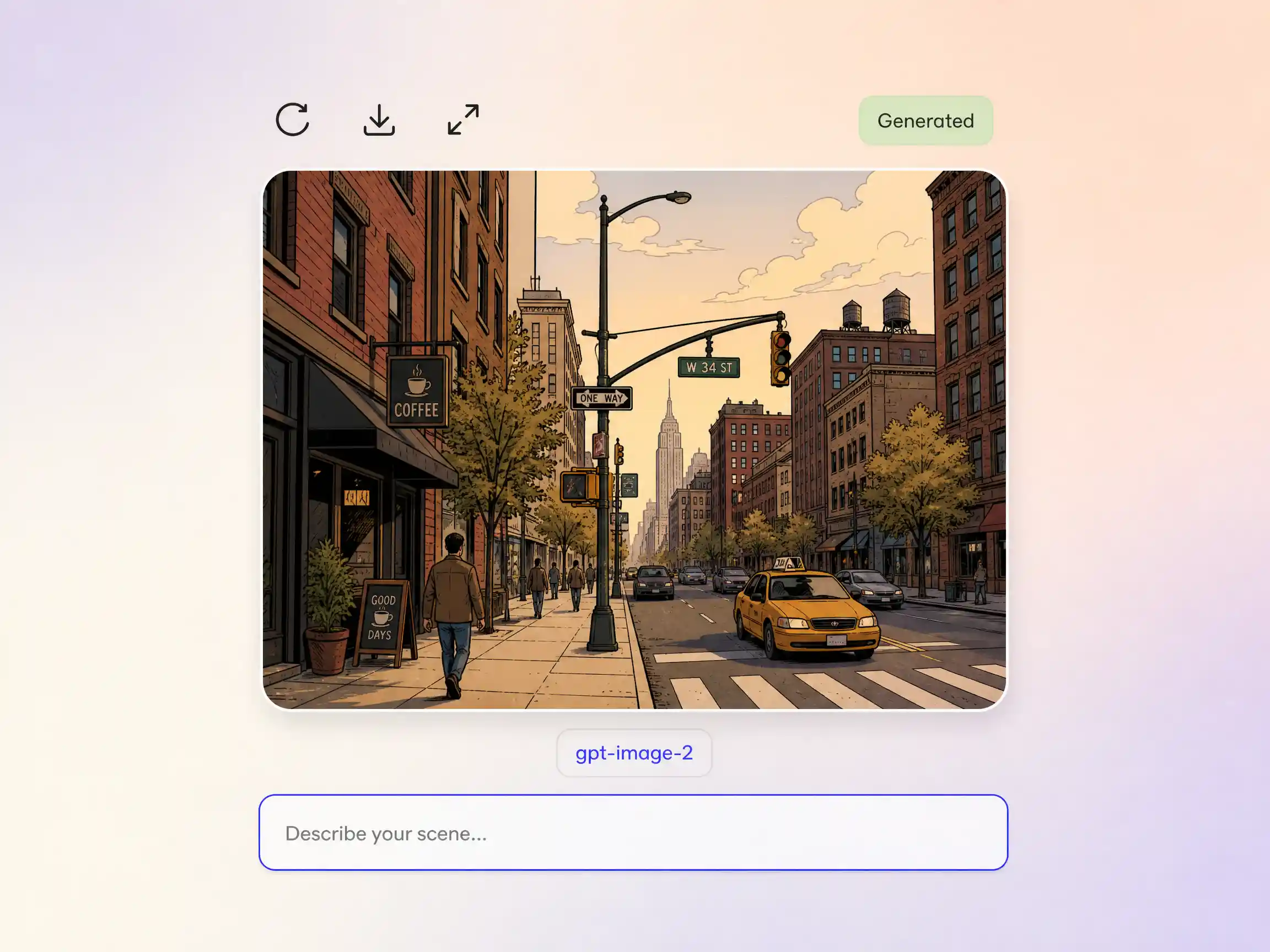
Missing a splash page, a backdrop, or a villain reveal? Pexo draws it in-house with gpt-image-2, matched to the linework and palette of the rest of your comic video, then animates it straight into the sequence. You design the exact panel in words instead of hunting stock art or redrawing by hand.
Hand Pexo a story and it does the structural work a comic editor would. It writes or tightens the script, breaks it into scene beats and a shot by shot storyboard, then paces the cuts, transitions, and captions so every panel lands with comic book timing. Review the sequence, swap any beat you want, and the edit rebuilds around it.
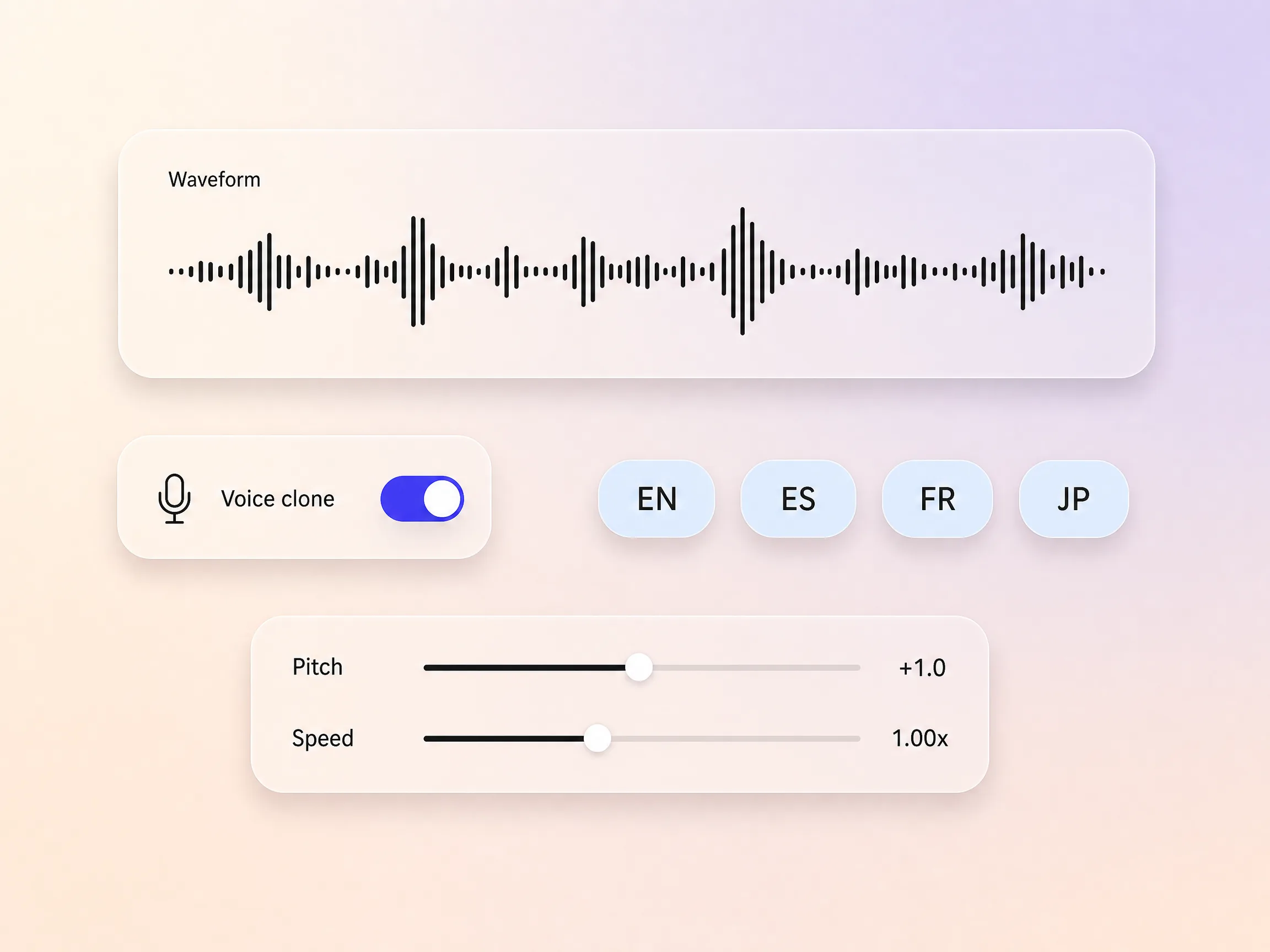
Pexo speaks your panels with natural AI voices and can clone a specific voice so the delivery stays on brand. Give each character a distinct read, then dub the finished comic video into other languages with the timing preserved, so one cut travels to every audience without a re-record.
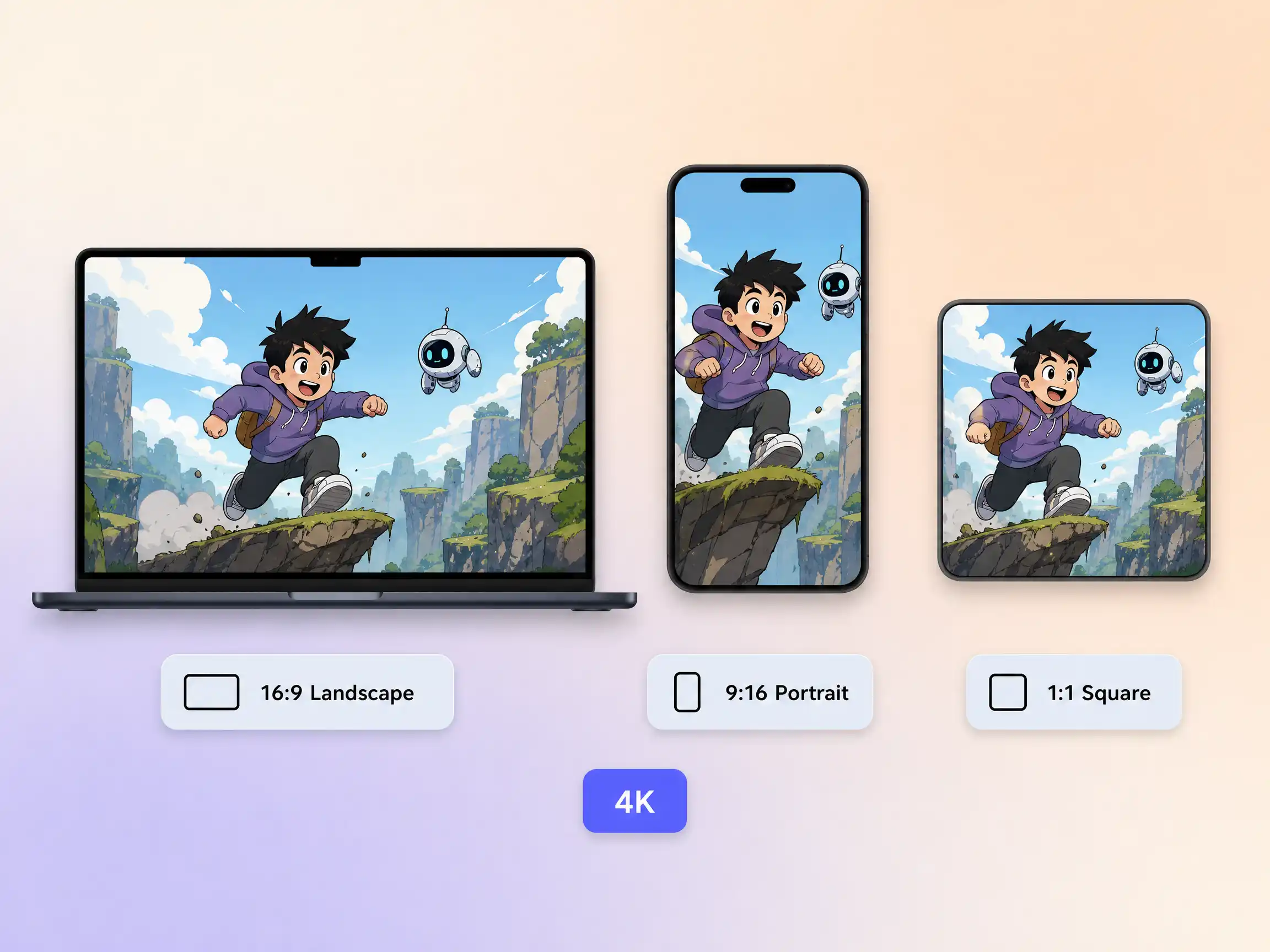
Pexo delivers your comic video natively in 16:9 for YouTube, 9:16 for TikTok and Reels, and 1:1 for feeds, up to 4K and anywhere from 5 to 120 seconds. Each ratio is generated fresh for that screen rather than cropped down from one master, so the panels stay framed wherever they land. Ask for several formats at once and post the right cut to every channel.
I fed Pexo 14 finished pages and got a moving issue back with narration, no editor ever opened. My Kickstarter page finally had a trailer.

We run our product stories as comic videos now, and they beat the polished ads we spent weeks on. Comments keep asking for episode four.

I rebuilt 9 history lessons as comic videos. I write the scene, Pexo draws it, voices it, and captions it. My students quote the panels back at me.

Same engine, different look. Pick the style your story wants and Pexo builds the shots, the voice, and the cut around it.
A comic video is a comic book story told in motion, with bold linework, halftone color, action lines, and panel style pacing, played as video with voices, captions, and sound. Creators use comic videos for original series, brand stories, recaps, and lessons that would read flat as static pages.
Yes. Upload full pages or single panels and Pexo animates them with camera moves, parallax, and transitions, routing each shot through Seedance 2.5, Kling AI 3.0, MiniMax H3, or Happy Horse 1.0. Cuts run 5 to 120 seconds, up to 4K, in 16:9, 9:16, or 1:1, and not one frame gets redrawn.
No. Describe the scene and Pexo generates the comic artwork itself, then animates it, so a comic video maker stands in for the penciller, the inker, and the editor. If you already have art, upload it and the whole sequence is built around your existing style instead, at up to 4K.
Pexo. It runs as a comic video generator and a finishing editor in one, choosing between Seedance 2.5, Kling AI 3.0, MiniMax H3, and Happy Horse 1.0 shot by shot instead of locking you to a single model, then returning narration, character voices, captions, and up to 4K in one pass.
Aesthetics and pacing. Comic videos use western color, halftone, and wide action panels, while a manga video leans on ink, screentones, and speed lines. If the plot matters more than the panels, start from a story video instead. Pexo builds any of the three at up to 4K.
Use subject + action + camera movement + setting + style. Example: a masked courier sprints across a rooftop, camera tracking low beside her, neon skyline at dusk, bold halftone ink with heavy action lines. Name the panel count and one mood word, and Pexo holds that style across every shot, from halftone superhero to clean webcomic to noir ink.
Describe a scene or upload your panels and Pexo returns an animated comic with voiceover, captions, and every aspect ratio you need.
Make a visual novel video with AI. Pexo casts anime characters, voices every line, and renders dialogue scenes with Seedance 2.5 and Kling AI 3.0.
Turn any script into an animated story video with AI. Pexo picks the best animation model per scene, adds narration and captions, and delivers a finished story.
Make a fairy tale video with AI. Pexo writes the story, paints the scenes, narrates it, and renders it with Seedance 2.5, Kling AI 3.0 and MiniMax H3.
Spoof any trailer, ad, or song. The Pexo AI parody video maker writes the bit, builds every scene on Seedance 2.5 and Kling AI 3.0, and syncs the lips.
Describe the tale and Pexo turns it into a calm bedtime story video with soft narration and music, on Seedance 2.5, Kling AI 3.0 and MiniMax H3.
Make a fan film, no camera or crew. Pexo's AI fan film generator writes and shoots every scene, then renders in 4K with MiniMax H3, Seedance 2.5 and Kling.
Turn a prompt or your panels into an AI manga video with ink, screentones and voiceover. Seedance 2.5, Kling AI 3.0 and MiniMax H3 render it in minutes.
Make a sketch video that draws itself. Pexo's AI sketch video generator writes the script, draws every frame, and narrates it with Seedance 2.5, up to 4K.