
Make a Sneak Peek Video with Seedance 2.5, Kling AI 3.0 and MiniMax H3 in Minutes
Make a sneak peek video that teases without spoiling. Pexo builds it with Seedance 2.5, Kling AI 3.0 and MiniMax H3 in 16:9, 9:16 or 1:1 up to 4K.
Our AI website launch video generator turns a new site into a launch film. Describe the site or upload page screens, pick a model, and generate a polished announcement in minutes.
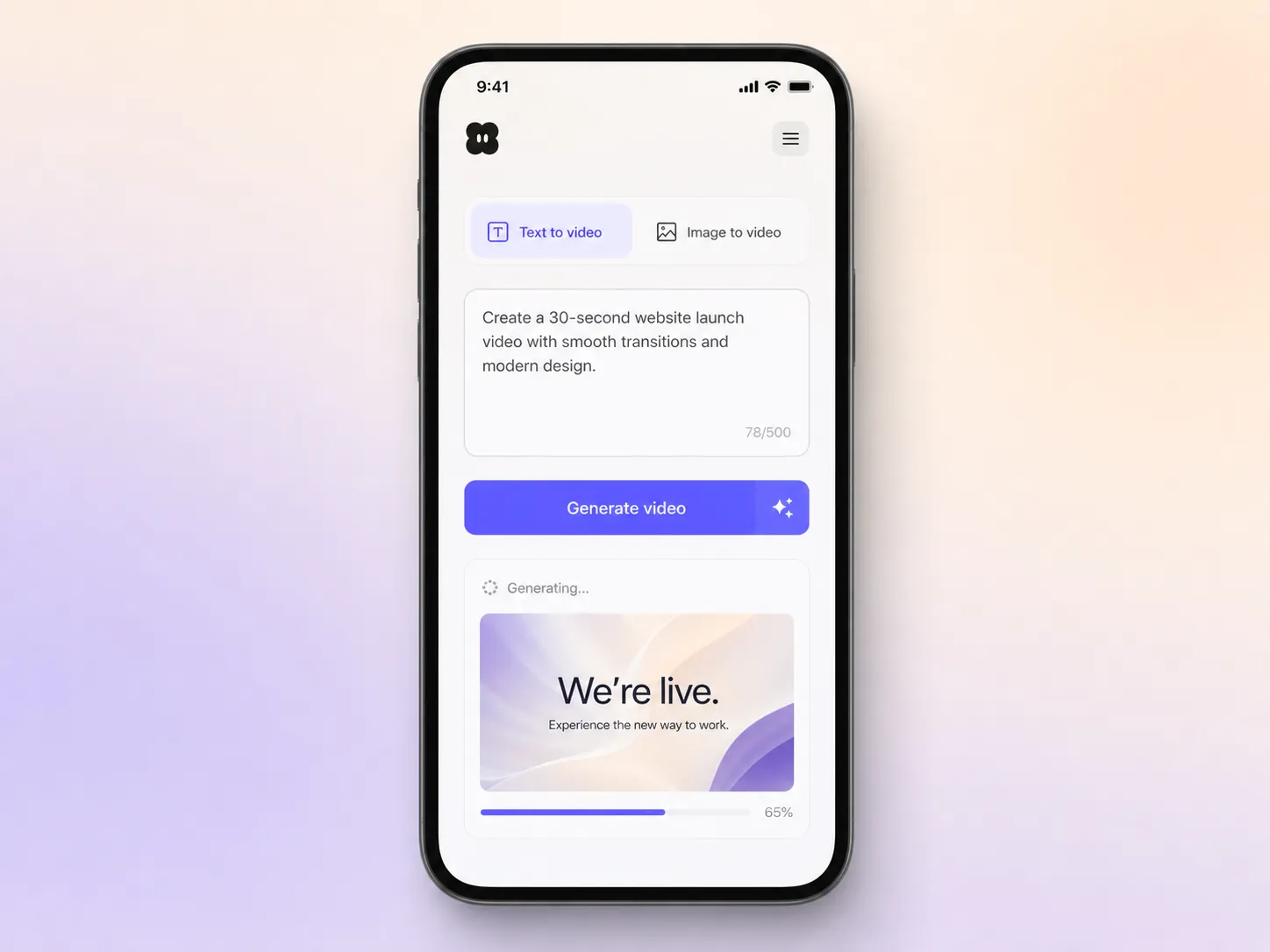
Start from one line of text or a screenshot of your homepage. Pexo writes the script, generates every shot, and stitches them into one edited film. Text to video, image to video, and script to video all live in the same project, so you stay in plain language the whole way. No timeline, no keyframes, no editor to open.
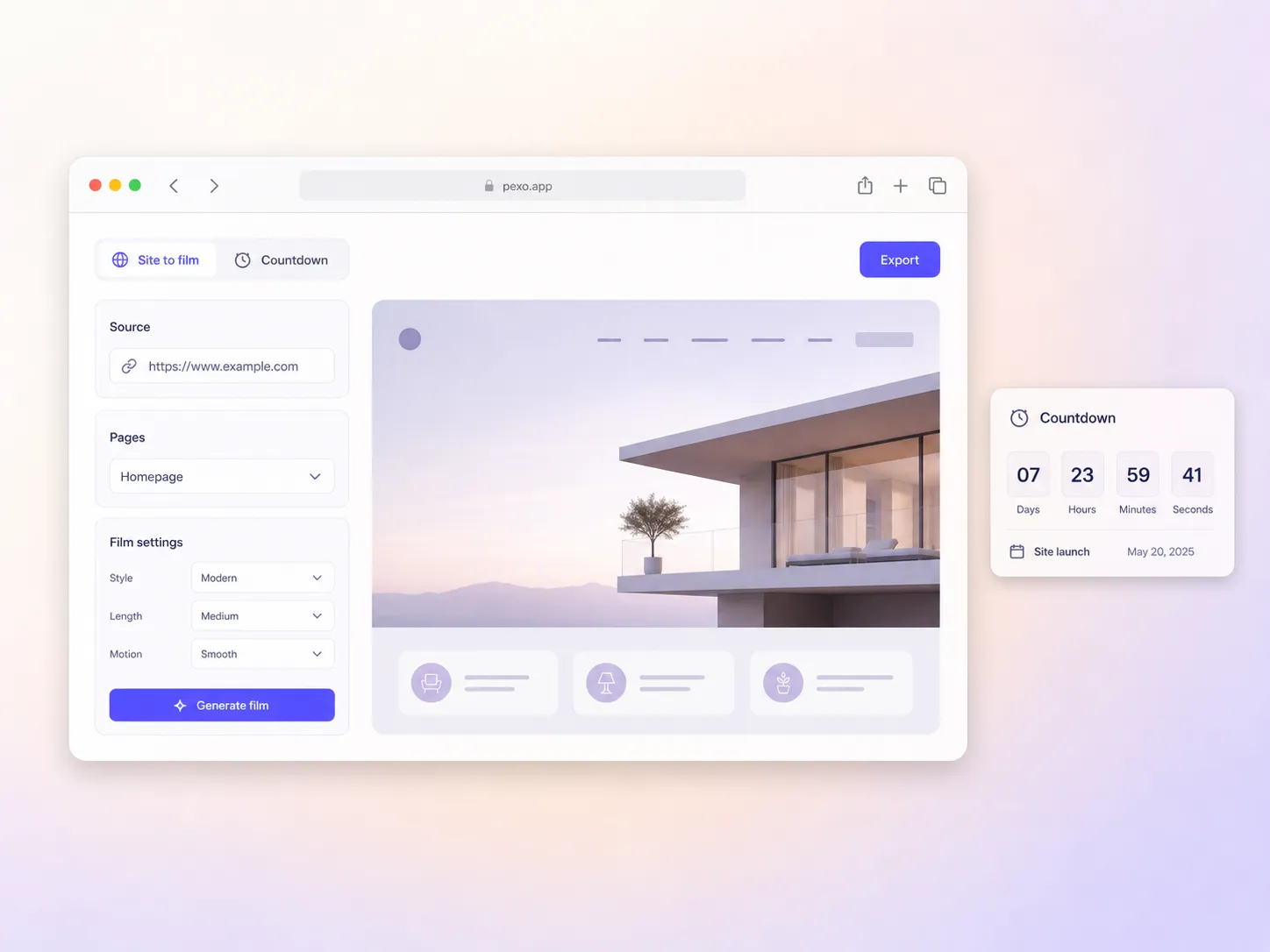
Hand over your homepage and the two or three pages worth showing. Pexo animates them into a clean reveal that builds toward go live, keeps type and layout crisp, and lands on a nudge to visit. Hyperframe holds your logo, colors, and product shots steady across every cut. A flat screenshot becomes an announcement people finish watching.
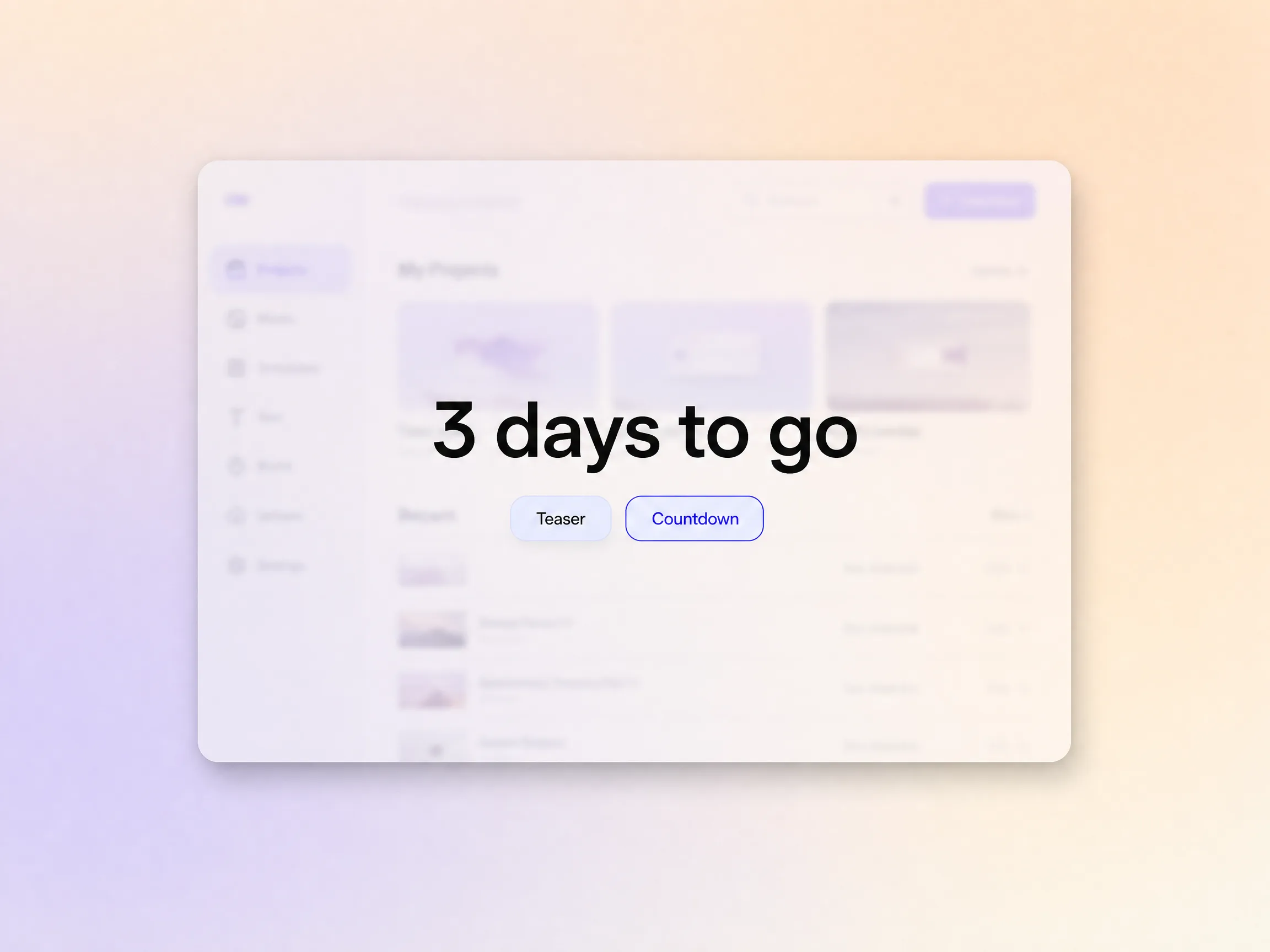
Cut teasers and countdown moments in the same project, so the news lands on an audience that is already paying attention. Pexo scripts the build-up, scores it, and burns in captions for silent autoplay. You go live to a crowd that cares instead of an empty room.
Pexo builds the cut so it drives toward a single ask, a signup, a demo, or a first purchase, with a closing frame matched to the offer. Add voiceover in the language your visitors read, or clone a voice you already use on the site. Launch day traffic turns into conversions instead of views.
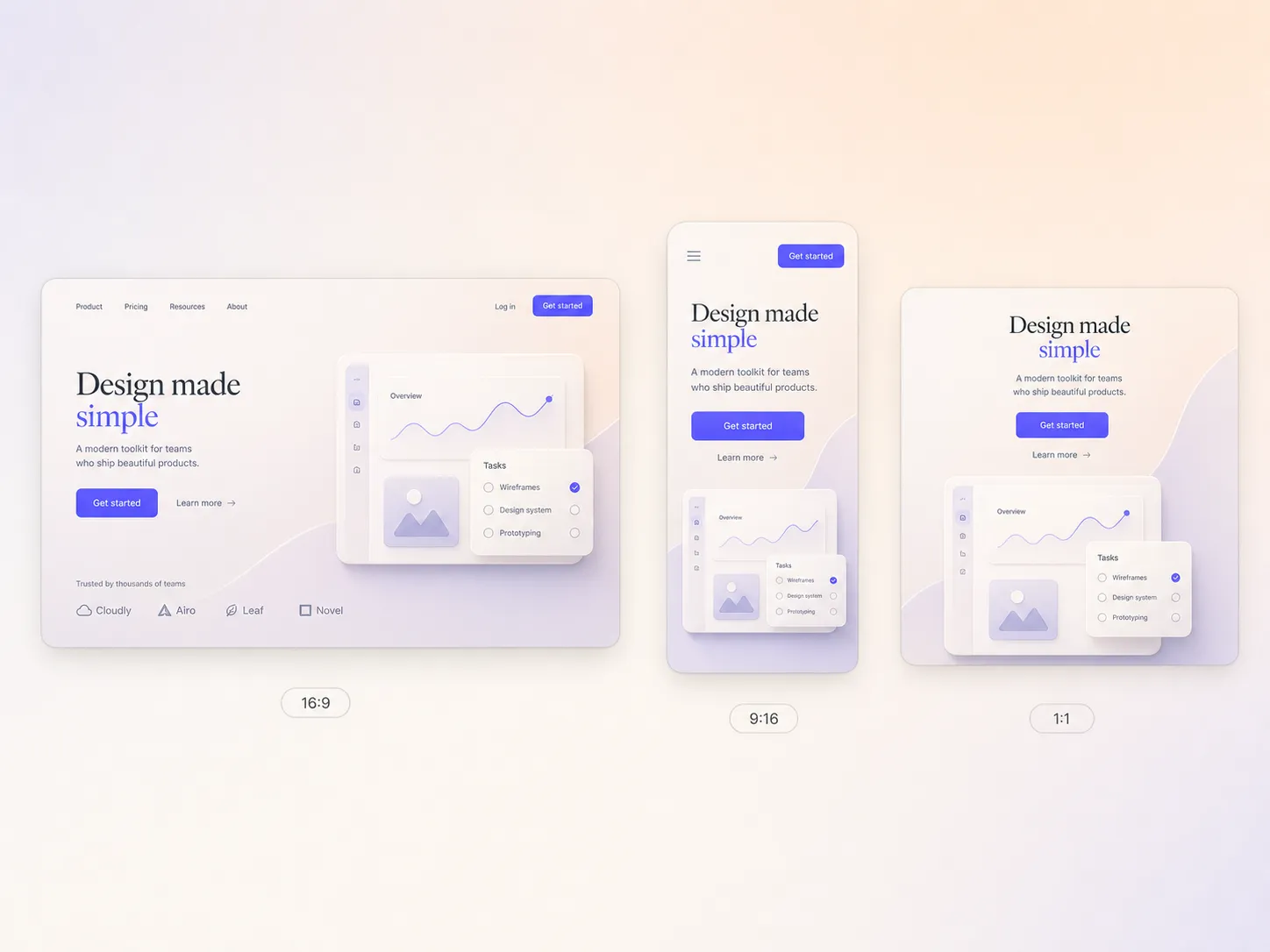
Pexo delivers your website launch video natively in 16:9 for YouTube, 9:16 for TikTok and Reels, and 1:1 for feeds, up to 4K and anywhere from 5 to 120 seconds. Each ratio is generated fresh for that screen, framed for it rather than cropped down from one master. Ask for several formats at once and post the right version to every channel.
I handed over seven staging screenshots and got back a launch film with a real countdown feel. The client shared it everywhere before go live.

We relaunch client sites most weeks and video was always the bottleneck. Now every site gets its own launch film in an afternoon, on brand.

No motion designer on our team, and the website launch video still shipped in a day. Pexo scripted and scored it and day one traffic tripled.

Related AI launch video formats, all built from a single prompt.
A website launch video is a short film that announces a new or redesigned site, reveals the pages worth showing, and closes on a call to visit. Most land between 15 and 45 seconds. Pexo builds one from a prompt or your own screenshots, anywhere from 5 to 120 seconds, in 16:9, 9:16, or 1:1 up to 4K.
Yes. Drop in real page screenshots with image to video and Pexo animates them into smooth reveals, keeping type and layout crisp instead of swapping in generic mockups. Seedance 2.5 and Kling AI 3.0 handle the motion, and Hyperframe keeps your logo and colors steady across every shot.
Short. Most launch films run 15 to 45 seconds in a feed, because attention drops fast on autoplay. Pexo generates anywhere from 5 to 120 seconds, so a 15 second teaser and a 60 second hero cut come out of one project, each framed natively for 16:9, 9:16, and 1:1.
Pexo. It runs Seedance 2.5, Kling AI 3.0, MiniMax H3, and Happy Horse 1.0 inside one project and picks the model that suits each shot, so you compare looks without juggling four accounts. Script, music, captions, and export up to 4K happen in the same pass.
A website launch video reveals pages, navigation, and the live URL. A product launch video centers on the product itself and what it does. If the announcement is a company milestone rather than a site, start from the AI launch video hub instead.
Use subject + action + camera movement + setting + style. Example: new homepage open on a laptop, page scrolling into view, slow push in, sunlit wooden desk, clean editorial style. Add your brand colors and the closing call to action, then let the website launch video maker cut the rest.
Turn your new site into a launch film and announce it on every channel on go live day.
Make a sneak peek video that teases without spoiling. Pexo builds it with Seedance 2.5, Kling AI 3.0 and MiniMax H3 in 16:9, 9:16 or 1:1 up to 4K.
Make a startup launch video from your pitch with Pexo. Script, presenter, music and edit in one pass with Seedance 2.5 and Kling AI 3.0, ready in minutes.
Make an event launch video with Seedance 2.5 and Kling AI 3.0. Pexo scripts, scores and edits a teaser that reveals the date and drives sign-ups.
Make a product reveal video that teases, then lands the hero shot. Pexo scripts and scores it with Seedance 2.5, Kling AI 3.0 and MiniMax H3 in minutes.
Make a software launch video that shows what shipped and why it matters. Pexo scripts, narrates and edits it with Seedance 2.5 and Kling AI 3.0.
Make an app launch video from your screens with Seedance 2.5, Kling AI 3.0 and MiniMax H3. Pexo scripts, voices and edits it in 16:9, 9:16 and 1:1.
Make a countdown video for any launch or event. The AI countdown video generator scripts, scores, and renders it with Seedance 2.5, Kling and Happy Horse.
Make an NFT launch video from your own art. Pexo scripts, animates and scores the drop teaser with Seedance 2.5 and Kling AI 3.0 in minutes.