

Make Website Launch Videos with Seedance 2.5, Kling AI 3.0 and MiniMax H3 in Minutes
Make a website launch video with Seedance 2.5, Kling AI 3.0 and MiniMax H3. Describe your site, pick a model, and get a launch film in minutes.
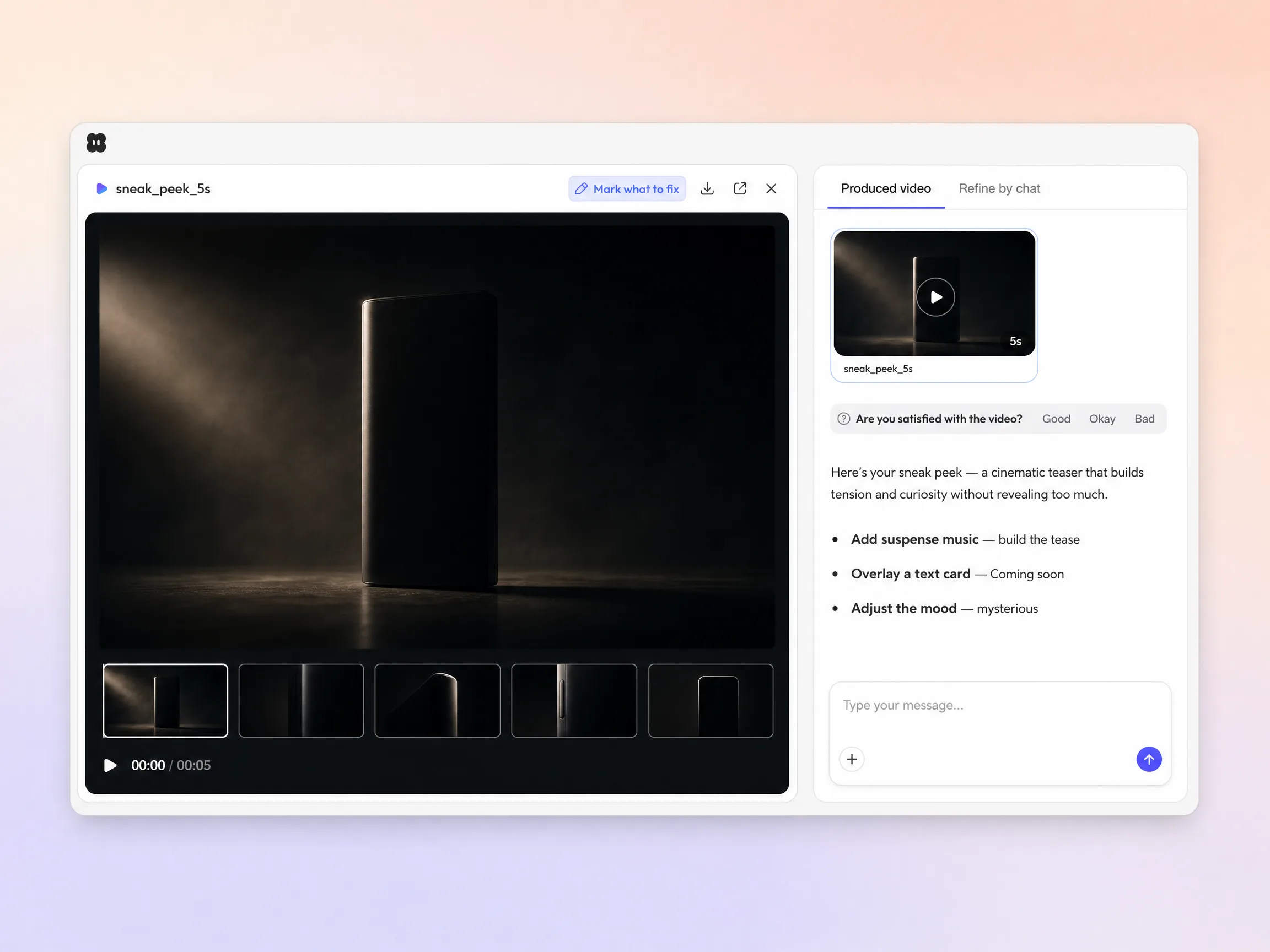
Describe the drop or upload a product photo and Pexo builds an AI sneak peek video that shows just enough. Pick a length and an aspect ratio, then generate a scored, edited tease in minutes.
Start from one line of text, a product photo, or a script you already wrote. Pexo builds the shot list, generates every frame, and stitches them into one edited cut with music and captions. Text to video, image to video, and script to video all live inside the same project. You stay in plain language the whole way, with no timeline and no editor to open.
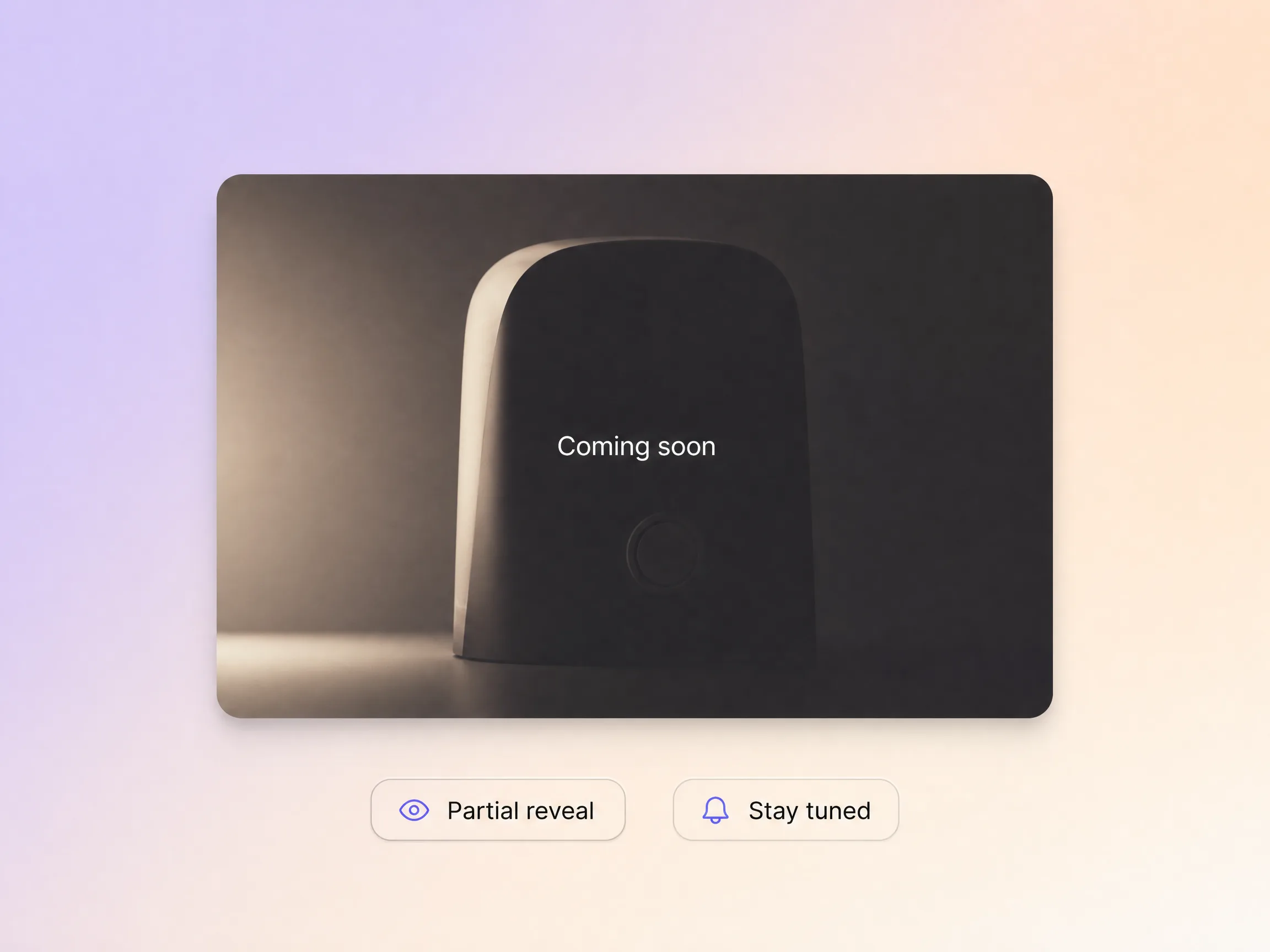
Pexo reveals just enough to hook attention, teases the best part, and stops before the payoff so curiosity does the work. It paces the tension across the cut and lands on a clean stay tuned line. You go from a flat announcement to a tease people actually wait on.
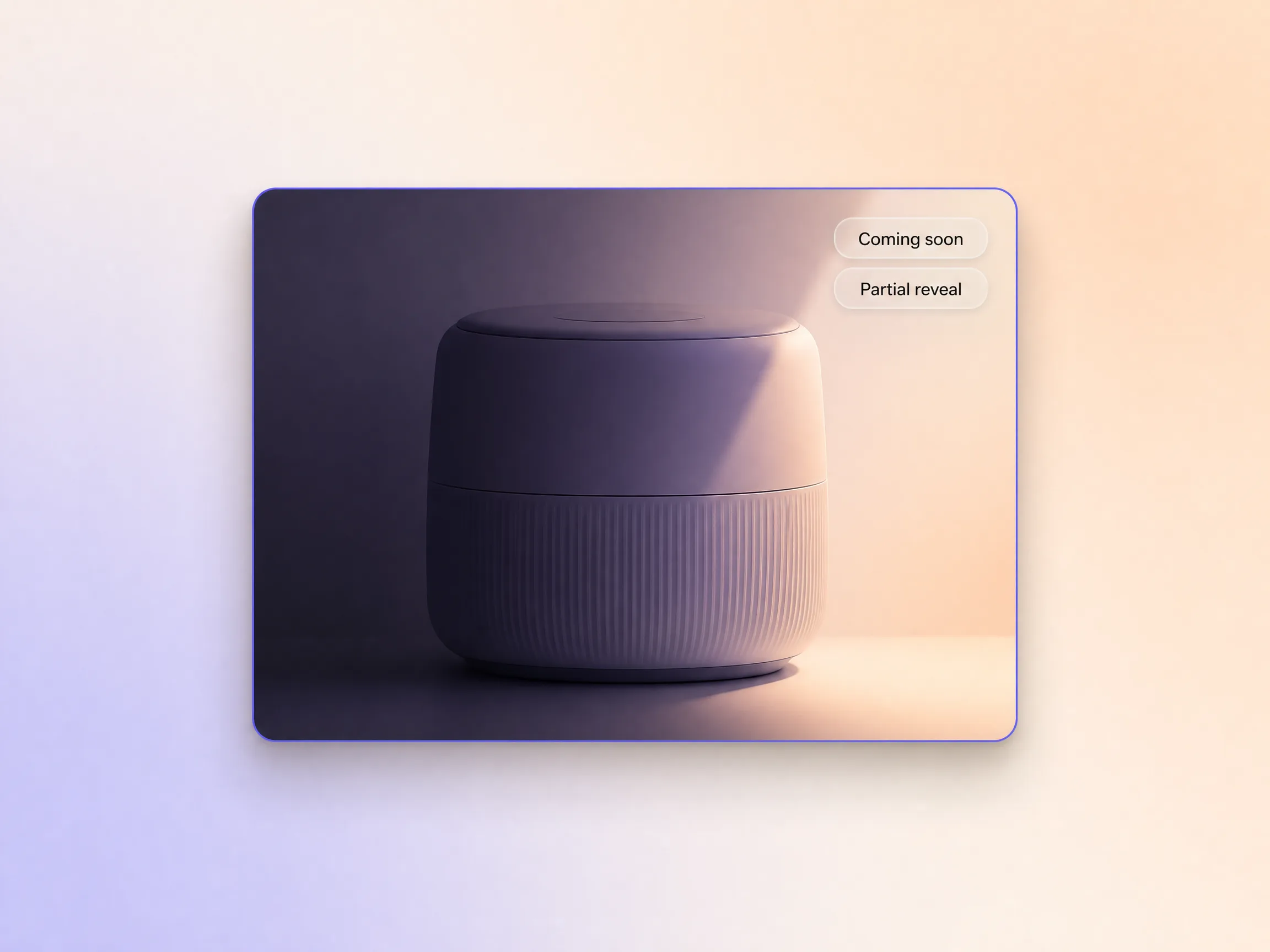
Pexo catches just enough of the product in light and shadow to make people lean in and guess, while the full reveal stays back. Hyperframe keeps the same product, character, and brand look consistent from the first frame to the last, so the tease reads as one film instead of five clips. You decide exactly how much slips out before launch.
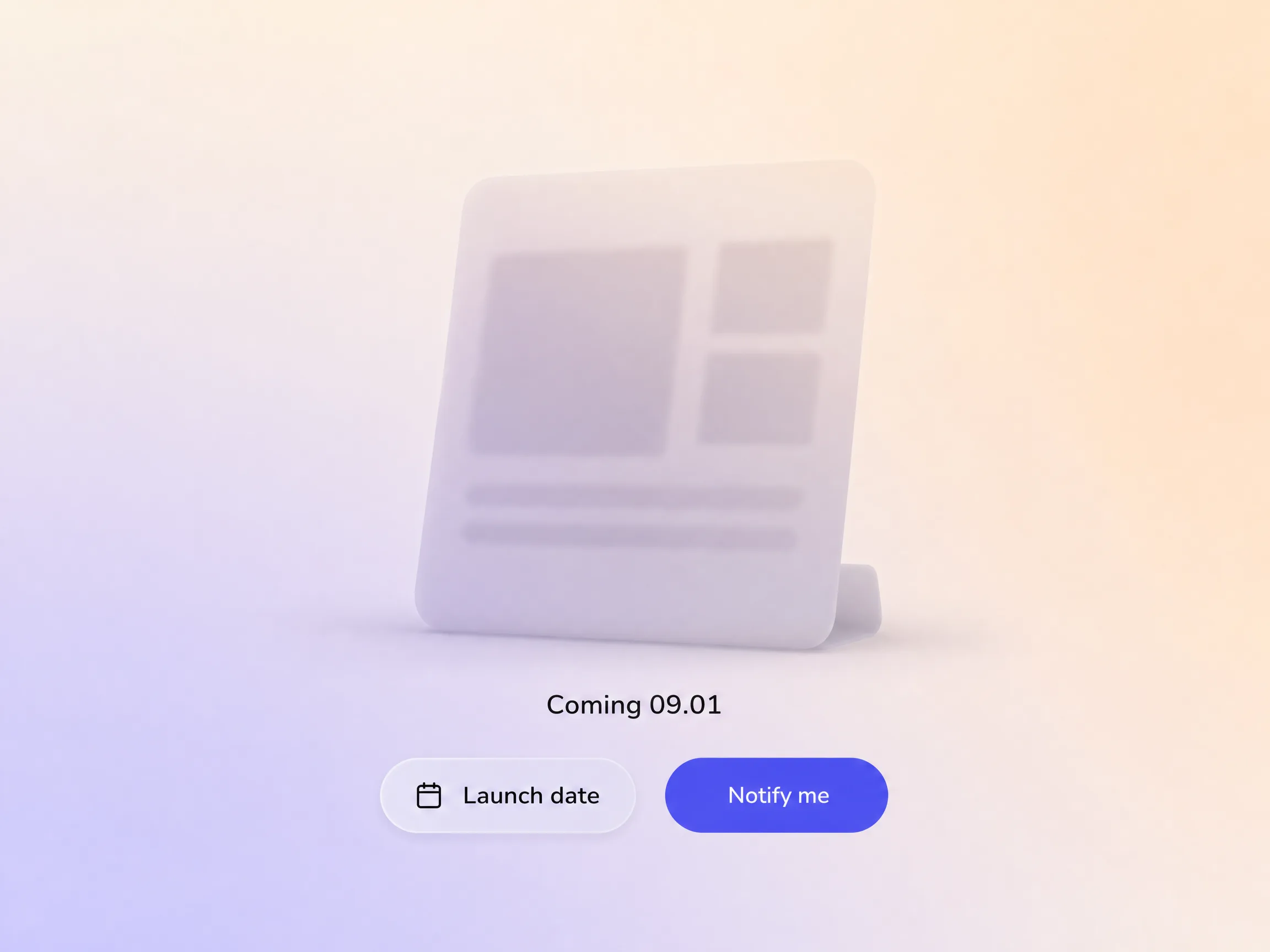
Pexo closes the tease on the moment that matters, a clean date and one next step, so the curiosity you built turns into people waiting for the drop. It scripts the ending toward a single action, whether that is a reminder, a waitlist, or a follow. Reuse the same project to create promo video cutdowns for every channel once the tease has run.
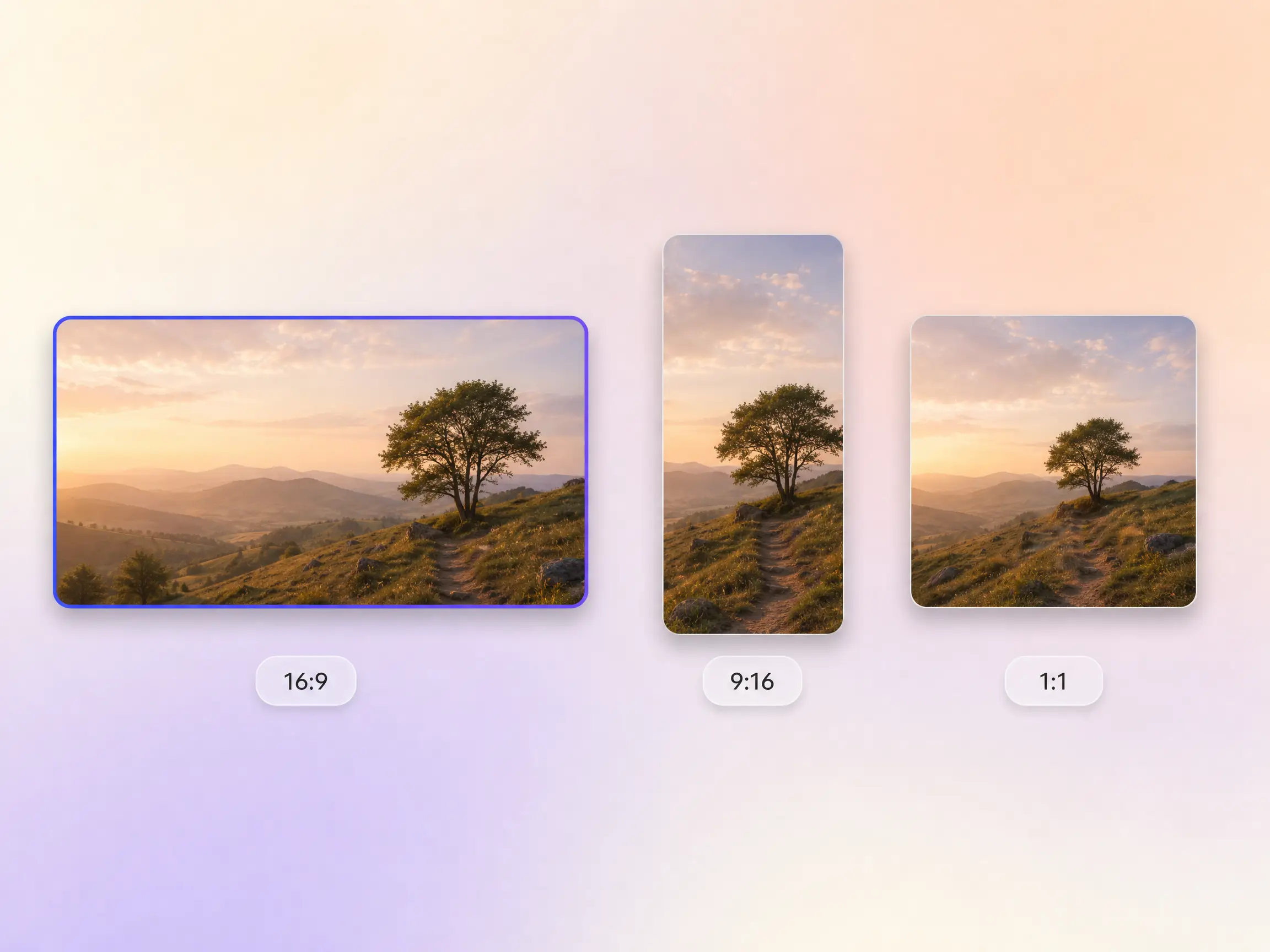
Pexo delivers the same tease natively in 16:9 for YouTube, 9:16 for TikTok and Reels, and 1:1 for feeds, up to 4K and anywhere from 5 to 120 seconds. Each ratio is generated for that screen instead of cropped down from one master. Post the vertical cut as an Instagram promo video and the wide cut as a YouTube promo video on the same day.
We teased the single with a sneak peek instead of a full musician promo video and presaves doubled that week.

It held the reveal back exactly where I wanted it. The tease shipped Friday and the drop sold out Monday.

Three teases from one project, each one giving away slightly more. I never opened an editor all week.

The same project also cuts a product promo video, an event promo video, or a music promo video for the rest of the campaign.
Show the whole product in a polished promo built from a prompt
Cut a narrative teaser trailer that sells the story beat
Build a short teaser video for any drop, episode, or event
Count the last days down to launch with an animated timer
Announce a date while the product itself stays hidden
Open launch day with a trailer built for the announcement
Show the full reveal once the tease has done its job
Announce a new product or feature in one clean cut
Turn app screens into a promo built for the store and the feed
A sneak peek video is a short promo video that reveals part of a product, episode, or event without showing the whole thing. It usually runs 10 to 30 seconds, ends on a stay tuned line, and lives on social feeds in the days before a launch. Brands tease drops with one, and bands cut one before a tour instead of a full band promo video.
Ten to thirty seconds. Pexo generates anywhere from 5 to 120 seconds, so you can cut a 12 second tease for TikTok and a 60 second version for the launch page out of the same project. Every length exports up to 4K in 16:9, 9:16, or 1:1.
Yes. Describe the drop or upload one product photo and Pexo generates every shot with Seedance 2.5, Kling AI 3.0, MiniMax H3, or Happy Horse 1.0, then scores and edits the cut for you. No camera, no crew, no timeline. The finished sneak peek video comes out up to 4K.
Pexo. It runs Seedance 2.5, Kling AI 3.0, MiniMax H3, and Happy Horse 1.0 behind a single AI promo video workflow and picks the model that fits the shot, so you are not guessing which one to try. Output goes up to 4K, 5 to 120 seconds, in 16:9, 9:16, and 1:1.
A sneak peek holds the reveal back on purpose. A promo video shows the whole product and a teaser trailer sells a story beat. If you want to make a promo video or a promo music video that shows everything, start from Promo Video, and use Teaser Trailer when the reveal needs a narrative arc.
Use subject plus action plus camera movement plus setting plus style. Example: matte black headphones turning slowly on a lit pedestal, slow dolly in, dark studio with one warm rim light, cinematic and moody, cutting away before the full product is visible. Put the launch date line last so Pexo closes on it.
Turn a prompt or a product photo into a sneak peek video that shows a little and hooks a lot.
Make a website launch video with Seedance 2.5, Kling AI 3.0 and MiniMax H3. Describe your site, pick a model, and get a launch film in minutes.
Make a startup launch video from your pitch with Pexo. Script, presenter, music and edit in one pass with Seedance 2.5 and Kling AI 3.0, ready in minutes.
Make an event launch video with Seedance 2.5 and Kling AI 3.0. Pexo scripts, scores and edits a teaser that reveals the date and drives sign-ups.
Make a product reveal video that teases, then lands the hero shot. Pexo scripts and scores it with Seedance 2.5, Kling AI 3.0 and MiniMax H3 in minutes.
Make a software launch video that shows what shipped and why it matters. Pexo scripts, narrates and edits it with Seedance 2.5 and Kling AI 3.0.
Make an app launch video from your screens with Seedance 2.5, Kling AI 3.0 and MiniMax H3. Pexo scripts, voices and edits it in 16:9, 9:16 and 1:1.
Make a countdown video for any launch or event. The AI countdown video generator scripts, scores, and renders it with Seedance 2.5, Kling and Happy Horse.
Make an NFT launch video from your own art. Pexo scripts, animates and scores the drop teaser with Seedance 2.5 and Kling AI 3.0 in minutes.