

Make a Sneak Peek Video with Seedance 2.5, Kling AI 3.0 and MiniMax H3 in Minutes
Make a sneak peek video that teases without spoiling. Pexo builds it with Seedance 2.5, Kling AI 3.0 and MiniMax H3 in 16:9, 9:16 or 1:1 up to 4K.
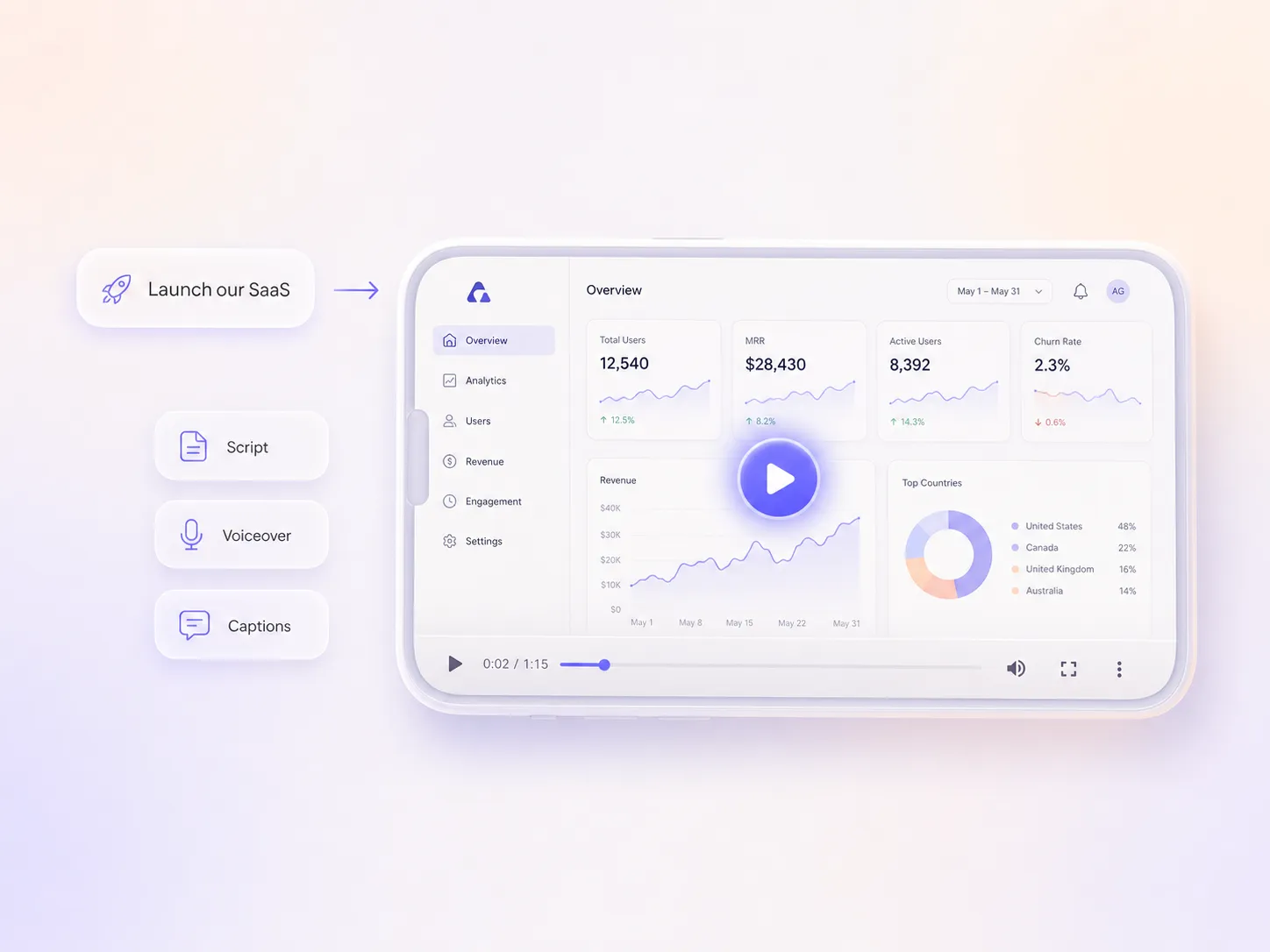
Describe your release and Pexo's AI SaaS launch video maker writes the script, generates every shot, and adds voiceover and captions. Upload a screenshot, pick an aspect ratio, and download a polished launch video in minutes.
Start from one line about the release, a screenshot of the new feature, or the script you already wrote for your SaaS product demo video. Pexo generates every shot with Seedance 2.5, Kling AI 3.0, or MiniMax H3, then stitches them into one continuous, edited cut. Text to video, image to video, and script to video live in the same project, so you stay in plain language the whole way. No timelines, no keyframes, no editor to open.
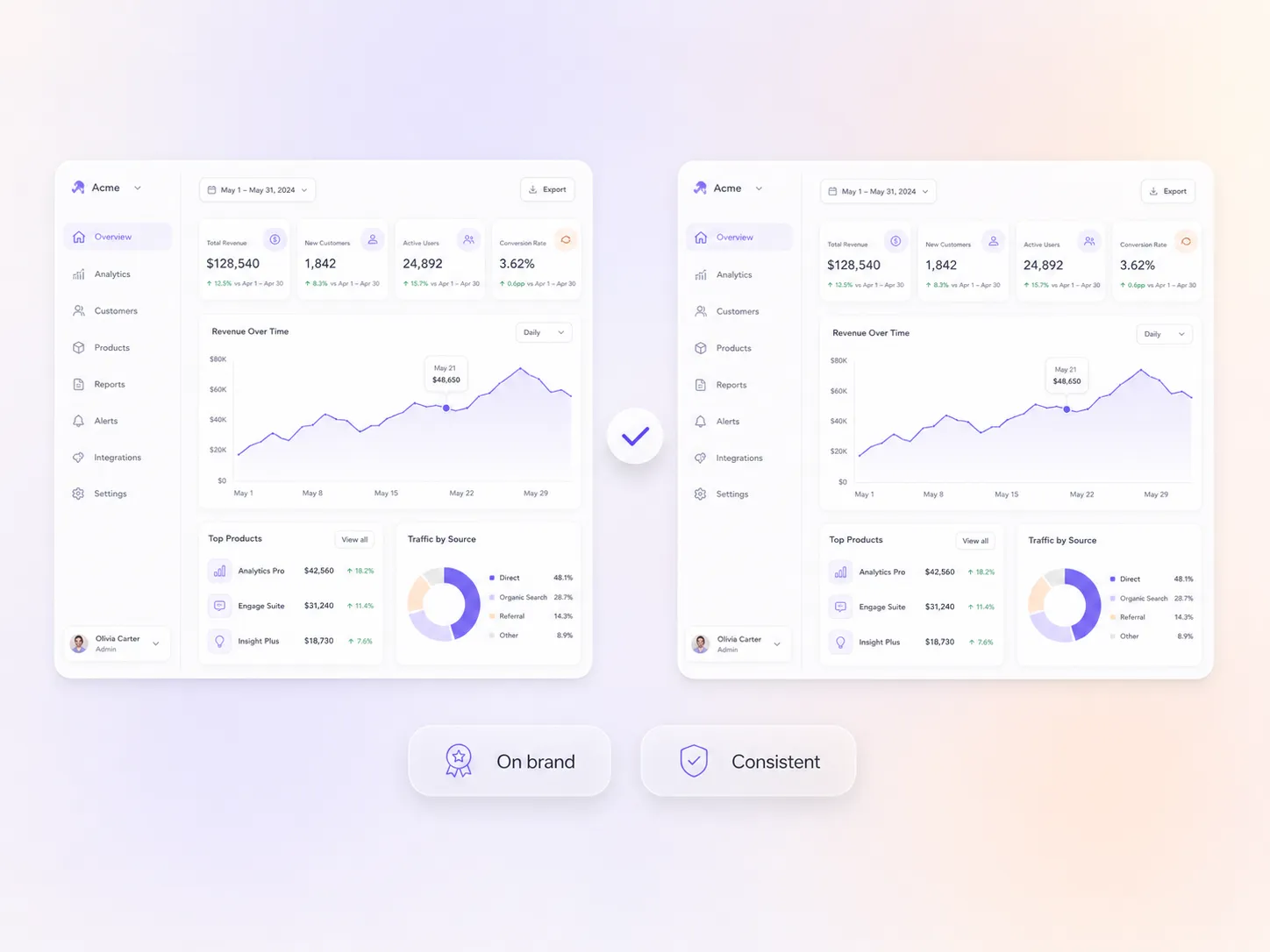
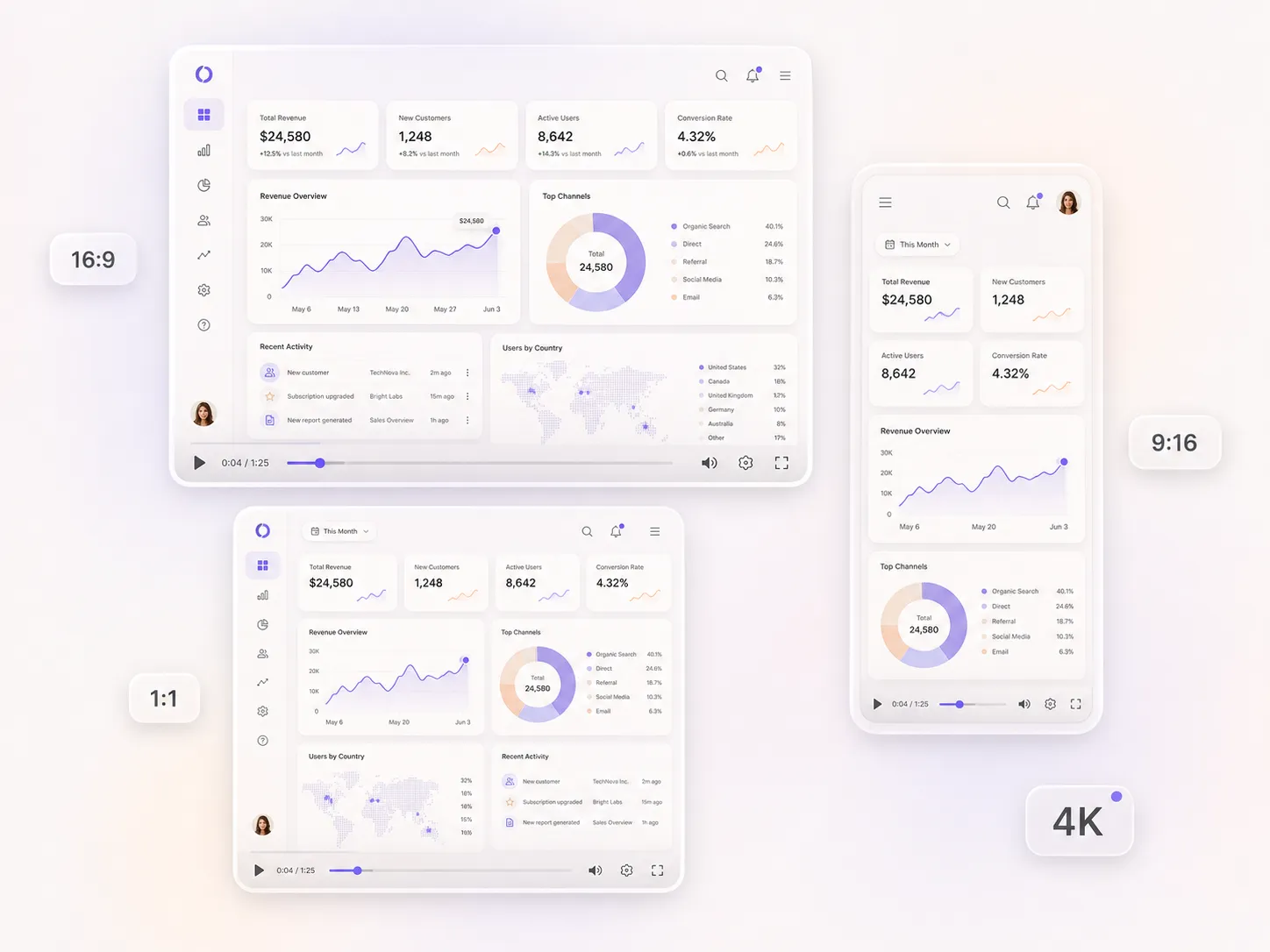
Holding a software interface steady from shot to shot is the hard part, and Hyperframe does it. Upload a screenshot or describe the flow, and your dashboards keep the same layout, color, and detail across every scene. You get clean, on-brand interface shots instead of generic mockups, readable at up to 4K. No drift, no off-model frames to patch later.
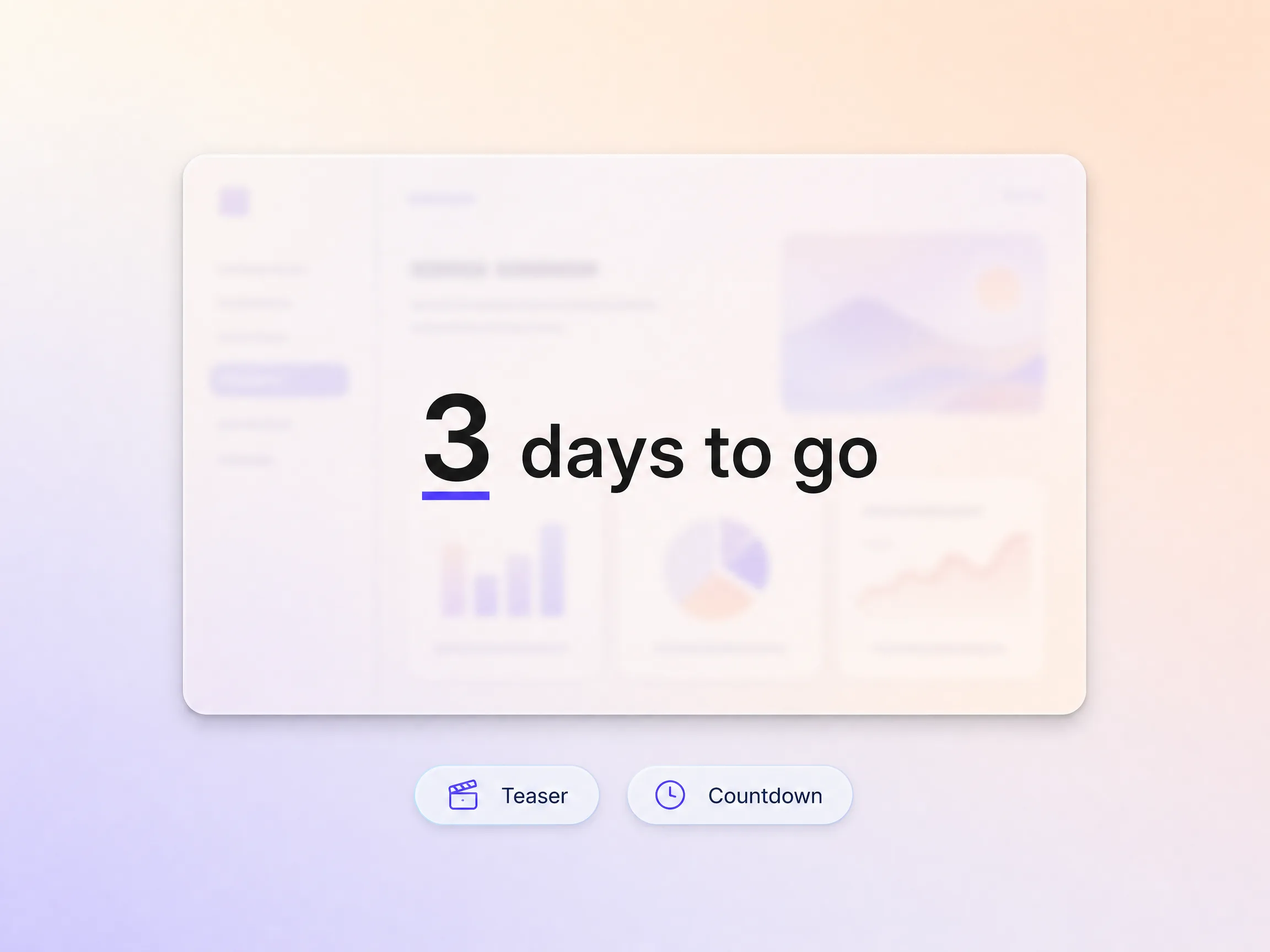
Ask for the teaser first and Pexo cuts a short countdown version of your SaaS launch video, reusing the same shots, voice, and score so the tease and the reveal look like one campaign. Reopen the project on launch day for the full cut instead of starting over. You go live to an audience that already knows the date.
Tell Pexo whether you want a trial signup, a booked demo, or a purchase, and it writes the closing line, holds the end frame on that one action, and lays a caption track under it so the ask still reads with the sound off. The whole cut drives toward the moment you want people to click. Traffic converts instead of just watching.
Pexo delivers your SaaS launch video natively in 16:9 for YouTube, 9:16 for TikTok and Reels, and 1:1 for feeds, up to 4K and anywhere from 5 to 120 seconds. Each ratio is generated fresh for that screen, framed for it rather than cropped down from one master, so the interface never falls outside the frame. Ask for several formats at once and post the right version to every channel.
We made our SaaS launch video the morning of the release and it looked like a keynote. Trial signups jumped that week.

I described our new dashboard and Pexo built a launch video that actually showed the real product. Demo requests went up.

No studio, no agency. I had a SaaS launch video for the changelog before lunch. It just worked.

Same engine, different launch moment. Pick the format that matches what you are shipping.
A SaaS launch video is a short video that announces a new software product or feature and shows what it does. With Pexo's AI SaaS launch video generator you describe the release and get a finished, edited cut with script, product shots, voiceover, and subtitles, 5 to 120 seconds long and up to 4K, with no screen recording required.
Yes. Hyperframe locks your interface so the same dashboard, layout, and color hold across every shot, and you can upload your own screenshots for an exact match. Export at up to 4K so labels and numbers inside the product stay readable on a desktop feed.
No. Pexo writes the script, generates the shots with Seedance 2.5 or Kling AI 3.0, then adds voiceover, music, and captions and returns a finished SaaS launch video in 16:9, 9:16, or 1:1. Nothing opens in a timeline, so a founder or a solo marketer can ship the whole thing between standup and launch.
A SaaS launch video announces one software product or feature to the market. For a brand, campaign, or event reveal use a launch video, and for physical or consumer goods use a product launch video. If you need the long walkthrough rather than the reveal, ask for a SaaS demo video instead. Pexo builds all of them in the same project.
Pexo. It runs one prompt through several video models, Seedance 2.5, Kling AI 3.0, MiniMax H3, and Happy Horse 1.0, and keeps the strongest result instead of locking you to one engine. Output runs 5 to 120 seconds at up to 4K, and Hyperframe holds your product UI steady across the whole cut.
Use subject + action + camera movement + setting + style. Example: a product manager opens the new analytics dashboard, slow push in on the screen, bright modern office, clean editorial style. Name the interface and the one number you want on screen, and Pexo keeps both consistent through every shot.
Describe the release once. Pexo handles the script, the product shots, the voiceover, and the captions, then hands you the finished cut.
Make a sneak peek video that teases without spoiling. Pexo builds it with Seedance 2.5, Kling AI 3.0 and MiniMax H3 in 16:9, 9:16 or 1:1 up to 4K.
Make a website launch video with Seedance 2.5, Kling AI 3.0 and MiniMax H3. Describe your site, pick a model, and get a launch film in minutes.
Make a startup launch video from your pitch with Pexo. Script, presenter, music and edit in one pass with Seedance 2.5 and Kling AI 3.0, ready in minutes.
Make an event launch video with Seedance 2.5 and Kling AI 3.0. Pexo scripts, scores and edits a teaser that reveals the date and drives sign-ups.
Make a product reveal video that teases, then lands the hero shot. Pexo scripts and scores it with Seedance 2.5, Kling AI 3.0 and MiniMax H3 in minutes.
Make a software launch video that shows what shipped and why it matters. Pexo scripts, narrates and edits it with Seedance 2.5 and Kling AI 3.0.
Make an app launch video from your screens with Seedance 2.5, Kling AI 3.0 and MiniMax H3. Pexo scripts, voices and edits it in 16:9, 9:16 and 1:1.
Make a countdown video for any launch or event. The AI countdown video generator scripts, scores, and renders it with Seedance 2.5, Kling and Happy Horse.