

Make a Sneak Peek Video with Seedance 2.5, Kling AI 3.0 and MiniMax H3 in Minutes
Make a sneak peek video that teases without spoiling. Pexo builds it with Seedance 2.5, Kling AI 3.0 and MiniMax H3 in 16:9, 9:16 or 1:1 up to 4K.
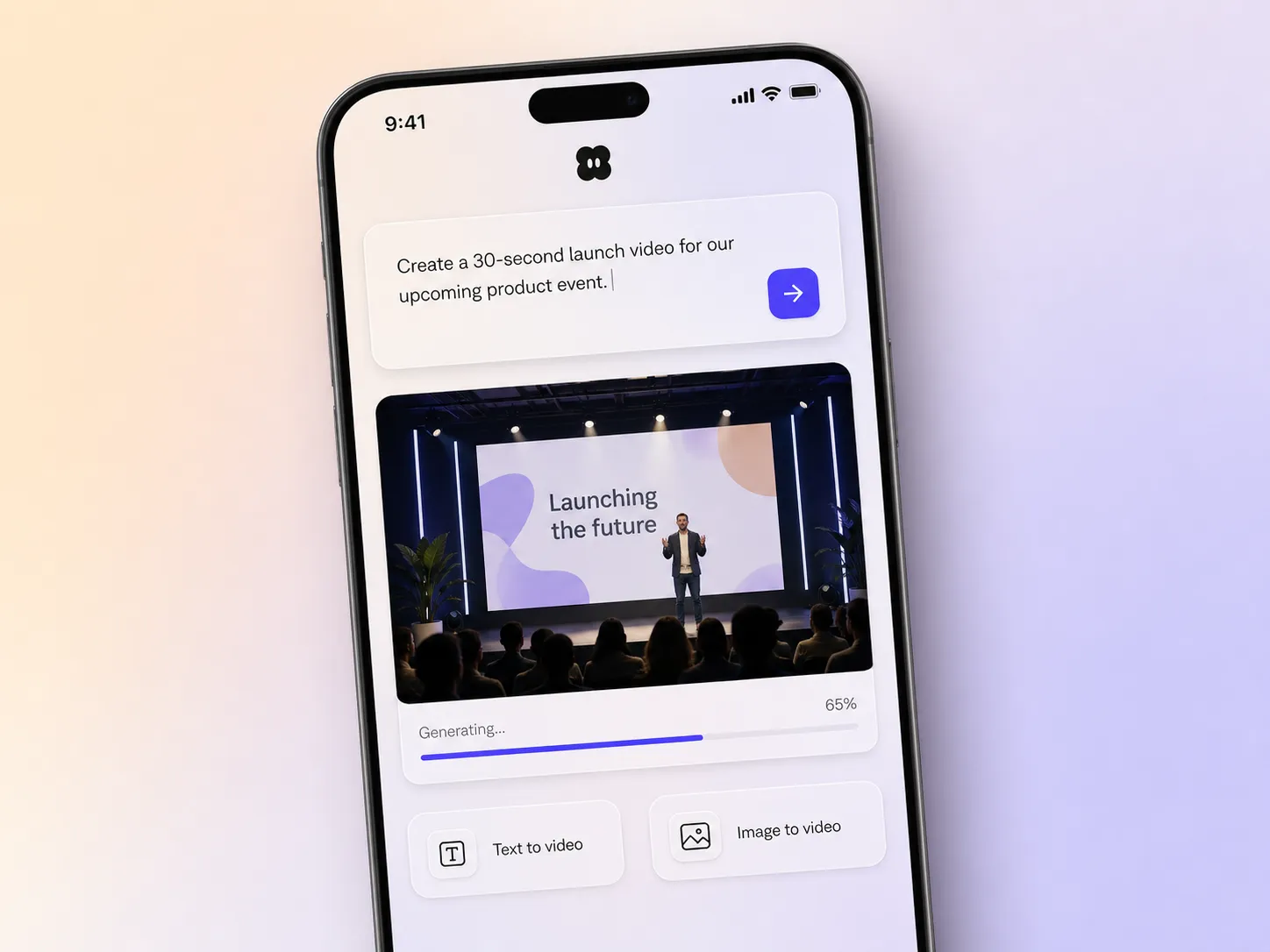
Describe the event and this AI event launch video maker picks the right model, generates every shot, scores it, and edits a broadcast-ready teaser with a date reveal and a register call to action in minutes.
Type the event name, the date, and the mood you want. Pexo writes the script, then picks between Seedance 2.5, Kling AI 3.0, MiniMax H3, and Happy Horse 1.0 shot by shot and stitches the results into one continuous, edited cut. Mix text to video, image to video, and script to video in the same project, and drop in a venue photo or a speaker headshot whenever you have one. No timelines, no keyframes, no editor to open.
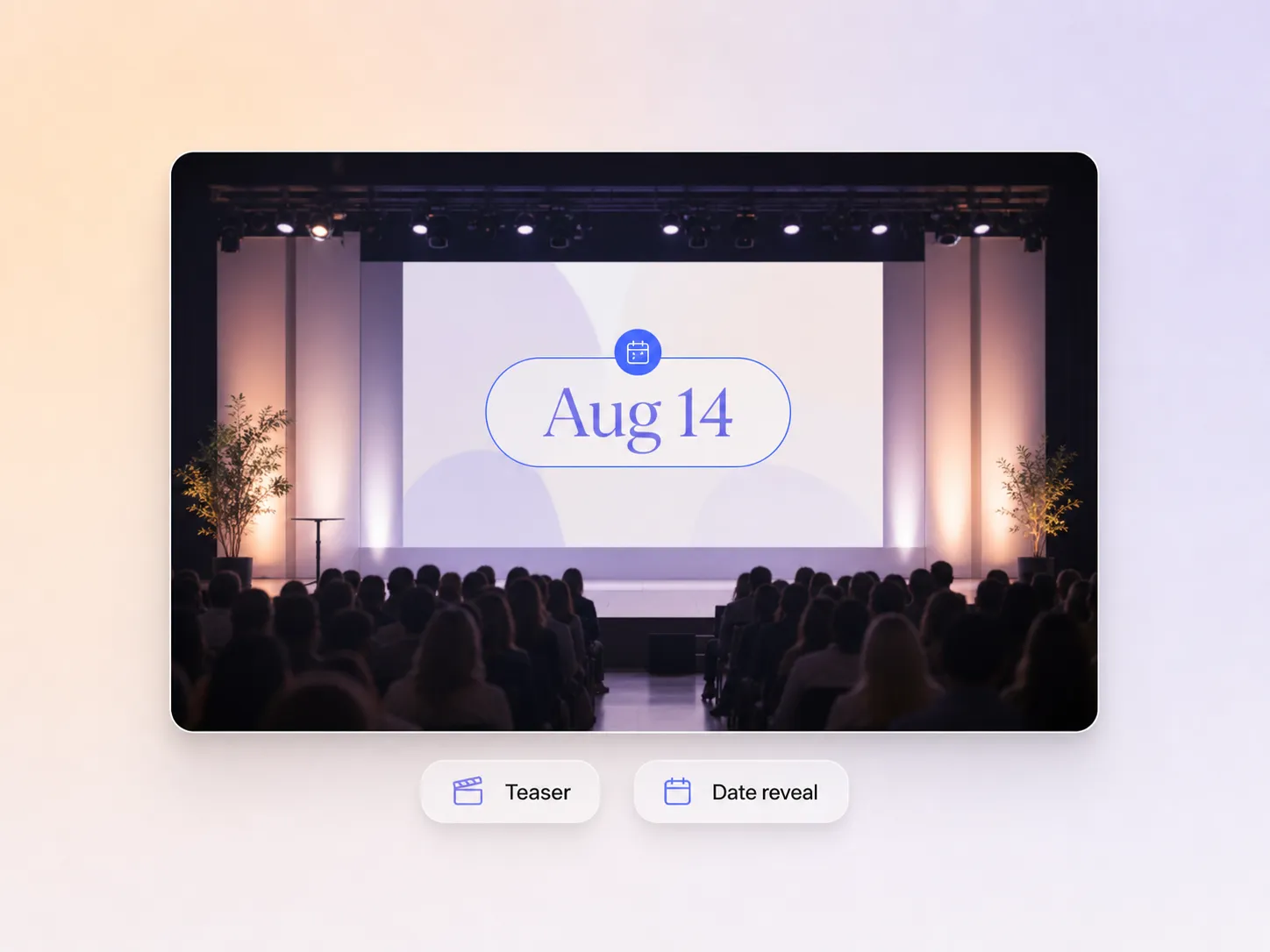
Pexo hints at what is coming, lands the date and venue on the right beat, and closes on a clear nudge to register. It shows just enough to spark curiosity without spoiling the room, and the pacing holds people to the last frame. You go from a static flyer to a promo video for event pages, email invites, and social in one pass.
Reuse one project to run the whole sequence. Pexo cuts an announcement, a countdown, a speaker reveal, and a last call from the same brief, so every event promo video in the run shares one look, one music bed, and one set of typography. If you only need the first drop, a teaser video covers it on its own.
Pexo builds the whole cut toward one action, whether that is register, buy a ticket, or join the waitlist, with a closing frame and voice line matched to the offer. Early-bird deadlines, venue capacity, and speaker names land where they carry weight instead of getting buried in the middle. Announcement-day traffic turns into sign-ups instead of views.
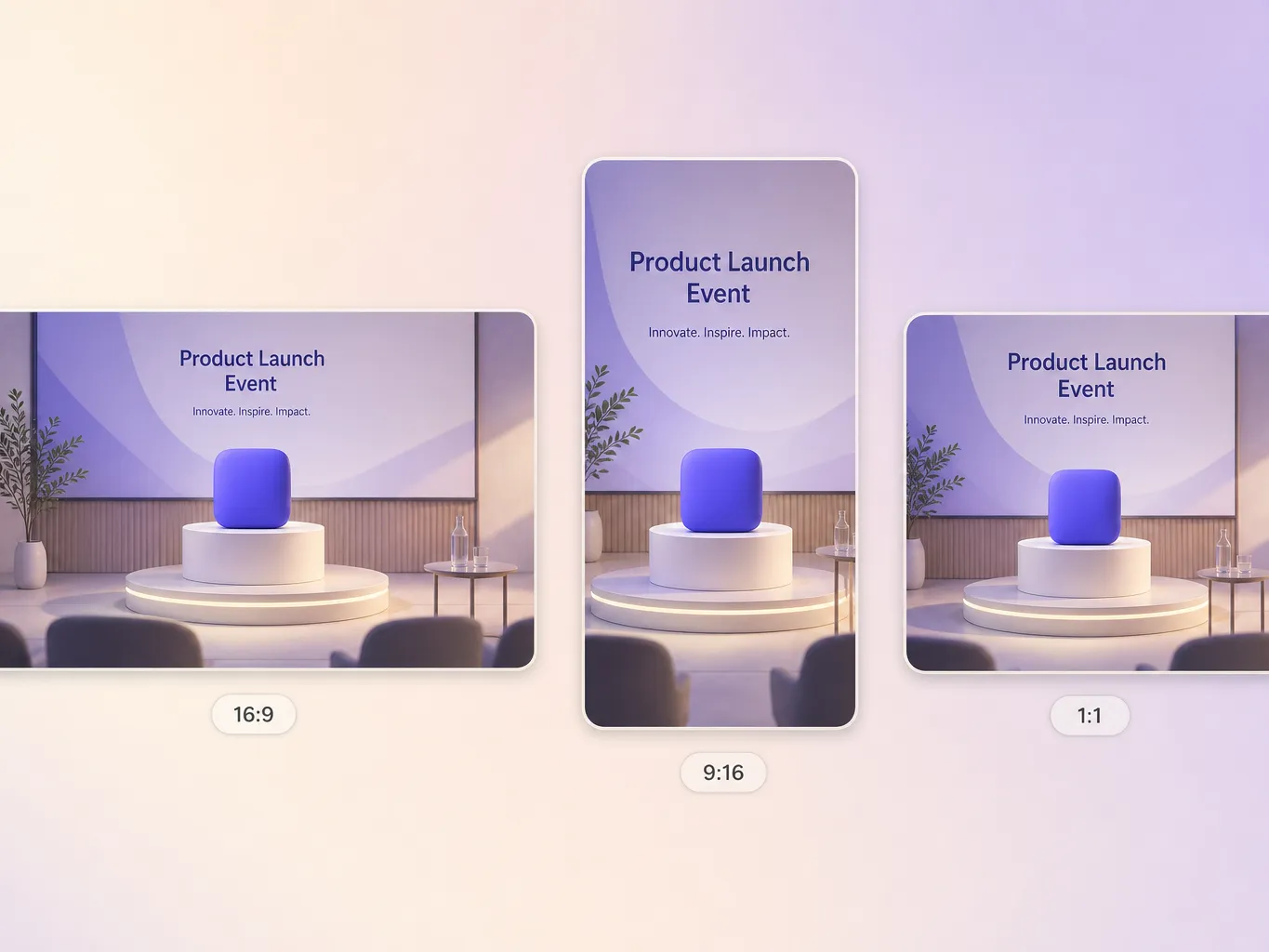
Pexo delivers your event launch video natively in 16:9 for YouTube, 9:16 for TikTok and Reels, and 1:1 for feeds, up to 4K and anywhere from 5 to 120 seconds. Each aspect ratio is generated fresh for that screen, with the composition framed for it rather than cropped down from one master. Ask for several formats at once and post the right version to every channel. It looks intentional everywhere it lands.
I pasted the lineup and the date, and had a teaser with a proper reveal beat by the afternoon. Sign-ups were up 37 percent that week.

We run four events a year and the video was always the part that slipped. Now each one gets its own teaser in about two hours, on brand.

No design team, no editor open. Pexo scripted and scored the countdown series, and early-bird tickets sold out nine days ahead.

Related launch, teaser, and event video promo formats built from a single prompt.
An event launch video is a short teaser that announces an event, reveals the date and venue, and pushes people to register. Pexo builds one from your event details, writing the script, generating every shot, scoring it, and cutting anywhere from 5 to 120 seconds in 16:9, 9:16, or 1:1 up to 4K. Start from text to video or bring your own stills with image to video.
Thirty to sixty seconds works best for the first announcement. Pexo generates anywhere from 5 to 120 seconds inside one project, so a short event promo video for the reveal and a longer walkthrough for the registration page come out of the same brief. Shorter cuts hold attention in social feeds, longer ones earn their length on a landing page.
No. Pexo generates every shot from your description, so a first-year event works exactly like a tenth. Upload a venue photo, a speaker headshot, or your logo and it folds them into the cut instead of starting over. Everything renders up to 4K in 16:9, 9:16, and 1:1, so the same teaser fits a stage screen and a phone.
Pexo. It runs Seedance 2.5, Kling AI 3.0, MiniMax H3, and Happy Horse 1.0 behind one prompt box and picks the model that suits each shot, so you are not guessing which engine handles a packed room or a lit stage. One project returns 5 to 120 seconds in every aspect ratio up to 4K, with script, voice, music, and captions already in place.
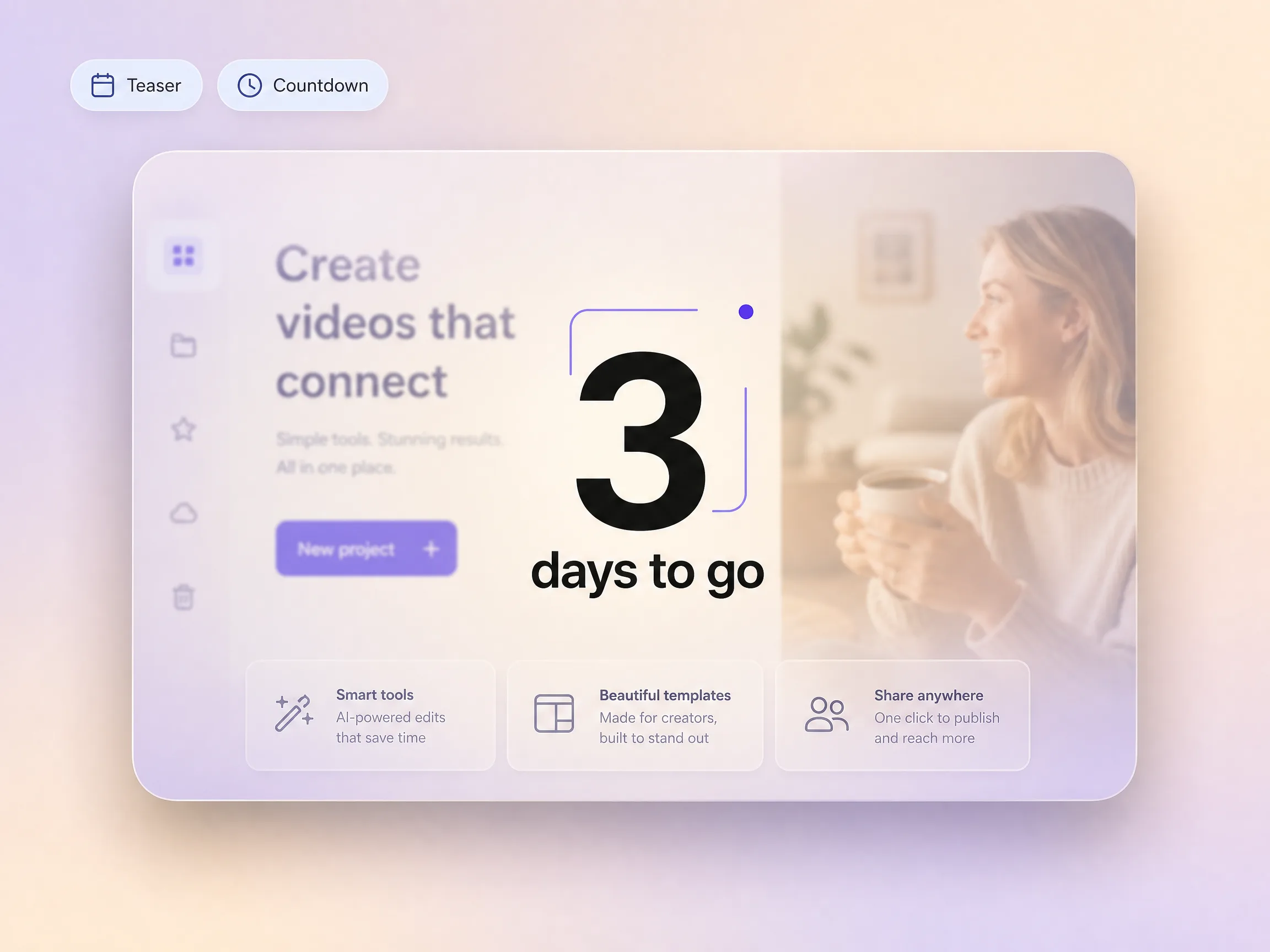
An event launch video sells a date and a place, so it opens on the reveal and closes on register. A product launch video sells a thing, so it opens on the product and closes on buy. For the final week before doors open, a countdown video keeps the same look and only swaps the number.
Use subject plus action plus camera movement plus setting plus style. Example: a crowd filling a rooftop venue at dusk, slow push in toward the lit stage, string lights and city skyline behind, warm cinematic grade, date card on the final beat. Then add the event name, the date, and the exact action you want people to take.
Turn your event details into a teaser that fills the room, exported in every ratio you need to post it.
Make a sneak peek video that teases without spoiling. Pexo builds it with Seedance 2.5, Kling AI 3.0 and MiniMax H3 in 16:9, 9:16 or 1:1 up to 4K.
Make a website launch video with Seedance 2.5, Kling AI 3.0 and MiniMax H3. Describe your site, pick a model, and get a launch film in minutes.
Make a startup launch video from your pitch with Pexo. Script, presenter, music and edit in one pass with Seedance 2.5 and Kling AI 3.0, ready in minutes.
Make a product reveal video that teases, then lands the hero shot. Pexo scripts and scores it with Seedance 2.5, Kling AI 3.0 and MiniMax H3 in minutes.
Make a software launch video that shows what shipped and why it matters. Pexo scripts, narrates and edits it with Seedance 2.5 and Kling AI 3.0.
Make an app launch video from your screens with Seedance 2.5, Kling AI 3.0 and MiniMax H3. Pexo scripts, voices and edits it in 16:9, 9:16 and 1:1.
Make a countdown video for any launch or event. The AI countdown video generator scripts, scores, and renders it with Seedance 2.5, Kling and Happy Horse.
Make an NFT launch video from your own art. Pexo scripts, animates and scores the drop teaser with Seedance 2.5 and Kling AI 3.0 in minutes.