

Make a Sneak Peek Video with Seedance 2.5, Kling AI 3.0 and MiniMax H3 in Minutes
Make a sneak peek video that teases without spoiling. Pexo builds it with Seedance 2.5, Kling AI 3.0 and MiniMax H3 in 16:9, 9:16 or 1:1 up to 4K.
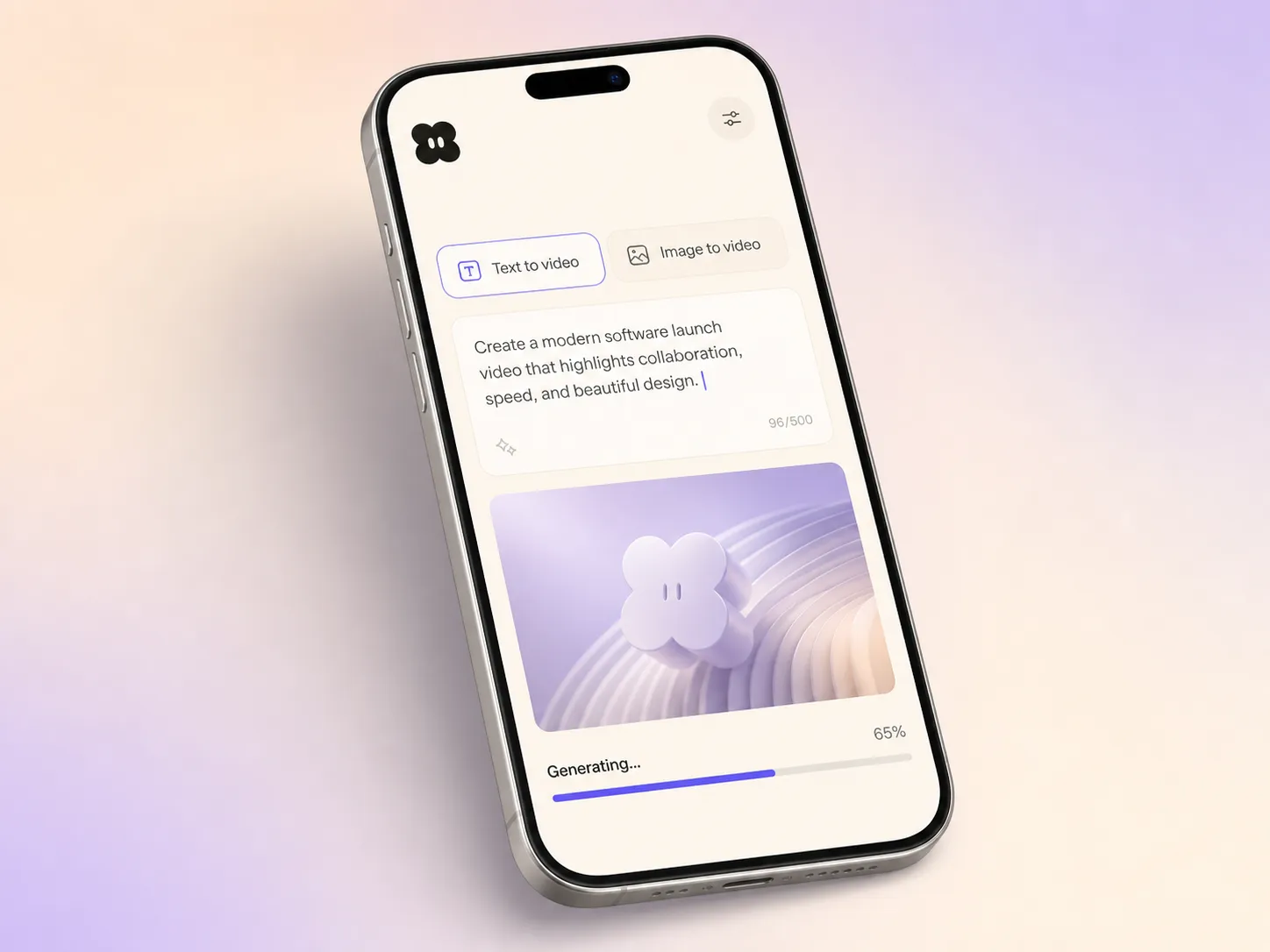
Describe your release or drop in a few screens, pick a style, and the AI software launch video generator returns a narrated, subtitled, launch-ready cut in minutes.
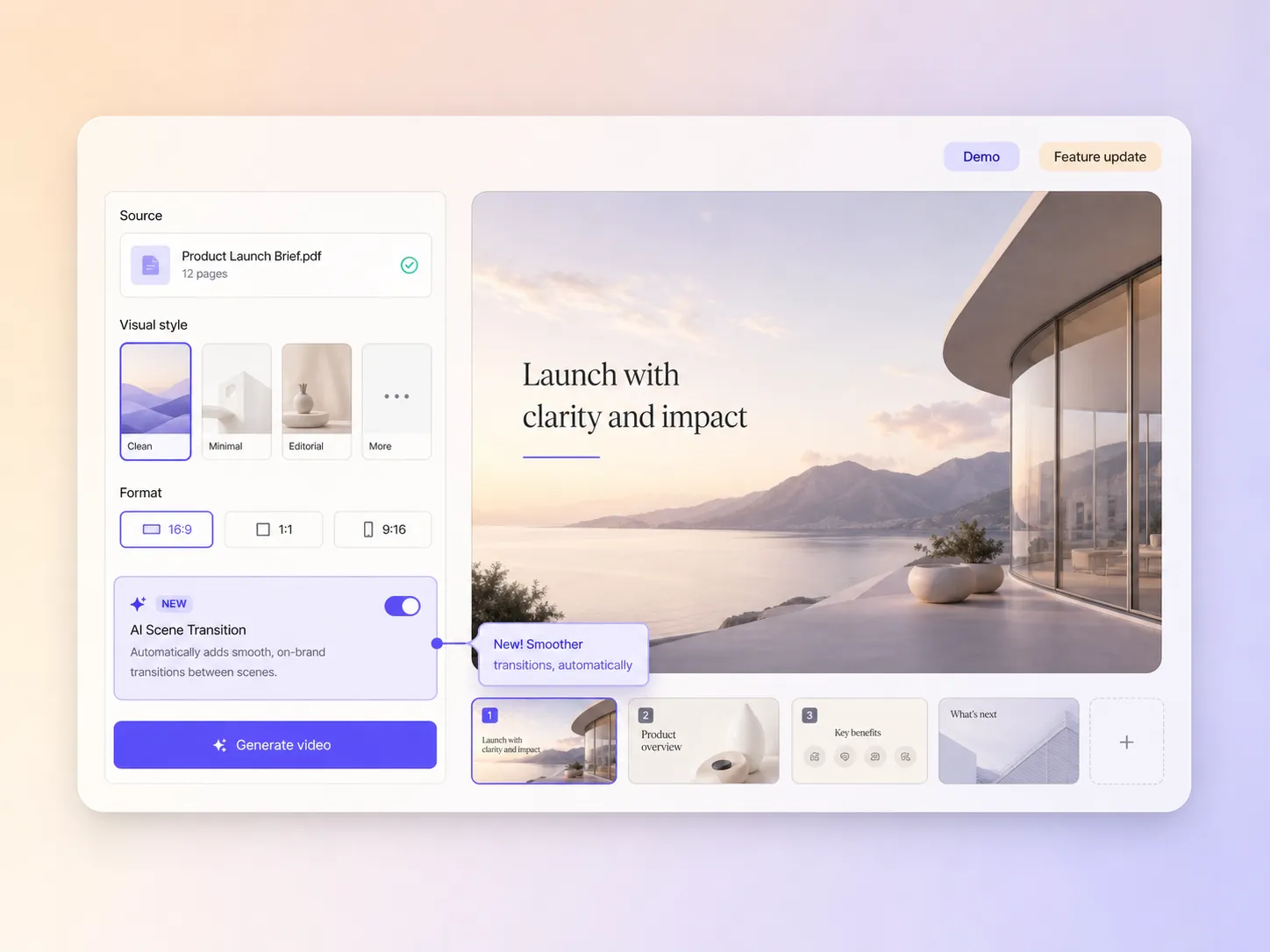
Type one line about the release or drop in a screenshot of the new build. Pexo writes the script, generates every shot with Seedance 2.5 or Kling AI 3.0, and stitches them into one continuous, edited cut. Mix text to video, image to video, and script to video inside one project. No timelines, no keyframes, no editor to open.
Pexo does more than show a screen, it explains the change. Hand it a release brief with script to video and it demos the new feature, narrates what it does and why it matters, and holds the interface consistent across every shot. A dense changelog turns into a software product launch video anyone on your list can follow.
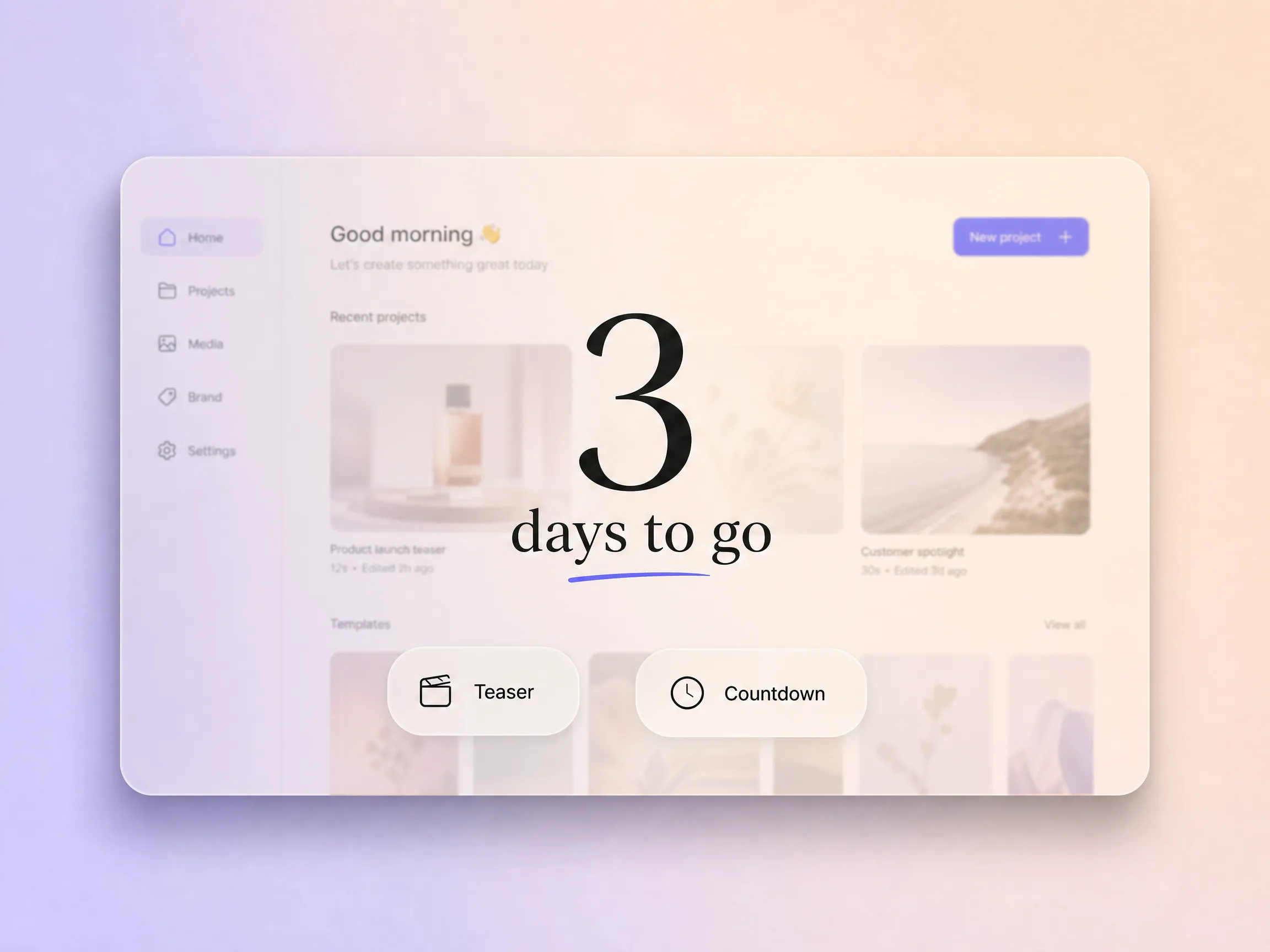
Pexo cuts teasers and countdown moments that build anticipation instead of dumping the news cold. It scripts the build-up, sets the countdown beats, and keeps the same look across the launch trailer and the main software launch video. You go live to a crowd that is already watching, not an empty room.
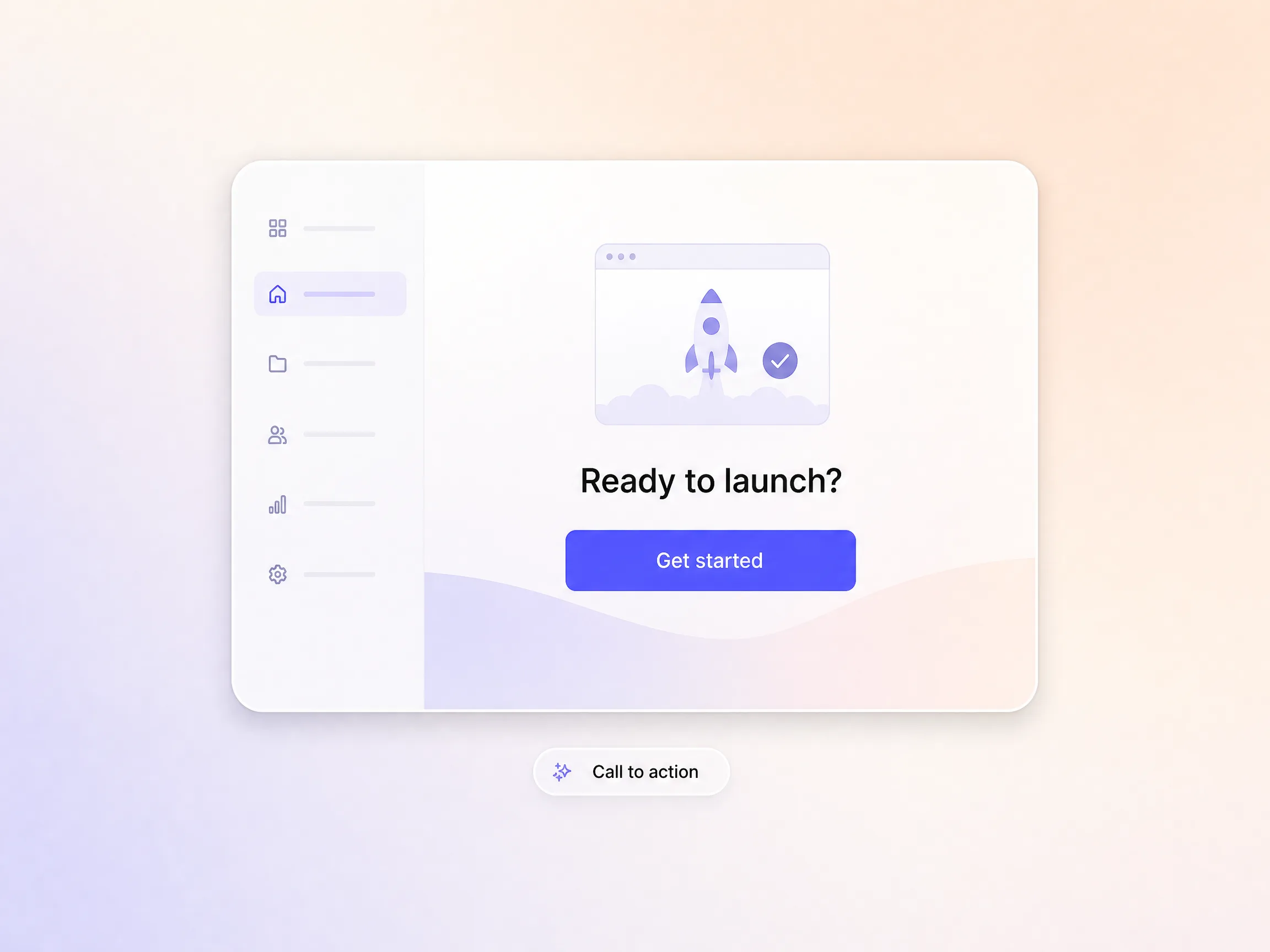
Every cut ends on one clear action, a signup, a demo, or a purchase, with a closing frame and prompt matched to the offer. Pexo writes the call to action into the script instead of bolting it on at the end, so the whole video drives toward the moment you want people to act. Launch-day traffic turns into signups instead of just views.
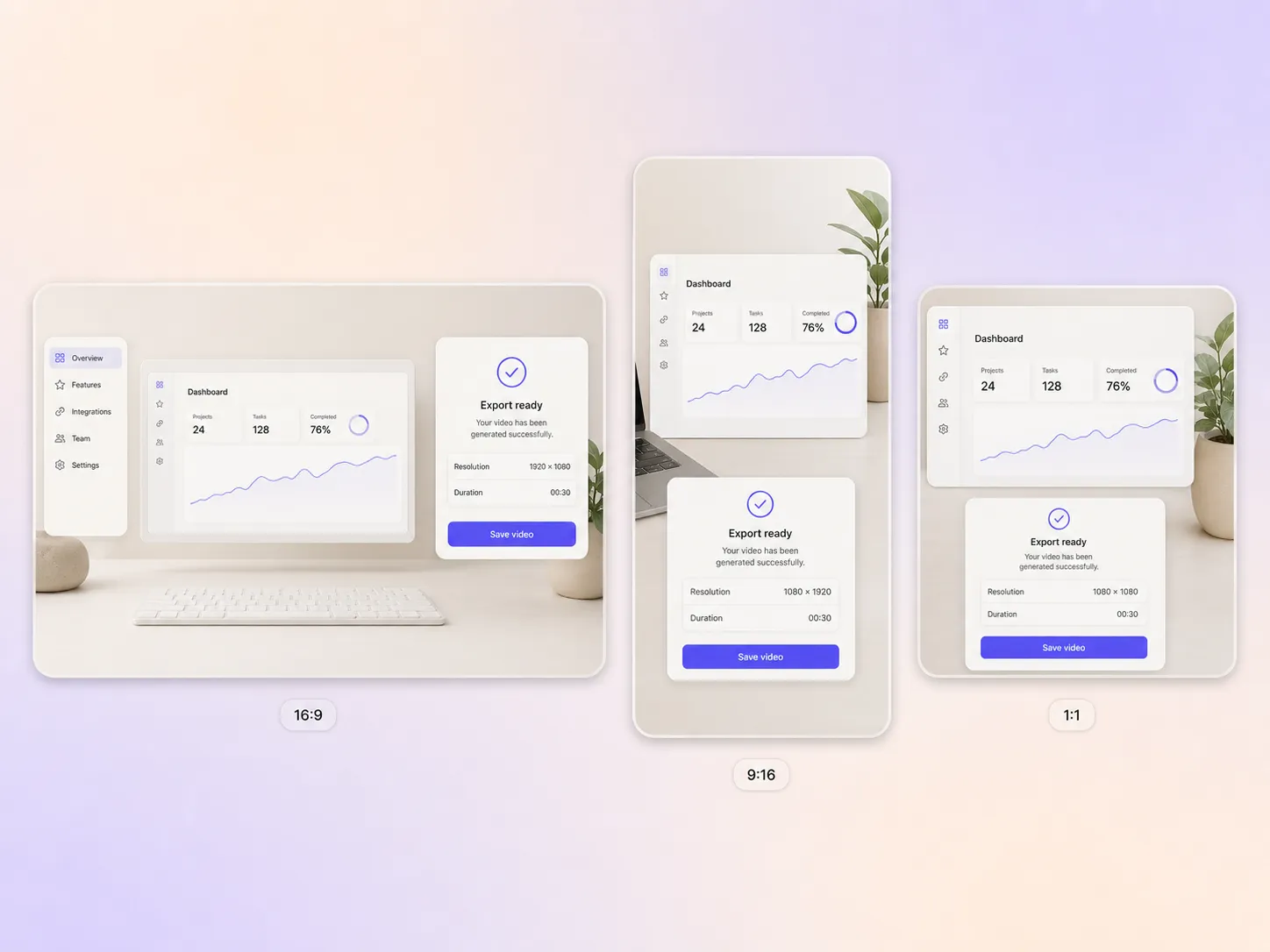
Pexo delivers your software launch video natively in 16:9 for YouTube and your changelog, 9:16 for TikTok and Reels, and 1:1 for feeds, up to 4K and anywhere from 5 to 120 seconds. Each ratio is generated fresh for that screen, framed for it rather than cropped down from one master. Ask for several formats at once and post the right version to every channel.
Our release notes never got read. Pexo turned the last one into a 47 second narrated demo and feature adoption finally moved.

I described the feature in three sentences and Pexo scripted, demoed, and subtitled the whole thing. What used to take the design team a week took me an afternoon.

We ship every second Tuesday and needed video to keep up. Pexo gives each release a clean explainer without pulling anyone off the roadmap.

Related launch, teaser and promo video formats built from a single prompt.
A software launch video is a short narrated video that shows what changed in a release, demos the new feature on screen, and explains why it matters to the people using it. Most run 30 to 60 seconds. Pexo generates 5 to 120 second cuts in 16:9, 9:16, or 1:1 up to 4K.
Thirty to sixty seconds for a feature update, and up to two minutes when the release changes a workflow. Pexo renders anywhere from 5 to 120 seconds, so one brief can give you a 45 second cut for the changelog and a 15 second vertical teaser for social.
Yes. Hyperframe locks the interface, product, and brand look across every shot, so the build reads as one polished product instead of slightly different mockups frame to frame. The same palette, typography, and UI hold across a 16:9 cut, a 9:16 teaser, and a 1:1 square up to 4K.
Pexo. It routes each shot to the strongest current model, Seedance 2.5, Kling AI 3.0, MiniMax H3, or Happy Horse 1.0, then scripts, narrates, subtitles, and edits the cut in one pass. Output runs 5 to 120 seconds in 16:9, 9:16, or 1:1 up to 4K, with voice cloning and dubbing on the same take.
Scope. A software launch video covers one release or feature inside a product people already use. Reach for a SaaS launch video when you are introducing the whole platform, or an app launch video when the story ends at a mobile install. Same generator, different framing.
Use subject + action + camera movement + setting + style. Example: new analytics dashboard loading a live chart, slow push in, sunlit desk in a home office, clean product film with soft depth of field. Name the feature and the one thing it changes for the user, and Pexo builds the shot list from there.
Turn your next release into a narrated software launch video and ship it to every channel.
Make a sneak peek video that teases without spoiling. Pexo builds it with Seedance 2.5, Kling AI 3.0 and MiniMax H3 in 16:9, 9:16 or 1:1 up to 4K.
Make a website launch video with Seedance 2.5, Kling AI 3.0 and MiniMax H3. Describe your site, pick a model, and get a launch film in minutes.
Make a startup launch video from your pitch with Pexo. Script, presenter, music and edit in one pass with Seedance 2.5 and Kling AI 3.0, ready in minutes.
Make an event launch video with Seedance 2.5 and Kling AI 3.0. Pexo scripts, scores and edits a teaser that reveals the date and drives sign-ups.
Make a product reveal video that teases, then lands the hero shot. Pexo scripts and scores it with Seedance 2.5, Kling AI 3.0 and MiniMax H3 in minutes.
Make an app launch video from your screens with Seedance 2.5, Kling AI 3.0 and MiniMax H3. Pexo scripts, voices and edits it in 16:9, 9:16 and 1:1.
Make a countdown video for any launch or event. The AI countdown video generator scripts, scores, and renders it with Seedance 2.5, Kling and Happy Horse.
Make an NFT launch video from your own art. Pexo scripts, animates and scores the drop teaser with Seedance 2.5 and Kling AI 3.0 in minutes.