


Make a Sneak Peek Video with Seedance 2.5, Kling AI 3.0 and MiniMax H3 in Minutes
Make a sneak peek video that teases without spoiling. Pexo builds it with Seedance 2.5, Kling AI 3.0 and MiniMax H3 in 16:9, 9:16 or 1:1 up to 4K.
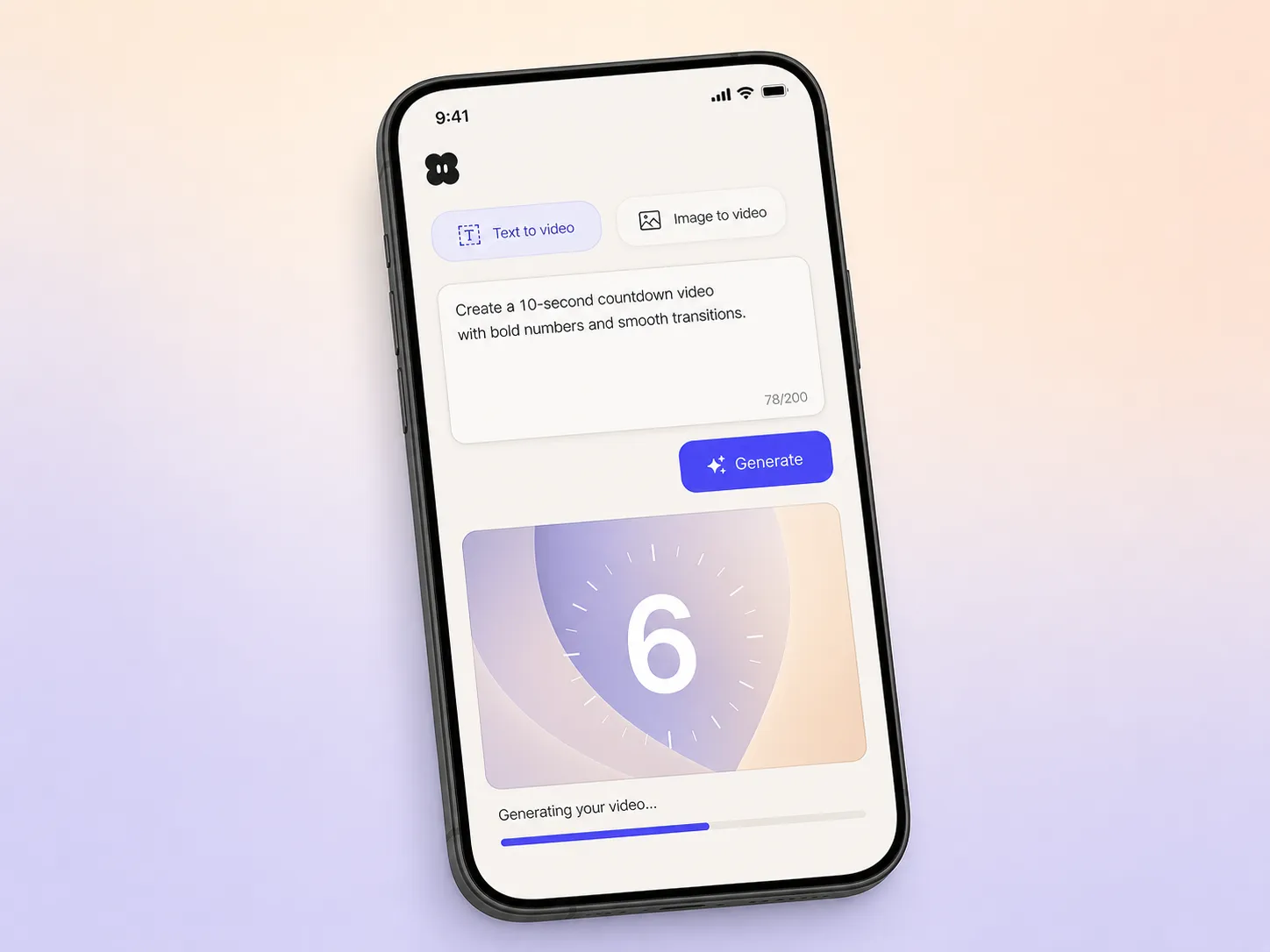
Describe what you are counting down to, pick a look, and this ai countdown video maker animates the timer, scores it, and hands back a polished, branded countdown in minutes.
Start from a single line of text, a product photo, or a finished script. The countdown video maker writes the beats, generates every shot across Seedance 2.5, Kling AI 3.0, MiniMax H3 and Happy Horse 1.0, and stitches them into one continuous edited cut. Mix text to video, image to video, and script to video inside the same project. No timelines, no keyframes, no editor to open.
Pexo paces a countdown timer video that creates real urgency instead of just showing numbers ticking. It builds tension toward the moment, reveals the date or the drop at the peak, and holds your logo, colors, and type steady on every frame with Hyperframe. Run one big timer or a daily series, and post a fresh cut each day without rebuilding it from scratch.
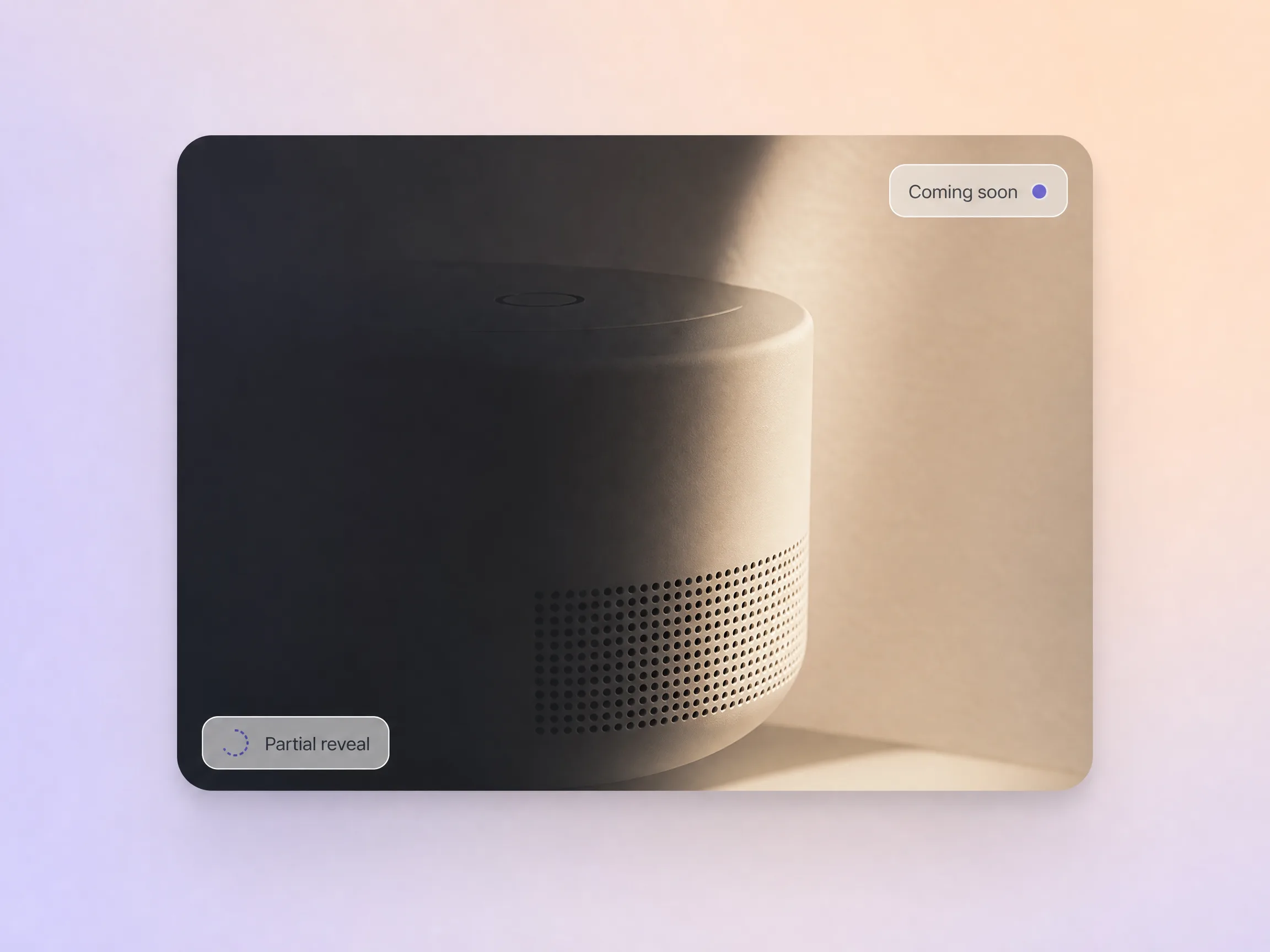
Pexo builds the tease with intent, showing just enough of your countdown video subject in light and shadow to spark curiosity while holding the full reveal back. It designs the frames that make people lean in and guess, then adds an original score and burned-in captions so the mood still lands with the sound off. You decide exactly how much slips out before the drop.
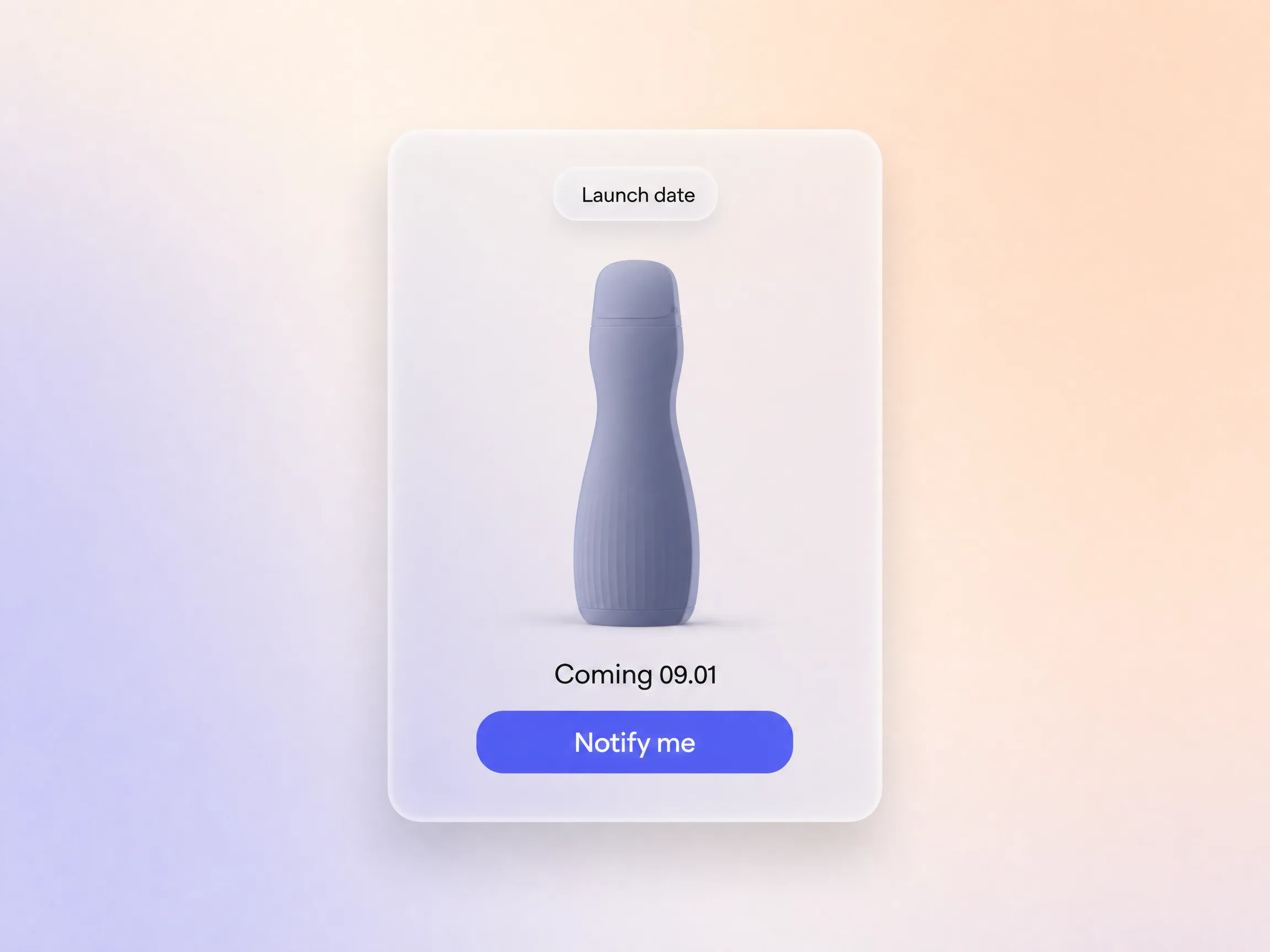
Pexo closes your countdown video on the moment that matters, a clean date and a single next step, so the curiosity you built turns into people waiting for the drop. It scripts the ending toward one action, a reminder, a waitlist, or a follow, then voices it with AI voiceover and dubbing in the languages your audience speaks. The tease captures intent, not just attention.
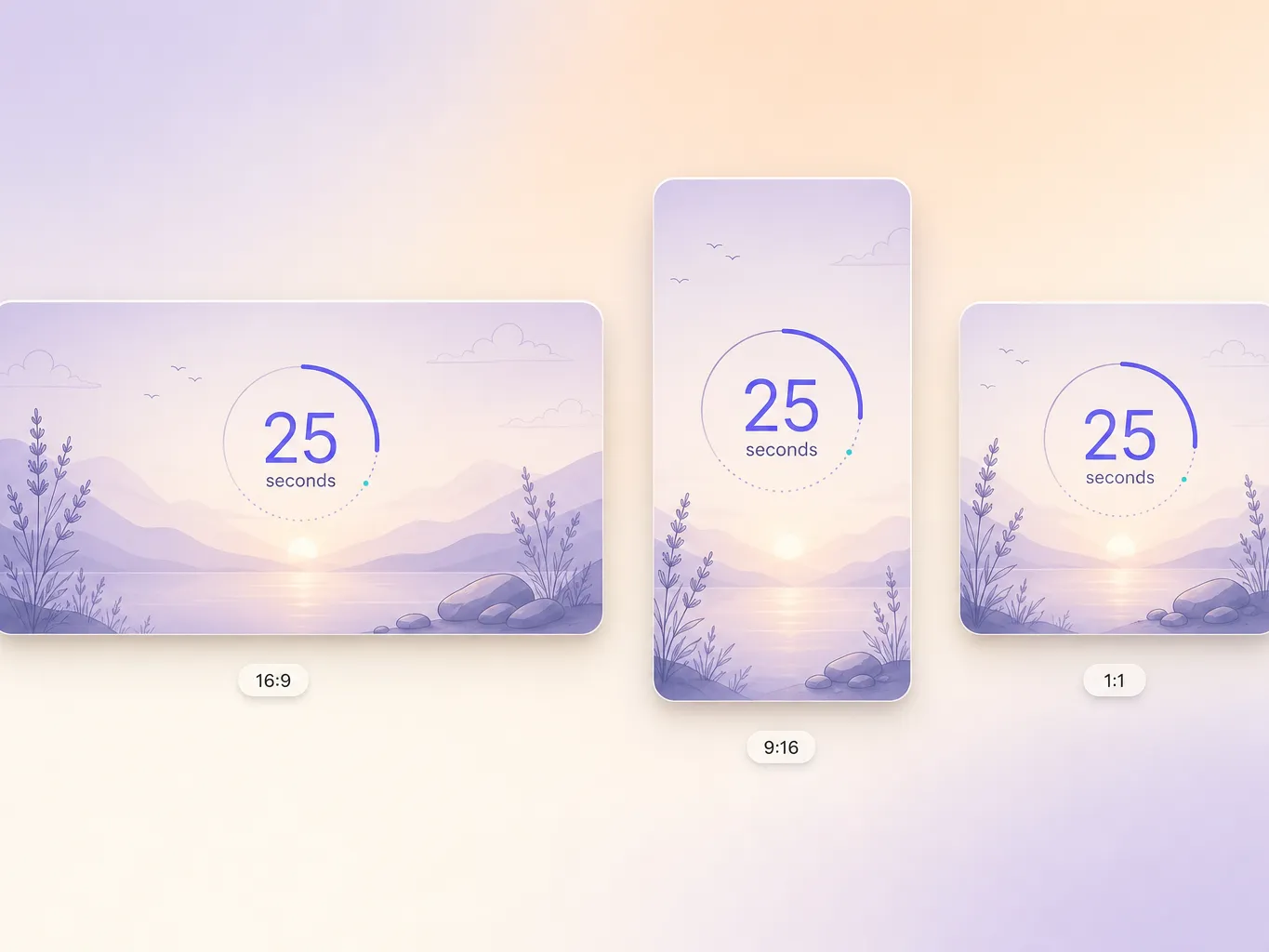
The countdown video generator delivers natively in 16:9 for YouTube, 9:16 for TikTok and Reels, and 1:1 for feeds, up to 4K and anywhere from 5 to 120 seconds. Each aspect ratio is generated fresh for that screen, with the composition framed for it rather than cropped down from one master. Ask for several formats at once and post the right version of your countdown video to every channel. It looks intentional everywhere it lands.
We run flash sales constantly and needed a countdown that felt urgent, not cheap. Pexo gave every drop a branded countdown timer video and launch-day traffic came in 23 percent higher.

I described the date once and Pexo handed back a seven day ai countdown video series in one pass. Posting one a day kept our audience watching right through to launch.

No motion designer on the team, so this was a lifesaver. Pexo scored and animated all 12 countdown cuts and every one looked genuinely premium.

Related launch and reveal formats, built the same way and ready in minutes.
A countdown video is a short clip that counts down to a launch, sale, or event so the wait itself becomes the marketing. Pexo builds one from a plain description with text to video, or from your own artwork with image to video, animating the timer, scoring it, and captioning it with MiniMax H3 and Kling AI 3.0. Most countdown video projects run 5 to 120 seconds.
No. The countdown video maker animates the timer, writes the beats, scores the cut, and burns in captions for you, so no motion design seat is needed. Pexo routes each shot to the strongest of Seedance 2.5, Kling AI 3.0, MiniMax H3 and Happy Horse 1.0, then exports 16:9, 9:16, or 1:1 up to 4K, from 5 to 120 seconds.
Yes. Spin up 5 days, 3 days, 1 day, and today from a single project, and reuse the look from your history so every cut matches. Each countdown video renders natively in 16:9, 9:16, and 1:1 up to 4K, anywhere from 5 to 120 seconds, so a daily post never means rebuilding the timer from scratch.
Pexo is a strong pick because it aggregates 10+ models behind one prompt box and auto-routes every shot to the right one, from Seedance 2.5 to Happy Horse 1.0, so you are never locked to a single engine. The countdown video generator writes, animates, scores, and captions the cut, then exports every ratio up to 4K.
A countdown video is anchored to a clock. It names the date and ticks the wait down to zero. A teaser video hints at what is coming without committing to a time, and a coming soon video simply announces that something is on the way. Once your date is public, count down.
Use subject + action + camera movement + setting + style. Name what is counting down, how the shot moves, where it happens, and the look you want. For example: a glowing neon numeral 3 flipping to 2 on a studio wall, slow push in, dark set with pink rim light, cinematic 3D style. Pexo paces the countdown video from there.
Hand Pexo your launch date and the countdown video maker animates it, scores it, and exports every ratio.
Make a sneak peek video that teases without spoiling. Pexo builds it with Seedance 2.5, Kling AI 3.0 and MiniMax H3 in 16:9, 9:16 or 1:1 up to 4K.
Make a website launch video with Seedance 2.5, Kling AI 3.0 and MiniMax H3. Describe your site, pick a model, and get a launch film in minutes.
Make a startup launch video from your pitch with Pexo. Script, presenter, music and edit in one pass with Seedance 2.5 and Kling AI 3.0, ready in minutes.
Make an event launch video with Seedance 2.5 and Kling AI 3.0. Pexo scripts, scores and edits a teaser that reveals the date and drives sign-ups.
Make a product reveal video that teases, then lands the hero shot. Pexo scripts and scores it with Seedance 2.5, Kling AI 3.0 and MiniMax H3 in minutes.
Make a software launch video that shows what shipped and why it matters. Pexo scripts, narrates and edits it with Seedance 2.5 and Kling AI 3.0.
Make an app launch video from your screens with Seedance 2.5, Kling AI 3.0 and MiniMax H3. Pexo scripts, voices and edits it in 16:9, 9:16 and 1:1.
Make an NFT launch video from your own art. Pexo scripts, animates and scores the drop teaser with Seedance 2.5 and Kling AI 3.0 in minutes.