Pexo
Ming-Image-0.2-Design

Ming-Image-0.2-Design
Make the brief visible

Ming-Image-0.2-Design is an open-weight text-to-image model from inclusionAI for turning written design briefs into raster visuals. It creates product hero images, web layout concepts, and spatial renderings, with official examples that combine typography, composition, and lighting.

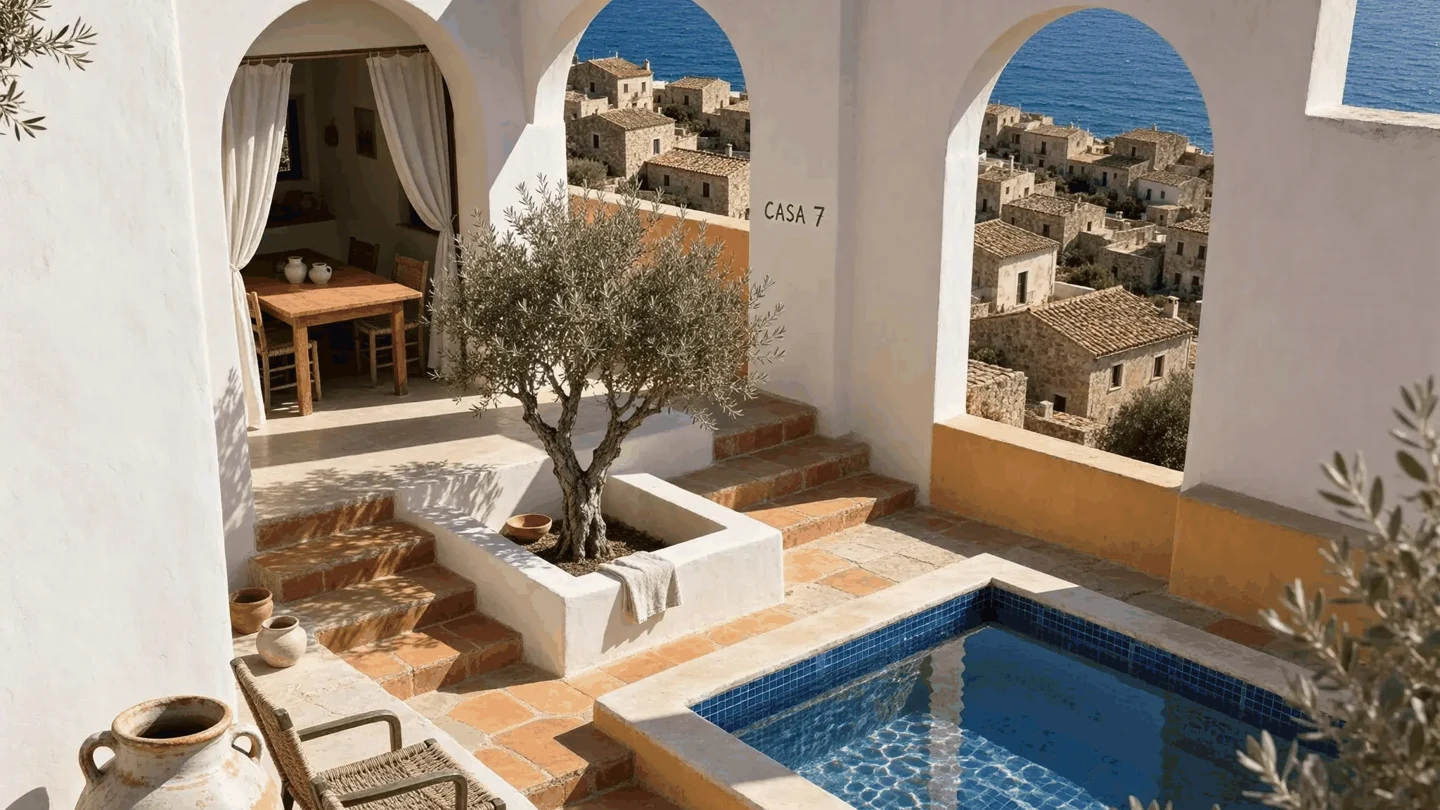
Sunlit courtyard with pale arches and a blue tiled pool

Core capabilities

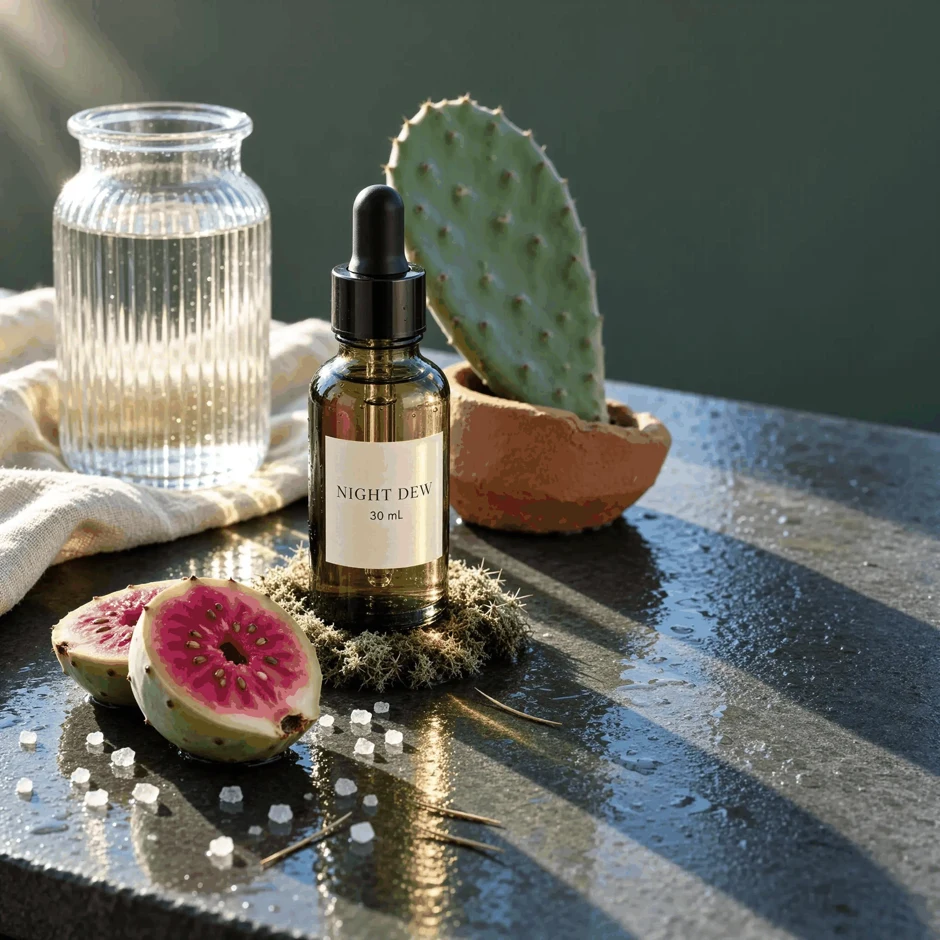
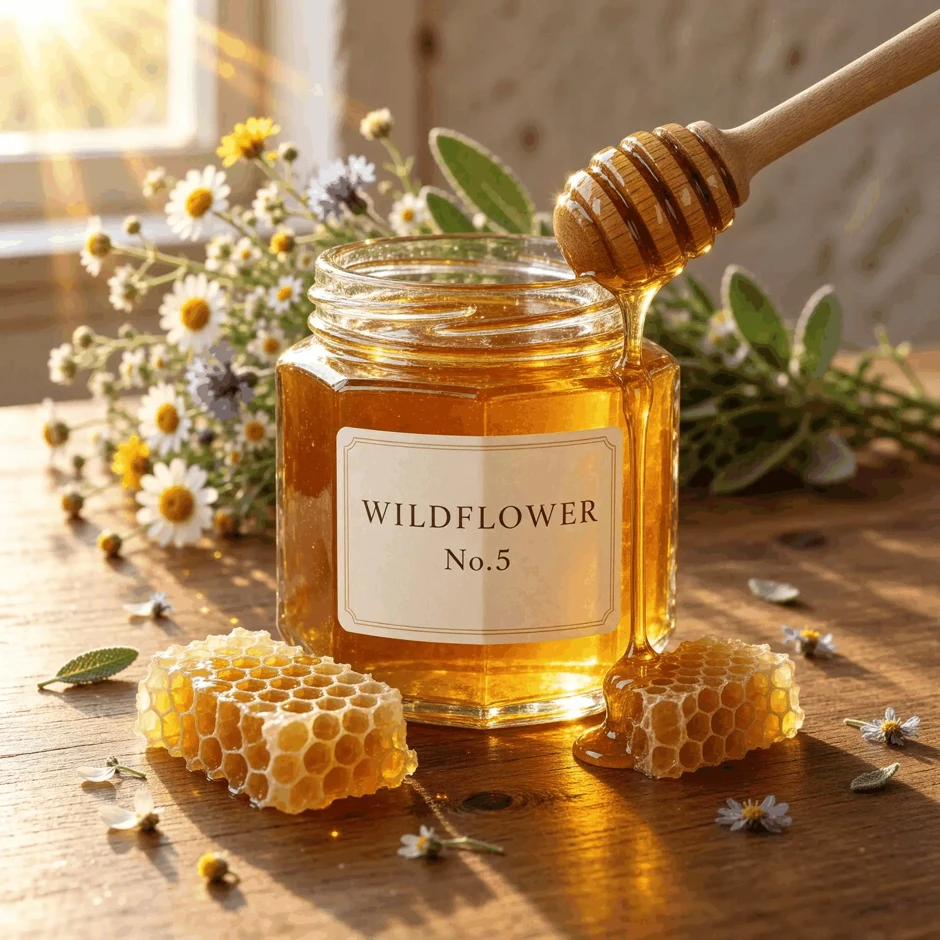
Honey jar with wildflowers and honeycomb in warm window light
A honey campaign image pairs the jar with honeycomb and wildflowers.

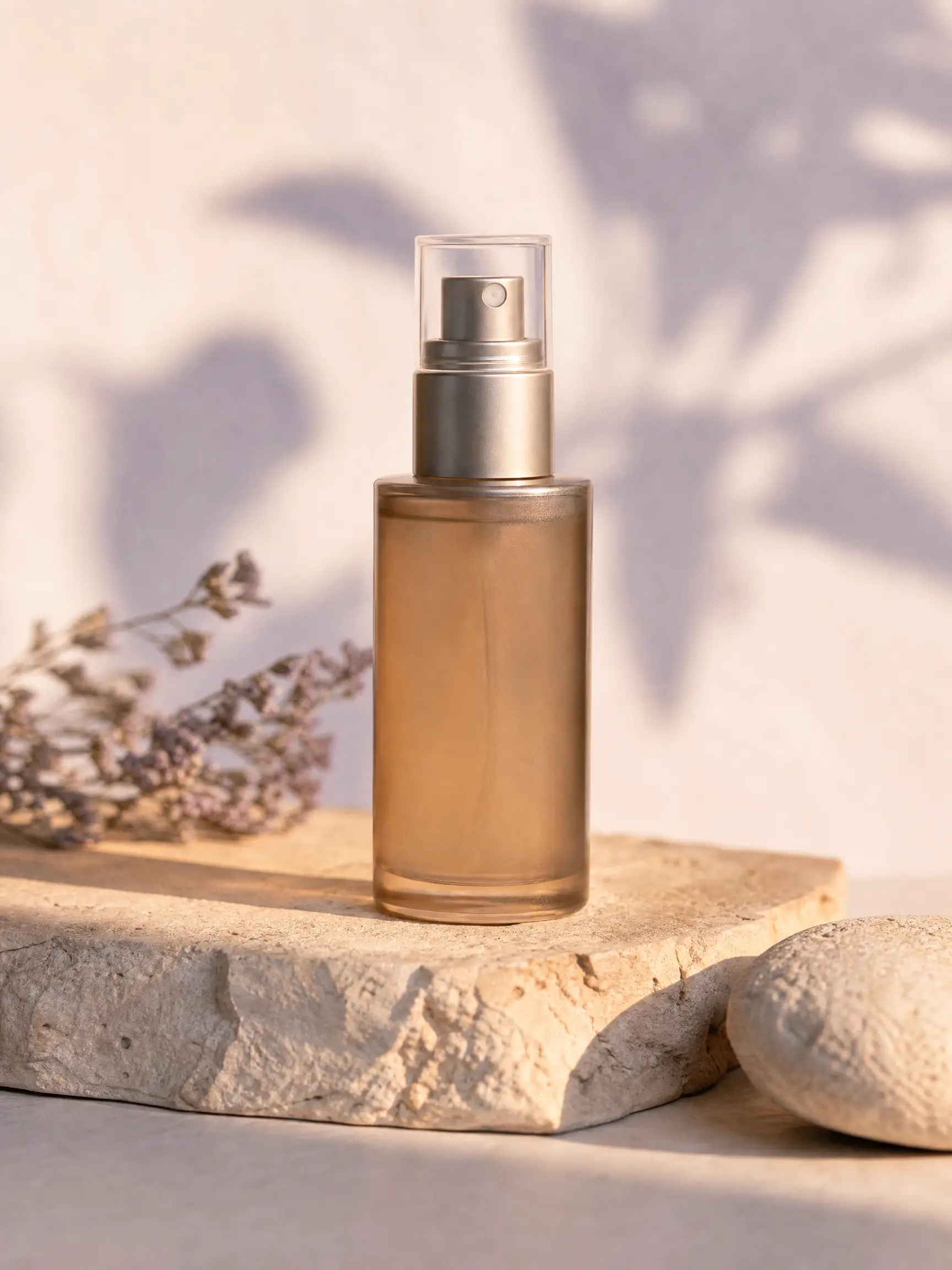
Compose a product hero image

Specify the product placement, prop materials, and direction of light in the same brief. A packshot can then show the label and the visual context together. Review small lettering and packaging details before using the image.
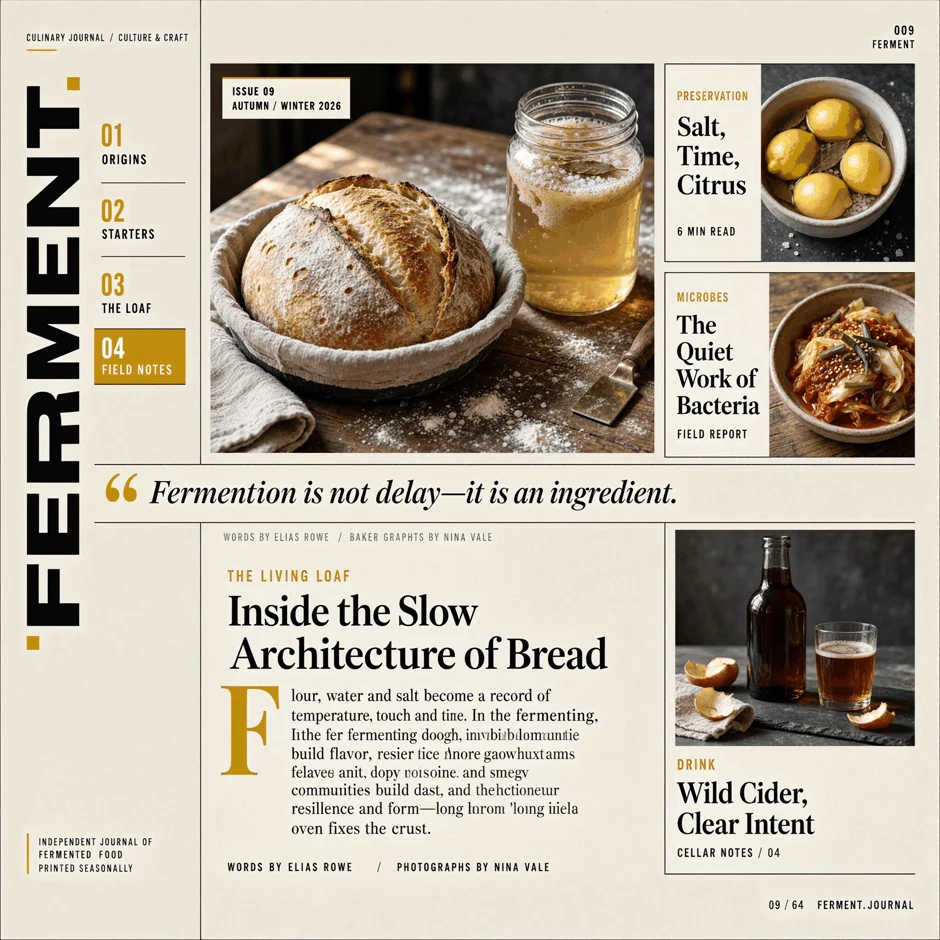
Editorial website concept about fermentation with a headline and a photograph of bread
An editorial mockup places headlines and article blocks around food photography.

Lay out an editorial page

Put the headline, supporting copy, images, and column order in the prompt. A structured design brief gives each block a purpose and makes it easier to review hierarchy from the rendered image.

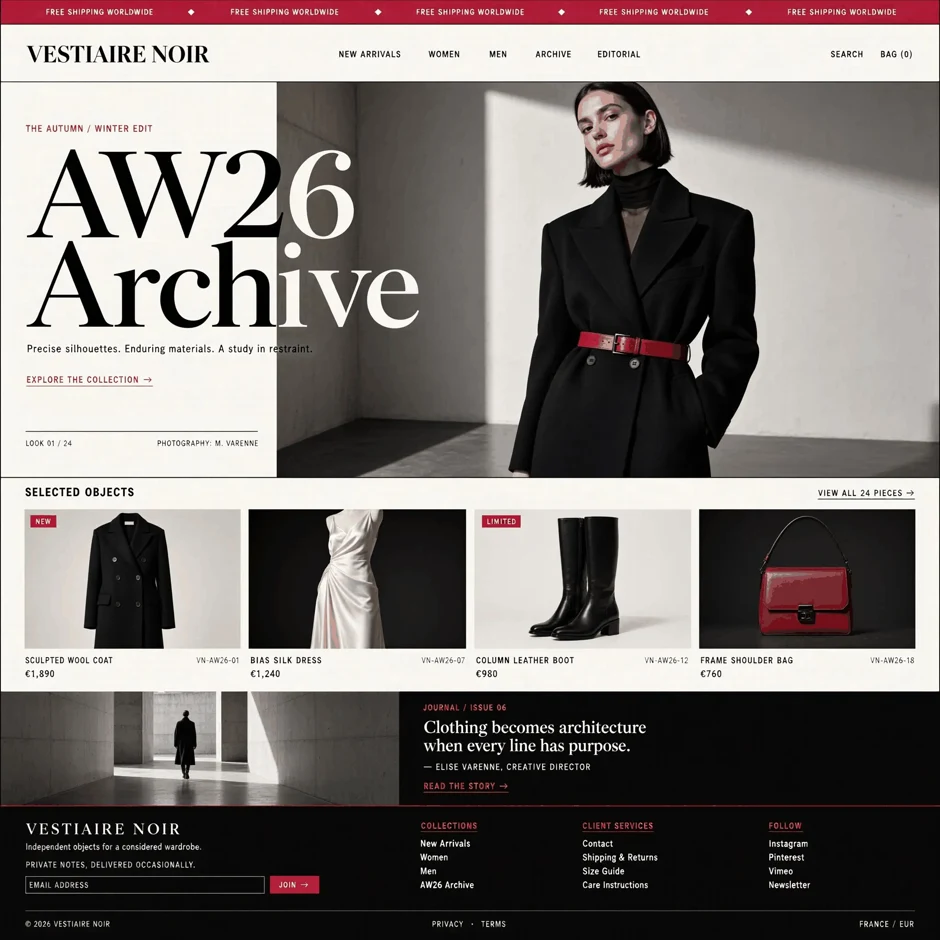
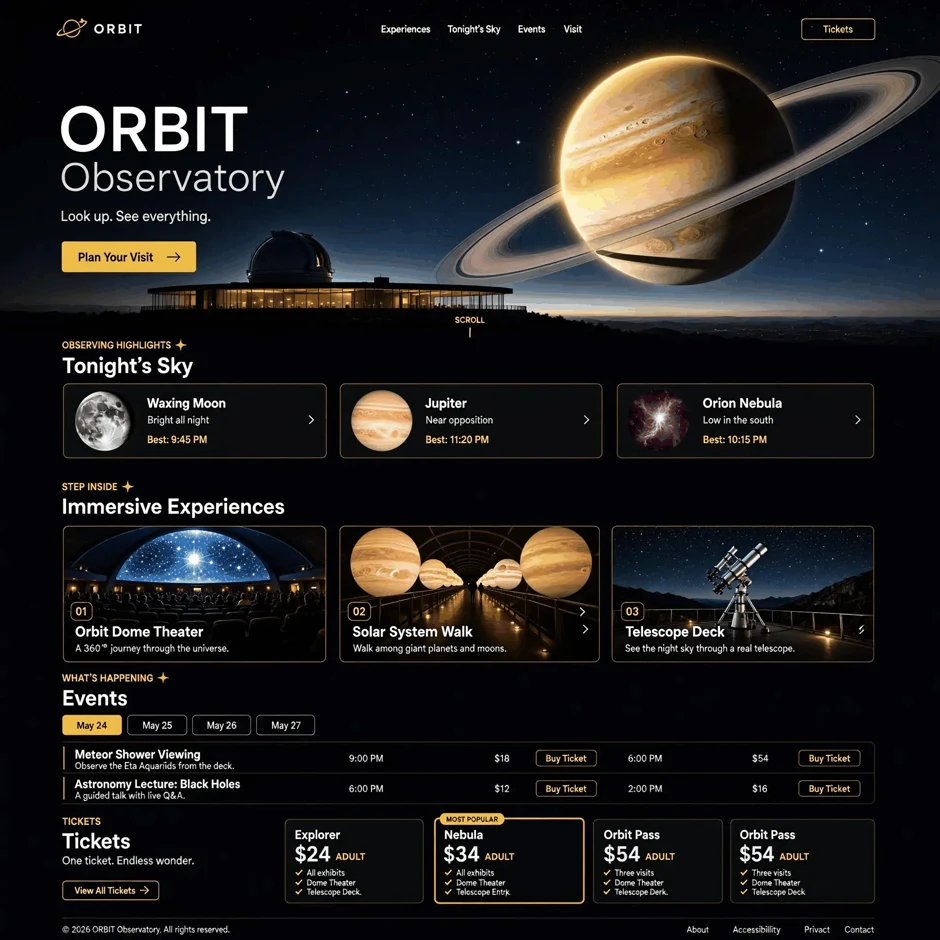
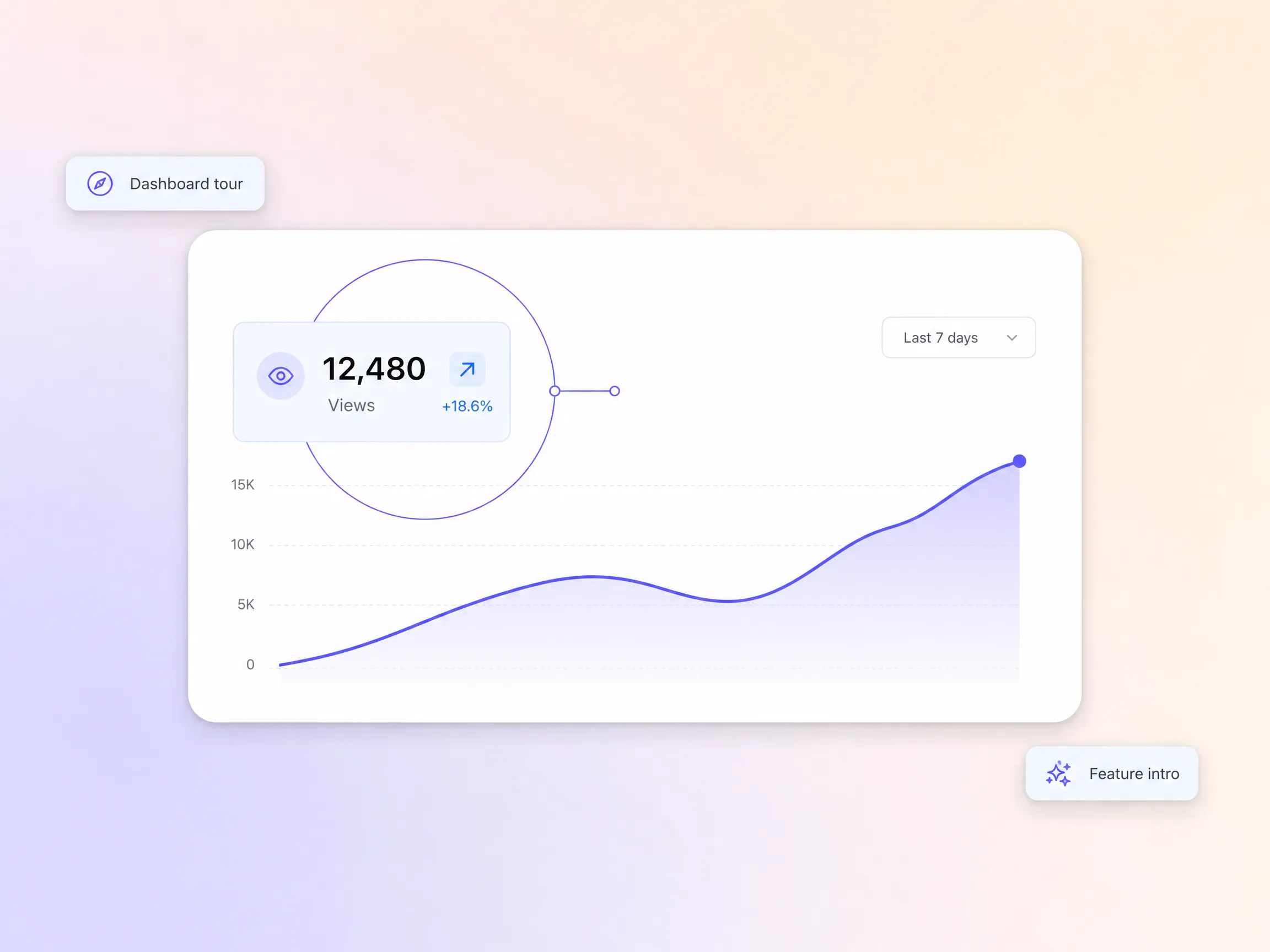
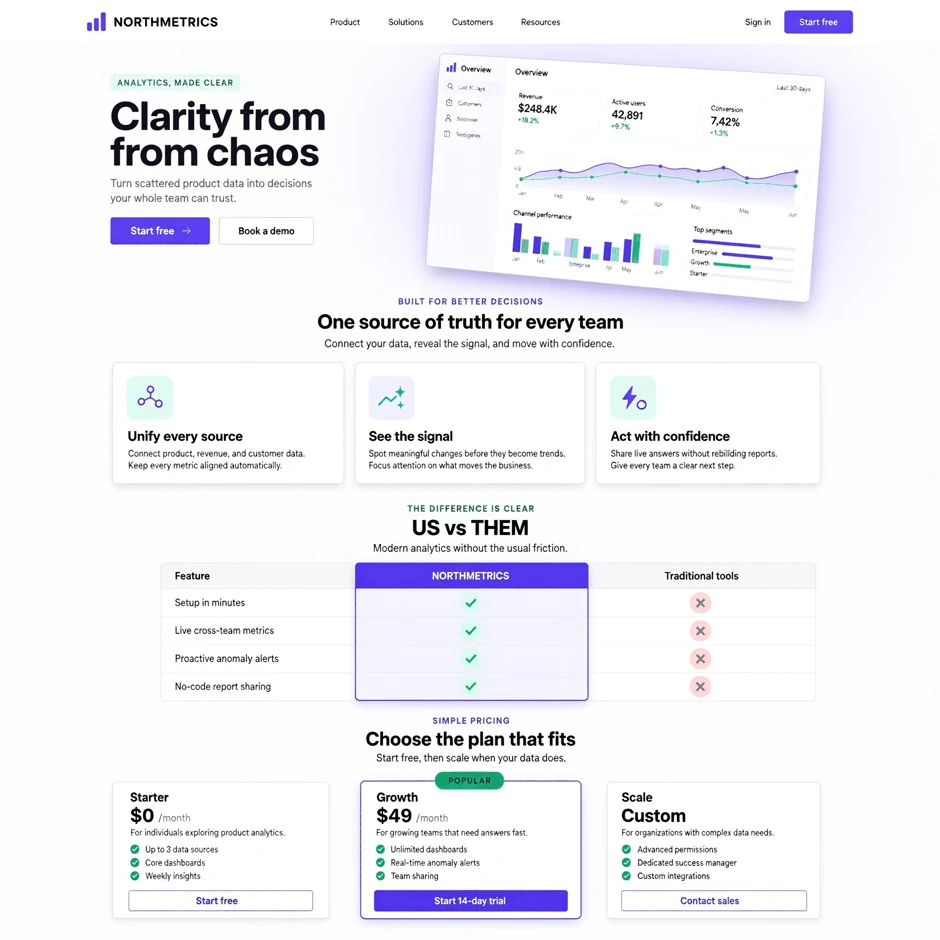
Productivity software landing-page concept with a dashboard and pricing cards
A software landing-page concept combines an interface preview with pricing cards.

Draft a landing-page concept

Use one image to explore the first screen, a product interface preview, and supporting sections. Hand the approved visual to the person building the interactive layout, with the copy and components specified separately.

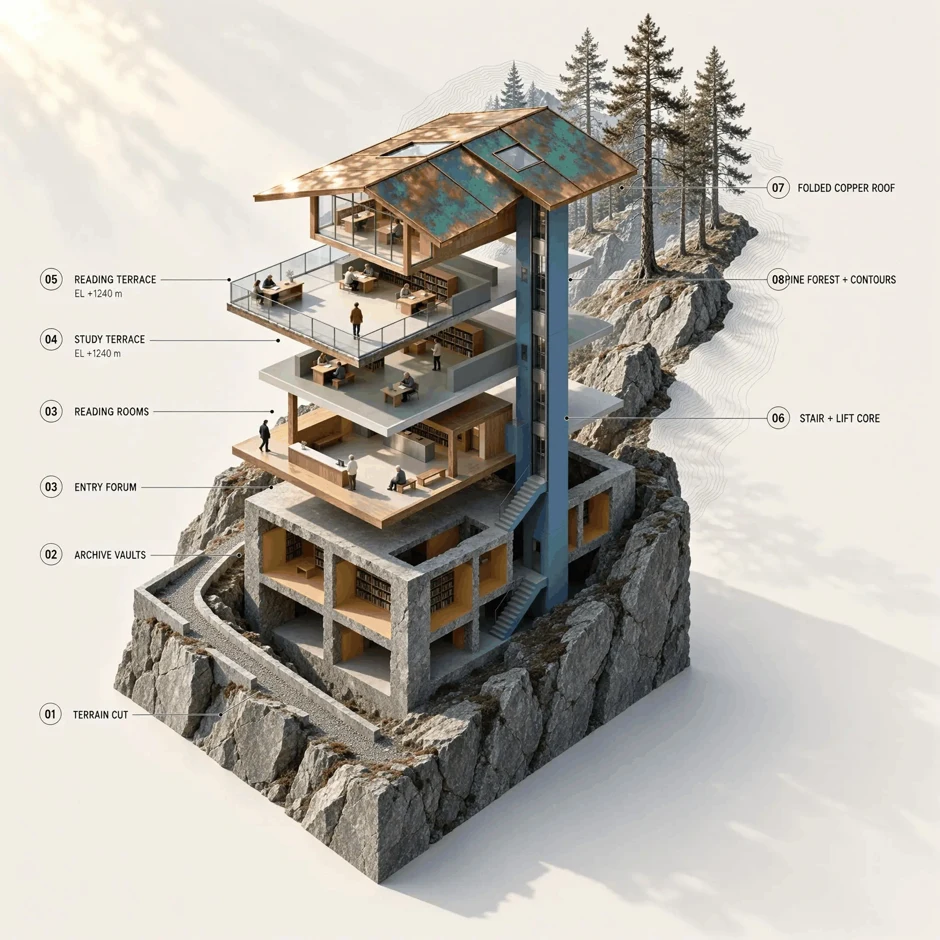
Exploded view of a hillside cabin with stacked floors and roof
An exploded cabin study separates the roof, rooms, and terrain into readable layers of the composition.

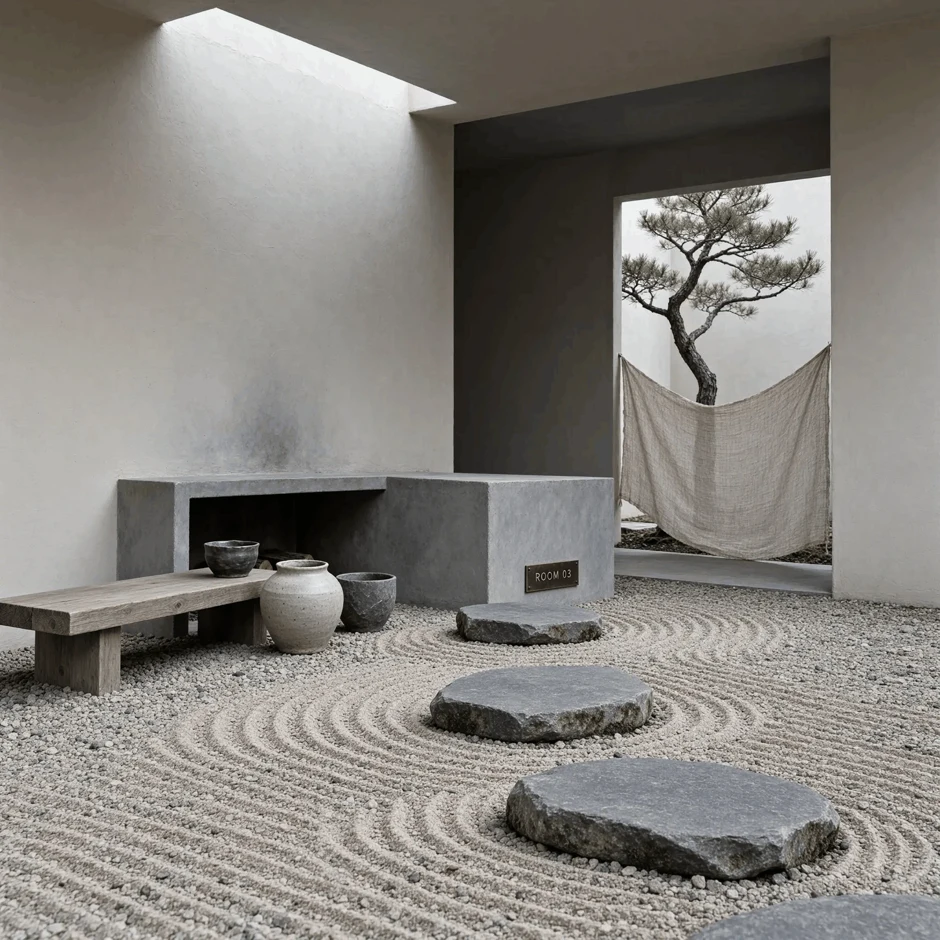
Visualize the parts of a space

Describe the viewpoint and the parts the viewer needs to see. An exploded view can reveal how the pieces relate before a team starts a detailed architectural illustration or measured drawing.

Image showcase

Source: inclusionAI’s official Ming-Image-0.2-Design showcase.

Model comparison

DIMENSIONMing-Image-0.2-DesignMing-Image-0.1-Design
Main taskText-to-image for visual designText-to-image for visual design
Diffusion transformer6B parameters6B parameters
Documented focusComplex compositions, lighting, and written textDesign compositions, including UI and graphics
Inference toolingMing-Image repository and 0.2 Design weightsMing-Image repository and 0.1 Design weights

The comparison uses inclusionAI’s model cards. The developer publishes layer decomposition as a separate Ming-Image model.

Use-case scenarios

E-commerce creative review

Explore lighting and framing for a product image. Check the generated packaging and label against the product before handing off the concept.

Landing-page direction

Review section hierarchy, type size, and call-to-action placement with an early concept image. Rebuild the approved layout with production components.

Spatial concept presentation

Compare materials, light, and viewpoints for a space. Use the selected rendering to explain the visual direction before detailing the design.

Use cases

Develop your selected still-image concept into a video with a related Pexo workflow.

Frequently Asked Questions About Ming-Image-0.2-Design

What is Ming-Image-0.2-Design?

It is an open-weight image generation model from inclusionAI for product visuals, layouts with type, and spatial concepts. The model takes a text brief and produces a raster image.

What image sizes does the model support?

The official inference guide uses 2048 × 2048 by default and lists other 2K-class settings, including 2560 × 1440 for 16:9. A 1024 × 1024 setting is also available for faster drafts.

Does it export an editable website or design file?

The image model delivers a raster design concept. inclusionAI documents separate workflows for turning concepts into interactive pages and decomposing images into editable layers.

Can I run Ming-Image-0.2-Design locally?

inclusionAI publishes weights under the MIT license and provides code for inference. Its validated BF16 setup uses a CUDA GPU with 80 GiB of memory.

How should I prompt for a text-heavy layout?

Write the headline and labels exactly as you want them, then specify their order, scale, and placement. Review the rendered spelling and visual hierarchy before reuse.

Official Ming-Image-0.2-Design guide

Describe your idea and start your next creation.

Start creating