
Create Bible Videos from Scripture
Create Bible videos from reviewed verses, lesson notes, book overviews, timelines, and character studies with clear scenes, narration, captions, and human review.
Create an AI 3D explainer video with real depth and camera motion. Describe the concept, pick a model, and Pexo's 3D explainer video maker renders the scenes, narrates the story, and cuts the final video in minutes.

Pexo generates a scene-by-scene script directly from your plain-language brief. You simply describe your product or concept, and the narrative structure follows. This script is production-ready, informing visual direction, pacing, and voiceover without requiring a separate writing step.
Great for: Product marketers explaining new features

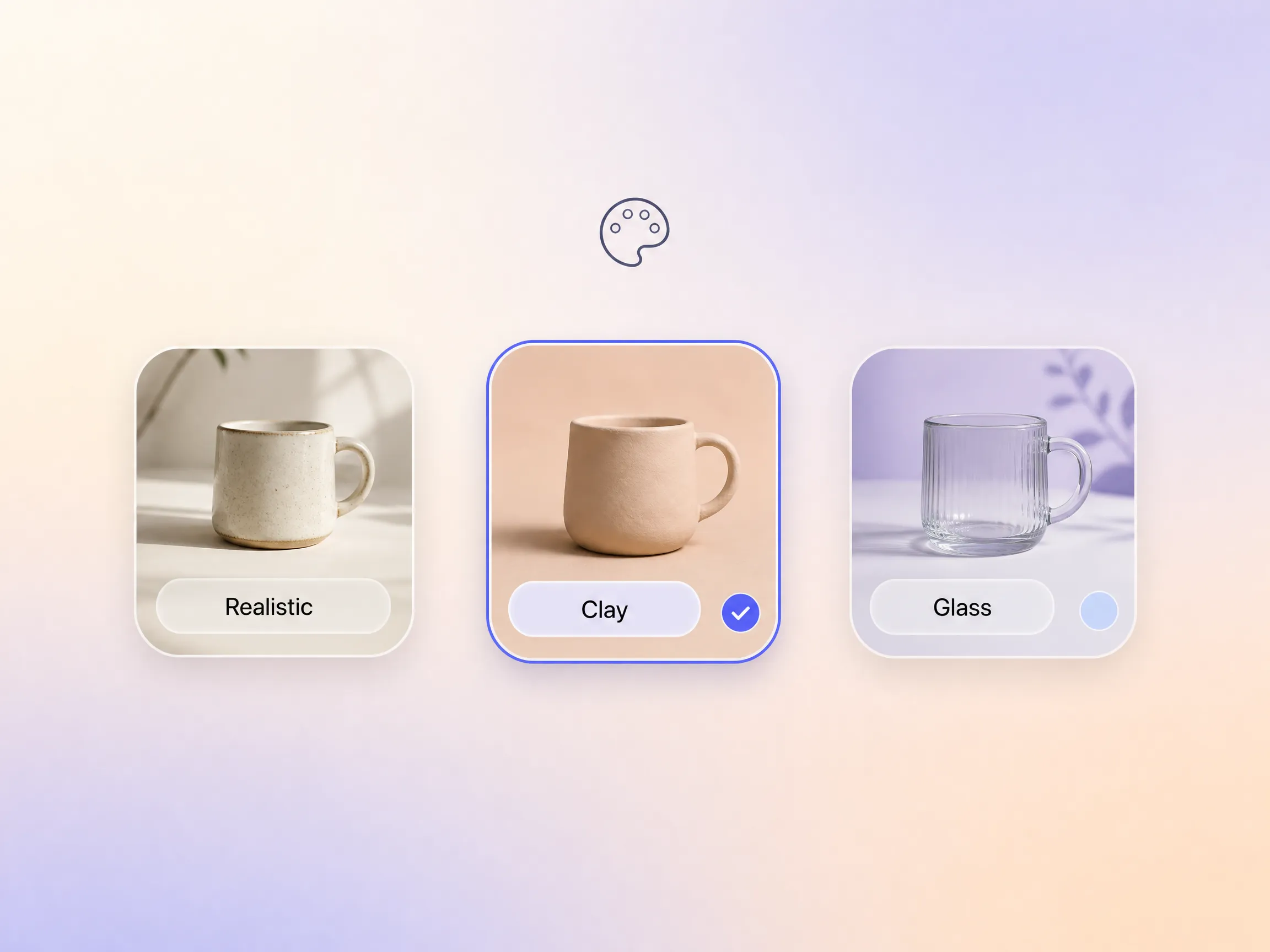
Control the visual style of your 3D explainer video, including rendering aesthetic, lighting tone, and color palette, simply by describing your creative direction in natural language. You will not need to adjust manual settings. Unlike tools that require you to choose models, presets, or export formats, Pexo interprets your intended style and automatically selects the best AI models.
Great for: Startups without an in-house design team
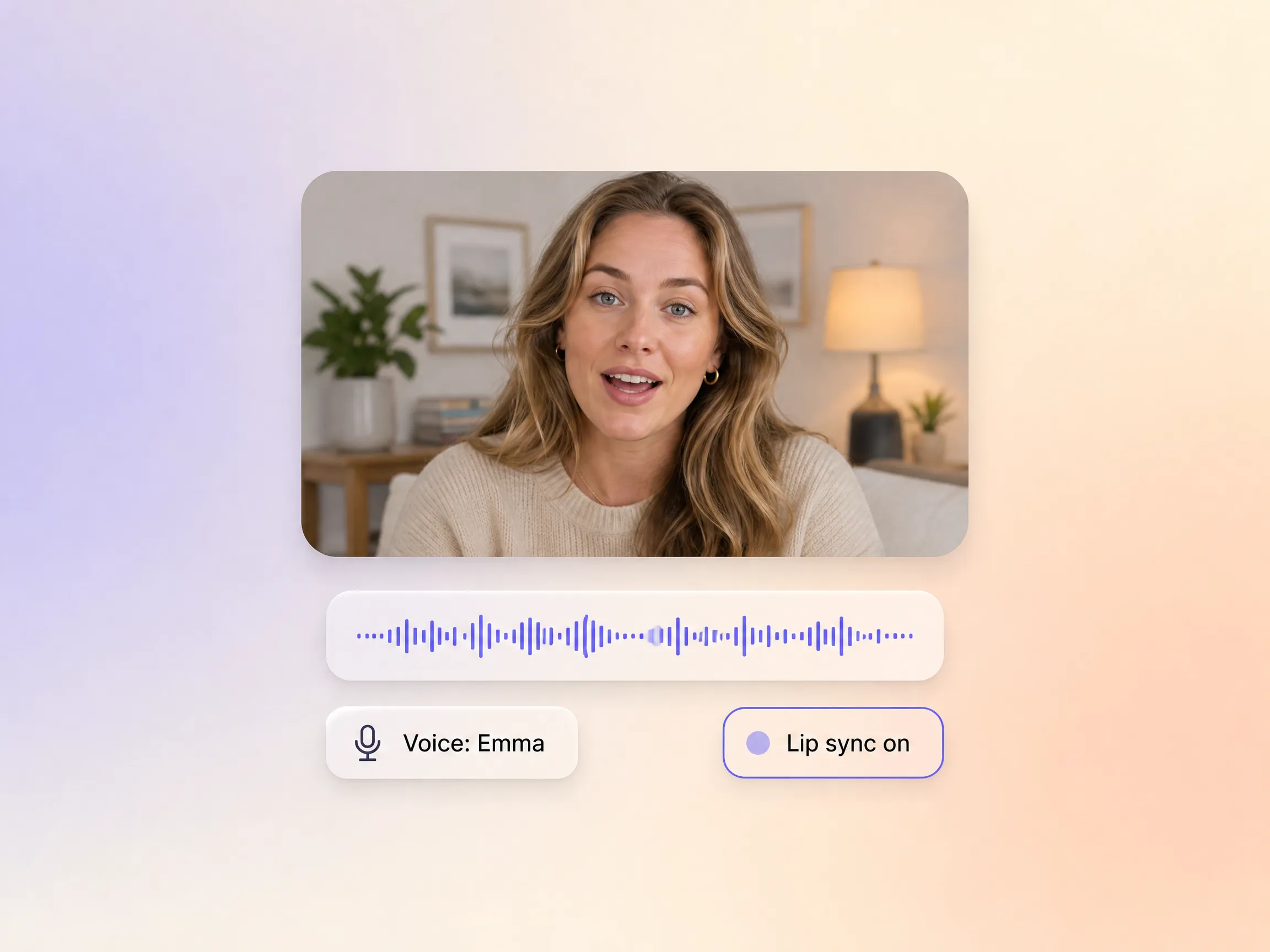
Pexo integrates audio into the production process from the very beginning, ensuring that voice pacing, lip sync, and scene timing are perfectly aligned by default. This approach eliminates the common pain point of manually syncing a separately recorded voiceover to an already rendered animation. Your explainer video feels cohesive and professionally produced from the first frame.
Great for: Solo founders creating investor or onboarding content
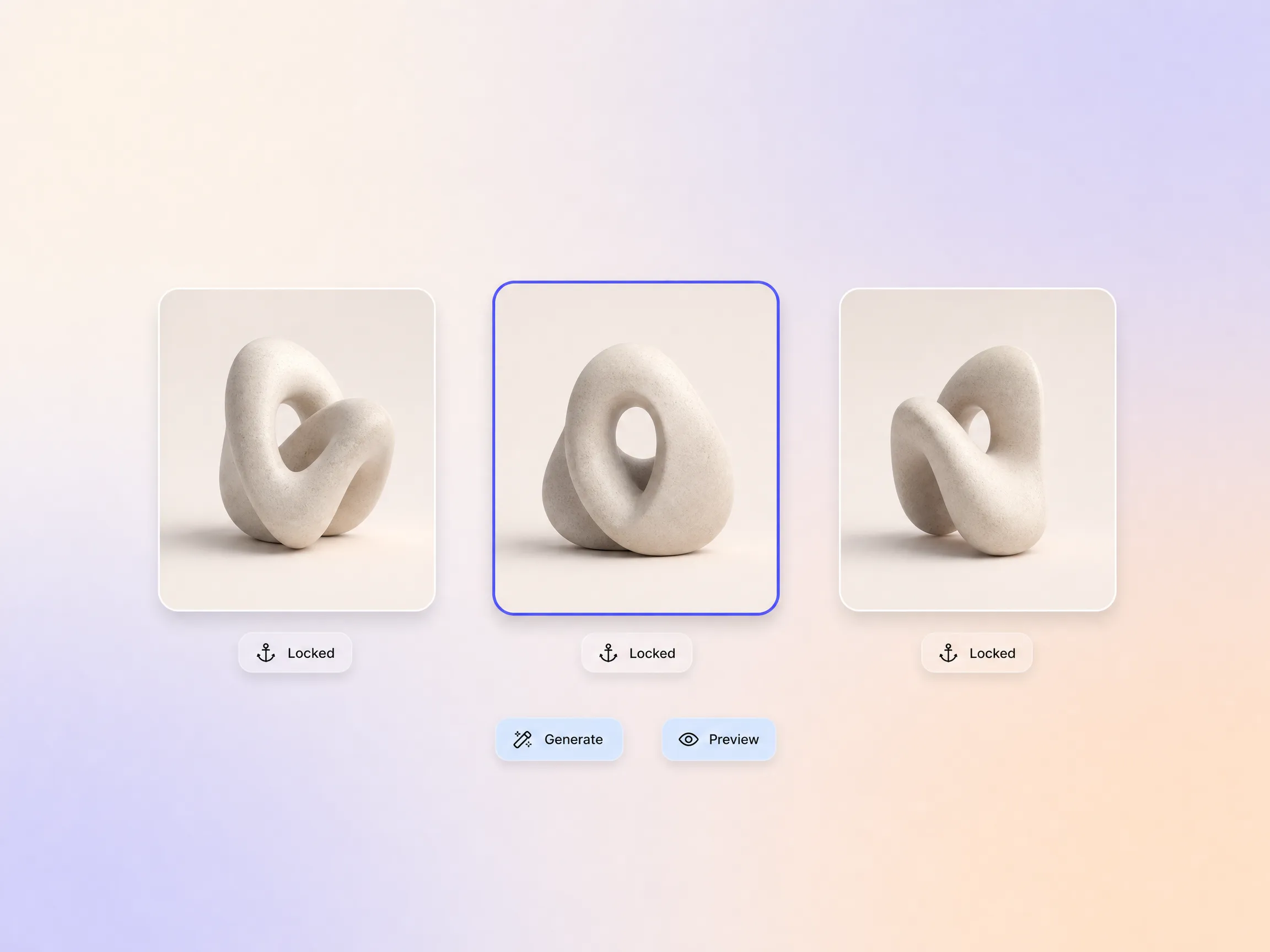
A common challenge in 3D explainer videos is maintaining visual consistency between scenes, often leading to different character proportions, lighting shifts, or setting mismatches. Pexo addresses this by ensuring character, environment, and plot continuity across your entire video. The final output feels like one coherent production, not a sequence of disconnected clips.
Great for: SaaS companies producing product walkthrough videos
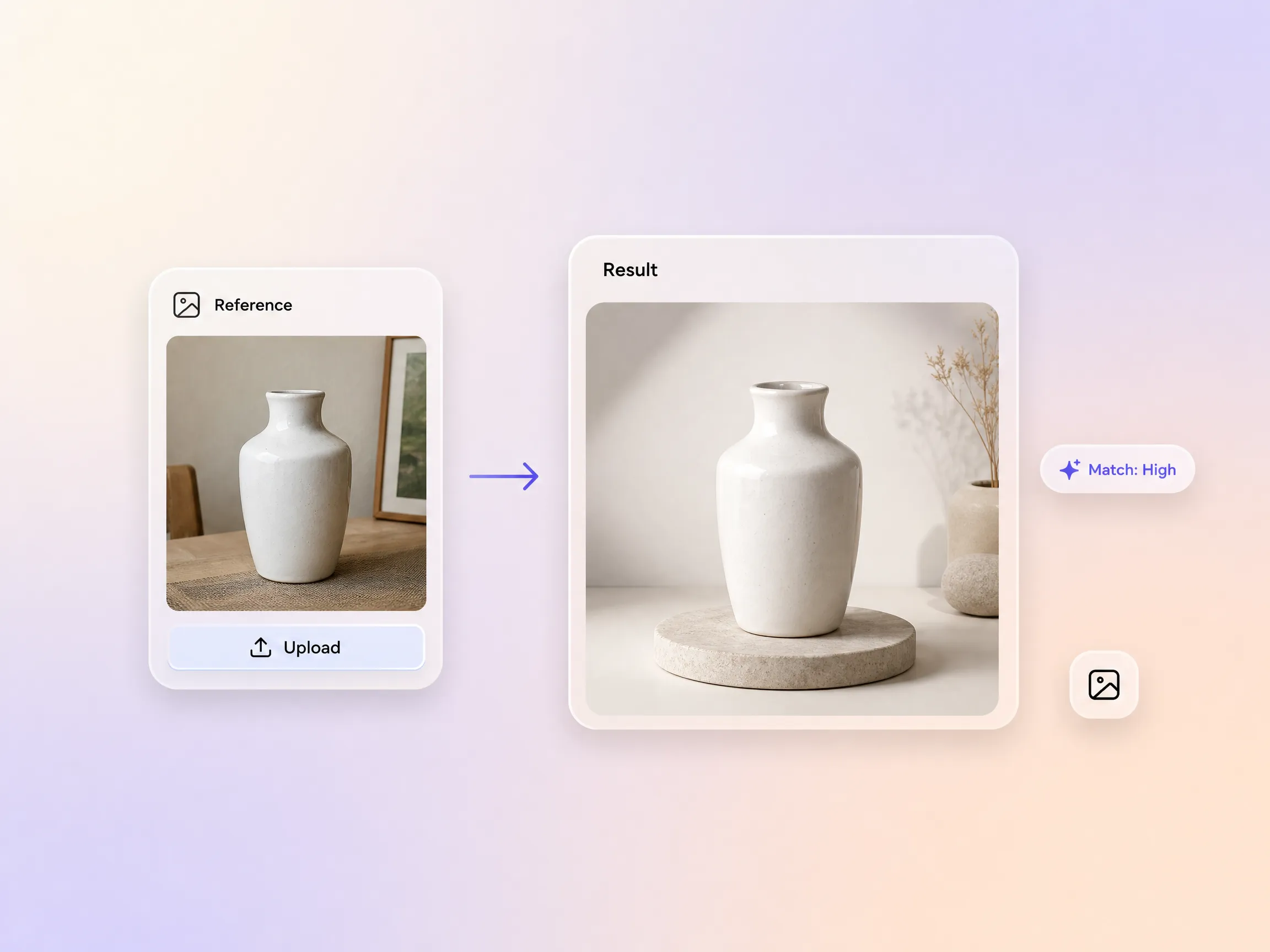
You can provide Pexo with a reference image, such as a product photo, a brand asset, or a UI screenshot. Pexo then uses this image as a visual anchor, building your explainer video's 3D world around it. This capability is especially valuable for product explainers where the real object or interface needs to appear accurately within the animated environment.
Great for: E-commerce brands and app developers

I used to dread the coordination nightmare of explainer videos, juggling scriptwriters, animators, and voiceover artists. Pexo handled it all in one conversation, which was a huge relief. The 3D visual quality was on par with what we previously paid an agency to produce. It truly streamlined our entire workflow.
SaaS · Product Explainer · Team Workflow
As a startup founder with zero video production experience, Pexo was a lifesaver for creating a 3D explainer for our pitch deck. The conversational process felt exactly like briefing a creative director on my vision, not like wrestling with complex software. It made professional video creation accessible and painless.
Fundraising · Explainer Video · No-Code
My old workflow involved jumping between three different tools for script, animation, and voiceover. Pexo replaced all of that with a single, intuitive conversation, saving me countless hours. The output required minimal revisions before I could deliver it to my client, which was fantastic for my deadlines.
Freelance · Client Work · Efficiency
Using 3D explainer videos from Pexo made complex course concepts so much easier for my students to grasp compared to traditional slide based content. Pexo also maintained consistent characters and settings across multiple explainer videos within the same course series. This ensured a cohesive and engaging learning experience for everyone.
Education · Multi-Scene · Course ContentStart from text, image, URL, script, or audio, Pexo routes you to the right feature.
Describe your idea, get a stunning image
Visualize your audio and music
Turn written draft into a fully produced video
Generate music based on description
Generate AI images from text or image
Studio-Grade AI Lipsync Dubbing
A 3D explainer video, sometimes called a 3D animation explainer video, uses depth, realistic materials, and camera motion to show how a product or idea works, the style you associate with keynote reveals. With Pexo's AI 3D explainer video generator you describe the scene and get rendered-looking shots without any 3D software.
No. Pexo generates the 3D look directly from your description, no modeling, rigging, or rendering pipeline. If you have product photos, upload them and the 3D explainer video builds around your real product.
Pexo is one of the best AI tools for 3D explainer videos because it routes every shot across Sora 2, Kling, Veo, and Seedance and keeps the best take, holds your product consistent with Hyperframe, and exports up to 4K with narration built in, everything a 3D video explainer needs.
Use 3D when realism sells the story: hardware reveals, spatial products, premium brand moments. For interface-led stories try product demos or a video presentation. When characters and simplicity matter more than depth, start from the 2D explainer video page instead.
Widescreen, vertical, and square, 16:9, 9:16, and 1:1, up to 4K and 5 to 120 seconds. Every 3D explainer video is rendered natively per format, so vertical cuts are composed, not cropped.
Use a simple formula: object or scene + camera movement + setting + lighting + style. For example: our smart speaker rotating on a walnut desk, slow orbit, soft morning light, realistic 3D render. Pexo expands that one line into the full 3D explainer video.
No credit card, software download, or prompt writing skill is needed. Just describe your video idea, and Pexo builds it for you.
Create Bible videos from reviewed verses, lesson notes, book overviews, timelines, and character studies with clear scenes, narration, captions, and human review.
Create Islamic videos from reviewed sources and lesson notes, covering history, culture, ethics, and education with respectful visuals and narration.
Create Christian videos from reviewed Scripture, lesson notes, and historical sources with clear visuals, narration, captions, and human review.
Create a medical video from your script or images with Pexo. Generate scenes, narration and captions for patient education, medical explainers and staff training.
Make an onboarding video that walks new users to their first win. Pexo scripts, narrates and edits it with Seedance 2.5, Kling AI 3.0 and MiniMax H3.
Make a tutorial video that teaches any task step by step. Pexo scripts it, generates every step, and narrates it with Sora 2, Kling and Veo, up to 4K.
Make a how it works video that walks viewers through your product step by step. Pexo scripts, narrates, and captions it with Seedance 2.5 and Kling AI 3.0.
Turn any product into a finished demo in minutes with Pexo. The AI product demos generator scripts, voices, and animates every scene with Sora 2, Kling and Veo, up to 4K.