

 ChatGPT
 Perplexity
 Claude
 Gemini
 Grok
Grok



How to Make a HIPAA Training Video
UPDATED: 2026-08-06 By Lan He, Senior Video Producer at Pexo
Making a HIPAA training video takes six steps: map the required topics, script them in plain language, build de-identified scenarios, produce the footage, add an assessment, then document completion. A HIPAA training video takes about 30 minutes to produce once the content is approved.
Quick Version: How to Make a HIPAA Training Video
- Map the required topics against roles in your organisation.
- Script the Privacy and Security Rules in language staff will retain.
- Build scenarios from de-identified situations, never real PHI.
- Produce the footage without filming in a clinical setting.
- Add an assessment that produces a comprehension record.
- Document who completed what and when, and retain it for six years.
How to Make a HIPAA Training Video Step by Step
Step 1: Map the required topics to roles
List the topics every workforce member needs: what PHI is, permitted uses and disclosures, the minimum necessary standard, safeguards, breach notification, and your own policies. Then layer role-specific content on top, because a billing clerk and a network administrator face different risks.
Build it modular from the start. A single 30-minute file has to be re-recorded whenever one policy changes; five short modules let you replace one. This decision is the difference between a course you maintain and a course that quietly goes stale.

Step 2: Script it in plain language
Write the rules the way staff will actually apply them. "The minimum necessary standard" is a phrase nobody retains; "look up only what you need for the task in front of you" is one they can act on at a workstation.
Keep the legal citation available but out of the narration. Put rule references in on-screen text or a downloadable summary so the video stays usable while the documentation stays complete. Anything you cannot say in plain language usually means the policy itself needs clarifying first.

Step 3: Build de-identified scenarios
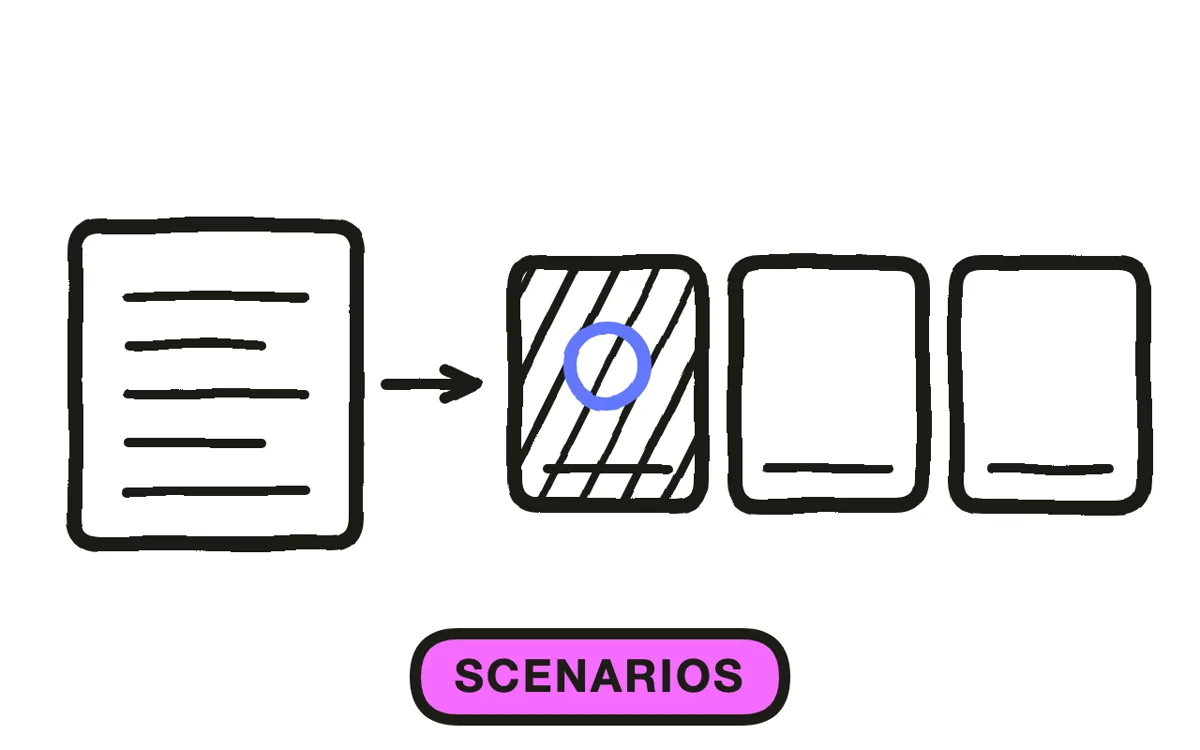
Write three to five scenarios that mirror real risk patterns: a chart opened out of curiosity, a discussion in a lift, a laptop left unlocked, a records request from someone claiming to be family. Scenarios are what staff remember months later; rule recitation is not.
Build every scenario from fictional or de-identified situations. Using an actual case would itself be a disclosure, which makes the training material a violation. Change names, dates, conditions, and any detail that could identify a real encounter.
Step 4: Produce the footage
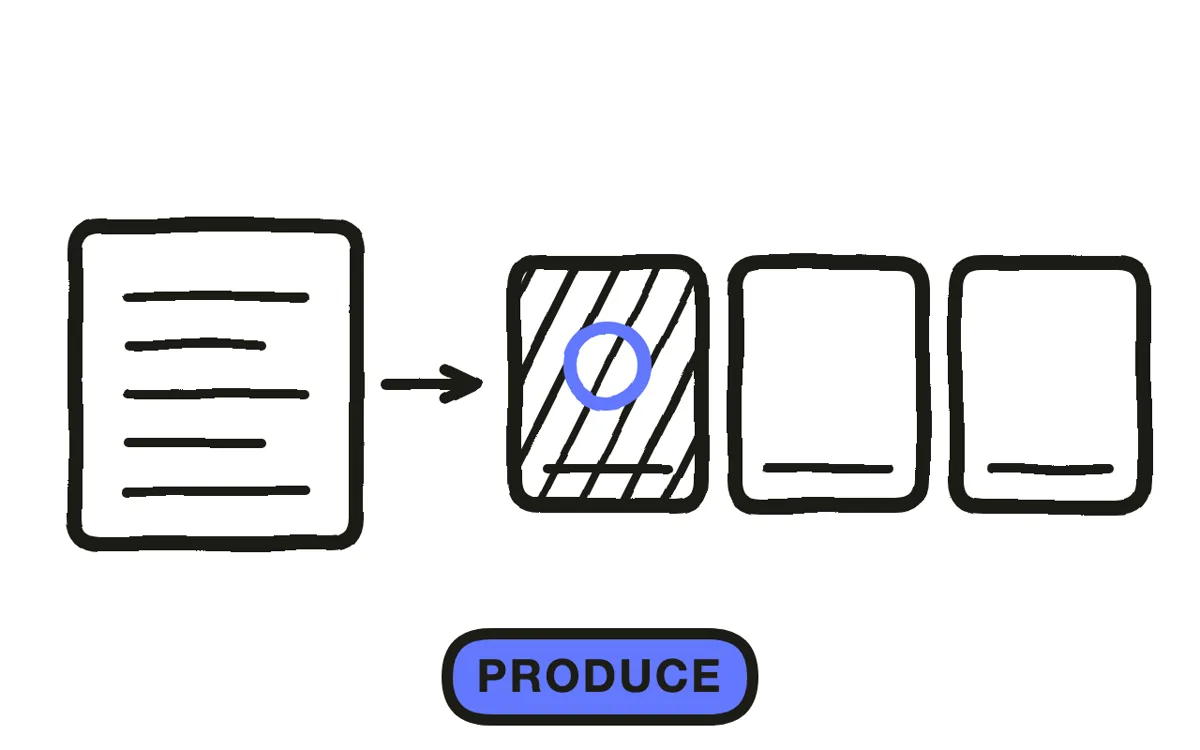
Filming scenarios in a real clinical environment is what stops most organisations: it needs a location, consent from everyone on camera, and time nobody has. Stock footage rarely matches the setting closely enough to feel like your workplace.
Pexo's text-to-video workflow generates the scenarios from written descriptions, so a nurses' station or a records office exists without a shoot. Hyperframe keeps the same staff characters across every module, which makes a course feel like one programme rather than assorted clips.
Step 5: Add an assessment
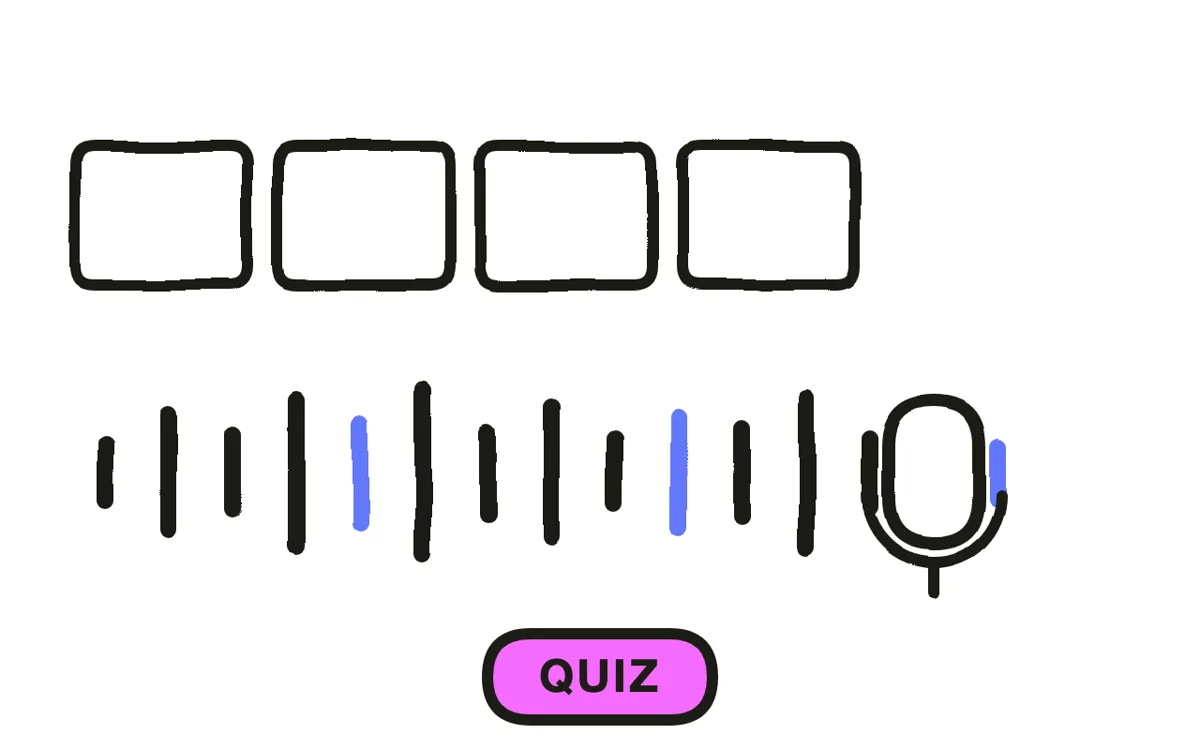
Add questions after each module rather than one test at the end. Placement matters: a question asked while the scenario is fresh produces both better retention and a cleaner record of which topic a given person struggled with.
Write questions on judgment, not recall. "Which of these should you report?" is more useful and more defensible than asking for the retention period. Pexo generates narration and can produce the module segments in matching style so an assessment break does not look bolted on.
Step 6: Document completion
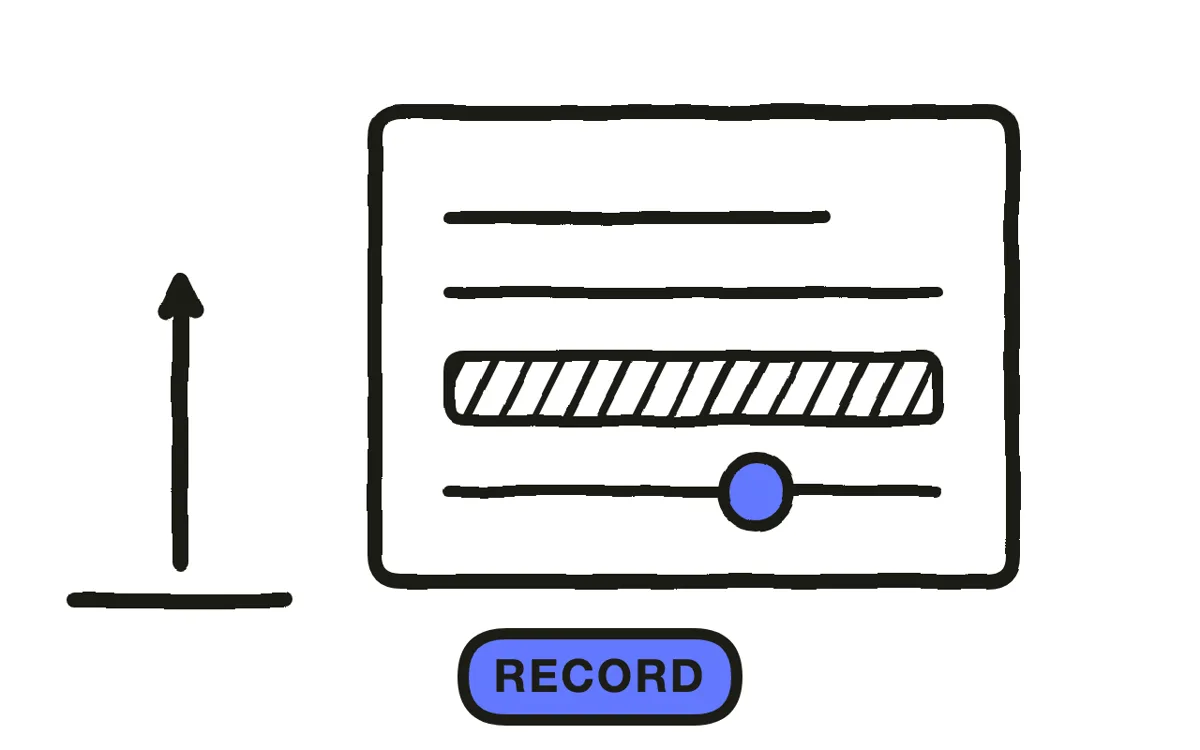
Record who completed which module, when, and their assessment result. HIPAA documentation must be retained for six years, and completion records are among the first items requested in an investigation. A play-count without an identity attached is not a record.
Export 16:9 at 1080p for an LMS or intranet, with captions burned in or supplied as a sidecar file. Pexo exports up to 4K. Have the finished content reviewed by your privacy officer or counsel before release: the production is the easy part, and the compliance judgment is not something a video tool supplies.
How to Make a HIPAA Training Video with Pexo
The six steps above work with any production method. Pexo handles step 4 in a single conversation, which removes the clinical shoot that stops most organisations before they start.
Open the training video page and describe each module: "A 4-minute HIPAA module on workstation security, set in a busy outpatient clinic, three short scenarios showing an unlocked screen, calm instructional narration." Pexo generates the scenes with consistent characters, records the narration, and exports.
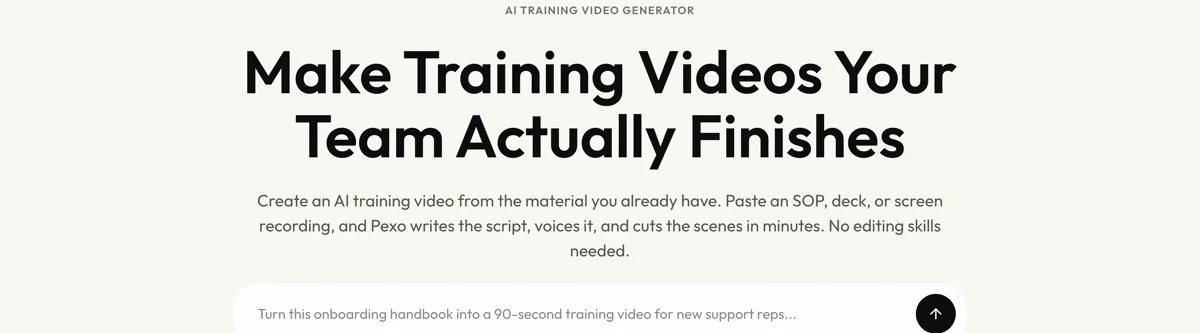
Adjust any scenario by describing the change in the chat, and Pexo regenerates that scene alone. The platform runs across Seedance 2.0, Kling AI, and more.
For related formats, the compliance training video page covers other regulated topics, and patient education video covers material aimed at patients rather than staff.
This article describes production practice. It is not legal advice, and your obligations should be confirmed with qualified counsel.
5 Mistakes That Leave a Training Programme Exposed
1. Using a real case as a scenario. Training material containing actual PHI is itself a disclosure. De-identify or invent, always.
2. Building one long file. A 30-minute monolith has to be re-recorded whenever one policy changes, so in practice it never gets updated.
3. Reciting rules instead of showing judgment calls. Staff retain scenarios. Nobody recalls a definition read aloud eighteen months later.
4. Logging views instead of completions. A play count with no identity attached is not a record. Capture who, what, and when.
5. Skipping the qualified review. A video tool produces the video, not the compliance judgment. Have the privacy officer sign off before release.
Related Tutorials
- How to make a compliance training video for other regulated topics
- How to make a patient education video for patient-facing material
- How to make a training video for the general training format
- How to make an elearning video for LMS-delivered courses




