ChatGPT
 Perplexity
 Claude
 Gemini
 Grok
Grok



How to Make a Launch Trailer
UPDATED: 2026-08-16 By Lan He, Senior Video Producer at Pexo
Making a launch trailer takes six steps: open cold, build three rising beats, cut to the music, produce the footage, hold the date card, then deliver to platform specs. A launch trailer takes about 25 minutes to produce.
Quick Version: How to Make a Launch Trailer
- Open cold, inside a moment, with no setup.
- Build three rising beats and a hard stop.
- Choose the track first and cut onto its structure.
- Produce footage that performs rather than explains.
- Hold the date card longer than feels comfortable.
- Deliver 16:9 to storefronts, recut 9:16 for social.
How to Make a Launch Trailer Step by Step
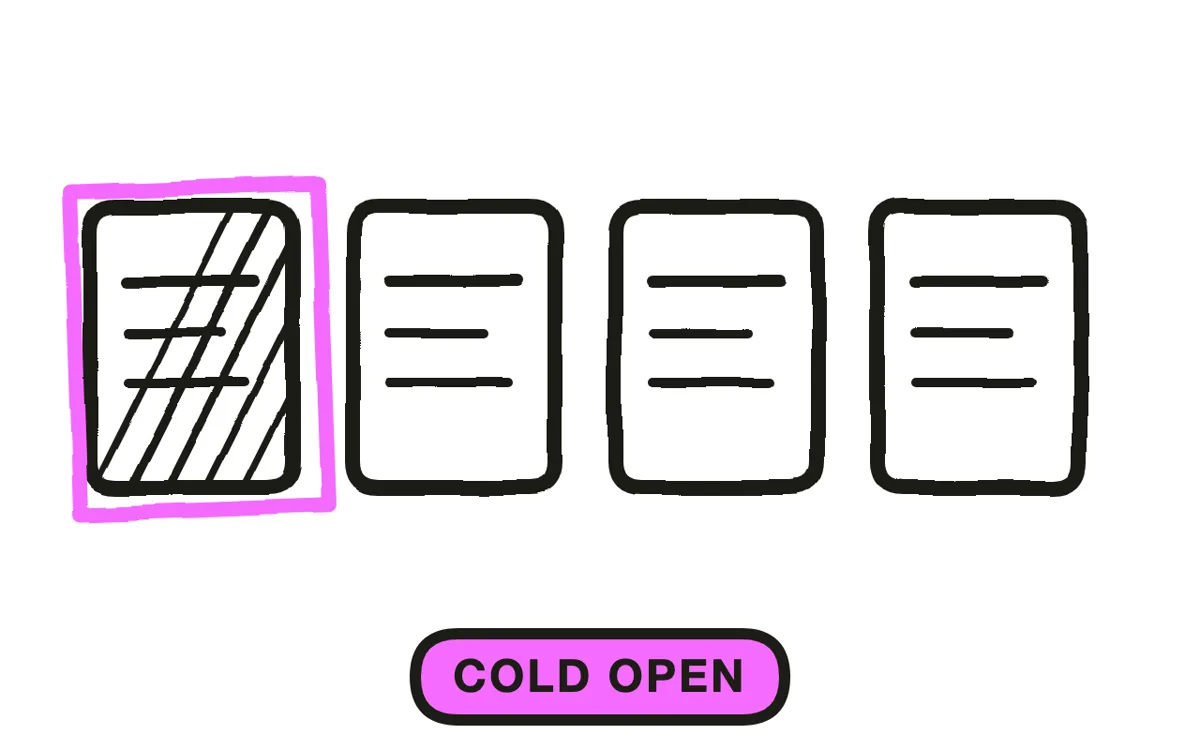
Step 1: Open cold
Start inside a moment. No logo, no title card, no line of narration setting up what you are about to see. The viewer should need a second to work out what they are watching, and that second is attention no introduction can buy.
This is the clearest structural line between a trailer and a launch video. A launch video establishes context because it is explaining something. A trailer withholds context because it is performing, and the questions the opening raises are what carry the viewer into the second beat.
Step 2: Build three rising beats
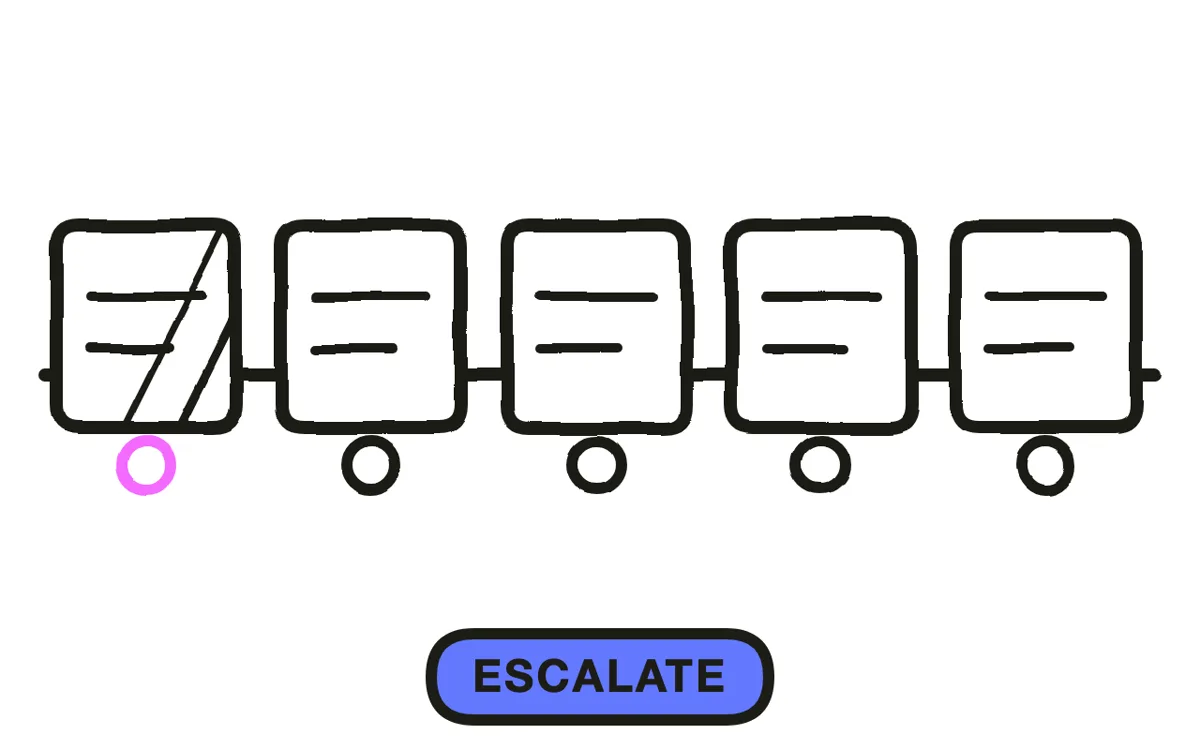
Trailers run on escalation. Three beats, each raising the stakes or the scale of what came before, then a hard stop before the date. More than three and the rises stop registering; fewer and it reads as a montage.
Decide what escalates before cutting anything: scale of the world, intensity of the action, emotional pressure on a character, density of the cutting itself. Picking one and committing is what makes the structure legible. Keep the whole thing to sixty to ninety seconds, since past that the escalation flattens no matter how good the material is.
Step 3: Cut to the music
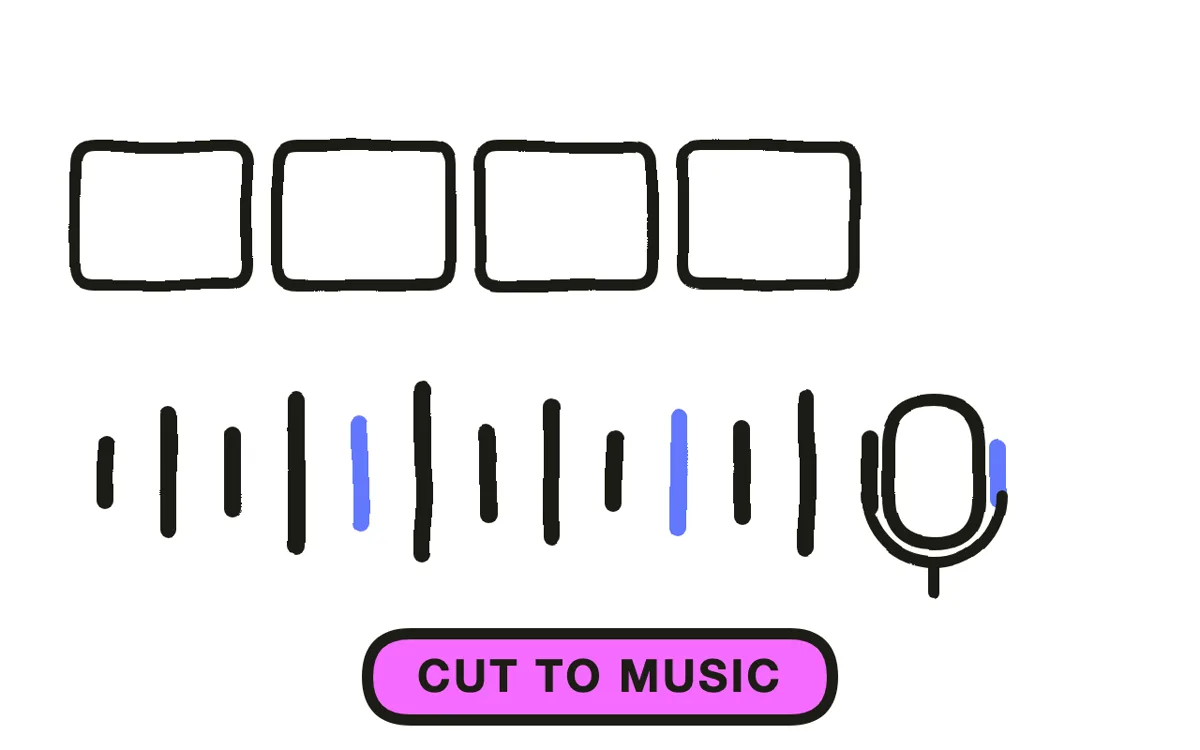
Choose the track before the edit and build onto its structure: beats on its rises, the hard stop on its drop, the date card in the space after it.
Laying music under a finished cut produces something that is nearly in time, and nearly in time reads worse than obviously out of time because the viewer feels the mismatch without identifying it. This single decision is the biggest quality difference between trailers that work and trailers that do not, and it costs nothing to get right if you make it first.
Step 4: Produce footage that performs
Every shot should do something rather than show something. A held frame of a product is an introduction; a hand slamming down on it is a beat. For games and films the footage exists, but rarely in the shape a trailer needs.
Pexo's text-to-video workflow generates the connective and atmospheric shots that a trailer needs and a build rarely has, and image-to-video animates key art into moving frames. Skip narration: trailers carry meaning through image, sound and cutting, and a voice explaining what you are seeing is the clearest sign a corporate video has been dressed as a trailer.
Step 5: Hold the date card
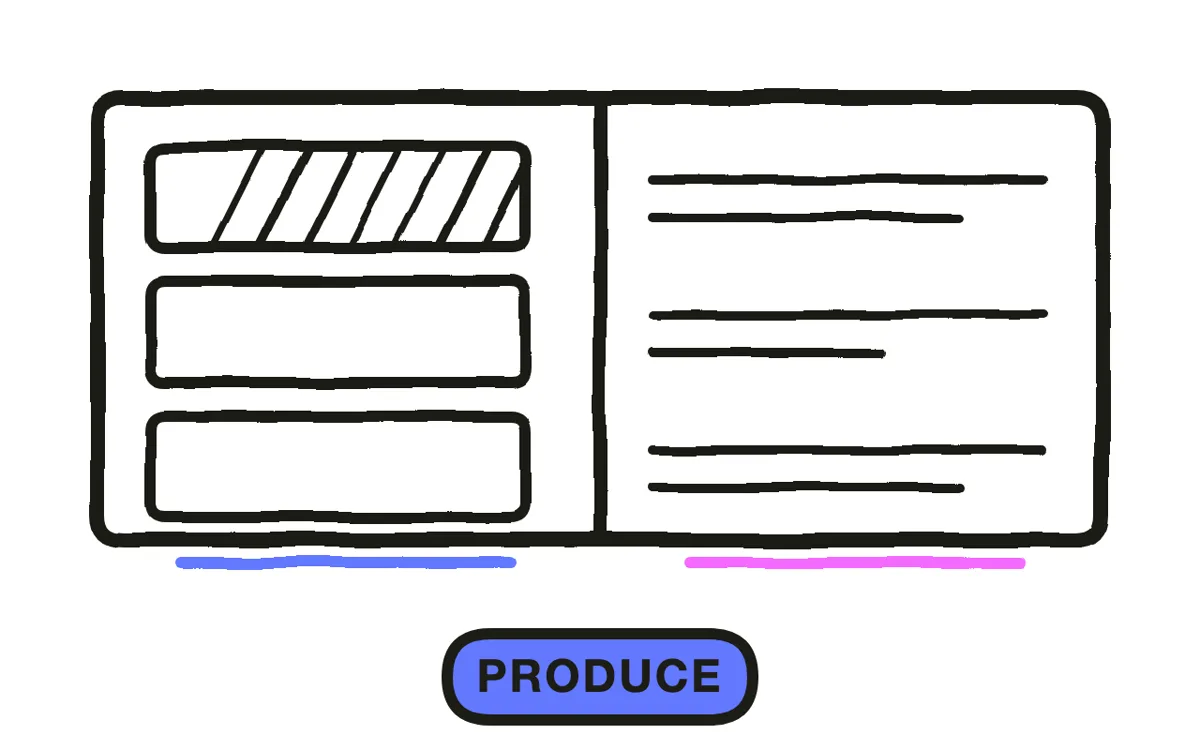
Two to three seconds, which will feel too long while you are editing and is correct. The date is the one piece of information the entire trailer exists to deliver, and a date flashed for half a second is a date nobody retains.
Give it silence or a single sustained note rather than continuing the track underneath. The stop before it is what makes it land. Add the platform logos and the storefront name here if the release depends on them, since this is the only moment a viewer is looking for practical information.
Step 6: Deliver to platform specs
Storefronts have their own requirements and they are not suggestions: Steam, console storefronts, App Store and the film platforms each specify duration, resolution and sometimes what may appear in the first frames. Check the current spec for each before final export rather than after a rejection.
Export 16:9 at 1080p or higher as the master. Cut a separate 9:16 for social rather than cropping, because trailer framing is deliberate and a crop destroys it. Pexo exports every ratio from one project, and a 30-second cutdown built as its own edit performs better than the 90 trimmed.
How to Make a Launch Trailer with Pexo
The six steps above work with any tool. Pexo handles steps 4 and 6 in a single conversation, which is where the connective shots a trailer needs come from.
Open the launch trailer page and describe the piece: "A 75-second launch trailer, cold open on a lantern going out in a flooded corridor, three escalating beats ending on a wide of the drowned city, hard stop at 68 seconds, date card held three seconds in silence, low strings building to percussion." Pexo generates the scenes, composes the score, and exports each ratio.

Ask for the 30-second cutdown in the same conversation and Pexo builds it as its own structure rather than trimming the long version.
For related formats, the teaser trailer page covers the earlier withholding piece and movie trailer covers narrative releases.
5 Mistakes That Make a Launch Trailer Read as a Corporate Video
1. Opening with a logo. It sets up context, and context is the thing a trailer withholds on purpose.
2. Narration explaining the images. Trailers carry meaning through image, sound and cutting.
3. Music laid under a finished cut. Nearly in time reads worse than obviously out of time.
4. More than three escalating beats. After three the rises stop registering and it becomes a montage.
5. Flashing the date. It is the one thing the trailer exists to deliver. Hold it three seconds in silence.
Related Tutorials
- How to make a teaser trailer for the earlier withholding piece
- How to make a movie trailer for narrative releases
- How to make a coming soon video for pre-launch list building
- How to make a software launch video for the explanatory alternative