ChatGPT
 Perplexity
 Claude
 Gemini
 Grok
Grok



How to Make a Software Launch Video
UPDATED: 2026-08-16 By Lan He, Senior Video Producer at Pexo
Making a software launch video takes seven steps: name the release type, state version and changes, script for a technical audience, capture the interface properly, produce the surrounding scenes, plan per-channel cuts, then meet each spec. A software launch video takes about 30 minutes to produce.
Quick Version: How to Make a Software Launch Video
- Name the release type: first version, major version, open source, or desktop.
- Put the version number and the two or three real changes on screen.
- Script for people who will install it, not evaluate a subscription.
- Capture the interface at a resolution that survives compression.
- Produce the surrounding scenes without a shoot.
- Plan a cut per distribution channel.
- Meet each channel's spec before export.
How to Make a Software Launch Video Step by Step
Step 1: Name the release type
Four different releases use this format and they are not interchangeable. A first version introduces the software to people who have never heard of it. A major version speaks to existing users about what changed. An open-source release speaks to developers who will read the code before they trust it. A desktop or self-hosted release speaks to people who care where it runs and what it depends on.
Naming which one settles how much explanation is needed and what the audience treats as proof. A major-version video that reintroduces the product wastes its runtime on people who already use it, and a first-version video that assumes familiarity talks past everyone who does not have it.
Step 2: State the version and what changed
Put the version number on screen early. A software audience wants to know which release they are looking at before deciding whether it matters, and an unversioned announcement gets filed as marketing rather than news.
Then show the two or three changes that actually matter and link the full changelog rather than reading it. A video listing fifteen items is a document being read aloud, and the document does that job better. Picking which two or three is the real editorial work here, and it is worth arguing about internally before anything is shot.
Step 3: Script for people who will install it
This audience discounts benefit language and responds to specifics. "Faster builds" says nothing; "builds that took four minutes now take under one" is a claim they can test, and being testable is what makes it credible.
For desktop, self-hosted and open-source releases, say what it runs on: platform support, dependencies, and the licence. These are the first things this audience checks, and omitting them sends them looking rather than watching. Keep it to sixty to ninety seconds, up to two minutes for a major version with several real changes.
Step 4: Capture the interface properly
The interface is the evidence. Capture at native resolution or higher and avoid scaling up, because compressed, upscaled UI text is the fastest way to make good software look unfinished.
Show one real flow completing rather than a tour of every screen, and use a realistic dataset rather than empty placeholder states. An application demonstrated with three rows of Lorem Ipsum tells a technical viewer nothing about how it behaves with their data, which is the question they are actually asking.
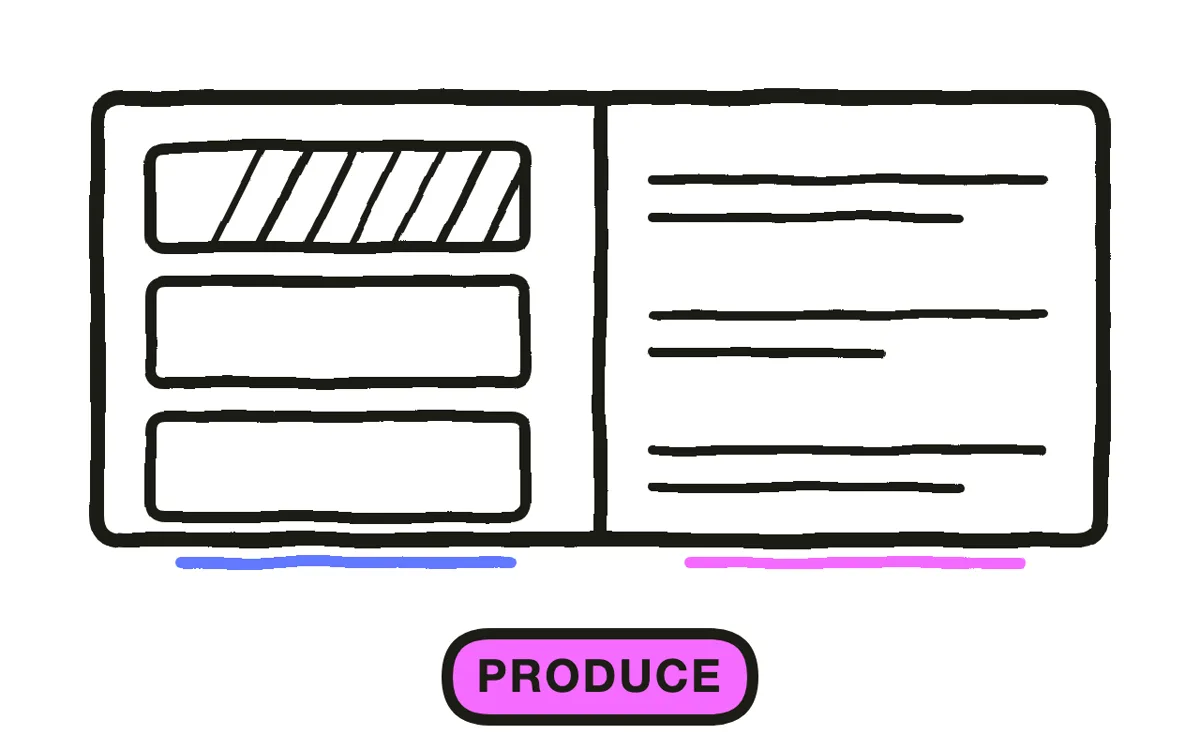
Step 5: Produce the surrounding scenes
The screen capture covers the software. What it does not cover is everything around it: the situation the release addresses, the person hitting the problem, the transitions that hold a ninety-second piece together.
Pexo's text-to-video workflow generates those scenes from a description, and image-to-video animates real screenshots where a capture does not exist or shows data you cannot publish. Keep the generated material around the software rather than in place of it, since replacing the interface with an illustration is what makes a release look like it has nothing to show.
Step 6: Plan a cut per channel
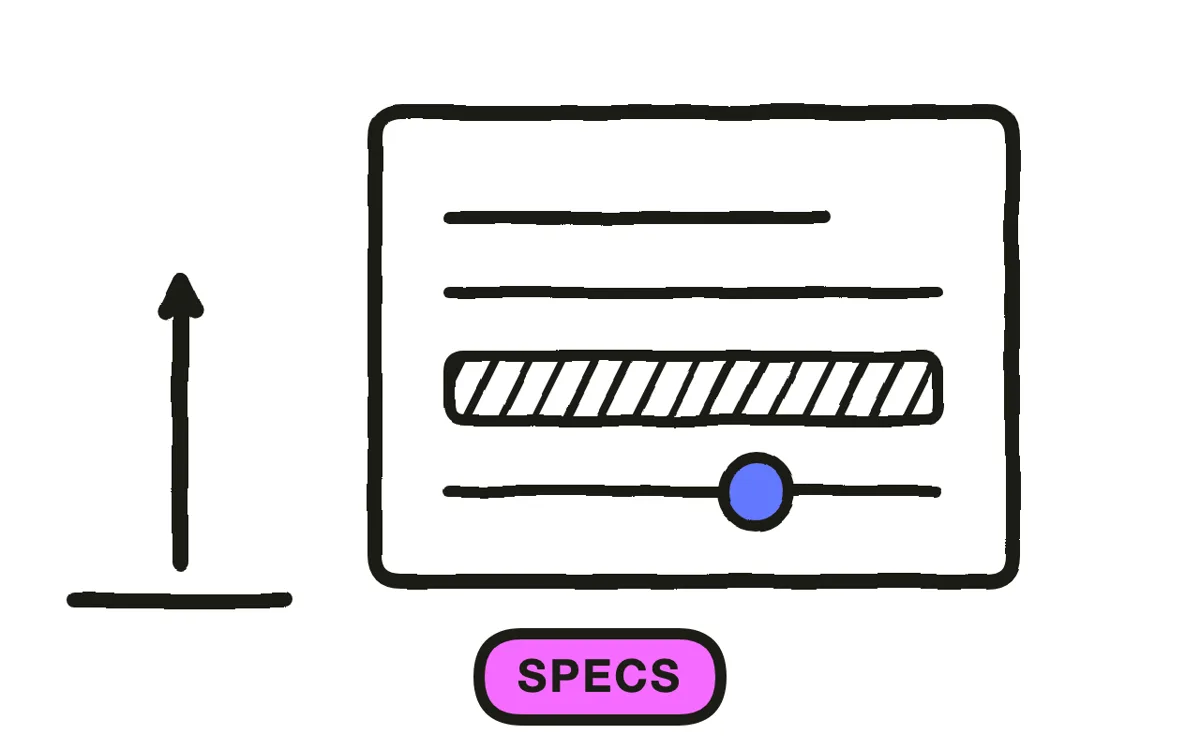
Software launches land in several places at once and each one expects something different. An App Store preview has a duration cap and must be captured from the application. A GitHub release wants something short embedded near the changelog. Product Hunt rewards a piece that works muted in a feed. Your own docs can carry the longest version.
Plan those cuts before editing rather than trimming a master afterwards, because a 30-second cut designed as its own piece keeps a structure that a trimmed 90 loses. This per-channel spread is the part of a software launch that most often gets rushed, and it is where most of the reach actually comes from.
Step 7: Meet each spec
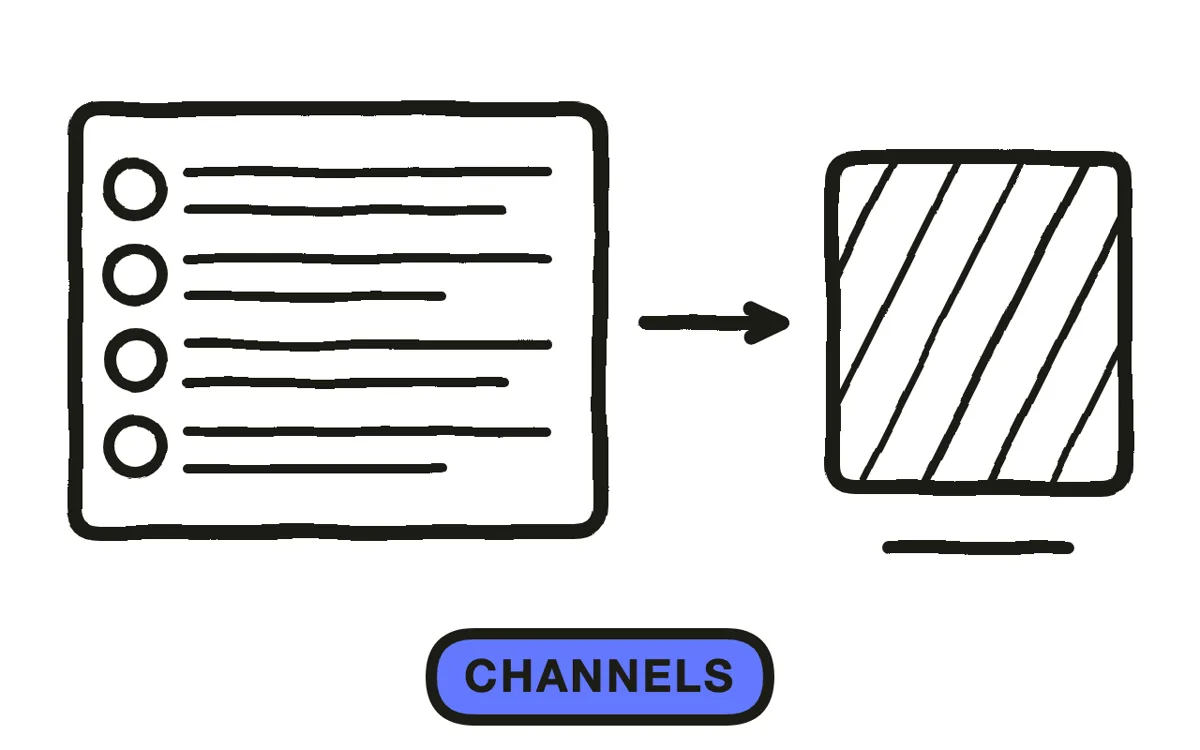
Check the current requirements for every channel before final export. Store previews in particular have rules about duration, resolution and what may appear, and they are enforced at review rather than negotiated.
Export 16:9 at 1080p or higher as the master, since interfaces are landscape and that is what storefronts and docs expect. Produce 9:16 separately by framing one panel at a time rather than shrinking a full screen, which makes UI text unreadable. Pexo exports up to 4K and every ratio from one project. Add captions, since a good share of this audience watches muted at a desk.
How to Make a Software Launch Video with Pexo
The seven steps above work with any tool. Pexo handles steps 5 and 7 in a single conversation, which is where the connective material and the per-channel cuts come from.
Open the software launch video page, upload your screen captures, and describe the piece: "A 75-second software launch for version 3.0, version number on screen at second two, the uploaded capture of the new build pipeline completing, three changes called out, generated scenes of a developer waiting then not waiting, restrained electronic bed, ending on the install command." Pexo builds the surrounding scenes and exports each channel cut.
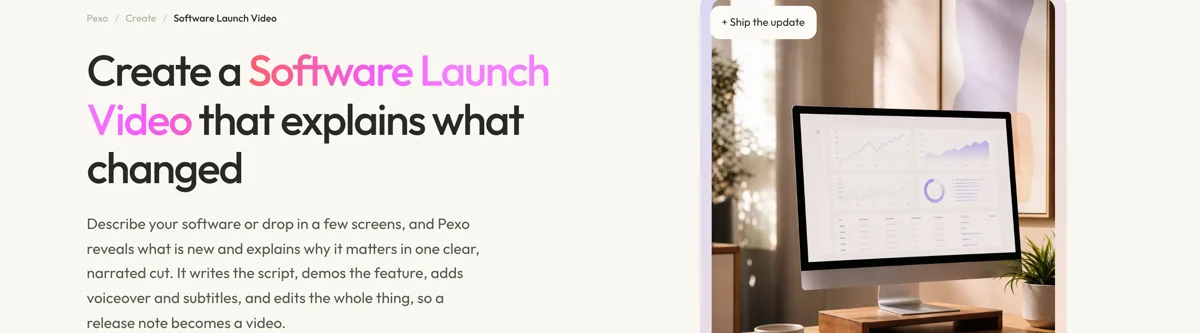
Ask for the 30-second store cut in the same conversation and Pexo builds it as its own structure rather than trimming the long version.
For related formats, the SaaS launch video page covers hosted services and app launch video covers mobile releases.
5 Mistakes That Get a Software Launch Dismissed by Developers
1. No version number. An unversioned announcement is filed as marketing rather than news.
2. Illustration instead of interface. To this audience it reads as having nothing to show yet.
3. Placeholder data. Three rows of Lorem Ipsum answer none of the questions they are asking.
4. Benefit language without numbers. "Faster" says nothing. A figure they can test is what earns credibility.
5. Trimming one master for every channel. A 30-second cut designed as its own piece keeps a structure the trim loses.
Related Tutorials
- How to make a SaaS launch video for hosted services
- How to make an app launch video for mobile releases
- How to make a video from screenshots for interface-led production
- How to make a launch trailer for the performative alternative