

 ChatGPT
 Perplexity
 Claude
 Gemini
 Grok
Grok

You just published a 40-minute YouTube video. The content is solid, the insights are real, and now you need to turn it into a dozen scroll-stopping clips for TikTok, Reels, and Shorts. Tools like 2short ai promise to handle that automatically. But what if your content strategy goes beyond repurposing old footage? What if you need to create original videos from scratch? This 2Short AI review breaks down everything 2Short AI offers in 2026, where it falls short, and why Pexo AI might be the smarter pick for your workflow.
What Is 2short.ai?
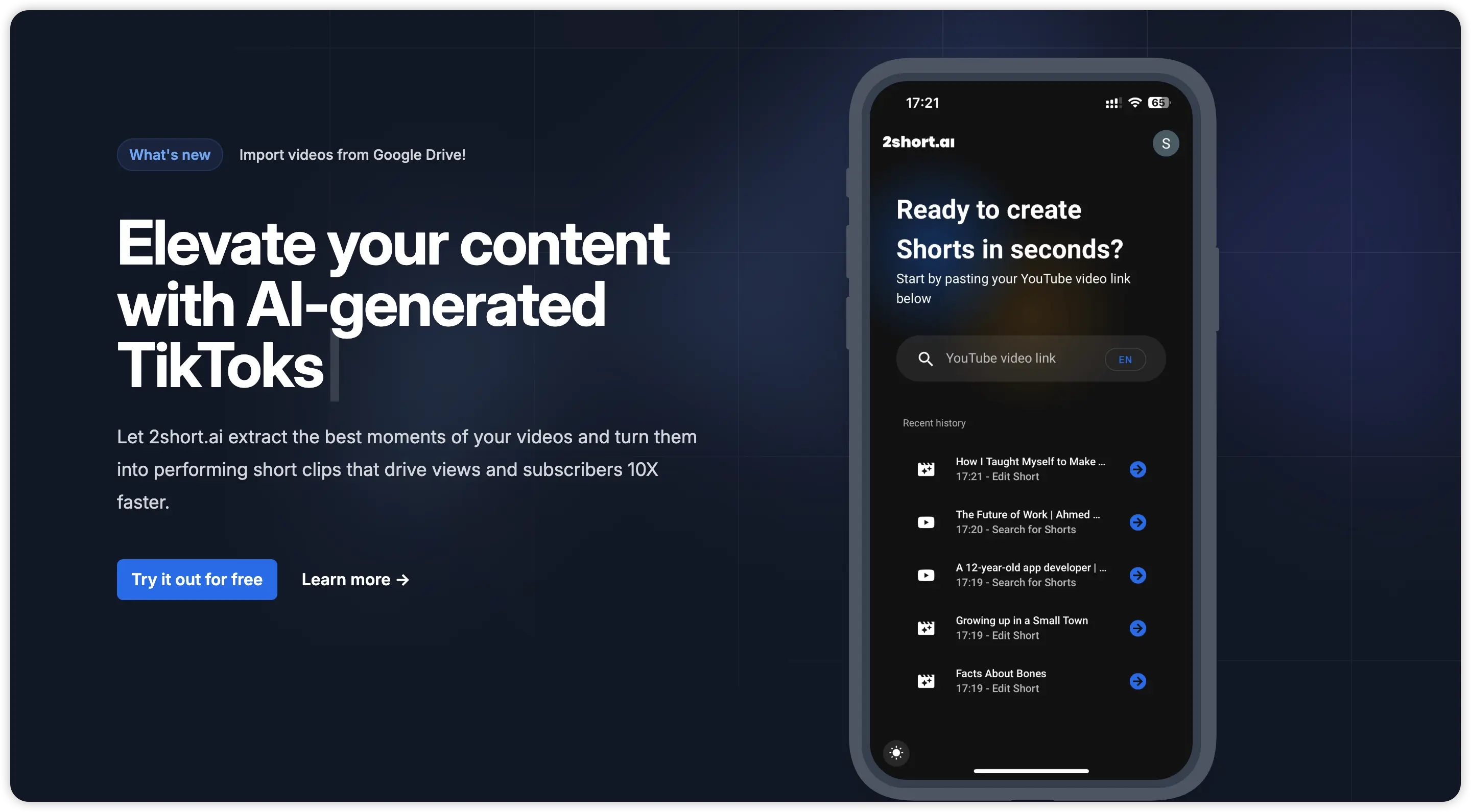 2short.ai is a video repurposing tool designed for YouTube creators. It takes long-form videos and uses AI to automatically identify the most engaging moments, then extracts them as short clips formatted for TikTok, Instagram Reels, and YouTube Shorts.
The key thing to understand is that 2 short ai does not generate anything from scratch. Every clip it produces comes from footage that already exists. You paste a YouTube URL, the AI scans the video's captions, finds high-engagement segments, and delivers short clips with animated subtitles applied. The process is fast and mostly hands-off, which makes it appealing for creators sitting on a large library of long-form content.
However, this also means 2short ai is fundamentally limited to what you've already recorded. If you're a marketer looking to produce product ads, an ecommerce brand needing fresh promotional videos, or a creator who wants to build original short-form content without filming first, this tool simply isn't built for that.
How Does 2 Short AI Work?
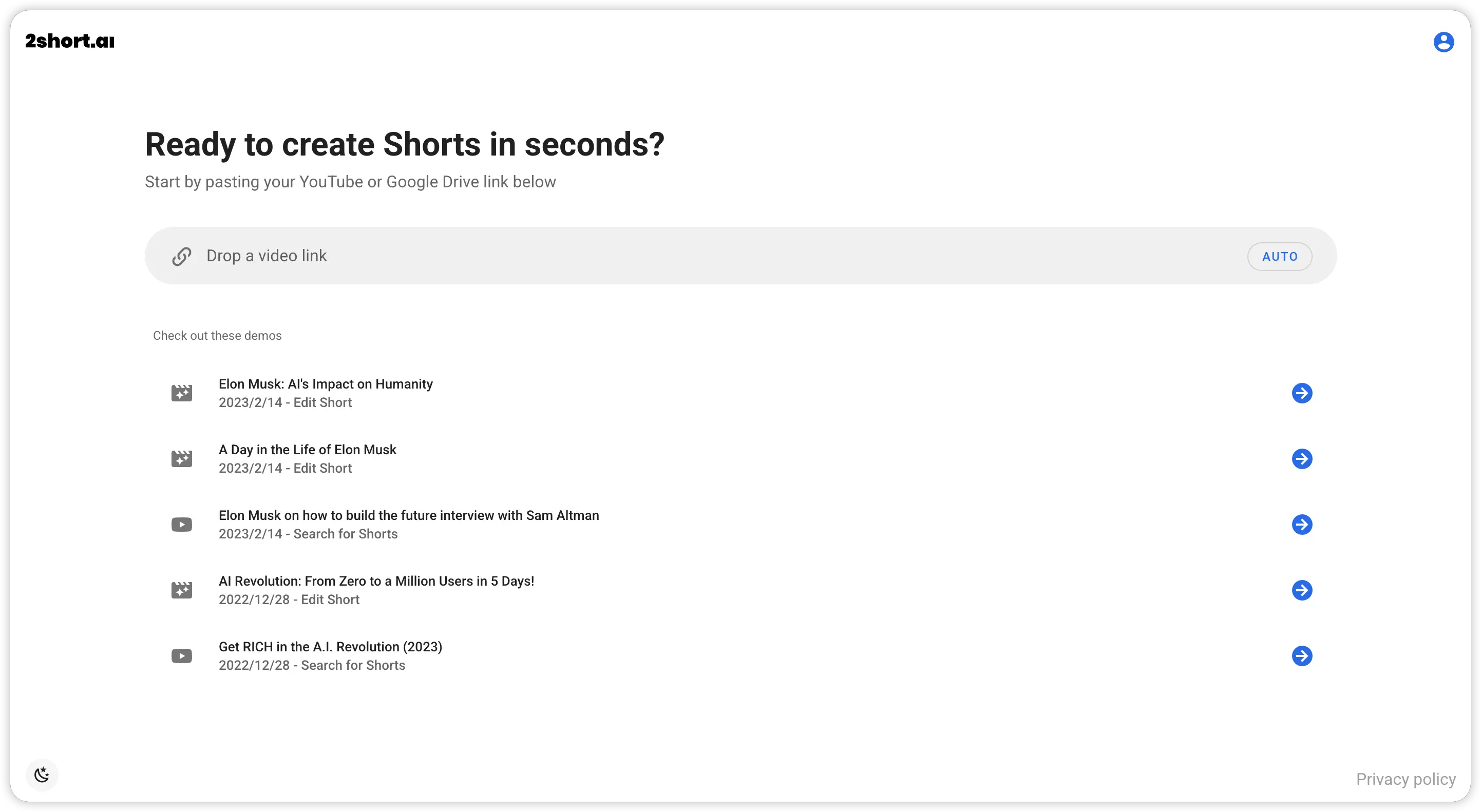 The workflow is straightforward, and that's part of the appeal. Here's the step-by-step process for using the platform:
- Paste a YouTube URL into the 2short ai dashboard.
- AI analyzes the captions and identifies the segments most likely to drive engagement.
- Short clips are generated automatically, complete with animated subtitles.
- Edit in the built-in editor to adjust caption styles, trim clips, or reframe the output.
- Export your clips in vertical (9:16) format, ready for posting.
The main requirement is that captions must exist on the source video. Since YouTube auto-generates captions for most spoken-word content, this usually isn't a problem. The entire process takes just a few minutes once the upload is complete.
Key Features of 2Short AI
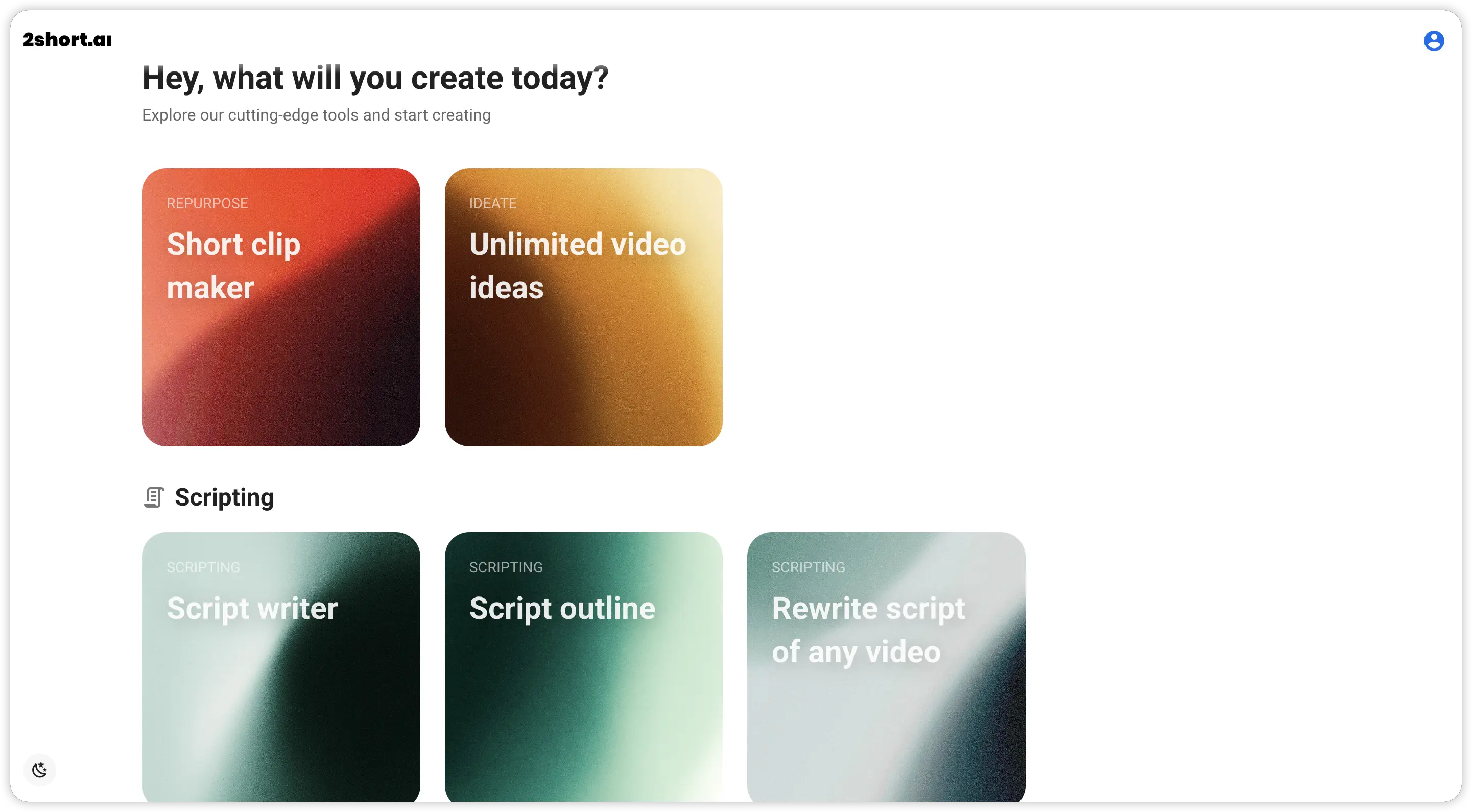 Before deciding whether 2 short ai fits your workflow, it helps to understand exactly what the platform offers. Here's a closer look at the core features that define the 2short ai experience in 2026.
AI Video Repurposing
This is the heart of the platform. Upload a YouTube link, and 2short.ai scans the full video to extract the most shareable moments as standalone short clips. The AI focuses on spoken-word content and works best with podcasts, interviews, educational videos, and commentary-style formats.
Animated Captions and Subtitles
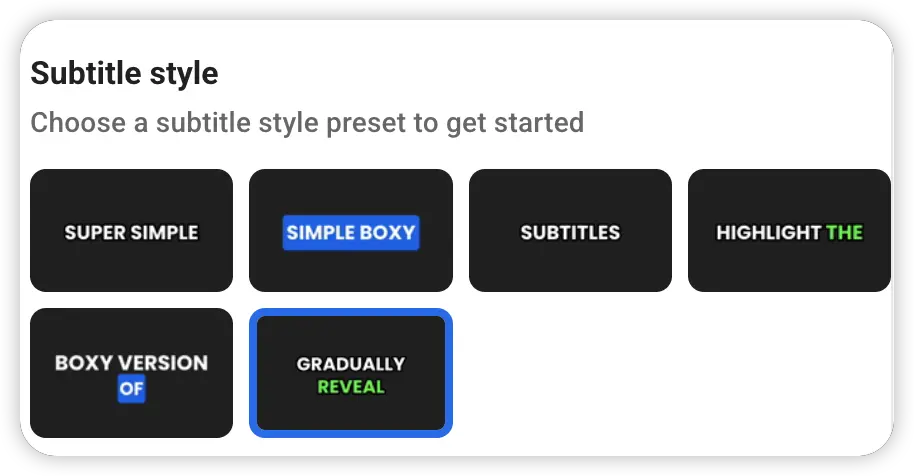
Every generated clip comes with animated text overlays. The platform transcribes the speech automatically and applies dynamic subtitle effects to make content more engaging, especially for viewers watching without sound. Caption styles are customizable within the editor.
AI Face Tracking
For talking-head content originally shot in landscape (16:9), 2short ai tracks the speaker's face and keeps it centered as the video is reformatted to vertical (9:16). This feature removes the need for manual reframing and ensures the speaker stays in focus throughout the clip.
Multi-Language Support
The platform supports multiple languages for caption generation, including English, French, German, Spanish, Japanese, Portuguese, and more. This makes it a viable option for non-English creators who want to repurpose their content across different markets.
Built-In Video Editor
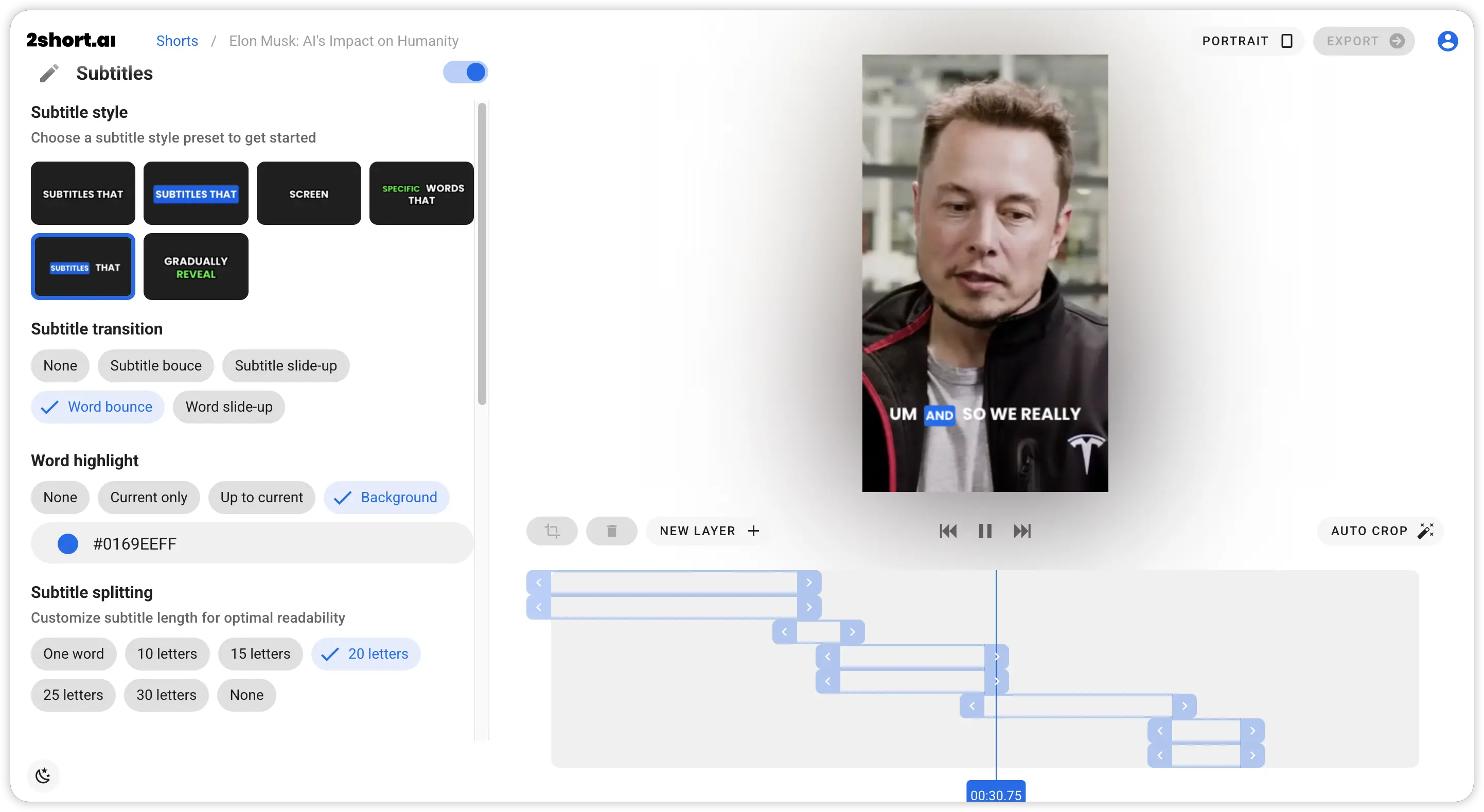 The online editor lets you trim clips, adjust caption positioning, change subtitle styles, and fine-tune the output before exporting. It's functional for quick edits, but it's focused on caption customization rather than full-scale video production. If you need more advanced editing capabilities like scene transitions, voiceover layers, or music integration, you'll need to look elsewhere.
2short ai Pricing in 2026
Understanding 2short ai pricing is essential before committing. The platform offers four tiers, each with different limits on AI video analysis time and export capabilities. Here's a breakdown of the current pricing structure:
| Plan | Monthly Price | AI Video Analysis | Server-Side Exports | Key Extras |
|---|---|---|---|---|
| Starter (Free) | $0 | 30 minutes/month | View only (pre-generated) | Full feature access |
| Lite | $9.90/month | 5 hours/month | 15 minutes/month | No ads |
| Pro | $19.90/month | 25 hours/month | 75 minutes/month | Priority support, beta access |
| Premium | $49.90/month | 100 hours/month | 300 minutes/month | Everything in Pro |
The free plan is fine for testing, but the export limitations make it impractical for regular content production. Most serious creators will need at least the Pro tier to get enough analysis hours and export minutes for a weekly posting schedule.
One thing worth noting: even on the Premium plan, you're still capped at 100 hours of analysis per month. If you're processing a high volume of long-form content, those hours can run out faster than expected.
Pros and Cons of 2 Short AI
Every tool has its strengths and weaknesses. Here's an honest look at what works well and what doesn't, based on real user experiences and hands-on testing.
What 2short.ai does well:
- Fast clip extraction with minimal manual effort
- Auto-generated animated captions save significant editing time
- Face tracking works reliably for single-speaker talking-head videos
- Clean vertical output ready for TikTok, Reels, and Shorts
- Free tier available for testing before committing
Where 2short ai falls short:
- Cannot create original content, only repurposes existing footage
- Commercial use depends entirely on the copyright status of the source video
- Struggles with music-heavy content, live performances, and non-spoken formats
- The editor is limited to caption adjustments, not full production
- AI clip selection quality is inconsistent and often requires manual review
- No text-to-video capability for generating fresh content from ideas
Who Is 2short ai Best For?
2short ai works best for a specific type of creator. If you already have a substantial library of long-form YouTube videos and your primary goal is to turn that existing content into short clips for other platforms, this tool can save you hours of manual editing every week.
The ideal users include podcasters, educators, interviewers, and YouTubers who produce spoken-word content regularly. For these creators, the AI-powered clip selection and automatic captioning are genuine time-savers.
However, 2 Short AI is not the right fit for brands, DTC operators, agencies, or marketers who need original video content. It cannot generate videos from a product URL, create scripts from scratch, or produce content with AI avatars and voiceovers. If your content strategy involves creating new videos rather than recycling old ones, you need a different category of tool entirely.
2Short AI vs Pexo AI: A Side-by-Side Comparison
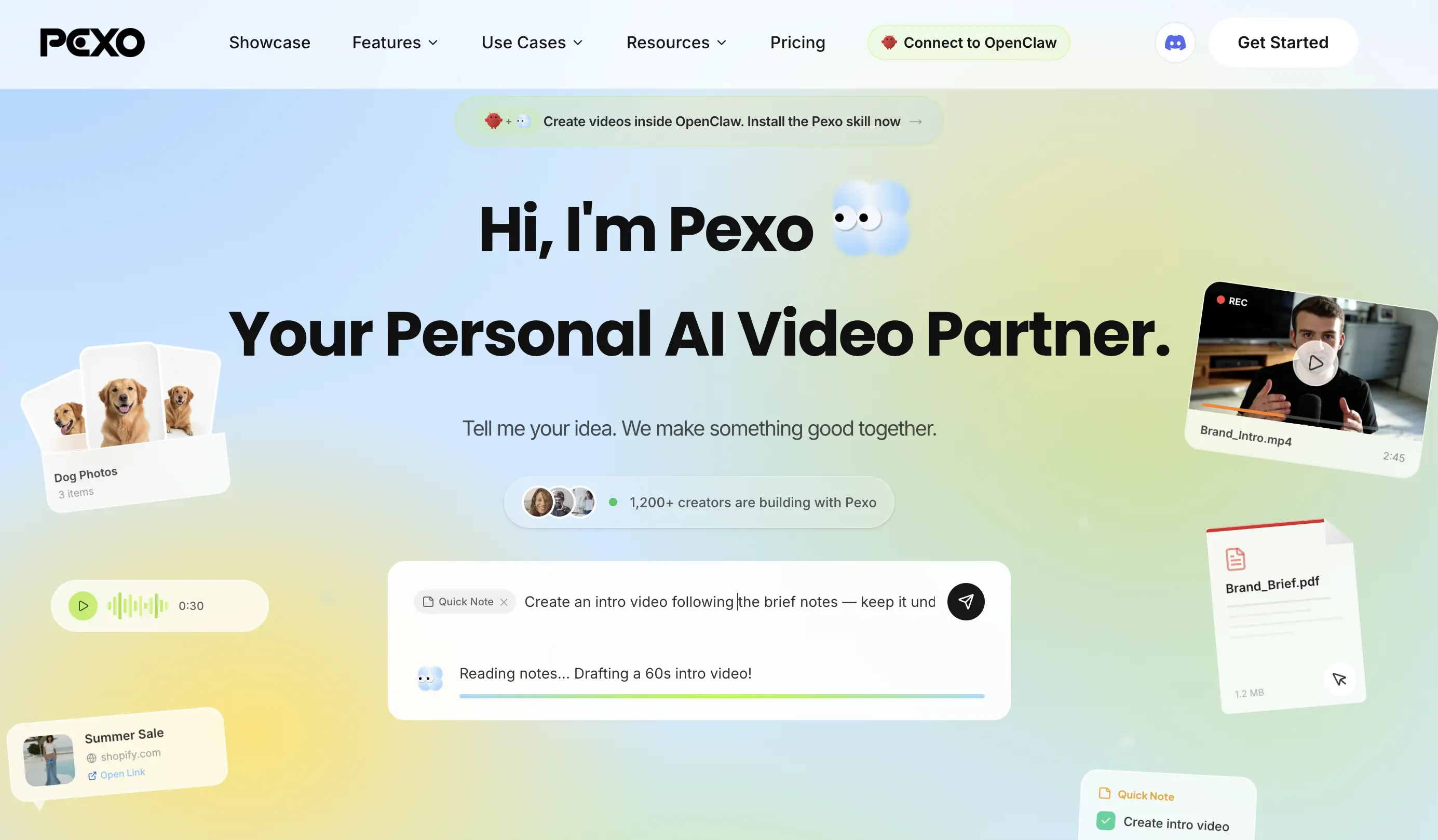 The fundamental difference between these two platforms comes down to creation versus repurposing. 2short ai extracts clips from existing footage. Pexo AI generates entirely new videos from your ideas, text, images, or URLs using multiple AI models working together.
Here's how they compare across the features that matter most:
| Feature | 2Short AI | Pexo AI |
|---|---|---|
| Video Creation Method | Repurposes existing YouTube videos | Generates original videos from text, images, or URLs |
| Text to Video | Not available | Full text-to-video with AI scenes, voiceover, and music |
| URL to Video | YouTube URL only (for clip extraction) | Any public URL converted into a complete video |
| AI Avatars | Not available | AI-generated presenters with lip sync |
| Script Generation | Not available | AI scriptwriter built in |
| Voiceover | Not available | Multi-language AI voice generation |
| Music & Sound | Not available | AI-generated soundtrack and sound effects |
| Editing Approach | Caption customization only | Conversational feedback and iterative revision |
| Best For | Repurposing long-form YouTube content | Creating original short-form and ad content |
| Commercial License | Depends on source video rights | Full commercial rights on generated content |
For creators who already have hours of YouTube footage and just need clips, 2 short ai serves that specific purpose. But for anyone who wants to produce fresh content for social media, product ads, explainer videos, or marketing campaigns, Pexo AI offers a fundamentally more powerful and flexible solution.
Also read: Top 10 Best AI Video Generators in 2026
Why Pexo AI Is the Best 2Short AI Alternative
If you've been using 2short ai and feel limited by what it can do, Pexo AI addresses nearly every gap. Here's what makes it the strongest 2Short AI alternatives pick in 2026.
Create Videos from Any Idea, Not Just Existing Footage
With Pexo, you describe your video idea in plain language and the AI handles the rest. There's no need to have pre-existing footage, no filming required, and no complex prompt engineering. You can create product ad videos, social media content, explainer videos, short stories, and more, all from a single conversation.
Multi-Model Intelligence
Pexo automatically selects from multiple leading AI video models, including Seedance, Kling, Sora, and others, based on what fits your content type best. You never have to choose a model or configure technical settings. The platform makes those decisions behind the scenes to deliver the highest quality output.
Conversational Workflow
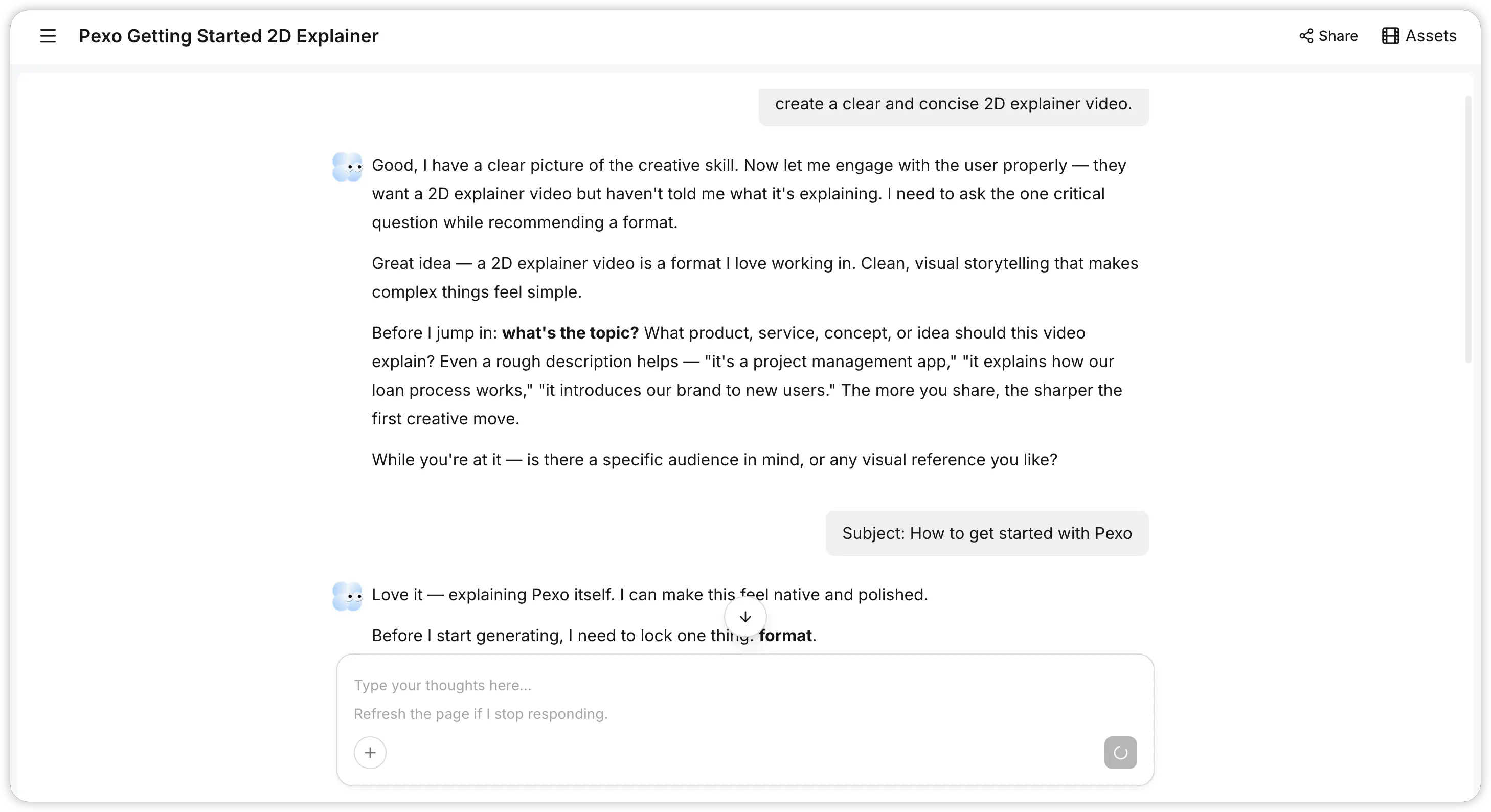 Instead of clicking through menus and timelines, you work with Pexo through natural conversation. Describe what you want, review the creative direction, give feedback, and iterate until the video matches your vision. It feels more like collaborating with an editor than operating software.
Full Commercial Rights
Every video Pexo generates is original content you fully own. There are no copyright concerns, no dependency on someone else's footage, and no risk of takedown notices when running paid ads. This is a critical advantage for brands and marketers who need AI-generated short videos cleared for advertising use.
Works Where You Already Are
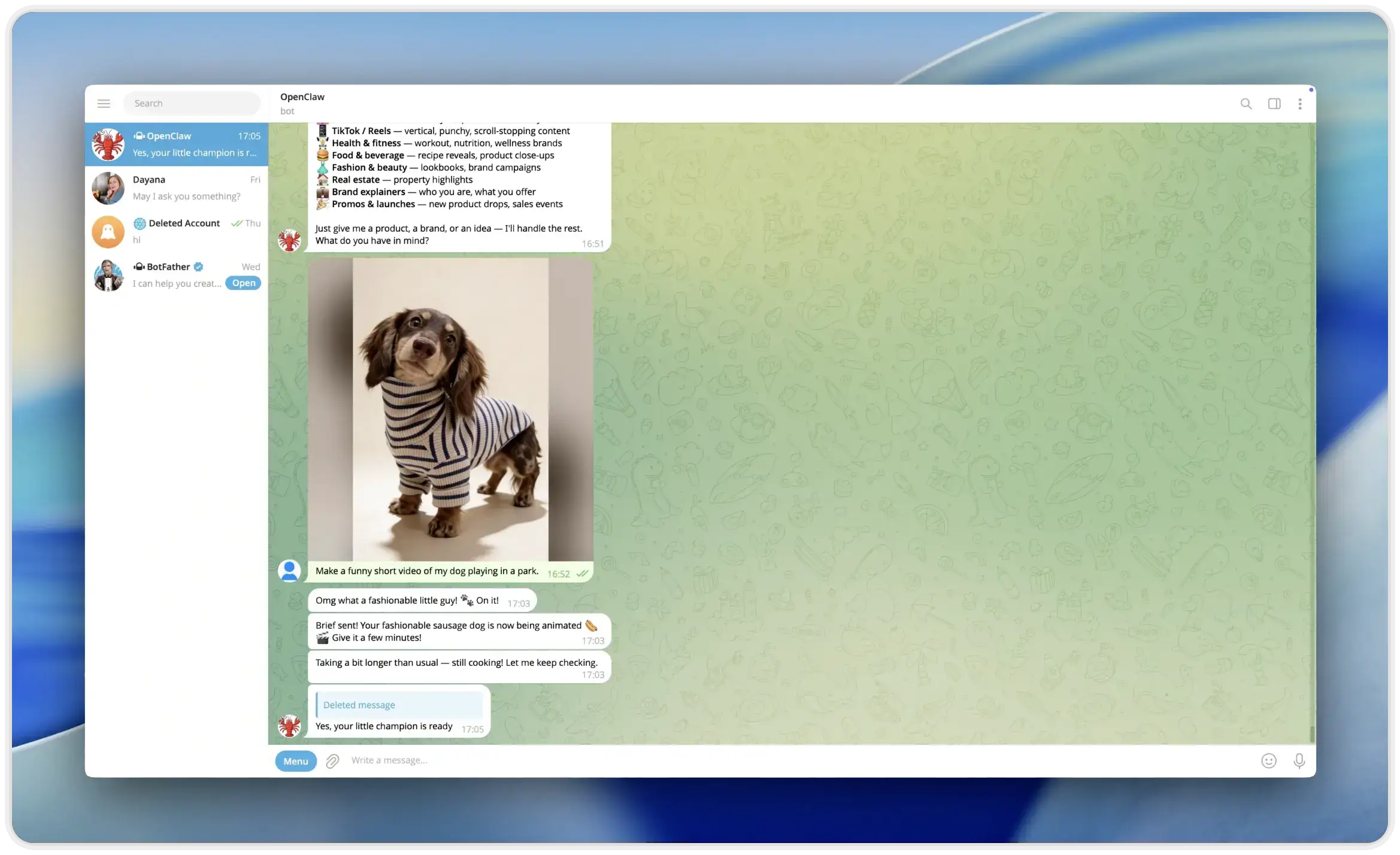 Pexo integrates with Telegram, WhatsApp, Discord, Slack, and Lark through OpenClaw, letting you create videos directly inside the messaging apps you already use every day. Just send a message, describe your video idea, and Pexo handles the rest without ever leaving your chat window. For teams and creators who want to keep their workflow streamlined, this means video creation is always just a conversation away.
Also read: Best InVideo AI Alternatives 2026: Top 6 AI Video Tools
Conclusion
2short ai does one thing well: turning existing YouTube content into short clips automatically. For creators with large libraries of spoken-word footage, it's a practical time-saver. But in a landscape where original content creation drives growth, relying solely on repurposed clips puts a ceiling on what you can achieve. Pexo AI removes that ceiling by letting you generate professional, fully original videos from nothing more than an idea. Whether you're building product ads, social content, or creative shorts, Pexo gives you the creative freedom that 2 Short AI simply cannot match.





