 ChatGPT
 Perplexity
 Claude
 Gemini
 Grok




Keep the lid and rim distinct as the camera moves closer. The next shot may show the lid lifting, so the opening should help the buyer recognize the same object.
A WaveSpeed Cinema Studio product video brief should name what viewers must see and the camera move that keeps it visible. Record rejection conditions before generating.
What Does One Product Hero Shot Need to Show?
It should introduce the product clearly and prepare viewers for the next explanation. A hero shot need not demonstrate every feature.
Use Sile, a fictional ceramic canister with a lift-off lid, for this example. Replace its assumed features with verified facts. This shot introduces it closed; approved footage would demonstrate lid removal.
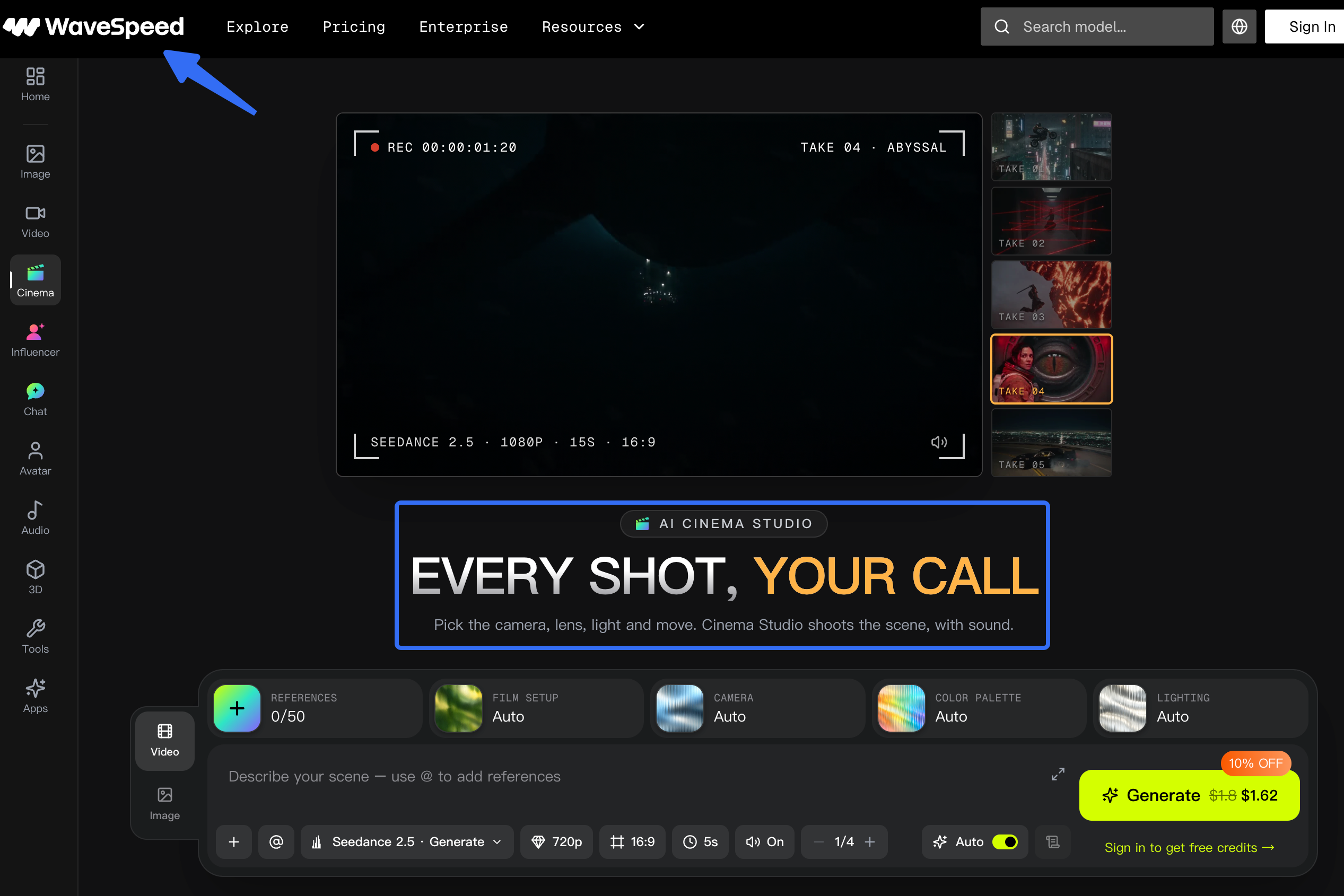
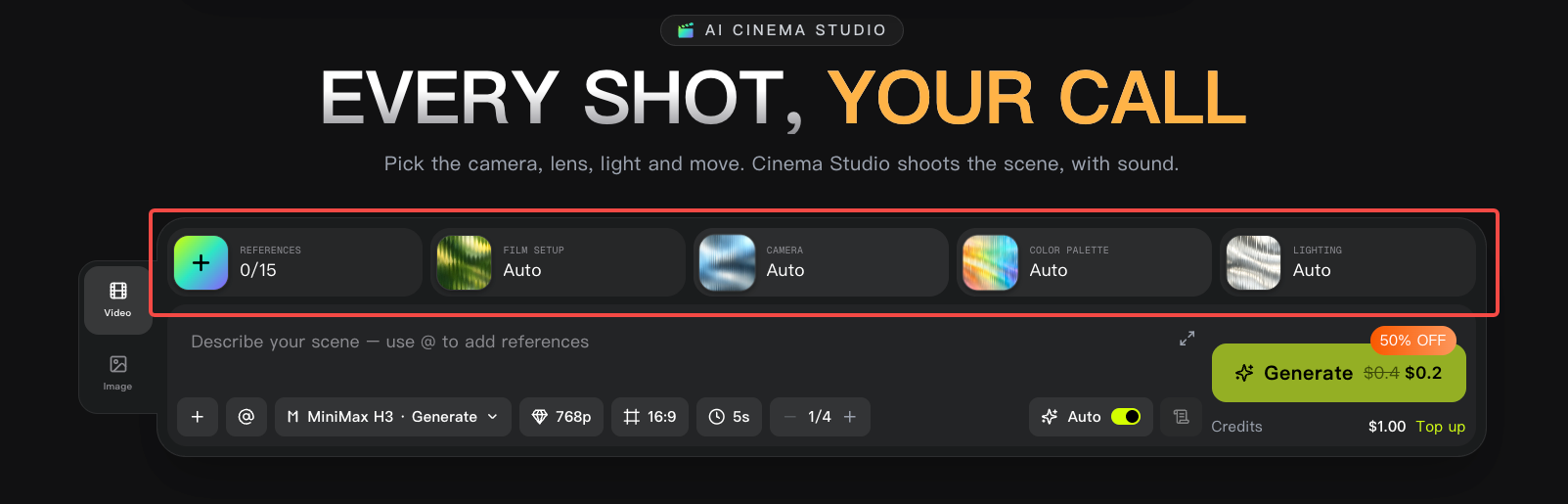
WaveSpeed names the tool AI Cinema Studio. Its current product page describes directing individual shots through references and camera, lighting, color, and movement choices. Those controls still need a product-specific brief and human review.
How Do You Write the Shot Brief?
Separate product facts from visual treatment, then state the action, framing, and acceptance conditions. Identify which details may change and which must remain accurate.
Product Facts and Approved Reference Images
Identify the exact SKU and current source photographs. Give each reference a role: product appearance, rear detail, or setting. A warm kitchen photograph can suggest atmosphere without becoming evidence for the canister's shape.
Keep the original label artwork beside the photographs. If the intended camera angle reveals a surface your references do not show, obtain another genuine view or choose a different movement.
Confirm permissions for supplied brand images, packaging artwork, people, and any audio references before uploading. Check the actual licenses and the service's current terms for the intended use. This article does not provide legal advice.
Camera, Light, Color, and Movement Choices
Choose a starting view, an ending view, and the movement between them. For Sile, a gentle push-in can keep the closed lid recognizable. An orbit may expose more unsupported detail than this opening needs.
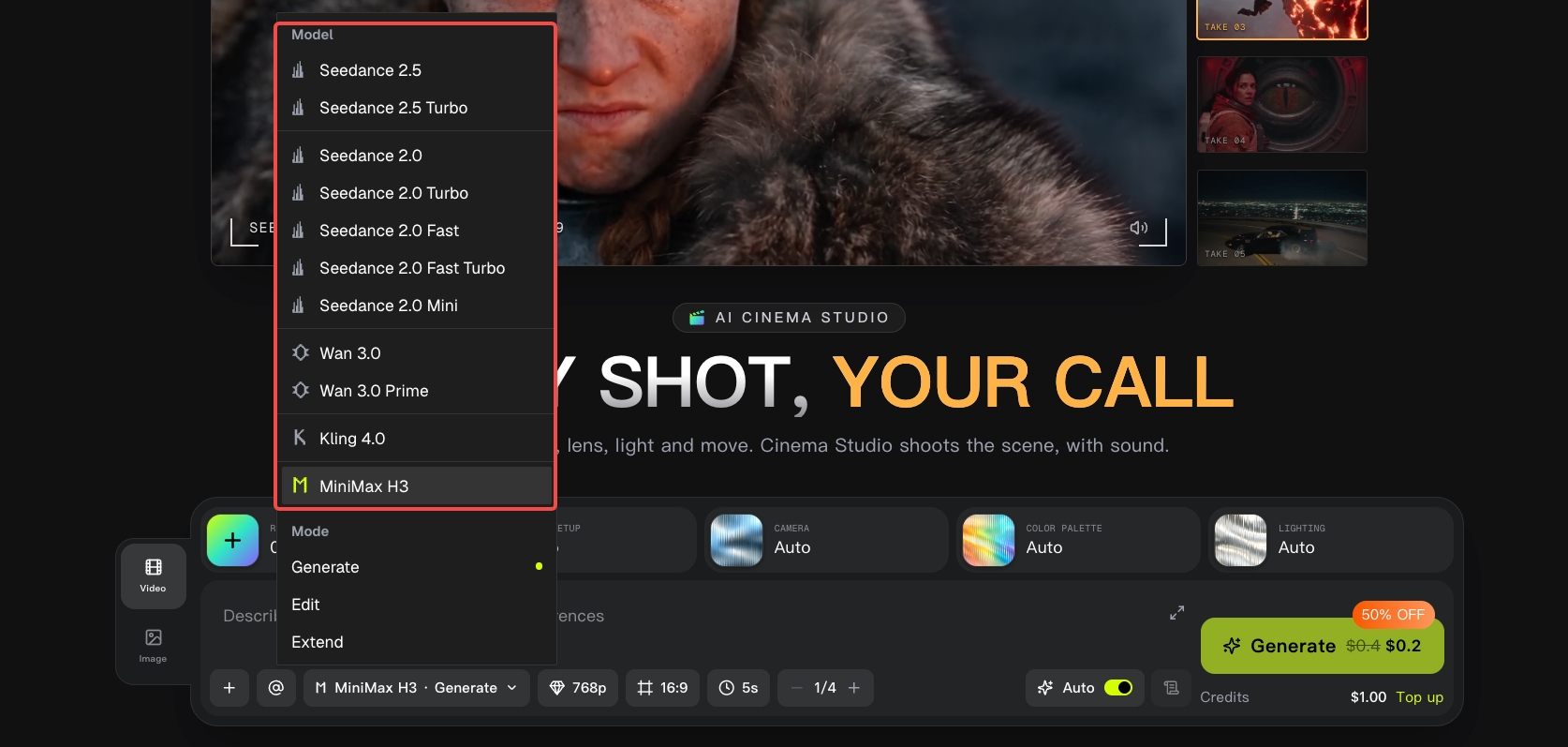
WaveSpeed's Director's Panel explanation describes selectable camera, lens, lighting, and palette choices. Inspect the prompt sent to the model, especially when enhancement adds atmosphere or props. Remove additions that imply an unapproved material, use, or included accessory.
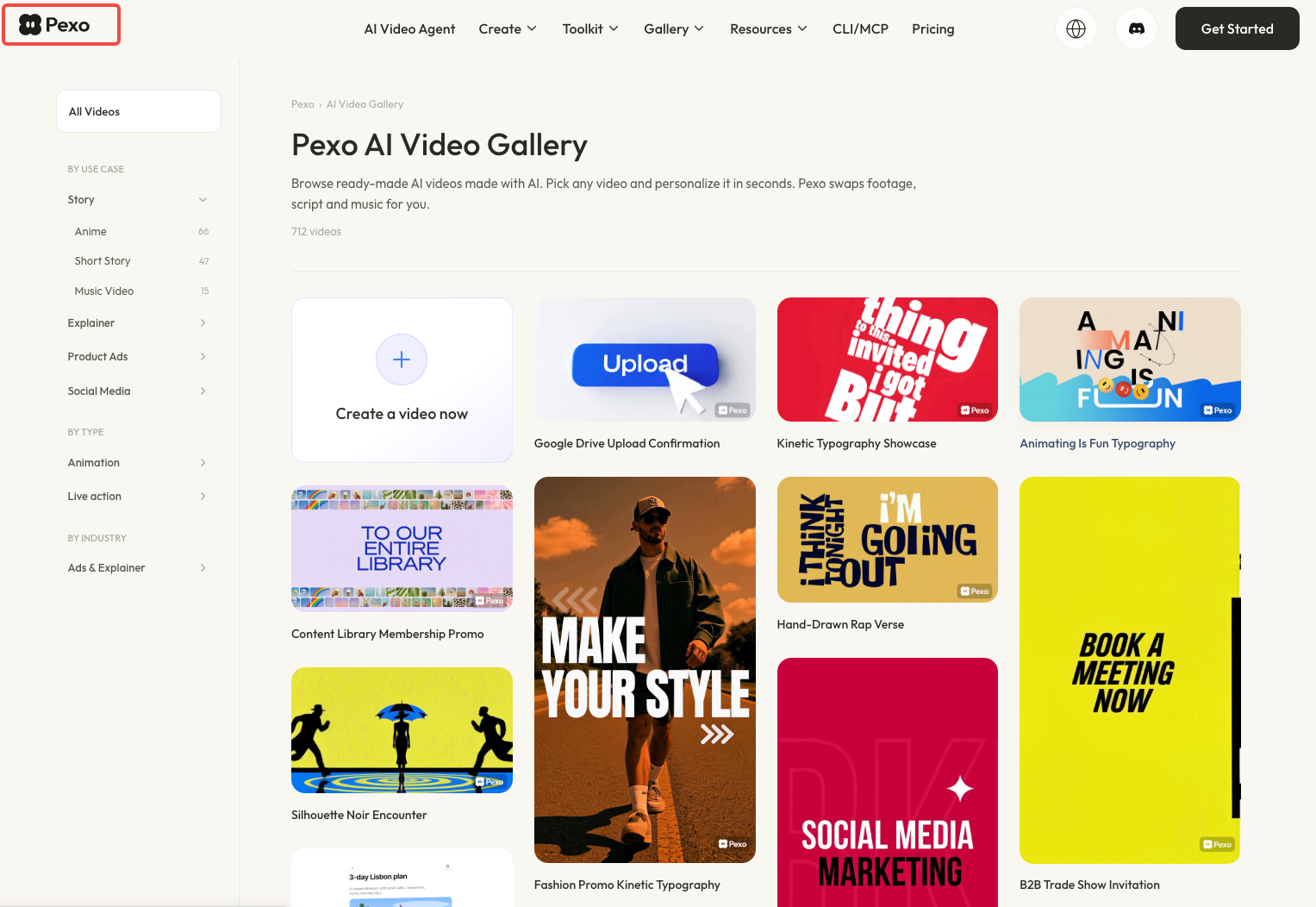
For visual treatment, Pexo's gallery can help the team discuss style references. Keep that discussion separate from the photographs that establish the actual product.
A Fillable Hero Shot Brief
Copy the middle column, then replace the illustrative details with your own approvals:
| Field | Fill in | Sile example |
|---|---|---|
| Shot's job | What must viewers recognize? | Closed canister before the lid demonstration |
| Product facts | SKU, shape, finish, exact copy | Approved ceramic body, lid profile, logo artwork |
| References | Filename and role | Front A01; rear A02; setting reference B01 |
| Subject action | What moves or stays still? | Canister stays closed and stationary |
| Camera | Angle, camera/lens treatment, focus | Front three-quarter view; clean lens; lid seam readable |
| Lighting | Direction and surface treatment | Soft side light; retain the approved glaze color |
| Palette | Product and background colors | Approved product color against a neutral background |
| Movement | Starting and ending composition | Push closer; keep the whole lid inside the frame |
| Output request | Duration, ratio, audio need | Six seconds; 9:16; no voiceover required |
| Acceptance | What would make it unusable? | Reject altered lid geometry, logo, or product color |
Six seconds is an example planning choice, subject to the selected model's available settings. Record the model, parameters, generation quote, and any prompt-expansion charge before running.
How Do You Review the Generated Shot?
Watch the full movement against approved references, then pause on unclear details. Review the file intended for delivery.
Check Product Fidelity and Visible Text
Compare the opening, middle, and closing views. For Sile, follow the rim and lid outline as the camera approaches. Check that the logo remains the same lettering and that reflections do not suggest a different finish.
Read visible text character by character. If it becomes distorted during movement, simplify the shot or use approved artwork in a separately controlled layer where feasible. A convincing opening frame does not clear the remaining frames.
Decide Whether to Revise or Use the Shot
Use the take when it meets the brief and joins the intended edit. Request a focused change when you can name the defect: “Keep the lid fully visible at the end; the closing frame crops its edge.”
Return to the source material when the camera reveals an unverified surface or mechanism. Repeated generation cannot settle what the real object looks like. Keep accepted and rejected takes labeled so the editor receives the right file.
Where Does the Shot Fit in a Finished Video?
Use it as a product introduction or visual transition, followed by material that supports the actual explanation. Sile's opening should lead into the approved lid-removal demonstration without implying airtightness or improved freshness.
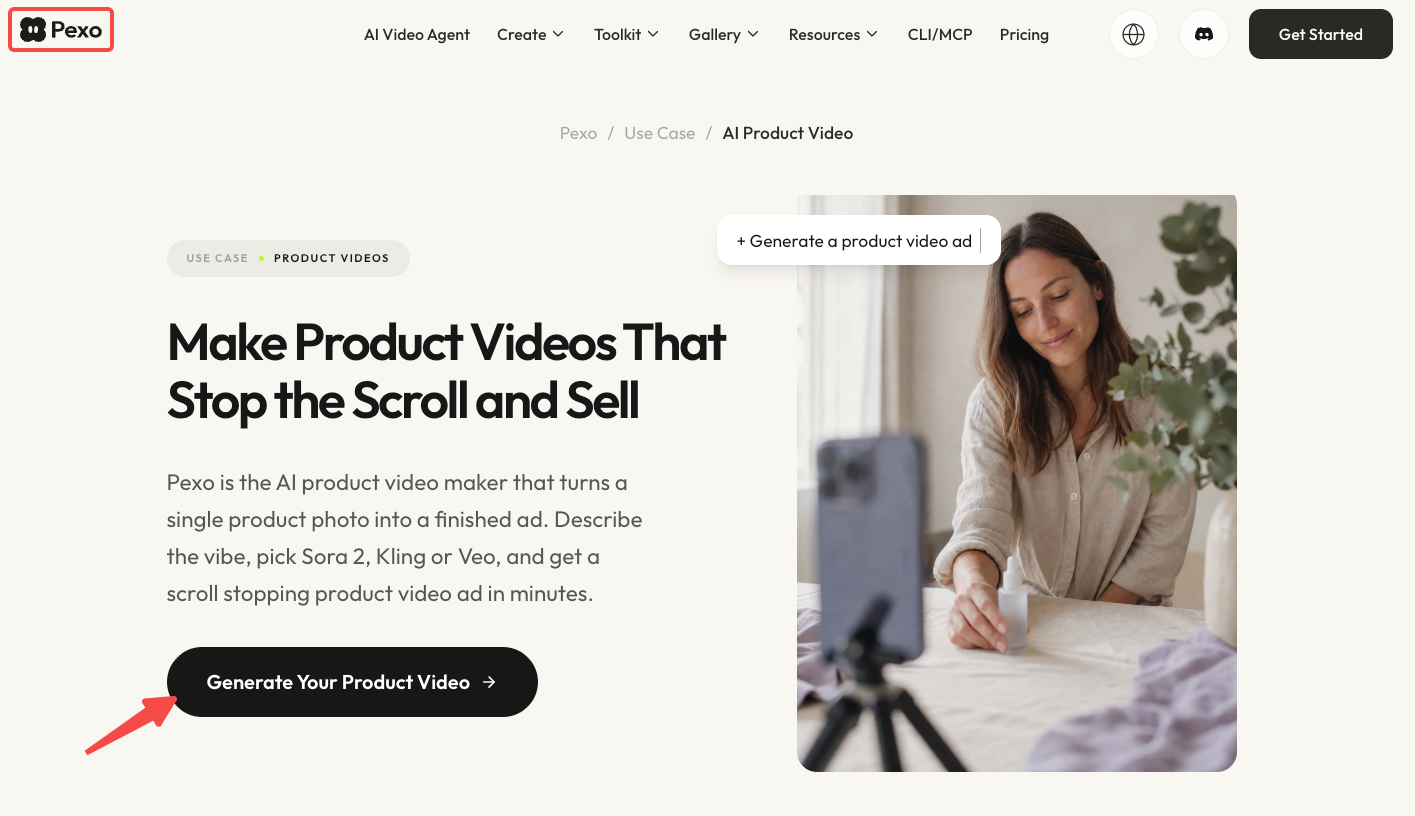
If production continues through Pexo's product video workflow, provide the accepted shot, genuine demonstration material, and approved wording. Confirm input compatibility and review the resulting sequence. A supplied clip does not establish a direct Cinema Studio integration.
Conclusion
Approve the shot when the product survives the full camera movement and the editor knows where it belongs. If the closing frame loses the lid or changes its shape, resolve that specific problem before requesting more atmosphere or another camera move.