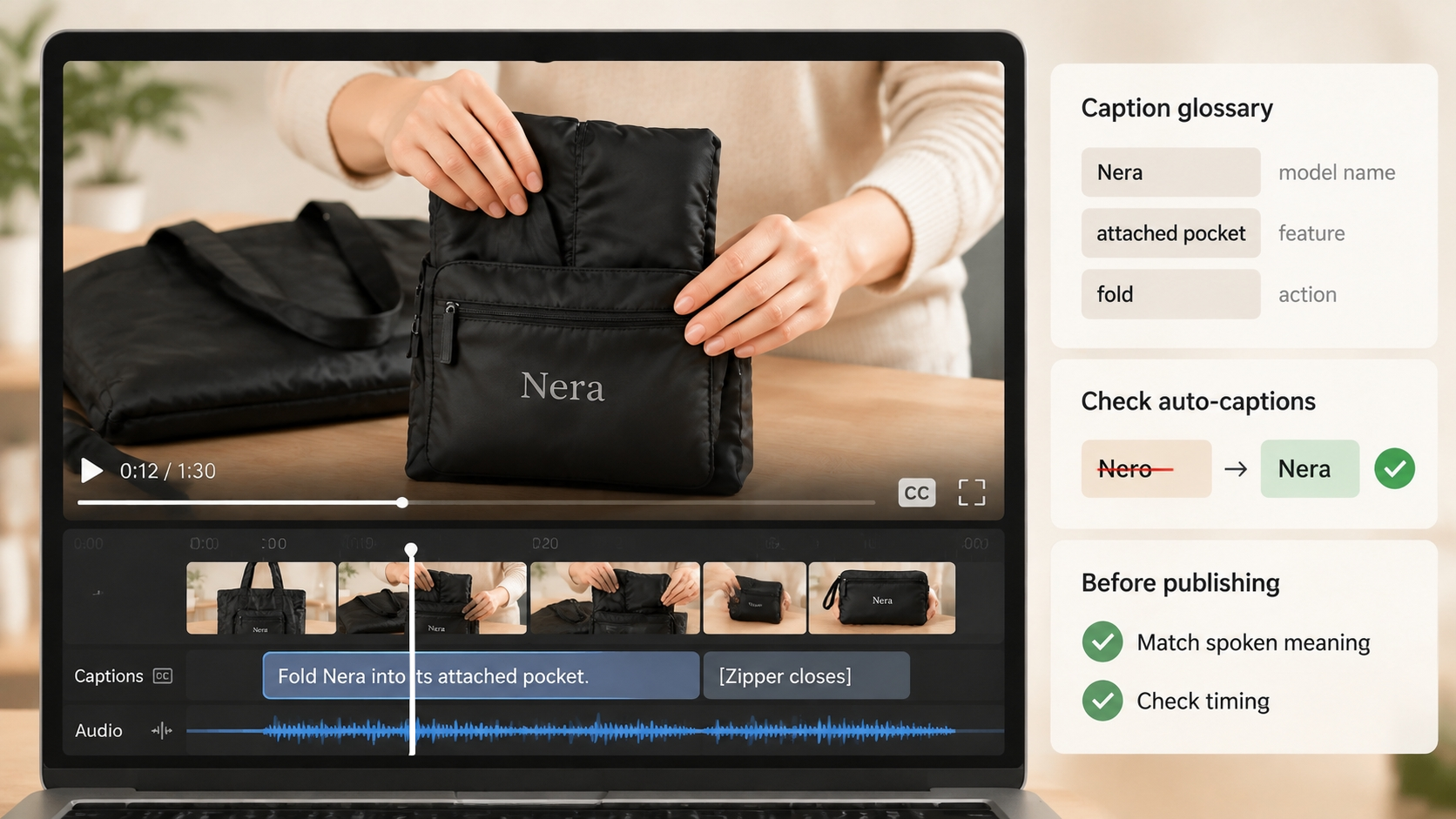
 ChatGPT
 Perplexity
 Claude
 Gemini
 Grok




“How does the whole bag fit into that pocket?” A product video should let the buyer follow the answer with their eyes. The folding sequence needs enough time to show where the fabric goes and how the finished pouch looks.
For 90 second explainer videos, give that time a specific job. Plan the demonstration, the evidence supporting its claim, and the next step together. The script should leave room to watch the product work.
When Does a Product Need 90 Seconds?
Consider 90 seconds when one buying question needs several visible steps and a proof point that a shorter cut would rush. It can suit a product-page explanation where someone has chosen to inspect the feature.
First check the existing one-minute plan. If it already answers the question clearly, keep it. An additional color option or brand introduction doesn't justify another half-minute.
The example uses Nera, a fictional tote with an attached storage pocket. Assume its folding method and packed dimensions have been verified by the product team. Replace those assumptions with approved footage, instructions, and measurements for your own item.
The buyer question is narrow: “How does this tote fold into its own pocket?” Load capacity and fabric durability belong in separate explanations.
Open With One Customer Problem and One Promise
Show the open tote and its attached pocket early. The problem is putting the bag away between uses; the promise is to show the folding method and finished size.
Avoid an opening montage of crowded cupboards or frustrated shoppers. It would spend time establishing a problem the question already makes clear.
Give the viewer an accurate destination: “See how Nera folds into its attached pocket.” That wording requires the footage to show the connection between bag and pocket. A cut from an open tote to an unidentified pouch would leave the mechanism unexplained.
Give the Product Two or Three Evidence Beats
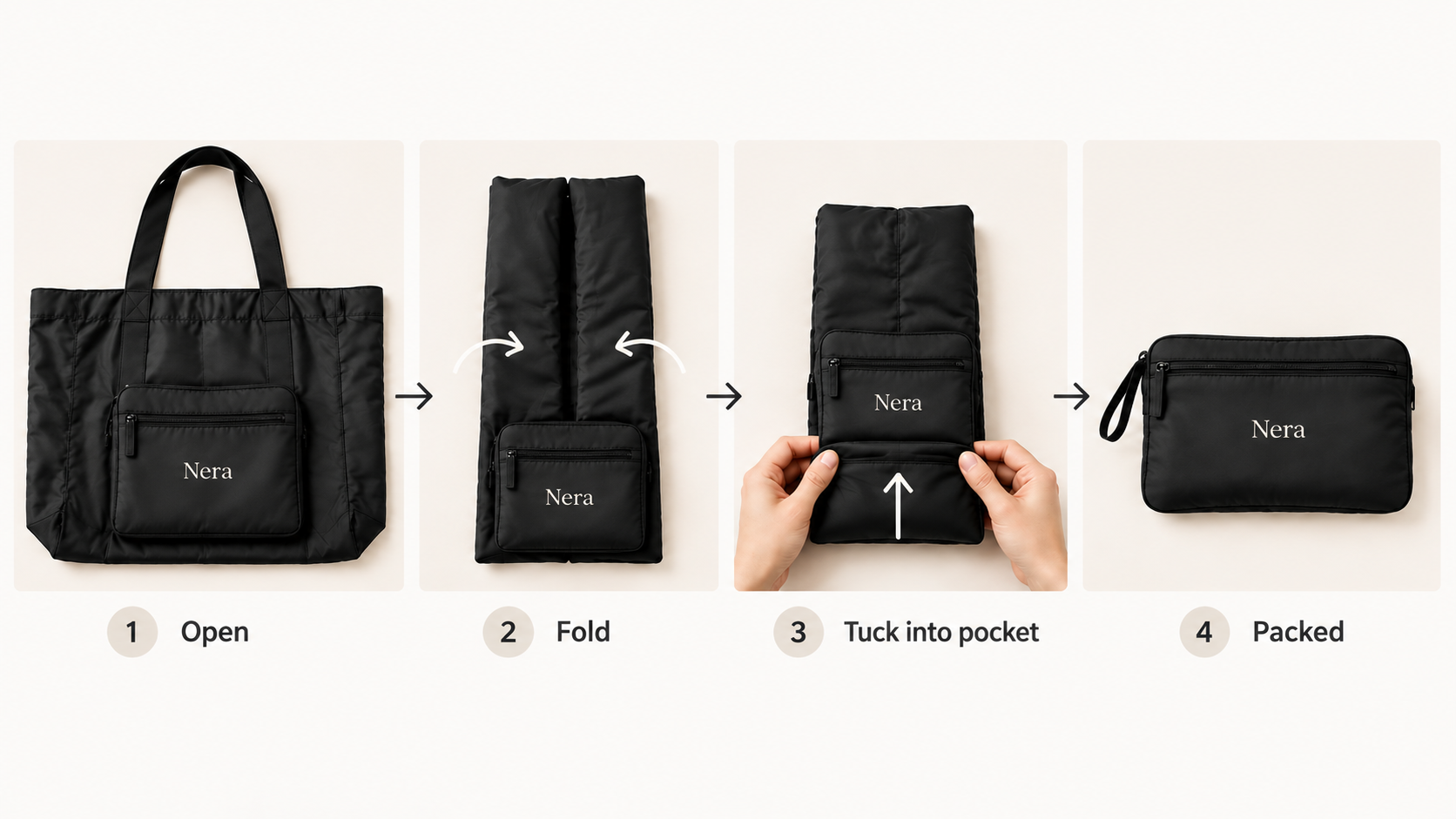
Each beat should reveal something the viewer needs to understand. For Nera, first show the empty bag and pocket orientation. Then show the folds that bring the fabric to the pocket's width. Finally, show the folded body going into that same pocket.
Keep the critical hand movement visible. You can change angles to clarify a fold, provided the viewer can still follow which edge moved where. A generated illustration may suggest a composition; verify the method using the actual product.
Use this 90-second scene and narration worksheet. Replace the sample lines, then fill in the read and quiet-hold times during rehearsal. Every slot includes its transitions.
| Time / budget | Picture and purpose | Sample spoken line | Your read / quiet hold |
|---|---|---|---|
| 0–8s / 8s | Open tote with the attached pocket visible; establish the question | “How does the whole tote fit into this pocket?” | ___s / ___s |
| 8–18s / 10s | Show where the pocket attaches; identify the feature | “Nera folds into a pocket attached inside the bag. Here's the sequence.” | ___s / ___s |
| 18–34s / 16s | Lay the empty bag flat; show the starting orientation | “Start with the bag empty and the pocket opening clear.” | ___s / ___s |
| 34–52s / 18s | Show the verified folds, keeping the pocket visible | “Fold the sides toward the pocket's width, keeping its opening accessible.” | ___s / ___s |
| 52–70s / 18s | Tuck the folded body into the attached pocket; show completion | “Tuck the folded fabric into the pocket, then turn the pouch over.” | ___s / ___s |
| 70–82s / 12s | Show measured packed dimensions, matched to the approved product sheet | “These are the packed dimensions for the version shown.” | ___s / ___s |
| 82–90s / 8s | Hold the finished pouch and one clear next action | “See the folded dimensions before choosing your bag.” | ___s / ___s |
Total: 8 + 10 + 16 + 18 + 18 + 12 + 8 = 90 seconds. These are provisional allocations; record actual timings during rehearsal.
Within each slot, the spoken read plus deliberate quiet viewing must fit the budget. Action can happen beneath narration; don't count that overlapping time twice. Rebalance the slots after rehearsal if a difficult fold needs longer.
Leave Time for a Verified Proof Point and Next Step
The demonstration shows the folding sequence. The final measurement gives the buyer something specific to compare with the space they have available.
For the proof shot, use the same bag variant and folding method shown earlier. Check the measurement against the approved specification. Avoid camera angles that hide the ruler's starting point or exaggerate how small the pouch looks.
A customer saying “It fits anywhere” cannot establish that claim. Neither can an attractive animation of the pouch disappearing into a coat pocket.
Keep the closing action tied to the unresolved decision. “See folded dimensions” makes sense only if the destination actually provides them. Reserve readable time for any necessary condition or disclosure; shorten another scene if needed.
Review the Scene Plan Against the Spoken Script
Read the script aloud while someone follows the planned pictures. Record actual speech time, including pauses and pronunciation of product terms. A word-count estimate alone cannot tell you whether viewers have time to inspect a fold.
If a line overruns its slot, shorten it or borrow time from another scene. Recheck the 90-second total after each change.
During the rough cut, check:
-
Does each instruction arrive while its action is visible?
-
Can viewers identify the pocket before the hands cover it?
-
Does a caption or measurement compete with a new action?
-
Can the proof point and closing line be read without pausing playback?
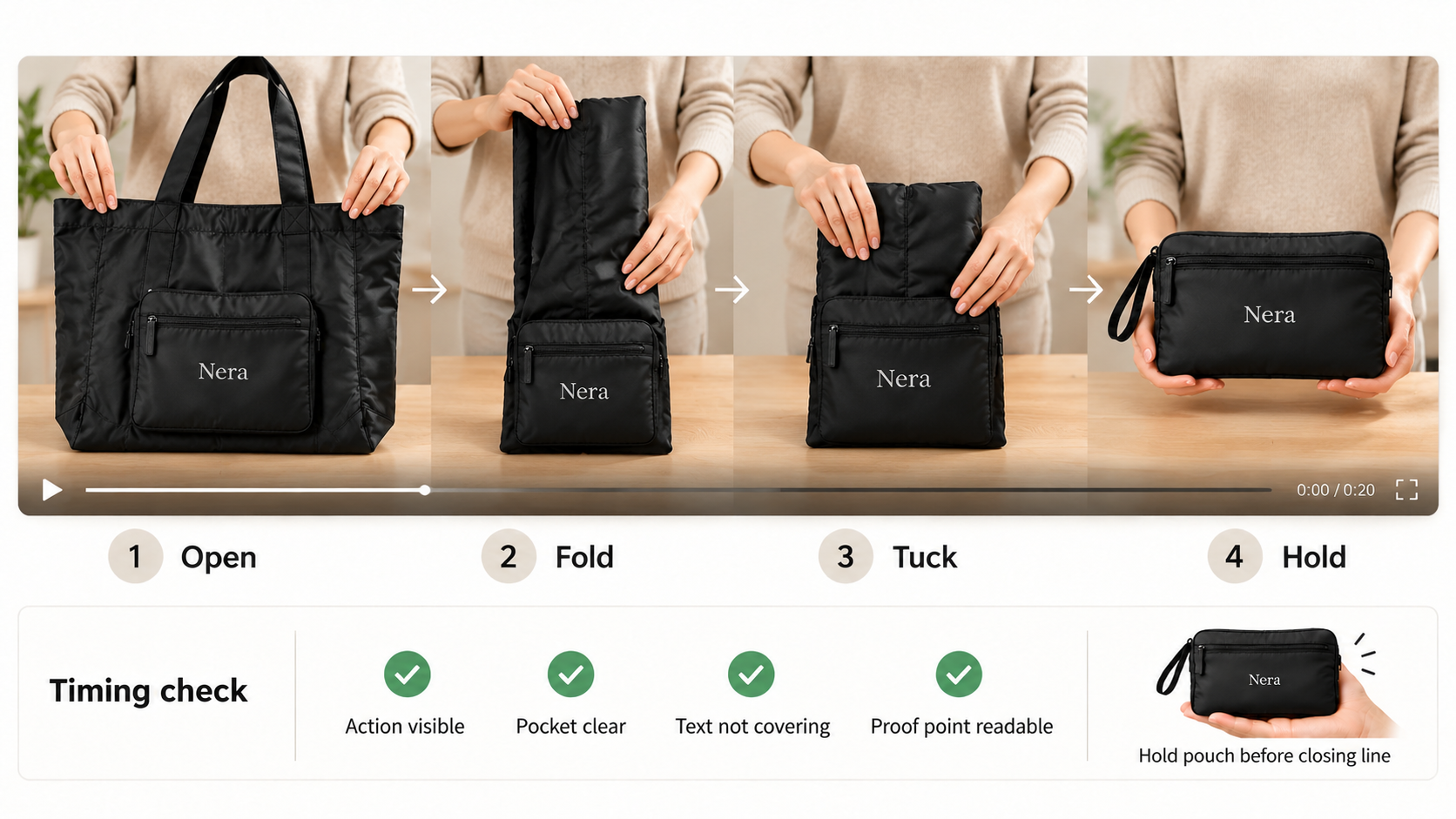
For Nera, a useful revision note is: “Keep the pocket visible through the second fold. Hold the measured pouch after the tuck, before the closing line.”
That direction can also guide an explainer in Pexo, which publishes this guide. Bring the approved source material and scene plan, review the preview, and refine the timing through conversation. Verify that conversational timing refinement is available in the current Pexo workflow.
Confirm the requested 90-second duration, frame shape, and download options before production. Inspect the full returned cut after each revision.
Before uploading, confirm your rights to supply and process the footage, including any promotional-use consent required under Pexo's current terms.
Cut a Shorter Version Without Losing the Main Claim
Start the shorter cut from the same buyer question. For Nera, reduce the setup and repeated explanation before removing a necessary fold.
The packed-size comparison could move to the destination page if the shorter video makes no claim that depends on it. Any condition needed to understand the remaining claim must stay with that claim.
If the folding method becomes unclear without the middle steps, make the shorter piece a preview that invites viewers to watch the demonstration. Describe it accordingly. Avoid presenting an abbreviated transformation as complete instructions.
Approve the shorter cut on its own: a viewer should understand what it shows, what remains to be explained, and where to go next.