ChatGPT
 Perplexity
 Claude
 Gemini
 Grok




A product specialist can confirm a bottle's capacity without authorizing the campaign to go live. Give that distinction a place in the review: who checked the claim, which cut they watched, and who approved its use.
A useful content approval workflow keeps those decisions beside the exact video version. The log below follows a requested change through production, verification and release, including a fictional label correction.
Who Needs to Approve a Marketing Video?
Assign people to product facts, brand presentation, rights, captions and delivery specifications, then name one release approver. Small teams can combine roles, provided each responsibility remains explicit.
| Responsibility | Decision to record |
|---|---|
| Product owner | Claims, packaging and UI match approved sources |
| Brand lead | Visual treatment and wording fit the campaign |
| Rights reviewer | Materials and recordings cover the intended use |
| Caption reviewer | Words, names and timing match the finished cut |
| Delivery owner | Export and placement requirements are met |
| Release approver | This exact file may run in the named placements |
For agencies, identify who can approve on the client's behalf. A stakeholder's suggestion remains feedback until someone with the assigned authority makes the decision.
In US advertising, the FTC's substantiation policy requires a reasonable basis for objective claims before dissemination. Give the product owner the supporting material before asking for approval.
Create a Versioned Video Decision Log
Keep one log beside the video files. The Creative Brief Template establishes the production assignment; this log records what reviewers decide about the resulting cuts.
Copy this header for each review round:
Campaign / deliverable:
Cut ID / exact filename / preview location:
Language / aspect ratio / intended placements:
Review deadline / time zone:
Reviewers and their responsibilities:
Release approver:
Cut status: In review / Changes requested / Ready for sign-off / Approved / Superseded
Timecode, Product Claim, Requested Change, and Owner
Use one row per issue. Quote the visible or spoken wording so an editor can find it after timing changes.
| Note ID | Cut and timecode | Claim and approved source | Requested change | Owner and progress | Verification and decision |
|---|---|---|---|---|---|
| ___ | Version ___; mm:ss–mm:ss | Exact words ___; source/version ___ | Change ___; preserve ___; pass when ___ | Person ___; Open / Applied / Verified | Checked in cut ___ at ___; reviewer ___; decision/date ___ |
An “Applied” status means production made the change. “Verified” means the assigned reviewer checked the result in the new cut. Neither status authorizes publication by itself.
If a note is declined, retain the reason and decision-maker. This keeps an intentional creative choice from returning as an apparently forgotten edit.
How Does a Draft Move From Feedback to Approval?
Move it through a review round, a consolidated change request, a revised cut and explicit sign-off. Keep comments and final approval visibly separate.
-
Open review. Share the identified cut, responsibilities and deadline. Confirm reviewers can play the picture and sound.
-
Resolve the notes. The production lead separates required corrections from preferences and resolves conflicting instructions before sending work back.
-
Issue one revision request. Name what changes, what stays and how the reviewer will judge the result.
-
Review the new cut. Verify corrected moments, then watch the whole video for broken timing, captions or continuity.
-
Approve the release file. Record the exact export, authorized placements, approver and date. Give the publisher that file.
A later edit creates a new version and reopens the affected checks. Keep the earlier approval attached to the earlier file.
For conversational production with Pexo, turn the agreed notes into a focused request: replace the capacity wording while preserving the demonstration order. Review the next preview against that request.
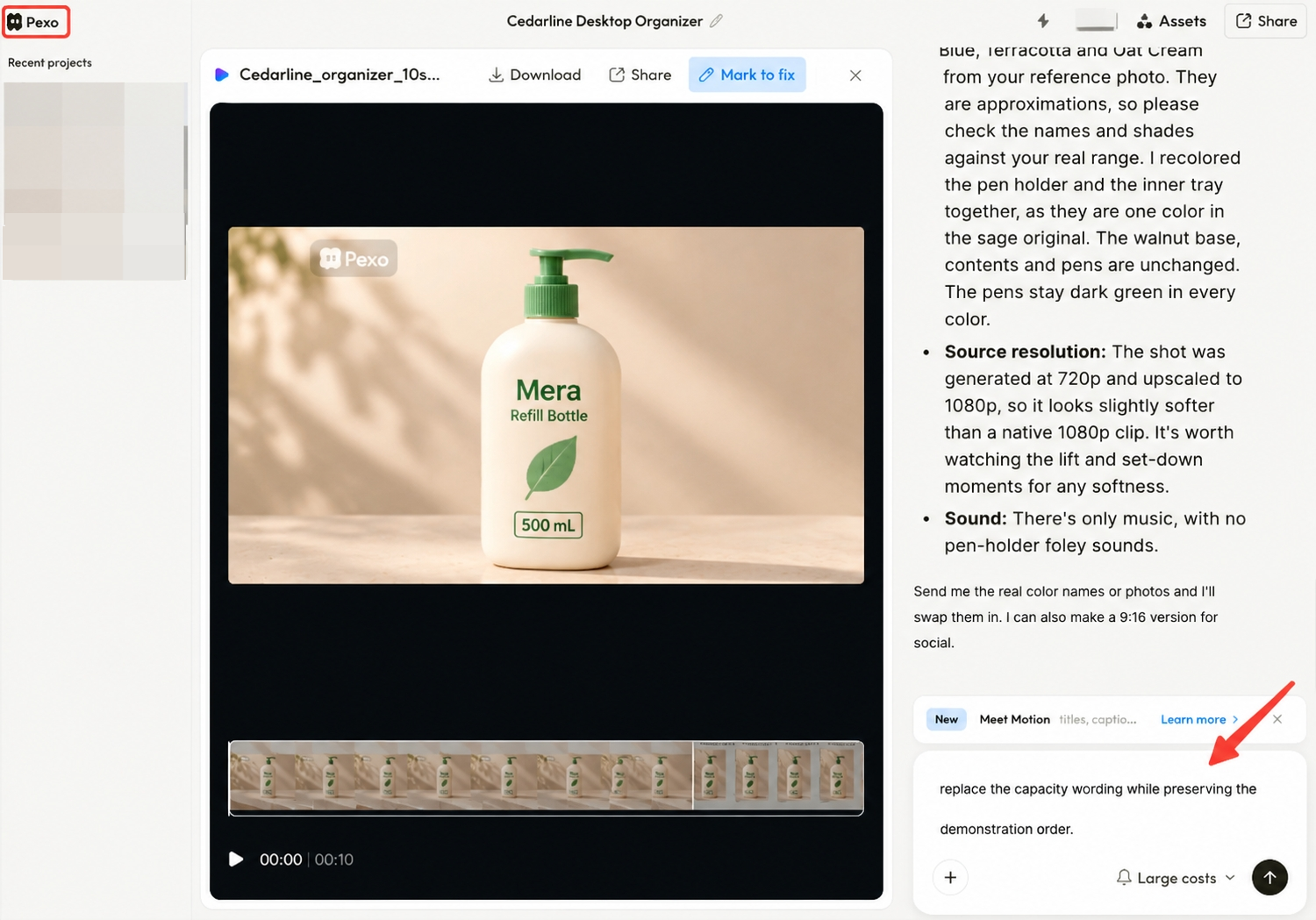
The team maintains the approval log and release decision separately. Pexo's direction and revision workflow does not replace those responsibilities.
A Fictional Product Label Revision
Consider Mera, a fictional refill bottle. Its hypothetical SKU sheet v4 and approved photograph P02 identify a 500 mL product. In this example, cut v04 shows and says 600 mL.
| Note | Location in v04 | Required correction | Owner | Check in v05 |
|---|---|---|---|---|
| L01 | 00:04–00:07, product close-up | Replace the incorrect capacity label using P02 | Producer | Product owner checks the packaging throughout the shot |
| L02 | 00:05, narration | Replace “600 milliliters” with “500 milliliters” | Audio producer | Product owner listens to the new line in context |
| L03 | 00:05–00:07, captions | Correct capacity and retime to the replacement line | Caption reviewer | Reviewer checks words and reading time in the export |
All details and timings are illustrative. The product owner blocks release of v04; correcting only its caption would leave two conflicting statements. If the printed label cannot be corrected faithfully, replace the shot with accurate footage.
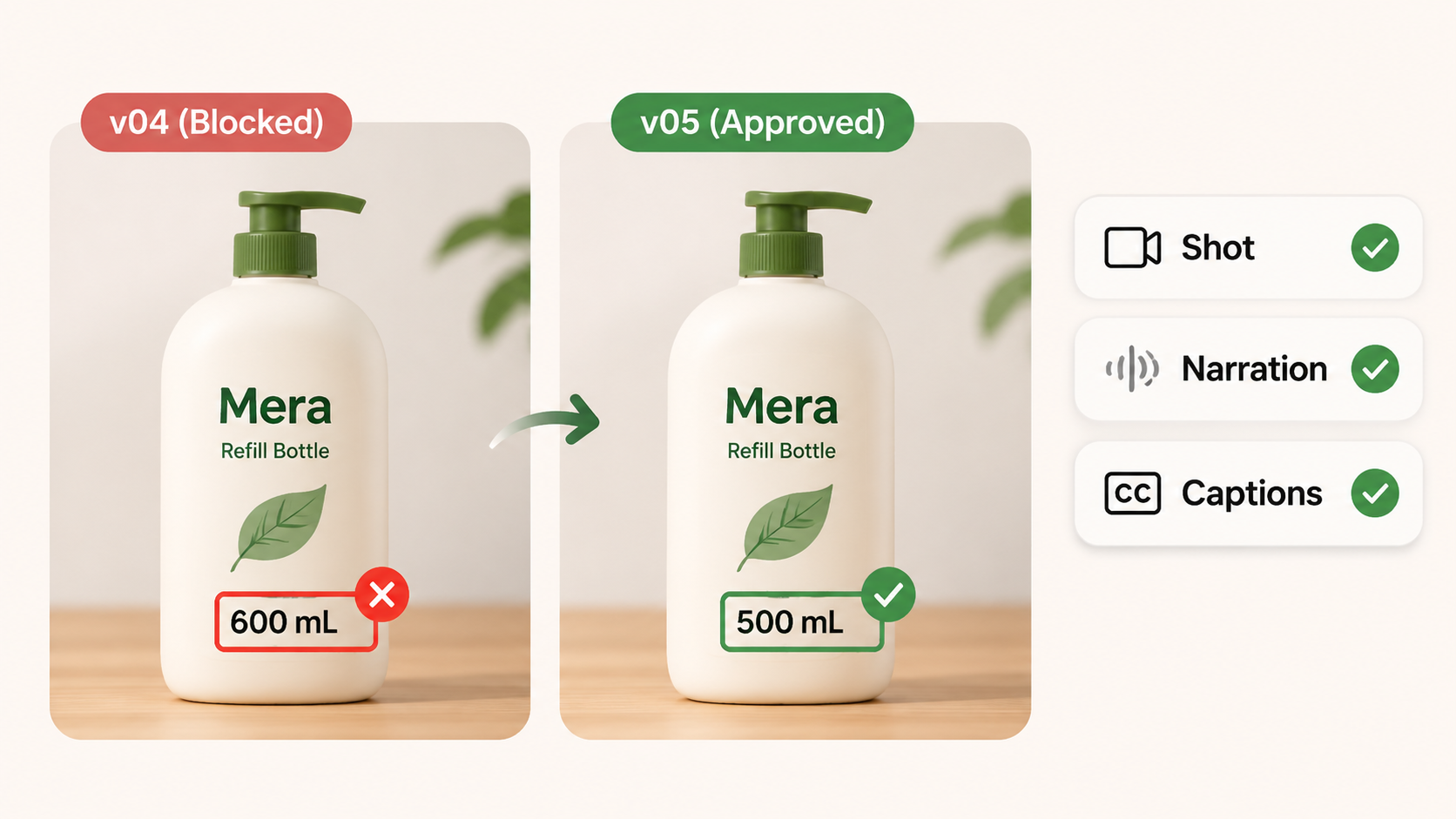
After the replacement line, the producer checks whether the next scene still starts naturally. Once v05 passes the assigned checks, the release approver can record:
Approved: Mera_v05_EN_vertical.mp4 for the campaign's named placements. Product, rights, caption and delivery checks complete. Approver: ___. Date: ___.
Store v04 as superseded. A later square cut receives its own identifier and review; approval of the vertical file does not establish that its reframing works.
What Must Be Checked Before Release?
Check the actual export against the approved claims, cleared materials, captions and destination requirements. Closing every comment is only part of that review.
The delivery owner should verify:
-
The filename and version match the sign-off.
-
Packaging, spoken claims, subtitles and end-card wording agree.
-
Voice, music and effects play correctly from beginning to end.
-
Text remains readable and avoids the destination's interface overlays.
-
Dimensions, file settings, links and any required disclosures match the current placement requirements.
Keep permissions with the assets. The US Copyright Office's permission guidance explains identifying the relevant rights holder and specifying the intended use. A campaign approval does not expand a recording's license.
Before uploading replacement audio to Pexo, check its processing and promotional-use terms, including applicable written-consent requirements. Confirm the speaker's explicit agreement to the replacement and its intended use; keep the recording's license scope with the file. Leave permission unresolved until the responsible person confirms it. This article does not provide legal advice.

Conclusion
Keep the decision attached to the cut the publisher will use. In the Mera example, a label correction reaches approval only after picture, narration and captions agree. That gives the next person a clear answer about what changed and which file can run.