ChatGPT
 Perplexity
 Claude
 Gemini
 Grok
Grok


A train journey can give a cable organizer a reason to appear. The shot that shows its compartments needs to feature the actual product.
Build an Envato product marketing video around that handover. Choose stock for the setting, then let approved product footage answer the buying question. Every added scene should help the viewer follow that explanation.
Which Envato Assets Support the Product Story?
Choose assets that supply missing context without making unsupported claims about your product. An empty train table might establish where someone uses an organizer. A stock pouch with similar pockets could misrepresent what you're selling.
Use Fenn, a fictional cable wrap, for the example. The buyer wants to know whether they can see the cables without emptying it. The team's approved footage shows Fenn unfolding with its cables still secured in their loops.
Search around the missing setting: “train table window daylight” is more useful here than “technology lifestyle.” Favor compatible light, camera height, and movement. A dramatic aerial shot adds little to a small action on a tabletop.
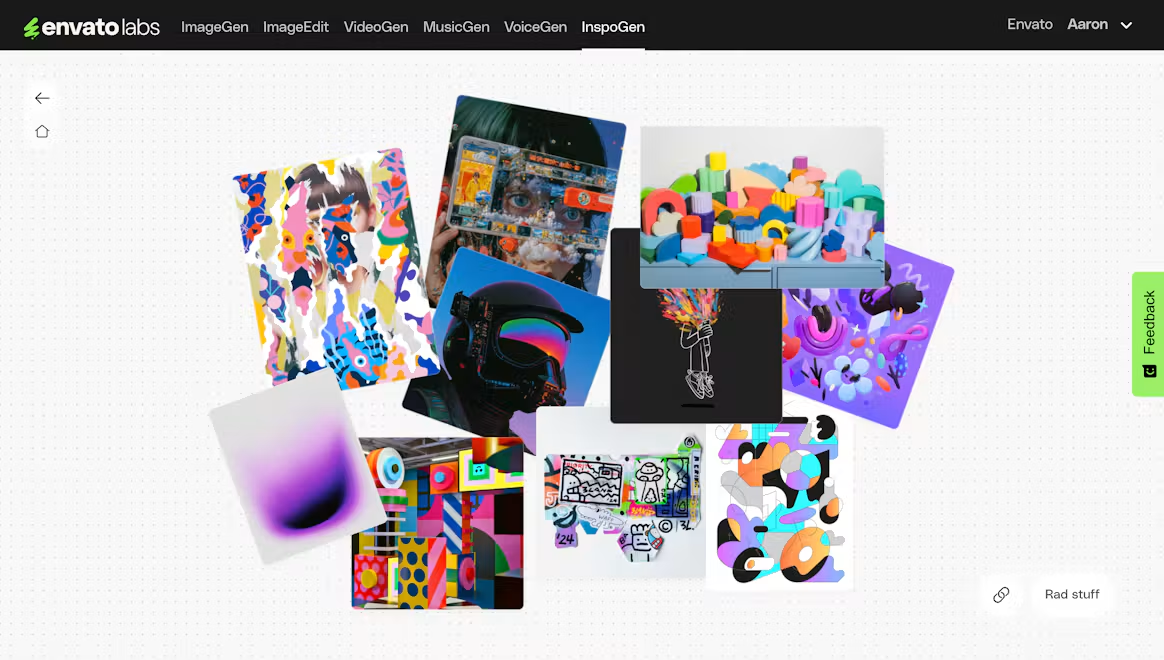
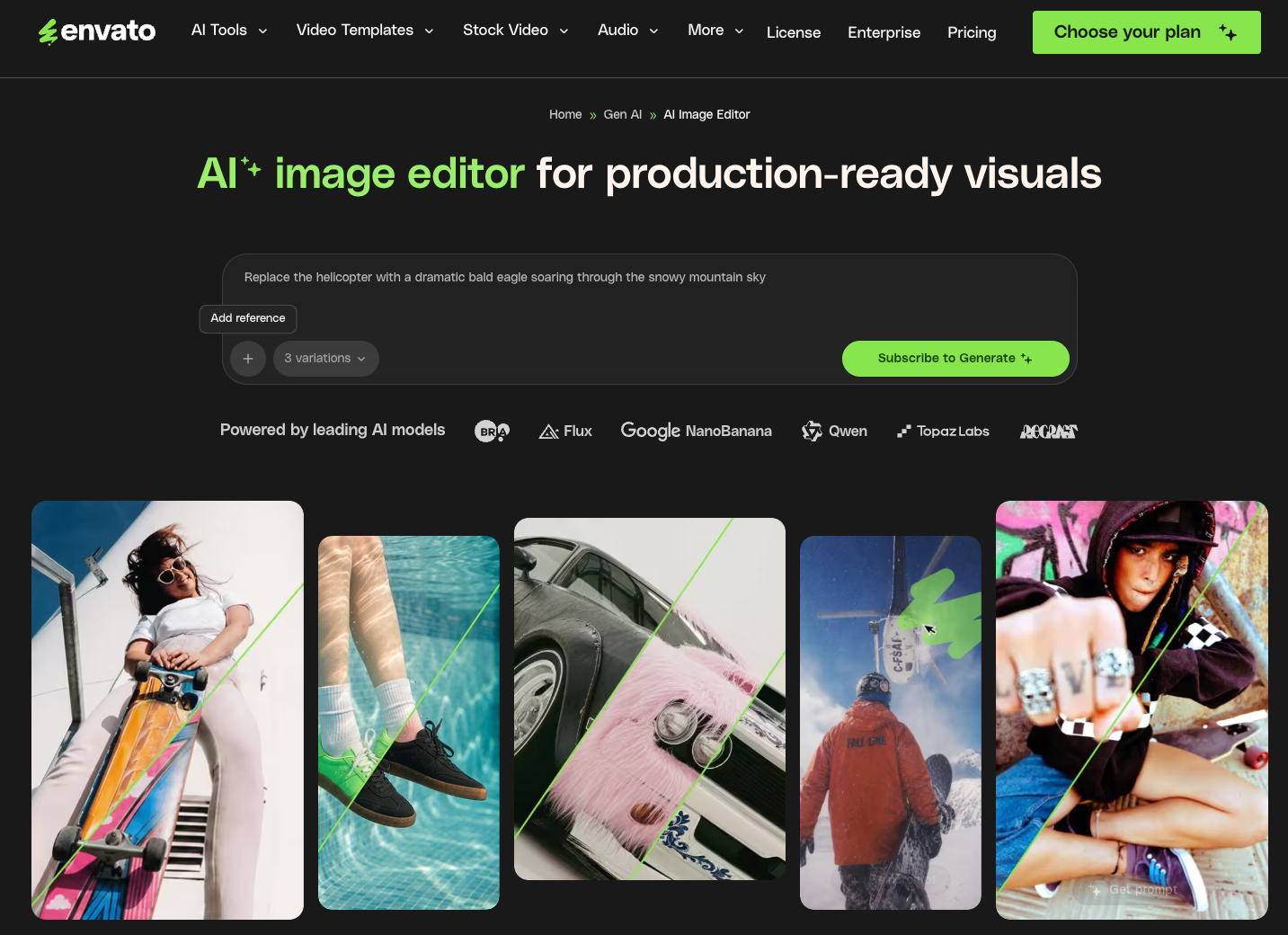
As checked on October 27, 2026, Envato's Edit with AI supports selected stock images and videos. Available operations depend on the asset. Look for the actual editing option on its page; don't plan a required change around an unavailable tool.
If a supported image needs a different crop or background color, an AI edit may help. Inspect the result before selecting it. A changed setting must not introduce an inaccurate product, unreadable lettering, or a person who appears to endorse the brand.
Match Stock Scenes to One Product Claim
Give the stock scene a limited job, then make the product demonstration easy to recognize. For Fenn, the message is “Open the wrap to see your cables.” Avoid adding claims about protection, capacity, or travel durability without supporting evidence.
| Story moment | Selected source | What the viewer may reasonably understand |
|---|---|---|
| Establish the commute | Licensed stock of an empty train table | A suggested setting for use; no evidence of Fenn's performance |
| Show the answer | Approved footage of Fenn unfolding | The visible cables remain in their loops during this demonstration |
| Close on the product | Current Fenn packshot and approved line | The item and next step match the product page |
Keep the transition clear. A stock hand opening another pouch could look like a continuous demonstration when cut beside Fenn's packshot. Remove that shot even if its lighting matches perfectly.
The same rule applies to generated variations. A convincing new angle cannot establish how many cables Fenn holds or how its fastening works.
Brief the Video with Licensed Assets and Brand Rules
Your product marketing video brief should tell the producer which source establishes the product facts and which supplies the atmosphere. Name the intended final use so the team can check permissions against the actual project.
For Fenn, a compact brief could read:
Deliverable: One product-page video answering whether the cables stay visible when the wrap opens.
Product source: Current packshot and approved unfolding demonstration.
Stock role: Train-table context only. Keep other organizers and recognizable brands out of frame.
Locked details: Fenn's loop arrangement, fabric color, fastening, name, and approved line.
Review: Confirm the opening action remains visible and the stock scene introduces no extra product promise.
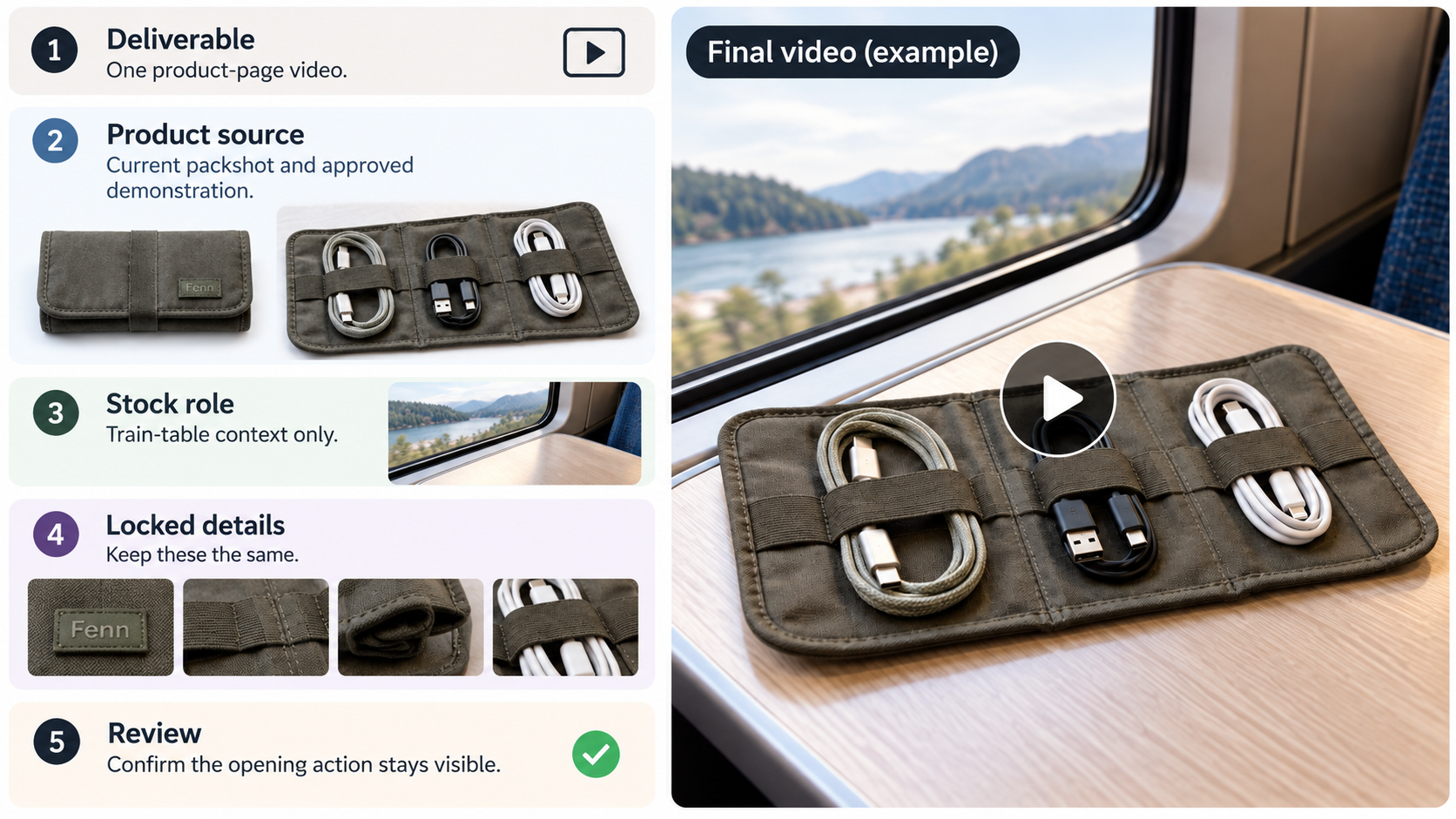
With the brief ready, you can develop Fenn’s video in Pexo, this guide’s publisher, and refine the preview through conversation. Check how the train-table scene leads into the wrap unfolding, and flag anything that obscures the product.
Before uploading licensed stock, confirm that its permissions cover the service’s processing. If that remains unclear, start with your own product footage and arrange for the stock to be added separately.

Check Pexo's service terms and obtain any required written consent for advertising use. Confirm accepted formats and delivery in your account. Keep the selected asset's source and project-license record alongside the brief.
Check the Finished Video for Product and Rights Issues
Watch the cut once for the explanation, then inspect the product moments closely. Can the buyer see Fenn unfold? Are the loops unchanged? Does the final packshot show the same version?
A useful correction names both the problem and the intended result: “The stock pouch suggests a zip pocket Fenn doesn't have. Replace that scene with the empty table; retain the unfolding demonstration.” Review the replacement in context rather than assuming the request preserved everything else.
Before release, check each stock asset against the Envato Elements License, its item details, and the intended distribution. Review recognizable people, brands, and music separately. A stock model must not be presented as a customer endorsing Fenn. These are general editorial checks, not legal advice; seek legal review for uncertain permissions.
Next Step: Approve One Marketing Video
Approve the cut when the stock establishes the setting and the real product footage answers the buyer. Save that version with its source and license records. If the missing shot still has to prove a feature, obtain an accurate demonstration before adding more stock.