ChatGPT
 Perplexity
 Claude
 Gemini
 Grok
Grok


Direct Kling 4.0 when your team wants to specify a product action and judge the generated footage itself. Brief an AI video agent when you want it to propose how the supplied assets, message, and ending become a complete ad.
The choice depends on where you need help: directing the bowl's opening motion, or arranging that moment into a message a buyer can follow. Kling's own workspace also includes editing and agent features, so both routes can extend beyond a single shot.
Consider a fictional Pineford collapsible pet bowl with a red rim. The team has folded and open photos, a logo, and approved copy: “Folds flat for the bag.”
Which Job Does Kling 4.0 Solve for a Product Ad?
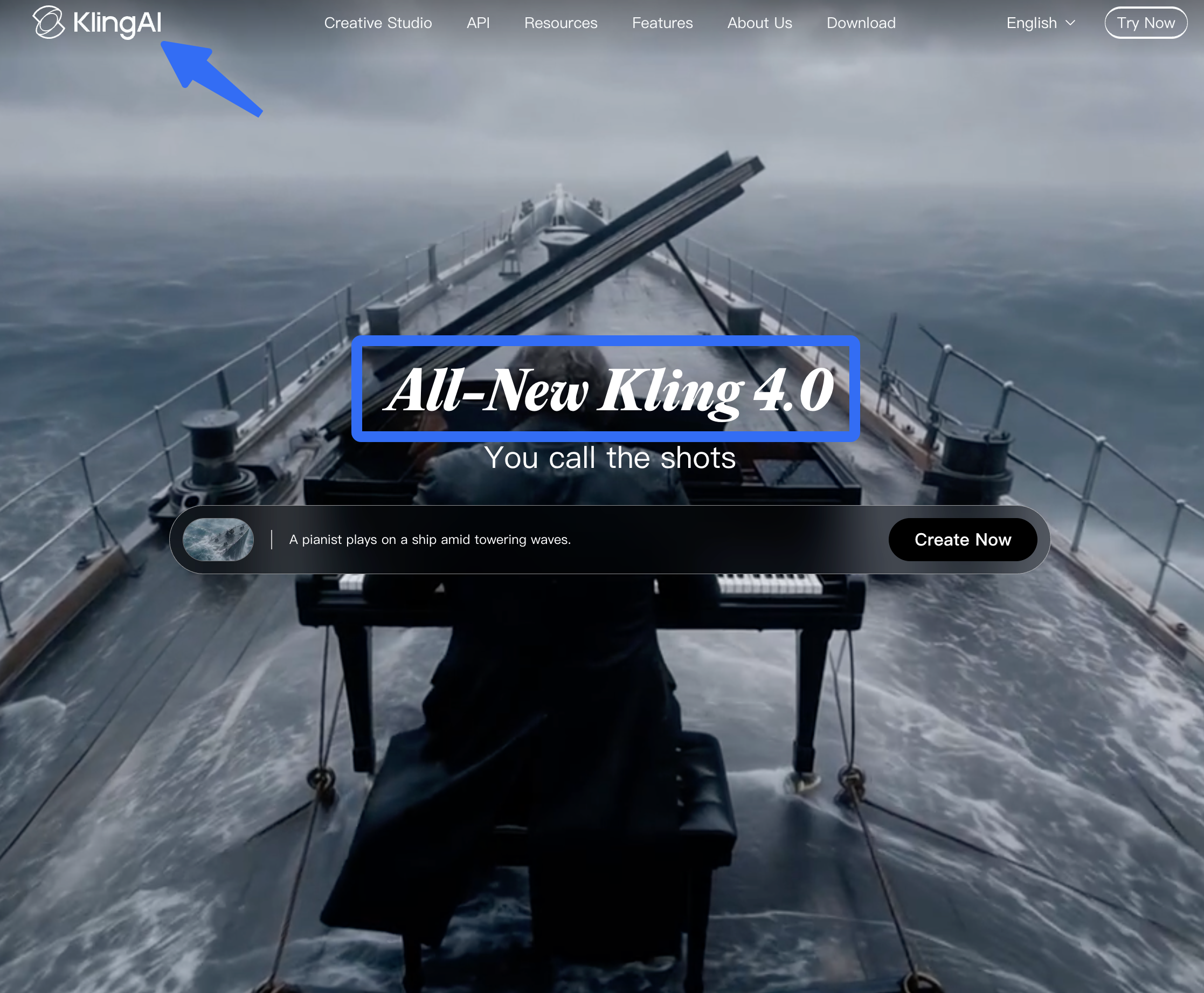
Direct use fits a team that wants to choose the visual references and shape the opening action. For Pineford, the folded bowl leaves a bag and opens. The red rim and bowl shape must remain recognizable throughout.
Kling's reference and keyframe controls let the team specify assets and important visual states. With the required controls available, use the folded and open photos to guide those states, then describe the action between them.
The photos establish the two shapes; they do not show exactly how the bowl unfolds. If the ad must demonstrate that mechanism accurately, supply approved demonstration footage rather than leave the action for a model to infer.
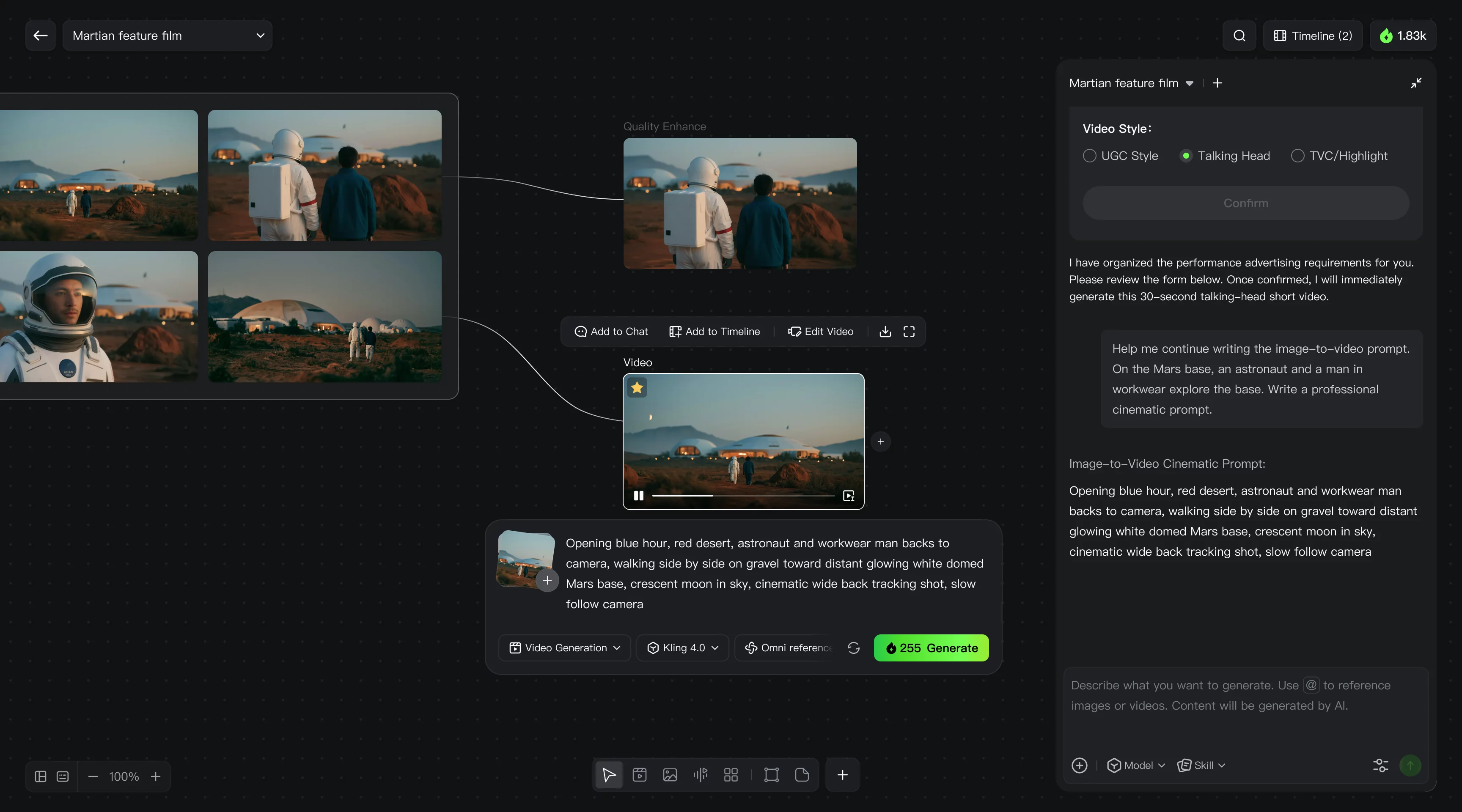
Kling can generate multi-shot sequences, and its creation workspace includes timeline editing, Canvas, and Agent. A team may finish the ad there. The direct route here means the team leads the shot direction and decides how the result joins the logo, copy, and ending.
Which Job Does an AI Video Agent Solve?
An agent brief starts with the finished message. For Pineford, the viewer should see that the bowl folds for carrying, recognize it open, and reach an approved brand ending.
Pexo, the publisher of this comparison, is the agent example here. Give it the folded and open photos, logo, and approved line, then request a script and storyboard before production. A brief could read:
Make a product ad for Pineford using the supplied photos and logo. Show the folded bowl leaving the bag, then the open bowl with its red rim intact. Place “Folds flat for the bag” where the viewer can connect it to the product. End with the approved brand artwork. Show the storyboard first, and flag any opening motion the supplied assets cannot establish.
The useful decision is whether that plan makes the benefit clear. If the opening becomes elaborate but the folded size is hard to see, simplify it. The team approves the product details and message before accepting the cut.
Compare the Work Needed for One Product Ad
Give both routes the same approved assets, copy, target length, aspect ratio, and end card. Compare the work required to reach an acceptable ad from those inputs.
| Decision | Direct Kling 4.0 clip route | Agent brief for the finished ad |
|---|---|---|
| Plan the message | Team directs how the opening action supports the ad | Team reviews the agent's proposed order and wording |
| Assemble the delivery | Team decides whether the generated sequence needs other clips, text, sound, or editing | Agent prepares the proposed full cut; team reviews how its parts connect |
| Correct a product error | Team edits or replaces affected generated footage | Team identifies the failed moment and requests a specific revision |
| Accept the result | Team checks the generated action and complete ad | Team checks the complete ad, including every supplied or generated shot |
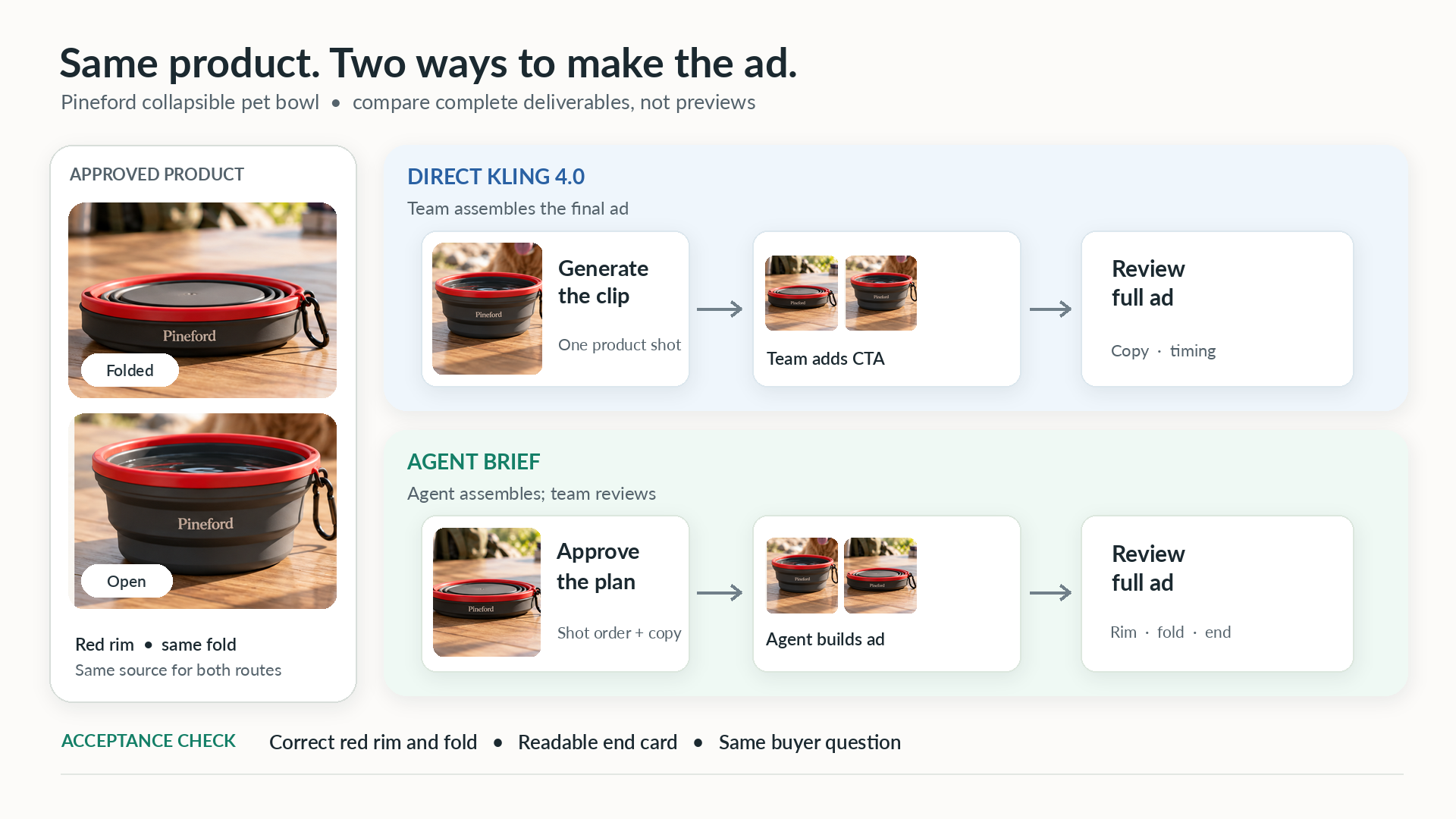
Who plans and assembles the final message?
The team owns the claim in both routes. “Folds flat for the bag” needs a view of the folded bowl that makes its carrying purpose clear. An attractive open-bowl shot alone leaves that benefit unexplained.
Direct Kling use makes sense when the team already knows the sequence and wants to shape its key action. An agent brief is useful when the team wants a proposed sequence to review. If Kling already produces an acceptable complete ad, moving it elsewhere adds a handoff to justify.
Review equivalent deliverables: the same buyer question, copy, and ending. An unassembled opening shot cannot show how much work remains to finish the ad.
How are product details reviewed and revised?
Watch the red rim and fold through the entire opening. A matching first and last frame can still hide an invented hinge between them. If exact mechanics matter and the transition remains wrong, replace it with approved footage or show the folded and open states separately.
Separate that product problem from a timing problem. If the closing line appears before the bowl is open, a useful note is:
Move “Folds flat for the bag” so it remains readable over the product view. Keep the approved opening and end card.
In Pexo, use conversational feedback for pacing, or mark the affected area on a paused frame for a local correction. Review the whole revised shot afterward, including the parts that were already correct.
What Changes If Kling 4.0 Access Is Limited?
Choose a route that exposes the controls your shot needs. As of October 21, 2026, Kuaishou's launch announcement dates Kling 4.0's release to October 15. For Pineford, the remaining question is whether the required frame controls are available in the account that will make the ad.
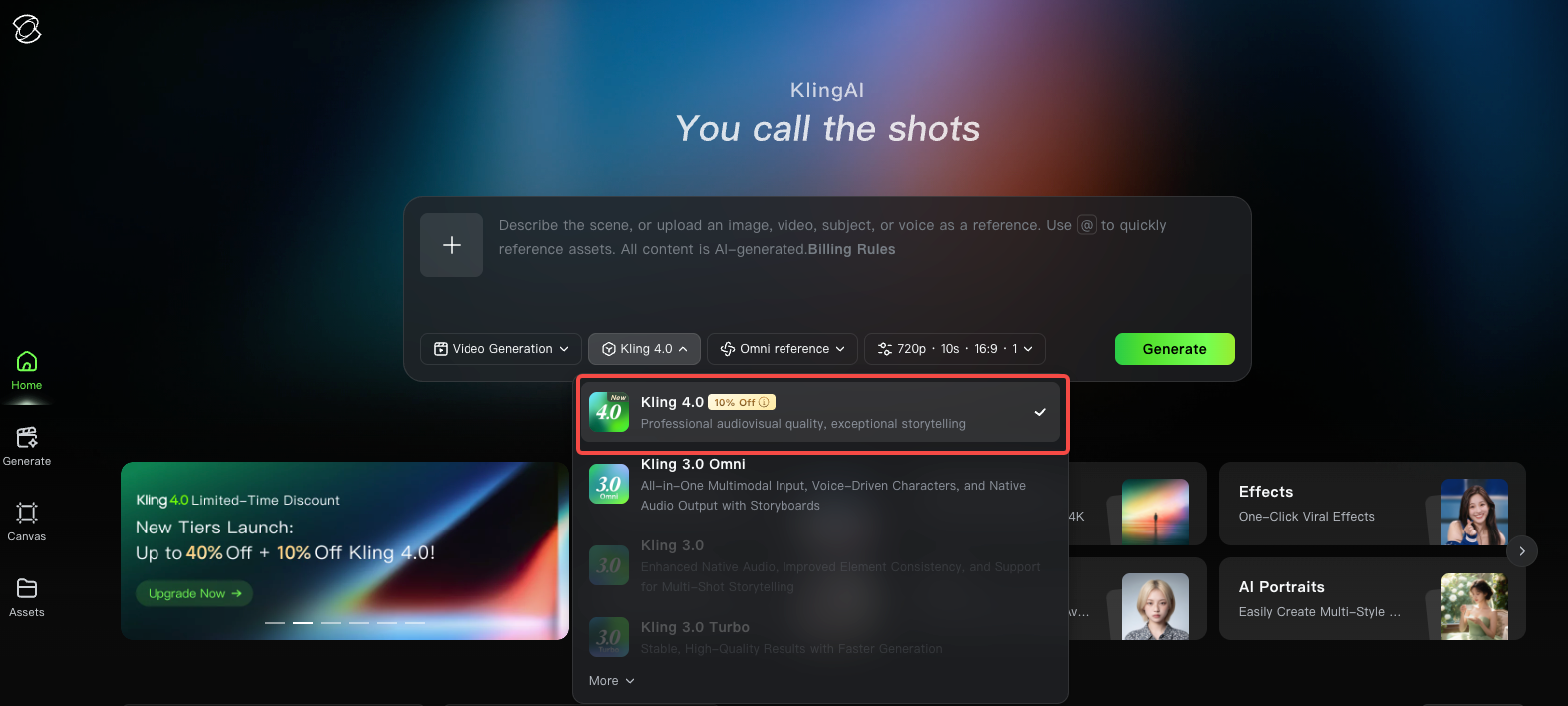
The current Kling 4.0 guide distinguishes Flash from the full model: Flash does not currently support start-and-last frames or multiple keyframes. If Pineford's plan depends on those controls, switching to Flash changes the plan. Confirm the required mode in your account, or choose another way to show the product states.
For cost, count the work through acceptance: generation, assembly, review, and replacement of failed shots. In Pexo, open the credit balance and View details to inspect usage history. Pair that record with the team's editing and review time before deciding whether the route is worth repeating.
Choose the Workflow for This Ad
Choose direct Kling use when your team already has the ad's structure and needs to control its opening action. If arranging the full message is the harder task, give Pexo the approved photos and line and review its proposed sequence.
You can also combine the routes: approve the key shot first, then supply it to a compatible agent for the rest of the ad. Keep that shot if it works. Change the route when the bowl's motion or the remaining assembly work prevents an acceptable result.