ChatGPT
 Perplexity
 Claude
 Gemini
 Grok
Grok



Pexo publishes this comparison. Both routes let a team develop and revise a product video through conversation. Pika brings creation tools, a library and timeline editing into ChatGPT. Pexo organizes production and revisions through its video-agent workflow. The choice depends on how your team wants to inspect and direct the cut.
What Is the Shared Product Video Brief?
The deliverable is one short vertical ad introducing a product and giving viewers a clear next step. Use the same approved images, message and scene order for both routes.
Consider a fictional Alder lunch bag with cream fabric and a red front zipper. Approved photos show it closed and open. The message is “A wide opening for easy packing.” Show the bag, show the opening, then close with “Explore the bag.” No temperature-retention or capacity claim is approved.
This comparison draws on official guidance checked October 21, 2026. The zipper and ending changes below are proposed review tasks.
How Does Pika in ChatGPT Handle the First Cut?
It offers product-ad creation and editing within the chat, including an optional timeline. The Pika plugin page lists Product Ad alongside video, image and audio tools. Its Product Ad app takes a product image and brief.
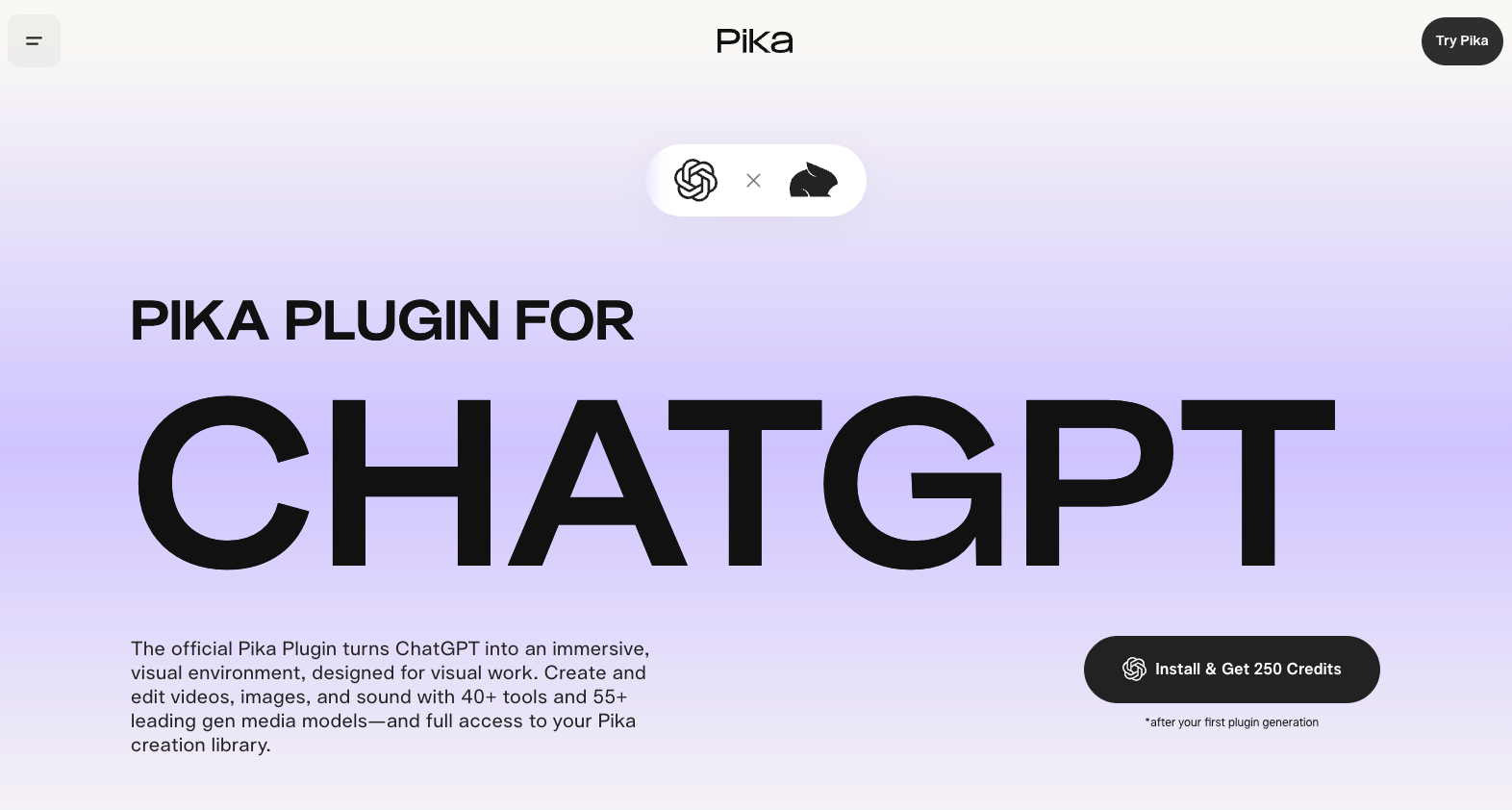
For Alder, supply the approved references and ask for the three-part sequence. Review whether the opening actually explains access to the bag. Pika's plugin also supports assembly and timeline changes, so evaluate the whole ad rather than assuming it returns only an isolated shot. Confirm the selected tool's reference inputs and delivery options in the account.
How Does Pexo Handle the First Cut?
Pexo is a conversational AI video agent that plans and produces a complete video from a direction and available assets. Its start guide accepts images and existing clips and recommends script/storyboard review for multi-scene or detail-heavy work.

Ask for Alder's scene plan before production. The bag-opening view deserves enough time to explain the approved message; another exterior beauty shot would not supply that explanation. Approve the product reference, sequence and closing copy, then inspect the resulting cut. A useful plan reduces ambiguity but cannot guarantee correct details in every generated frame.
Compare Two Review Tasks on the Same Brief
Correct a product detail in the preview
Suppose the red zipper appears black. Give both routes the same note: “Match the zipper to the approved red reference throughout the opening shot.”
Pika documents individual-clip regeneration through its timeline. Pexo's revision guide describes marking an area in a paused frame and adding feedback. These are different ways to locate the correction. Neither establishes that every surrounding detail will remain unchanged. Inspect the fabric, zipper and opening movement again.

Change the ending while retaining approved scenes
Request: “Replace the closing line with ‘See the inside.’ Keep the approved product scenes and their order.”
Pika's timeline workflow supports timing, clip regeneration, transitions and audio. Pexo describes conversational changes to structure, pacing and captions. Check the new ending alongside the earlier scenes: did it introduce an extra shot, shift the music or alter an approved product view? Record the actual regeneration scope and charge; neither is fixed by the wording of the request.
Which Route Fits the Required Deliverable?
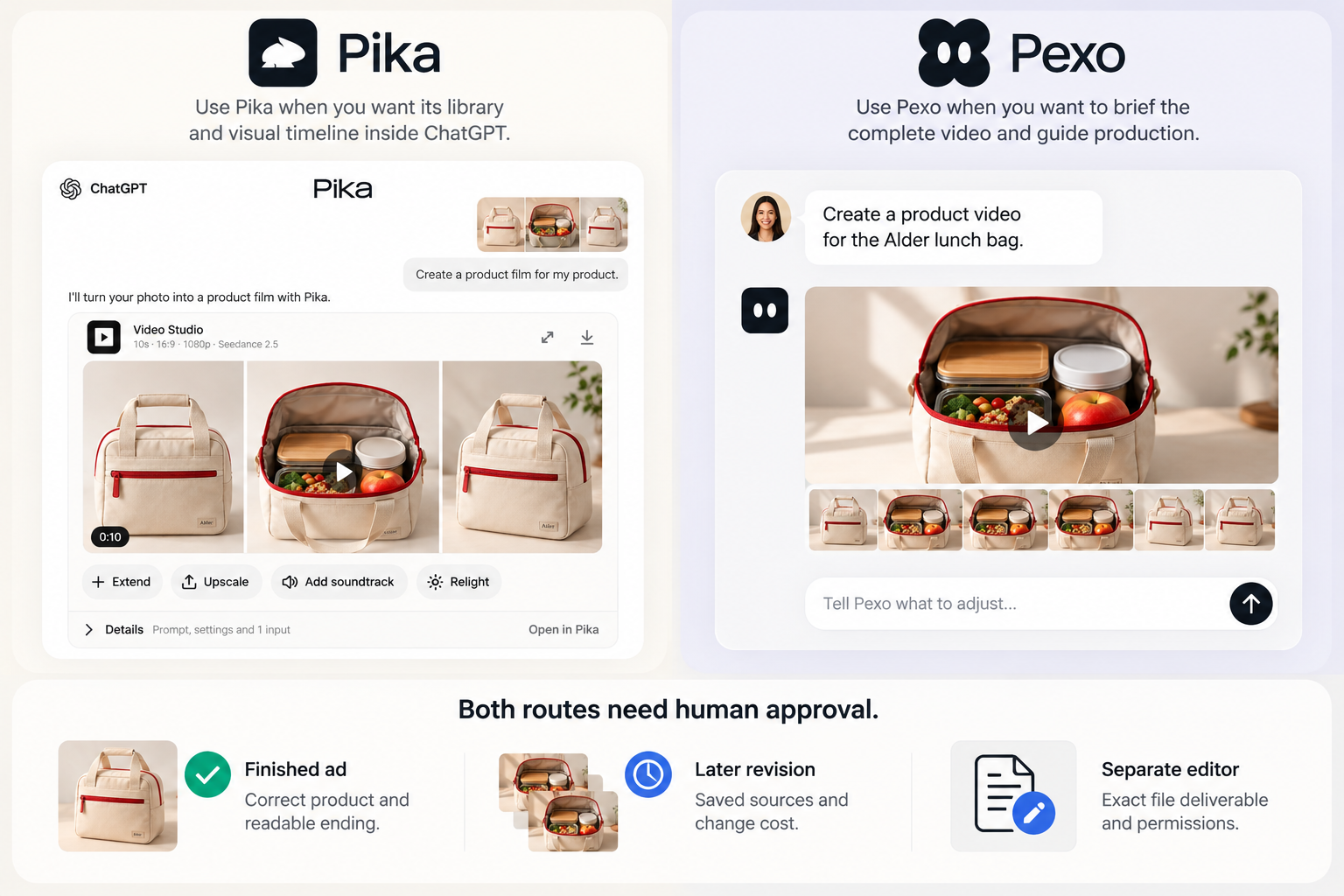
Pika merits consideration when the team wants its Pika library and visual timeline available inside ChatGPT. Pexo merits consideration when the team wants to brief the complete video and guide production through a plan, preview and conversational feedback.
| Approval need | What to establish |
|---|---|
| Finished ad | Correct product, readable ending and coherent sound across the cut |
| Later revision | Saved sources, approved version and the cost of the required change |
| Separate editor | Exact file deliverable, editable elements and permissions |
Both routes need human approval. An in-app editing surface does not establish an exportable project for another editor.
Choose a Route for This Video
For Alder, choose around the review process your team can use: Pika's library and timeline in ChatGPT, or Pexo's planned production and feedback route. The deciding result is a correct zipper, an unchanged approved sequence and the requested ending. If a separate editable project is essential, settle that requirement before production.