
 ChatGPT
 Perplexity
 Claude
 Gemini
 Grok




Your team has a story, approved references, and a video brief that becomes less simple when the first scene changes the second one. A character’s face shifts, the product appears in a different form, and the ending asks viewers to do something the opening never prepared them for.
Mootion AI is worth considering when you want to move from an idea or script to a connected sequence of scenes. This review focuses on scene planning, visual continuity, revision effort, and commercial-use conditions so a brand team can decide whether the route fits its next story video.
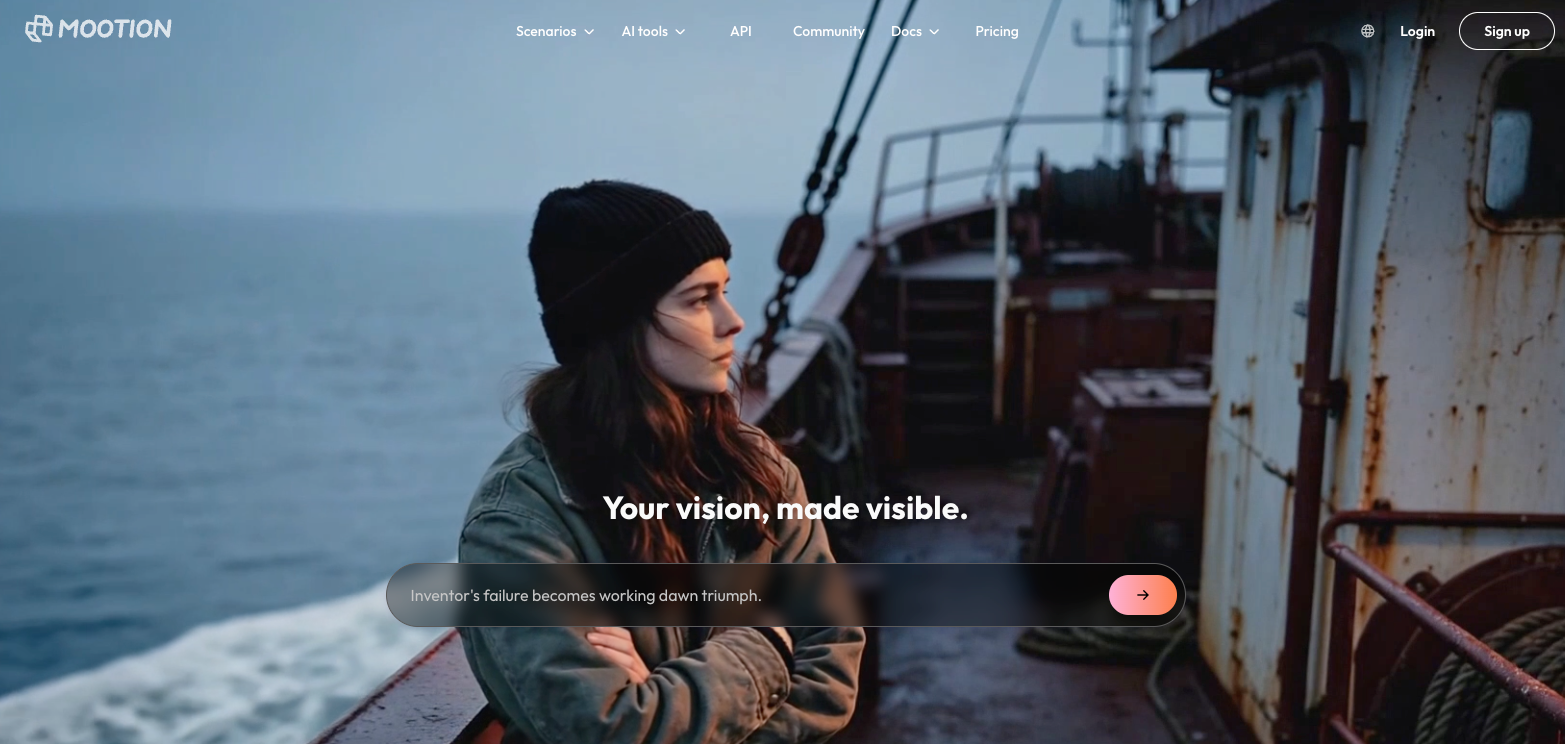
What brand-story task might Mootion AI serve?
Mootion fits a brand team with a narrative job across several scenes. That might be a product origin story, a founder-led explanation with visual cutaways, or a fictional character introducing a product world.
A story workflow gives the system more creative responsibility, which can help with a first sequence while creating more details to inspect.
Mootion’s FAQ describes Idea to video, Script to video, and Recording to video routes. Idea to video starts with a short description, Script to video uses a supplied script, and Recording to video uses a voice or video recording. A supplied script gives a brand team a clearer basis for checking the story’s wording.
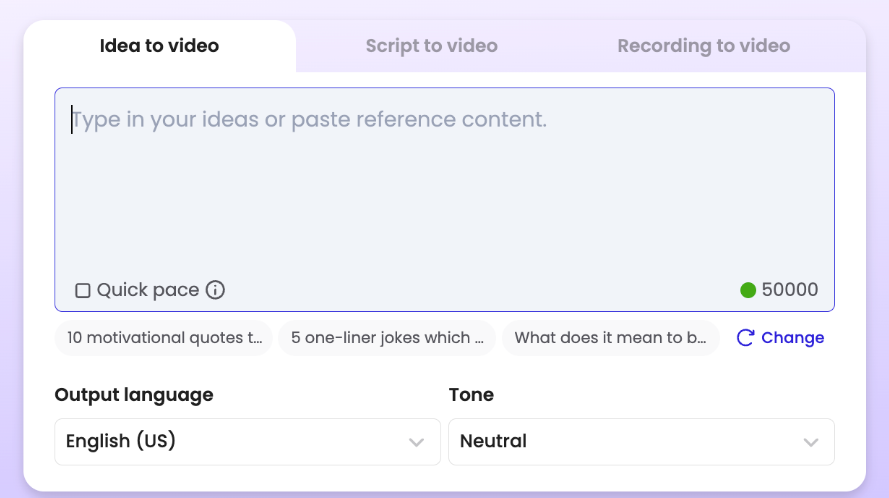
How does a story brief become a sequence of scenes?
Start with the story decision. What should the viewer understand by the final scene? What changes for the character or product? Which moment earns the next scene?
For a fictional brand called Northstar Pantry, imagine a campaign for a reusable travel container. Maya, a commuter, keeps losing small items in her work bag. The product detail worth showing is a removable inner tray.
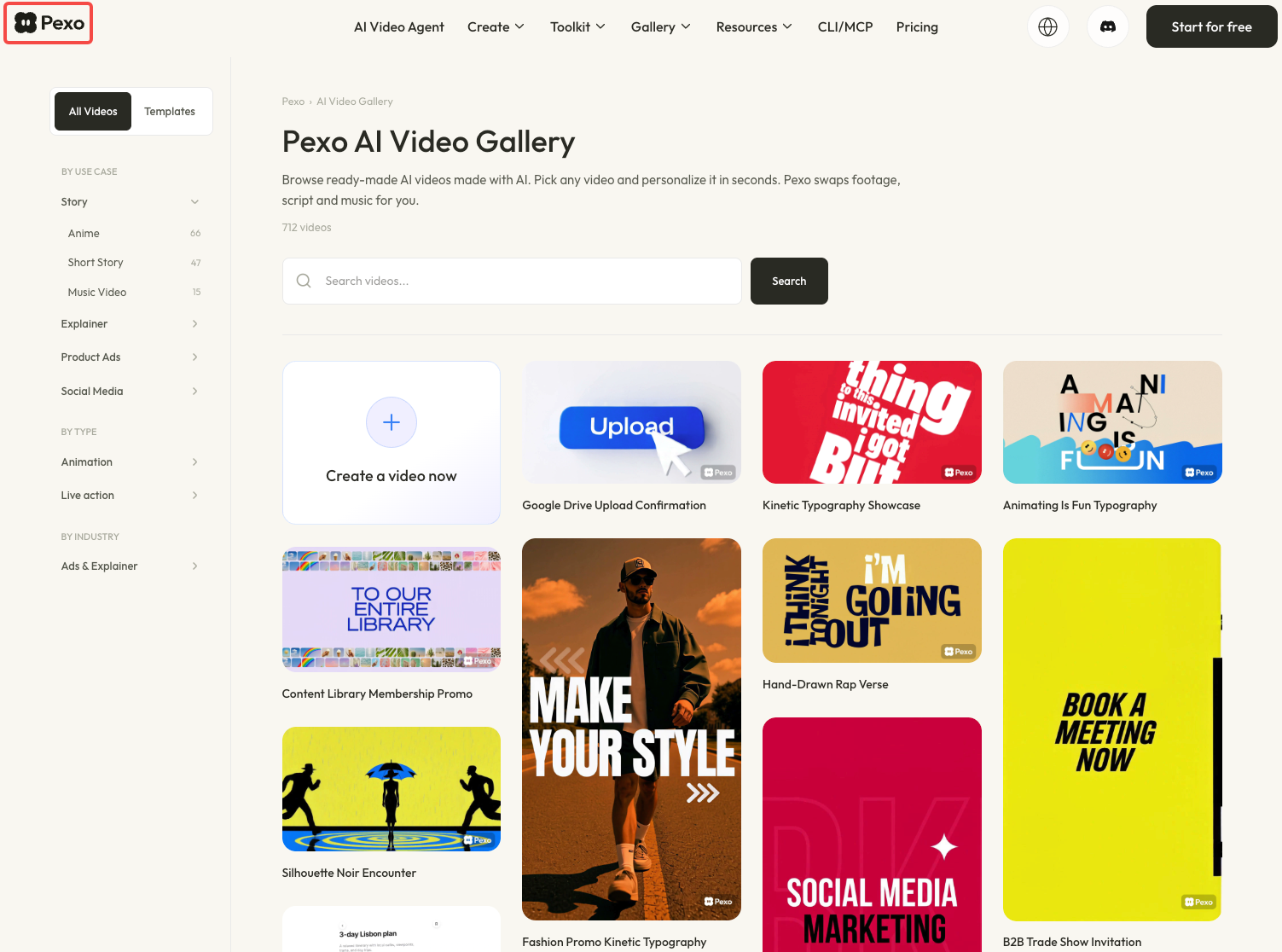
For a visual reference before planning the next cut, the Pexo Gallery includes product and social-video examples.
A usable brief might contain:
-
Viewer promise: See how the tray keeps small items together during a busy day.
-
Character: Maya, an adult commuter with a consistent green canvas bag.
-
Product fact: The inner tray lifts out of the current container model.
-
Scene path: Morning packing, crowded commute, tray removal at the desk, product close-up, next action.
-
Visual references: Approved product photos, logo, bag reference, and color palette.
-
Ending: Invite viewers to see the available finishes.
-
Exclusions: No spill or productivity claim without approved evidence.
Set the message, characters and visual references
Define the character and product before choosing atmosphere. A beautiful scene with the wrong bag or altered product shape creates work later.
Mootion’s public storytelling pages describe prompt, storyboard, character, image, video, and audio references. They also describe character lists and storyboard-first planning. Those features support a structured brief. They do not remove the need to compare the output with approved references.
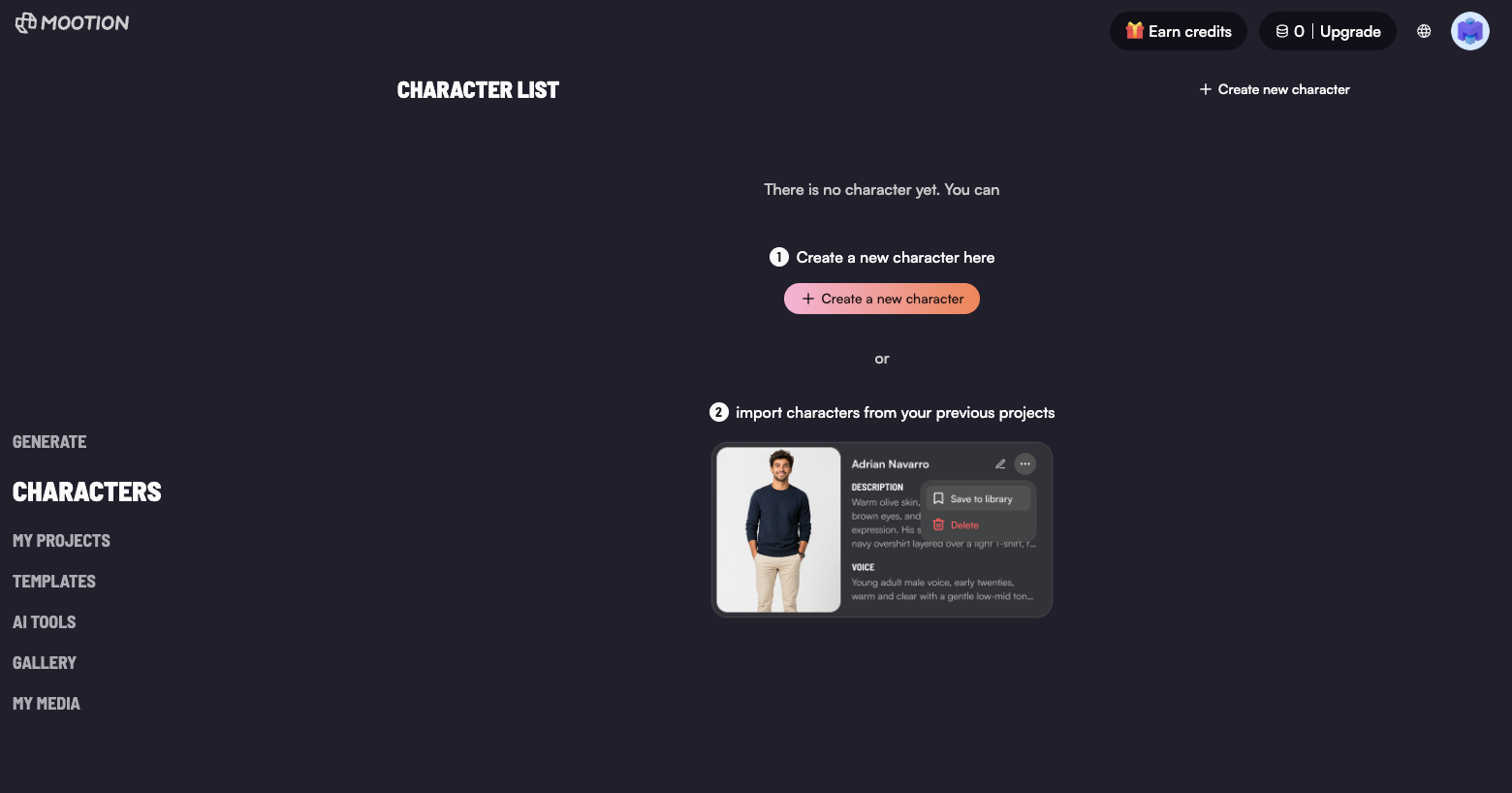
For Maya, record her clothing, hair, bag, and age range. For the container, record the lid, tray, label placement, and approved finish. Keep the reference sheet beside the brief.
Check transitions and the final story arc
Watch the sequence in order. Ask what the viewer knows at the end of each scene and whether the next scene adds something.
For Northstar Pantry, check whether the morning scene establishes the same container that appears at the desk, whether the commute creates a reason to show the tray, whether the tray actually lifts out, and whether the final action continues the opening promise.
What should a brand team review before using the output?
Watch once for the story, then return to the brief and inspect the details that support the claim.
Character and product consistency
Check the character, product, locations, movement, voice, captions, and on-screen wording across the whole sequence. One changed detail may be harmless in a mood film and serious in a product campaign. A different tray shape can undermine the claim the video is meant to show.
Mootion’s public character-consistency pages describe character references, scene references, reference videos, prompts, storyboards, and generated clips. Treat that as a documented workflow capability. Check the actual output before approving a commercial cut.
Narration, captions and revision effort
Read the voiceover as a script. Does each line belong to the scene where it appears? Does a caption add a claim the product source never approved? Does the ending ask for a click the story has not prepared?
| Revision note | What to inspect |
|---|---|
| Keep Maya’s bag and outfit | Character reference across recurring scenes |
| Show the tray lifting | Product action and hand position |
| Shorten the commute | Story pace and reason for the desk scene |
| Replace the final line | Spoken CTA, caption, and destination |
| Keep the approved finish name | On-screen text and product close-up |
“Make it more cinematic” gives the next version too much room. “Keep the morning scene, show the tray before the desk close-up, and replace the last line with the approved product-page action” gives the revision a pass condition.
Once that note is approved, the team can carry the references into Pexo Create as a separate production route.
Where are the limits for a commercial story video?
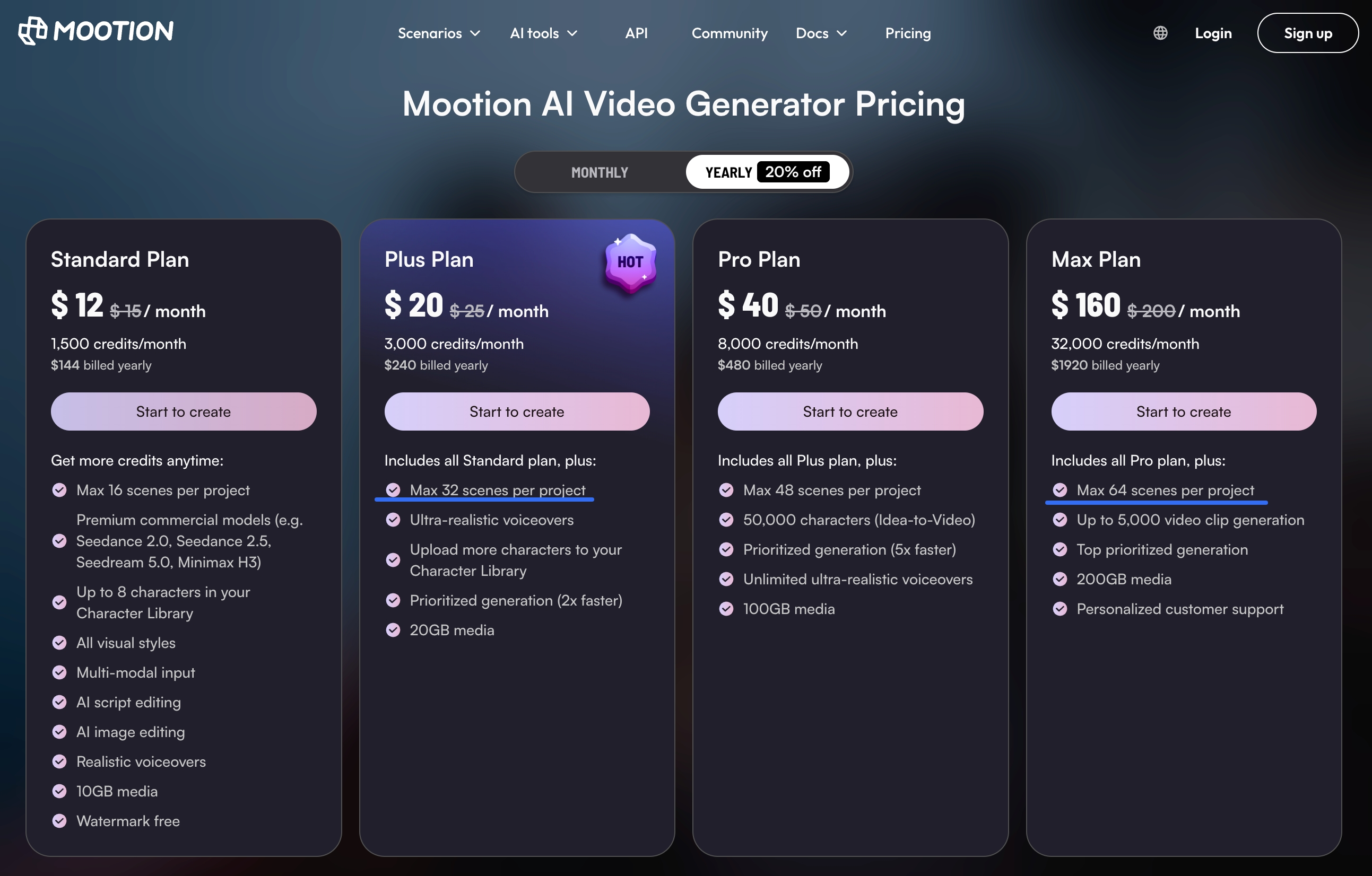
Mootion’s current pricing page lists paid plans with credits, character-library limits, scene limits, media storage, voiceover options, and watermark conditions. The Plus plan lists up to 32 scenes per project, while the Max plan lists up to 64 scenes per project. Check the current plan before committing to a longer story.
Mootion’s Terms of Service, say users retain rights in submitted Captures and that models, videos, images, and files made from those Captures are owned by the user, subject to Mootion’s ownership of its own Materials.
The terms also grant Mootion a license to use submitted Captures and generated data to improve the service, and place responsibility for third-party rights on the user. They separately state that users grant Mootion permission to use content created on the platform for marketing purposes, including in future projects.
Mootion’s public storytelling page states that paid subscribers can distribute and monetize final video creations across public platforms, including commercial advertisements and client campaigns. Read the current terms and plan-specific language before publishing. This article is not legal advice.
How should you decide whether this route fits?
Mootion is a reasonable route when the team has a story question, reference material, and time to review a connected sequence. It is easier to justify when the campaign benefits from several scenes and the brand can approve characters, product facts, narration, and rights.
Use another route when the video depends on one exact product demonstration, frame-level control, or source footage that must remain unchanged. A story generator can develop the idea, but it may add variation where the brief needs precision.
For Northstar Pantry, I would approve a first pass only after the tray becomes useful to Maya’s day. If the sequence is lively but the tray remains decorative, the route has solved the wrong problem. If the story makes the product action clear and the team can revise a weak scene without losing approved details, it may be worth continuing.
Verdict for brand storytelling
Mootion AI is most interesting for brand teams that want to explore a connected story from a script, character set, storyboard, or reference pack. Its public materials describe tools for story structure, references, character continuity, voiceover, and paid-plan production.
Teams comparing a complete-video route can also review the Pexo homepage for its conversational production model.
I would give Mootion a focused story brief when the campaign has a real narrative job and the team can review the whole arc. Start with one product action, one character sheet, and one ending the audience can understand. If the approved assets and direction are ready but assembling the complete video is still the slow part, Pexo can offer another production route. Bring the references, the story decision, and the scene that needs to stay accurate.