
 ChatGPT
 Perplexity
 Claude
 Gemini
 Grok




You give Revid a product page and a few approved images, then open the first draft. The product name is wrong in a caption, the opening uses the weakest image, and the next version changes a claim you already approved. That's when you find out whether a video tool actually saves time or just gives you more to fix. I'll look at Revid AI through that lens, focusing on how easily you can revise a draft and reuse the workflow for the next ad.
Take Cedar Lane, an invented home-goods brand making three 20-second ads for a collapsible laundry basket. The team has product photos, an approved claim, and a CTA. It needs a second opening and a consistent 9:16 export.
What product-video task can Revid AI handle?
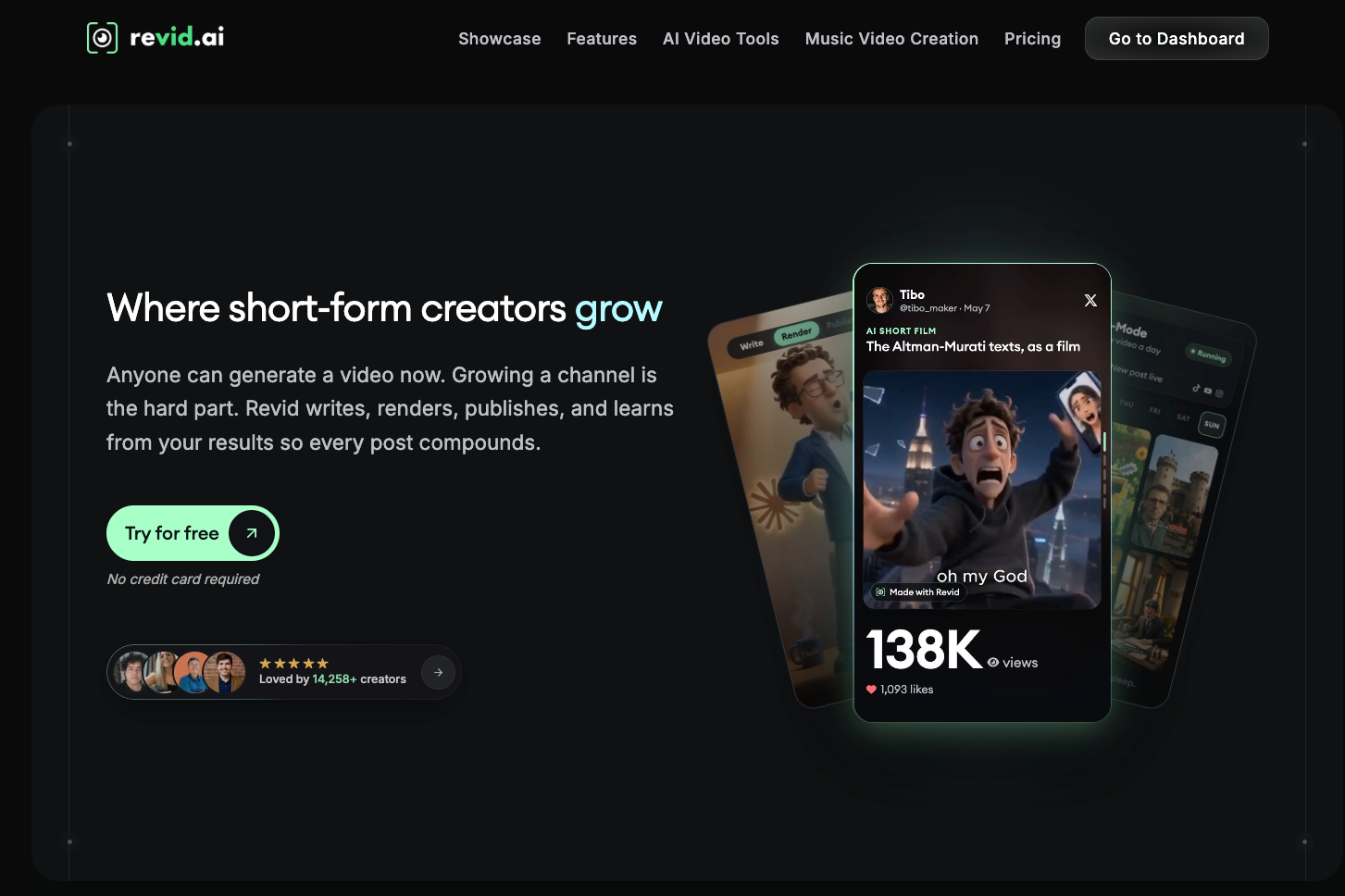
Revid is a strong candidate for short-form product videos that start with a public product page, a script, or supplied media. Its product video tool reads a page’s title, description, images, and product features, then creates a short video with script, voiceover, captions, and music.

That starting point suits a lean e-commerce team that has a product page but does not want to write every scene from scratch. It also suits a team that wants to upload its own product images or clips and control the media source.
Use a fictional brief to test the fit. Cedar Lane, an invented home-goods brand, needs three 20-second videos for a collapsible laundry basket. The approved inputs are:
-
a product-page URL
-
three product photos
-
one approved claim about storage
-
a short CTA
-
a 9:16 social export
-
a second version with a different opening
The task is small enough for a short-form generator, but it still needs human review. The product page may contain marketing copy that is broader than the approved claim. The team should compare the generated script with the claim sheet before it lets the draft become an ad.
How does a short-form video move from brief to export?
Prepare product facts and visual assets
Start with the most specific product page available. A product detail page gives the generator more useful material than a broad homepage. Check the name, dimensions, colors, price, feature text, and product images before pasting the URL.
Revid’s current product-video interface also lets users choose between real product photos, animated AI images, AI video, and motion graphics. That choice changes the review burden. Real photos preserve the known product. Generated visuals can create a more cinematic setting, but they need closer checks for shape, labels, and implied product performance.
For Cedar Lane, use the real product photos for the basket and reserve generated motion for the surrounding room. Label each asset in the brief:
-
'P01' for the front product photo
-
'P02' for the folded shape
-
'P03' for the storage context
-
'C01' for the approved claim
A clear source record makes a wrong image easier to replace.
Review scene order, text and a revised version
A short-form draft needs a scene-by-scene review. Check whether the opening shows the product quickly, whether the approved claim appears beside a supporting visual, and whether the CTA arrives before the final seconds disappear.
Use the editor to inspect:
-
scene order
-
on-screen text
-
voiceover timing
-
captions
-
music level
-
selected product media
-
aspect ratio
-
ending CTA
Revid’s current product-video page describes an integrated editor where users can adjust timing, text, media, and audio after generation. That gives the team a revision path inside the same project. The practical question is how much of one scene can be replaced while the rest of the draft stays intact. Confirm the behavior in the account before promising a client that one scene can be revised independently.
For Cedar Lane, request one specific change first: replace the opening with P01 and move the storage claim to the shot showing the folded basket. Review that version before asking for a new voice or music direction.
Which checks matter for a recurring brand workflow?
Product accuracy and visual consistency
Repeat production becomes expensive when every new draft needs a full fact check. Create a short acceptance sheet that follows the product across every version.
| Check | Pass condition | Revisit when |
|---|---|---|
| Product image | Correct SKU and color appear | AI visual changes the shape |
| Claim | Spoken and written text match approval | Copy becomes stronger than the source |
| Opening | Product appears within the intended hook | Stock or generated scene delays the product |
| Captions | Names, numbers, and CTA are correct | Automatic text misreads the script |
| Brand layer | Logo, colors, and CTA follow the brief | Template choices vary by project |
| Format | 9:16 export fits the placement | Text or product moves outside safe areas |
A brand choice is only reusable when the team records it. Save the approved script, product assets, voice, caption style, CTA, and export ratio beside the project. If Revid provides a brand or project memory feature in the current account, check what it preserves and where the team can edit it. Do not assume a visual choice in one project becomes a locked rule in the next.
The Pexo gallery can provide references for product-ad pacing and visual structure when a team is deciding how much of a short video should show the product versus its setting.

Human review time and export constraints
The generated video is only one part of the schedule. Add time for claim review, caption correction, product comparison, audio review, and export playback.
Before choosing Revid for a recurring campaign, confirm:
-
available export ratios and resolutions
-
watermark or plan restrictions
-
downloadable file formats
-
caption behavior
-
project and version access
-
credit cost shown before rendering
-
publishing or scheduling options
-
commercial-use terms for the selected account
The current Revid terms state that credits do not roll over on monthly plans and that new exports require an active subscription after the paid subscription period ends following cancellation. Keep approved exports and source files in the brand archive before a plan changes.

Where does the workflow fit poorly?
Revid is less suitable when the video depends on a real screen recording, a precise physical demonstration, a long narrative, or detailed frame-level finishing. A product page can provide facts and images, but it cannot prove how a mechanism works or how a real person used the product.
It also needs more review when the brief relies on testimonials, regulated claims, or a customer story. A generated narrator can explain an approved claim. It should not sound like a real customer describing an experience that never happened.
A recurring team may also outgrow a simple project flow when several clients require separate permissions, review records, or account-level asset isolation. Check those conditions before moving a client campaign into a shared workspace.
When should a team choose another production route?
Choose another route when the main work is assembling existing footage, preserving a real UI interaction, matching a performer’s recorded delivery, or reviewing a complex multi-scene story. A traditional editor may offer more direct control over source media. A complete video agent may make more sense when the brief includes scenes, narration, captions, music, and revisions as one connected task.
Pexo can be considered when the team has approved product material and wants a broader full-video workflow. Its AI video agent can organize direction, scenes, and revisions, while Revid remains focused on short-form generation and editing. The Pexo blog provides related workflow articles for teams comparing production decisions. Neither route removes the need to verify product claims and rights.

Verdict for repeat short-form ads
Revid AI is a reasonable fit for teams that turn product pages and approved images into frequent short-form drafts. Its strongest use case is a compact product ad where the team wants automated script and scene assembly, then needs an editor for text, media, timing, captions, and audio.
The workflow needs a claim sheet, product-accuracy review, export check, and an archive of approved files. Choose another route when real footage, detailed source editing, or a larger multi-scene production brief matters more than fast short-form assembly.
This article does not provide legal advice. Verify current Revid pricing, credits, exports, account access, and usage terms before commercial production.