 ChatGPT
 Perplexity
 Claude
 Gemini
 Grok



The same product can need two different social videos. An organic post may spend time answering a question or inviting a comment. A paid cut has to make one acquisition message clear for a defined audience, budget, and destination.
Start with one approved product brief, then give each cut a different job. Keep the product facts steady, separate production cost from media spend, and read each result against its audience.
What Is Each Social Video Meant to Do?
An organic social video lives on the brand's existing social presence. It may teach, answer a common question, invite a reaction, or help people recognize the product. Its next action could be a comment, save, profile visit, or product-page visit.
A paid social video runs through an advertising campaign or paid promotion. Its job is narrower: earn a defined action from a defined audience under a defined budget. That action might be a product-page visit, sign-up, or purchase.
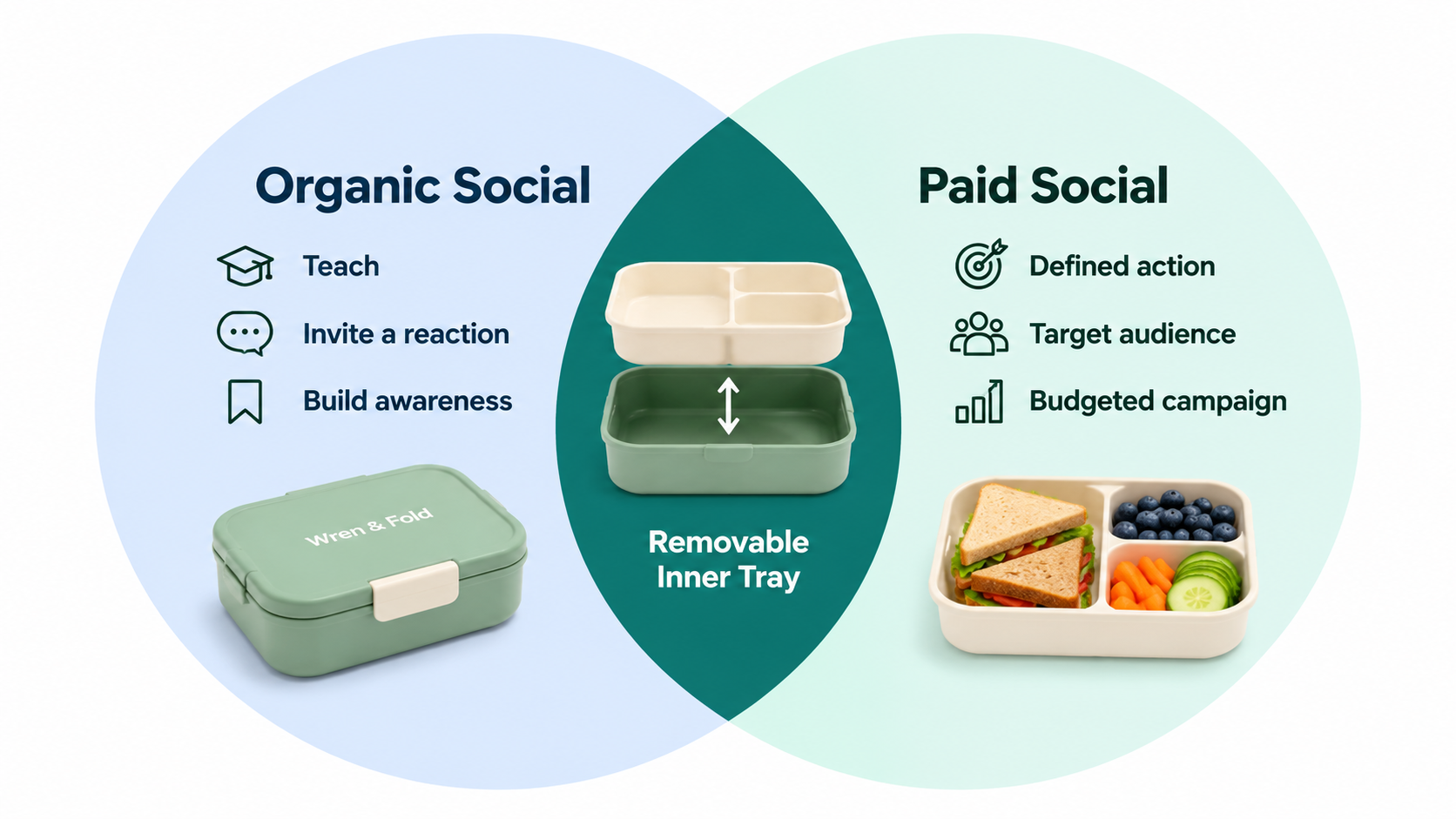
Here's the bit I like: one product detail can serve both jobs without carrying the same weight in each one. Suppose fictional brand Wren & Fold sells a lunch box with an approved removable inner tray.
-
The organic cut opens with the closed box, shows the tray lifting out, and asks, “What would you pack in the middle section?”
-
The paid cut opens on the tray action, states the approved construction detail, and closes with “See how the tray works” on the product page.
The first helps the community respond; the second gives a new viewer less to decode. Neither needs to promise reach or sales.
Compare Two Cuts From the Same Product Brief
Use one source of truth:
-
Product fact: The inner tray lifts out of the current lunch box model.
-
Proof asset: An approved continuous view of the tray being removed and replaced.
-
Supporting assets: Product photos, finish names, logo, and product-page URL.
-
Exclusions: No leak-resistance, capacity, or meal-planning claim without approved evidence.
-
Review owner: The person responsible for the construction detail approves the wording and visible action.
The cuts can differ in timing and copy, but they need the same model and a record of what changed.
| Brief element | Organic community cut | Paid acquisition cut |
|---|---|---|
| Viewer question | How does the middle section work? | Is this the detail I need? |
| Opening | Closed box, then tray lifts out | Tray action first |
| Main job | Explain and invite a response | Prove the detail and earn a click |
| CTA | Which section would you use? | See how the tray works |
| Destination | Profile, thread, or product page | Product page or landing page |
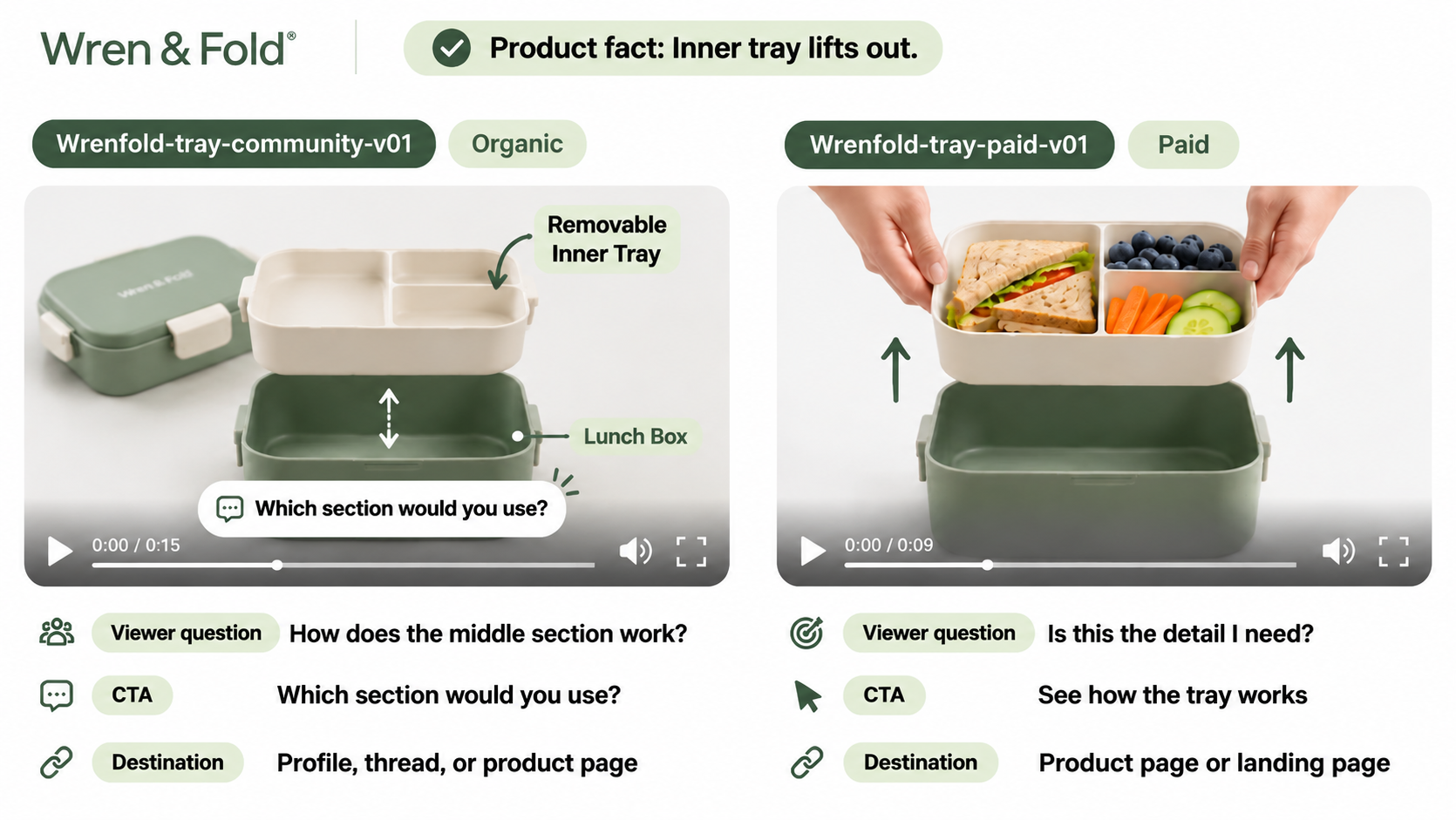
Name the versions before publishing. Wrenfold-tray-community-v01 and Wrenfold-tray-paid-v01 are easier to match to later results than two files called final.
Message, Opening, CTA, and Landing Destination
The organic cut can give the viewer more room. A short demonstration followed by a product-related question may be enough.
For the paid cut, choose one promise and let the opening support it. If the ad says the tray lifts out, show that action. If the closing frame points to available finishes, the destination should make those finishes easy to find.
I'm not quite sold on a paid opening that spends its first useful moment on a logo. Keep the logo if it helps. Do not make the product wait offscreen while the viewer decides whether to leave.
Compare Production and Media Budgets
Production cost and media spend answer different questions.
Production budget covers briefing, asset preparation, creation, revisions, and placement adaptations. Media budget covers paid delivery and any account, agency, or tax charges shown for the campaign.
Do not add the two totals and call the result “the cost of the video.” A revision changes the asset. Media spend changes how and where the asset is delivered.
| Cost field | Organic cut | Paid cut |
|---|---|---|
| Asset preparation | [amount or time] | [amount or time] |
| Video creation | [amount or credits] | [amount or credits] |
| Revisions | [number and reason] | [number and reason] |
| Media spend | [none or amount] | [amount and period] |
| Destination work | [profile/page] | [landing page/tracking] |
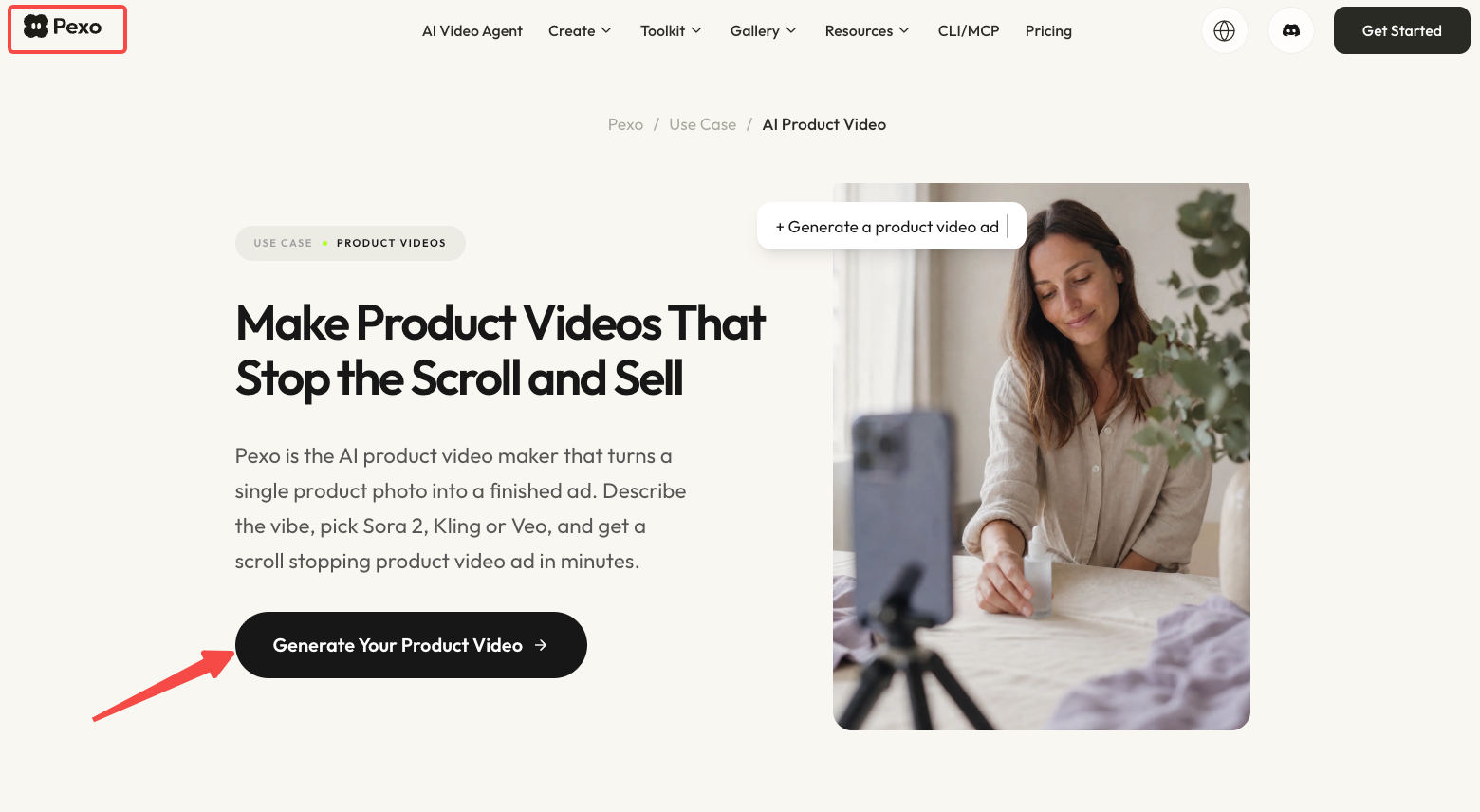
Record what was shared and what was extra. Pexo AI product video maker can help turn the approved brief and assets into a complete video or requested revision. The brand still decides the media budget, audience, and reporting method.
Compare Organic and Paid Reporting Cohorts
Organic and paid results belong beside the audience and delivery conditions that produced them.
The organic cohort may come from the brand's existing distribution; the paid cohort from a selected campaign audience. They can overlap, but they are not one clean cohort.
Use the metric that matches the job:
-
Organic: watch behavior, comments, saves, shares, profile visits, or product-page visits.
-
Paid: reach, impressions, plays, clicks, landing-page actions, or purchases, depending on the campaign.
-
Both: exact video version, dates, offer, destination, and product state.
Do not add every number into one total. An organic view and a paid impression are different events, and a click can mean different things across cohorts.
| Field | Organic cut | Paid cut |
|---|---|---|
| Exact file / post | [link or ID] | [ad or creative ID] |
| Audience source | [organic distribution] | [campaign audience] |
| Primary response | [metric] | [metric] |
| Destination | [profile/page] | [landing page] |
| What it supports | [bounded observation] | [bounded observation] |
| Still unknown | [open question] | [open question] |
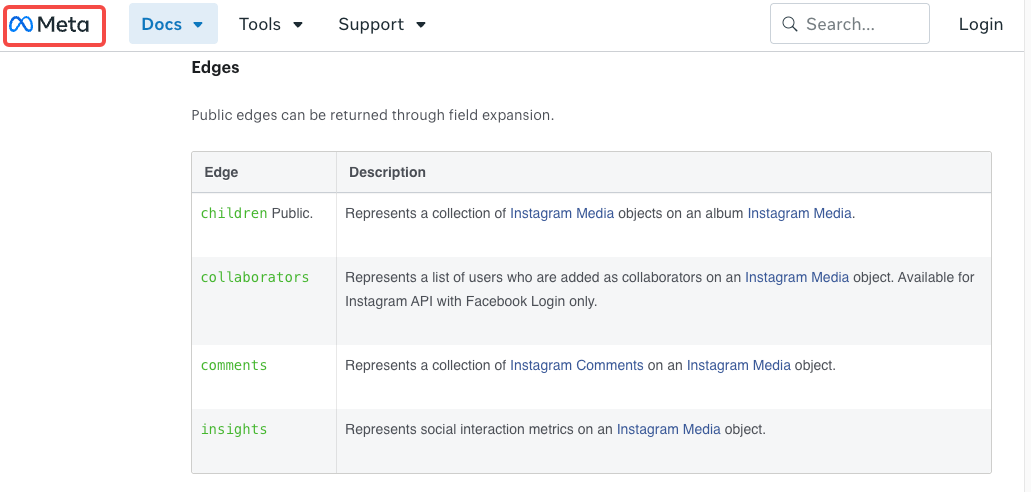
Meta's documentation separates Instagram permissions, organic media, boosted ads, comments, audio, and copyright checks. Identify the media object and permission before comparing results. See Meta's Instagram account permissions documentation and the Instagram Media API reference.
How Should Each Cut Change After Performance Review?
If the organic cut gets thoughtful comments about the tray but few product-page visits, check the profile path or product-page link before changing the opening. The cut may be doing its community job.
If the paid cut earns clicks but the product page does not continue the tray explanation, check the handoff before ordering new openings.
If the paid cut cannot use the creator's audio, keep the product demonstration and replace the sound. Organic permission does not automatically cover paid promotion or commercial music use. Confirm authorization, platform eligibility, and each music license.
If the product claim changes while both cuts are live, pause the affected versions and compare the new fact with the footage, captions, voiceover, CTA, and landing page. Changing one line of text will not fix an obsolete visual.
I'd give the demonstration a go first when the product detail is still the main question. A new background may feel different; it will not prove how the tray works.
A Two-Track Decision Worksheet for a Small Brand
| Decision | Organic track | Paid track |
|---|---|---|
| Viewer should understand | [one product fact] | [one product fact or offer] |
| Viewer should do next | [comment, save, visit] | [click, sign up, buy] |
| Approved proof | [asset or source] | [asset or source] |
| Opening difference | [first useful shot] | [first useful shot] |
| CTA and destination | [action + URL] | [action + URL] |
| Production input | [assets, credits, time] | [assets, credits, time] |
| Media input | [none or support] | [budget, dates, audience] |
| Primary response | [metric + definition] | [metric + definition] |
| Decision after review | [keep/change/investigate] | [keep/change/investigate] |
Before production, ask:
-
Can someone tell which detail changed?
-
Does each cut make its next action clear without adding a claim?
-
If one result looks stronger, what else changed with it?
Pexo can help make both cuts from the same direction and handle a scene-specific revision. The brand still needs the account, permission record, audience, and reporting context to interpret the result.
Conclusion

Organic and paid social media can share a product brief without sharing a job. Let the organic cut explain or invite a response. Let the paid cut make one acquisition message easy to understand. Keep the two budgets, cohorts, permissions, and destinations visible as separate lines.
If the product detail is clear but the team is still spending too much time turning the brief into two usable cuts, bring the approved assets and both creative directions to Pexo. Describe what should stay, what should change, and which version you want to review first.