ChatGPT
 Perplexity
 Claude
 Gemini
 Grok



When you're making several social posts for the same product, choose references that will remain useful after the first draft. Product photographs should keep defining the SKU even when the setting and camera direction change.
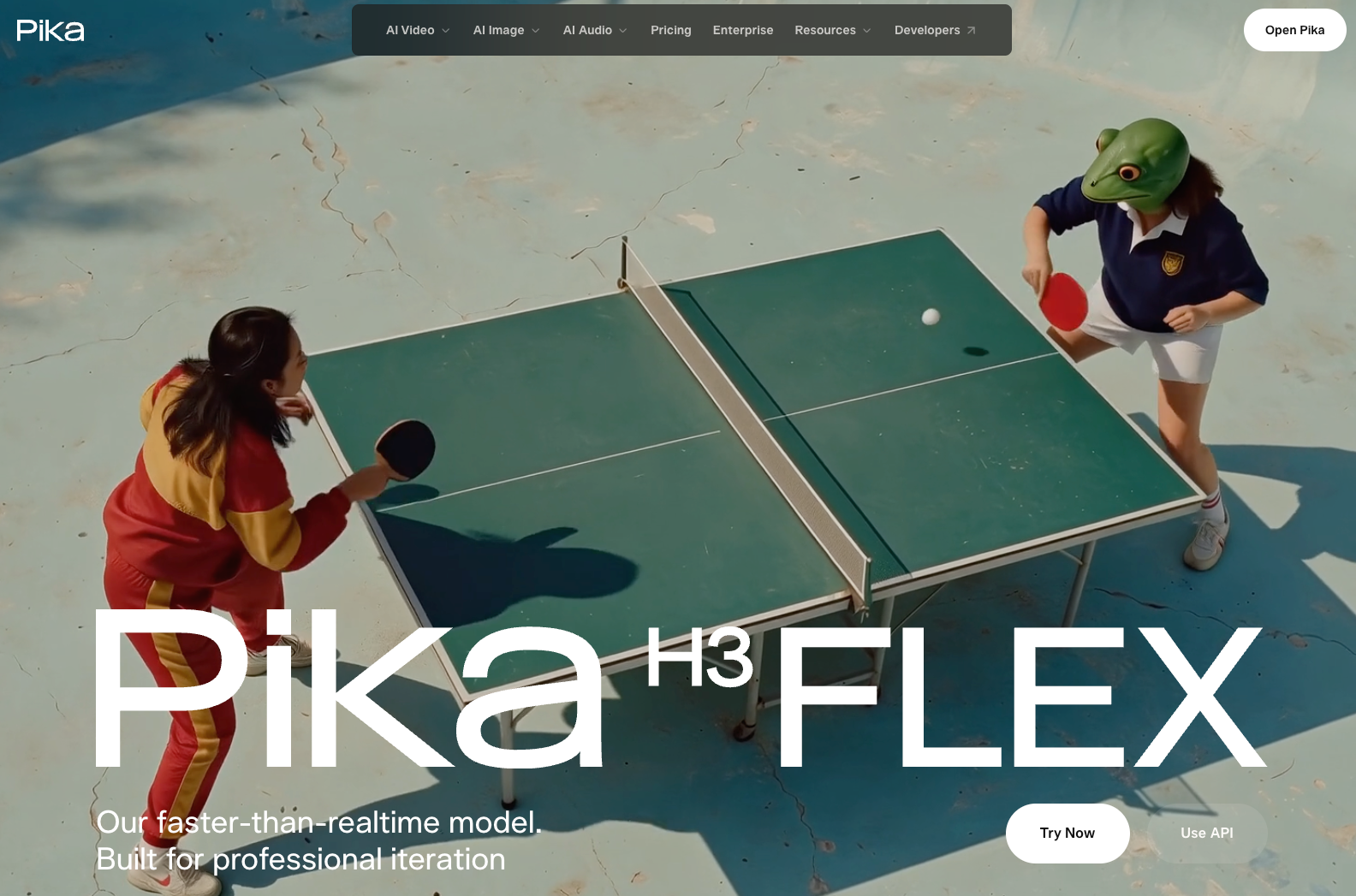
A Pika H3 Flex brand video starts with that distinction. Give the model clear sources for appearance and movement, then judge the returned shot against the product you actually sell.
What Should This Social Video Shot Communicate?
Choose one detail the viewer should recognize or one verified action they should understand. That decision tells you which references deserve a place.
Consider Onda, a fictional amber-glass bud vase. The illustrative social shot introduces its short neck and ribbed body on a bedside table. A gentle camera slide should reveal those details while leaving space for a headline added later.
A dramatic transformation would distract from recognizing the vase. Generated movement cannot establish durability.
Choose Reusable References for One Social Shot
Keep current product references separate from seasonal styling so the next producer knows which source defines the SKU.
Product and Brand Assets
Start with approved front and three-quarter product photographs. Add another view if the planned movement reveals a surface those photographs cannot explain.
Pika's H3 Flex reference workflow accepts combinations of images, video and audio, with up to 12 reference files. The released model documentation adds media-specific limits; check those against the service and mode you use.
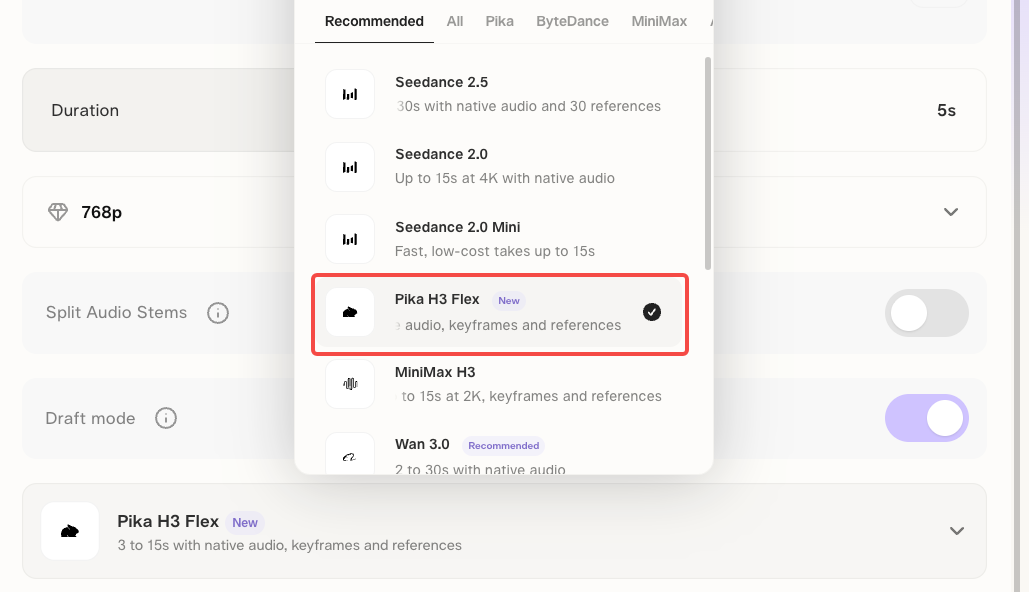
On November 5, 2026, Pika's API catalogue listed H3 Flex reference-to-video. Confirm access and model-specific controls before using the creation product.
Use this brand asset checklist for preparation and review:
| Material | Job in the Onda shot | Pass condition |
|---|---|---|
| Current SKU photographs | Define the neck, ribs, base and amber glass | The same details remain recognizable throughout the camera move |
| Brand palette and approved mood image | Guide the table, background and lighting | Styling leaves the product's identity intact; no borrowed brand appears |
| Logo artwork and exact headline | Supply graphics for finishing | Approved artwork and spelling are used; no extra label text is invented |
| Authorized movement clip | Show the desired camera slide | Only the requested movement influences the shot; unwanted subjects stay out |
| Sound instructions or cleared audio | Establish the intended atmosphere | No unwanted speech, music or implied product sound remains |
| Usage record and named reviewer | Define where the material can be used | Upload permission and campaign scope are confirmed; the reviewer approves this export |
Motion and Sound Direction
Keep the movement within the reference coverage. For Onda, a small lateral slide is easier to inspect than an orbit revealing an undocumented back surface.
Describe the sound just as deliberately: quiet bedroom ambience, no dialogue and no music. If the movement reference has a soundtrack, say that it should not carry into the result.
H3 Flex generates synchronized audio. Listen for what actually arrived; a request for silence or a particular effect still needs review. A voice sample is unnecessary for this brief.
Write a Brief for the Shot
Keep this brand video shot list entry beside its files so another producer can follow the direction.
Brief fields:
-
Shot and purpose: [ID; what viewers should recognize].
-
Approved sources: [SKU; filenames and versions].
-
Reference roles: [product appearance; setting; camera movement; sound].
-
Direction: [framing, lighting, movement, intended duration and placement].
-
Keep fixed: [shape, color, markings and exact copy].
-
Approval: [pass conditions; reviewer; permitted use].
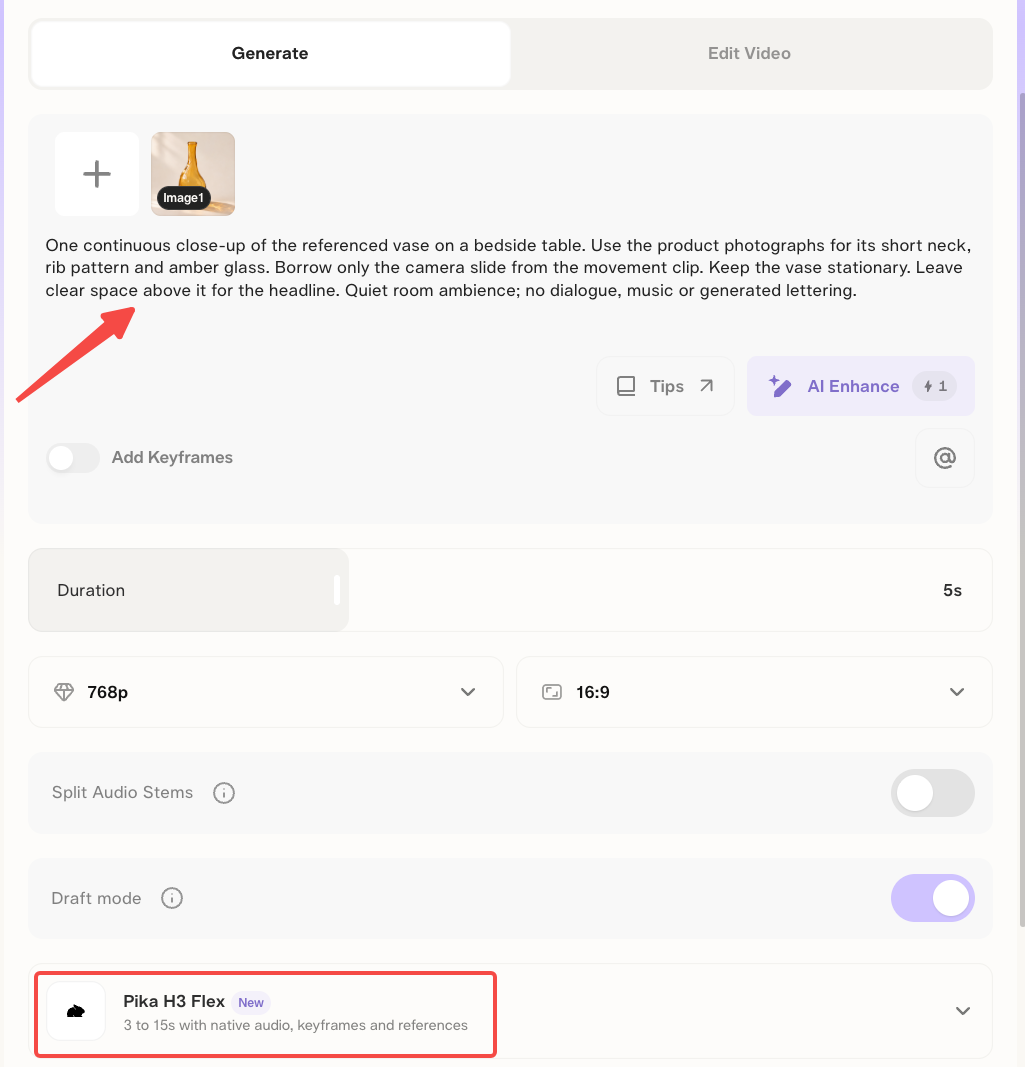
For Onda, the creative direction might read:
One continuous close-up of the referenced vase on a bedside table. Use the product photographs for its short neck, rib pattern and amber glass. Borrow only the camera slide from the movement clip. Keep the vase stationary. Leave clear space above it for the headline. Quiet room ambience; no dialogue, music or generated lettering.
Review Identity, Text and Product Accuracy
Compare the moving shot with the approved product photographs. Then watch it again with the intended graphics and sound.
Follow Onda's rim, neck and ribs through the entire move. Reflections may change with the camera, but they should not make the glass appear to acquire new edges or parts. Pause where a highlight hides a defining feature.
Reject or revise a changed silhouette, misspelled mark or disappearing rib, even if the opening frame looks correct.
A useful revision names the problem: “Keep this composition, but restore the short neck shown in the approved photograph.”
Check the whole returned version, including details you asked to preserve.
How Can the Approved Shot Fit Future Social Posts?
Reuse it as a selected clip with a defined approval scope. Each new crop, headline or soundtrack needs another review in context.
Save the accepted export with its references, prompt, settings and approval note. If packaging or product details change, flag the older shot before it enters another campaign.
For a longer post, bring the approved export and brief to Pexo's AI video agent. Keep the vase close-up and direct the surrounding scenes through conversation. Confirm export compatibility and transfer permissions first.

Check commercial-use eligibility under Pika's applicable terms, separately from the actual rights to photographs, music and voices. This article does not provide legal advice.