ChatGPT
 Perplexity
 Claude
 Gemini
 Grok



Choose Viggle Remake when the footage already contains the explanation and you need to change its visible content. Consider Pexo when the assignment includes organizing your assets into a complete explanation, with narration, scenes and an ending.
Both support conversational direction. The useful Viggle Remake vs Pexo decision is how much of the product story already exists in an acceptable form.
What Does the Product Explainer Brief Need?
It needs an approved message, usable source material and a clear description of what production must change or create. Give both workflows the same product facts.
Consider Elvo S1, a fictional folding storage crate. The team has a 12-second vertical demonstration, product photographs and a fact sheet. It wants a 30-second vertical explainer for its website and a proposed TikTok ad.
The message is “folds flat for storage.” The footage shows someone opening the crate, securing its corners and folding it again. The shelves behind the presenter look cluttered.
Two requests follow from that brief:
-
Replace the shelving with a plain wall while preserving the recorded demonstration.
-
Explain the folding sequence, connect it to the storage benefit and finish with a product-page invitation.
Those requests need different approvals, even when the same team commissions both.
How Does Viggle Remake Change Existing Footage?
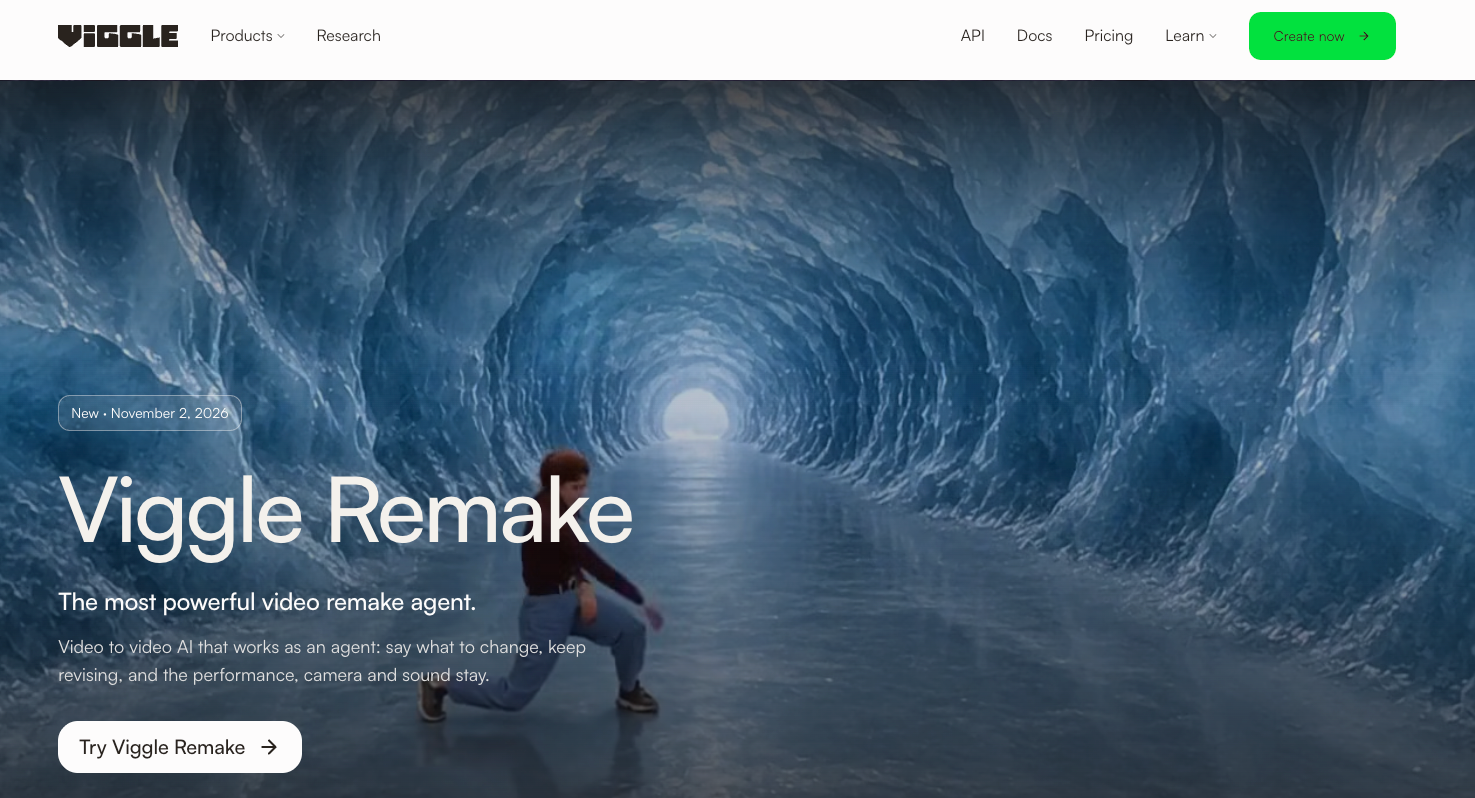
It starts with an uploaded video and a description of the requested change. The Viggle Remake workflow includes a plan before rendering, conversational revisions and retained versions.
For Elvo, the request could be:
Replace only the shelving behind the presenter with a plain warm-gray wall. Keep the crate, hands, folding action and camera movement as filmed. Return the revised clip for comparison with the source.
Treat those preservation instructions as acceptance criteria. Review the result before declaring them satisfied.
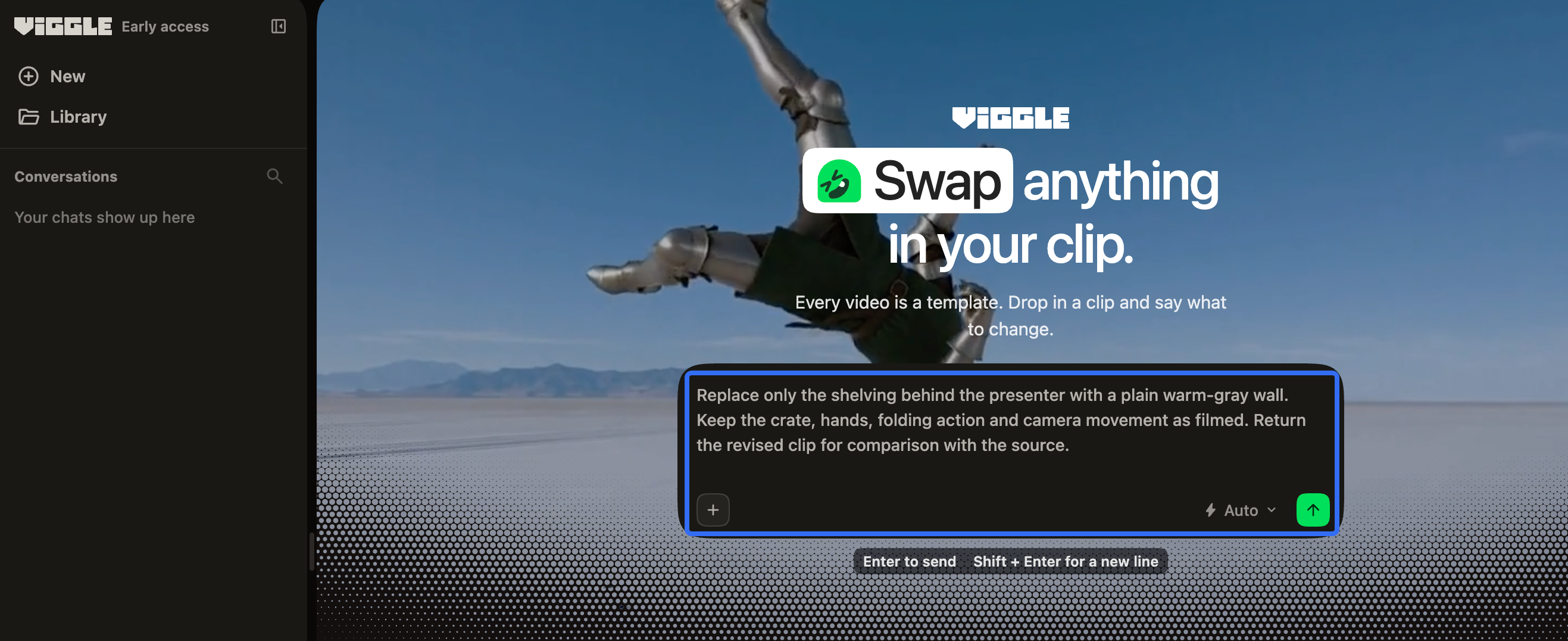
As checked on November 9, 2026, Viggle lists 5–60-second inputs, 720p output at 24 fps, and 16:9 or 9:16. It also demonstrates remaking sequences with multiple shots.
If Elvo already had a complete explainer, a remake could address changes across that existing sequence. In this brief, the demonstration still needs surrounding explanation.
How Does Pexo Build an Explainer from a Brief?
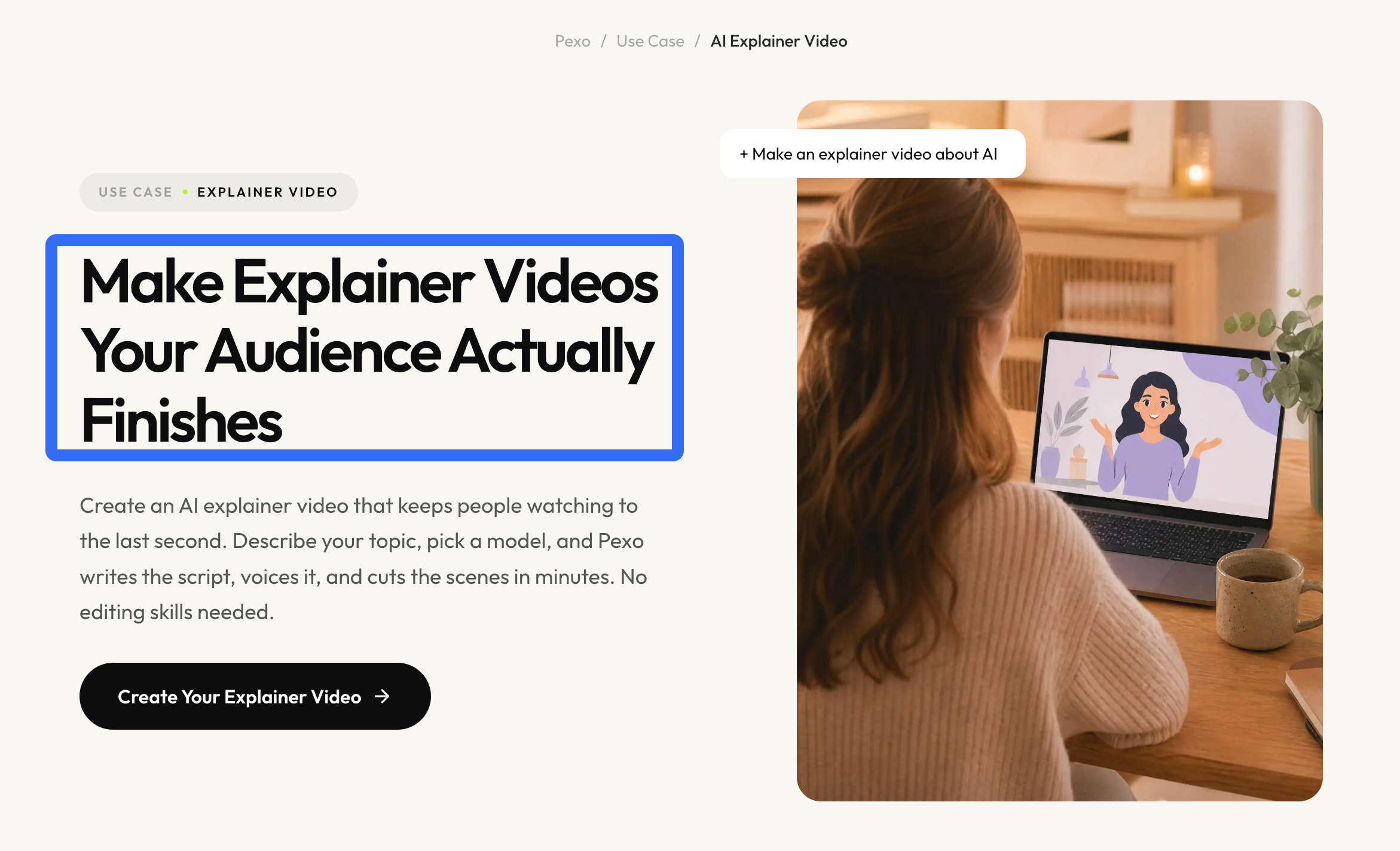
Pexo accepts natural-language direction and source assets, then develops the script, scenes and finished video. Its documented revision path includes broader story changes and feedback on specific areas.
For the same Elvo material, give this direction:
Explain how Elvo S1 folds flat for storage. Use the recorded demonstration as the factual reference for the sequence. Show opening, securing the corners and folding in a clear order. Add concise narration and a product-page ending. Flag any missing view for review.
In the product explainer workflow, review how the footage and supporting visuals carry that message. Ask to move a spoken instruction earlier or leave more viewing time for a corner latch.
Review the next cut against the approved demonstration, including every step you asked to preserve.
Compare Two Decisions That Affect Approval
Changing a Shot Versus Building a Story
For a remake, approve the requested visual change against the source. For the complete explainer, also approve what the viewer learns across the sequence.
| Elvo review question | What an acceptable result shows |
|---|---|
| Did the background change correctly? | The replacement wall remains behind the presenter without obscuring the crate or hands |
| Can the viewer follow the folding? | Each required action is visible when the narration refers to it |
| Does the ending follow the demonstration? | The invitation concerns the same crate and approved storage benefit |
A clean background can pass while the explanation still needs work. Conversely, a coherent story can contain an unacceptable product frame. Keep those findings separate in the revision note.
Checking Product Claims and Visual Details
Approve the depicted product against photographs, the fact sheet and the original footage. Generated changes should not become evidence for a feature the source never demonstrated.
Check hinge positions, corner locks, proportions and any visible logo through the action. Viggle specifically warns that small text on new objects can be unreliable. In either workflow, an altered latch or unreadable label requires correction or replacement before approval.
“The crate now looks better” is insufficient feedback. “The left corner lock changes shape while the hand passes over it” identifies a reviewable problem.
Which Route Fits the Source Material?
Choose Remake when the existing explanation works and the requested change concerns people, objects or surroundings within that footage. Consider Pexo when the approved assets still need to become a complete product story.
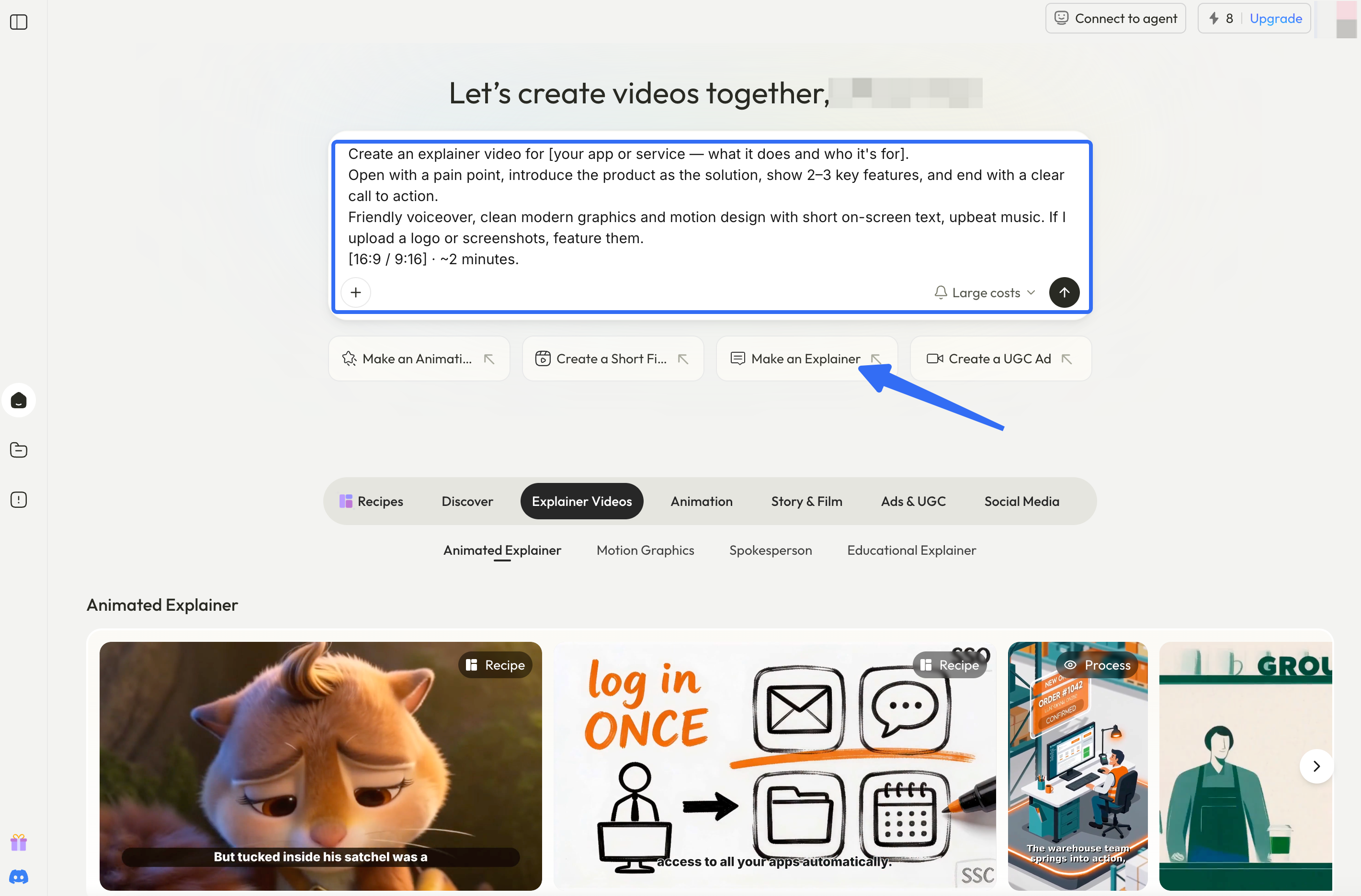
Elvo could commission the background revision first, then supply the approved export in a broader production brief. Pexo lists 5–120-second outputs and vertical delivery. Check the export's file type and codec against the receiving workflow before committing to that handoff.
For either route, confirm account access, the actual job charge and required delivery settings. The reviewed public information did not establish comparable per-brief costs.
Before uploading, check Viggle's content and permission terms and Pexo's upload and campaign-use terms. Verify source ownership, the filmed person's consent to the proposed alteration and advertising use, audio permissions, and the output's commercial-use conditions.
For TikTok, check whether the final ad contains AI-generated or significantly modified material and apply the required disclosure. Recheck the destination's current rules before release. This article does not provide legal advice.