 ChatGPT
 Perplexity
 Claude
 Gemini
 Grok




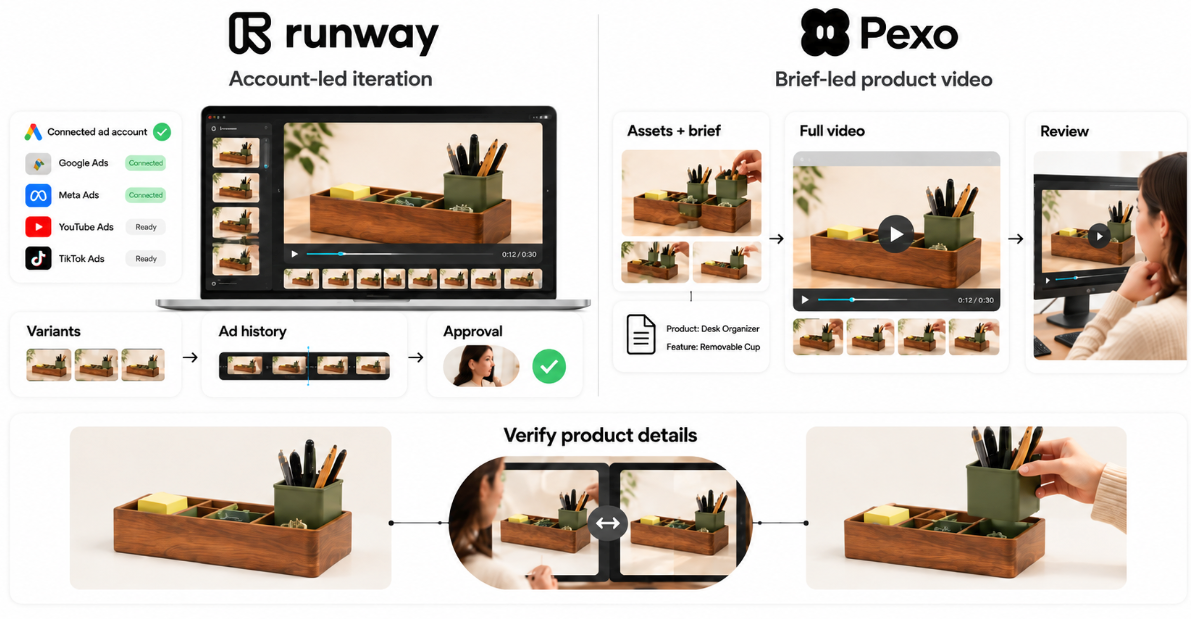
Runway Ads fits teams that want creative iteration connected to ad accounts and publishing approvals. Pexo fits teams that want to direct a product video through a brief and conversational revisions. Both can start from approved product assets.
Pexo publishes this Runway Ads vs Pexo comparison. It follows one illustrative brief using the companies' current public workflows.
Which Workflow Fits the Same Product Ad Brief?
Either is a candidate for the creative task. The useful distinction is whether your team also needs ad-account context and a publishing approval workflow around it.
Use Senn, a fictional desk organizer with a removable pen cup, for the shared brief. Verify that feature on your actual product before production.
| Brief field | Shared requirement |
|---|---|
| Audience | Shoppers checking how the organizer works on a desk |
| Source material | Approved product photos, genuine cup-removal footage, logo, and copy |
| Requested delivery | One 20-second vertical ad showing the cup lifting out |
| Claim and ending | “Removable pen cup”; “View dimensions” |
Offer both routes the same pack, then confirm which assets the chosen entry point accepts and actually uses.
Runway's October 27 launch announcement includes both existing-ad variants and creation from scratch. It lists access on paid plans. Confirm availability in your region and workspace before committing.
How Does Each Team Start the Creative Work?
Both teams can begin with the shared assets and direction. Connected performance history gives Runway an additional starting point.
Shared Product Assets and Brief
Runway Ads can start from a prompt, template, or uploaded image. Its brand-kit setup uses a website or supplied guidelines for review.
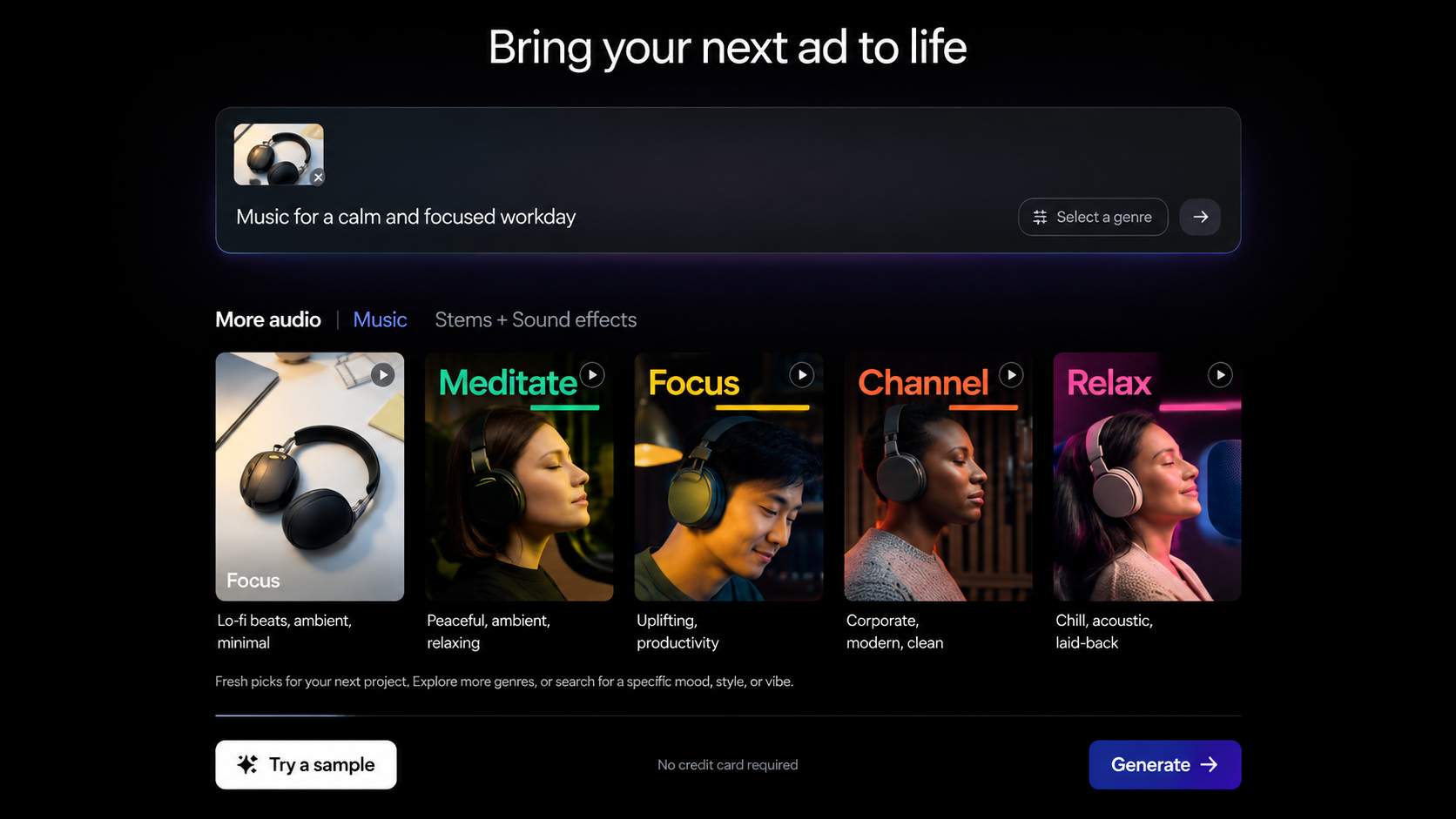
In Pexo, provide the approved photos, demonstration clip, and brief, then develop the script and scenes through conversation. Its product-video workflow is a relevant starting point for this task. Review the proposed sequence before requesting production.
Optional Ad History and Performance Data
Runway connects Meta, Google, and TikTok accounts, allowing existing ads and their results to inform variants. For Senn, that might help the team choose which opening to revisit.
Account connection is optional for making creative. Keep the common brief separate from this extra context when assessing the two routes. An ad's prior results also reflect its audience, offer, and delivery conditions; they cannot establish how a new cut will perform.
How Are Revisions and Approvals Handled?
Runway Ads combines variant creation with approval before connected publishing. Pexo's documented path uses preview feedback and conversational revision; arrange the team's final sign-off and campaign handoff explicitly.
Choosing One Variable to Change
Request one opening change: show the cup lifting out instead of the stationary organizer. Keep the body, claim, voiceover, and ending consistent.
Runway describes isolating a variable when making variants. In Pexo, give the same change request and identify the approved material to retain. Review the returned versions for unintended changes to the cup, logo, captions, and remaining scenes. Use the accepted version as the comparison copy.
Reviewing Product Truth and the Final Cut
Check that the cup detaches as shown, the organizer matches the supplied product, and the caption states only the verified feature. Watch the transition into the unchanged body: does the new opening still make sense?
Then separate product approval from permission to publish. Runway's publishing gate does not establish that a product claim is correct.
Check footage, music, likeness, and advertising permissions for the actual use. For Pexo, it includes upload, processing, and any promotional-use consent required by its current terms. Availability inside a tool does not establish commercial clearance. This article does not provide legal advice.
Which Workflow Should Your Team Choose?
Choose around the context and review work your team needs for this ad. Either route still requires someone who can recognize an incorrect product detail.
When an Ad Account Led Iteration Fits
Shortlist Runway Ads when your team wants connected ad history, variants, and publishing approval in the same workspace. Identify the authorized approver before production. This route is less useful if nobody will maintain the account connection or review what gets published.
When a Brief Led Product Video Fits
Shortlist Pexo when the task centers on developing a complete product video from supplied assets and specific feedback. For Senn, the team should be comfortable directing the cup-removal scene and reviewing the whole cut. Pexo's product-video page advertises sending finished videos straight to an ad account. Confirm the supported account connection and publishing controls before production.
Conclusion
Bring the same Senn assets and opening-change request to the route you're considering. Check what informed the draft, what changed, and who accepts the final cut. Choose the workflow your team can review consistently, with the verified cup-removal shot beside the preview.