ChatGPT
 Perplexity
 Claude
 Gemini
 Grok



Budget the lesson in every language your team needs to deliver. Four English explainers and their translated versions create different usage from four English explainers alone, even when they share the same script.
For Synthesia pricing, connect the production schedule to included video time, shared credits and the people who will build or review each cut. Keep the introductory payment separate from the recurring cost.
What Do Current Synthesia Plans Include?
Basic offers evaluation and shared playback; Starter adds downloads and other production features. Pro adds capacity and further features, while Enterprise requires a tailored agreement for broader team needs.
The current Synthesia plan cards, checked on November 11, 2026, showed these USD figures:
| Plan | Monthly offer and subsequent rate | Annual comparison price | Editor and guest allocation |
|---|---|---|---|
| Basic | $0 | — | 1 editor; no guests |
| Starter | $9 first month, then $19/month | $168/year; $14/month equivalent | 1 editor; 3 guests |
| Pro, base credit tier | $49 first month, then $89/month | $708/year; $59/month equivalent | 1 editor; 5 guests |
| Enterprise | Custom | Custom | Contracted editor and guest access |
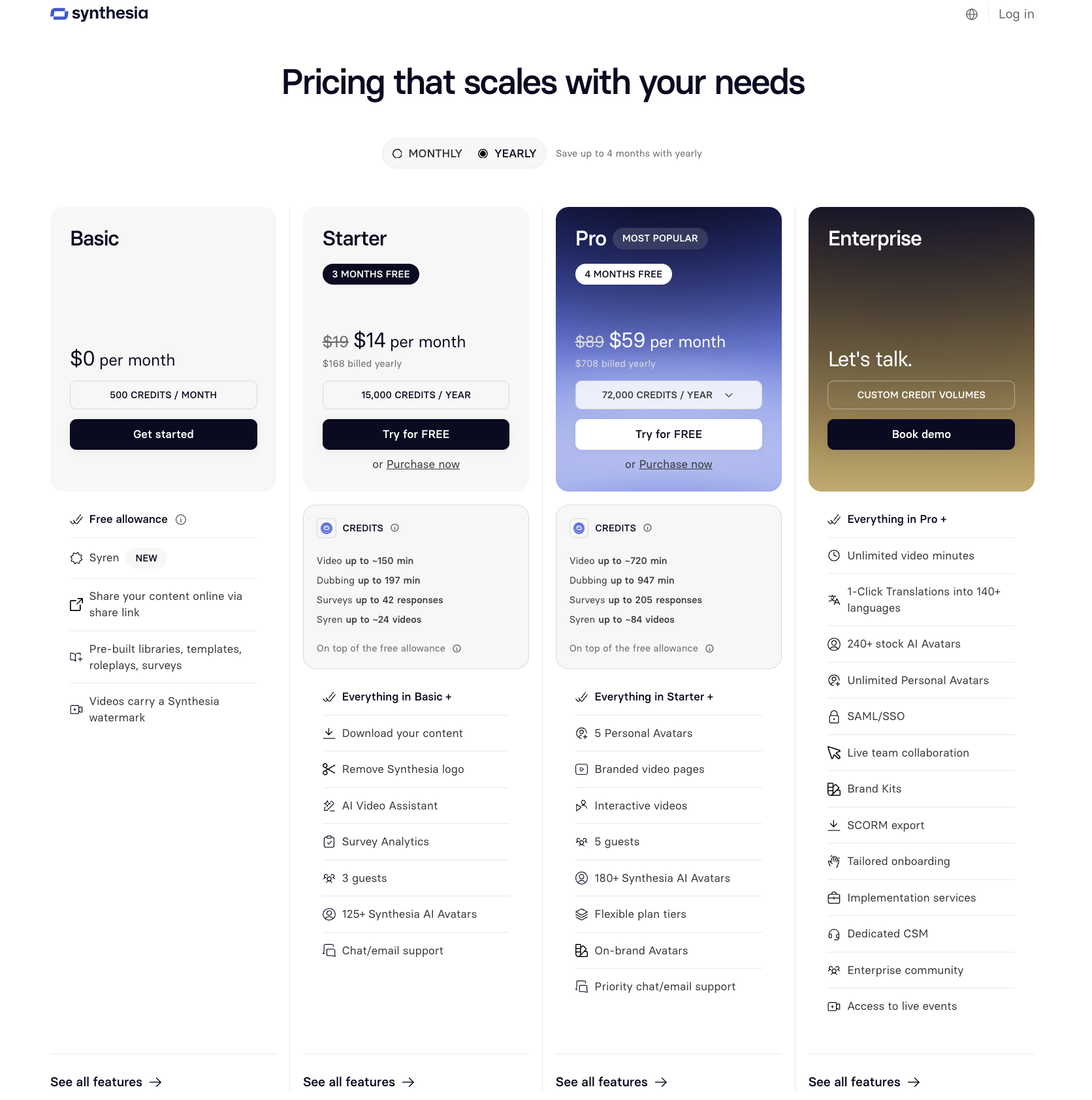
Confirm eligibility, currency, tax and the selected billing term at checkout. Annual equivalents describe an upfront commitment, not a monthly cancellation option.
The October 1 update renamed Creator to Pro. Every self-serve plan now includes ten monthly minutes for Studio video creation or dubbing, three survey responses and 500 credits. Starter adds 1,250 credits; base Pro adds 6,000. That makes their total monthly balances 1,750 and 6,500 credits, respectively.
Higher Pro credit tiers exist. Choose them against actual consumption rather than carrying an old Creator allowance into the budget.
How Do Video and Dubbing Use the Credit Pool?
The included ten minutes cover video creation or dubbing; they are not ten minutes of each. After the relevant included allowance is used, credit-consuming features draw from a shared balance.
Synthesia's self-serve credit guide explains that video consumption depends on generated avatar footage. About 100 credits per finished minute is a planning estimate; more presenter time can change the result.
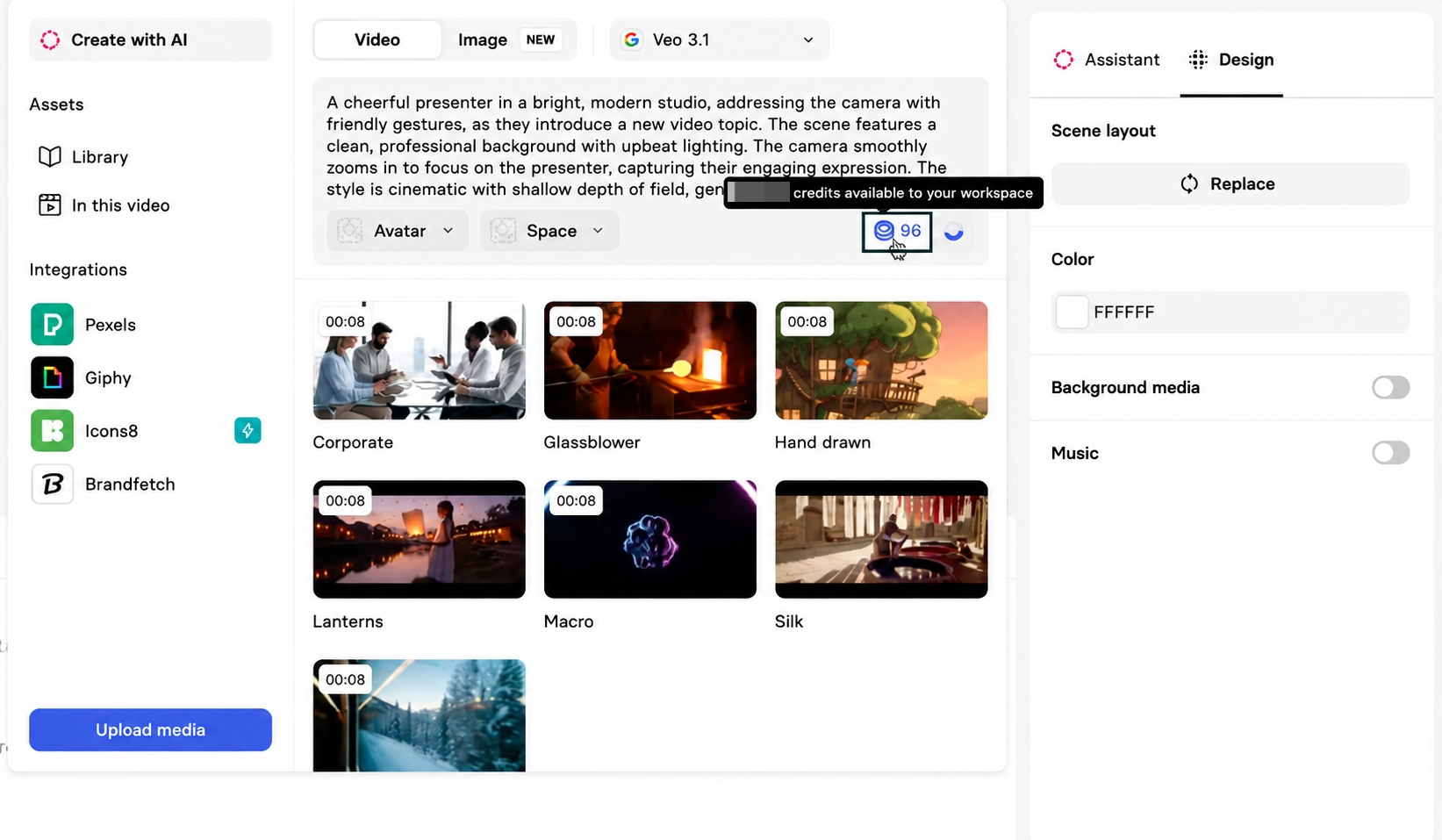
Current October guidance lists dubbing at 40 credits per minute without lip-sync and 80 with it. Count each target-language output. Do not add a separate “80-credit lip-sync fee” on top of the 40-credit base: 80 is the stated total.
Monthly balances reset without rollover. Annual plans receive the year's credits upfront. Keep that timing distinct from the monthly ten-minute allowance when planning a large launch batch.
B-roll, surveys, API work and other metered features can use the same pool. A plan's “up to” video and dubbing figures describe alternative uses of credits, not simultaneous entitlements.
A Presenter Video Budget Worksheet
Use Rova Desk, a fictional SaaS product, for this hypothetical month. One producer makes four three-minute lessons, then dubs each into two languages. Two product specialists review the results.
Every workload and reserve below is an assumption, not measured generation consumption. Allocate the included ten minutes to the original Studio lessons for this example.
| Budget field | Hypothetical calculation | Your schedule |
|---|---|---|
| Original lessons | 4 × 3 minutes = 12 minutes | ___ |
| Included time assigned | 10 minutes to originals; none left for dubbing | ___ |
| Remaining original-video estimate | 2 × 100 = 200 credits | ___ |
| Dubbed output | 12 source minutes × 2 languages = 24 minutes | ___ |
| Dubbing without lip-sync | 24 × 40 = 960 credits | ___ |
| Revision reserve | Assumed 2 minutes × 100 = 200 credits | ___ |
| Estimated shared-credit demand | 200 + 960 + 200 = 1,360 | ___ |
| Optional assets or other tools | Add their displayed charges | ___ |
| People | 1 editor and 2 commenting guests | ___ |
| Cash | Subscription + quoted top-ups/add-ons + tax | ___ |
This workload fits Starter's published credit and guest quantities on paper, with 390 credits remaining before optional usage. It still needs a check against actual avatar footage and generation estimates.
With lip-sync, the dubbing estimate becomes 1,920 credits. Total planned demand becomes 2,320, exceeding Starter's 1,750 by 570. Compare a quoted top-up with the required plan features before choosing a higher tier.
For an eligible monthly Starter purchase, three months would be $9 + $19 + $19 = $47 before tax and extras. Do not describe that as three months at $9. The annual payment requires a separate commitment decision.
How Do Editors, Guests, and Add-Ons Change Cost?
People who build videos need different access from people who comment. Starter and Pro each include one editor; extra credits do not turn a guest into a second producer.
If Rova needs two people editing, discuss the appropriate licensing arrangement rather than sharing the owner's login. Enterprise separates workspace roles from license types, and some member actions can change license status. Confirm that configuration with the account owner.
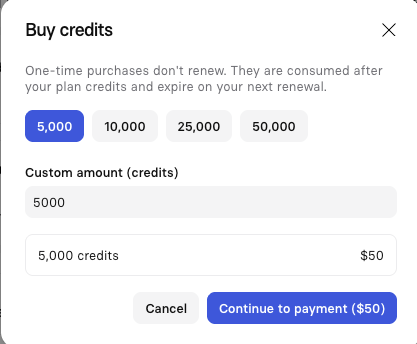
Price optional avatars, extra credits, generated assets and other purchases separately. Synthesia documents automated top-ups: check whether they are enabled and which purchase they trigger. Do not assume the advertised subscription is the final spending ceiling.
Dubbing also leaves original on-screen text untranslated. Budget review and replacement of interface labels, titles or graphics when the localized lesson needs them changed.
When Does a Presenter-Led Explainer Fit?
It fits when a consistent speaker helps explain a procedure or product idea and the team can maintain the script and supporting visuals. Approve product wording before generating repeated language versions.
If the assignment instead calls for a story built around several product scenes, Pexo offers an optional AI video agent workflow. Bring the approved facts and assets, describe the visual explanation, then review the direction and request specific revisions. Budget that production separately from a presenter subscription.

Before uploading to Pexo, check its processing and campaign-use terms, including any required permissions or written consent. For either service, verify presenter, voice and source-asset rights for the intended distribution. This article does not provide legal advice.
Conclusion
Choose the plan around the original lessons, target languages and editing roles your team actually needs. In the Rova example, lip-sync changes the credit requirement while a second producer changes the access requirement. Keep both decisions visible before accepting a subscription commitment.