ChatGPT
 Perplexity
 Claude
 Gemini
 Grok


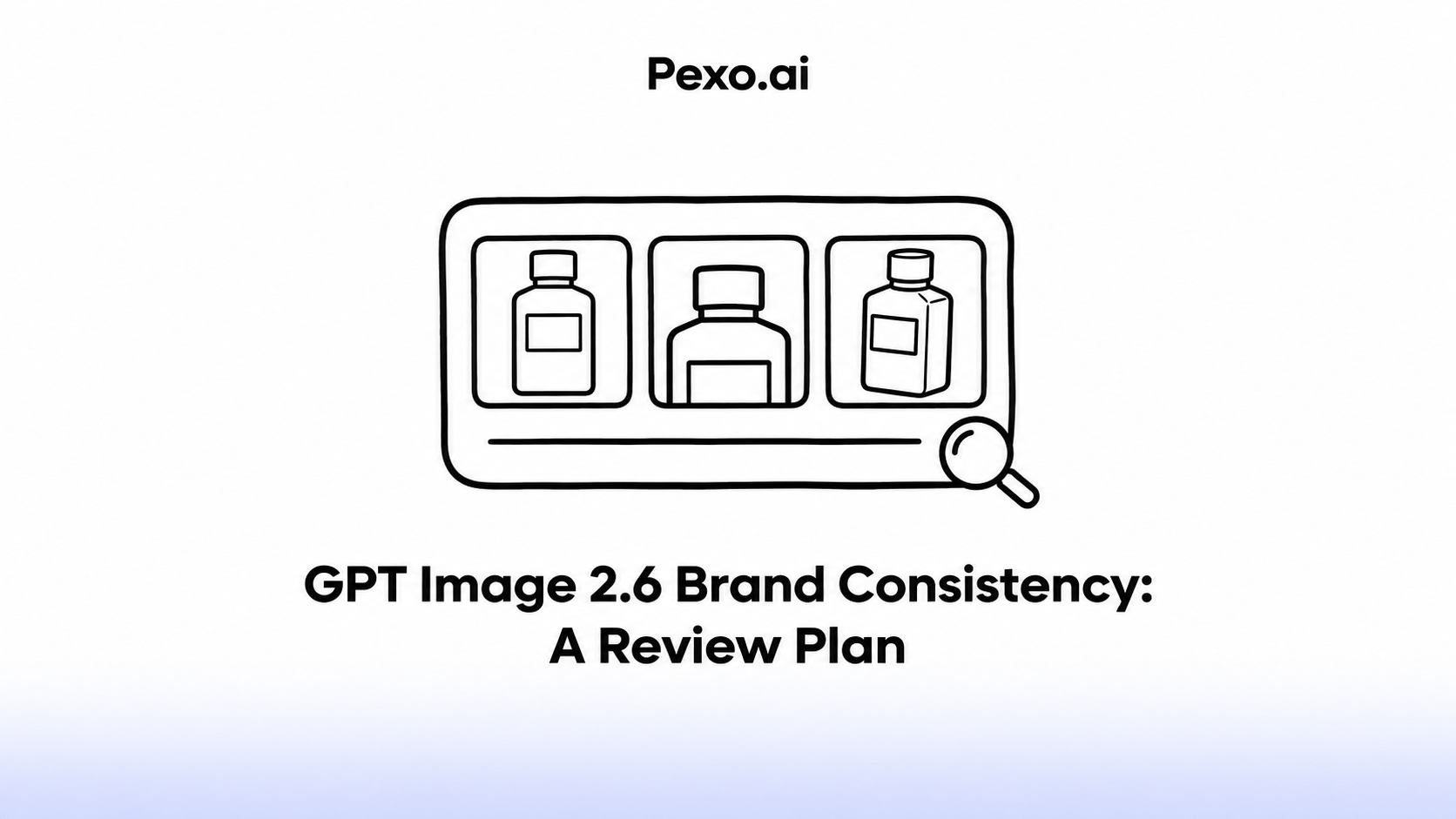

A campaign can change the room, lighting and headline while showing the same recognizable product. Decide which details define that product before reviewing the images together. Otherwise, an appealing variation can quietly become a different SKU.
GPT Image 2.6 is already released. OpenAI's API changelog records Sunburst and Flare on November 4, 2026. The review plan below sets criteria for your team's evaluation; it does not report measured brand-preservation performance.
What Must Stay Consistent Across Product Ad Images?
Keep the product's identity, approved brand marks and factual wording consistent. Let the campaign brief define where backgrounds, composition and styling may vary.
For GPT Image 2.6 brand consistency, distinguish a permitted creative change from an accidental product change.
Consider Rovo C1, a fictional countertop canister. Its illustrative reference pack specifies a matte charcoal body, copper band, charcoal lid and white Rovo wordmark. A bright kitchen and a darker countertop can both suit the campaign. A copper lid would depict a different product from the one defined here.
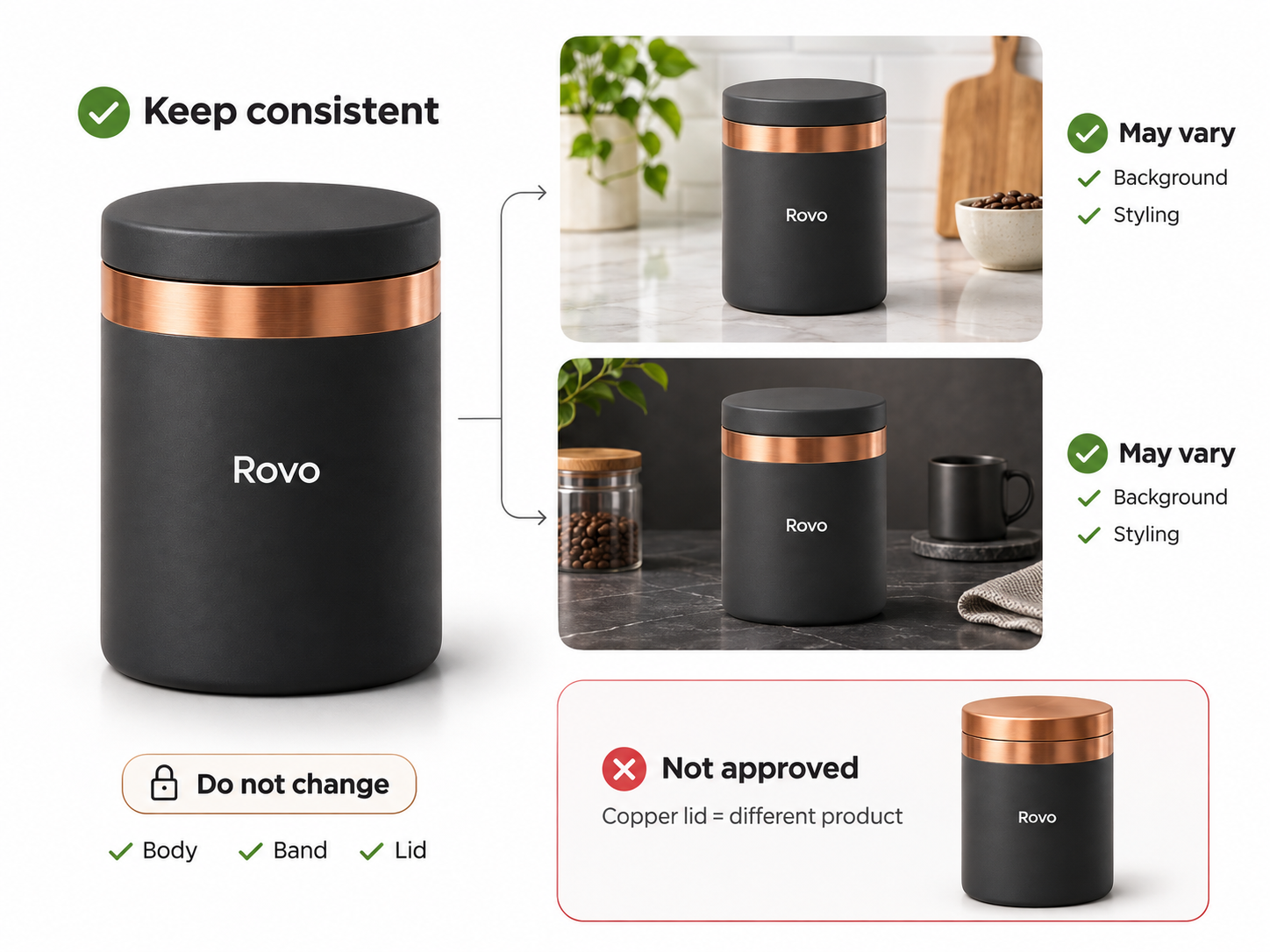
Use the same product reference for every variant. Do not let each generated result become the authority for the next one.
Build a Brand Reference Pack
Build the pack around current product photographs and approved brand files. Include the front, relevant side views and close-ups of details reviewers must recognize.
Separate references by purpose:
-
Product identity: SKU, packaging version, shape, parts, finish and approved photographs.
-
Brand system: Original logo files, palette, typography rules and required spacing.
-
Copy: Exact product name, approved headline, offer and any necessary qualifications.
-
Creative direction: Settings, lighting and layout changes allowed for this campaign.
Name an owner and version for the pack. A mood image can guide atmosphere without becoming evidence of the canister's color or construction.
Keep source permissions with the files. Confirm that photographs, trademarks and depicted people can be used for the intended processing and promotion. A prior campaign approval does not settle every new upload or use.
Define a Review Sheet for Image Variants
Use the same criteria for each image, then compare the accepted set together. Record the asset ID, reference-pack version, model/settings, requested change, reviewer, decision and reason.
Mark each check pass, revise or blocked. Keep identity and claim errors separate from preferences about styling.
| Check | Compare against | Acceptance condition | Reason to return it |
|---|---|---|---|
| Product shape and parts | Current SKU photographs | Lid, band and proportions match | Added handle, altered lid or missing part |
| Color and finish | Approved product views | Charcoal body and specified finish remain recognizable | Different product color or invented reflective finish |
| Logo | Original approved artwork | Correct mark, letters, proportions and spacing | Distorted wordmark or substituted symbol |
| Product text and claims | Approved copy and evidence | Name, model and qualifications are accurate | C1 becomes C7; unsupported claim appears |
| Layout | Intended placement brief | Product and required wording survive the crop | Cropped label or unreadable qualification |
Lighting can change highlights without changing the SKU. Ask the brand owner to distinguish that effect from an actual finish change; an exact background color match alone cannot decide it.
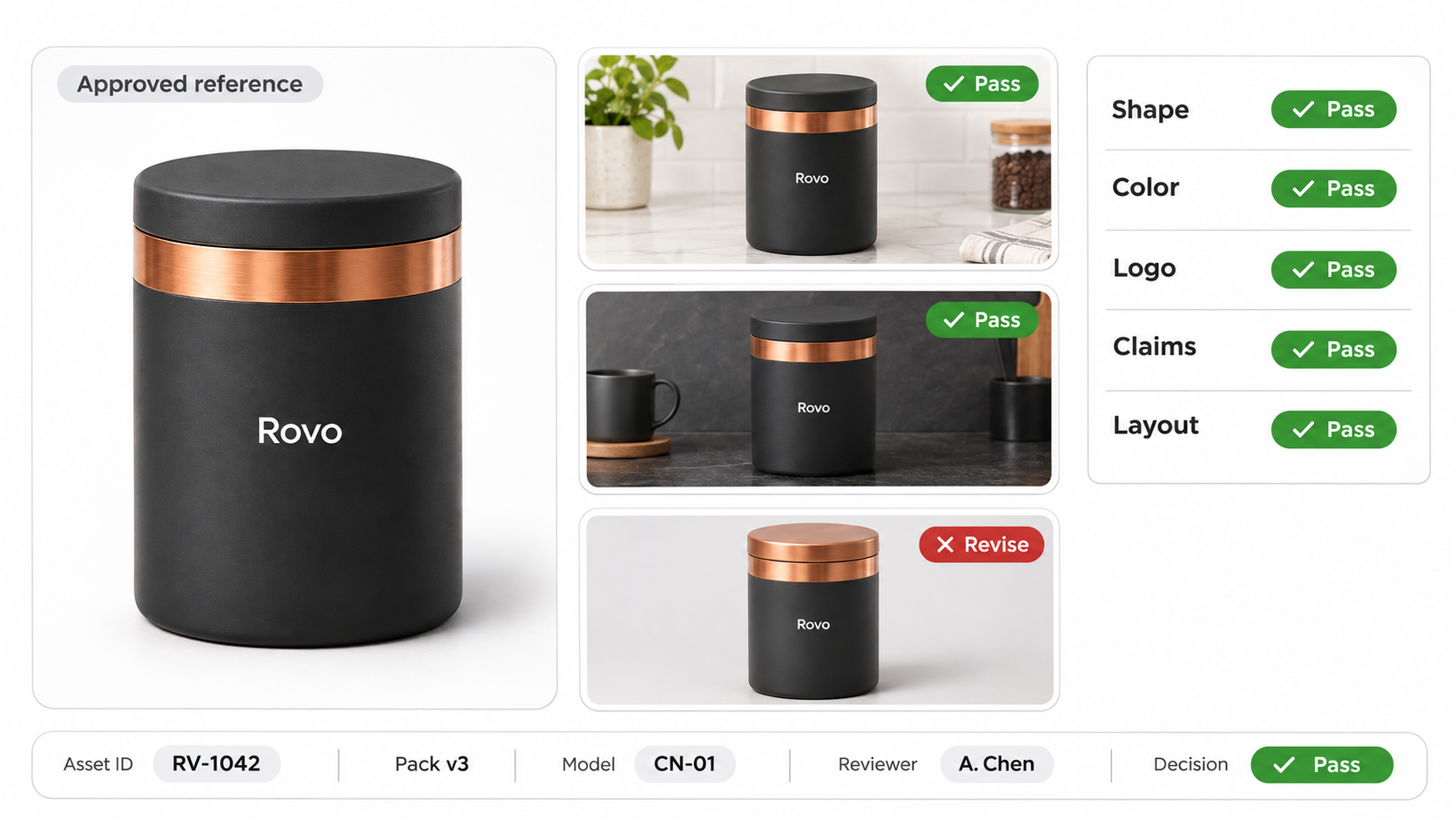
For an illustrative Rovo variant, a new countertop may be acceptable if the product still matches its references. A variant with an invented copper lid must return for correction. A strong composition cannot offset that identity error.
How to Test Brand Consistency With GPT Image 2.6
Actual behavior must be verified in the chosen workflow with your own assets. The API release has occurred, so teams with access can now make that assessment.
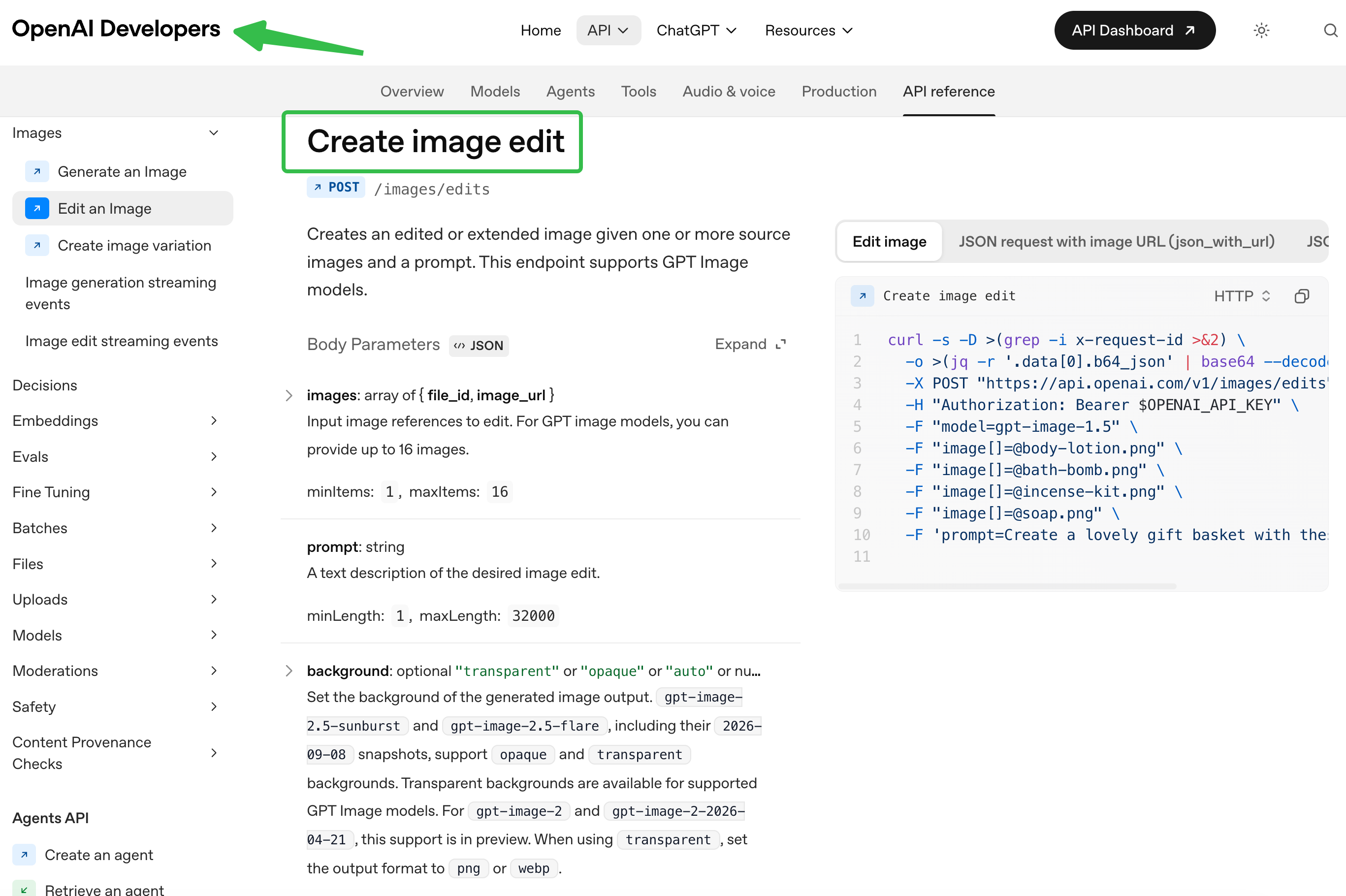
Check the exact model and interface first. OpenAI's image-edit API schema specifies request constraints; an application's controls may expose a different subset.
Keep the reference pack fixed while evaluating one requested change, such as replacing the background. Compare every candidate with the approved source and inspect the complete set for drift. Record rejected candidates too, so the review does not describe only successful selections.
A preservation instruction expresses the desired result. It does not approve the returned logo, label or product. Avoid model-specific reliability claims until your documented evaluation supports them.
Which Images Are Ready for a Video Ad Brief?
Images are ready when product and copy checks pass, permissions cover the proposed use, and the files suit their intended placements. Unresolved identity errors or rights questions should hold the affected image back.
Hand over the accepted versions with the reference pack and change restrictions. Specify which words must remain exact and which framing can move. Recheck the product after animation or reframing; an approved still does not approve the finished video.
You can bring those visuals and directions to Pexo, an AI video agent, through its video production workflow. Review the preview and request specific revisions through conversation. This is a downstream production path, not evidence that Pexo includes GPT Image 2.6.
Confirm compatible inputs and processing and promotional-use terms, including applicable written-consent requirements. Separately check source-image, trademark, person and output permissions for every intended advertising channel and its current policies. This article does not provide legal advice.
Update note — November 6, 2026: GPT Image 2.6's API release is documented. Information about unreleased features remains provisional and may change. Recheck current capabilities, access, input limits and terms before production.