ChatGPT
 Perplexity
 Claude
 Gemini
 Grok


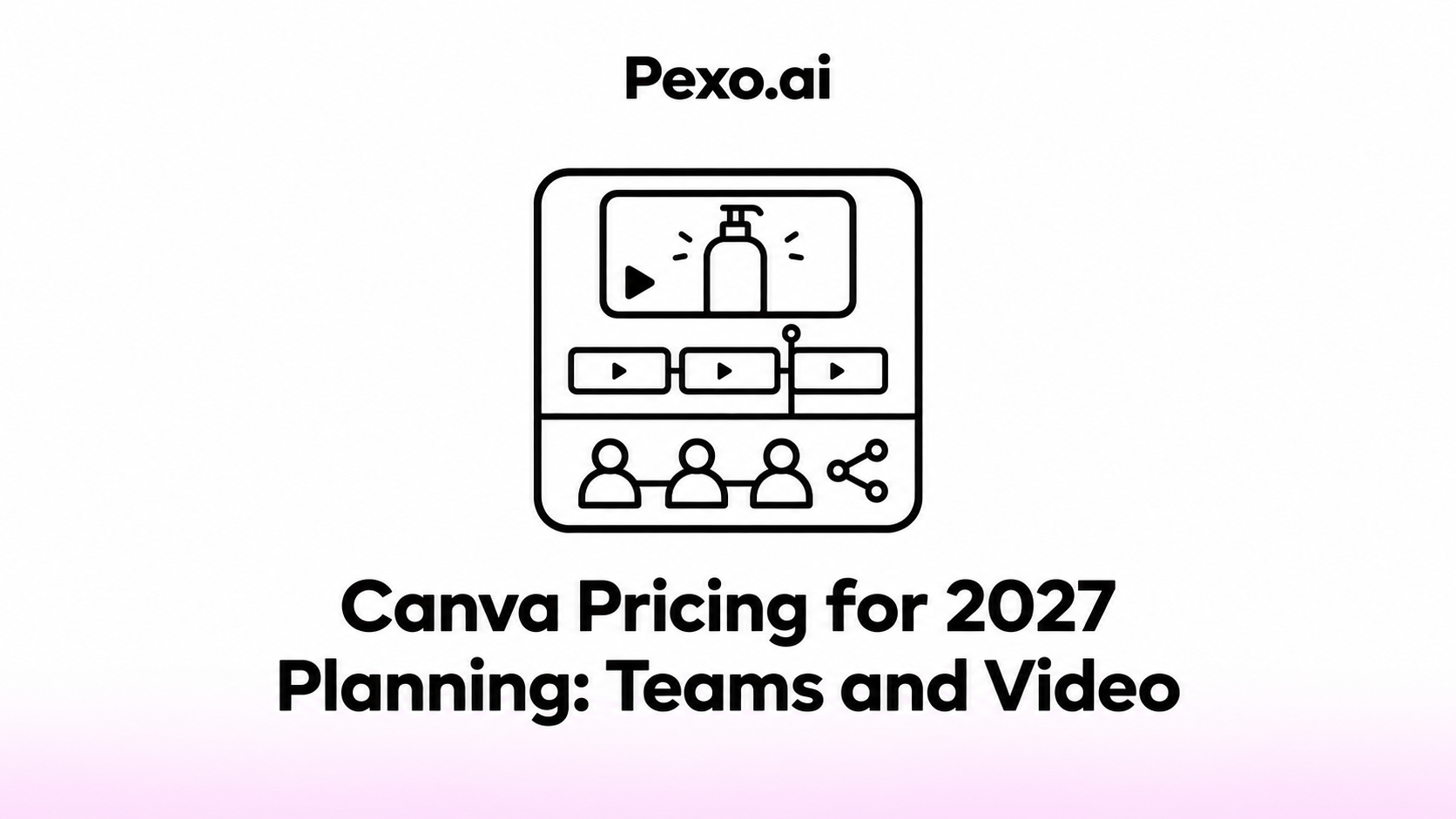

A Canva budget starts with who makes the videos and who only needs to review them. Those people can work on the same campaign without necessarily needing the same paid access.
Use this Canva pricing worksheet to connect seats, premium assets and AI purchases to the work your team will finish. The rates below describe current US plans. 2027 is the planning period, not a promise that today's prices will continue.
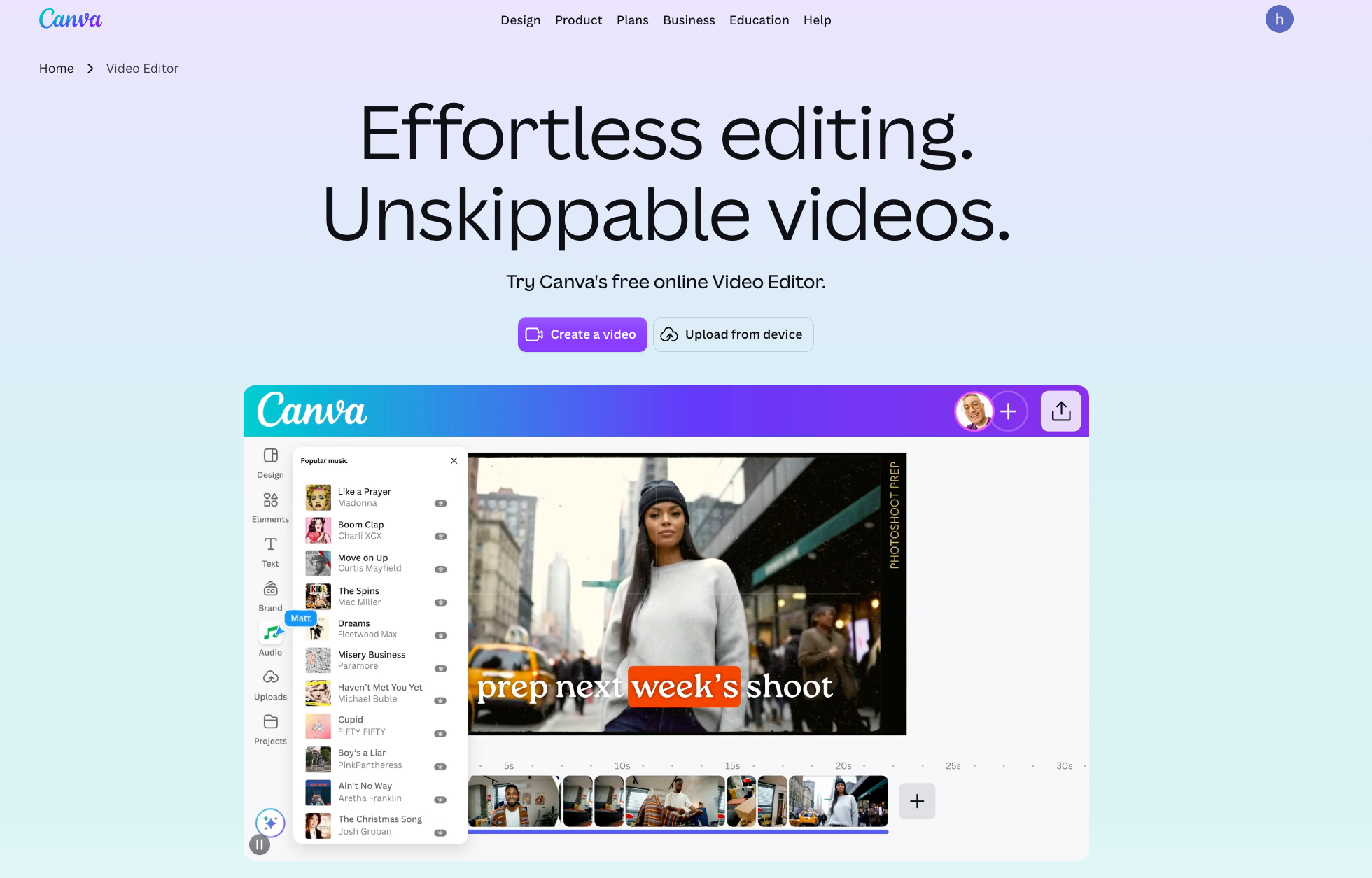
Which Canva Plan Fits a Solo Creator or Team?
Free can suit straightforward work with your own footage and free elements. Pro suits one creator who needs premium tools and content. Business adds shared brand management and team administration; Enterprise is for larger organizational requirements.
Canva's current plan comparison and official plan guide showed these US rates on November 5, 2026. Prices exclude applicable tax.
| Plan | Monthly billing | Annual billing | Useful starting point |
|---|---|---|---|
| Free | $0 | $0 | Basic design and video work |
| Pro | $18 for one person | $144 for one person | Solo production with premium content |
| Business | $25 per person | $250 per person | Shared brand work and team controls |
| Enterprise | Custom quote | Custom quote | Organization-wide requirements |
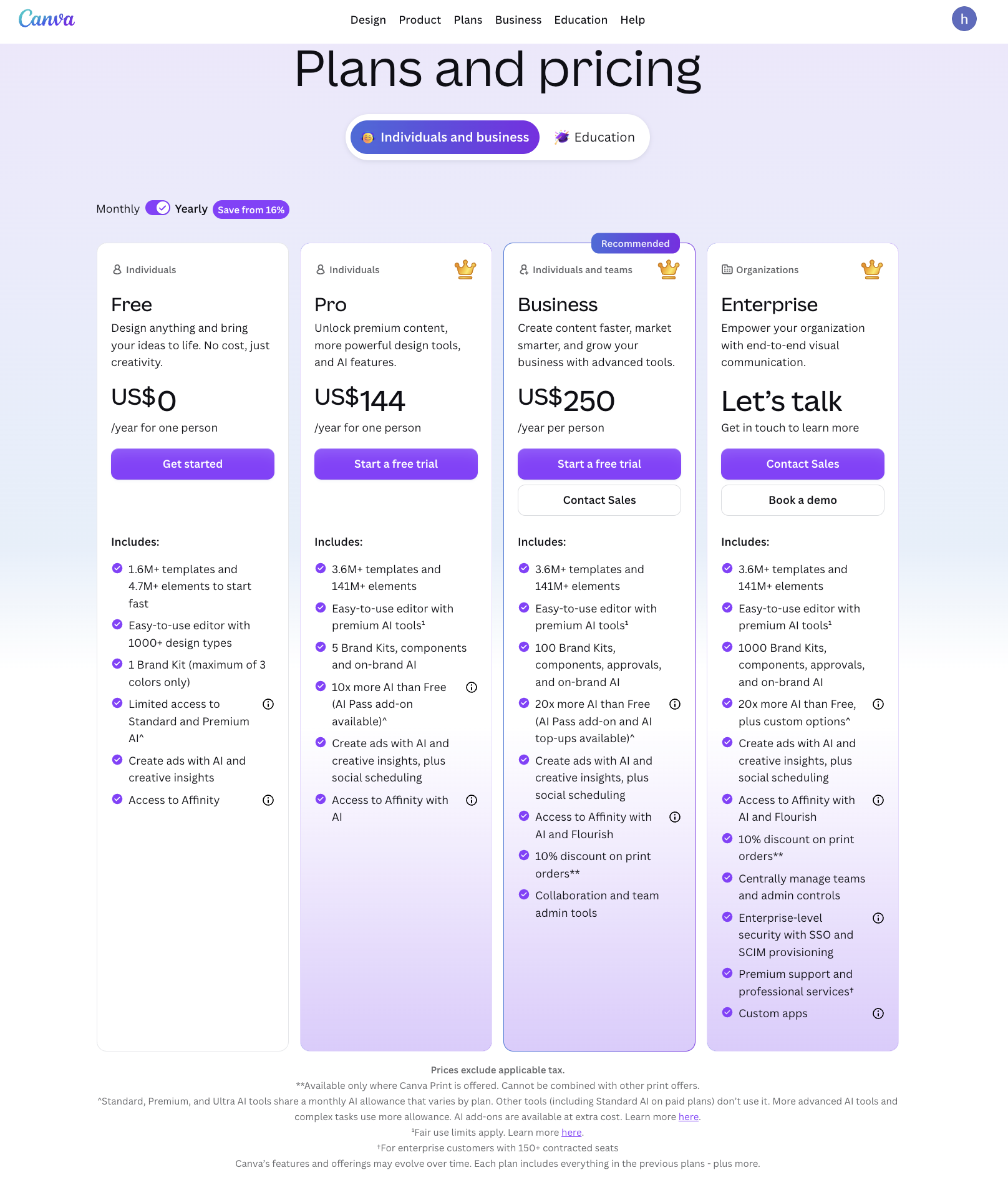
The annual prices are yearly charges. Pro works out to $12 a month; Business is approximately $20.83 per person a month when paid annually.
Pro is a single-person subscription, although its holder can collaborate on shared designs. Existing Canva Teams subscribers may retain their current plan and pricing; Teams is unavailable for new sign-ups or upgrades. Check an existing workspace's Billing page before replacing its renewal figure with a new Business rate.
Which Video and Brand Tasks Need Paid Features?
Basic editing alone does not require a paid plan. The purchase becomes relevant when the actual cut needs premium content, paid production shortcuts or stronger brand controls.
Canva's video editor supports trimming, layering and captions. It also documents watermark-free exports on Free when the video uses free content. Magic Resize is a Pro feature for adapting the composition to other aspect ratios.
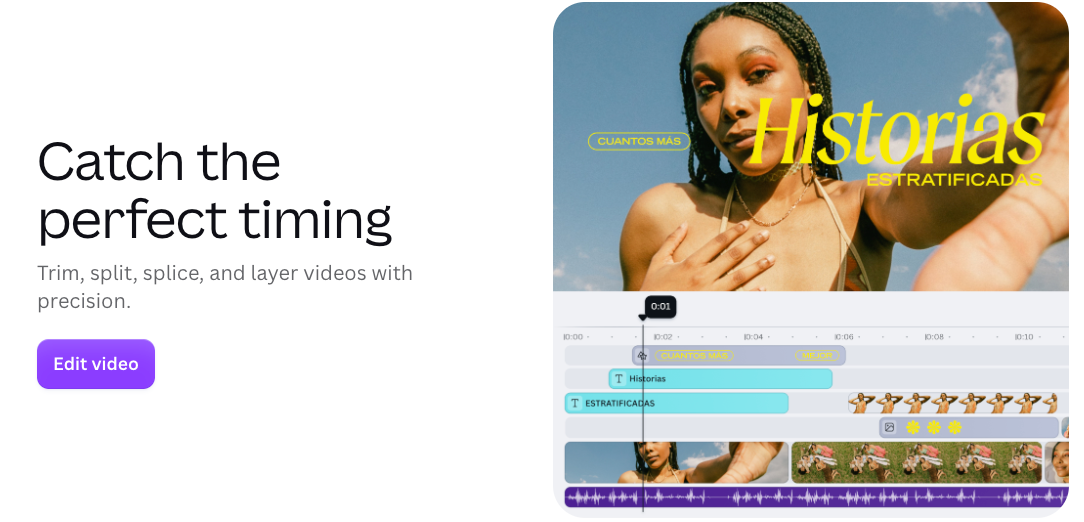
For a monthly product campaign, identify what each paid feature would do:
-
Premium footage or graphics: name the items the approved cut needs before treating library access as essential.
-
Multiple formats: compare manually adjusting each layout with using Magic Resize. Every version still needs a framing and text check.
-
Brand management: Pro currently includes five Brand Kits; Business includes 100, plus approvals and brand controls. Choose around the brands and collaborators involved.
-
Generated scenes: confirm the relevant AI allowance. A paid subscription does not mean unlimited video generation.
Some AI design tools are included without consuming the monthly AI allowance on paid plans. Premium and Ultra tools can draw on that allowance, with usage depending on the task. Do not translate a plan's AI multiplier into a guaranteed number of finished ads.
A Team Seat Budget Worksheet
Consider Neri, a fictional travel-organizer brand, making product videos and still ads each month. Four people create the work. Two external reviewers only comment on shared designs and remain outside the paid team.
These are hypothetical staffing and asset requirements. The worksheet assumes four billable Business seats throughout the period, with no extra reserved seats or existing discounts.
| Budget item | Example assumption | Current-rate calculation | Your estimate |
|---|---|---|---|
| Business, monthly | Four paid creators | 4 × $25 = $100/month | ___ |
| Business, annual alternative | Same four creators | 4 × $250 = $1,000/year | ___ |
| External review | Two reviewers, no paid team membership | No additional team seats assumed | ___ |
| Included premium content | Two stock clips and one graphic | No separate charge for qualifying included content | ___ |
| Extra AI access | Only if the assigned creator needs it | Add the selected purchase separately | ___ |
| Other media and apps | Music or third-party tools outside included rights/access | Actual quotes: ___ | ___ |
| Tax | Based on billing location | Checkout amount: ___ | ___ |
Twelve monthly payments would total $1,200 for those four creators, versus $1,000 billed annually, before extras and tax. Use the annual figure only if the work and staffing justify that commitment.
Keep the review arrangement explicit. If either reviewer joins the paid team or needs broader workspace access, revisit the seat calculation. A comment link and a paid team invitation serve different purposes.
What Costs Change With Billing and Premium Assets?
The total can change through additional seats, AI purchases, separately priced services and tax. The people visible in the workspace may not tell you the whole seat cost.
Canva's Business billing guidance describes two models: billing by members and billing by seats. If Settings → People shows Manage seats, empty seats can remain billable. An invitation may add a paid seat before acceptance; removing the person does not automatically remove that seat.
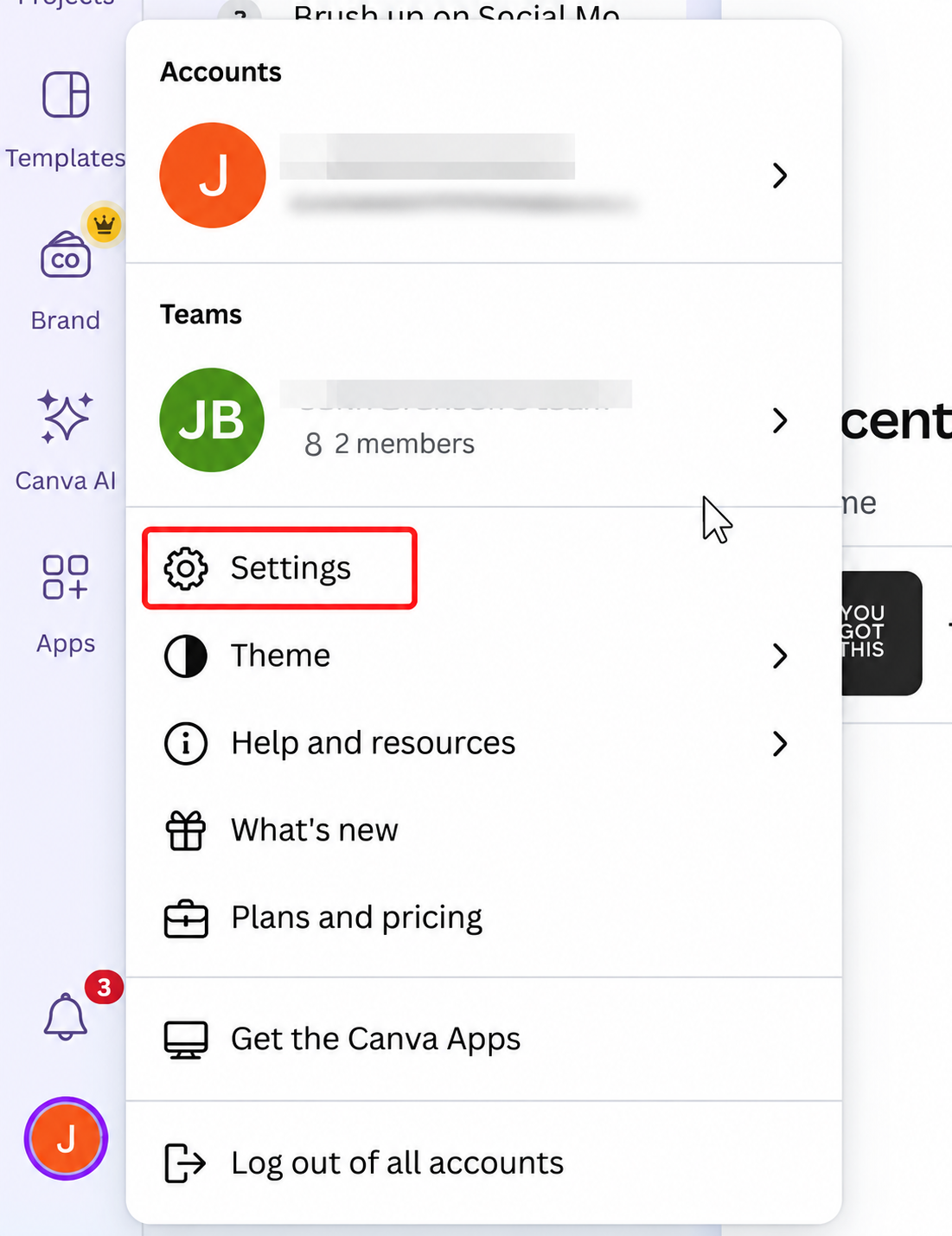
Annual plans can receive quarterly bills for additions, based on the remaining term. Review the account's billing model before inviting temporary collaborators.
AI Pass is another meaningful budget line. Current guidance lists it at US$100 per person per month for eligible web-managed plans. If one Neri creator adds monthly AI Pass, the modeled $100 monthly base becomes $200 before tax. Business also offers one-time AI top-ups; record the displayed price and validity separately. Third-party app purchases have their own limits.
For Canva premium assets, check the content category and intended use. A subscription can include Pro Content licensing within a Canva Design; it does not give permission to distribute the asset separately. Music categories have different restrictions, and Popular Music has separate terms.
This article does not provide legal advice. Resolve uncertain advertising, client-delivery or music permissions before relying on an asset in the budget.
When Is a Separate Finished-Video Workflow Useful?
It can be useful when the remaining work is developing the story, narration and complete cut, while Canva continues to handle the team's design work.
For Neri, that might mean explaining how the organizer's compartments work in a coherent product demonstration. An optional Pexo video production workflow can start from approved product material and direction, with revisions discussed through conversation.
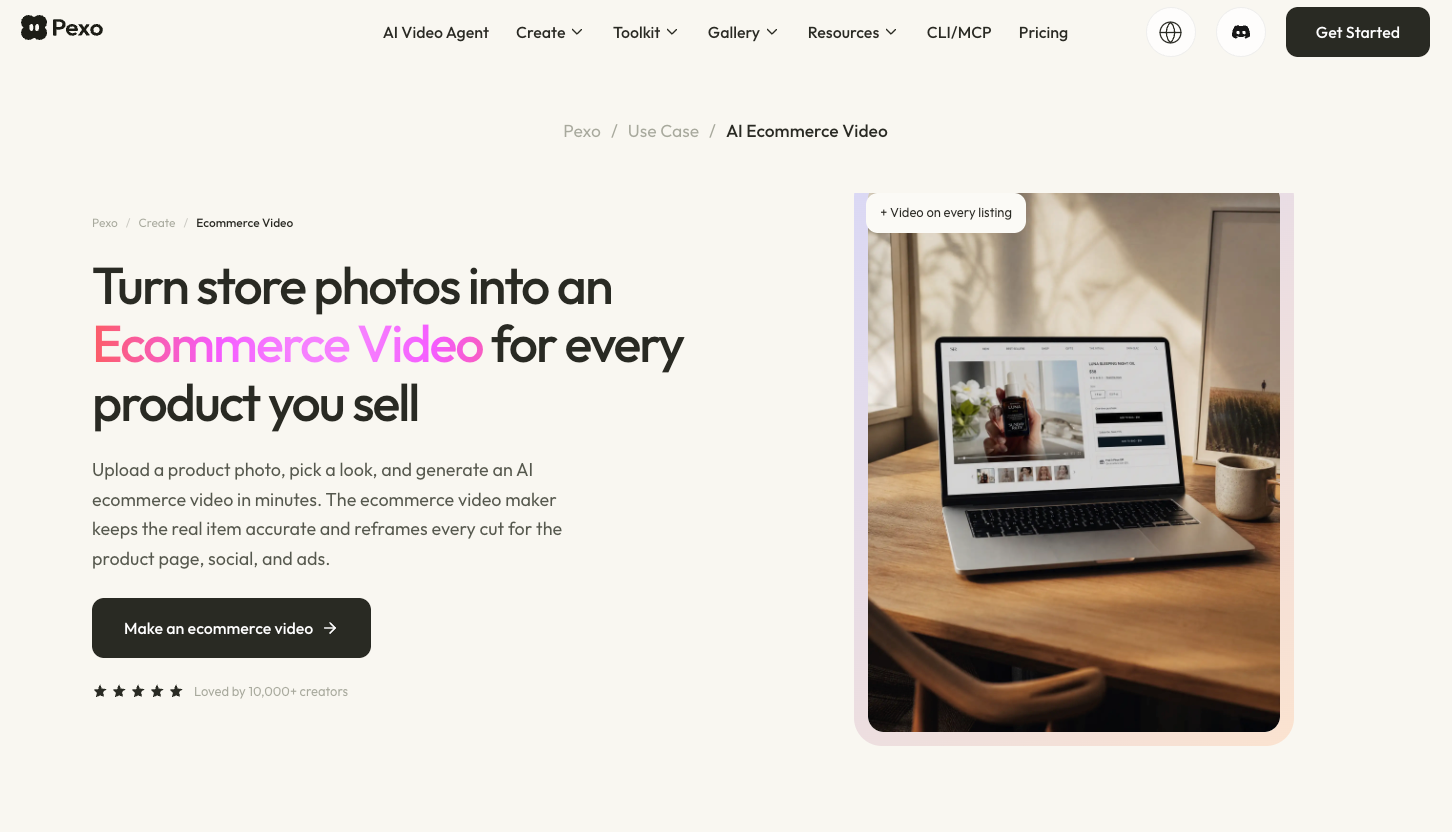
Price that assignment separately from Canva seats. Check upload and processing permissions before sending licensed content to another service. An additional production route does not replace the team's Brand Kits, editable designs or design approvals.
Conclusion
For Neri, the starting purchase is four production seats, with external review kept separate. Add AI or outside media only when a specific video needs it. Recheck the quote before the 2027 term begins, using the actual staffing and work scheduled for that period.