ChatGPT
 Perplexity
 Claude
 Gemini
 Grok


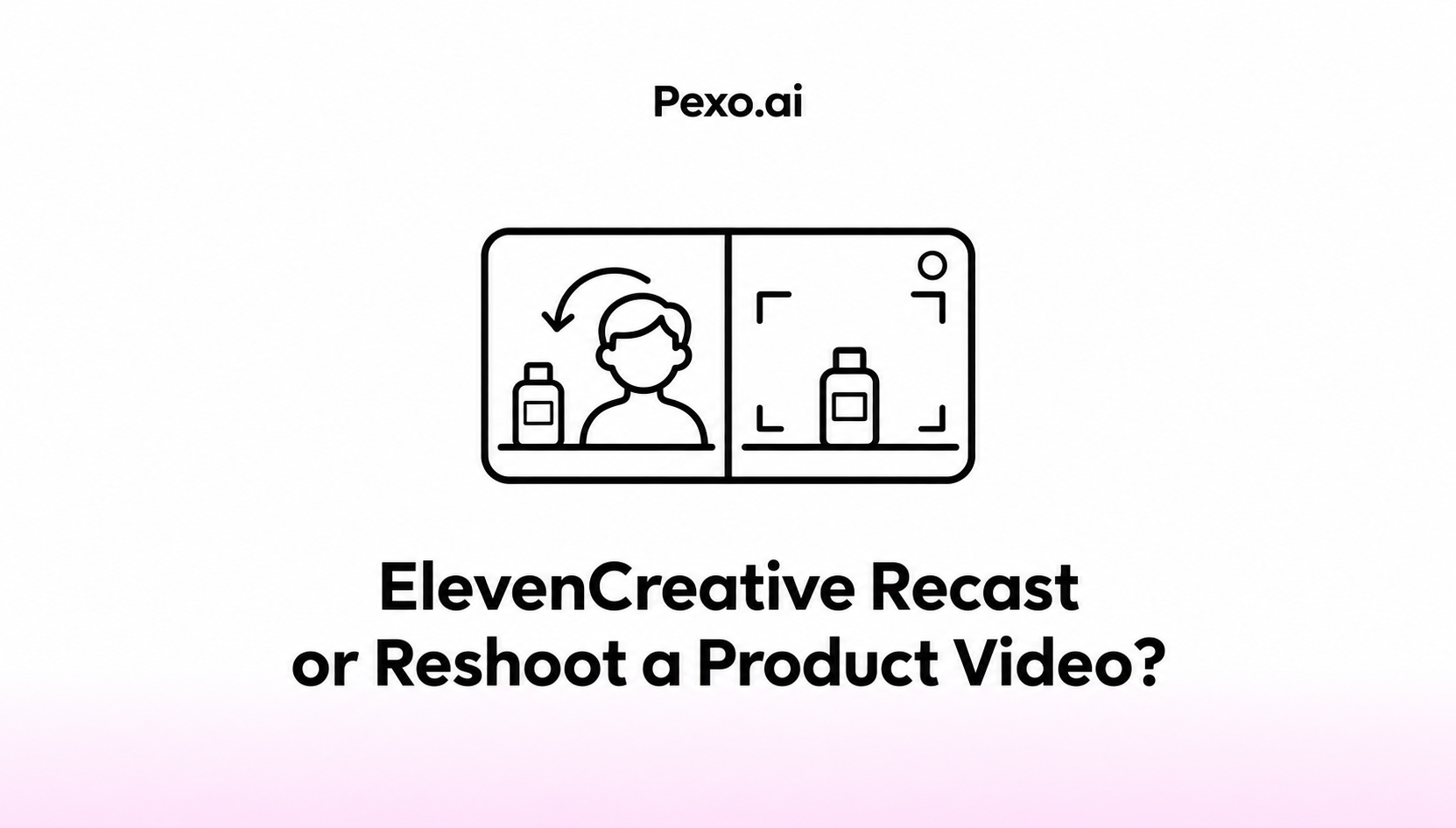

Recast is worth considering when the source demonstration remains correct and the requested change is who appears in it. A reshoot makes more sense when the team needs a different action, product or view.
The deciding question is whether you would approve the existing demonstration with the new presenter. If the product explanation already needs repair, include that work in the production brief before choosing either route.
What Change Does the Product Video Need?
Separate the person change from changes to the product, demonstration and spoken claim. That gives an ElevenCreative Recast product video decision a useful starting point.
Consider Sela, a fictional two-clip storage box. In the illustrative source shot, a presenter closes both clips and says, “Press both clips to close.” The team wants another authorized presenter for the same demonstration.
If both clips remain visible and the product is current, a person replacement may fit. If a hand hides the second clip, the brief also needs a clearer demonstration. Those are different assignments, even when the request begins as “change the presenter.”
When Does Recast Fit the Source Shot?
It fits when the existing action, framing and soundtrack remain useful, and the necessary permissions cover the transformation and intended publication.
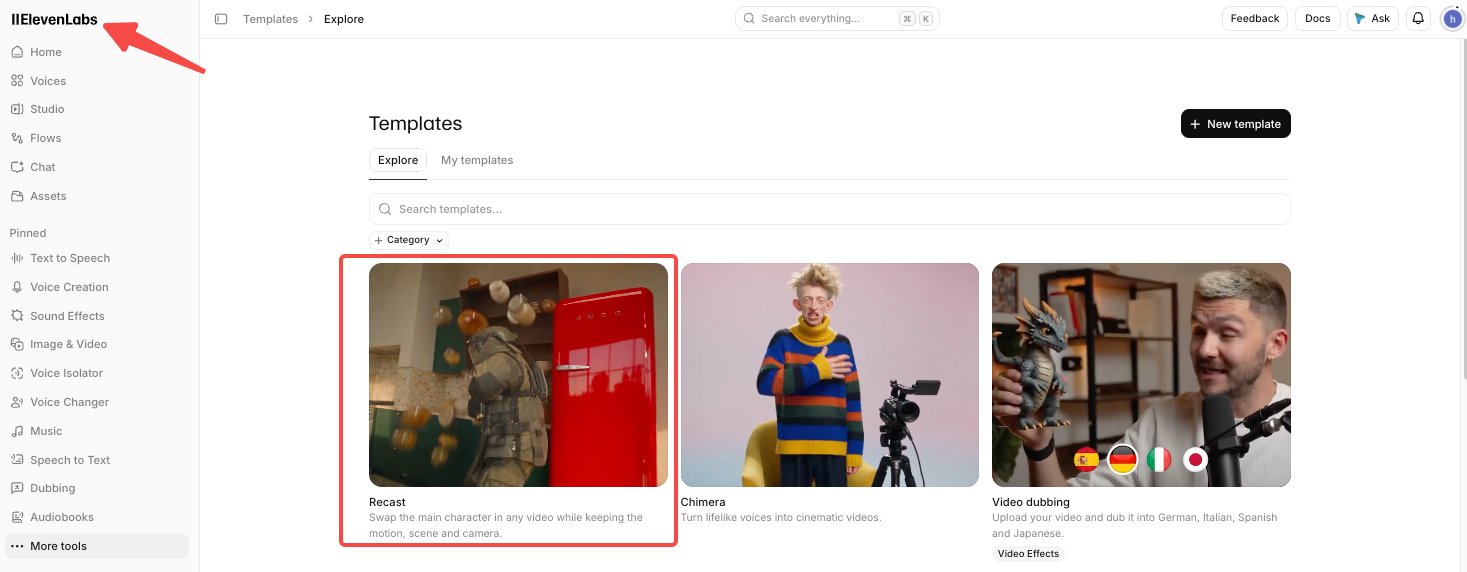
ElevenLabs' Image & Video model documentation lists MiniMax H3 Max Recast in ElevenCreative. On November 6, 2026, its entry specified source video up to 30 seconds, 1–4 reference photos and retention of source audio.
Use ElevenCreative's Image & Video model selection and confirm access for your region, plan and workspace. The public documentation says video generation requires a paid plan.
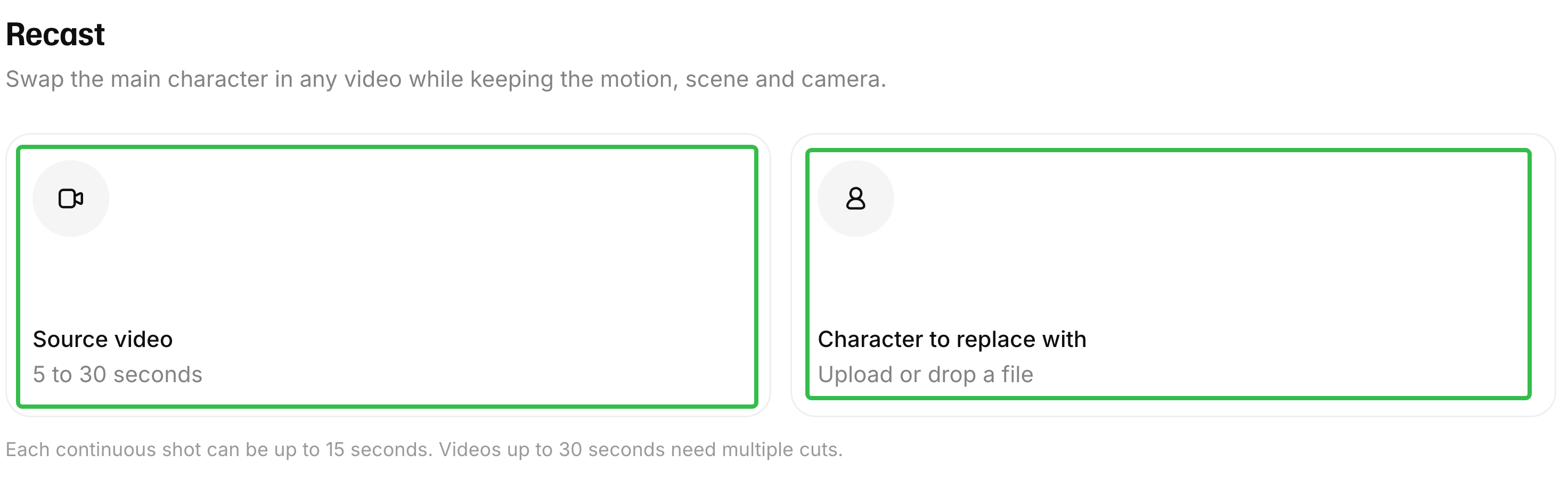
For Sela, keeping the original demonstration is useful only if it still shows the correct closing action. The retained voice also needs approval for its association with the new visible person. A new face does not create a new spoken performance.
The documented workflow supports considering this route; it does not guarantee that every product detail or movement will survive unchanged.
When Is a Reshoot the Better Brief?
A reshoot is the better brief when the explanation needs a physical action or view the source never captured. It also fits when the actual product or packaging has changed.
For Sela, ask for a new take if viewers cannot see the second clip closing. Specify the camera position, hand placement and moment that must remain visible. Replacing the presenter cannot supply reliable evidence of a missing demonstration.
An inaccurate product label needs separately corrected source material or a reshoot; character replacement does not solve that problem. If the source shows an older SKU, bring the current product to the shoot. Any proposed compositing fix needs its own accuracy review.
A reshoot still needs permissions and a workable plan. Confirm the replacement performer, physical product, location, sound recording and neighboring shots before commissioning it. New footage is not automatically cleared or continuous with the existing cut.
Compare Consent, Accuracy and Revision Scope
Use these three dimensions to compare the same source shot. Neither route removes the team's responsibility for the product claim.
| Decision | Recast route | Reshoot route |
|---|---|---|
| Consent | Clear source transformation, retained voice and reference-person use | Clear the new performance and any reused footage or audio |
| Product accuracy | Source must already support the demonstration; output still needs review | Record the current product and missing action; verify the new take |
| Revision scope | Person replacement plus any separately agreed finishing | New capture, sound and integration with the remaining video |
ElevenCreative's consent and usage terms address permissions for processing identifiable people and using the resulting output. Check the original video, original actor's voice, replacement photographs and depicted person separately. Permission to use a photograph does not establish every other permission.
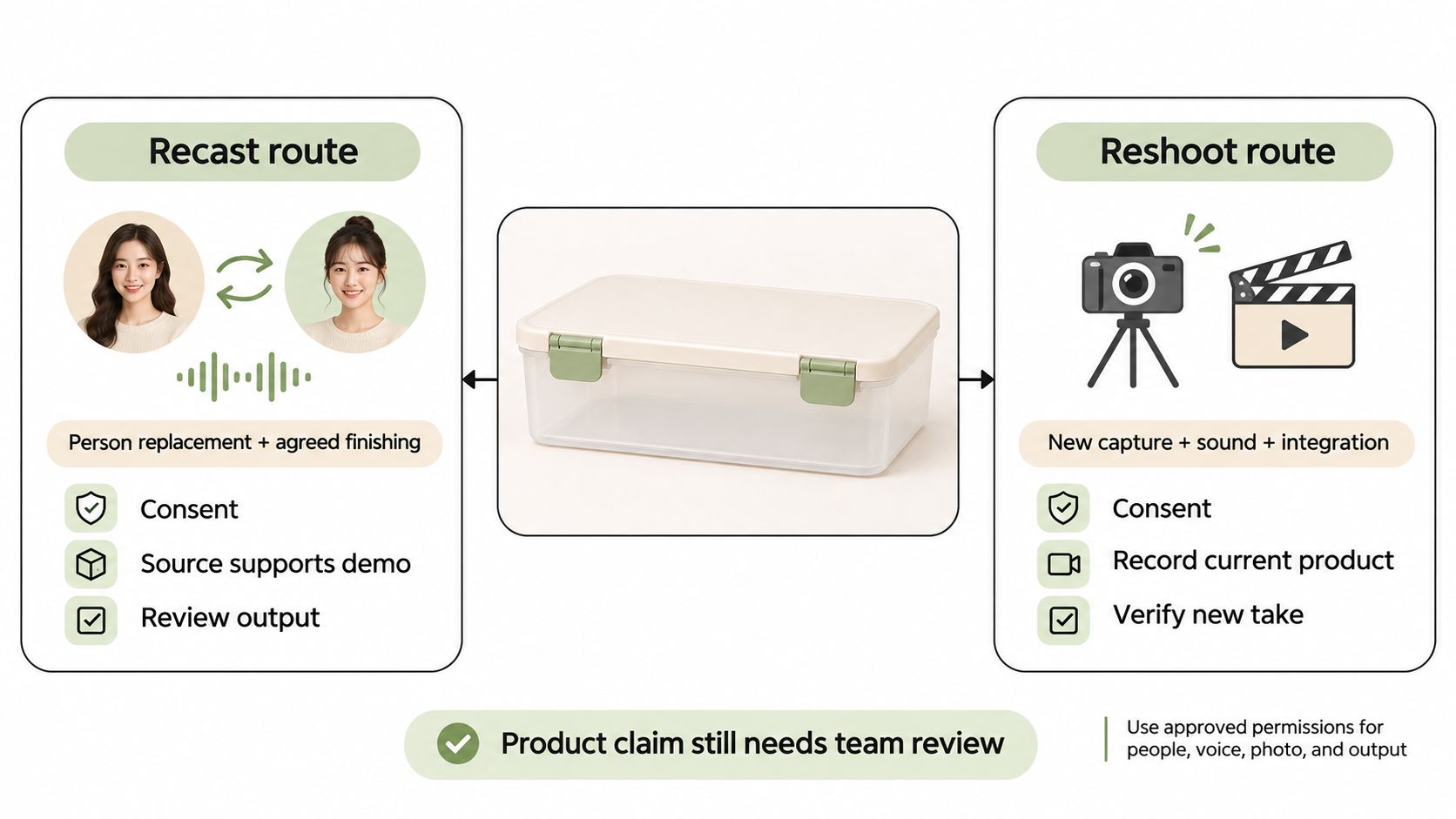
Confirm channels, duration, territories and any endorsement restrictions for existing placements and new releases. If consent is withdrawn or unclear, stop assuming the material remains usable and refer it to the person responsible for permissions. This article does not provide legal advice.
Decide What to Produce Next
Commission a recast candidate when the source remains a useful, authorized demonstration. Commission a new take when the product explanation needs a change in what was filmed. Hold either route while permissions remain unresolved.
For Sela, the brief should state whether both clip closures are already visible, whose voice may remain and which presenter is approved. Name any separate label correction. Do not leave the producer to discover that the “person change” also includes new packaging and dialogue.
Compare actual proposals for that scope. There is no basis here for declaring either route faster or cheaper.
Once the replacement shot is approved, you can bring it and the surrounding story to a Pexo video production workflow. Direct the scene order and request revisions through conversation. Confirm compatible inputs and review Pexo's processing and promotional-use terms, including applicable written-consent requirements. This does not imply a native Recast integration.