ChatGPT
 Perplexity
 Claude
 Gemini
 Grok
Grok


Zeely is worth shortlisting when the person making the product ad also needs to prepare its Meta campaign. Before buying, decide who will own the advertising account and who can stop the spend. Those choices affect the handoff as much as the creative tools.
If you're reading Zeely AI reviews before connecting a brand account, start there. This review follows one product brief through Zeely's documented creative and campaign workflows, with attention to what the team must approve along the way.
What Part of a Product Ad Campaign Does Zeely AI Handle?
Zeely handles ad creation and campaign setup, including image ads, several video formats, and paid Facebook and Instagram campaign routes. The team still needs to verify product facts, approve the creative, and authorize the campaign settings.
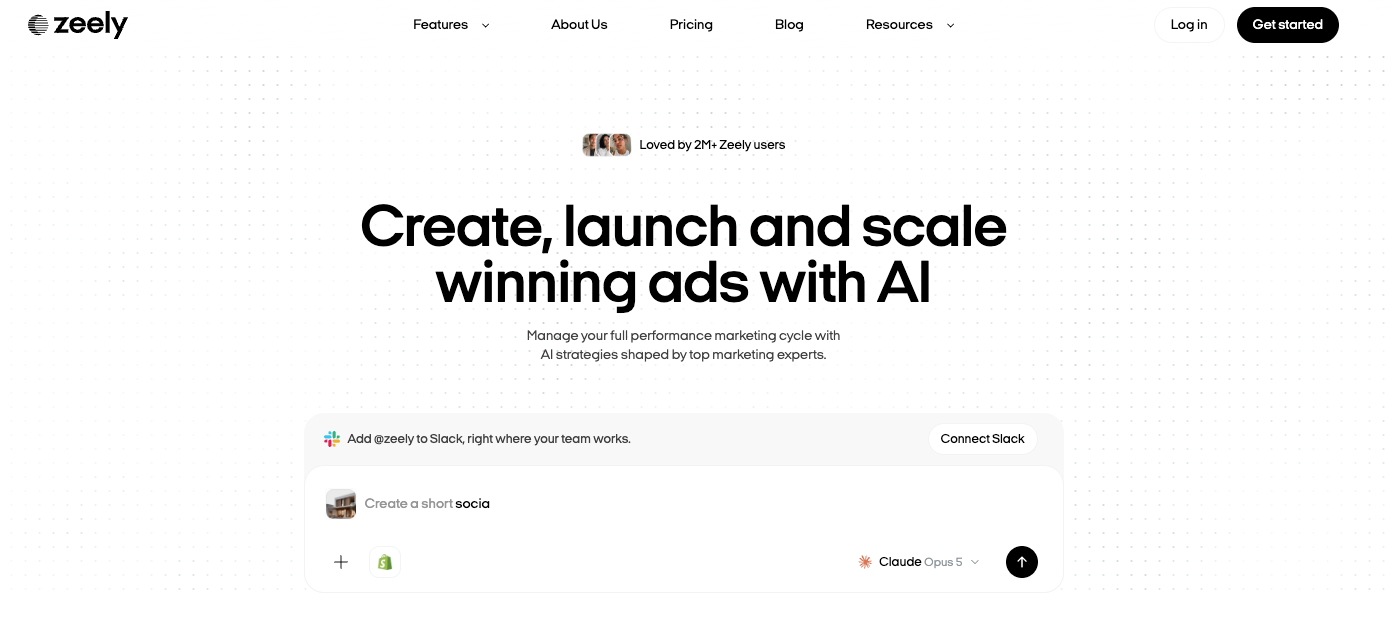
The useful distinction is between making an asset and launching it. A team can create campaign creative for review and download. Choosing an advertising account, audience, destination, and budget is a further decision.
On October 27, 2026, Zeely's help center described two Meta launch paths: connect your own account or use Zeely's Meta partner account. These paths have different billing and management arrangements. Confirm which one you're evaluating before treating the app as a single campaign workflow.
For a lean team, having creation and launch setup together may reduce handoffs between people. It also makes the last review consequential: a convincing draft still needs a separate decision about where it will run.
From Product Information to a Creative Draft
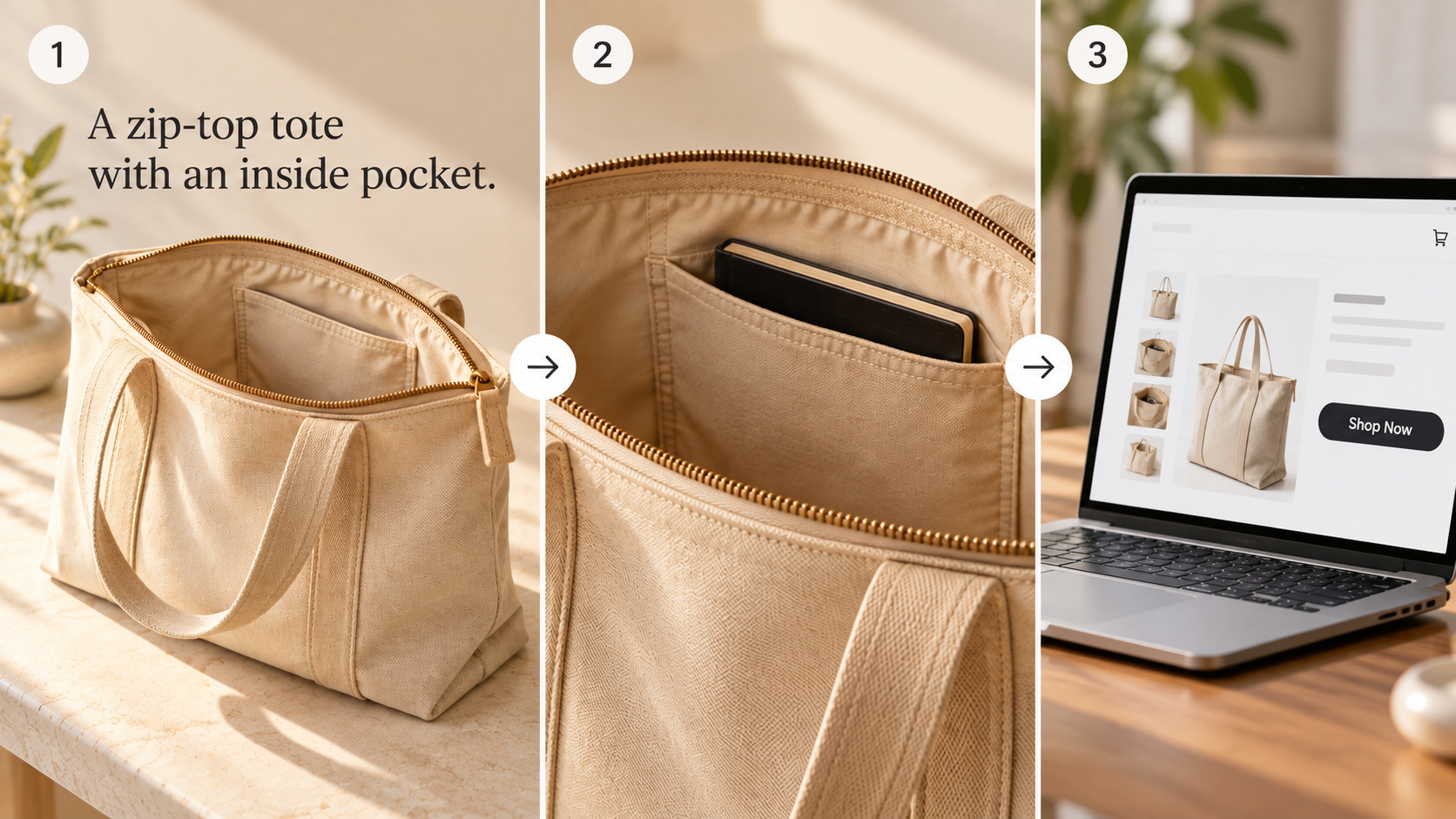
Consider Larkwell, a fictional zip-top tote. Its approved message is “A zip-top tote with an inside pocket.” The team has current exterior and interior photos, a product description, and a product-page destination. The buyer question is whether the bag closes and where small items go.
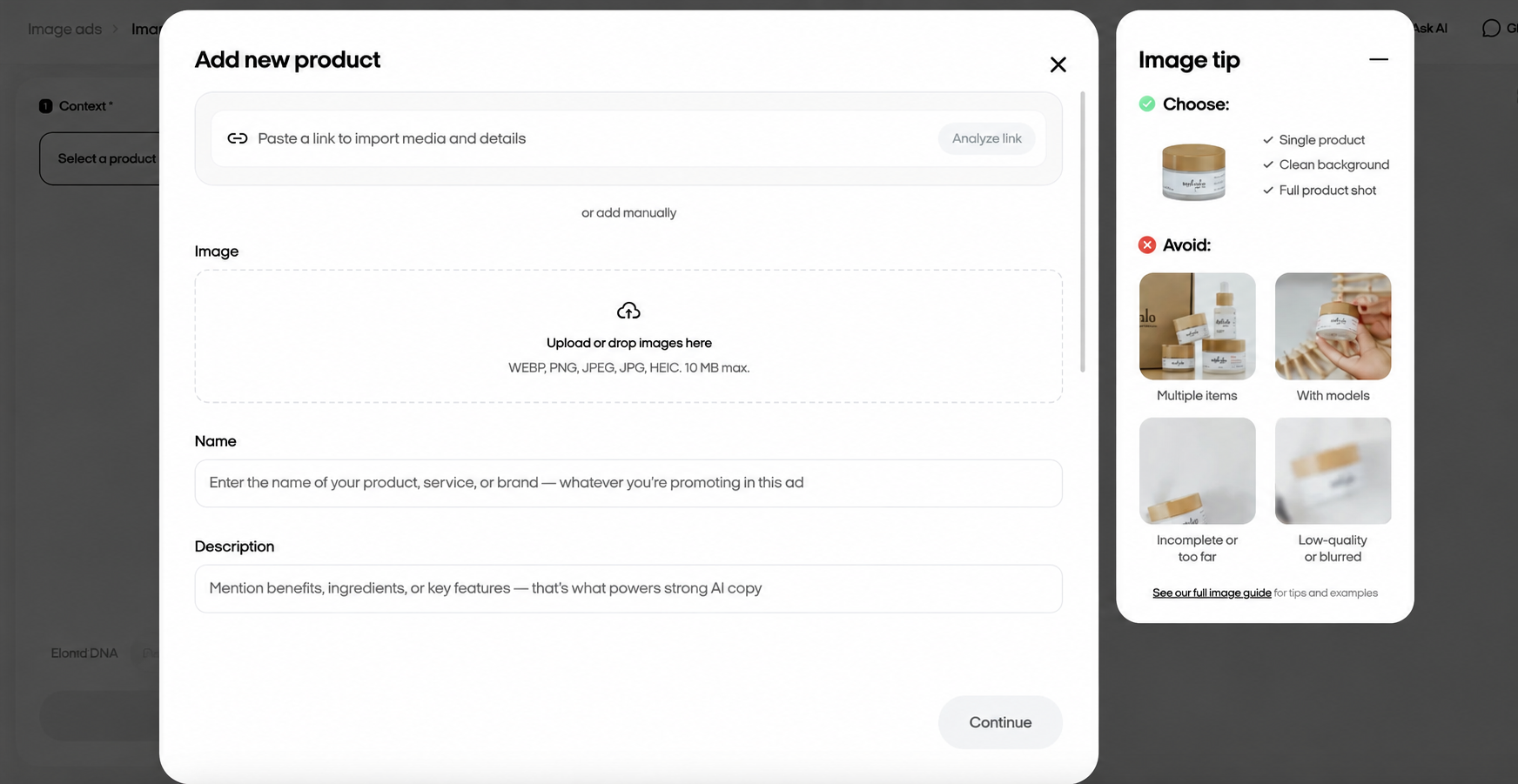
Zeely's product-import guide describes extracting available images, name, description, and price from a product link. Use the individual product page, then review the imported record. A collection page may supply the wrong item, while an old description may carry a claim your current team wouldn't approve.
The Video ad workflow develops a start image before the video. It also uses product positioning inputs, a reference concept, and script choices. Treat suggested audience needs or social proof as draft material. An inferred benefit is not evidence that customers experienced it.
For Larkwell, choose a concept that lets the viewer inspect the zipper and inside pocket. A presenter may introduce the features, but their hands, the opening, and the pocket must remain plausible. A lifestyle scene that never reveals the interior leaves the buying question unanswered.
Zeely publishes separate web and mobile instructions. Record which format and interface you're evaluating; controls for Video ad, Talking-head video, and other modes aren't interchangeable. In the current web Video ad guide, the model card and generation button show the charge. Script changes can affect calculated duration and credits, so wait for the updated quote before generating.
Check Claims, Visuals, and Brand Fit
Review the product before judging how persuasive the presenter sounds. For Larkwell, the zipper must close the actual opening, and the pocket must appear where the reference shows it. A generated pocket in a more convenient location would advertise a different bag.
Use the same short review sheet for every draft:
| Check | Accept when | Send back when |
|---|---|---|
| Product identity | Shape, color, zipper, and pocket match current references | A feature moves, disappears, or changes construction |
| Spoken claim | The script states the approved features | It adds waterproofing, capacity, or personal experience without evidence |
| Visual explanation | The buyer can inspect the closure and pocket | Cuts or hands hide the relevant detail |
| Brand and destination | Product name, offer, and next step agree with the landing page | The ad promises a different version or buying condition |
A synthetic presenter should deliver a brand message without pretending to be an actual customer. “The tote has an inside pocket” serves this brief. “I've used it on every flight” introduces an experience the example does not establish.
Check the planned use against Zeely's current terms and the actual permissions for photos, people, voices, music, and client material. Uploading content also gives the service processing rights; confirm that your permissions cover them. These are general production checks, not legal advice. Have uncertain rights or advertising claims reviewed for the target market.
Revision flexibility deserves its own check. Zeely's current regeneration help distinguishes formats and says the mobile regeneration workflow described in Zeely's mobile guide. Its newer web Video ad guide describes Hook and Body generation options. Don't assume either instruction guarantees a small correction to every saved avatar video. Confirm the exact mode's revision path before funding the first render.
Review the Handoff From Creative to Campaign
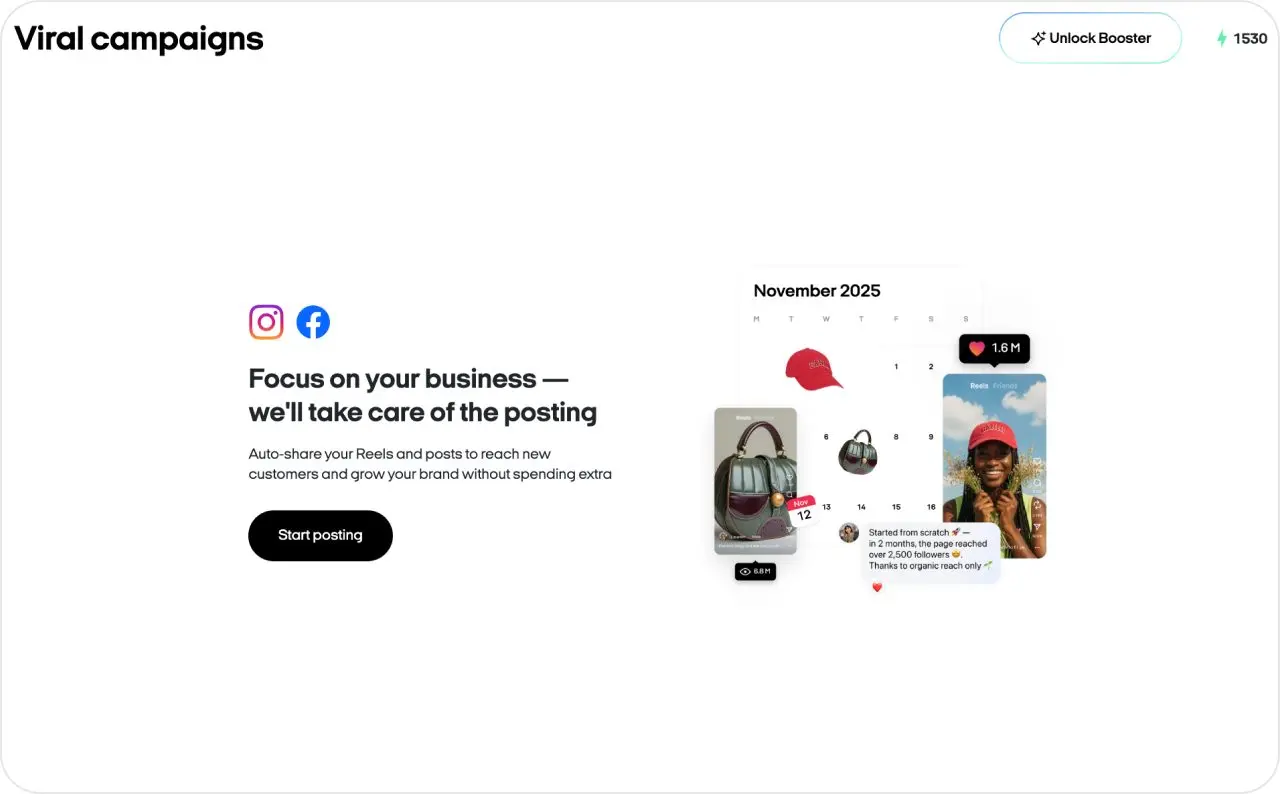
Keep an approved file version and a record of its exact script before choosing campaign settings. Then check the destination, displayed identity, objective, locations, budget, duration, and selected account together.
The partner-account web guide also restricts campaign media to creatives made in Zeely; it doesn't support external uploads for that flow. If production happens elsewhere, establish a separate launch route before commissioning the file.
The account choice changes the cost discussion:
| Launch route | Billing and management to confirm |
|---|---|
| Your connected Meta account | Zeely's current guide says Meta bills ad spend directly and Zeely adds no service fee for this route |
| Zeely's Meta partner account | Confirm the campaign payment and service fee shown in Zeely; do not apply the own-account terms automatically |
According to Zeely's service-fee guidance reviewed on October 27, 2026, the service-fee help page lists 12% of ad spend, reduced to 6% with Booster. Read that alongside the route-specific guide and your actual checkout. Keep subscription charges, extra generation credits, media spend, and service fees separate; the subscription is not the campaign budget.
There is an important operating limit. Zeely's partner-account campaign controls say an active campaign cannot be edited or temporarily paused in the app. Support must stop it before a corrected campaign is created. Spending may continue until the stop is confirmed. For your own-account route, its launch checklist directs campaign management to Meta Ads Manager.
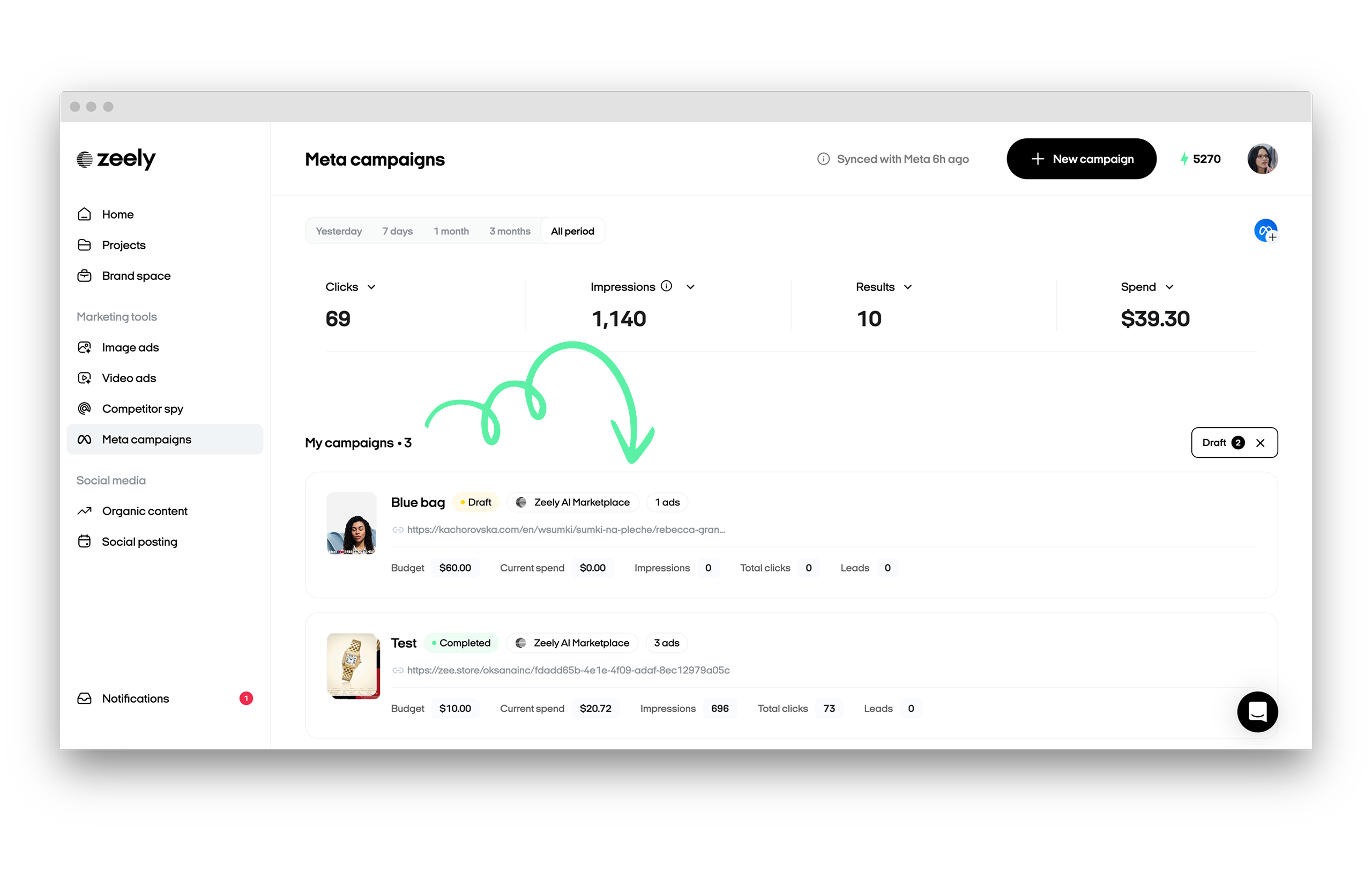
For Larkwell, a wrong destination is therefore a reason to hold launch, even when the creative is ready. Check the delivered mobile page and its current tote details before handing over the budget.
Reporting needs the same care. Zeely's analytics help describes a pre-landing page in the click path. Confirm whether your setup uses one and distinguish clicks there from visits reaching your site. A click, a landing-page session, and a verified order answer different questions.
An attributed purchase also doesn't prove Zeely caused an incremental sale. Read campaign results alongside audience, offer, spend, attribution settings, and returns. Creative approval establishes accuracy and suitability; campaign performance requires separate evidence.
Strengths, Limits, and Best-Fit Teams
Zeely fits a small team that wants product-based creative and Meta campaign setup in one working environment. Product import, reference-led creation, script review, and a downloadable asset give that team specific points to inspect before spending on reach.
Its partner-account route may suit a team that doesn't want to connect its own ad account, provided the team accepts the documented stop-and-rebuild process. That arrangement needs a launch owner who can verify details and contact support when something changes.
Be more cautious if your product requires exact mechanical demonstrations or frequent corrections to saved presenter videos. The relevant question is whether your chosen mode can make the needed revision at an acceptable cost. Attractive examples cannot answer that for your SKU.
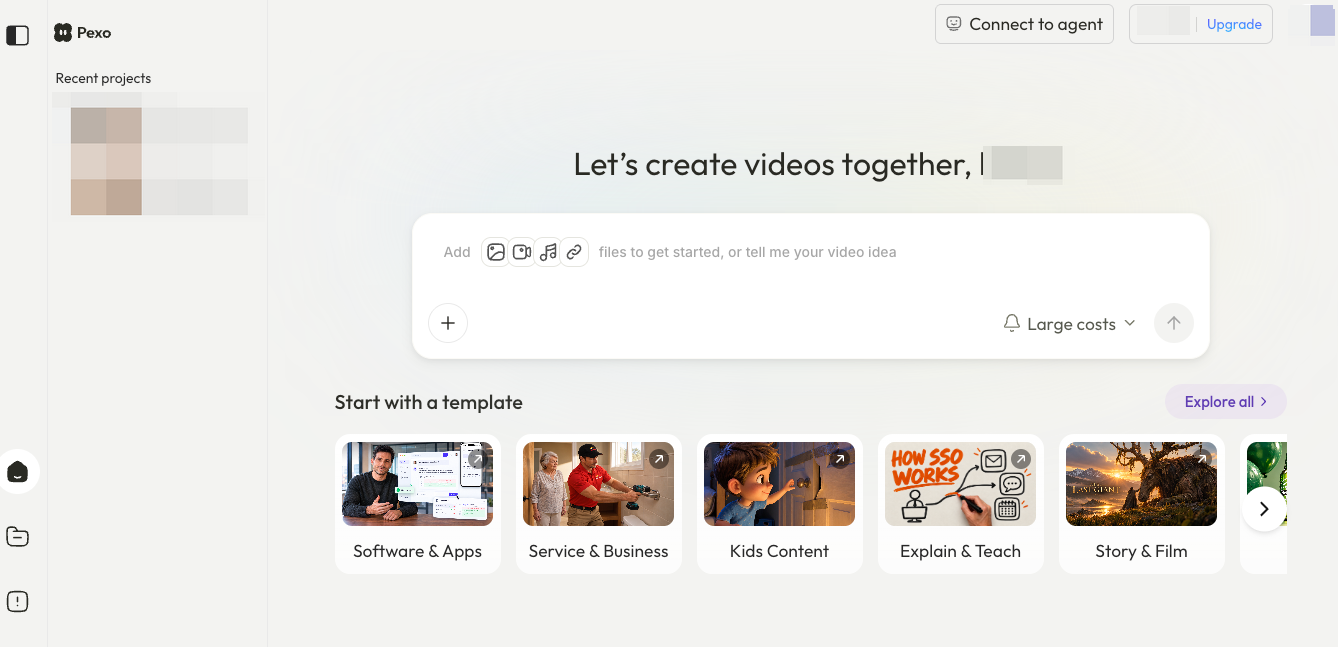
If campaign management is already covered, compare production on the same Larkwell brief. Pexo, this guide's publisher, develops videos from supplied material and direction, with revisions handled through conversation. You could ask for the zipper to be introduced before the inside pocket, then check the next cut against the product photos. Confirm its advertising-use conditions before commissioning the video. Your media team handles the campaign setup and launch.
Compare product accuracy, revision effort, and the delivered file. Assess Zeely's campaign services separately so they don't distort the production comparison.
A Product-Ad Trial Brief to Use Before Buying
Choose a task small enough to inspect before committing to a recurring workflow. Access may require payment; check the initial charge, renewal amount, billing period, and included credits first.
For Larkwell, the evaluation brief is:
Product: Current zip-top tote, using approved exterior and interior photos.
Buyer question: Does it close, and where do small items go?
Approved line: “A zip-top tote with an inside pocket.”
Creative: One ad that makes both details visible, with a next step to the matching product page.
Correction to assess: Replace an incorrect pocket detail and shorten the ending.
Campaign boundary: Prepare settings for review; authorize any paid launch separately.
Record the initial generation quote, the actual charge, the correction route, and whether the returned version resolves the problem. If correcting the pocket requires a new generation, count that work. Keep the earlier approved material available for comparison.
Then ask the person responsible for media to review the proposed account route and stop procedure. You can finish this procurement check with an approved file and documented launch settings; running an ad is a separate commitment.