



AI Narrated PowerPoint Lesson Video
Make a narrated powerpoint lesson video with Pexo. Use your exported slide sequence to tell a clear story. Organize your material and review the finished video.
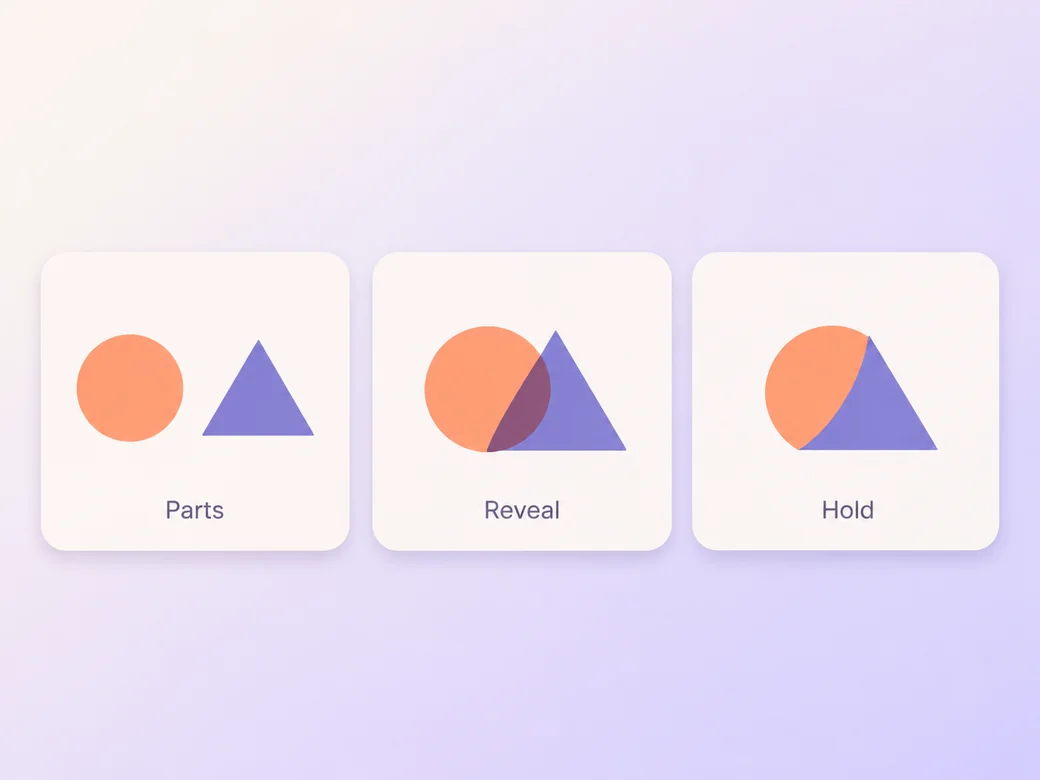
Make an AI 2d logo reveal video. Build a crisp brand reveal from simple two-dimensional motion. Use your own source material and review the moment the approved mark comes together in the finished cut.
Bring the approved mark, a color reference, and any exact wording for the opening. In Pexo’s 2d logo reveal video maker, give the opening just enough space to identify the moment the approved mark comes together, then make the final shape lock the center of the first cut. Use Image to Video with your brief, then review the moment the approved mark comes together.

The result preview focuses on the moment the approved mark comes together. Review each of the checks before shaping the complete cut.
What to review
Separate the main strokes or shapes and decide which arrives first. Keep each piece on the same plane. Let them move toward a readable final form before the reveal introduces any extra wording.
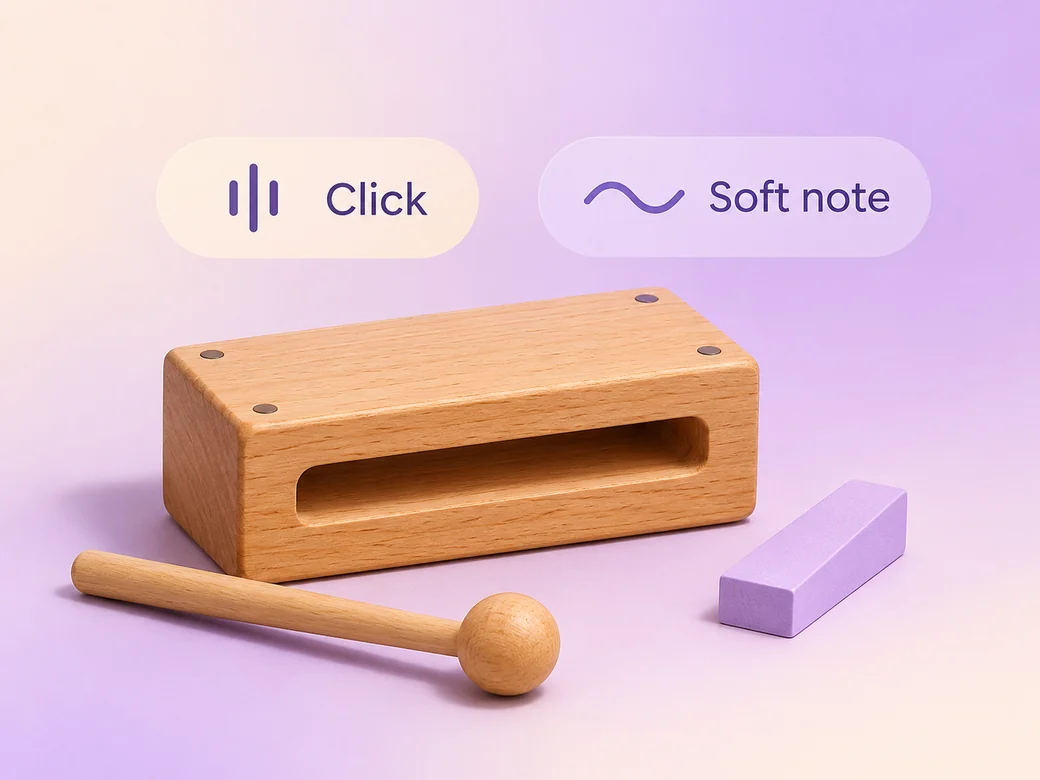
Try a restrained note or soft click at the point where the mark comes together. Listen with the first scene that follows so the cue does not cover the start of a voice or music bed. Use Music Generation to try the treatment and listen against the actual pictures.
Hold the exact original mark and leave clean space around it. Check the smallest version before you use color behind it. Choose one accent to guide the eye into the reveal.
Keep a wide cut for a launch preview, ad opening, or brand presentation. For a 9:16 excerpt, retain the moment the approved mark comes together and review how it fits on a phone. Check the start and the last frame at the intended size and give any text enough time to read.
“In Pexo, I check the final shape lock at normal playback speed. It should build to the approved mark.”

“I test one short cue against the final frame. The cue should arrive where the shape resolves.”

“I compare the last frame with the supplied brand file. It has to read at the smallest size we plan to use.”

A 2d logo reveal video is a finished edit that helps you build a crisp brand reveal from simple two-dimensional motion. It can be prepared for a launch preview, ad opening, or brand presentation, with enough context for the viewer to follow the moment the approved mark comes together. Choose a few moments that improve the final result and give each one time to read before the next cut.
Bring the approved mark, a color reference, and any exact wording for the opening. Give each source a short name that describes where it belongs, and include any exact wording that should appear. Tell Pexo which part matters most and how you plan to show it. That gives you a clear first version to review.
Bring the approved mark as a clean reference. Build the motion from its real shapes, and inspect the preview against the original artwork. Use an approved final logo image where exact lettering, spacing, and geometry matter. Check the shape and background once more at the size where the clip will appear.
Pexo helps organize your material and revise the framing, pacing, and sound after you review the result. Use the source that documents your actual subject for the moment the approved mark comes together. For a separate illustrative insert or visual opening, Kling AI 3.0 can animate an approved reference image.
This logo video focuses on the moment the approved mark comes together and holds the final mark long enough to recognize it. A wider motion graphics project can include titles, graphic explanations, or an entire campaign. Choose this format when the logo’s first appearance is what people need to remember as the next scene begins.
Use subject + action + camera movement + setting + style. Try ‘Use approved references for the moment the approved mark comes together. Bring three paper-like shapes together to form one mark. Start wide and move closer when the main action begins. Keep the original texture and colors in the scene. Keep the final shape visible.’
Bring the approved mark, a color reference, and any exact wording for the opening. Start with the moment the approved mark comes together and review the first cut at the intended size.
Make a narrated powerpoint lesson video with Pexo. Use your exported slide sequence to tell a clear story. Organize your material and review the finished video.
Make an animated gif showcase video with Pexo. Arrange exported loops into a short showcase. Play each movement all the way through before moving to the next.
Make a wedding highlight film with Pexo. Shape recorded vows, gestures, and reactions into a short wedding film. Give the voice and music their own space.
Make a wedding and event recap video with Pexo. Arrange arrival, ceremony, and reception footage into an easy-to-follow recap. Keep a few lines of live sound.
Make a lottie website animation showcase video with Pexo. Turn exported motion and screen recordings into a web animation reel with before and after states.
Make a visual effects showreel with Pexo. Compare matched plates and final shots, show the important effect passes, and label your contribution.
Make a corporate highlight video with Pexo. Use approved company footage to show the event, the most useful moment, and the result in a short recap.
Make a b-roll showcase video with Pexo. Group recorded B-roll by setting, action, and detail. Show how your footage can support a story.