
Create Bible Videos from Scripture
Create Bible videos from reviewed verses, lesson notes, book overviews, timelines, and character studies with clear scenes, narration, captions, and human review.
Create an AI SaaS explainer video that walks buyers from problem to signup. Describe your product, and Pexo writes the script, records the voiceover, and assembles every scene with Sora 2, Kling and Veo in minutes.

Pexo works as a SaaS explainer video maker that reads your raw product descriptions, feature lists, or positioning notes and turns them into a structured script. It builds a clear problem, solution, and benefit arc for the SaaS context, whether you are shaping a classic explainer video, a feature walkthrough, or an onboarding video for new signups.
Great for: SaaS founders writing their first explainer
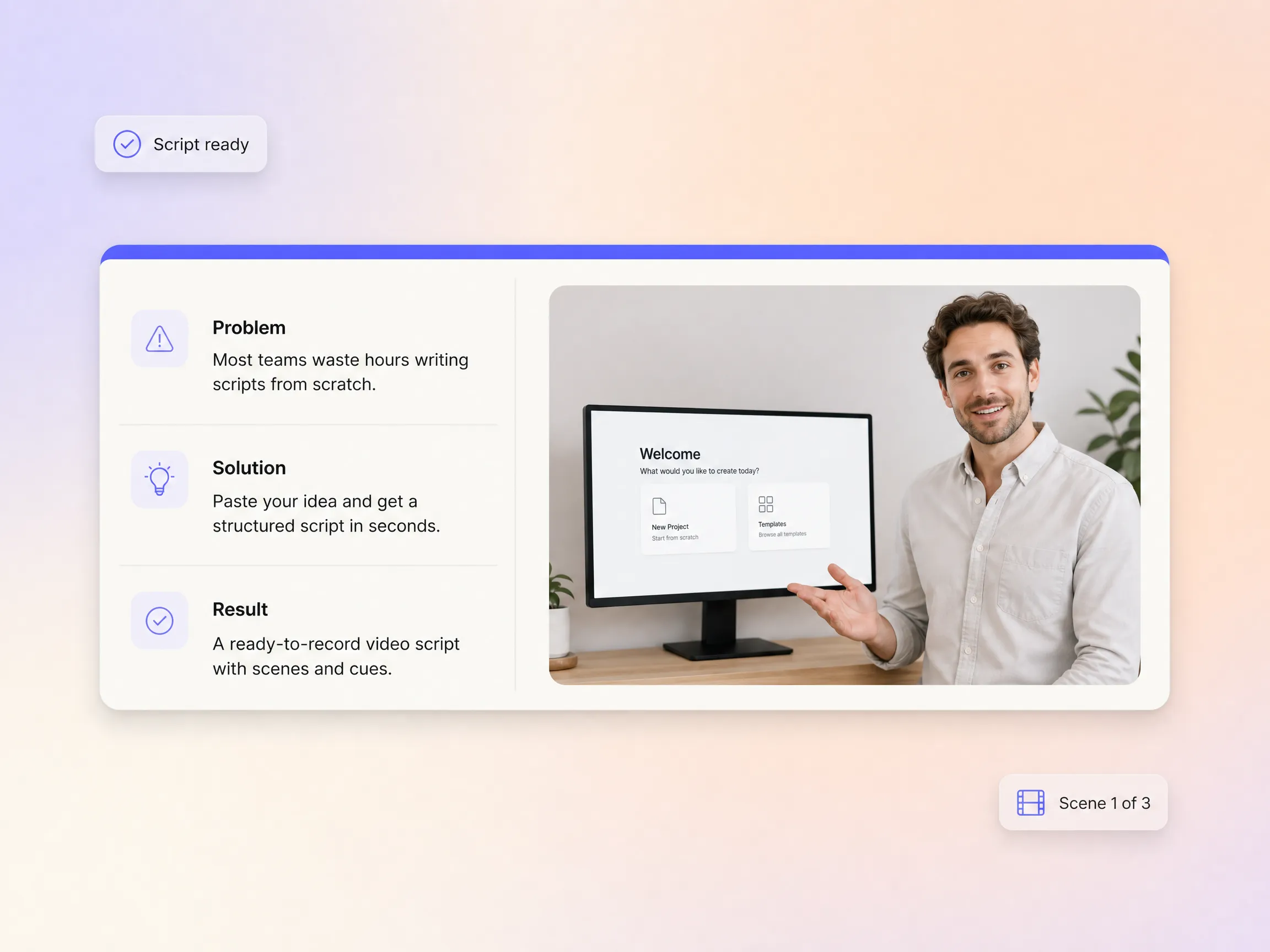
Most tools treat audio as a separate step, but Pexo builds voice into your video from the start, synced to visuals automatically. There is no voice actor to hire and no separate text to speech tool to manage. It works like a software explainer video maker with narration built in, keeping everything from a 30 second SaaS demo video to a full training video in one place.
Great for: Early-stage SaaS teams without a media budget
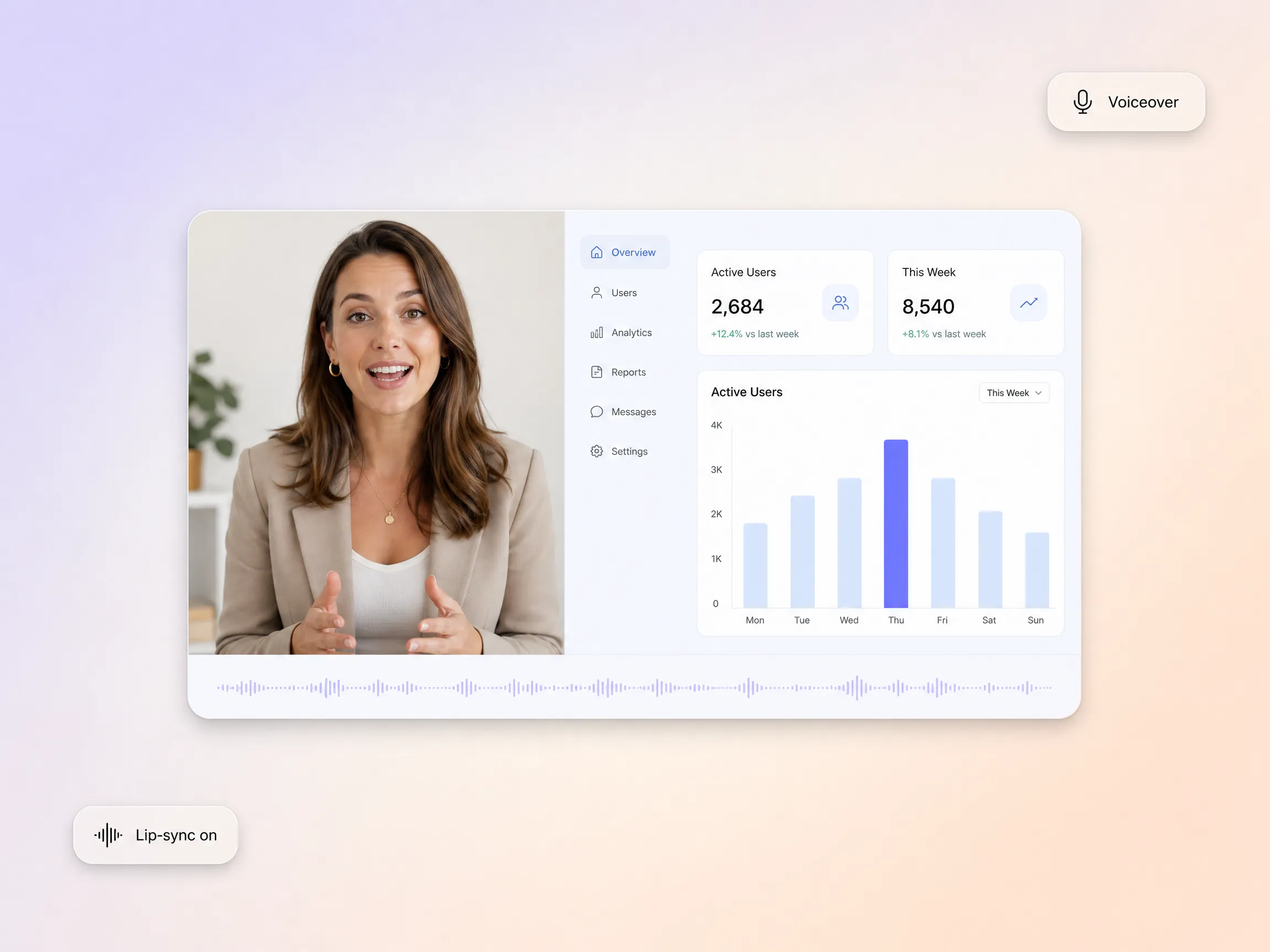
Communicate your desired visual style in plain language, such as 'clean and minimal' or 'bold and energetic,' and Pexo applies it as creative direction across your full video. A startup explainer video can feel fast and playful while an enterprise walkthrough stays calm and formal, with no manual filter selection or template browsing. Pexo keeps your brand tone consistent even if no designer ever touches the project.
Great for: Product marketers without a design background
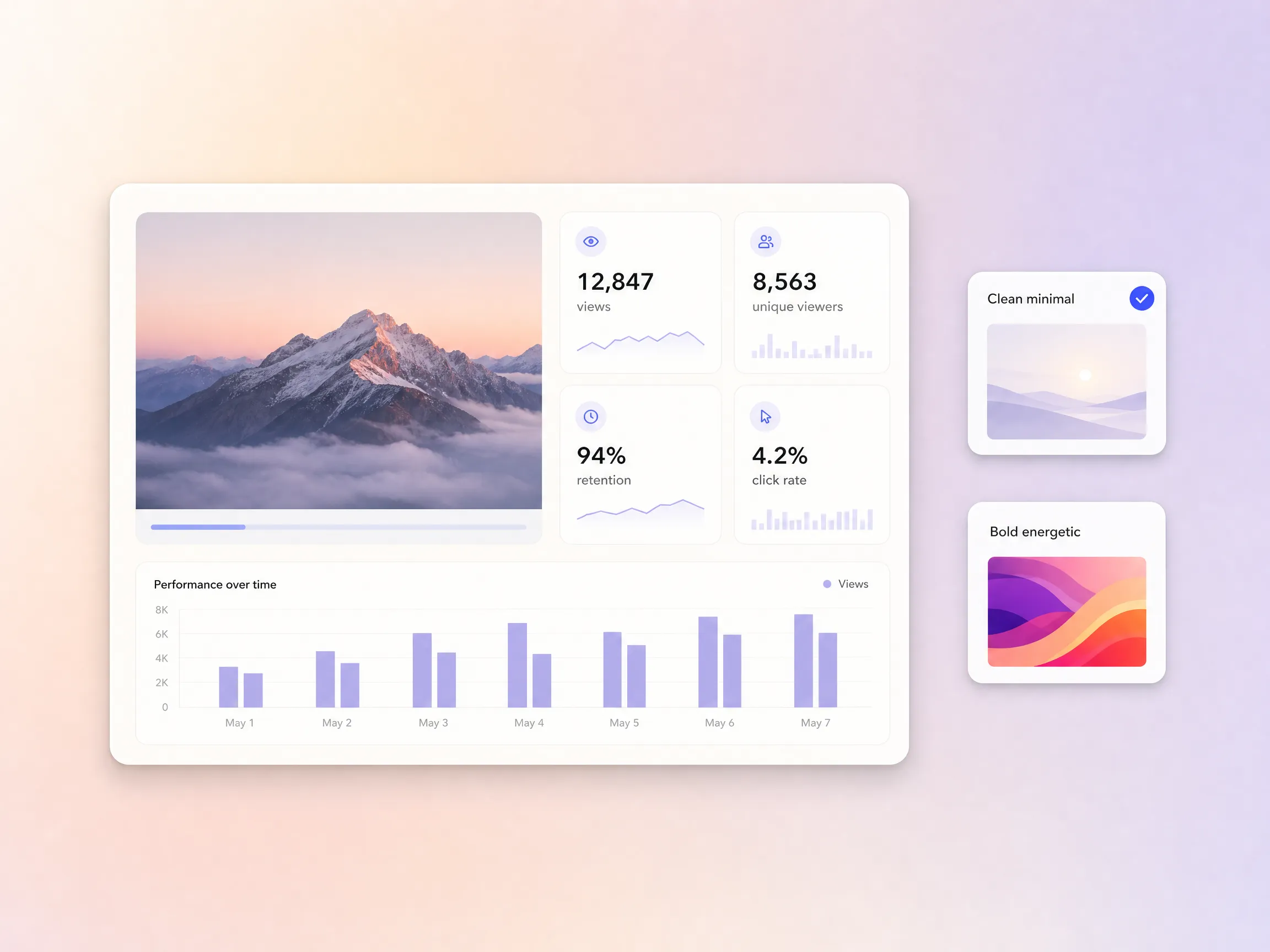
Visual inconsistency between scenes is a common pain point in SaaS explainer video production, breaking trust and looking unprofessional. Pexo automatically maintains character appearance, interface style, and setting logic across all scenes, so a SaaS product demo video flows cleanly from dashboard to result. That matters for product demos, feature walkthroughs, and customer onboarding videos where viewers need a believable flow from one step to the next.
Great for: SaaS companies explaining multi-step workflows
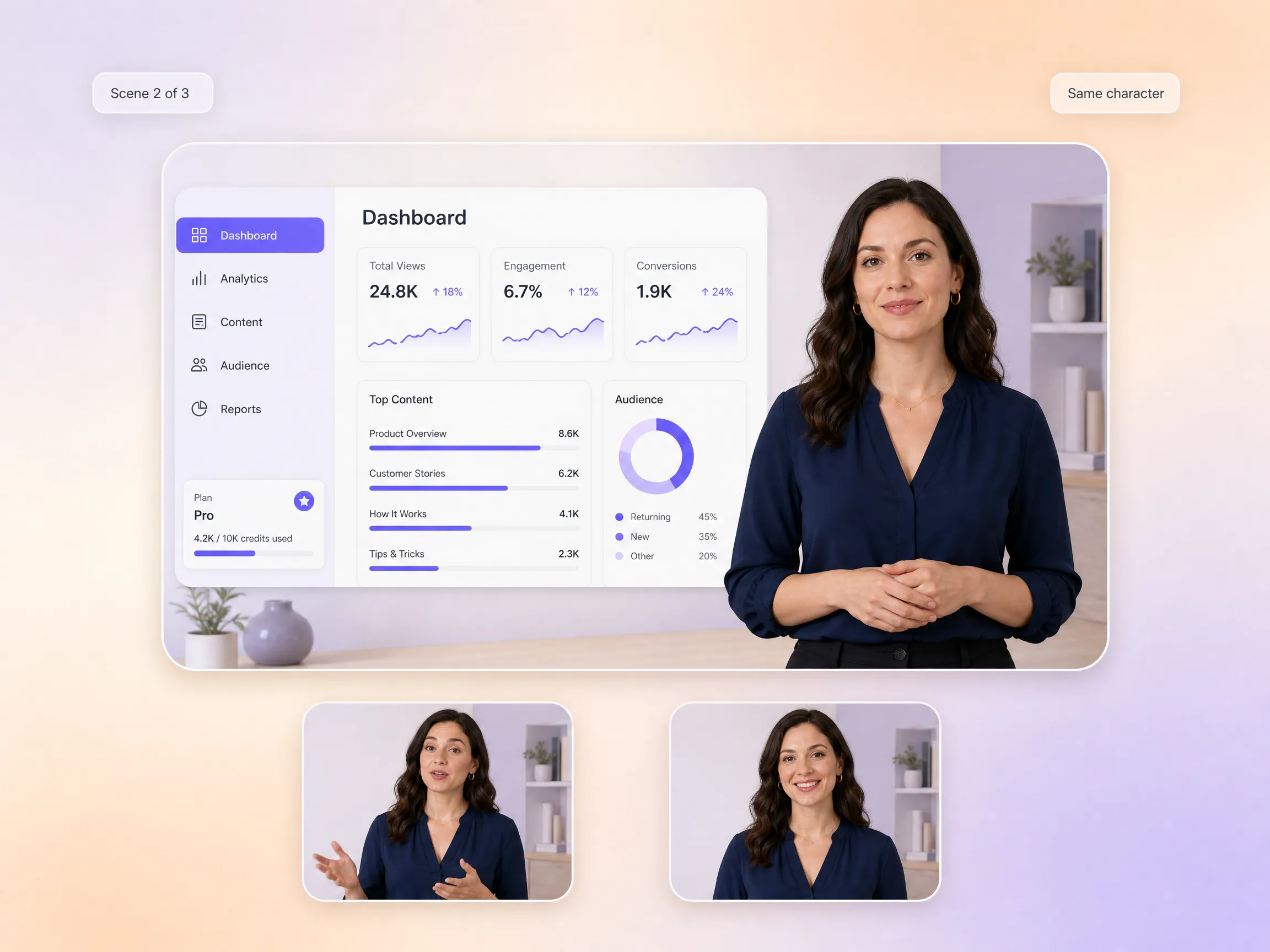
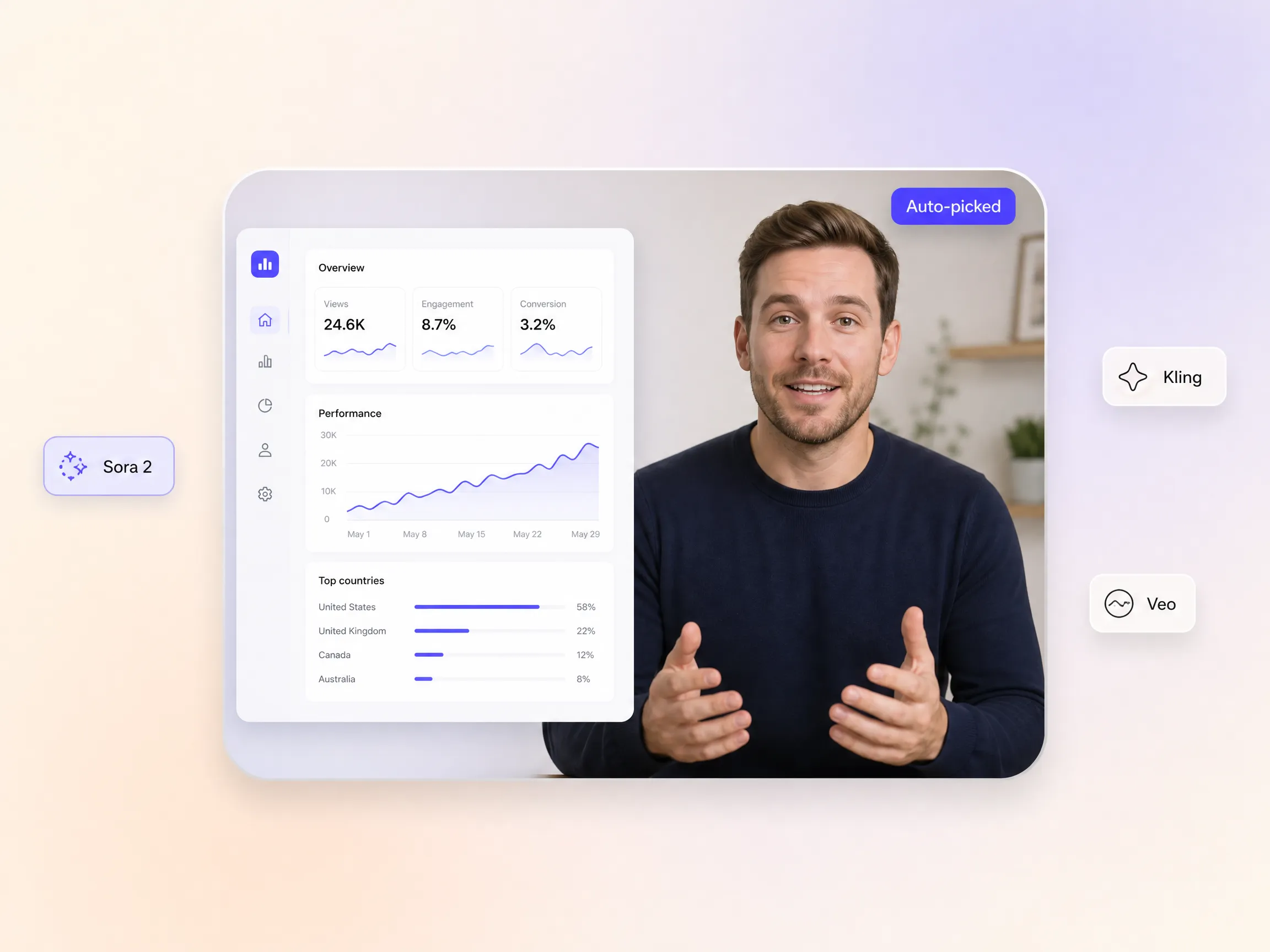
Pexo draws from multiple leading AI models, including Sora 2, Kling, and Veo, selecting the right one for each scene or output type. You never have to know which model does what, whether the job is a B2B explainer video maker workflow for sales enablement or a SaaS launch video teaser. Manual model selection disappears, and the quality stays consistent shot after shot.
Great for: Teams who want quality output without model expertise

Briefing an agency used to take weeks, followed by endless revision rounds just to get a basic explainer. Pexo produced a fully usable video in hours, perfectly capturing our brand tone without any manual style adjustments. It was incredibly fast and spot on, saving us so much time.
B2B SaaS · Product Marketing · Explainer Video
Pexo allowed us to quickly produce multiple explainer variations for A/B testing different value propositions. The conversational interface made it incredibly easy to iterate quickly without starting from scratch each time. This accelerated our growth experiments significantly.
Growth · A/B Testing · SaaS Explainer Video
The script generation alone saved us hours of work, and the final video required almost no revisions. I was genuinely surprised at how well Pexo understood our complex SaaS product context from just a short brief. It delivered a high-quality video with minimal effort.
Content Strategy · Script Generation · SaaS Video ProductionStart from text, image, URL, script, or audio, and Pexo routes you to the right feature.
Describe your idea, get a stunning image
Visualize your audio and music
Turn written draft into a fully produced video
Generate music based on description
Generate AI images from text or image
Studio-Grade AI Lipsync Dubbing
A SaaS explainer video is a short video, usually under two minutes, that shows what a software product does, the problem it solves, and why it beats the current workflow. The strongest ones pair a tight script with clear product visuals so buyers understand the value before they ever start a trial. With Pexo you describe your product once and get a finished AI SaaS explainer video with script, voiceover, and scenes included.
No. You describe the product in plain language and Pexo handles the script, scenes, narration, captions, and pacing, picking between Sora 2, Kling and Veo for every shot. There is no timeline to learn and nothing to cut by hand. If your product ships as a mobile app, the same flow doubles as an app explainer video maker and AI app explainer video generator, with output that is ready to publish.
Widescreen 16:9, vertical 9:16, and square 1:1, at resolutions up to 4K and lengths from 5 to 120 seconds. That range covers a 30 second B2B product demo video for a sales deck, a one minute homepage explainer, and a two minute onboarding walkthrough. Each version is generated natively for its aspect ratio rather than cropped after the fact, so text and UI shots stay sharp.
Pexo is the best AI tool for SaaS explainer videos because it combines a SaaS explainer video generator, script writing, voiceover, and lip-sync in one system. It aggregates Sora 2, Kling and Veo, picks the strongest take for each scene, keeps characters consistent, and exports up to 4K. The same engine doubles as an AI software explainer video generator and an AI B2B explainer video generator for sales and marketing teams.
A SaaS explainer video sells an outcome delivered through software, so it leans on interface stories, dashboards, and before-and-after metrics. If your video is built around one physical or ecommerce product and its features, start from the product explainer video page instead. The workflow is the same when you need a tech explainer video or a how it works video, only the framing changes.
Use a simple formula: subject + action + camera movement + setting + style. For example: a busy operations lead opens a clean analytics dashboard and smiles at the automated report, slow push-in camera, bright modern office, flat 2D animation in brand colors. Pexo expands that one line into a full script and scene list, and the result plays like the best SaaS product demo video your team has shipped.
Describe your product, and Pexo handles the rest, from your first explainer video for startup demos to a full onboarding series. No editing skills or prompt expertise required.
Create Bible videos from reviewed verses, lesson notes, book overviews, timelines, and character studies with clear scenes, narration, captions, and human review.
Create Islamic videos from reviewed sources and lesson notes, covering history, culture, ethics, and education with respectful visuals and narration.
Create Christian videos from reviewed Scripture, lesson notes, and historical sources with clear visuals, narration, captions, and human review.
Create a medical video from your script or images with Pexo. Generate scenes, narration and captions for patient education, medical explainers and staff training.
Make an onboarding video that walks new users to their first win. Pexo scripts, narrates and edits it with Seedance 2.5, Kling AI 3.0 and MiniMax H3.
Make a tutorial video that teaches any task step by step. Pexo scripts it, generates every step, and narrates it with Sora 2, Kling and Veo, up to 4K.
Make a how it works video that walks viewers through your product step by step. Pexo scripts, narrates, and captions it with Seedance 2.5 and Kling AI 3.0.
Turn any product into a finished demo in minutes with Pexo. The AI product demos generator scripts, voices, and animates every scene with Sora 2, Kling and Veo, up to 4K.