
AI App Promo Video
Make an app promo video that shows real screens and drives installs. Pexo scripts and cuts it with Seedance 2.5, Kling AI 3.0 and MiniMax H3 in minutes.
Pexo turns one line about your product into an AI UGC video with a real sounding creator, script, and voiceover. Pick a hook, pick a ratio, and get a finished UGC video ad in minutes.
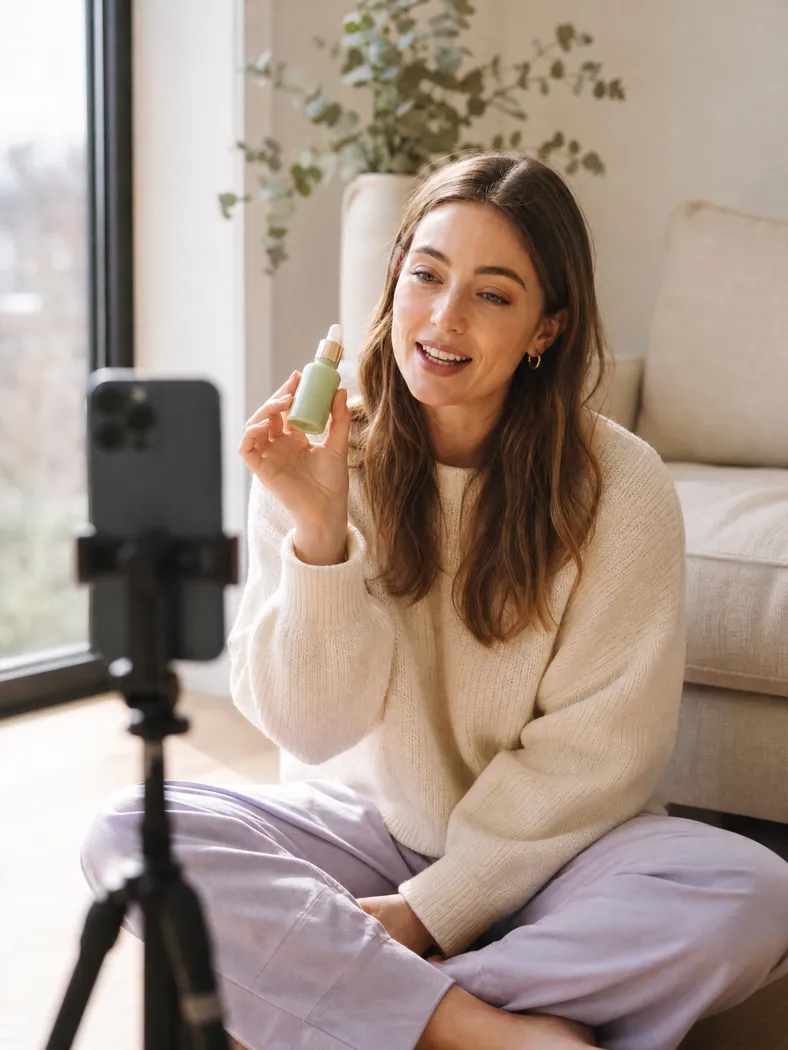

Skip the briefs, the shoots, and the back and forth. Pexo writes the script, casts the creator, and renders every shot, so your first UGC video goes live in minutes.
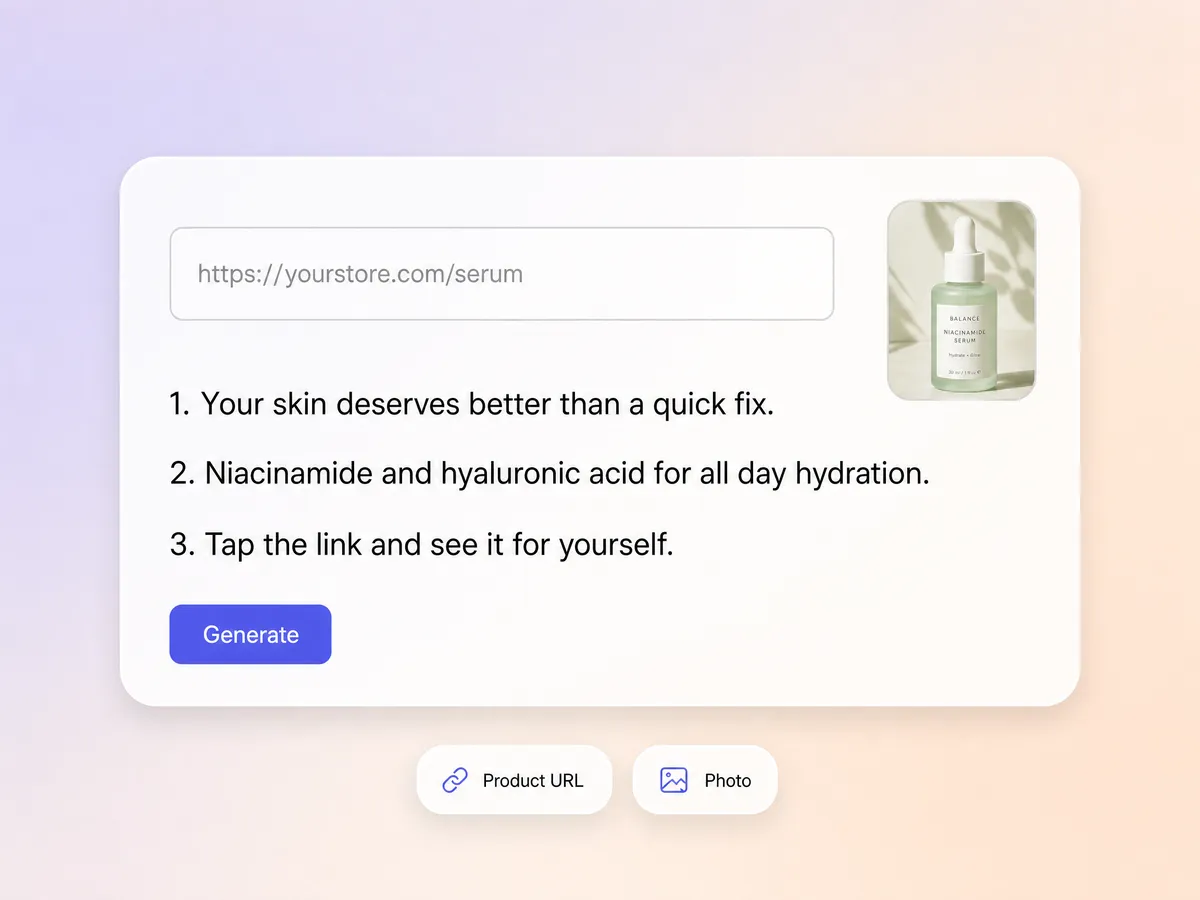
Paste your product URL or upload a photo, then say who it is for and what tone you want. The UGC video maker writes the script, picks the creator, and sets the scene, the same starting point behind a polished product video or a first reaction unboxing video.
Pexo renders talking head reviews, product demos, and testimonial style clips, then layers on AI voiceover and music so the delivery lands. Every UGC video ad exports at 16:9, 9:16, or 1:1, up to 4K and 5 to 120 seconds, ready to post as a TikTok video or an Instagram reel.
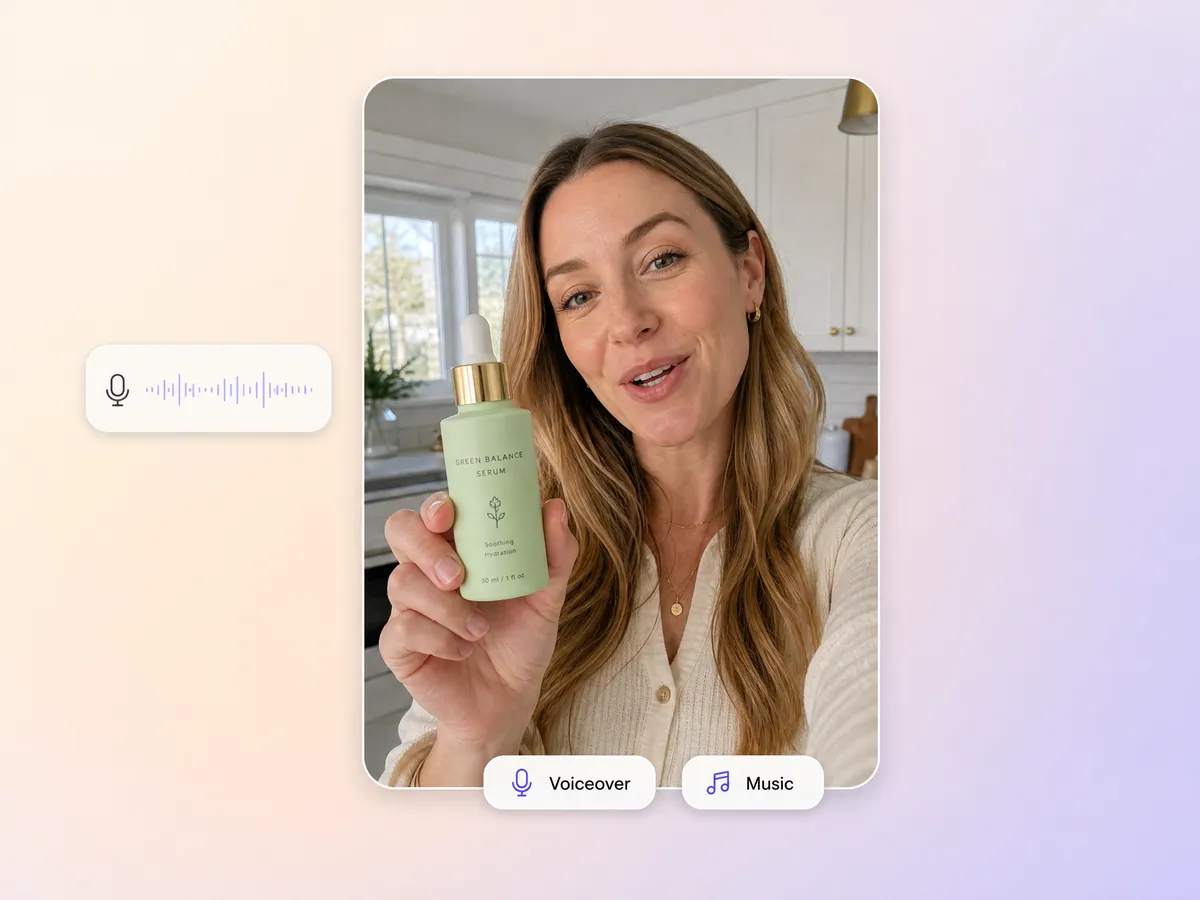
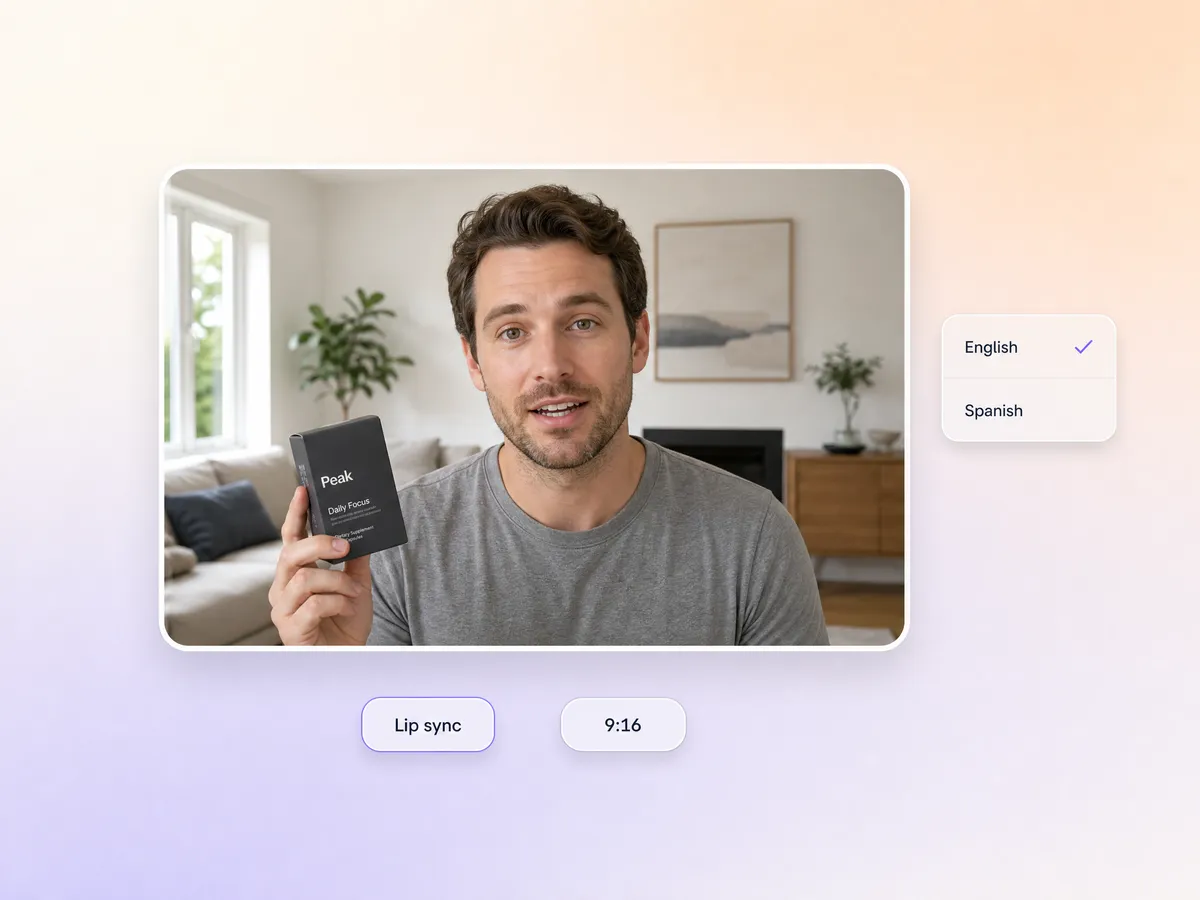
Describe the look, accent, and energy you want and the AI avatar matches it, with lip sync locked to the voiceover so the delivery reads as real. Hyperframe keeps the same creator across a whole ai ugc video series, so your testimonial video and your next social media video feel like one person.

I replaced three contract creators with this UGC video generator. The clips look so authentic my audience cannot tell. Game changer for DTC brands.
US · Feb 15, 2025
Setup took five minutes. I had ten UGC videos ready by lunch, all in 9:16 for paid social.
UK · Mar 1, 2025
My TikTok engagement doubled after switching to Pexo. The casual creator vibe is exactly right.
KR · Mar 8, 2025
As a solo founder I cannot afford influencer deals. Pexo gives me UGC video quality at a fraction of the cost.
Common questions about making UGC videos with Pexo.
A UGC video is a short clip that looks like a real customer filmed it on a phone instead of a studio crew, which is exactly why it outperforms polished ads in a social feed. With Pexo you describe the product and get a finished UGC video back with script, creator, voiceover, and music. Nothing is filmed, and nothing is trimmed by hand.
No. The UGC video maker handles casting and filming for you: an AI avatar delivers the script on camera, lip sync matches the mouth to the voiceover, and the scene is generated around your product photo or product URL. Making a UGC video this way takes minutes rather than a two week shoot cycle.
Every UGC video exports up to 4K and runs 5 to 120 seconds, in 16:9, 9:16, or 1:1. Pexo generates each shot natively for its ratio with Sora 2, Kling and Veo instead of cropping a widescreen master, so a vertical UGC video ad fills the whole frame on a phone and a square cut still works in feed.
Pexo is one of the best AI tools for UGC videos because it turns one line of product description into a finished ad: it picks the strongest take across Sora 2, Kling and Veo for every shot, keeps one creator consistent across a series with Hyperframe, and delivers an ai ugc video up to 4K with no editing skills needed.
A UGC video is deliberately casual, handheld, and spoken straight to camera. If you want the polished studio look instead, start from the product video page. For a customer talking about results use testimonial video, for a first open reaction use unboxing video, and for a straight paid placement use product ad.
Use a simple formula: subject + action + camera movement + setting + style. For example: a woman in her twenties holding a matcha tin, twisting the lid open and smiling, handheld selfie push in, sunlit kitchen counter, casual phone footage look. Pexo expands that one line into a full UGC video with script, voiceover, and music.
For the price of a single creator video you can generate UGC videos all month. Test more hooks, ship more variants, and never wait on a shoot again.
Make an app promo video that shows real screens and drives installs. Pexo scripts and cuts it with Seedance 2.5, Kling AI 3.0 and MiniMax H3 in minutes.
Make an ecommerce video for every SKU from the photos on your listings. Pexo picks between Seedance 2.5, Kling AI 3.0 and MiniMax H3, up to 4K in minutes.
Turn Shopify listing photos into a product video with Seedance 2.5, Kling AI 3.0 and MiniMax H3. Export 16:9, 9:16 and 1:1 up to 4K in minutes.
Make a google ad video for YouTube skippable, bumper and in-feed slots with Seedance 2.5, Kling AI 3.0 and MiniMax H3. Spec-ready cuts in minutes.
Make a video sales letter that closes. The AI video sales letter generator writes the arc, narrates it, and renders with Happy Horse, Kling and MiniMax H3.
Make an app ad that turns scrolls into installs. Pexo's app ad generator writes the hook and renders with Kling, MiniMax H3 and Seedance 2.5 in 4K.
Commercial video generator that turns a product photo into a broadcast-ready spot with Sora 2, Kling and Veo, cut to 15, 30 and 60 seconds in minutes.
Make an advertisement video for every placement. Pexo's AI advertisement video generator scripts and cuts the ad with Happy Horse, Seedance 2.5 and Kling.