
Make App Promo Videos with Seedance 2.5, Kling AI 3.0 and MiniMax H3 in Minutes
Make an app promo video that shows real screens and drives installs. Pexo scripts and cuts it with Seedance 2.5, Kling AI 3.0 and MiniMax H3 in minutes.
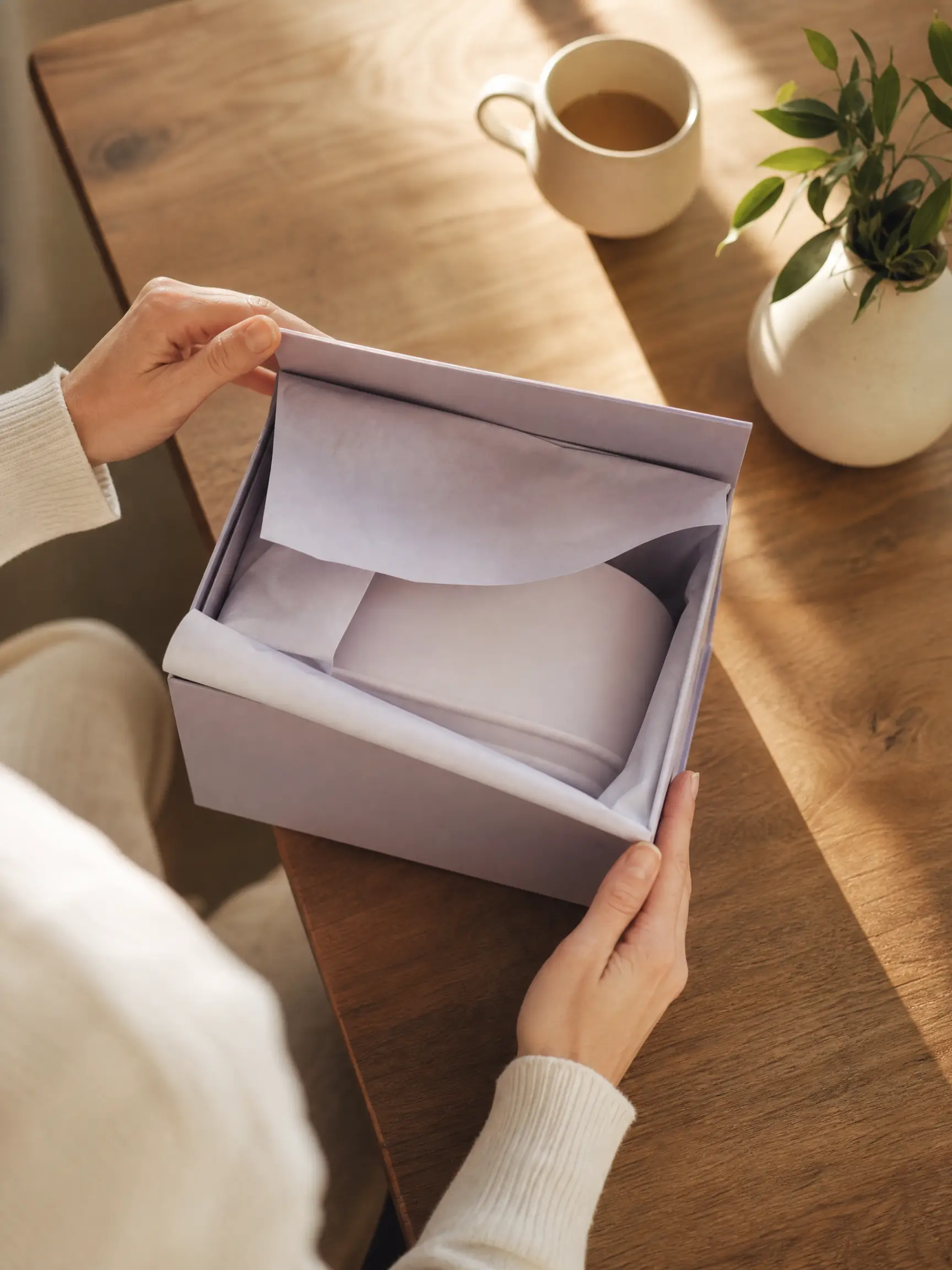
Upload a product photo and Pexo builds an AI unboxing video that opens the box, reveals the product, and lingers on the details that sell it. Sora 2, Kling and Veo render every shot in minutes.
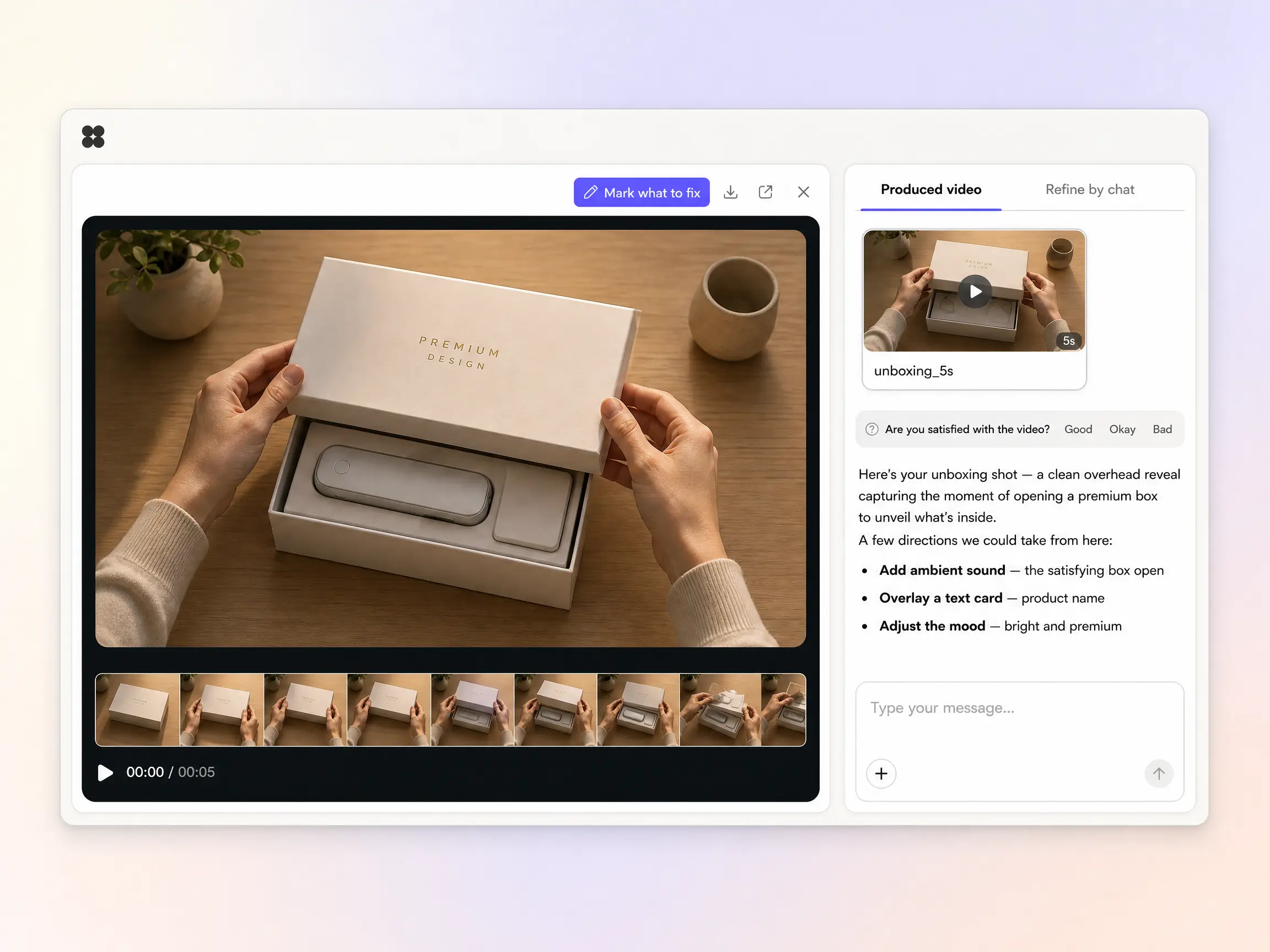
Start from a single line of text or a product photo. The unboxing video generator writes the script, renders every shot with Sora 2, Kling or Veo, and stitches them into one continuous, edited cut. You can mix text to video, image to video, and script to video inside the same project, and stay in plain language the whole way. No timelines, no keyframes, no editor to open.
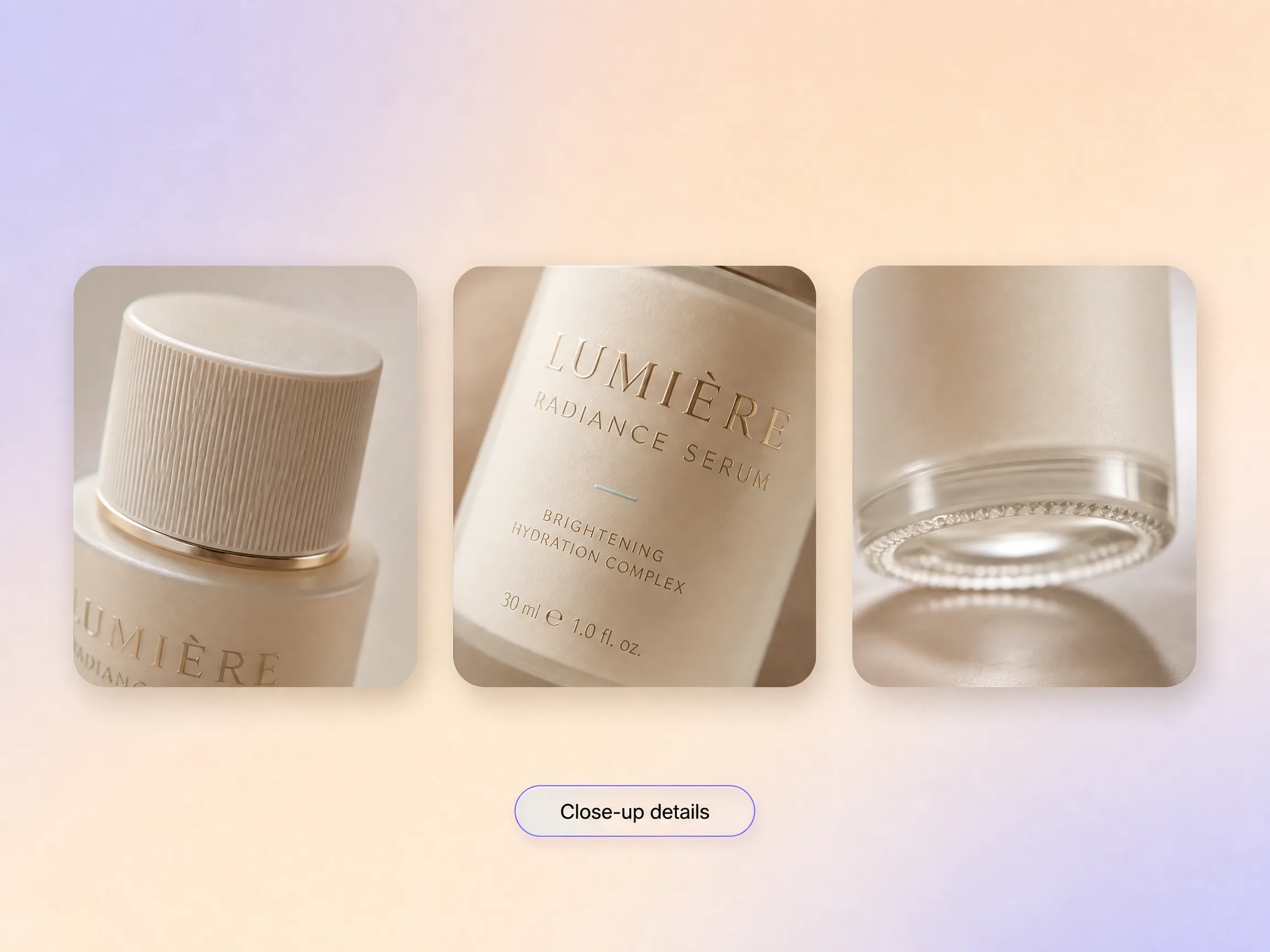
Pexo paces the open the way a good unboxing feels, the lid lifts, the product is revealed, and the camera lingers on the details that sell it. An unboxing video maker is only worth using if the product still looks real, so Pexo keeps yours pixel-consistent from the box shot to the close-up. You go from one product photo to a reveal people watch to the end.
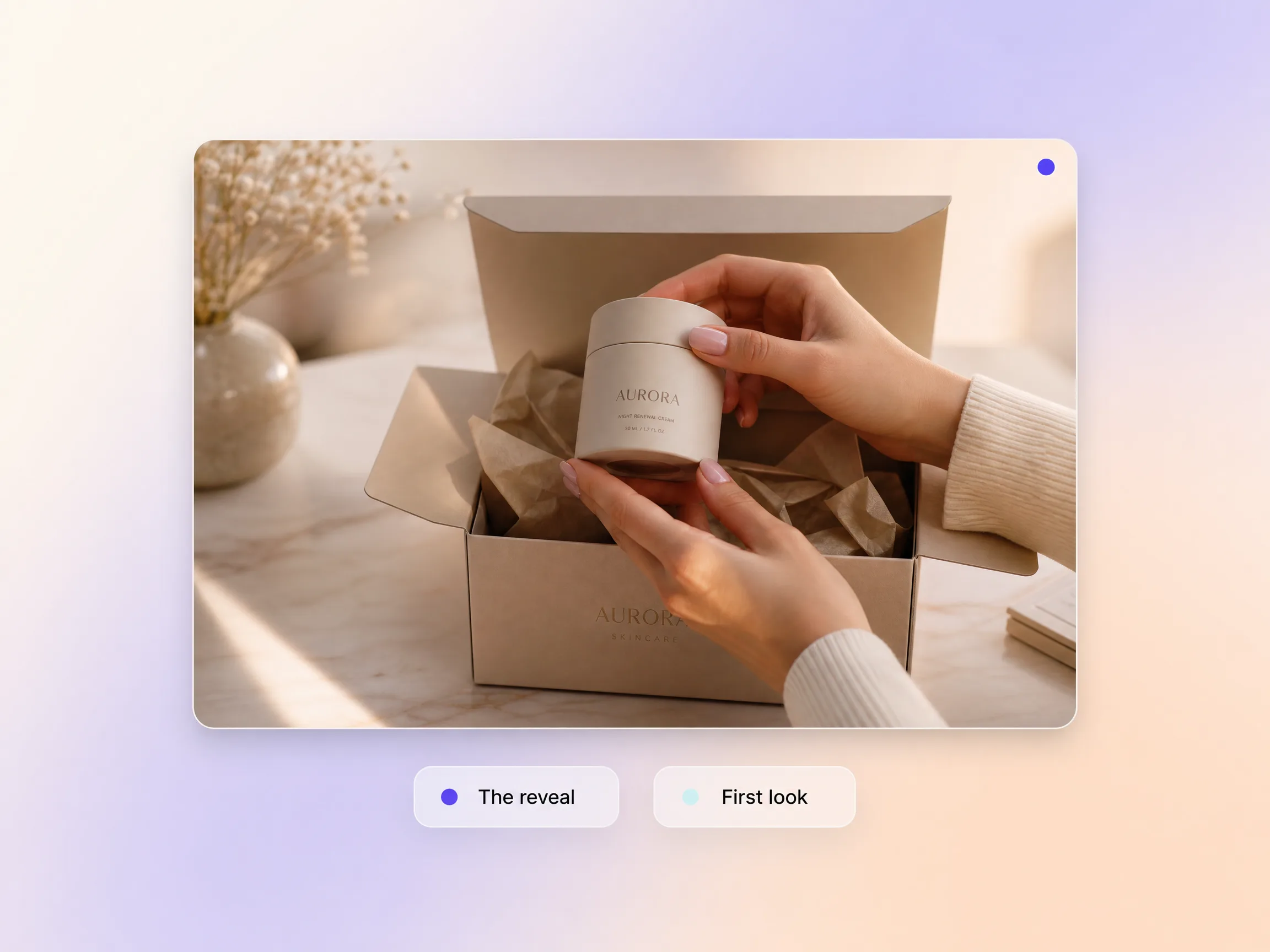
Pexo builds your unboxing video around the moment the product comes out of the box, the beat viewers actually watch for, with clean framing and satisfying pacing. Voiceover and music land on that same beat, so the payoff shot hits instead of drifting past. It leads with the reveal instead of burying it.
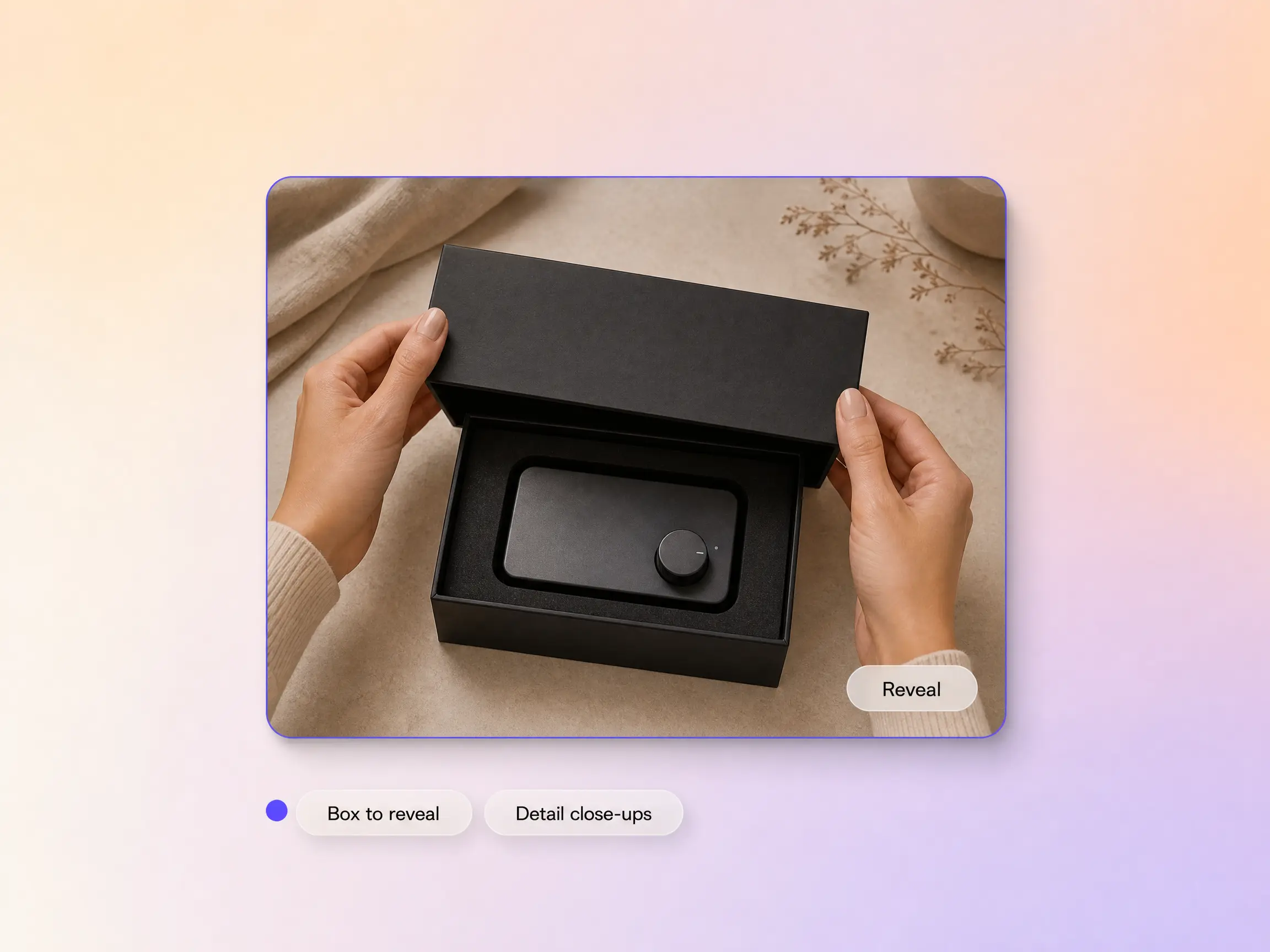
Pexo turns your unboxing video into a full tour of the product, cutting from the reveal to clean close-ups of the details that sell it, texture, ports, finish. Each shot is framed to show, not tell, and you can add an AI avatar with lip sync when you want a face and a voice walking through it. Buyers see exactly what they are getting.
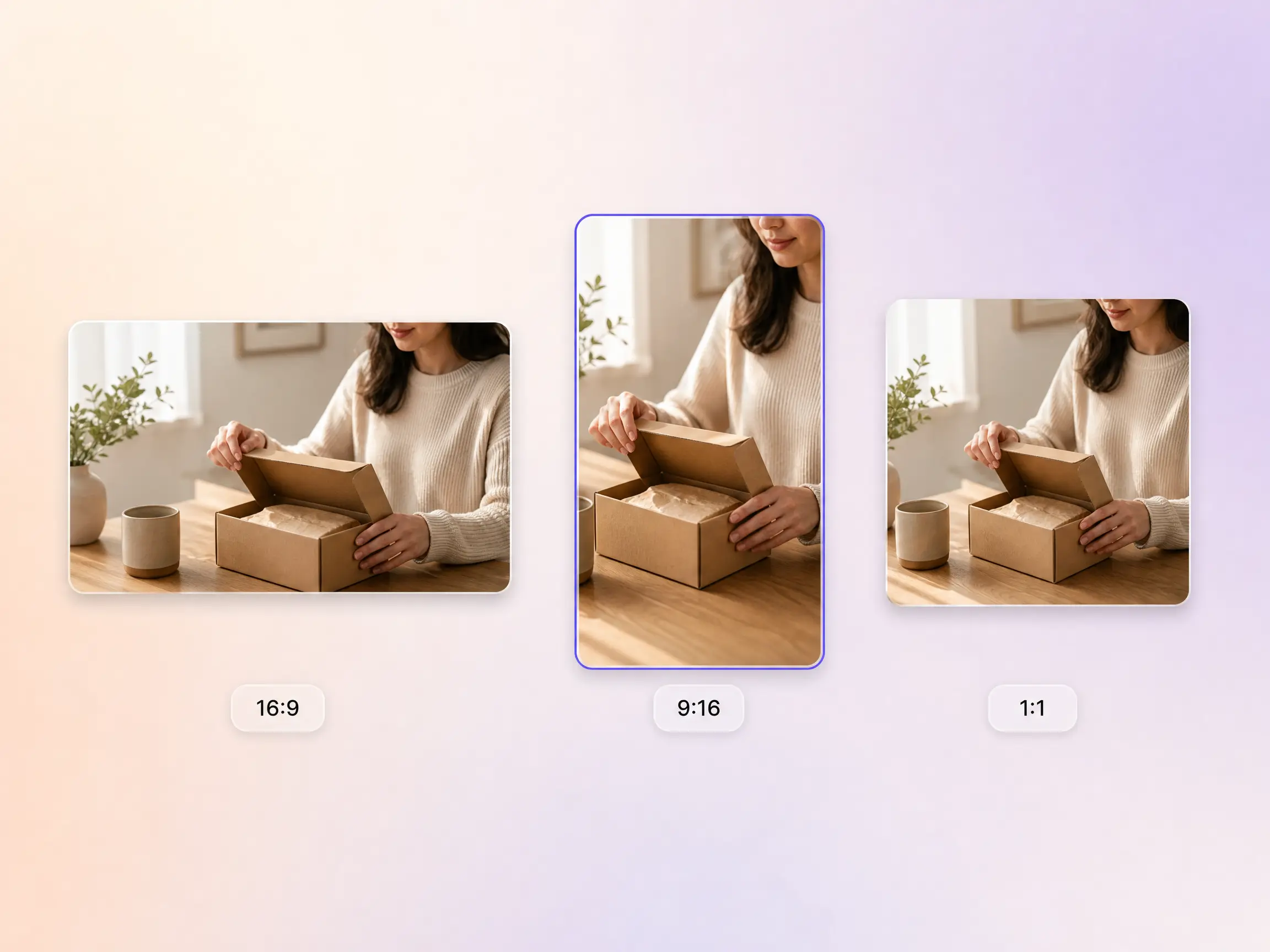
Pexo delivers your unboxing video natively in 16:9 for YouTube, 9:16 for TikTok and Reels, and 1:1 for feeds, up to 4K and anywhere from 5 to 120 seconds. Each aspect ratio is generated fresh for that screen, with the composition framed for it rather than cropped down from one master. Ask for several formats at once and post the right version to every channel. It looks intentional everywhere it lands.
I uploaded one product photo and Pexo built an unboxing that looked styled and shot. It performed better than the clips we filmed ourselves.

We launch SKUs constantly and could never film each one. Pexo gives every product an unboxing in an afternoon, on brand.

No studio, no product samples on hand. Pexo animated a reveal from our packshots and it looked completely real.

Every format below starts from the same product photo as your unboxing video.
Turn product shots into a polished product video in minutes
Turn one product photo into a product ad that sells
Creator style clips that look filmed on a phone
Vertical ads built for the TikTok feed in minutes
An unboxing video is a short clip that opens a package on camera and reveals the product inside, close enough that viewers can read the packaging and judge the finish. Pexo builds one from a single product photo, animating the lid lift, the reveal, and the detail close-ups, then scoring and editing the whole unboxing video for you.
No. Pexo animates the unboxing from your product and packaging photos, so you can publish an unboxing video without a camera, a studio, or the product in hand. Start from image to video with a packshot, or from text to video with a description, and Sora 2, Kling and Veo keep the item consistent for 5 to 120 seconds.
Every unboxing video exports natively in 16:9 for YouTube, 9:16 for TikTok, Reels and Shorts, and 1:1 for feeds, at up to 4K and any length from 5 to 120 seconds. Each ratio is framed for its own screen rather than cropped out of one master, so the product never gets cut off at the edge.
Pexo is the best AI tool for unboxing videos for most brands, because it runs the whole job in one place. It writes the reveal, renders it with Sora 2, Kling and Veo, adds voiceover and music, and exports every aspect ratio, so one product photo becomes a finished unboxing video without an editor or a shoot.
Plenty, from the same product photo. Make a tv commercial for a broadcast style spot, a commercial video for a polished brand cut, a brand ad when the story is about the brand, or a testimonial video when a customer tells it instead of you.
Use one formula for every unboxing video prompt: subject plus action plus camera movement plus setting plus style. Name the product, say what the hands do, pick the move, set the surface, and lock the look. Example prompt: a matte black skincare box on pale linen, hands lifting the lid to reveal the glass bottle, slow top down push in, soft morning window light, clean minimal product film style.
Turn one product photo into an unboxing video and post it to every channel in minutes.
Make an app promo video that shows real screens and drives installs. Pexo scripts and cuts it with Seedance 2.5, Kling AI 3.0 and MiniMax H3 in minutes.
Make an ecommerce video for every SKU from the photos on your listings. Pexo picks between Seedance 2.5, Kling AI 3.0 and MiniMax H3, up to 4K in minutes.
Turn Shopify listing photos into a product video with Seedance 2.5, Kling AI 3.0 and MiniMax H3. Export 16:9, 9:16 and 1:1 up to 4K in minutes.
Make a google ad video for YouTube skippable, bumper and in-feed slots with Seedance 2.5, Kling AI 3.0 and MiniMax H3. Spec-ready cuts in minutes.
Make a video sales letter that closes. The AI video sales letter generator writes the arc, narrates it, and renders with Happy Horse, Kling and MiniMax H3.
Make an app ad that turns scrolls into installs. Pexo's app ad generator writes the hook and renders with Kling, MiniMax H3 and Seedance 2.5 in 4K.
Commercial video generator that turns a product photo into a broadcast-ready spot with Sora 2, Kling and Veo, cut to 15, 30 and 60 seconds in minutes.
Make an advertisement video for every placement. Pexo's AI advertisement video generator scripts and cuts the ad with Happy Horse, Seedance 2.5 and Kling.