

 ChatGPT
 Perplexity
 Claude
 Gemini
 Grok
Grok


How to Make a Script for a Video in 6 Steps
UPDATED: 2026-08-03 By Lan He, Senior Video Producer at Pexo
You can make a script for a video in six steps: set the goal and audience, outline the beats, write a hook for the first ten seconds, draft it scene by scene, read it aloud against a timer, and format it so someone can shoot from it. About 45 minutes for a first script.
How to make a script for a video: quick version
- Write down the one thing a viewer should do after watching.
- Outline the beats before writing a single line of dialogue.
- Open with a hook that lands inside the first ten seconds.
- Draft scene by scene in two columns: visual on the left, audio on the right.
- Read the whole thing aloud against a timer and cut what you stumble on.
- Format it so a producer can shoot from it without asking questions.
How to write a video script step by step
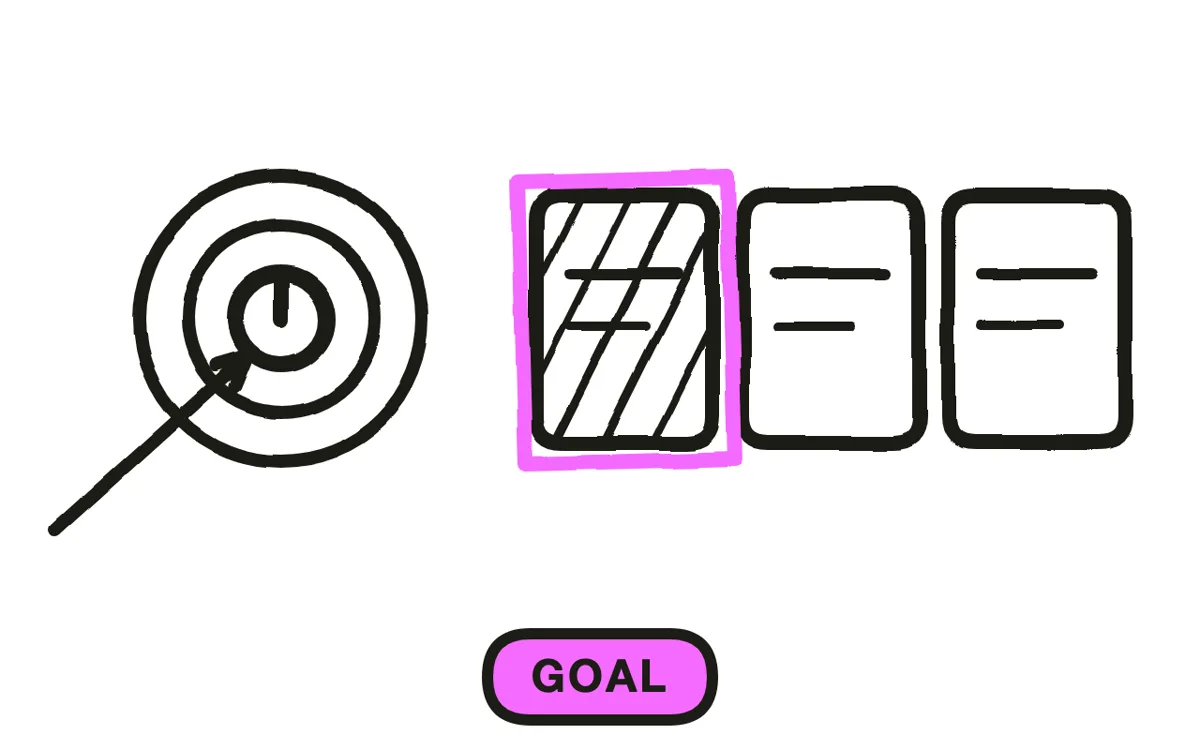
Step 1: Set the goal and the audience
Set the goal and the audience before writing anything. Write one sentence naming what a viewer should do after watching — subscribe, request a demo, follow the instructions — and one sentence naming who they are and what they already know. Those two sentences decide vocabulary, length, and how much explaining the script has to carry. A script written without them tends to describe a topic rather than move anyone, and that shows up as a video nobody finishes.
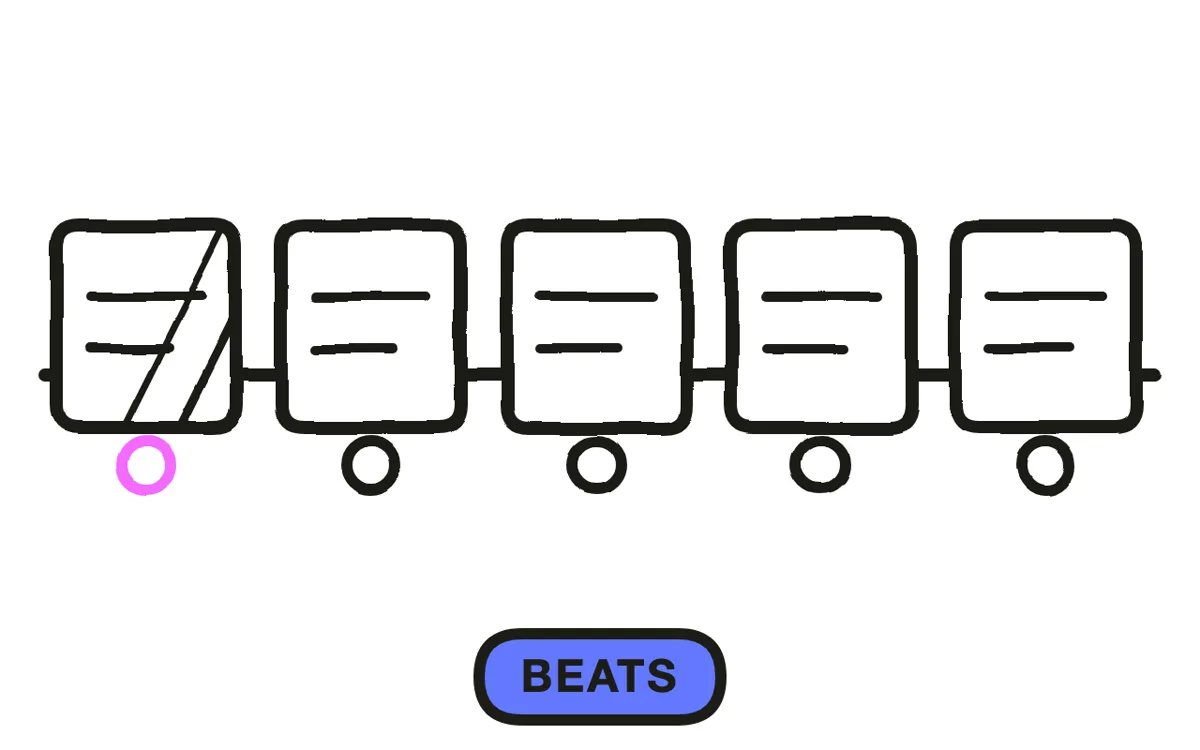
Step 2: Outline the beats
Outline the beats before you write a single line. Three to five beats is enough for most videos: the problem, the turn, the demonstration, the payoff. Give each beat one sentence and put them in order, then check that the sequence still makes sense read straight through. Reordering a beat costs a minute at this stage and an afternoon once the lines are written, which is the whole reason the outline exists.
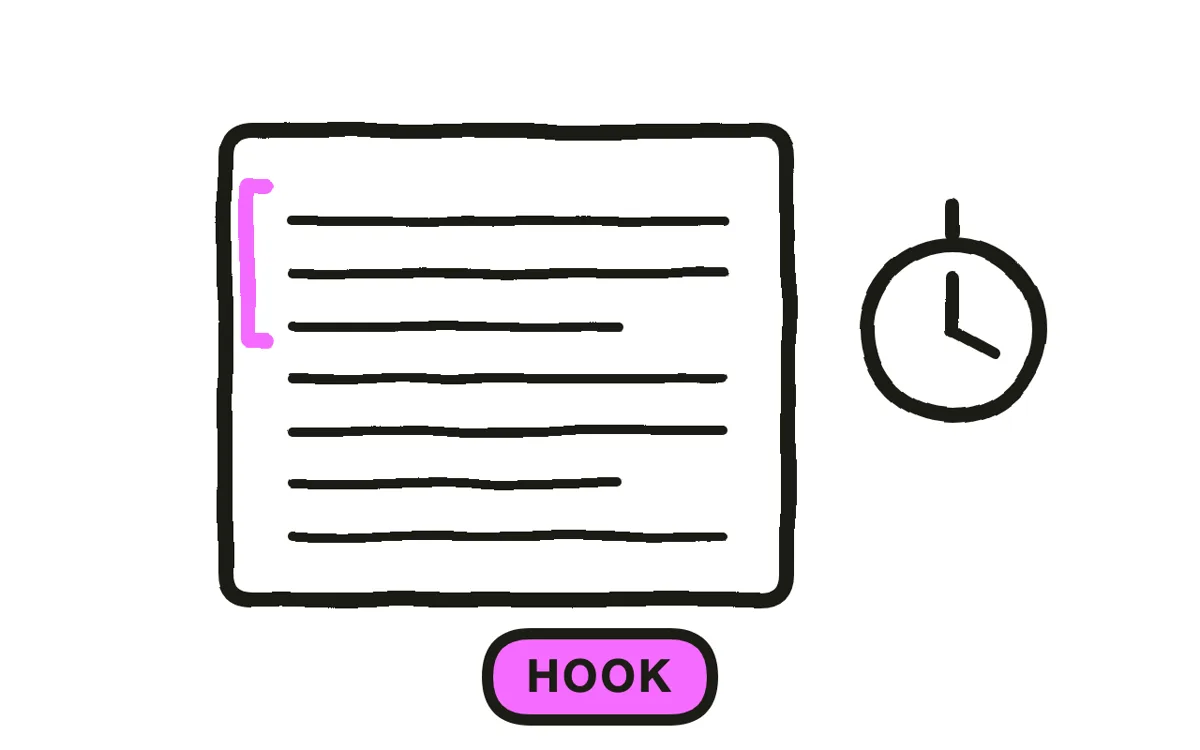
Step 3: Write the hook first
Write the hook first, and keep it inside ten seconds. A hook works when it makes a promise the rest of the video keeps: the outcome the viewer gets, the mistake they are probably making, or the question they came to answer. Draft three versions and read each in isolation — the one that still makes sense with no setup is the one to use. Writing the hook before the body also tells you whether the video has a point yet.
Step 4: Draft it scene by scene in two columns
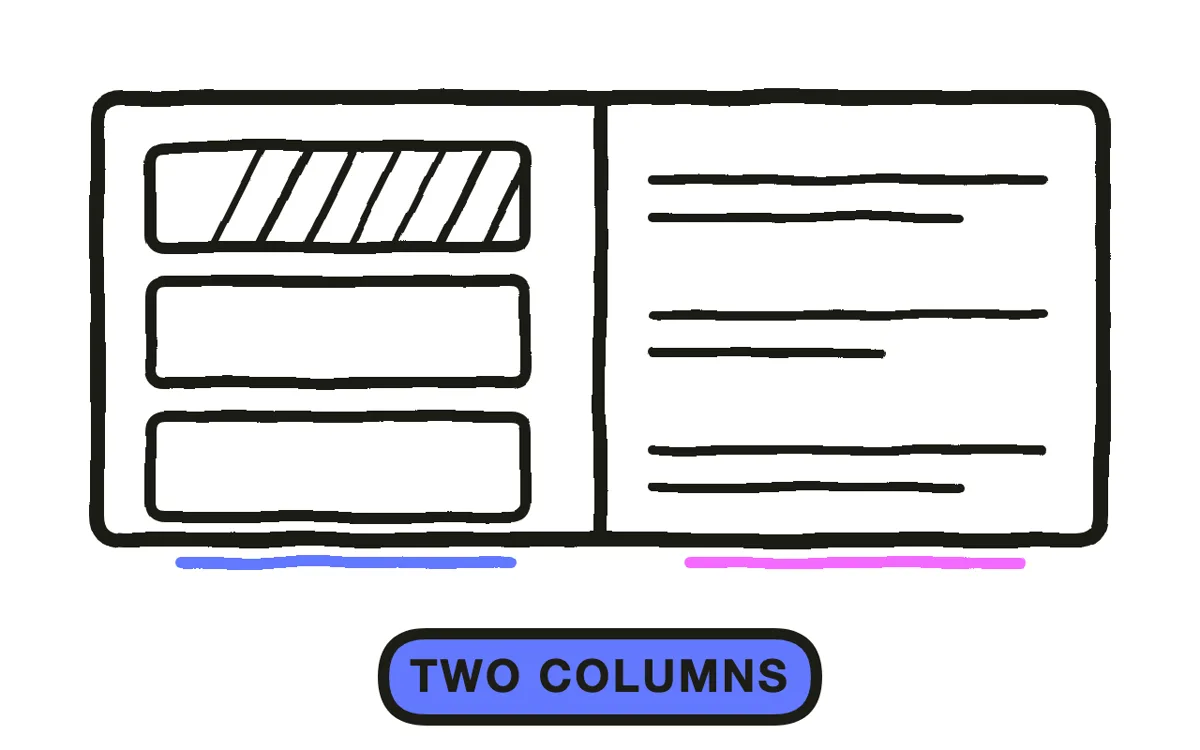
Draft it scene by scene with visuals on the left and audio on the right. This is the two-column A/V format used for instructional and corporate video: the left column says what is on screen, the right column says what is heard, and a producer can plan the shoot by reading down one side while a narrator records from the other. Keep one idea per row. When a row needs two sentences of narration to explain what is on screen, the visual is doing too little and the scene should split.
Step 5: Read it aloud against a timer
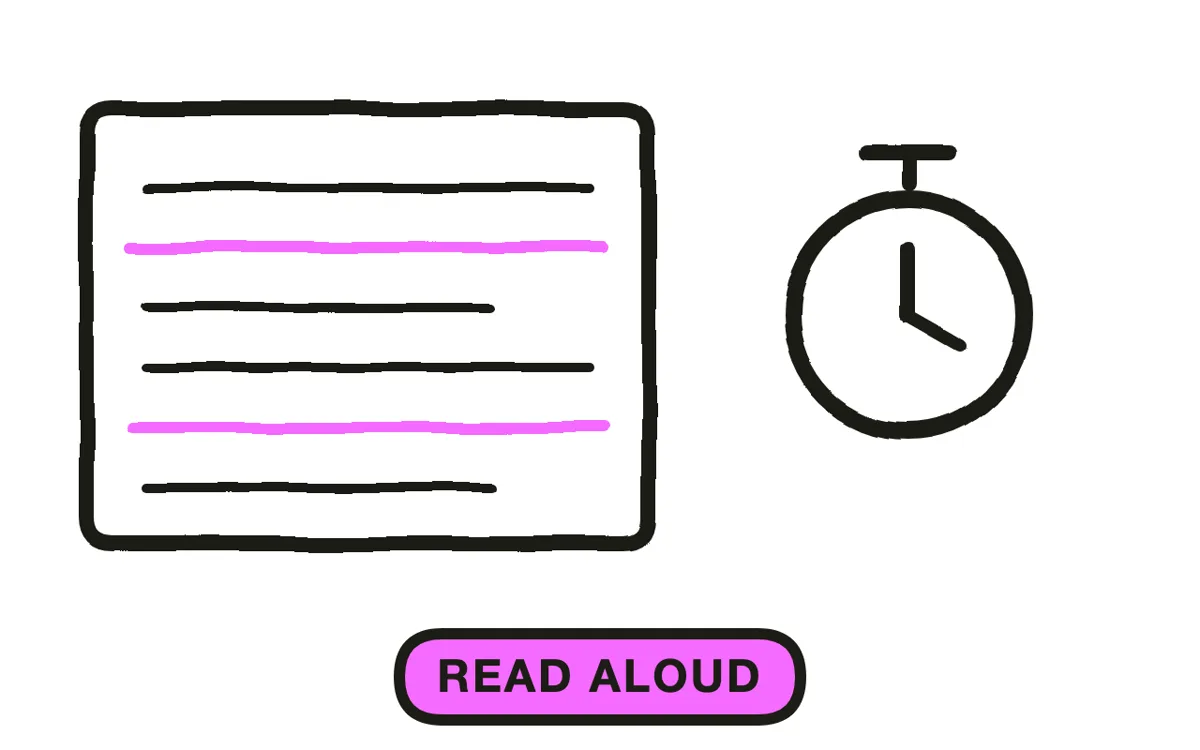
Read the whole script aloud against a timer at the pace you would actually narrate. Silent reading runs much faster than speech, which is why scripts that felt tight on the page come in long. Mark the clock at each scene break so you know which scene overruns instead of only knowing the total. Any sentence you stumble over gets rewritten, and cuts come from the middle first — the hook and the close do the most work.
Step 6: Format it so someone can shoot from it
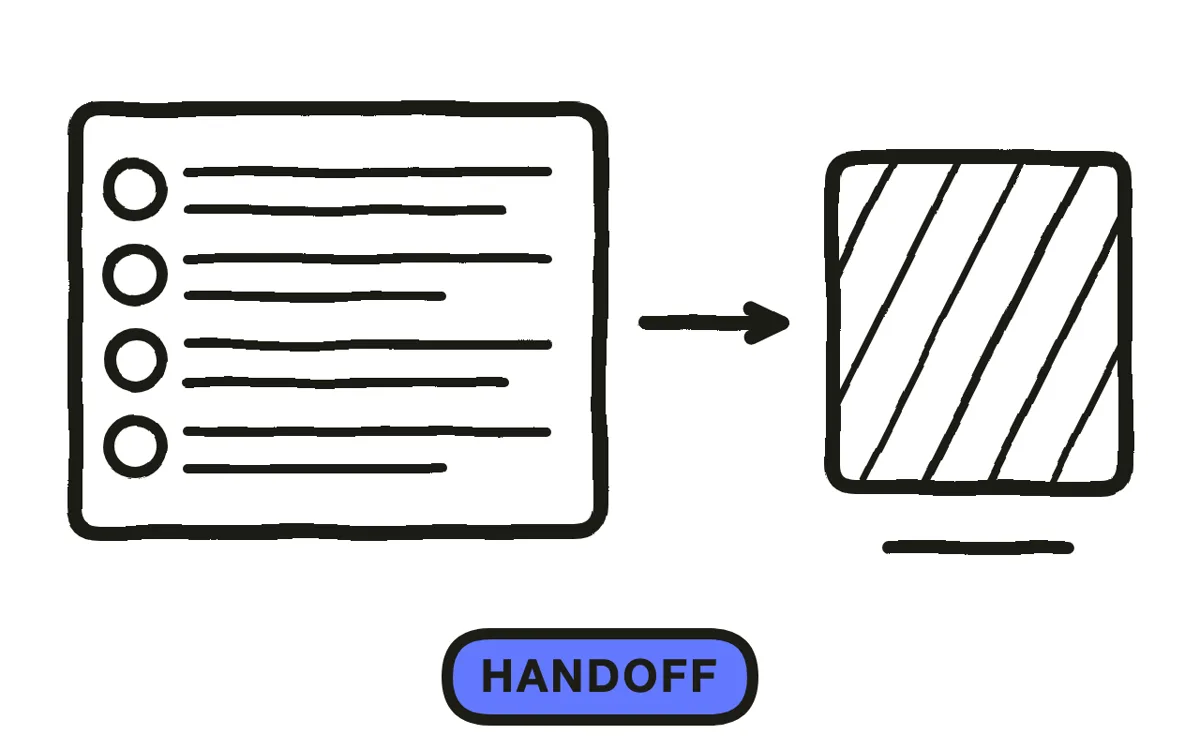
Format the final script so someone else can shoot from it without asking questions. Number the scenes, name the speaker on every audio row, and keep bracketed direction to what changes the shot — a gesture that carries meaning stays, a blink does not. Add the runtime from Step 5 at the top. The test is simple: hand it to someone who was not in the planning and see whether they can produce the video from the page alone.
How to turn your script into a video with Pexo
Pexo picks up where the script ends. Paste the finished script — or even a one-line premise — and it breaks the story into scenes and shots, generates each one, adds voiceover and music, and assembles the edit, so the two-column plan from Step 4 becomes a cut rather than a shoot day.
The AI movie maker page is the entry point for a full script, and script-to-video covers the shorter pieces. Characters hold their look from shot to shot, and narration can use a cloned voice, so a scripted series stays consistent across episodes.

Pexo will also draft the script itself from a premise, the same text-to-video path that turns one line into a finished cut. That is worth using as a first pass when you are staring at a blank page — but the six steps above are what turn a draft into a script that earns the viewer's attention, so read anything generated with Step 3 and Step 5 in hand.
Common mistakes to avoid
- Writing the body before the hook. A script drafted front to back tends to reach its point in the third paragraph, where no viewer is still watching. The hook is a structural decision, not an intro to write later.
- Describing what the visual already shows. If the narration says "here is the dashboard" over a shot of the dashboard, the row is spending time twice. Let the picture carry the noun and the narration carry the meaning.
- Counting words instead of timing. Word counts assume a delivery pace that is not yours. Reading aloud against a timer is the only estimate that survives contact with the recording.
- Bracketed direction for everything. Directions that do not change the shot make a script slower to read and easier to ignore. Keep the ones a camera or an editor would act on.
- Skipping the handoff test. A script that only its author can shoot from is an outline. Someone outside the planning should be able to produce the video from the page.
Putting it together
Making a script for a video is a sequence of decisions, not a writing sprint: what the video is for, which beats carry it, what promise opens it, and how it reads out loud. Run the six steps once on a short piece before scaling to a series — the read-aloud pass in Step 5 is where most first drafts lose a third of their length and all of their stiffness. Describe your first video to Pexo once the script is ready.
Related tutorials
- How to write an explainer video script — the explainer-specific version of this workflow
- Explainer video script examples — five templates to copy
- AI video generator for YouTube — tools compared once the script is done
- Descript review and best alternatives — script-based editing, for teams who record narration in house




