 ChatGPT
 Perplexity
 Claude
 Gemini
 Grok




If your agency makes ads for three brands at once, the hard part is rarely generating one more presenter clip. It is keeping each client’s products, voices, approvals, credits, and delivery files in the right place. A tool can look efficient in a demo and still create cleanup work when a reviewer needs access, a client changes one claim, or a presenter’s consent ends.
This guide compares Creatify, Arcads, and HeyGen against one fictional three-client workload. You will get a practical way to judge brand separation, seats, credit use, review access, revision handling, and handoff before you commit to an agency plan.
What Changes When an Agency Serves Several Brands?
An in-house team can often keep one brand library, one approval path, and one person responsible for the final export. An agency has to repeat that system across clients without mixing assets or giving the wrong person access.
For this comparison, imagine an agency serving three accounts:
-
Morrow Carry needs six 9:16 compression-pouch ads each month.
-
Northline Skin needs four presenter-led skincare variations with different claims.
-
Fieldhouse Coffee needs three founder-style product ads in two languages.
The agency has two editors, one creative lead, and one reviewer from each client. Every account needs its own product images, scripts, brand notes, presenter permissions, music choices, and final exports.
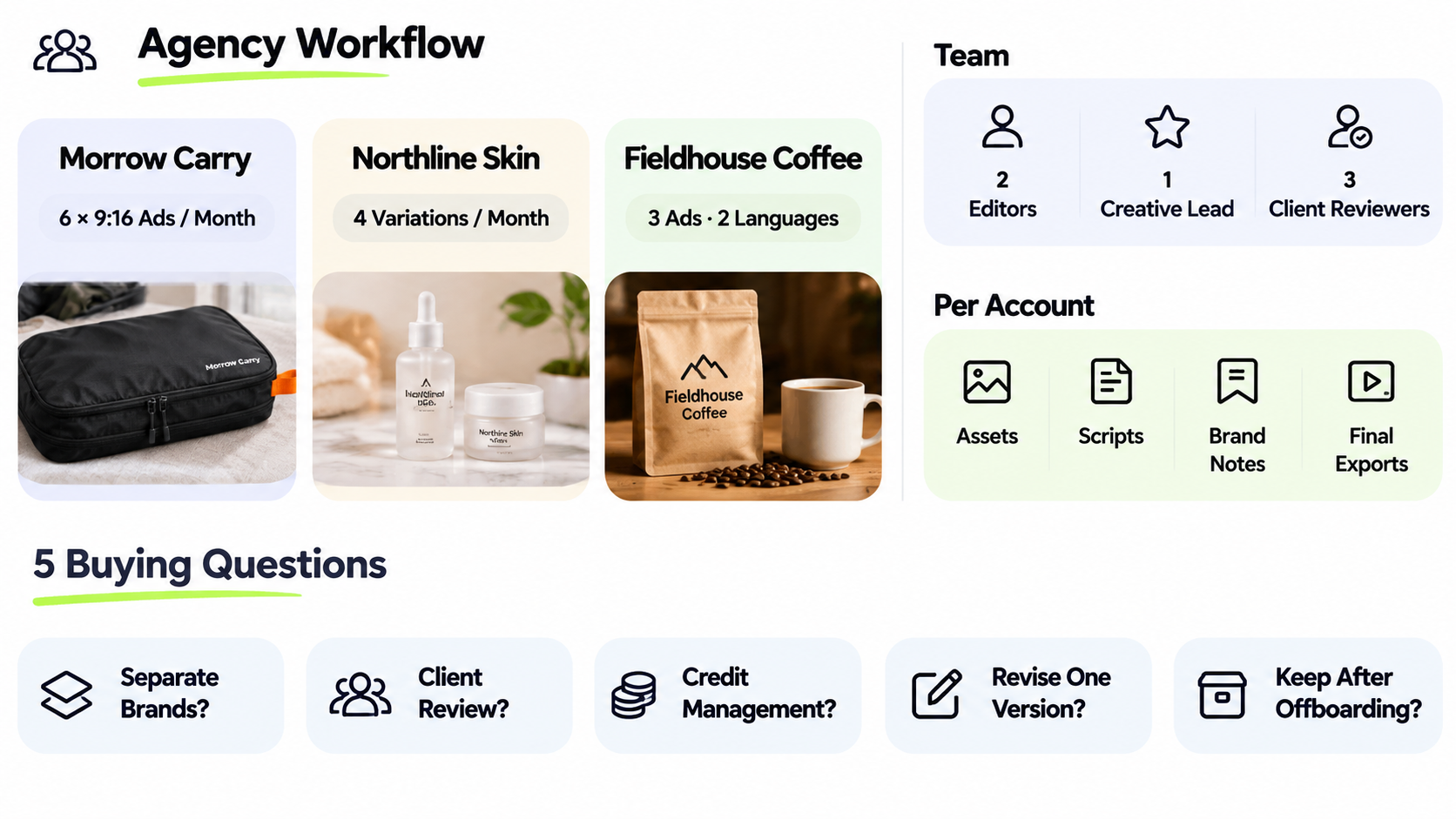
That workload creates five buying questions:
-
Can the team separate brands and projects?
-
Can clients review a draft without gaining control of the whole account?
-
Are credits shared, assigned, or consumed by one user?
-
Can the team revise one claim or language version without rebuilding everything?
-
What remains available when a client leaves or a contract ends?
A good agency setup answers those questions before the first batch is rendered.
How Were the Agency Workflows Compared?
Each tool is considered as a production workspace, not simply as a generator. The comparison looks at:
-
client and brand organization
-
internal seats and reviewer access
-
presenter, voice, and product asset handling
-
repeatable revisions and localization
-
credit or usage planning
-
export and client handoff
The examples use current public product documentation. Plan names, limits, and workspace features can change, so treat the published details as a buying snapshot and confirm the offer shown in your account before signing an agreement.
1. Creatify for Product-Page Ad Variants
Client Workflow and Limits
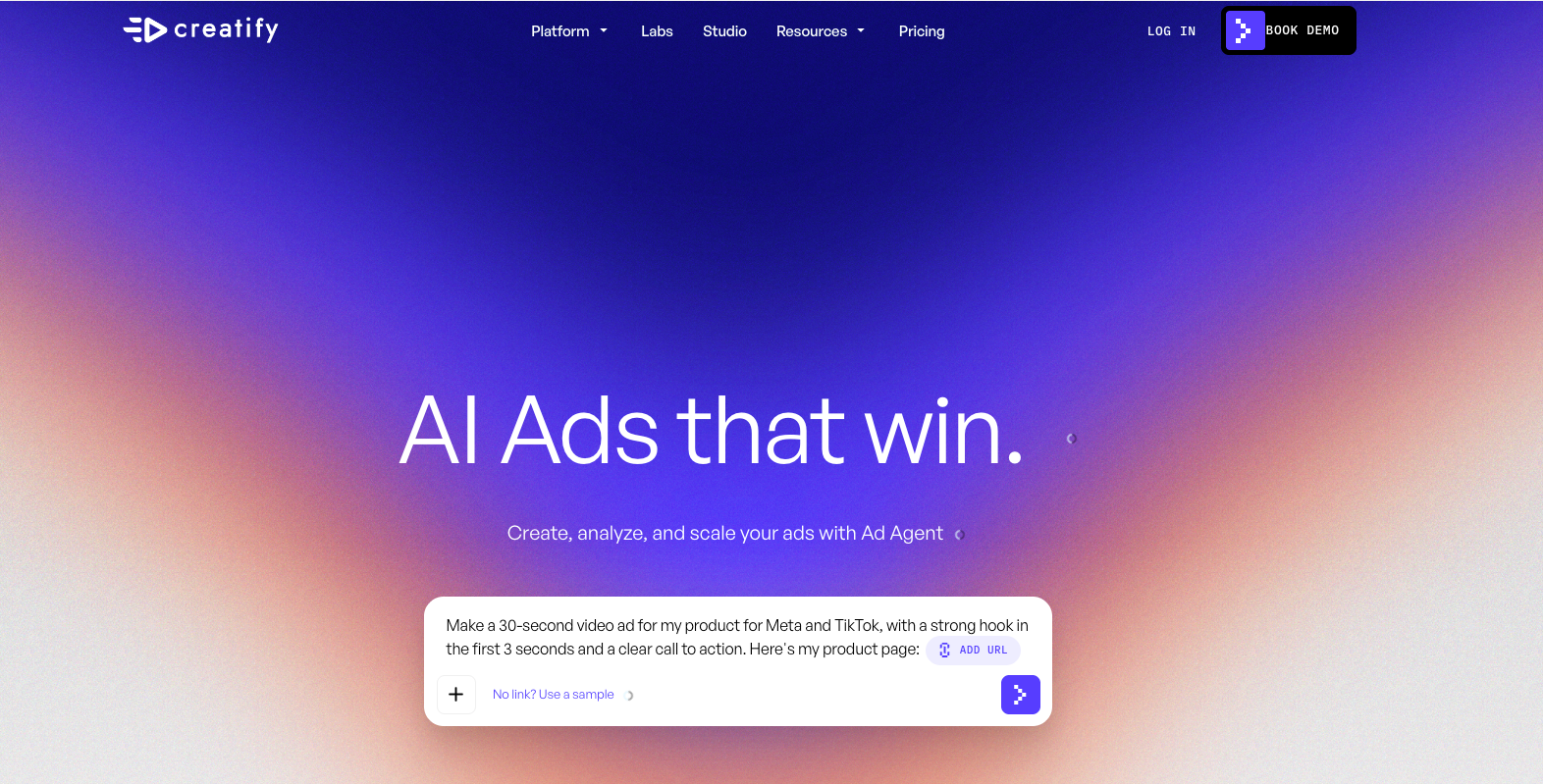
Creatify fits an agency that starts with a product page, product images, or a short ad brief and needs multiple UGC-style concepts. Its current business plan describes shared credits, ten seats, ten brand spaces, team controls, and maximum simultaneous generations. The current Creatify pricing page lists those agency-oriented features alongside the individual plans.
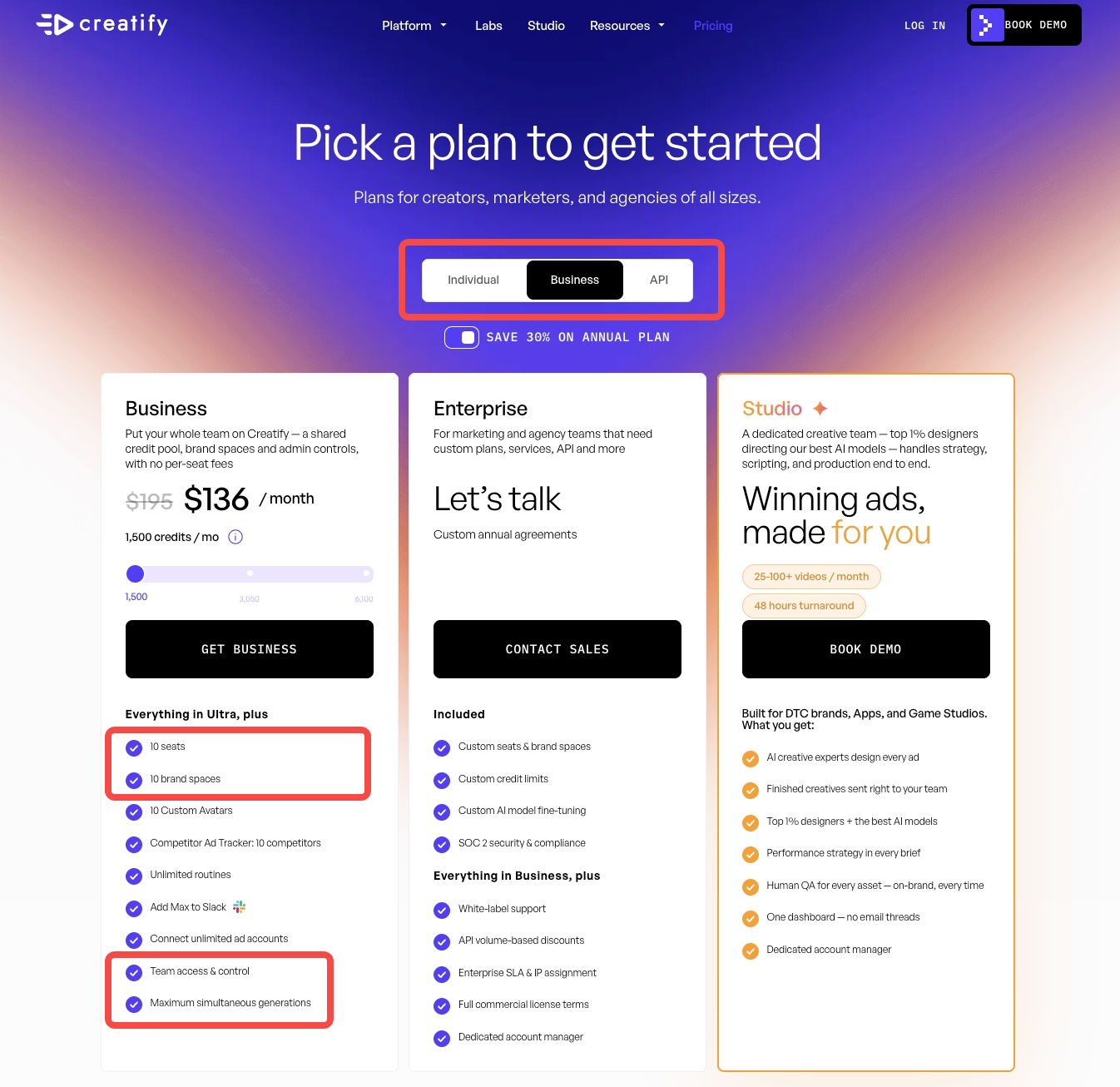
For the three-client example, the agency could give Morrow Carry, Northline Skin, and Fieldhouse Coffee their own brand spaces. Each space can hold its logos, colors, fonts and optional voice/style preferences, and recurring creative rules. Editors can work from one account while the agency keeps the campaign structure visible to the right team members.
Creatify is a strong fit when the work begins with a product URL or a product-specific ad concept. It can reduce the time spent rebuilding the first draft for each SKU, especially when the agency tests several hooks around the same product. The agency still needs a naming system for scripts, claims, languages, and approved exports. A brand space does not replace the client’s approval record.
The credit model deserves its own worksheet. One client may use most of the balance for new concepts, while another may need fewer generations and more manual revisions. Track credits by client, campaign, and purpose. A simple monthly sheet can include:
| Client | Planned ads | First drafts | Re-renders | Languages | Credit owner |
|---|---|---|---|---|---|
| Morrow Carry | 6 | 12 | 6 | 1 | Agency pool |
| Northline Skin | 4 | 8 | 8 | 2 | Agency pool |
| Fieldhouse Coffee | 3 | 6 | 3 | 2 | Agency pool |
This is a planning model, not a forecast of the credits those ads will consume. The actual cost depends on the selected model, duration, resolution, and revisions.
The main limitation is governance. The agency must decide who can open each brand space, who can change a script, and who can approve a final export. If the account gives broad visibility across clients, the agency needs a separate operating rule for sensitive product data and unreleased campaigns.
2. Arcads for Scripted Presenter Concepts
Client Workflow and Limits
Arcads suits agencies that sell scripted presenter ads as a repeatable service. Its agency guidance describes reusable workflows, separate brand information, custom actors, multilingual delivery, and a shared workspace model. The same guide notes that workspace members can see all brands and content, while the workspace owner controls the plan, payment, and API keys. Custom actors remain private to the workspace. Read the Arcads agency guidance when mapping your client setup.
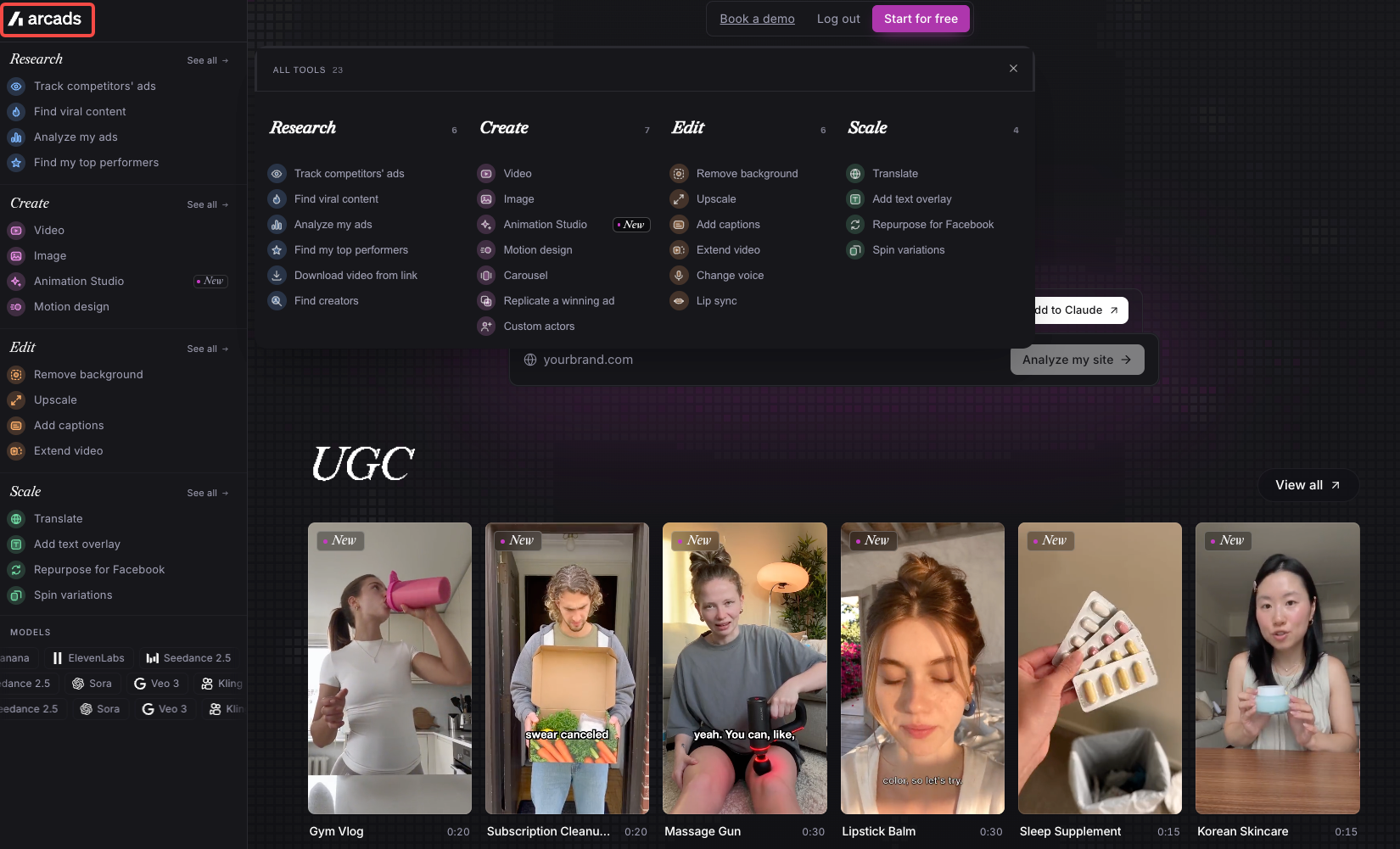
That model works well when the agency owns production and clients review finished drafts. It gives the internal team one place to save a workflow such as “script plus product image to three hooks,” then run it for different accounts. A custom actor can support a founder or spokesperson series when the agency has the required permission and the client wants consistent presentation across ads.
The visibility model changes the handoff conversation. If all members can see every brand and content item, do not invite a client as a regular workspace member unless that level of access fits the contract. A review link, exported file, or separate approval record may be a better client-facing route.
Arcads can also support localization and reusable production workflows. That is useful for Fieldhouse Coffee, where the same approved concept may need two languages. The agency should keep the source script, translated claim sheet, pronunciation notes, and final language approvals together. Translation output is still a deliverable to review, especially when product names and regulated claims are involved.
Arcads is a weaker fit when each client expects a fully separated workspace with independent billing and private internal notes. Its agency workflow can centralize production, but the agency must decide how that centralization fits its confidentiality policy.
3. HeyGen for Approved Presenter Assets
Client Workflow and Limits
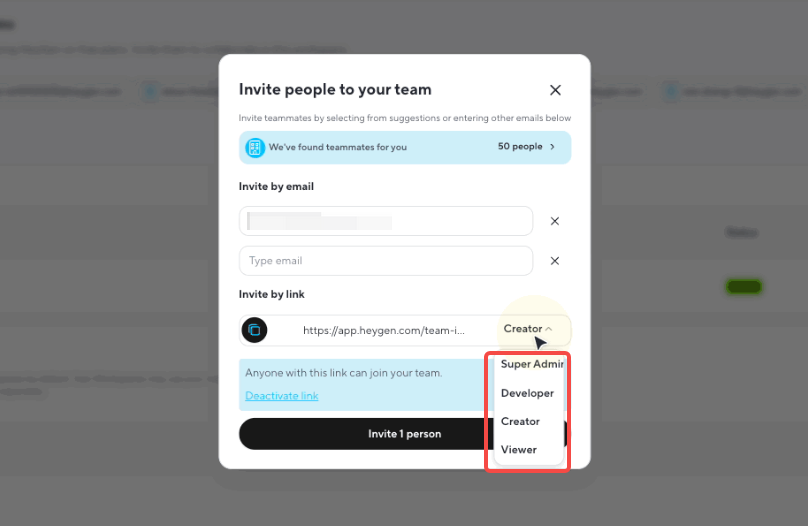
HeyGen fits agencies that already have approved presenter, avatar, or voice assets and need structured production with different roles for creators, editors, and reviewers. Its workspaces support project-level access such as private, selected collaborators, and all collaborators. Enterprise workspaces can add sub-workspaces, role controls, and resource allocation for separate teams or clients.
For the example agency, HeyGen could give the creative lead control over presenter assets while clients receive viewer or proofreader access to drafts. Editors can work on assigned projects, and the agency can keep the client’s product folder separate from another account’s work. The exact combination of roles and sub-workspaces depends on the plan.
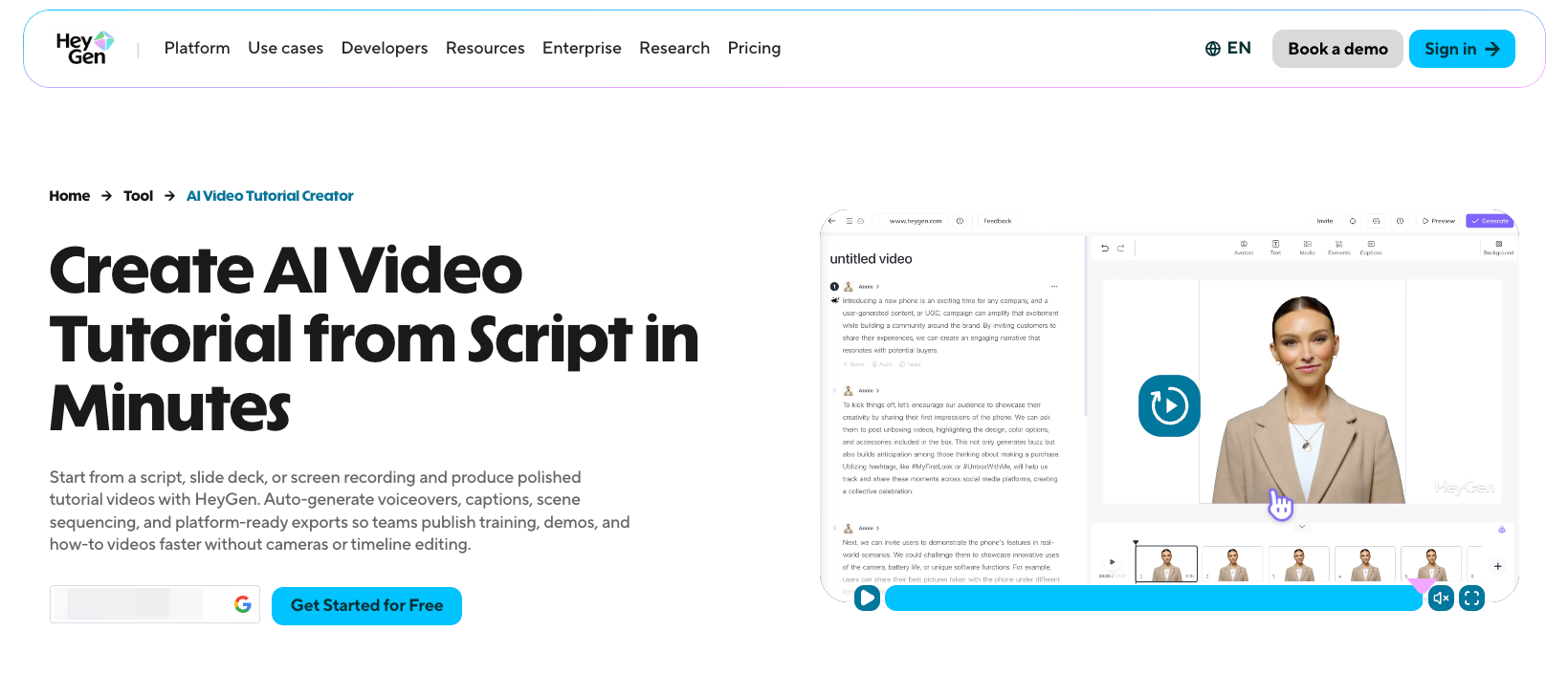
HeyGen is especially useful when the client has already approved the presenter and voice. The agency can then focus on script versions, languages, captions, and delivery formats. If the client changes a claim, the team can revise the script and rerender the affected version while preserving the approved presenter setup.
The cost model needs attention. Seats, video minutes, avatar resources, and premium credits may sit in different parts of the account. A client who needs only proofreading should not automatically receive the same access as an editor. Record which person can create, edit, download, or share content before inviting external reviewers.
HeyGen may be more structure than a small agency needs for occasional UGC-style concepts. Its advantage appears when presenter assets, reviewer roles, and recurring language versions are already part of the service.
A Three-Client Seat and Credit Worksheet
Use one worksheet before comparing plan prices:
| Cost or control | Morrow Carry | Northline Skin | Fieldhouse Coffee |
|---|---|---|---|
| Active editors | 1 | 1 | 1 |
| Client reviewers | 1 | 1 | 1 |
| Presenter or voice asset | Creator footage | Approved avatar | Founder voice and face |
| Monthly first drafts | 12 | 8 | 6 |
| Expected rerenders | 6 | 8 | 3 |
| Languages | 1 | 2 | 2 |
| Download owner | Agency lead | Agency lead | Agency lead |
| Approval record | Client workspace | Client workspace | Client workspace |
Add a second page for the account itself:
-
seats included and extra-seat price
-
shared or separate credit balance
-
reviewer permissions
-
private versus shared projects
-
brand or sub-workspace count
-
avatar, voice, and presenter ownership
-
download and export controls
-
API or automation access
-
what happens to projects and assets after cancellation
This prevents a common purchasing mistake. A plan with more credits may still be a poor agency fit if every client shares the same visible workspace or if reviewers need paid creator seats.
What Must Stay Outside a Synthetic UGC Workflow?
The agency still needs records that the video platform cannot replace. Keep the signed or otherwise documented permission for each presenter, voice, customer clip, product photo, and music track. Keep the approved claims and the client’s version decision beside the export.
Synthetic UGC also needs clear labeling in the creative review process. A generated presenter should not be presented internally as a customer testimonial. A script that sounds like personal experience needs a real source or a different framing.
Pexo can be a separate route when the agency has approved product material and direction and wants a complete video draft from that context. Its create page can support a directed production brief, while the product-ad workflow is suited to an approved product asset and ad objective. It is a production path for the finished video, not a replacement for client workspaces, credit governance, or presenter-rights records.
FAQ
Does Creatify retain a product-page snapshot if its source URL changes?
Do not assume that an earlier page state remains available. Save the product copy, approved images, claims, and the source URL with the campaign record before generating variants.
Can Arcads localize an approved presenter script without changing the avatar?
Yes, the workflow can support language versions while retaining the chosen actor or custom actor. Review pronunciation, translated claims, captions, and consent scope for every market.
Can HeyGen preserve a brand pronunciation across localized presenter videos?
It can reuse an approved voice or presenter setup when the account and asset permissions allow it. Keep a pronunciation guide and listen to each localized render before approval.
What if a client withdraws consent for a presenter likeness?
Stop new generations and remove the asset from active workflows. Identify every draft, export, paid placement, and shared link that uses the likeness, then route the replacement decision to the client’s rights owner.
Can an agency transfer editable AI UGC projects at contract end?
Sometimes, depending on the platform, plan, file format, and asset permissions. Separate the editable project, source media, scripts, captions, and rights records in the handoff checklist. An exported MP4 alone may not preserve the workflow.
Conclusion
Creatify is a practical choice for product-page ad variants and shared brand spaces. Arcads fits agencies that sell repeatable scripted presenter workflows. HeyGen makes more sense when approved presenter assets and role-based review are central to the service.
Price the account around clients, reviewers, rerenders, languages, and ownership records. The most useful agency plan is the one that keeps the work separated and reviewable as the client list grows.
Before scaling, verify each presenter, voice, product image, music track, claim, and client export against the current agreement and destination ad rules. This article does not provide legal advice.