 ChatGPT
 Perplexity
 Claude
 Gemini
 Grok



A shared drive stores video files. A digital asset management system also records approval, access, permitted use, and expiry. Those details become important when an agency builds several product videos from one footage library.
Use one fictional campaign to compare the tools. Morrow Carry, an invented travel-accessories brand, is preparing a seasonal campaign for a compression pouch. The library contains product photos, six demonstration clips, logo files, two voice recordings, social exports, and a talent release. The team needs approved assets for a product ad, a retailer presentation, and a set of 9:16 social cuts.
When Does a Video Team Need a DAM Instead of Folders?
Folders work when one person can remember which file is current. A DAM becomes useful when the answer needs to live with the asset itself.
Morrow Carry needs a DAM when the team must search by SKU, product variant, language, campaign, approval status, rights owner, expiry date, or intended placement. It also needs a DAM when an outside editor should see the approved social cuts but never download the raw talent footage.
A DAM should help answer these questions from the library:
-
Which version is approved for paid social?
-
Which files show the current packaging?
-
Who owns the voice recording and when does permission end?
-
Can the agency download the source file or only preview a derivative?
-
Which export was delivered to the retailer?
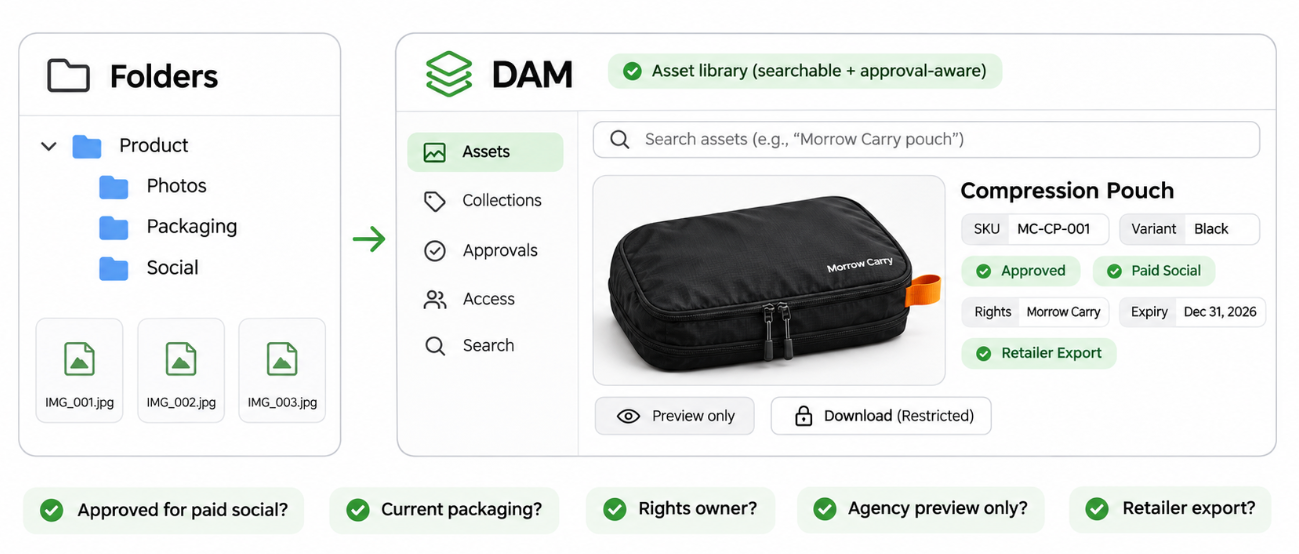
If the team only needs a few folders, filename discipline and a shared review log may be enough. The cost of a DAM makes sense when searching, approvals, rights, and handoff are recurring work.
How Were the Asset Libraries Compared?
Each platform is compared against the Morrow Carry library across five tasks:
-
Find the right footage and product version.
-
Show the approval state and version history.
-
Give an outside editor the narrowest useful access.
-
Record rights owner, territory, usage, and expiry.
-
Deliver a usable preview, source file, or export to video production.
The comparison uses current public documentation. It focuses on workflow fit and governance fields rather than claiming a universal ranking.
1. Air for Creative Review and Version Context

Best Fit, Handoff, and Limits
Air suits teams that spend much of their week reviewing images and video. Its current materials describe fast previews, annotations, approvals, version history, permissions, portals, and custom fields for campaign or rights information.
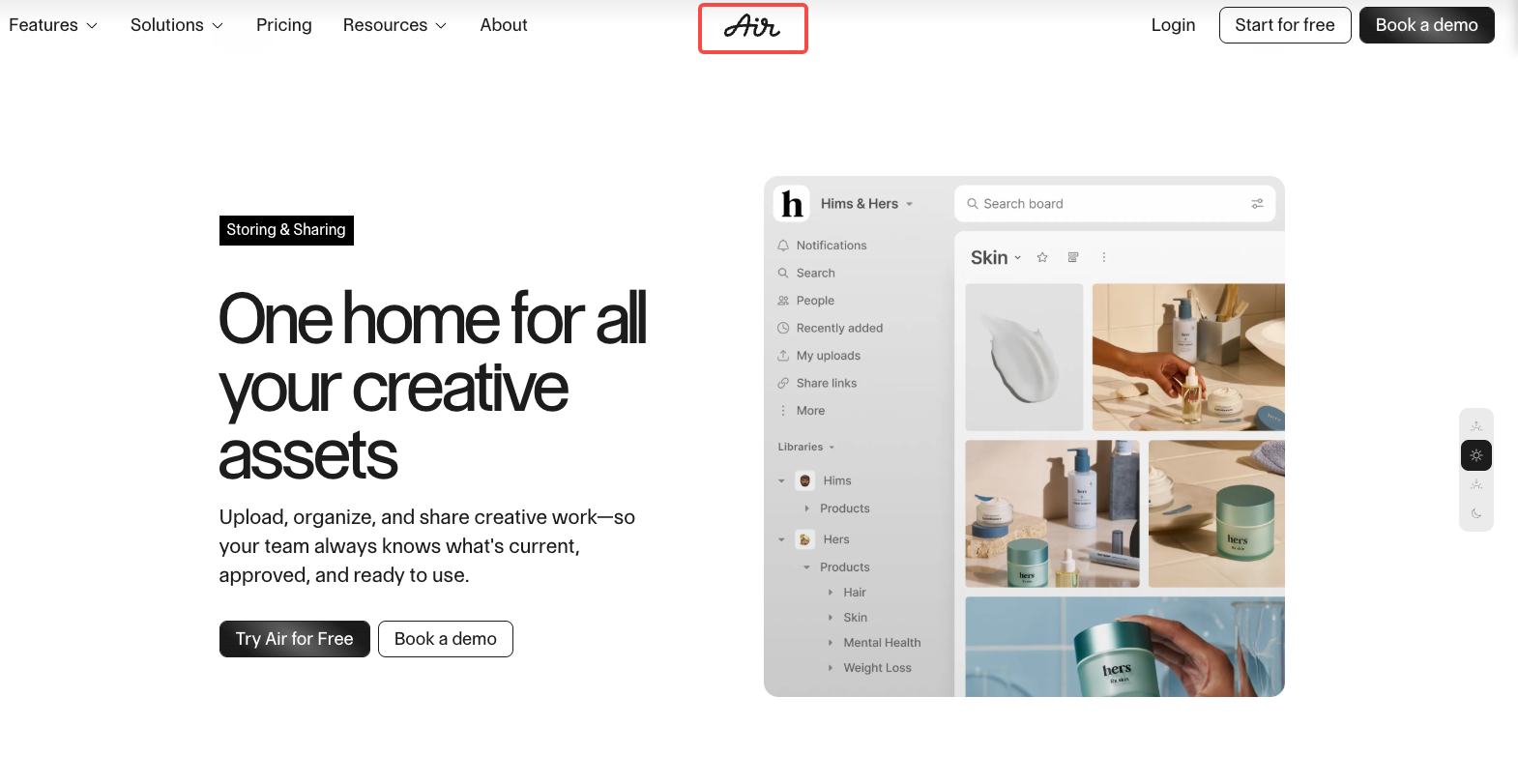
For Morrow Carry, the team could stack revisions of each demonstration clip under its asset record, keep the approved version visible, and attach comments to the moment that needs correction. The product manager can approve the pouch detail while the brand lead reviews the end card. An outside editor can receive access to a board or library with only the assets needed for the current cut.
A reviewer sees the asset, its versions, feedback, and status together. That helps prevent a producer from downloading pouch_final_v7.mp4 when pouch_final_v9.mp4 is the approved file.
The handoff still depends on how the workspace is configured. Review access, download permissions, portal scope, and custom fields need to be designed by the team. A DAM can hold rights data, but it cannot create a valid release for a voice or talent after the fact.
2. Canto for a Small Brand Asset Library
Best Fit, Handoff, and Limits
Canto fits a small brand that wants a searchable library with folders, previews, portals, approval status, and controlled sharing. Its portal documentation describes private access, user or group permissions, metadata visibility, watermarks, download presets, and asset requests.
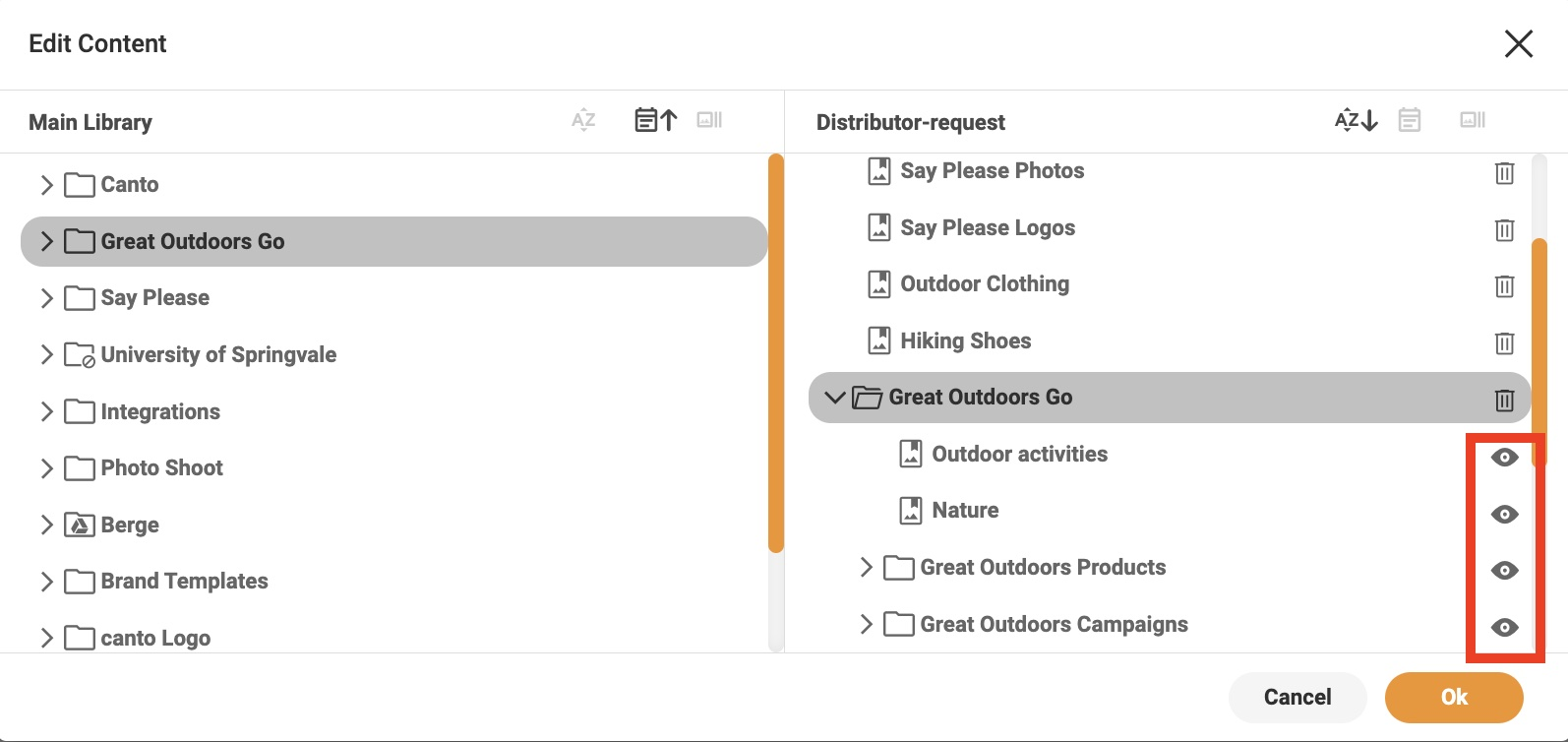
For Morrow Carry, a private portal could show a retailer the approved product video and a low-resolution preview while keeping the source footage restricted. The portal can display selected metadata such as SKU, campaign, language, and approval status. If the retailer needs the master export, the team can make that a separate request instead of opening the entire library.
Canto works well for a brand team that needs a clear external handoff. The portal and metadata still need careful setup. If the team leaves everything in one folder and gives every guest download access, the DAM will reproduce the same permission problem as a shared drive.
Canto can preview video and distribute derivatives, but the editor still needs to know which file is the source, which is the approved export, and which files are reference-only. Record those roles in the metadata and naming convention.
3. Bynder for Governed Brand Distribution
Best Fit, Handoff, and Limits
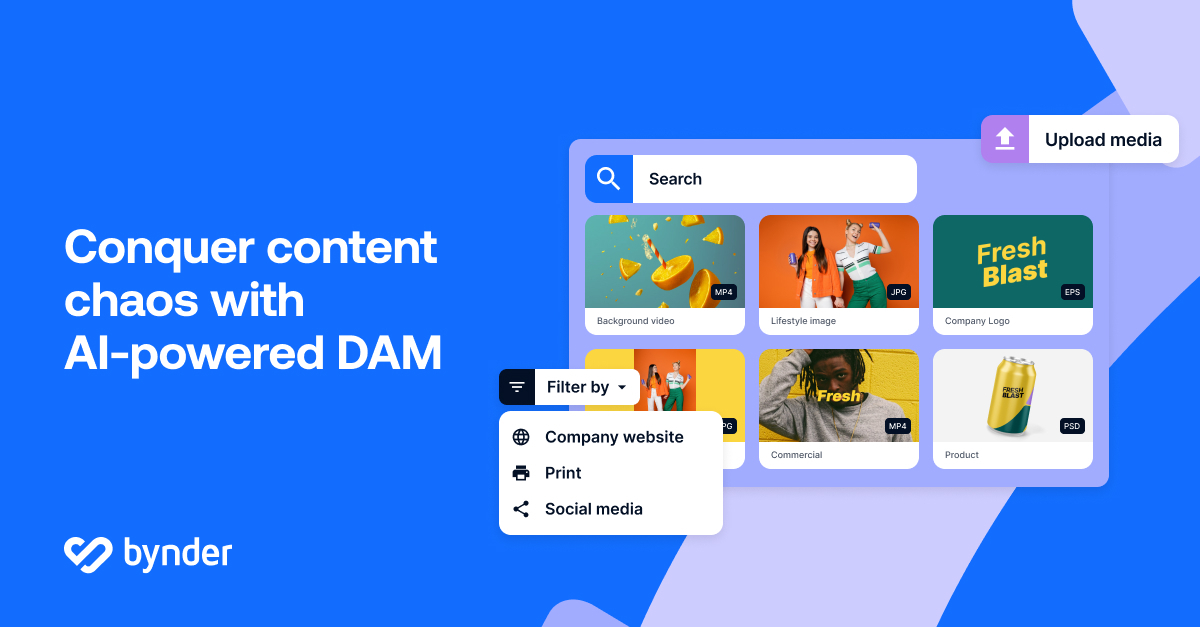
Bynder suits larger organizations that distribute brand assets across regions or departments and need structured metadata, permissions, portals, lifecycle rules, and administration. Its metaproperty and permission model supports metadata and access controls such as usage status, archive state, download access, and restore rights.
For Morrow Carry, Bynder could hold the master product library while regional teams receive approved derivatives for specific markets. A rights field can identify the talent release, territory, channel, and end date. An automation can mark an asset as limited use or archived when a configured metaproperty option is selected.
Bynder requires clear ownership for taxonomy, roles, metaproperties, portals, workflows, and download policies. A team producing only a few videos each month may spend more time setting up the system than using its advanced controls.
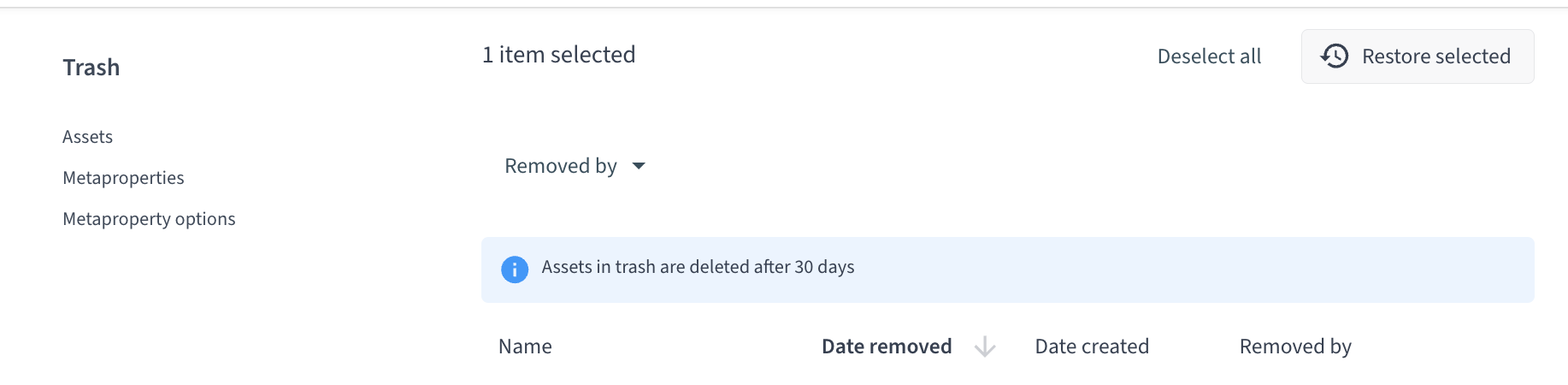
Bynder’s deletion and restoration rules also need a written retention process. Its current support guidance says deleted assets can generally be restored within 30 days when the user has the required permission. Older versions and additional files may not appear in a standard export unless the team requests them explicitly.
A Product Campaign Asset and Rights Worksheet
Use this worksheet for the Morrow Carry campaign.
| Field | Example entry | Why it matters |
|---|---|---|
| Asset ID | MC-PCH-VID-009 | Connects the file to reviews and deliveries |
| SKU | POUCH-BLK-M | Prevents a color or size mix-up |
| Version | v04 approved | Identifies the file that may run |
| Asset type | 9:16 paid-social export | Connects the file to a placement |
| Source file | pouch_demo_master.mov | Preserves the editable or highest-quality source |
| Approval status | Product and brand approved | Shows who accepted the file |
| Rights holder | Morrow Carry / talent release | Identifies the permission record |
| Territory | US and Canada | Limits distribution correctly |
| Usage | Paid social and retailer page | Separates allowed uses |
| Expiry | 2027-05-31 | Triggers a renewal or replacement review |
| Download access | Agency editor: derivative only | Protects raw footage and personal data |
| Delivery file | morrow-pouch-9x16-v04.mp4 | Gives production one exact handoff |
| Approver | Product lead, date | Creates a decision trail |
Send the worksheet with the delivery. The producer needs the file, intended use, and product facts that control the edit. The rights reviewer needs the owner, territory, term, and source record.
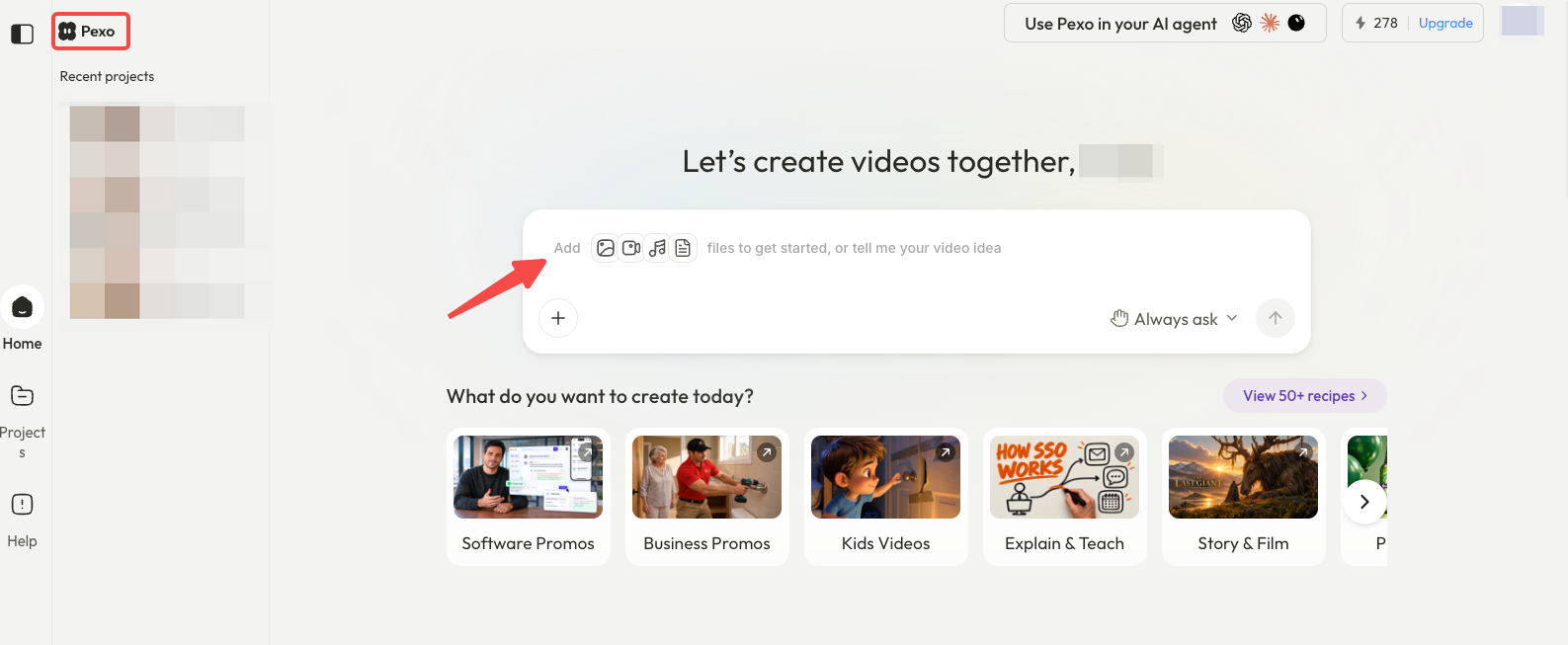
For a complete video workflow, Pexo can use approved inputs after the team has selected the assets. Its create workspace is a production route, not a DAM. The Pexo product-page video guide shows how to keep product proof, visual context, and destination CTA together in a handoff.
Which Teams Can Keep a Shared Drive?
A shared drive may be enough when the library is small, one person owns naming and approvals, rights files are easy to find, and outside access is rare. Add a spreadsheet or decision log for version, approval, and expiry.
A DAM becomes more useful when the same questions return every week. A client portal, regional asset access, or an expiring talent license can quickly expose the limits of ordinary folders.
A DAM does not replace a production brief. The producer still needs the message, scene order, CTA, ratio, captions, and source-of-truth product image. The library makes the approved inputs easier to find and safer to hand over.
Conclusion
Air fits creative review and version context. Canto fits a small brand that needs a searchable library and controlled portals. Bynder fits organizations that need structured governance, regional distribution, rights fields, and lifecycle automation.
Fill in the worksheet before choosing a platform. If the team cannot name the asset, version, rights holder, approved use, expiry, and delivery file, the library still has a records problem to solve.
This article does not provide legal advice. Confirm the current vendor permissions, retention, export, rights, talent, and client-handoff terms before moving campaign assets.