 ChatGPT
 Perplexity
 Claude
 Gemini
 Grok



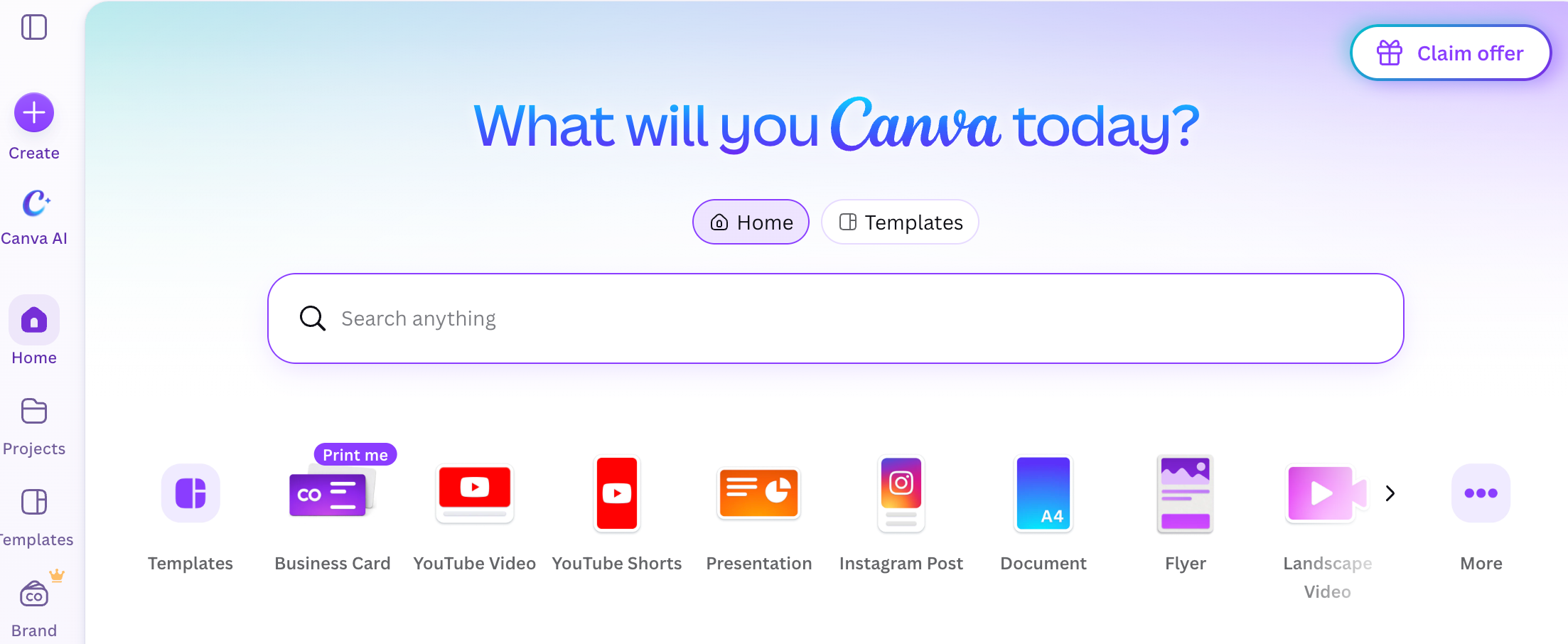
For a small marketing team, Canva is often a practical place to start. It gives non-designers templates, brand assets, social formats, presentations, and basic video in one workspace. Teams usually start looking elsewhere when a specific need exceeds that setup, such as Adobe-based brand production, rapid social variants, data-heavy presentations, or shared source files.
Consider a fictional campaign to compare the options. Morrow Carry, an invented travel accessories brand, is launching a compression pouch. The campaign needs social graphics, a short product video, a five-slide sales presentation, and a reusable source file for an agency. The team already has a product photo, logo, brand colors, approved claims, a demo clip, and a launch date.
The best Canva alternative depends on where the team is losing the most time.
Which Canva Task Needs a Replacement?
Start with the deliverable the team cannot produce comfortably in Canva.
| Current task | Replacement need |
|---|---|
| Editable campaign graphics | Brand controls, shared projects, or Adobe asset libraries |
| Repeat social designs | Fast templates, resizing, and lightweight team production |
| Sales presentation | Data charts, presenter notes, analytics, or interactive content |
| Collaborative source file | Multiplayer editing, components, comments, and design-system control |
| Finished product video | Script, scenes, voice, footage, captions, and a production workflow |
A team may keep Canva for two tasks and replace it for one. Moving every file creates work that may not improve the campaign.
How Were the Alternatives Compared?
Each option is compared against the Morrow Carry package across four questions:
-
What kind of source file does the team receive?
-
Can another person edit the work without rebuilding it?
-
What survives export or migration?
-
Does the tool produce the finished video, or only the assets that feed it?
The comparison uses current public product documentation. It does not treat feature lists as proof of identical output or workflow speed.
1. Adobe Express for Editable Campaign Graphics
Best Fit, Handoff, and Limits
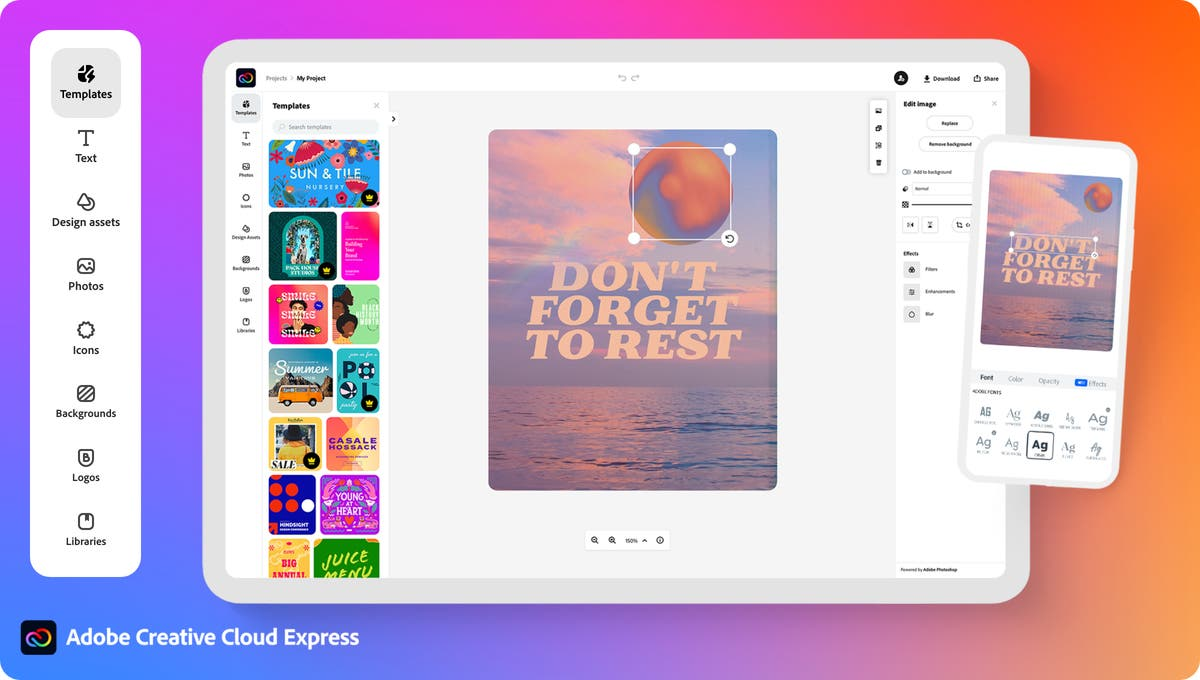
Adobe Express is the most direct alternative when the team already relies on Adobe libraries, fonts, brand assets, or Creative Cloud accounts. Adobe Express Projects can hold cloud documents, files, brands, and libraries in one shared space. Collaborators can receive edit or view access, and a brand can be added with view-only access so approved identity elements remain protected.
For Morrow Carry, a creative lead could keep the logo, product photos, color palette, and template in a shared project. A marketer could change the headline and crop while the brand owner retains control of the approved kit. This suits teams that need repeatable social graphics and a clear handoff to Adobe-connected design work.
The handoff remains tied to Adobe Express’s project structure. A Canva design does not become a native Express project through a flattened export. Bring the source photos, logo files, fonts, copy, and layout notes when rebuilding. Custom-font permissions and plan access also affect whether another editor sees the same typography.
Adobe Express can prepare short video assets and branded graphics. It does not replace a full production timeline when the brief needs several scenes, detailed audio mixing, or frame-level finishing.
2. VistaCreate for Repeat Social Designs
Best Fit, Handoff, and Limits
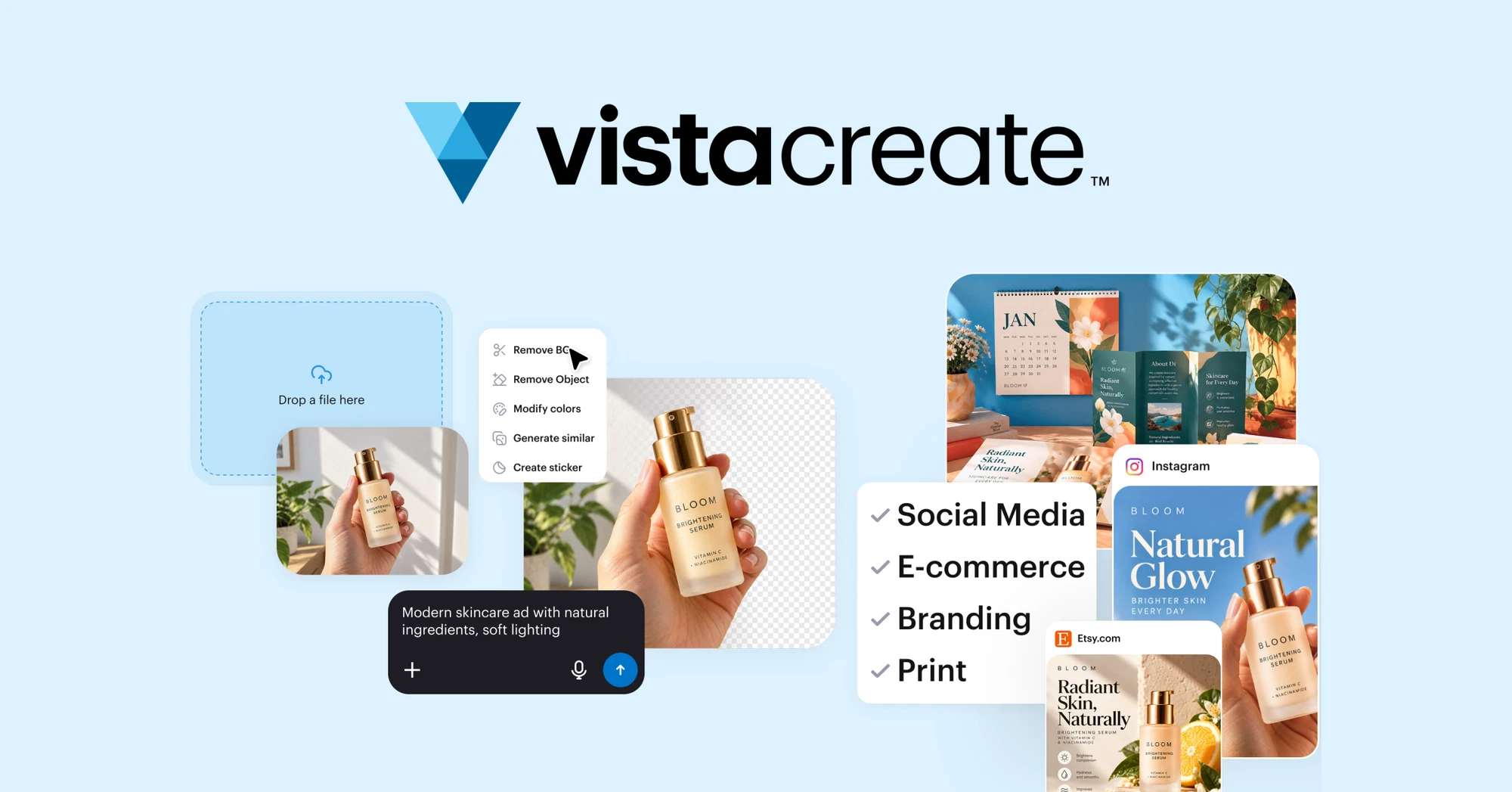
VistaCreate fits a team that produces many social graphics from recurring templates. Its current materials emphasize templates, Brand Kits, resizing, and simple video editing. The free Starter plan includes basic visual creation, while Pro adds higher-quality downloads and additional team features.
For Morrow Carry, VistaCreate could handle launch cards, countdown posts, product detail graphics, and resized story versions. A team member can duplicate a design, update the offer, and export a new social file without opening a complex design system.
The team model has a specific limitation. VistaCreate’s current team guidance says team projects cannot be transferred to a personal account, and team members do not edit the same project simultaneously. A Brand Kit also cannot be copied directly into a Team Account. The practical handoff is to move or duplicate the design inside the team workspace and recreate the kit where required.
That makes VistaCreate a reasonable Canva alternative for repeat social production when the owner and workspace are stable. It is less convenient when an agency needs to return a fully editable team project to a client account.
3. Visme for Presentations and Data Visuals
Best Fit, Handoff, and Limits
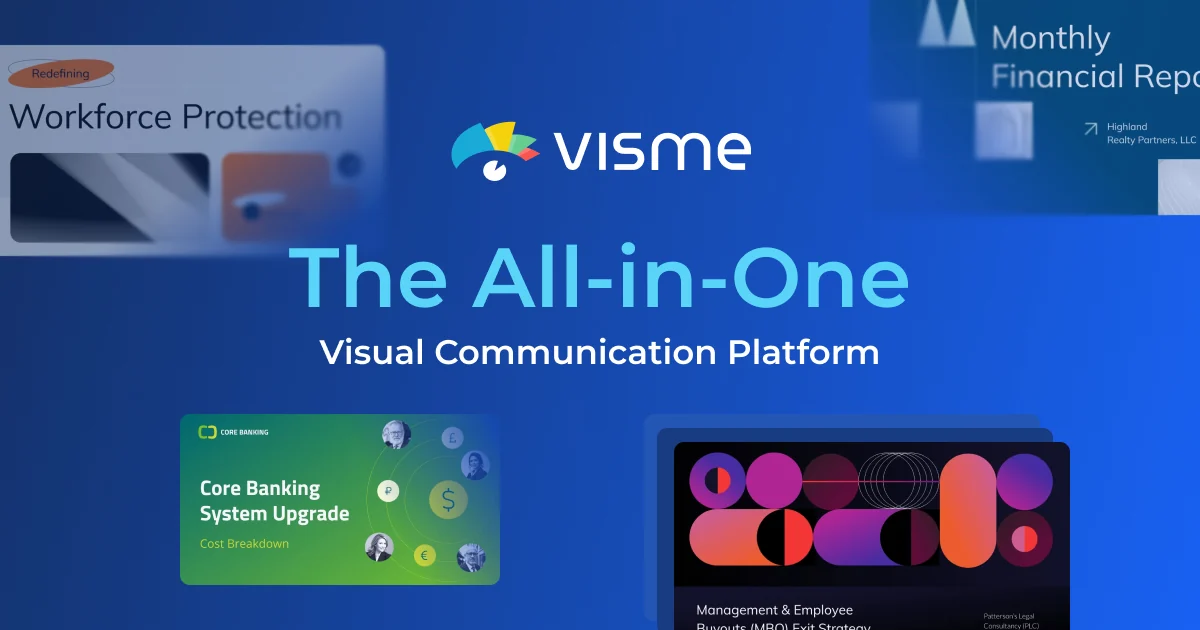
Visme is a stronger fit when the marketing package includes a sales deck, report, infographic, or interactive presentation. Its current FAQ lists presentation notes, animation, interactivity, charts, data widgets, collaboration, and analytics. It supports MP4 and GIF exports for selected project sizes.
Morrow Carry could use Visme for a retailer pitch showing product dimensions, launch timing, channel plans, and a comparison chart. The same workspace can combine text, charts, icons, and presenter notes. That gives the sales team more room to explain the product than a social template typically provides.
Visme’s editable handoff depends on the destination. Visme can export a presentation as PPTX, but its support documentation says Visme transitions and animated graphics are not preserved in that export. If the client needs the original interactive presentation, keep the Visme project and confirm workspace access instead of treating PPTX as a complete round trip.
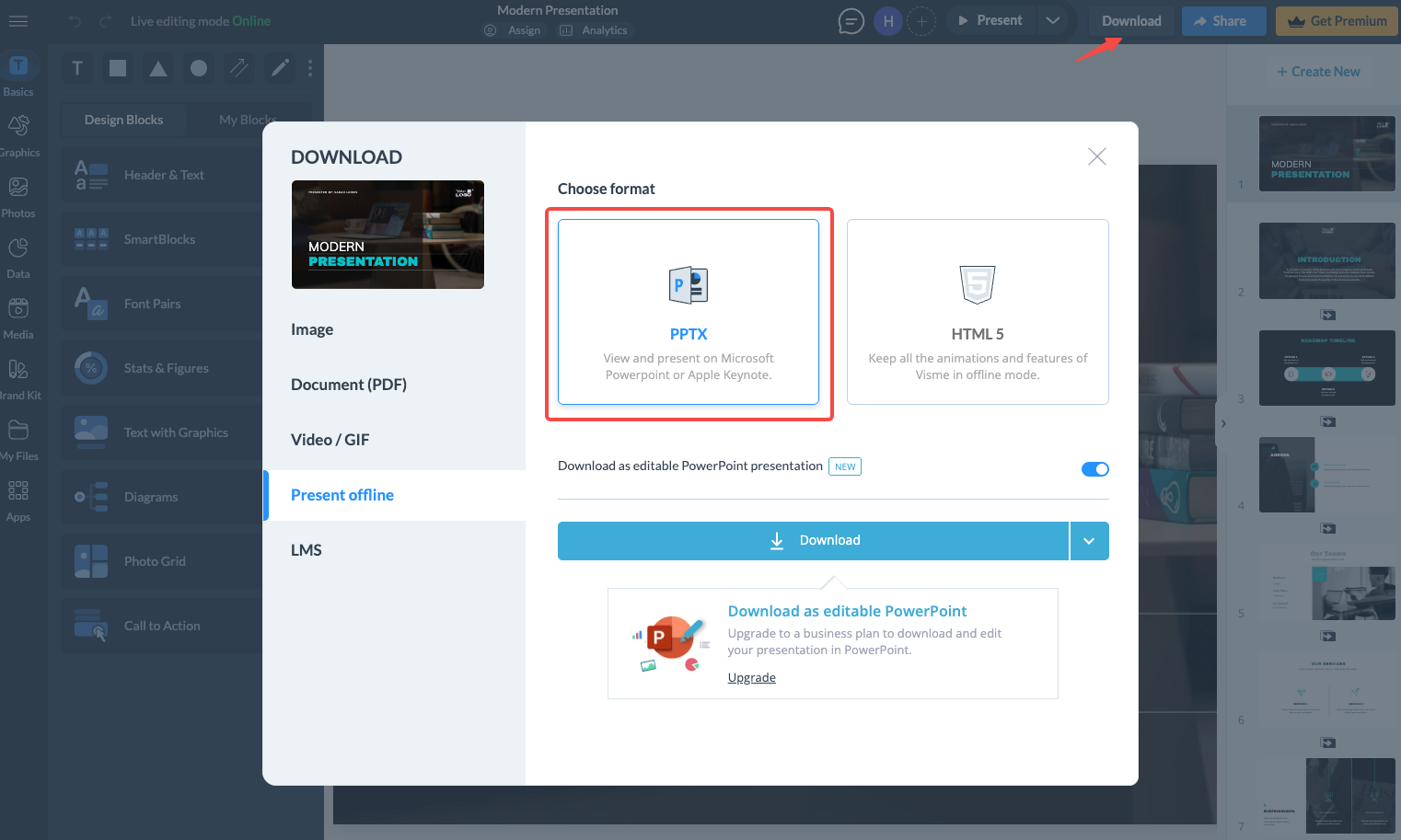
Visme can export video, but its strongest distinction in this comparison is presentation structure and data communication. A product ad still needs a separate video brief when the goal is a finished, paced story.
4. Figma for Collaborative Design Files
Best Fit, Handoff, and Limits
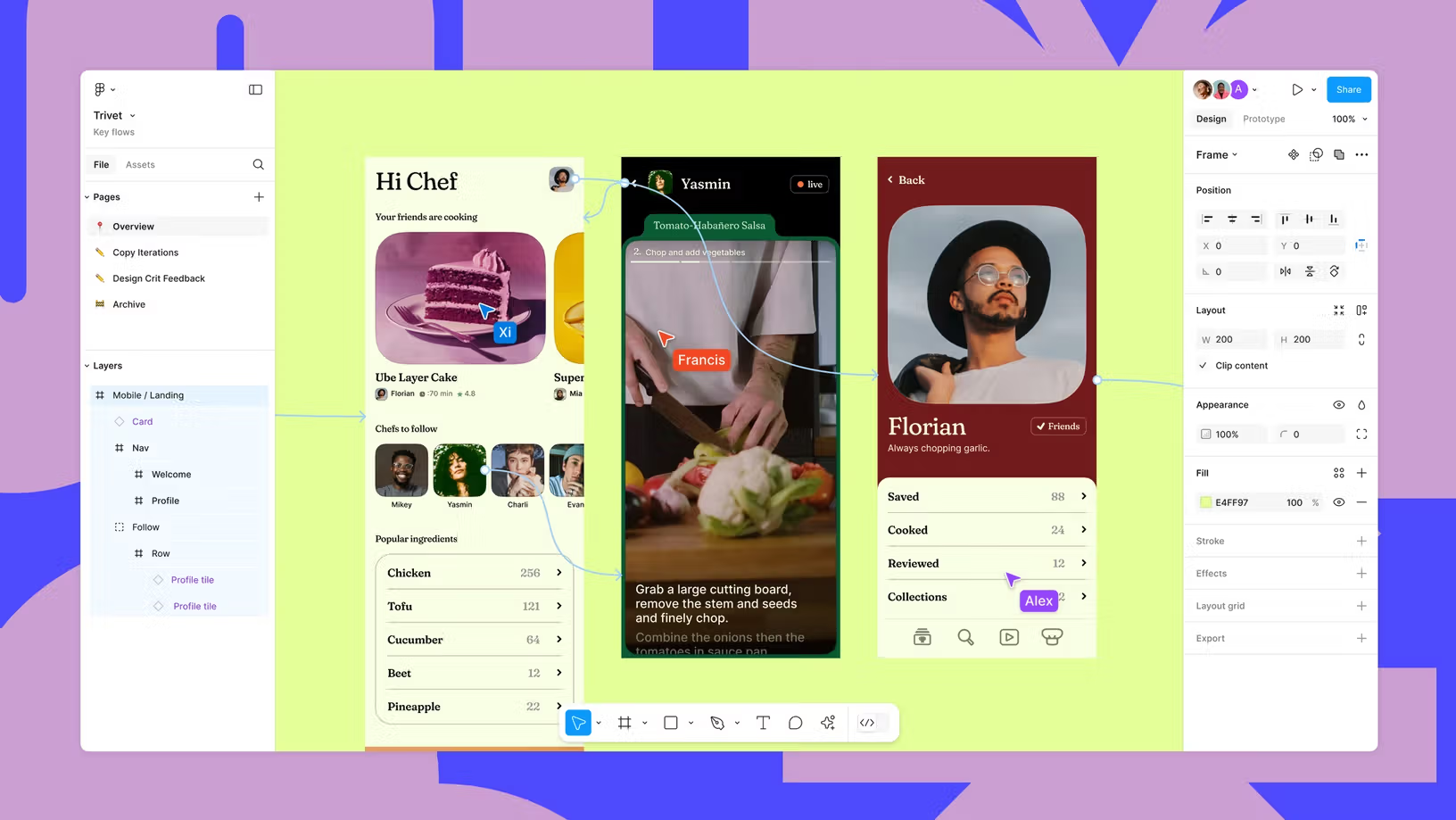
Figma fits a team that needs a shared design file, components, comments, reusable layouts, and close collaboration between designers and marketers. Its file model is built for people working in the same source rather than passing exported images between applications.
For Morrow Carry, a Figma file could contain the launch landing-page section, social layout components, product-card variants, and a design-system reference. The agency can comment on the same file, inspect spacing and colors, and duplicate approved components for new formats.
Figma imports its own file types, Sketch, FigJam, Slides, Buzz, PowerPoint, and common image or video formats. That does not establish a direct editable import from Canva. Do not assume a Canva stock image can be moved into Figma under the same license. Verify the specific asset license before moving it; Canva Pro Content generally cannot be copied, downloaded, or distributed as a standalone item. The team should carry the asset record, project scope, and license with the image instead of assuming that a new design file changes the permitted use.
Figma’s strength is the collaborative source file. It is a less direct replacement for a template-first social workflow when the team wants a large library of ready-made marketing layouts.
Which Tasks Need a Finished-Video Workflow Instead?
A design tool can prepare product photos, layouts, title cards, and presentation graphics. A finished-video workflow needs a script, scene order, timing, voice, music, captions, product proof, and an export for a named placement.
For Morrow Carry, the short product video needs the pouch demonstration to land before the CTA. That requires decisions about what moves, what stays readable, and how the voice and captions follow the image. A template editor can supply pieces of that job. It does not automatically make those pieces a reviewed product story.
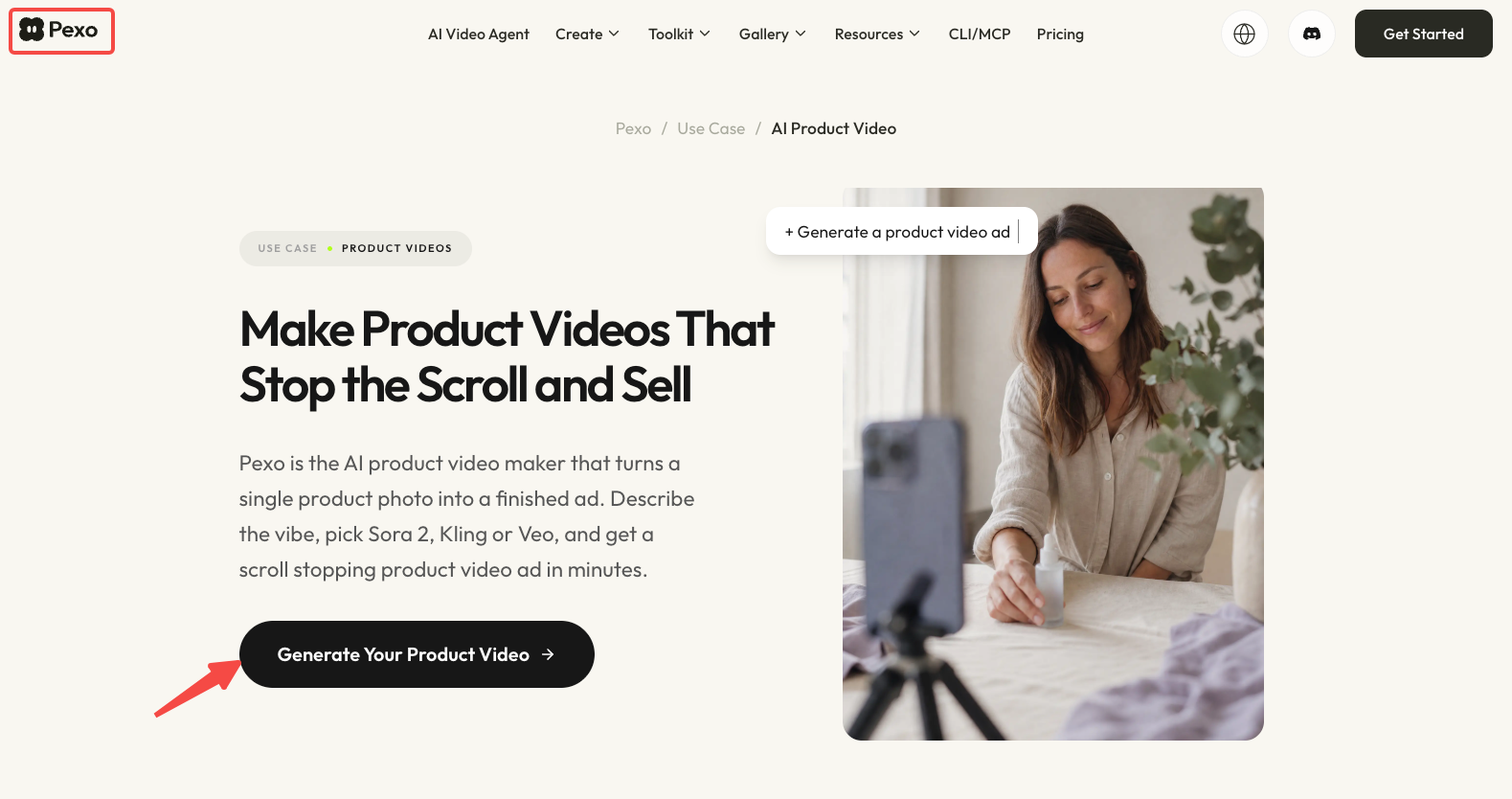
Pexo can handle a downstream production brief after the team approves the product material and message. Its AI Product Video is a separate video route. The Pexo product-page video guide explains how to keep product proof, visual context, and the destination CTA connected. Use it when the replacement question has moved from “Which design file should we edit?” to “How should this product story become a finished video?”
A Migration Checklist for Existing Canva Assets
Before moving a campaign, create a small inventory.
| Migration item | Record before rebuilding |
|---|---|
| Source files | Canva design links, downloaded files, and original uploads |
| Brand assets | Logo variants, colors, fonts, and usage rules |
| Product material | Current SKU photos, packaging, labels, and demo footage |
| Copy | Approved names, claims, offer, and CTA |
| Templates | Which fields are editable and which must stay fixed |
| Stock content | Item IDs, license scope, project registration, and client coverage |
| Collaboration | Owner, editors, reviewers, and destination workspace |
| Export targets | Social ratios, presentation format, video format, and deadline |
| Replacement plan | Tool selected for each task and source file to rebuild first |
Rebuild one representative asset before migrating the full library. A product post with a logo, photo, headline, and CTA reveals more than a blank template. It shows whether the new tool preserves the typeface, image crop, spacing, animation, and reviewer access the team actually needs.
For the video portion, keep the approved product source beside the design files. The next producer needs the same packshot, claims, usage notes, and review owner that guided the design. If the task becomes a finished video, move those approved inputs into a production brief with the scene order, CTA, ratio, and delivery owner.
Conclusion
Choose a Canva alternative by the task that is creating the most work. Adobe Express fits Adobe-connected brand graphics. VistaCreate fits repeat social templates. Visme fits presentations and data visuals. Figma fits shared design files and component-based collaboration.
When the deliverable is a finished product video, keep the approved assets and move to a production workflow built around scenes, timing, voice, captions, and review.
This article does not provide legal advice. Confirm current tool access, export behavior, source-file compatibility, stock licenses, fonts, and client permissions before migrating a campaign.