 ChatGPT
 Perplexity
 Claude
 Gemini
 Grok



AI video editing works best when the editor knows what should change and what must remain untouched. Start with the existing footage, approved product information, and delivery requirements. Then give the AI editor one coordinated change at a time.
Take Morrow Carry, a fictional travel accessories brand. The team has a 30-second product ad, a new packshot, a corrected product claim, and a request for a 9:16 social version. The change brief asks them to remove the slow opening, replace the old end card, preserve the product demonstration, update one spoken line, and add editable captions.
Which parts of an existing video need changes?
Break the request into four types of work:
| Change type | Morrow Carry request | What stays protected |
|---|---|---|
| Cut or reorder | Remove the first four seconds | Product demonstration and approved middle section |
| Visual replacement | Replace the old end card with the new packshot | Original product action |
| Audio change | Replace one spoken claim | Voice timing outside the changed line |
| Text change | Add editable captions and a new CTA | Product name and approved wording |
This breakdown gives the editor a clear boundary. A trim changes timing. A replacement changes the picture. A voice correction changes the audio and may affect caption timing. A generated alternative shot changes the source material and requires a separate product review.
Prepare the footage, claims, and change brief
Collect the source video, new product image, approved claim sheet, caption wording, and output requirements. Record the timestamp or scene name for every requested change.
A useful brief for Morrow Carry might say:
Remove the section from 00:00 to 00:04. Keep the pouch demonstration from 00:04 to 00:24 unchanged. Replace the final frame with
morrow_packshot_v03.png. Replace "fits every carry-on" with "folds flat for easier packing." Keep the original voice wherever the wording remains accurate. Add editable English captions. Deliver a 9:16 MP4 and an editable caption file if supported.
Add a short list of elements that must remain unchanged. Include the product silhouette, packaging, demonstration motion, approved voice sections, and any footage that cannot be altered. If the source includes a customer or employee, keep the permission record with the upload.
Create a first cut with the AI workflow
Choose an AI editor that accepts existing video as an input. Pexo's AI Video Editor uses a conversational workflow. Upload the source, describe the desired result, approve the edit plan, and review the coordinated output. Its documented edit scope includes cuts, framing, timing, text, audio, cleanup, and delivery requirements when those changes belong to the same result.
For the Morrow Carry brief, start with the opening and end card. Tell the editor to preserve the product demonstration and keep the original audio except for the corrected line. This gives you a stable first cut before adding captions or localization.
When the tool asks for clarification, answer with a timestamp, source filename, or exact replacement sentence. "Make it cleaner" gives the editor no clear boundary. "Remove the first four seconds and keep the pouch demonstration beginning at 00:04" does.
Give feedback on one visible problem at a time
Review the first cut in this order:
-
Does the opening reach the product quickly enough?
-
Does the demonstration still show the intended action?
-
Does the replacement packshot match the current SKU?
-
Does the corrected sentence match the visual on screen?
-
Are the captions readable and synchronized?
-
Does the final CTA match the destination page?
Turn each answer into a specific revision. "The zipper disappears during the crop" gives the editor something to fix. "The scene feels wrong" does not.
Group related changes when they belong together. A new spoken sentence and its caption can be one request. A new product shot and a new product claim should remain separate until the product owner approves both.
Pexo's content approval workflow guide can help teams record the version, timecode, requested change, and approver. Keep the change log with the source video so the next editor can identify the current cut.
Check product details, speech, captions, and rights
Review the final cut against the approved product and content records.
Product. Compare the packshot, label, color, dimensions shown on screen, and demonstration with the current product source. An AI crop can make a pouch look larger or hide an old logo.
Speech. Check every spoken claim against the approved wording. A voice can sound natural while still using an outdated claim.
Captions. Review names, numbers, punctuation, line breaks, timing, and editability. A caption file helps with localization only when it matches the approved speech.
Rights. Confirm permission for the uploaded footage, voices, faces, music, product images, and cloud processing. A new AI edit may create a new publication use, even when the original clip was approved for another channel.
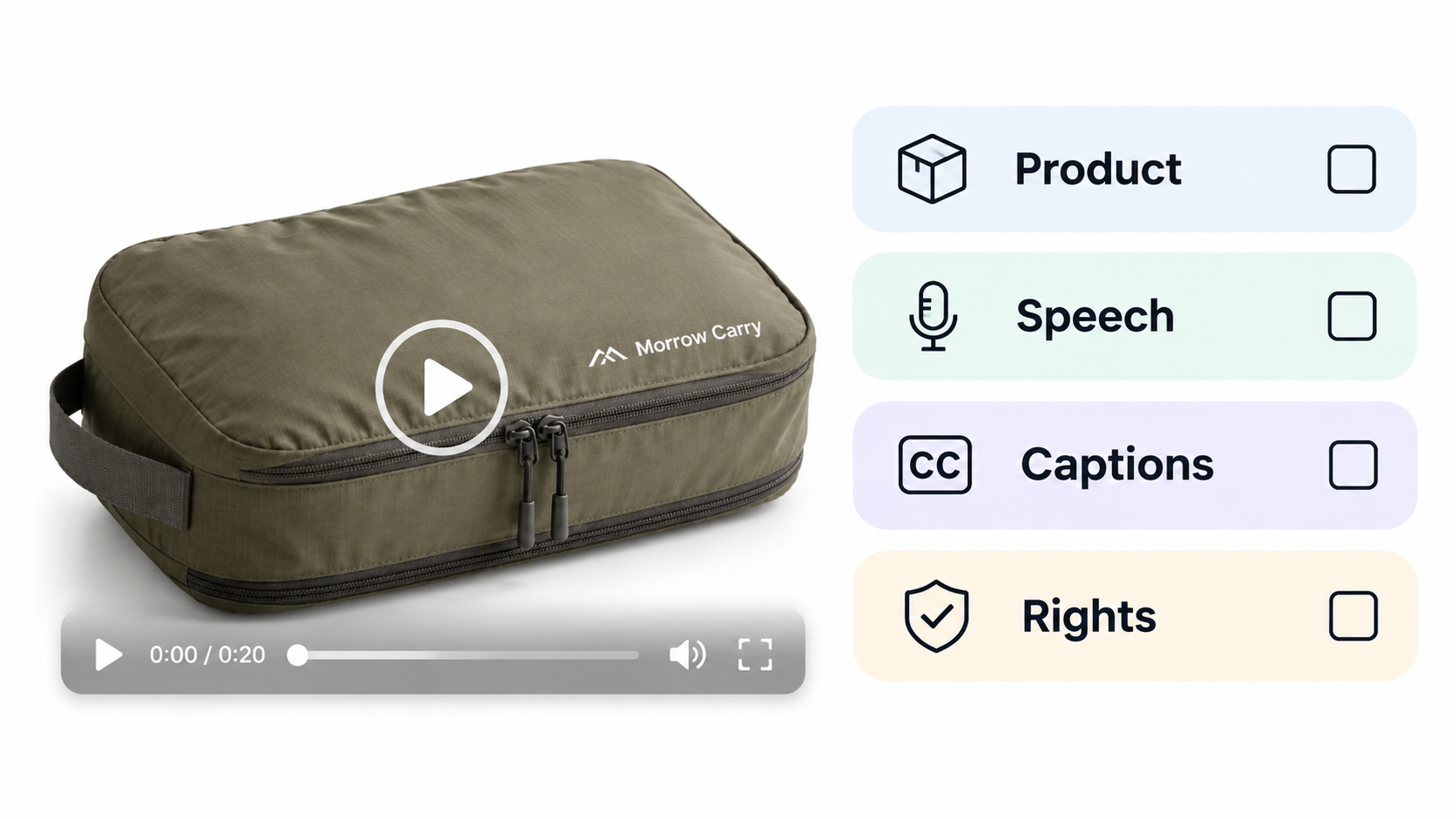
If a missing shot would require the AI to invent the real product, use an approved product photo or schedule a new capture. A generated substitute can help with an idea, but it should not support a physical product claim without review.
Export and review the final cut
Export the required aspect ratio and keep the editable project or edit record with the final file. Open the rendered video on the target device and check:
-
first and last frames;
-
product visibility during every crop;
-
voice and caption synchronization;
-
music and sound levels;
-
CTA spelling and destination;
-
filename, version, and language;
-
caption timing if a separate file is included.
Compare the render with the approved change brief. If the final file contains an unrequested visual change, return to the previous version and issue a narrower instruction. A clean export can still contain a scope change.
Where does manual timeline editing still matter?
Manual editing remains useful when the project needs frame-level trimming, keyframe animation, exact track mixing, complex masking, or a handoff to a specific NLE. It also helps when another editor needs to inspect every layer and source clip directly.
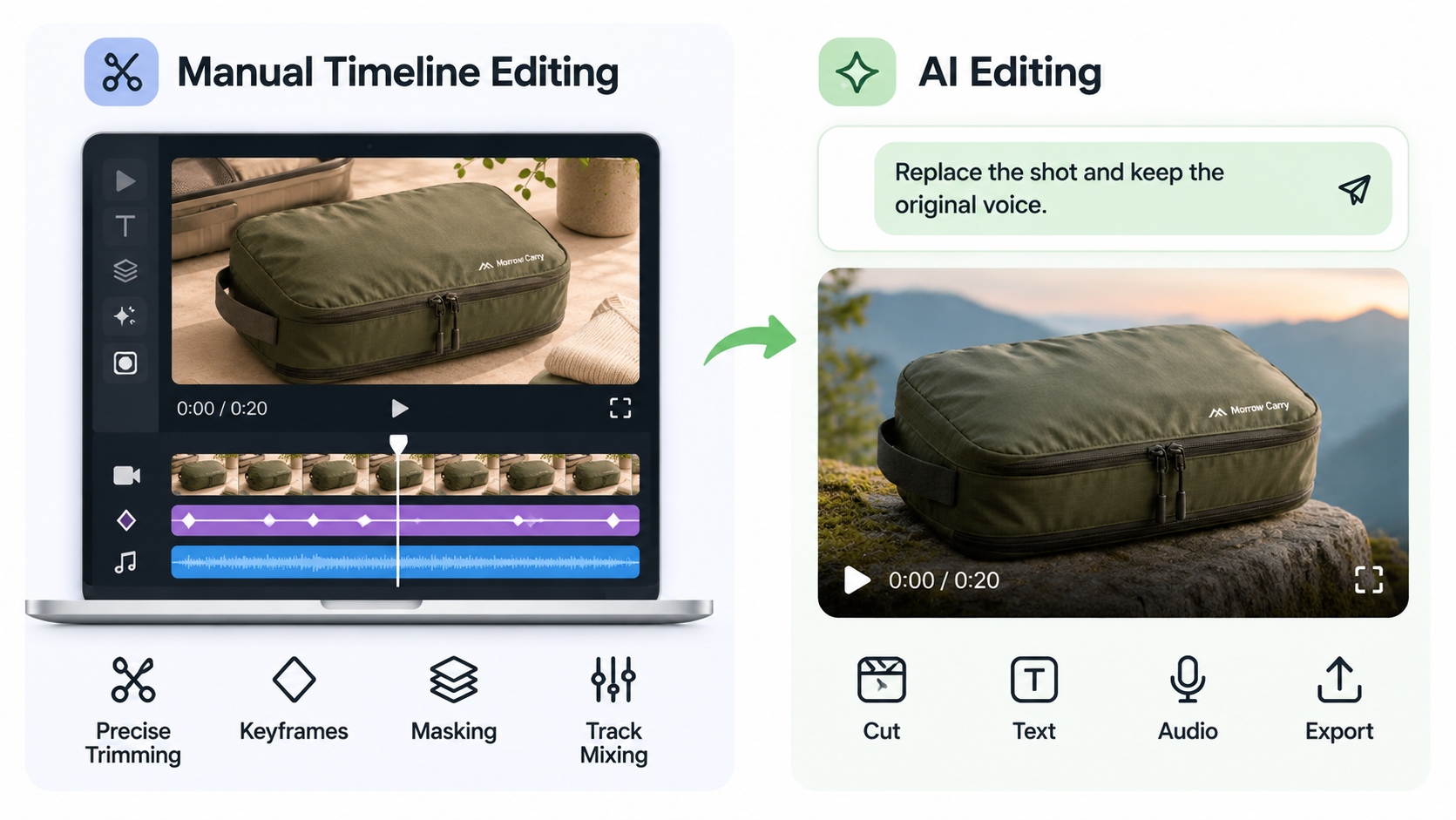
AI editing is useful when the requested changes are easier to describe than to operate. A conversational revision can coordinate a cut, new text, audio replacement, and export target in one request. Review remains necessary whenever a product or person appears in the frame.
Keep the change brief with the final file
AI video editing works best when every requested change has a clear boundary and every protected element has a named owner. Preserve the footage that carries product truth, review the first cut against the approved source material, and keep the edit record with the final export.
Use conversational editing like pexo when it reduces timeline work. Keep manual editing in the process when the project needs layer-level control, exact timing, or a handoff to an NLE.

This article does not provide legal advice. Confirm current processing, consent, commercial-use, caption, music, and destination-platform terms before delivery.